
Creative Studio
API
Resources
Features
About Us
Download

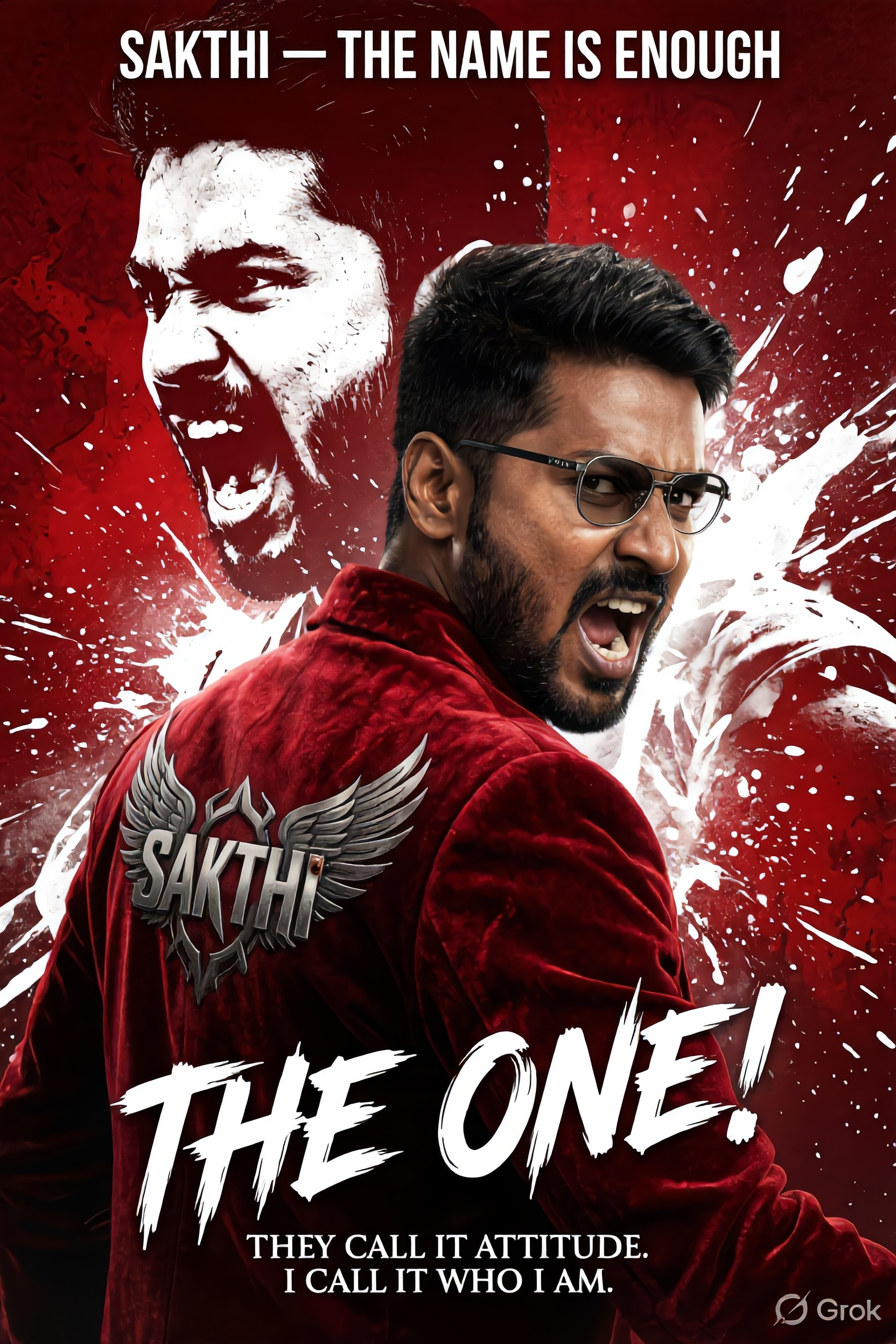
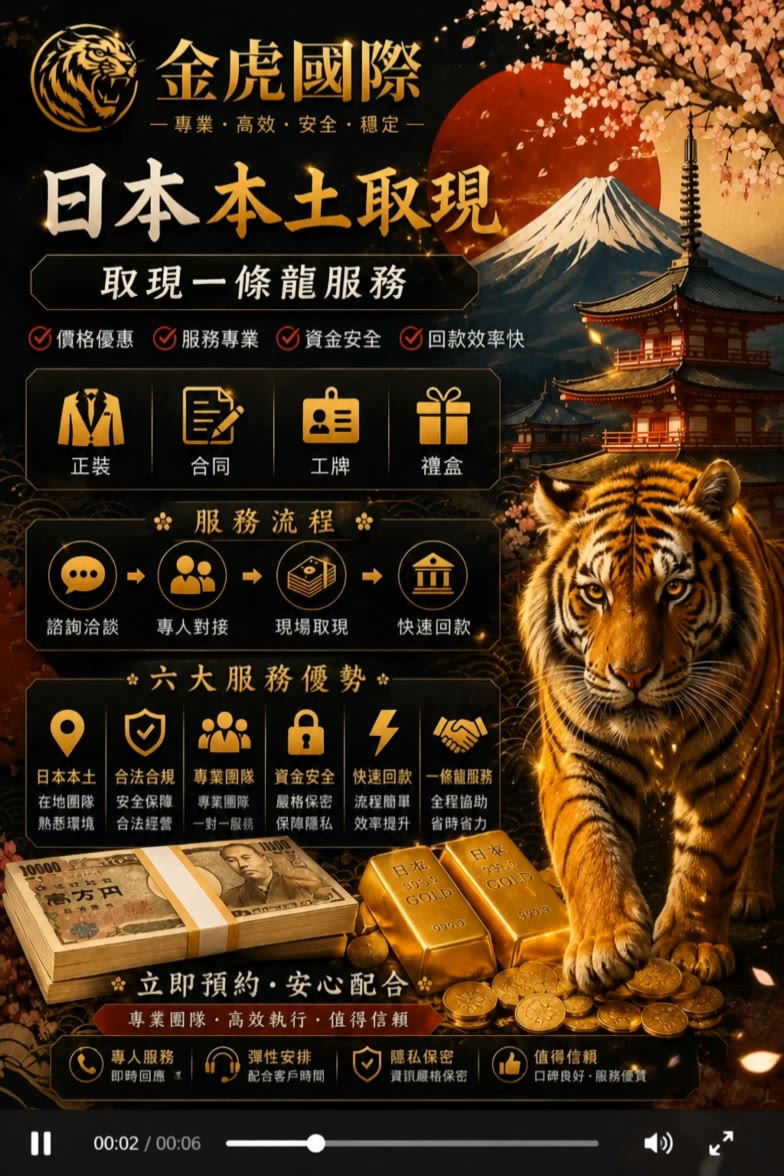
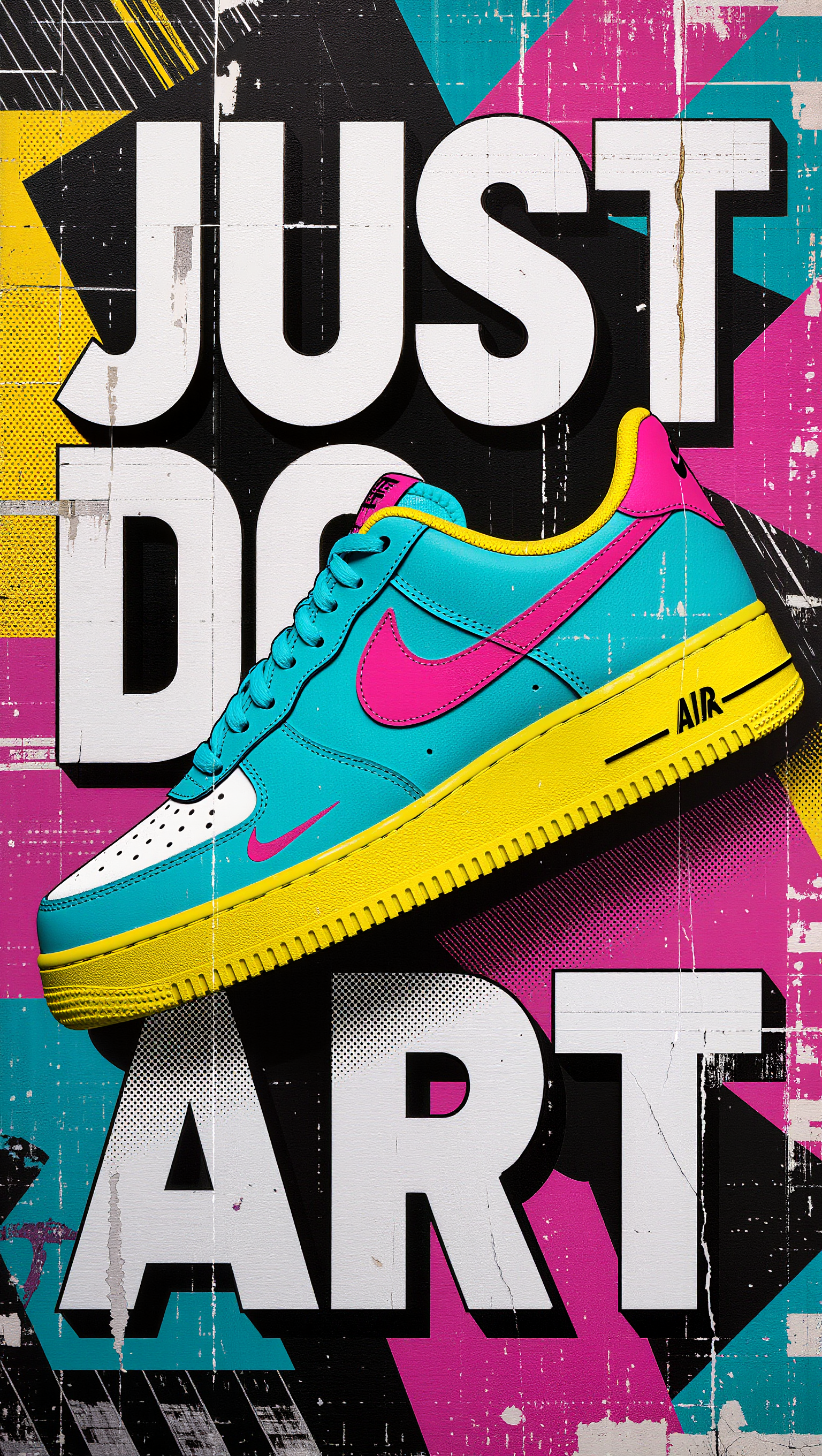
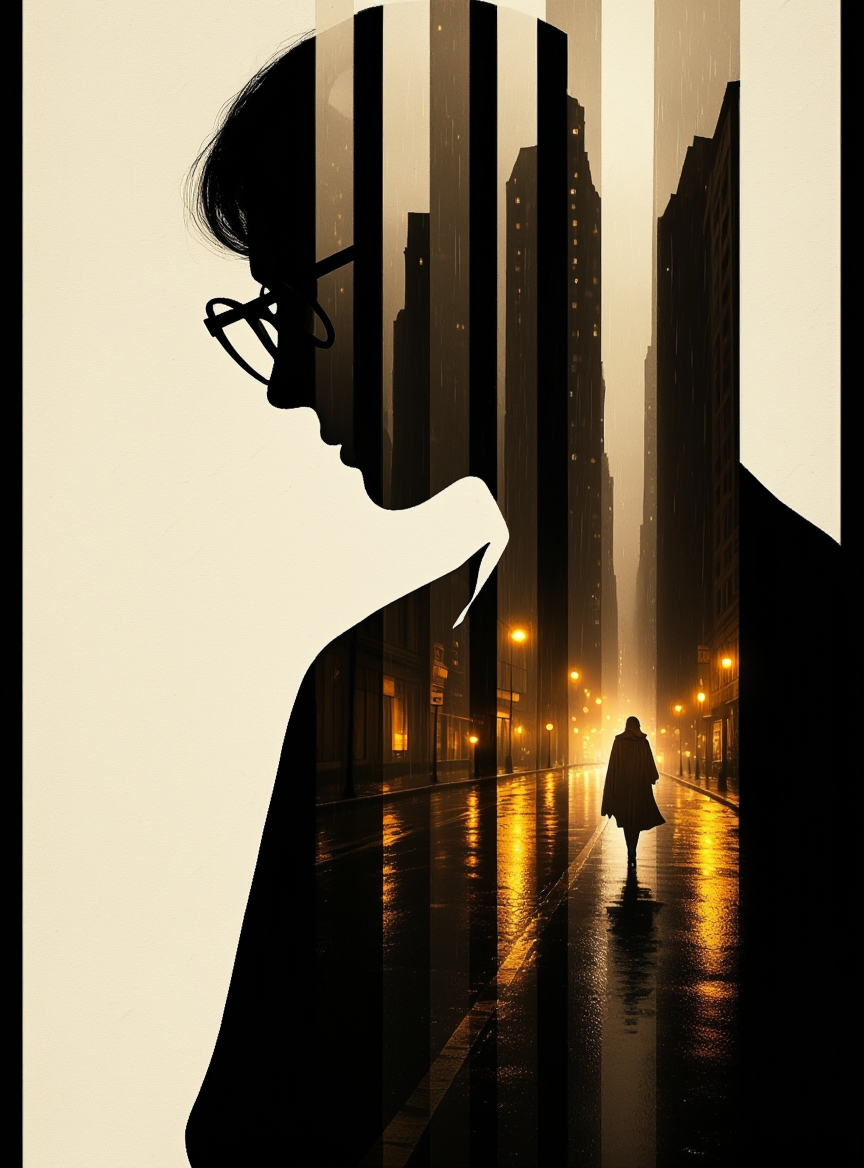
Face Poster Design – AI Image Concepts

Explore AI-created face poster designs. Quickly find and customize to fit your needs.

Face Poster Design – AI Image Concepts

Recommended

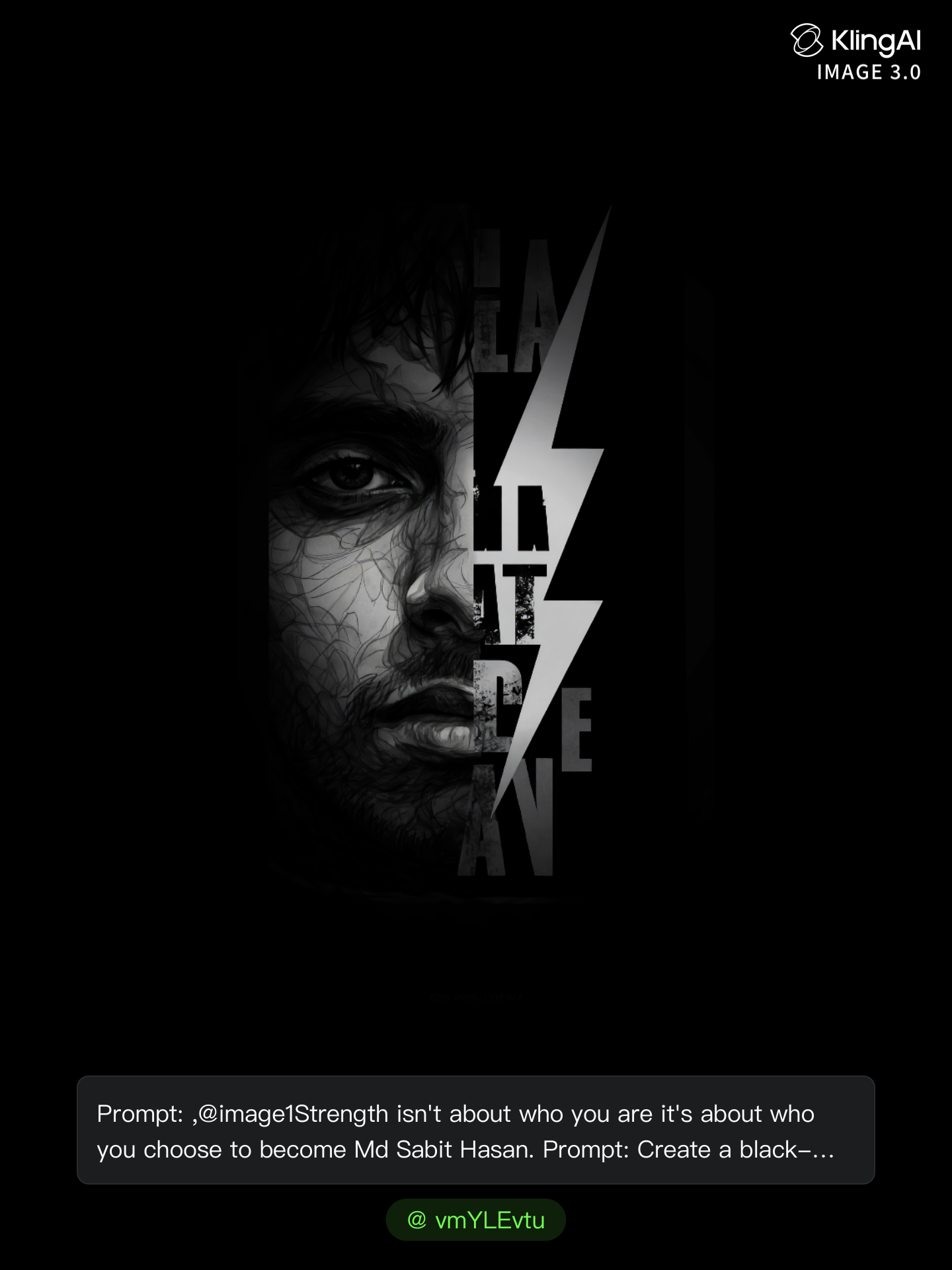
Kling AI work 315315617662252 - face poster design AI image
vmYLEvtu avatar
vmYLEvtu
Poster Design 4 - face poster design AI image
WeAI avatar
WeAI
Kling AI work 297112576617139 - face poster design AI image
ÃtLįRîũz avatar
ÃtLįRîũz
adndizayn nsx concept design - face poster design AI image
KLING3332 avatar
KLING3332
Poster | CONTRAST - face poster design AI image
7A7PI avatar
7A7PI
Elite Creator
Kling AI work 299790633528504 - face poster design AI video
QjOcefoz avatar
QjOcefoz
Kling AI work 310087374610800 - face poster design AI image
linge avatar
linge
BRUTALIST POSTER DESIGN GEO expe - face poster design AI image
Predrag Petrovic avatar
Predrag Petrovic
Kling AI work 311339011617347 - face poster design AI image
ubsXmFvL avatar
ubsXmFvL
Kling AI work 321204593653438 - face poster design AI video
ZGWrbuHn avatar
ZGWrbuHn
Kling AI work 319862764661275 - face poster design AI video
RQRcppVb avatar
RQRcppVb
BRUTALIST POSTER DESIGN GEO expe - face poster design AI image
Predrag Petrovic avatar
Predrag Petrovic
Kling AI work 312722027526238 - face poster design AI image
YGtAlBdX avatar
YGtAlBdX
Kling AI work 318955279507903 - face poster design AI video
dLNFwUza avatar
dLNFwUza
Kling AI work 297112576663135 - face poster design AI image
ÃtLįRîũz avatar
ÃtLįRîũz
Kling AI work 320726448651171 - face poster design AI image
OKBEPiFV avatar
OKBEPiFV
Kling AI work 318874071525920 - face poster design AI image
khms88 avatar
khms88
Kling AI work 307545652664435 - face poster design AI image
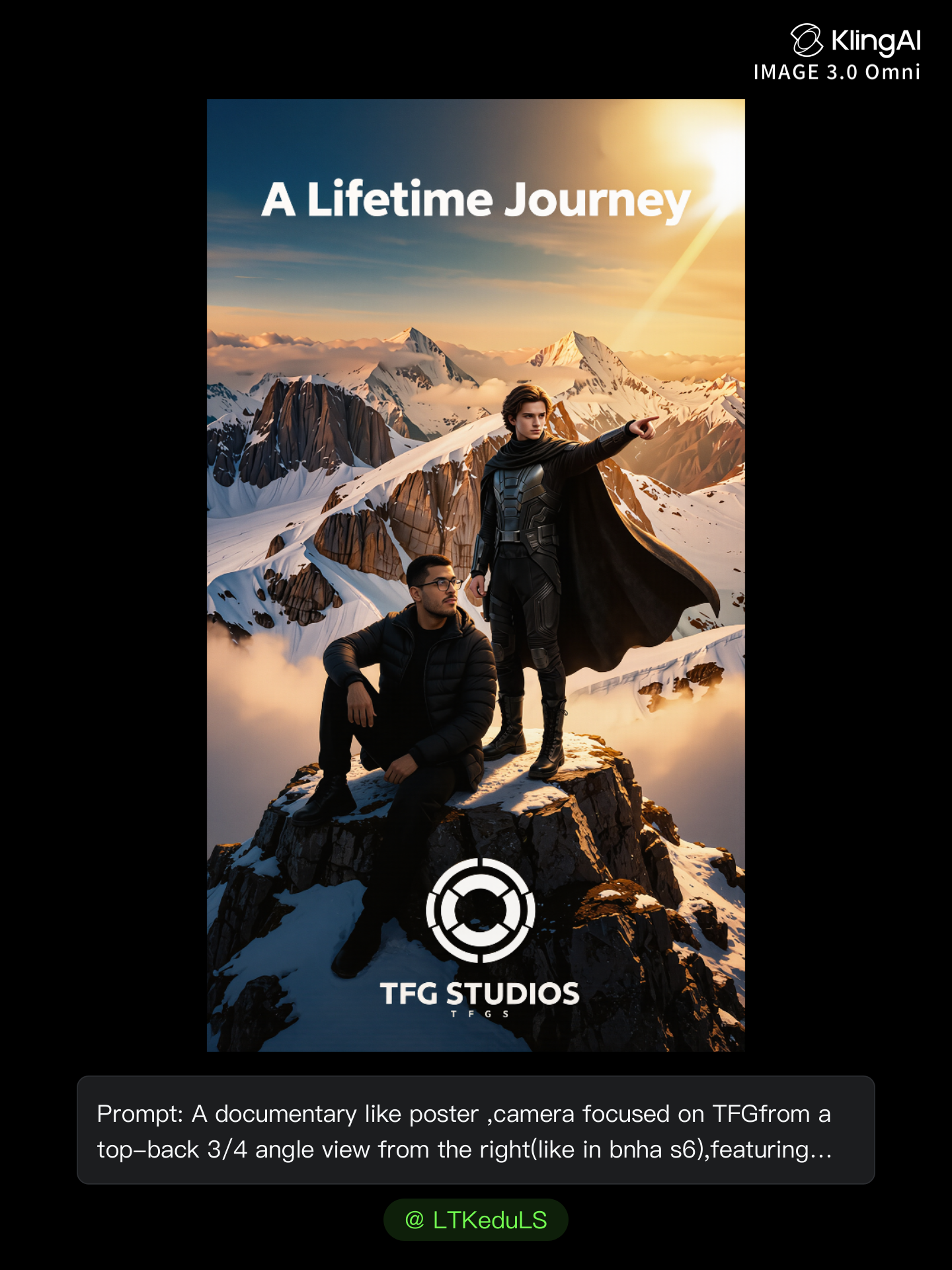
LTKeduLS avatar
LTKeduLS
Kling AI work 313608269616286 - face poster design AI video
VHoPxeuF avatar
VHoPxeuF

How to Extend an Image with AI

Step 1: Upload and Describe

Step 1: Upload and Describe

Upload the image you want to expand, such as a portrait, product photo, landscape, or social media visual. Use a text prompt to specify which side to extend and what should appear in the new area, such as more sky, scenery, or background details, while keeping the main subject unchanged.

Step 2: Choose the Output Settings and Generate

Step 2: Choose the Output Settings and Generate

Choose the image ratio, number of outputs, and resolution, then generate your extended image. Creating multiple versions makes it easier to compare the results and choose your favorite.

Step 3: Expand Your Image with Image Expansion

Step 3: Expand Your Image with Image Expansion

Open the Image Expansion workflow when you want a dedicated way to extend an existing image. Upload your source image, describe what should appear beyond the original frame, choose from the available output settings, and generate the expanded result.

Make a Stronger First Impression Wherever You Show Up

Give a Casual Photo a More Put-Together Look

Give a Casual Photo a More Put-Together Look

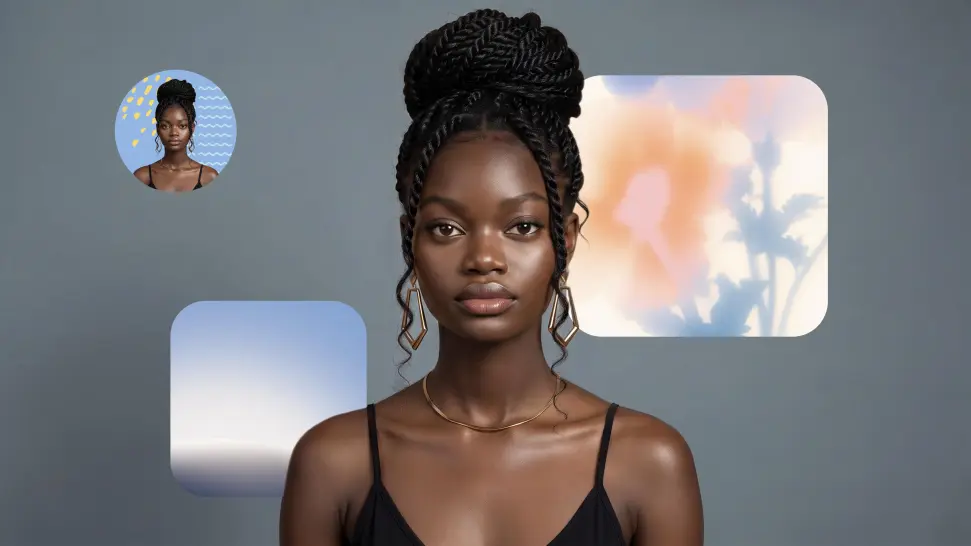
You do not need a new photoshoot every time your profile picture feels dated. Start with a photo you already like, then improve the lighting, composition, styling, or overall presentation to give it a cleaner, more intentional look for a résumé profile, business page, creator account, or personal site.
Keep the Face People Already Know

Keep the Face People Already Know

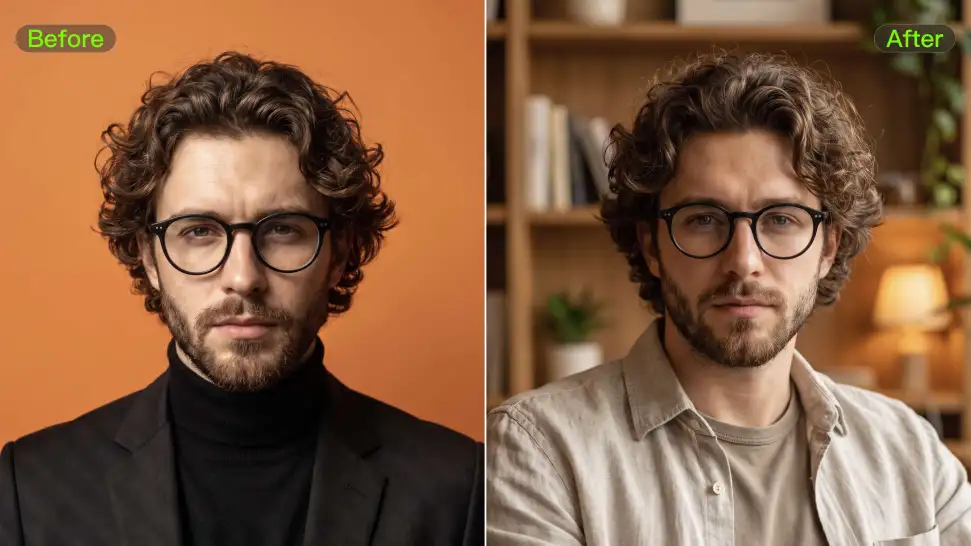
A new profile picture should still feel familiar. Use your portrait as the visual reference while you change the mood, styling, background, or setting, so recognizable facial details and your overall appearance can stay closer to the photo you started with.
Change the Look to Fit the Platform

Change the Look to Fit the Platform

The photo that works on LinkedIn may not be the one you want on YouTube, Instagram, Discord, or a gaming profile. Give the same portrait a different mood, crop, background, or visual treatment depending on where you plan to use it. Go understated for work, more expressive for social, or give your creator profile a look that feels more like your brand.

Apps

Image to Video
Image to Video

Image to Video

Text to Video
Text to Video

Text to Video

Omni
Omni

Omni

Digital Human
Digital Human

Digital Human

Restyle
Restyle

Restyle

Text to Image
Text to Image

Text to Image

60M+
60M+
Users
600M+
600M+
AI Videos Generated
4.7 ★
4.7 ★
App Store
Industry-Leading
Industry-Leading
Cinematic 4K

Reviews

Déborah

Déborah

★★★★★

I use Kling AI every day. It's amazing to see the almost daily progress it makes. I used AI for fun at first, and I now find that Kling AI's animations allow me to gain professional visibility, with three times more views on my animated posts than on my static posts.

PJ Ace

PJ Ace

★★★★★

Kling AI has made it easy for us to generate world class visuals for Fortune 500 companies, TV shows and music for big artists. We love the easy of use of the platform and the quality of the generations. My first time using Kling AI, I got 22 million views on just one video. It's that good.

Ozan Sihay

Ozan Sihay

★★★★★

Kling AI allows me to rapidly prototype ideas, refine storytelling elements, and produce visually compelling content efficiently. It has not only accelerated my creative processes, but also deepened my understanding of how AI can enrich visual storytelling.

FAQ

Q1What makes Kling IMAGE 3.0 different from other text-to-image tools?
Q2Can I use reference images with Kling AI?
Q3What is text-to-image AI?

Your Next Visual Starts Here

Start with a sentence, a sketch, or a reference photo. Shape the composition, dial in the details, and keep iterating in Kling AI.

Free tier available | Text-to-image | Image-to-image | Fast generation