

abaAIxMC
15
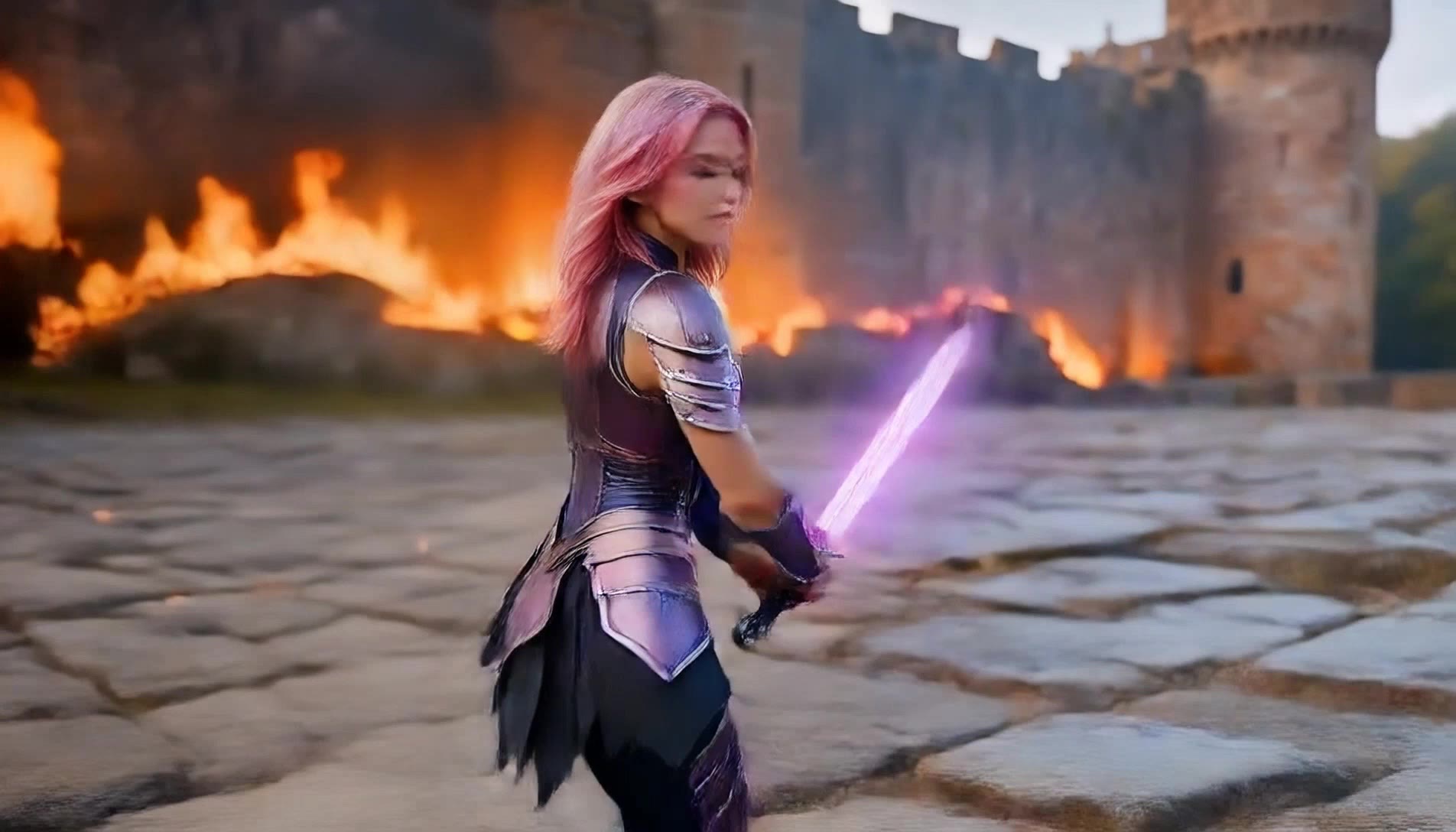
Find AI-created face realistic video ideas. Quickly explore and adapt these concepts to suit your creative needs.

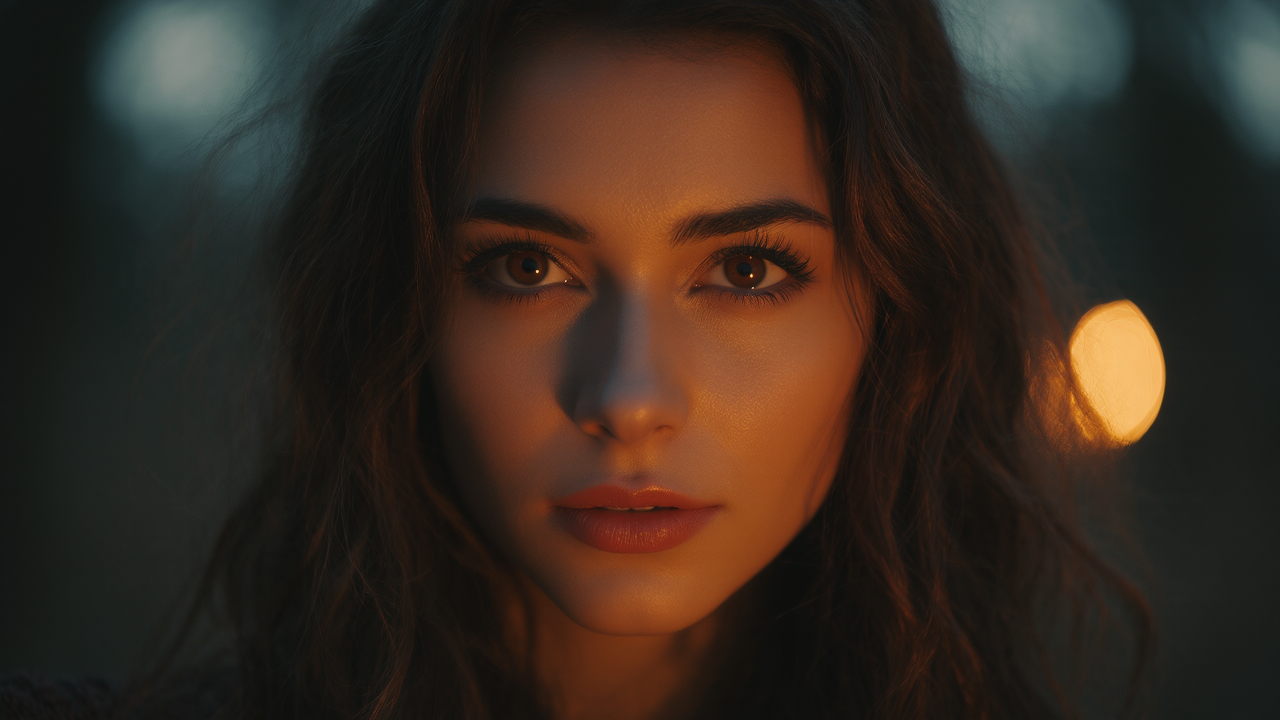


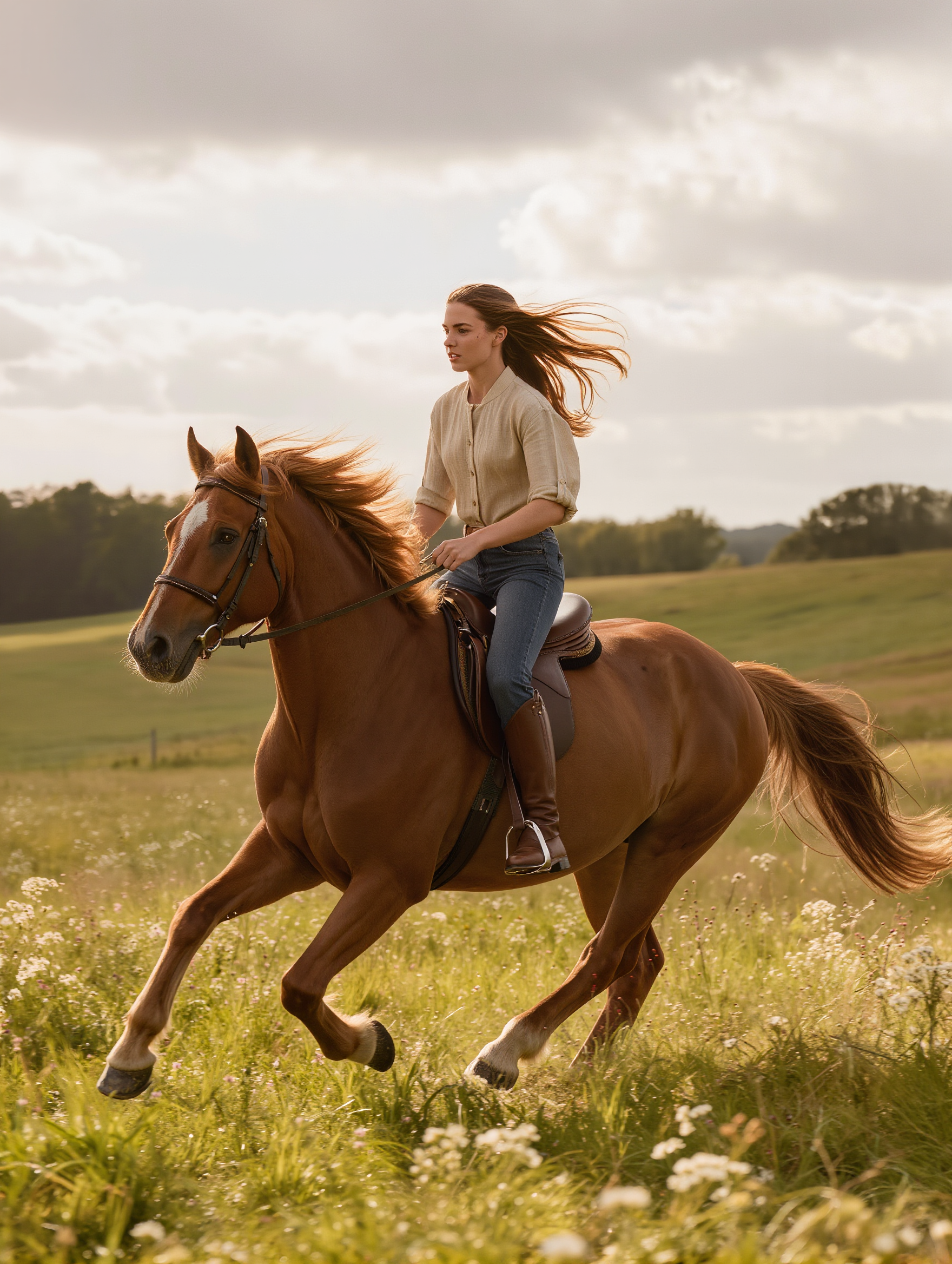


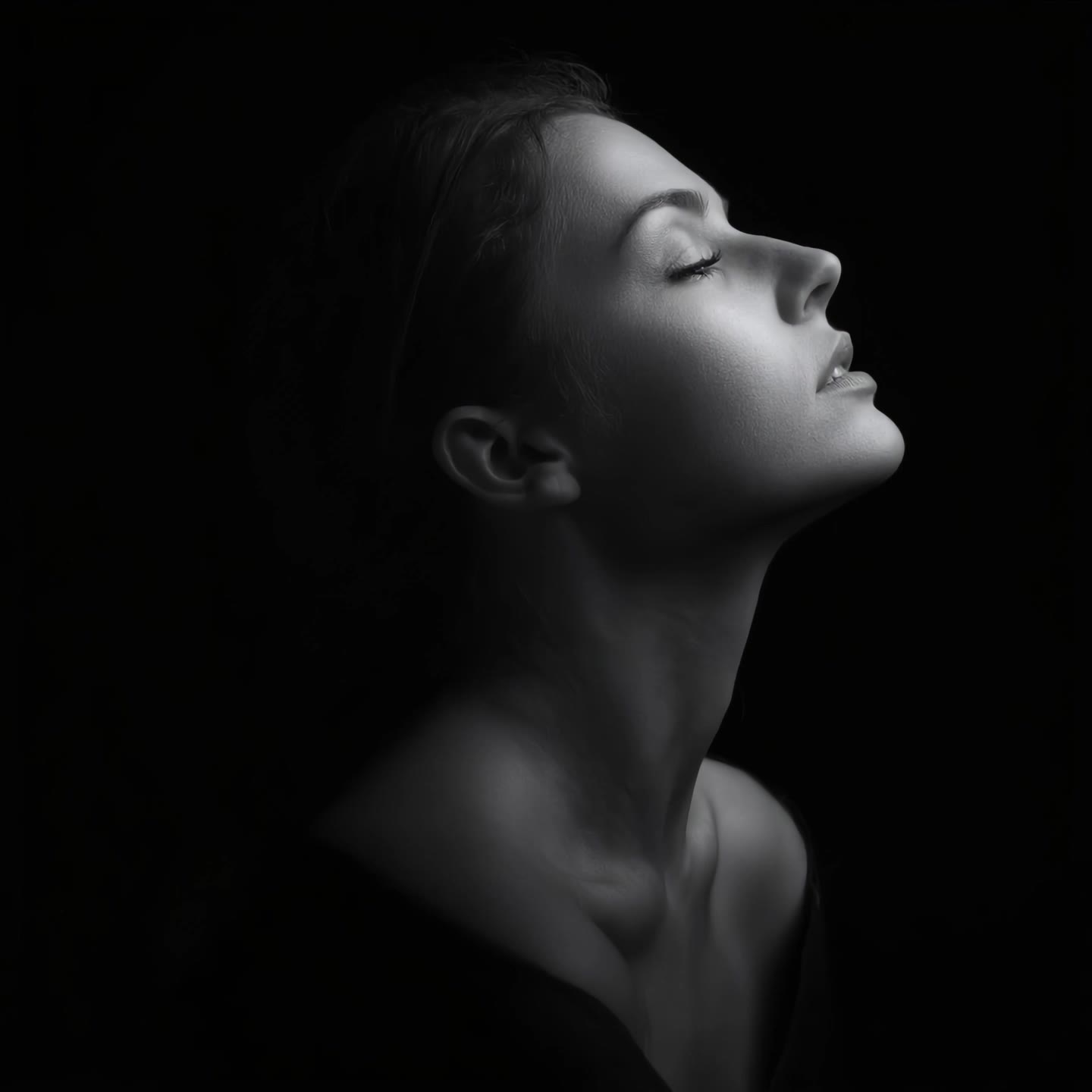



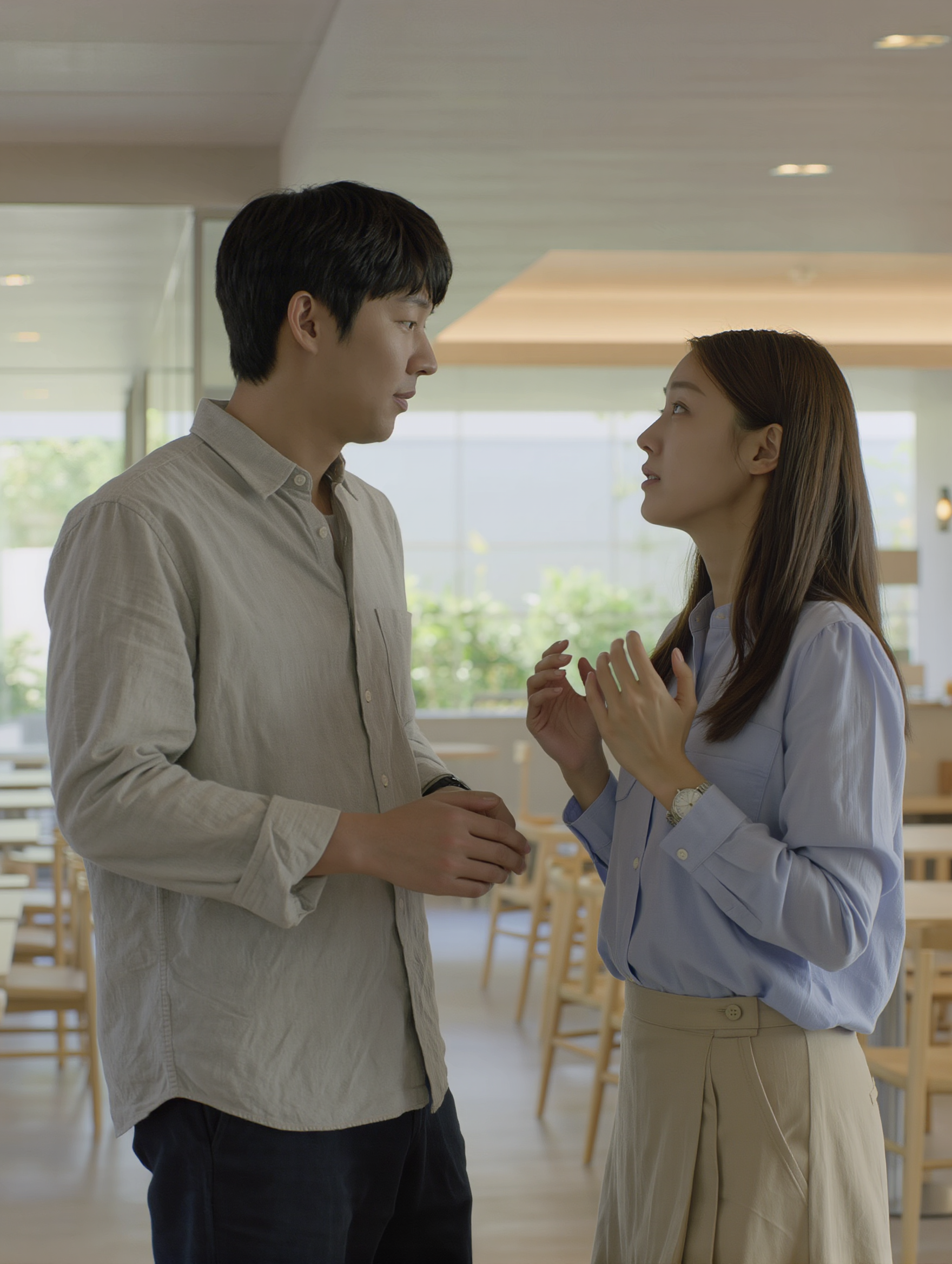


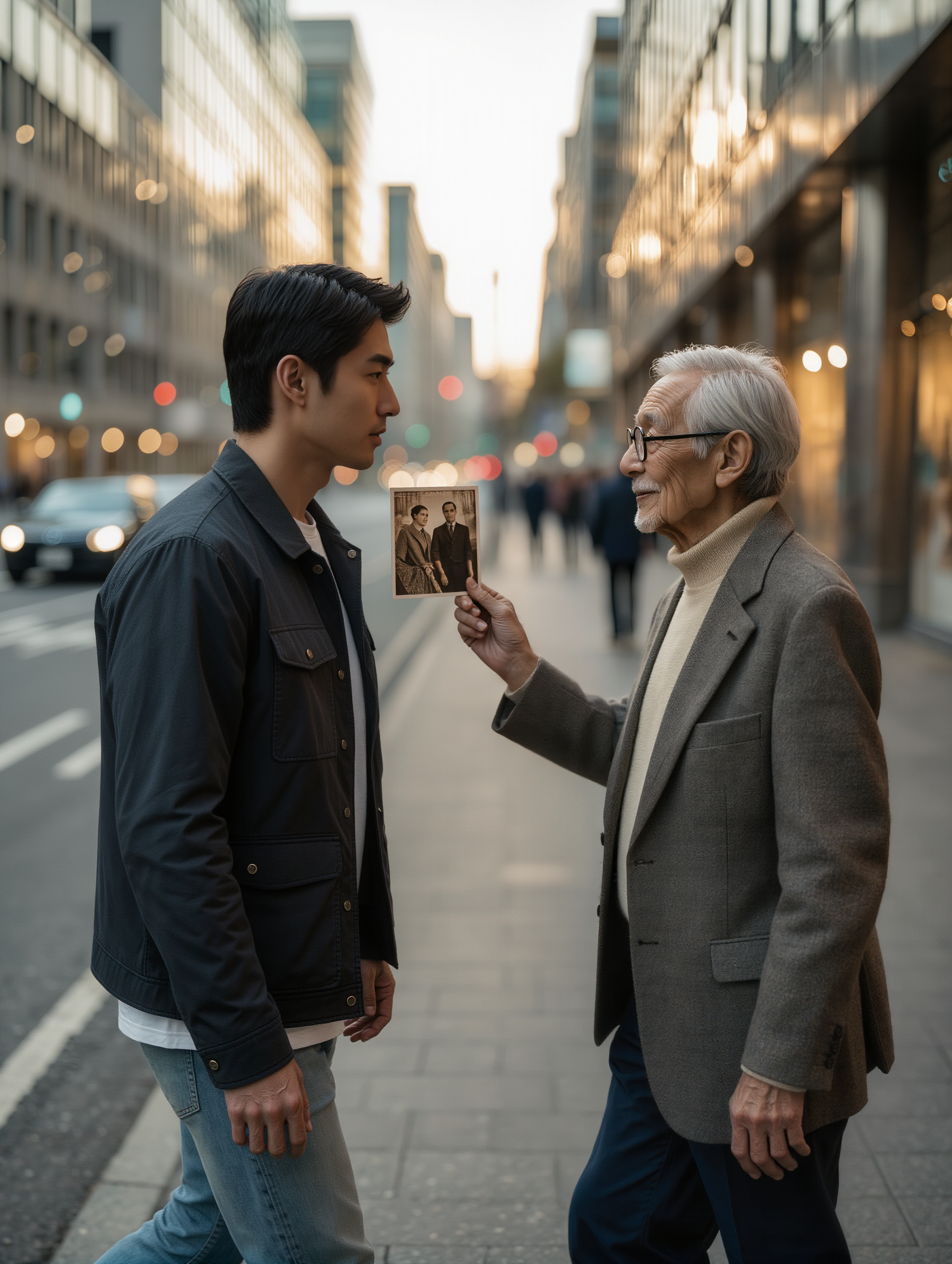
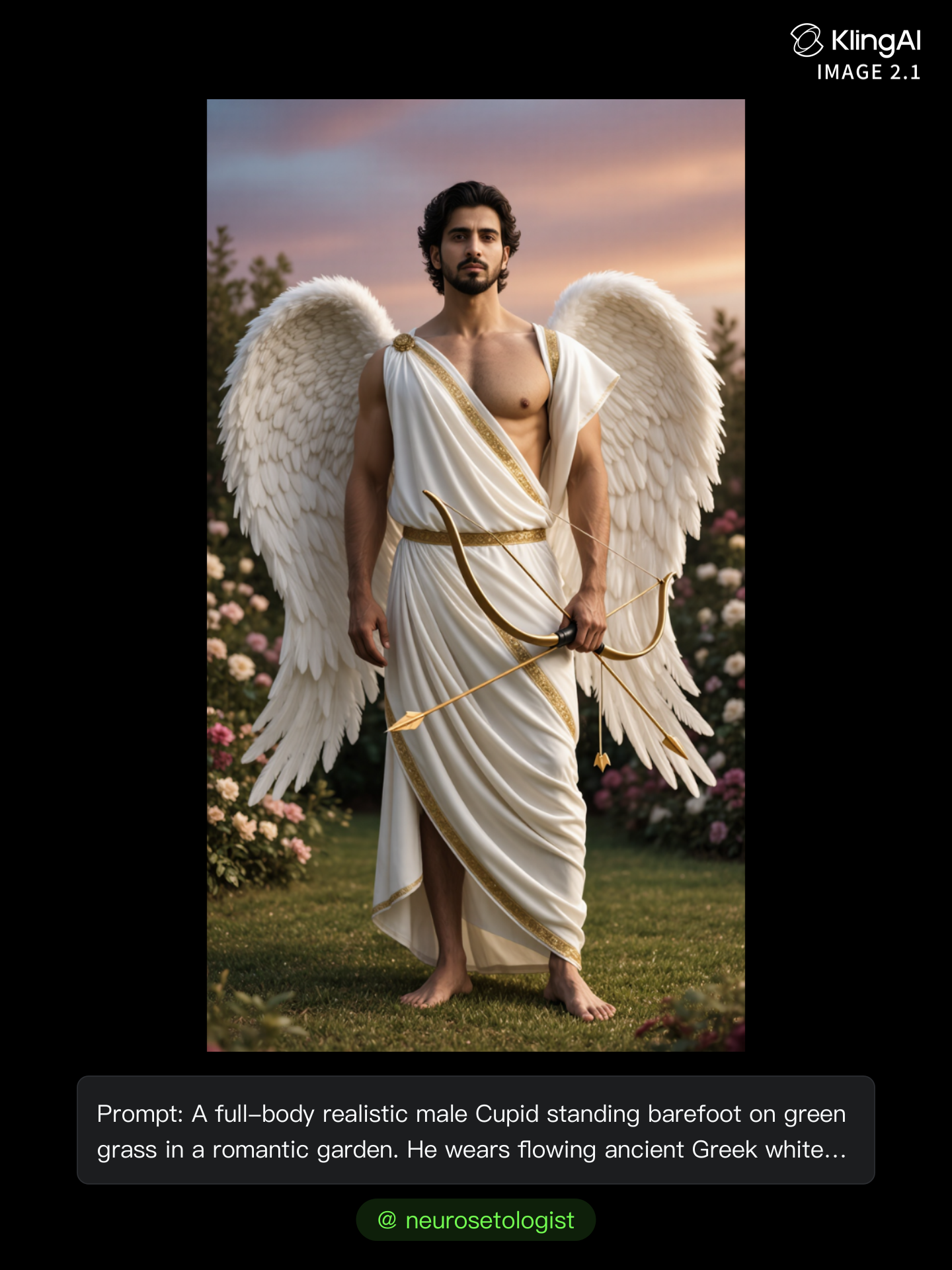

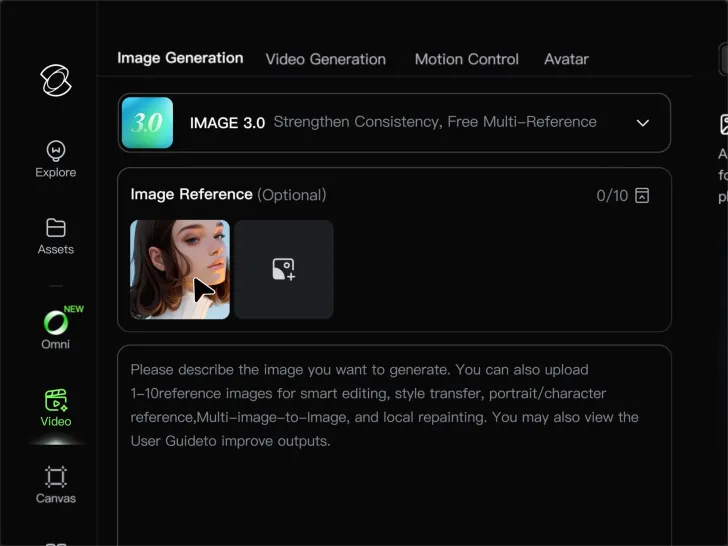
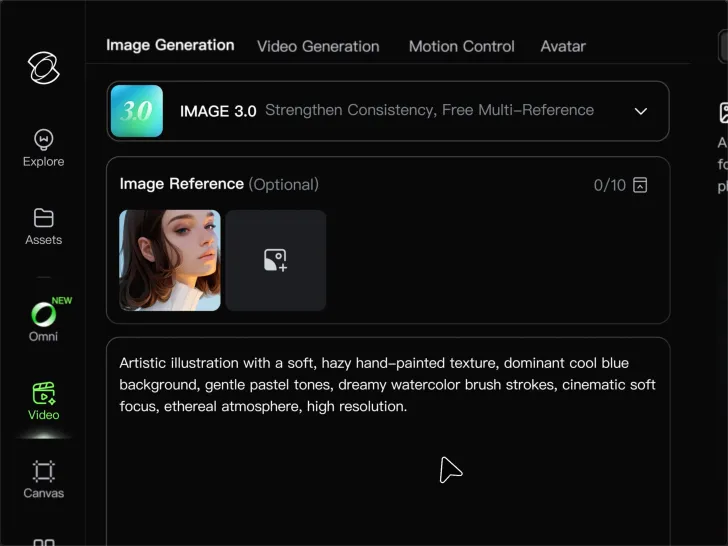
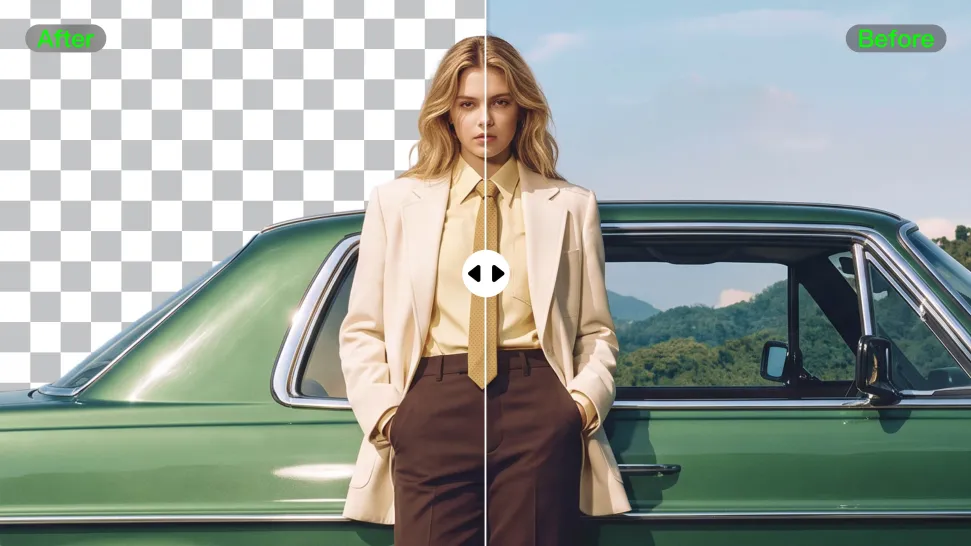
Clear away a distracting background without tracing around the subject by hand. Create transparent product shots, portraits, logos, and graphics for listings, profile images, presentations, and design work. When you need a higher-resolution de-priming effect, IMAGE 3.0 Omni also supports 2K and 4K output.
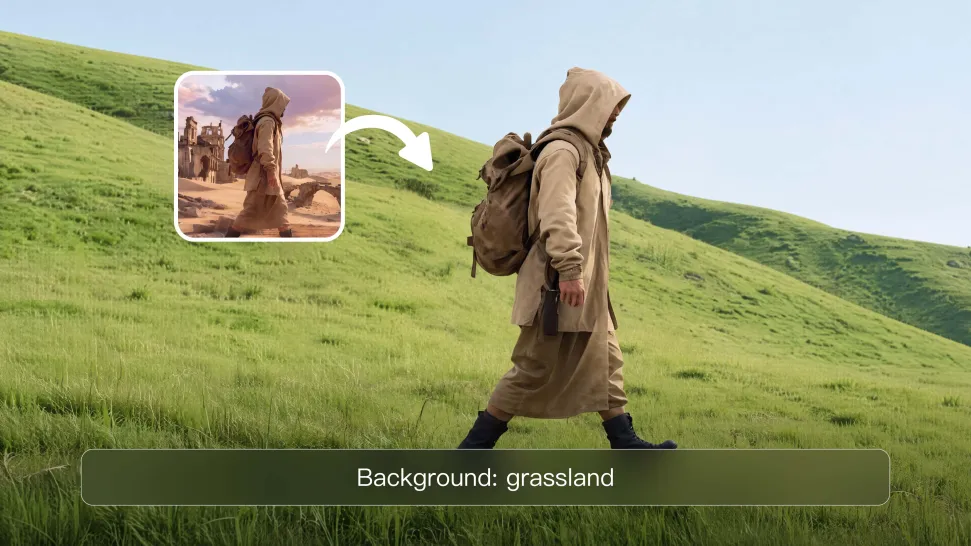
Already know what belongs behind the subject? Skip the extra editing and go straight to the final look. Describe a new setting or add a reference image to guide it, whether you're refreshing a product shot, portrait, social graphic, or campaign visual.
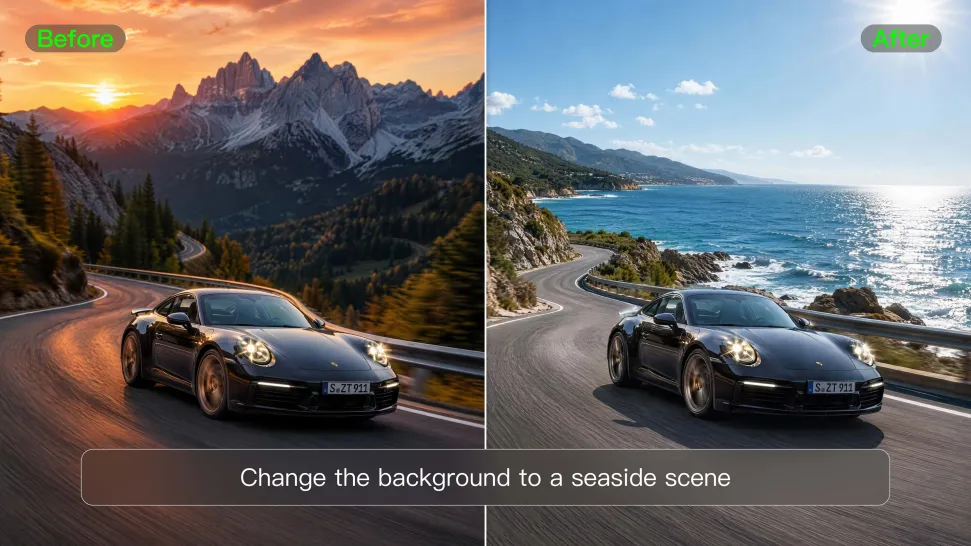
Keep the clip you already have and change the setting around it. With VIDEO 3.0 Omni, use a prompt or reference image to update backgrounds for ads, product videos, presenter clips, and social content—without another shoot or a green screen.
















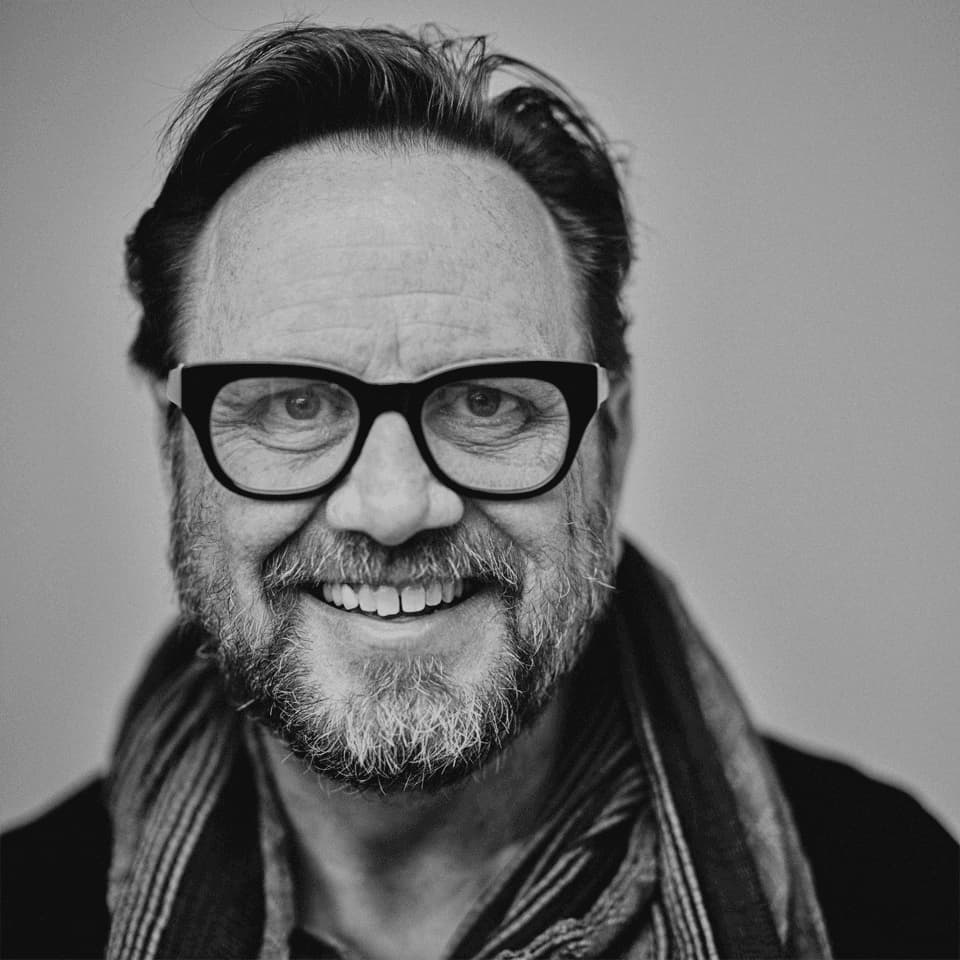
Kling AI has transformed my workflow by collapsing timelines and democratizing production. It’s shifted my mindset from resource-dependent filmmaking to a boundless creative sandbox, where experimentation yields unexpected beauty.

Kling AI has made it easy for us to generate world class visuals for Fortune 500 companies, TV shows and music for big artists. We love the easy of use of the platform and the quality of the generations. My first time using Kling AI, I got 22 million views on just one video. It's that good.
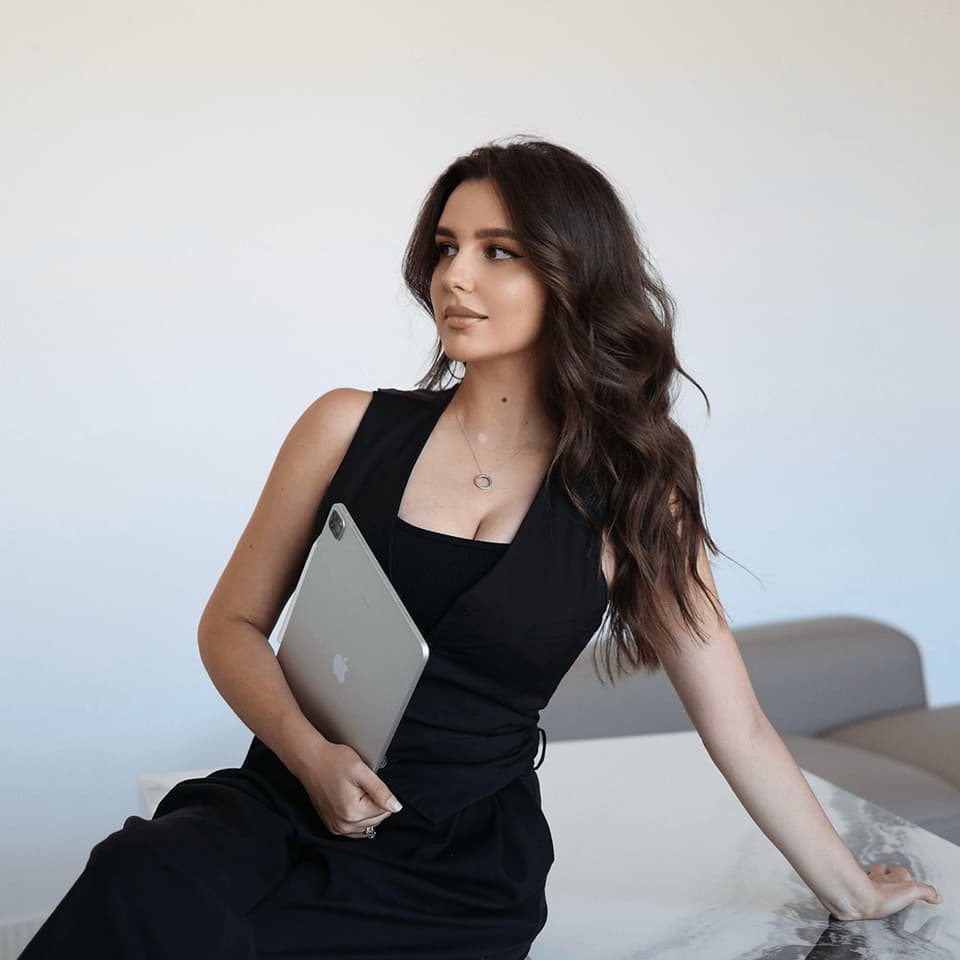
I’m Maria Rubtsova, an AIGC digital artist passionate about creating stunning visuals in the worlds of fashion, aesthetics, and fantasy. I use KlingAi to bring imagination to life through video. My work is all about exploring beauty, emotion, and the limitless possibilities of digital art.
Turn your text or images into a stunning, high-quality video in seconds. No watermarks, No complicated setup.
Free tier includes watermark (Memberships are watermark-free) | 1080p export (Pro unlocks 4K) | Instant results