
Creative Studio
API
Resources
Features
About Us
Download

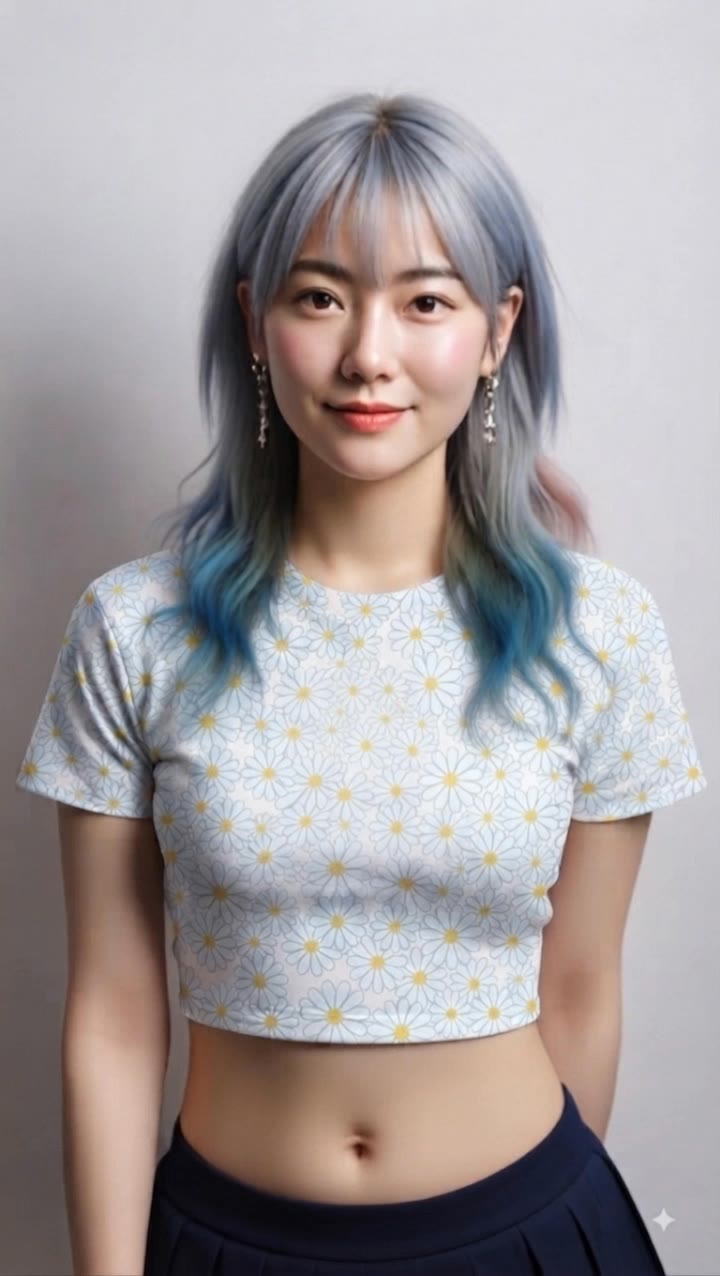
face scanner funny - funny animals & funny dance

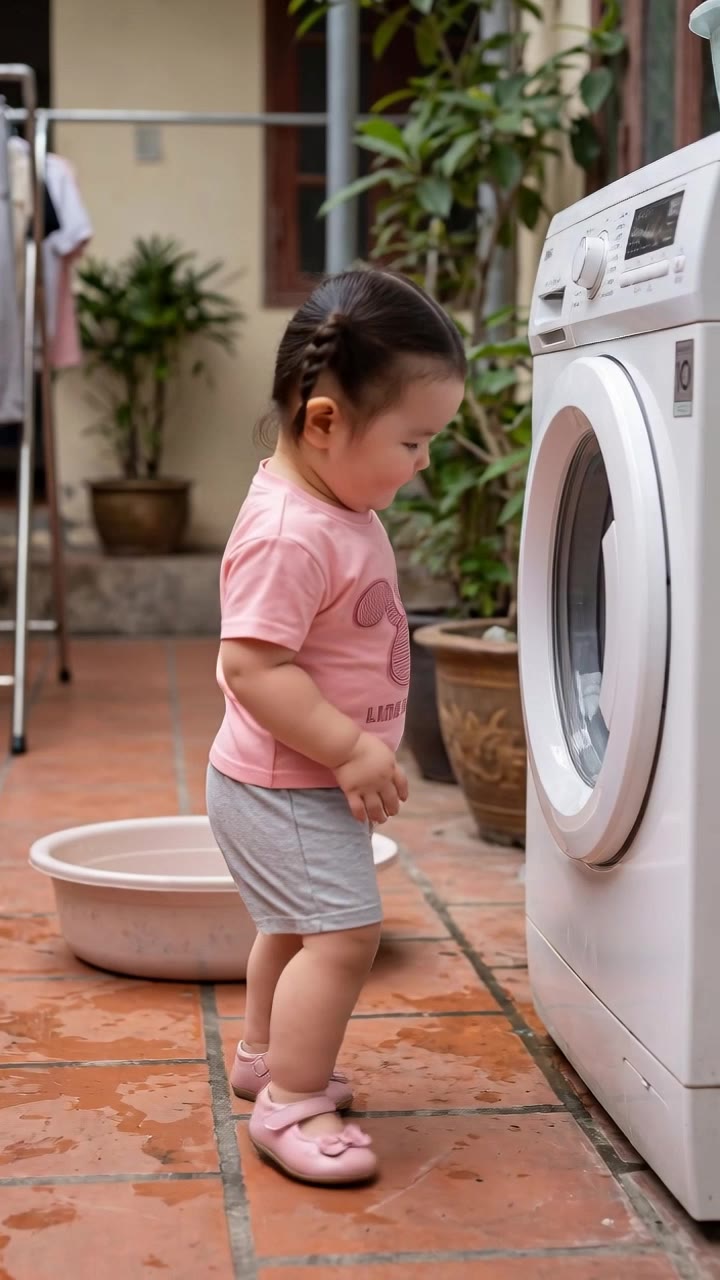
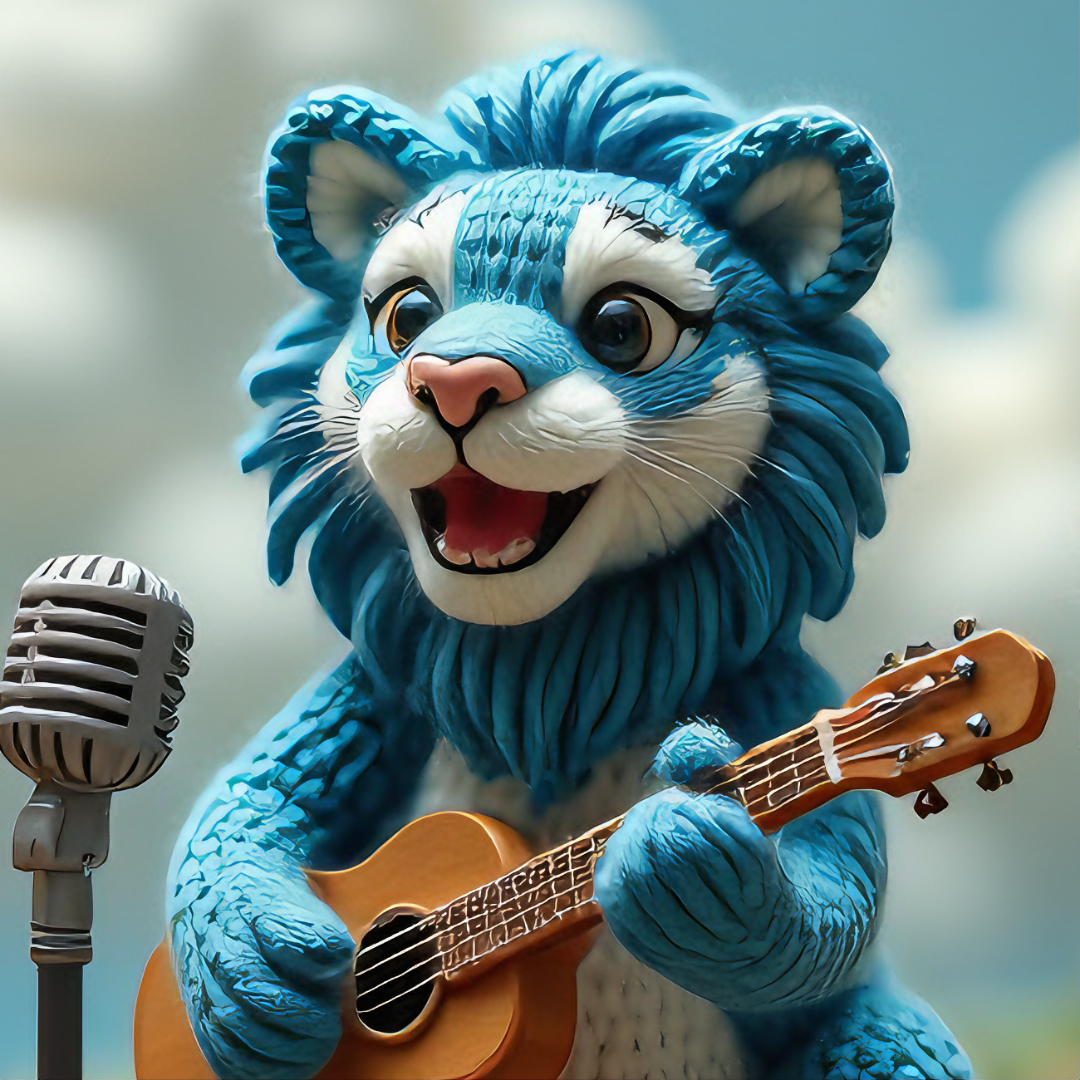
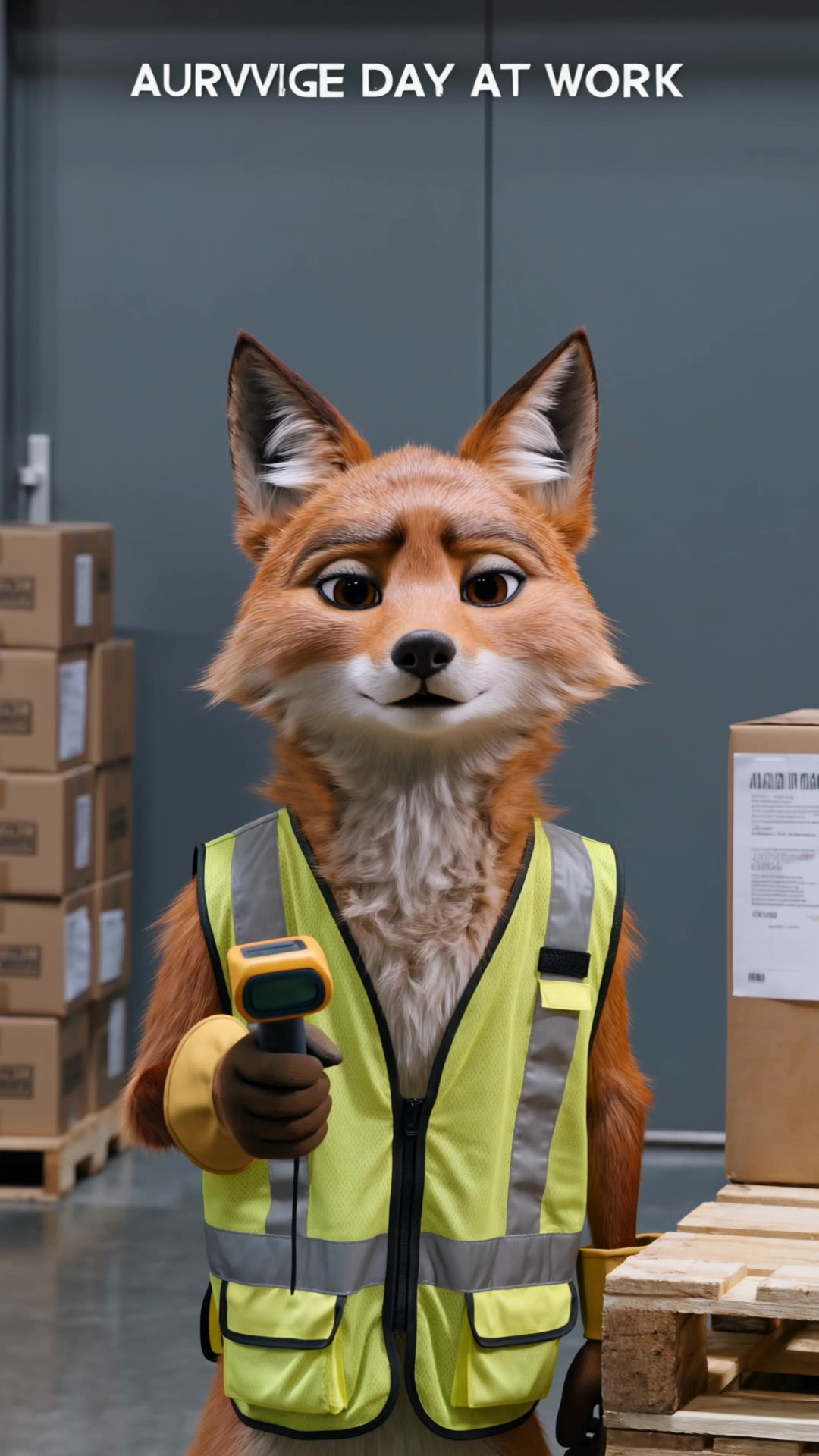
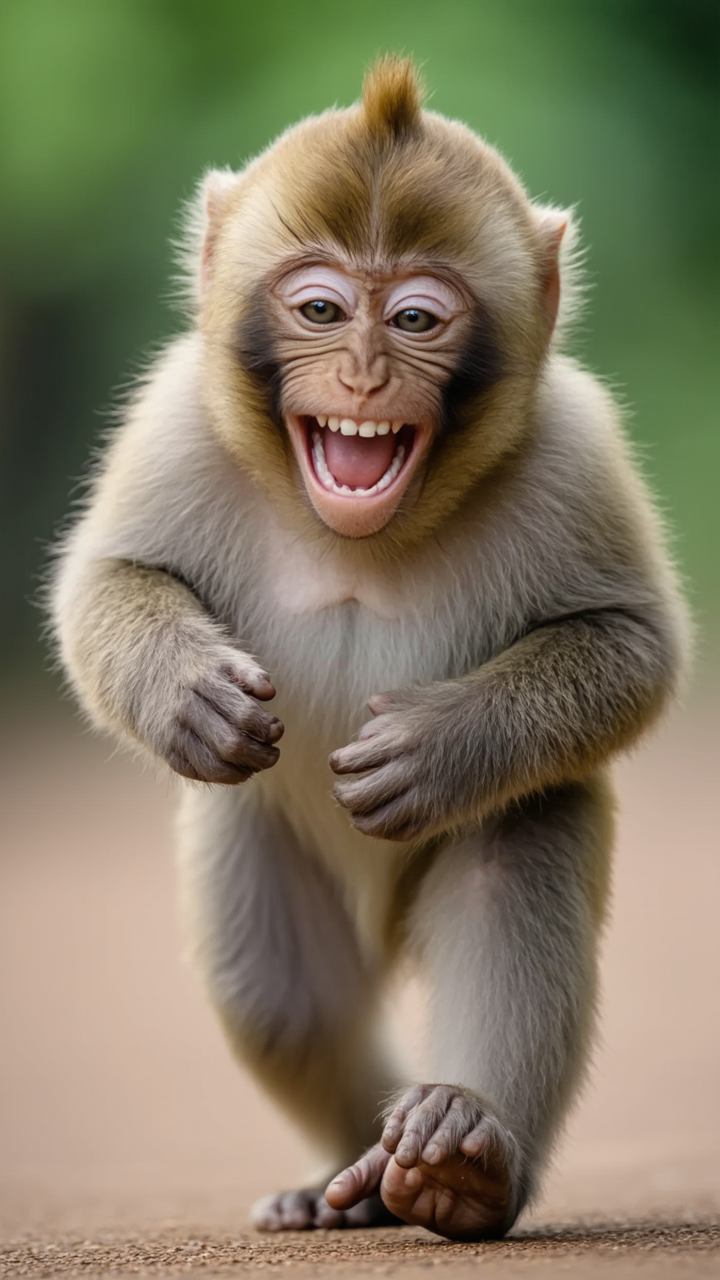
Laugh with hilarious animal antics and quirky character expressions on the face scanner funny page. Start exploring face scanner funny ideas and generate your own content with AI.

face scanner funny - funny animals & funny dance

Recommended

Kling AI work 321682206508016 - face scanner funny AI image
AASHISH avatar
AASHISH
Funny - face scanner funny AI video
taLAptrn avatar
taLAptrn
Funny - face scanner funny AI video
ThoAI avatar
ThoAI
"A funny close-up of a cat - face scanner funny AI image
MmzavhKP avatar
MmzavhKP
Kling AI work 313256488508020 - face scanner funny AI video
Iryna avatar
Iryna
Wassup 3 - face scanner funny AI video
JLELevHj avatar
JLELevHj
Kling AI work 297459337521327 - face scanner funny AI video
IAcGgxll avatar
IAcGgxll
Funny Expression - face scanner funny AI video
00:13
Vransdani avatar
Vransdani
Elite Creator
Funny - face scanner funny AI video
ThoAI avatar
ThoAI
Funny expression - face scanner funny AI video
00:15
Vransdani avatar
Vransdani
Elite Creator
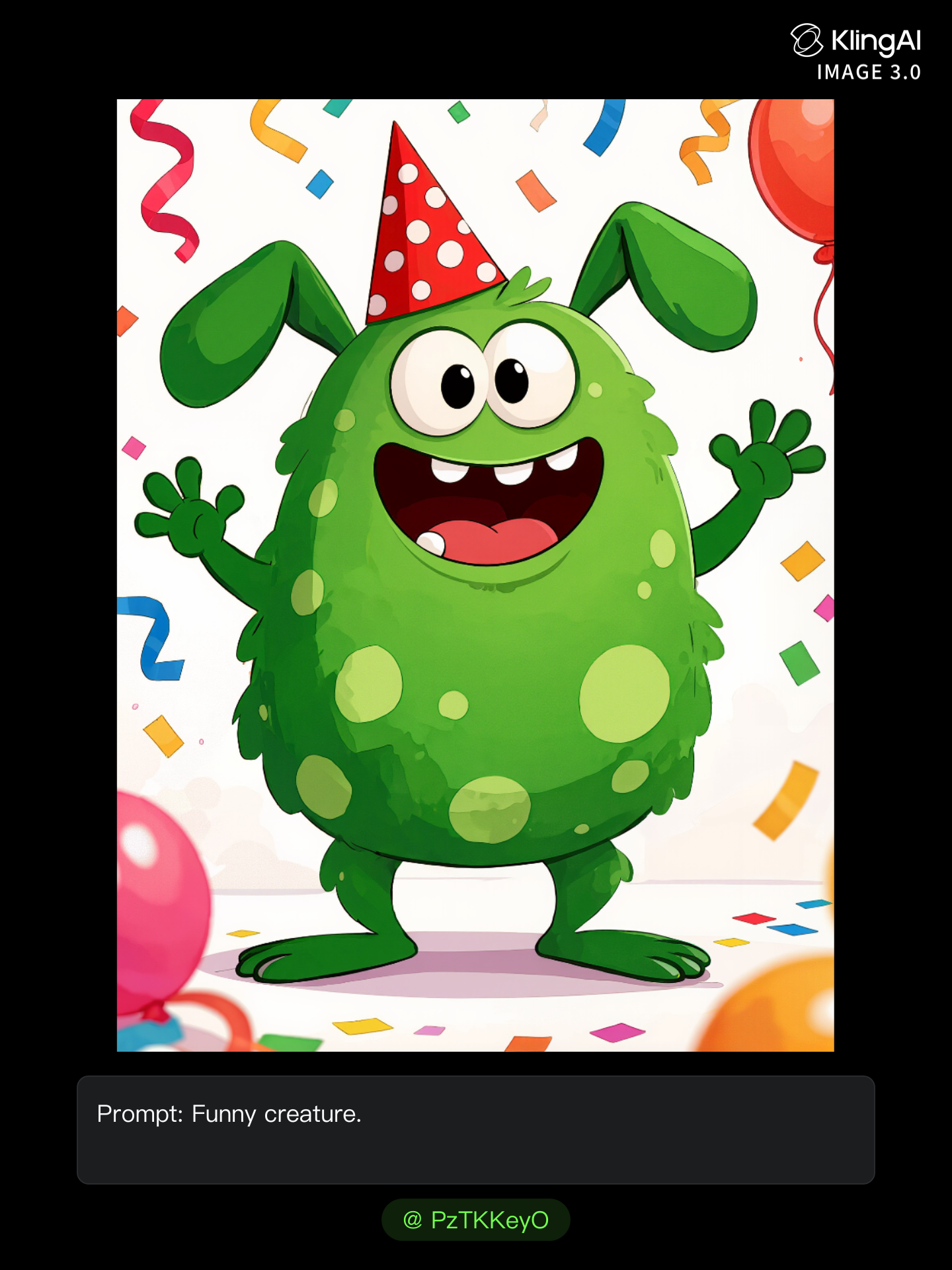
Funny creature - face scanner funny AI image
PzTKKeyO avatar
PzTKKeyO
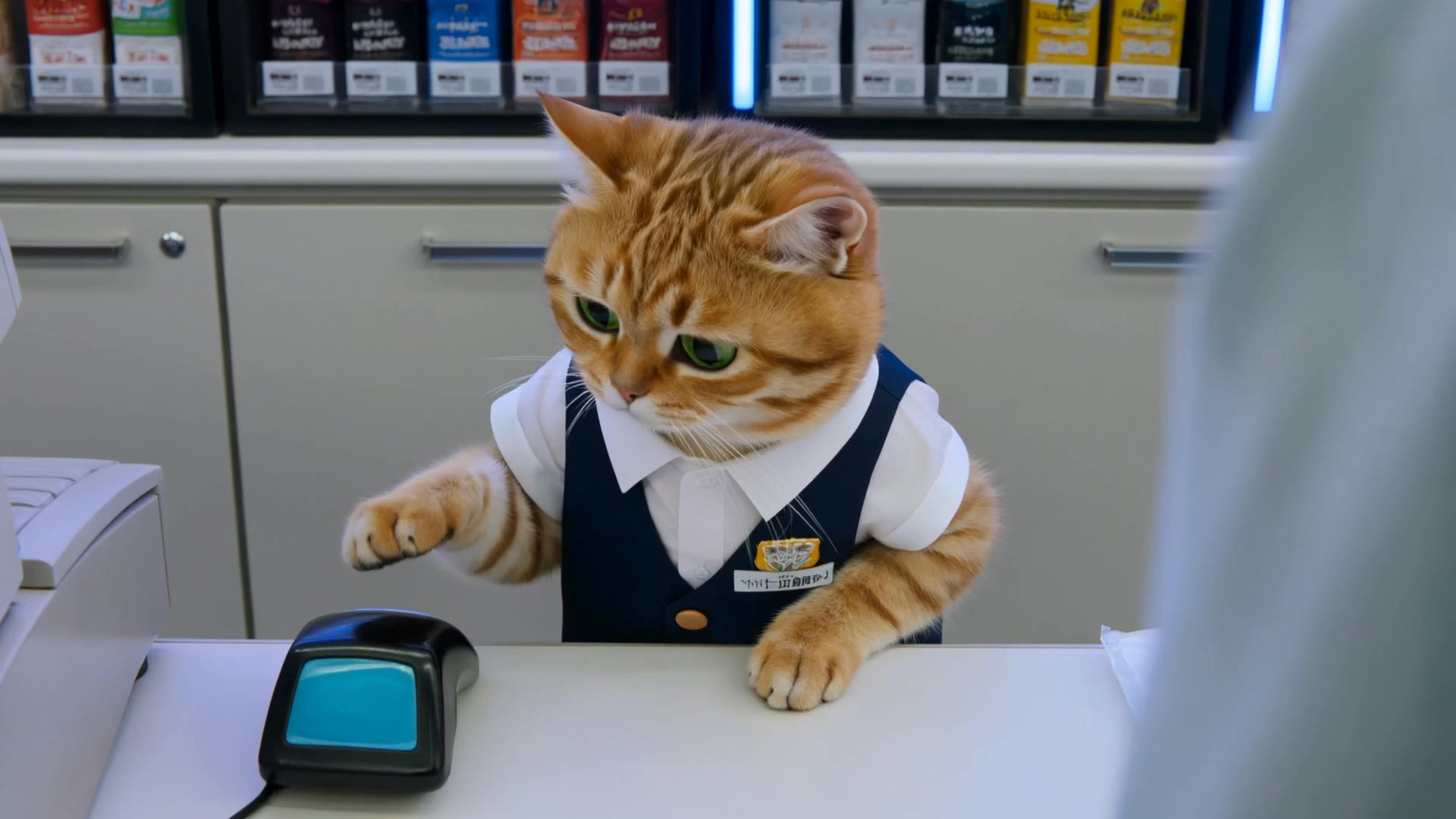
バイト初日の猫 - face scanner funny AI video
XYWvogLQ avatar
XYWvogLQ
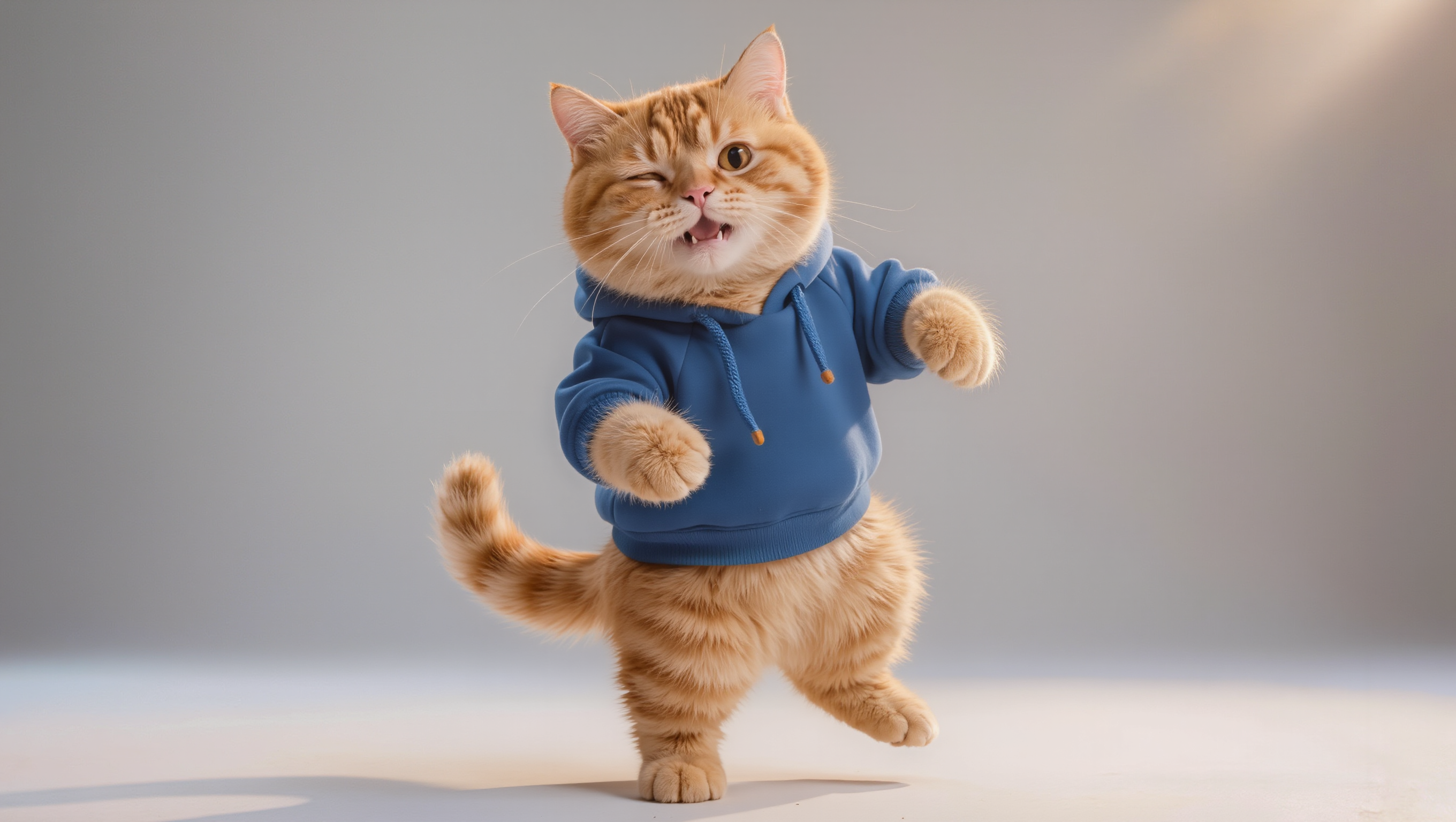
Create a funny, highly realistic - face scanner funny AI image
LxnHHJtV avatar
LxnHHJtV
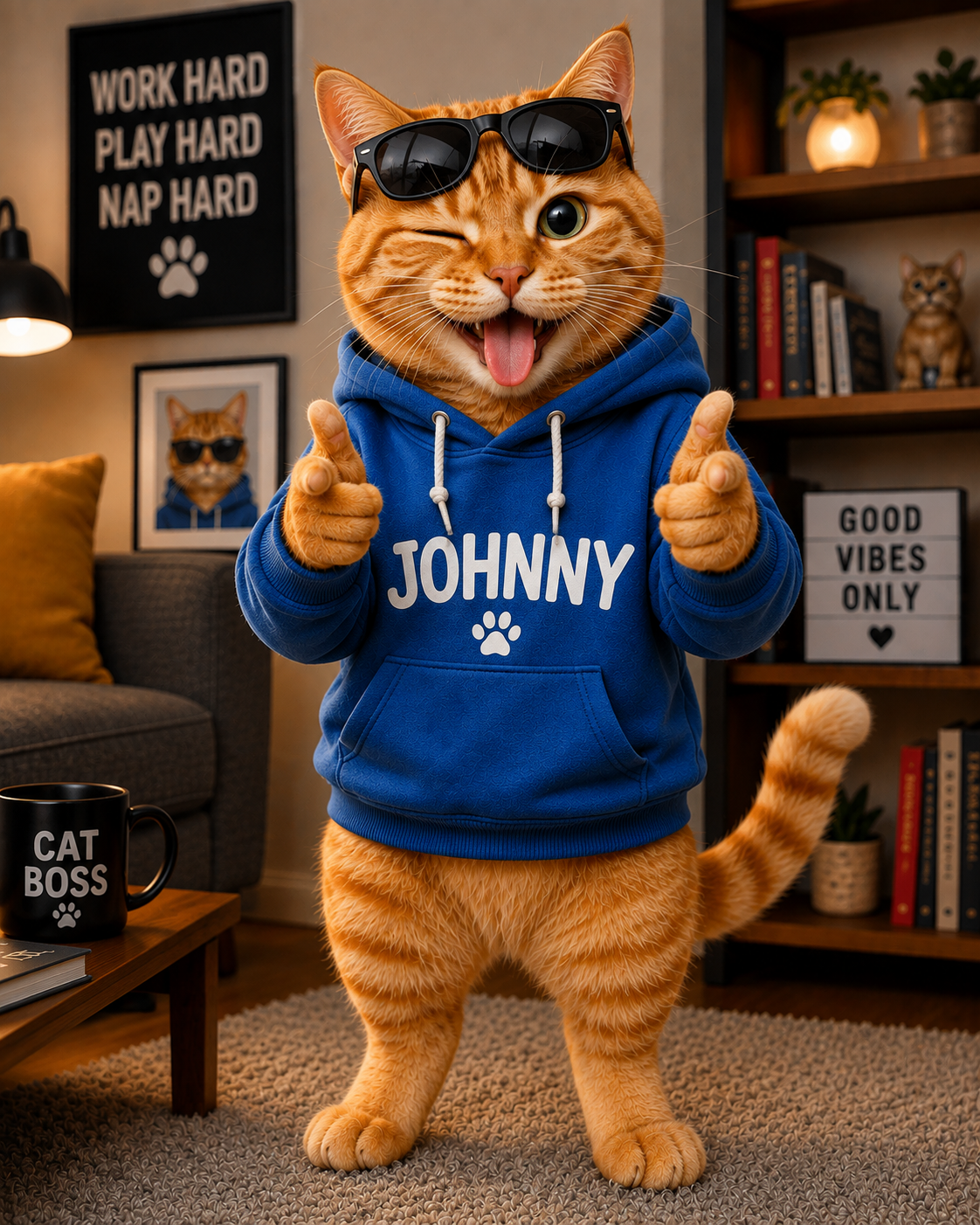
Funny Johnny: The Cat Who Thinks - face scanner funny AI image
Johnny avatar
Johnny
Wassup 3 - face scanner funny AI video
JLELevHj avatar
JLELevHj
Another funny creature - face scanner funny AI image
PzTKKeyO avatar
PzTKKeyO
kael is nothing - face scanner funny AI video
ebxPtmkI avatar
ebxPtmkI
Kling AI work 311786232616377 - face scanner funny AI video
ikgIKKHO avatar
ikgIKKHO
funny - face scanner funny AI video
00:10
pcZijVgU avatar
pcZijVgU

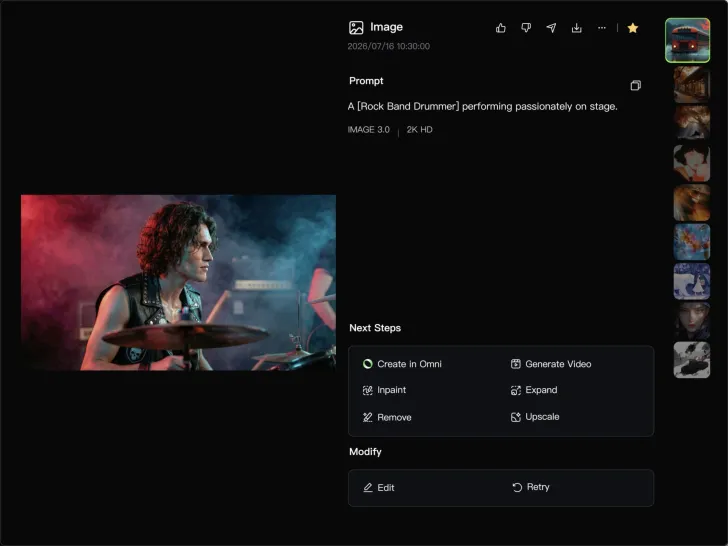
How to Generate Images with Kling AI

Write Your Prompt

Write Your Prompt

Describe your idea in natural language or start with recommended prompts. Add details about the subject, scene, and style to guide your image creation.

Add References And Generate

Add References And Generate

Upload reference images, select your aspect ratio and number of outputs, then generate visuals based on your creative direction.

Refine And Create More

Refine And Create More

Edit your results with tools for local changes, image expansion, and enhancement. You can also turn your images into videos and continue creating with Kling AI.

Make Every Voice Feel Part of the Story

Generate Dubbing Together with Video

Generate Dubbing Together with Video

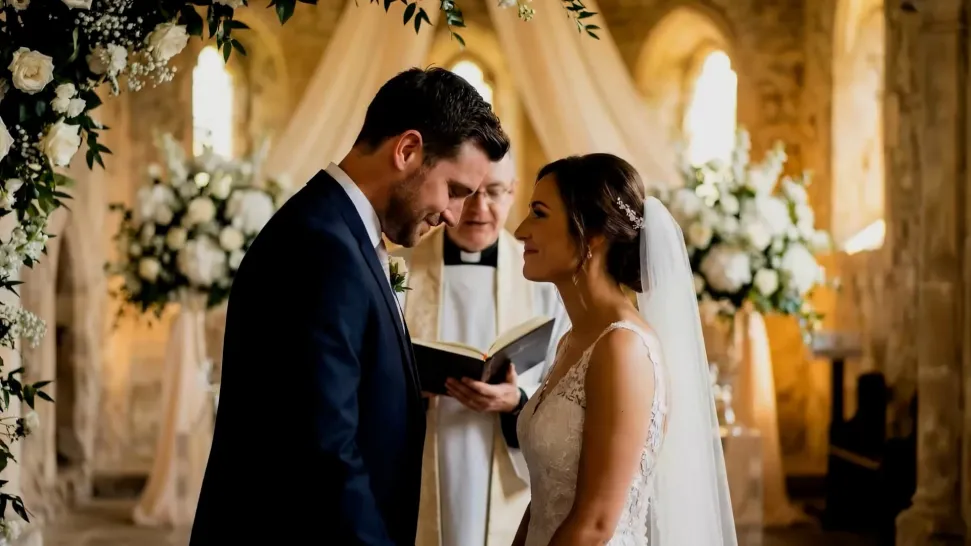
Dubbing does not have to begin after the visuals are done. Kling VIDEO 3.0 can generate character dialogue, lip movements, ambience, and sound effects alongside the video, so more of the scene comes together in one pass. Spend less time recording separate voiceovers, layering audio, and lining up tracks later, and more time shaping the story and visuals.
Reach More Audiences with Multilingual Dialogue

Reach More Audiences with Multilingual Dialogue

Create dialogue in Chinese, English, Japanese, Korean, and Spanish, or let characters switch between supported languages within the same scene. You can also specify supported dialects and accents in your prompt, giving you more flexibility for cross-cultural stories, travel content, global campaigns, and multilingual character interactions.
Direct Tone and Speaking Style Through Prompts

Direct Tone and Speaking Style Through Prompts

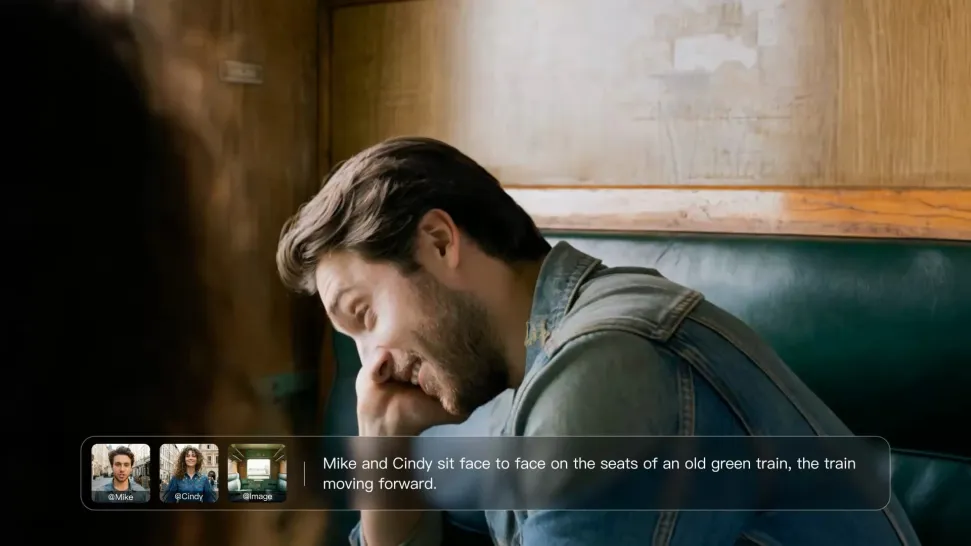
When several characters share a scene, keep each line connected to the intended speaker. Kling VIDEO 3.0 supports multi-character dialogue and speaker matching, making it easier to create interviews, group conversations, family scenes, and story-driven videos where several characters speak.

Apps

Image to Video
Image to Video

Image to Video

Text to Video
Text to Video

Text to Video

Omni
Omni

Omni

Digital Human
Digital Human

Digital Human

Restyle
Restyle

Restyle

Text to Image
Text to Image

Text to Image

60M+
60M+
Users
600M+
600M+
AI Videos Generated
4.7 ★
4.7 ★
App Store
Industry-Leading
Industry-Leading
Cinematic 4K

Reviews

Jyo John Mulloor

Jyo John Mulloor

★★★★★

Kling AI has been instrumental in transforming my creative workflow, unlocking new dimensions of artistic expression that were once unimaginable. I use Kling AI extensively to develop high-concept visuals, animate surreal dreamscapes, and create AI-assisted films that blur the line between reality and fantasy. Kling AI’s deep learning capabilities have not only enhanced my creative efficiency but also inspired me to explore storytelling in ways I never thought possible.

Huang Lu (Elson)

Huang Lu (Elson)

★★★★★

I’ve been using Kling AI since its initial release, and it’s remained one of the leading AI media generators ever since. With Kling AI, I’ve created hundreds of videos, collectively amassing millions of views.

Maria Rubtsova

Maria Rubtsova

★★★★★

I’m Maria Rubtsova, an AIGC digital artist passionate about creating stunning visuals in the worlds of fashion, aesthetics, and fantasy. I use KlingAi to bring imagination to life through video. My work is all about exploring beauty, emotion, and the limitless possibilities of digital art.

FAQ

Q1What types of images can Kling AI remove backgrounds from?
Q2Does removing the background reduce image quality?
Q3Can I use a reference image for a new background?

Create a Whole New Look from One Photo

Swap outfits, mix references, and explore new styles with IMAGE 3.0 Omni. Keep the person recognizable and let new clothing blend naturally into the original photo.