Creative Studio
API
Resources
Features
About Us
Download

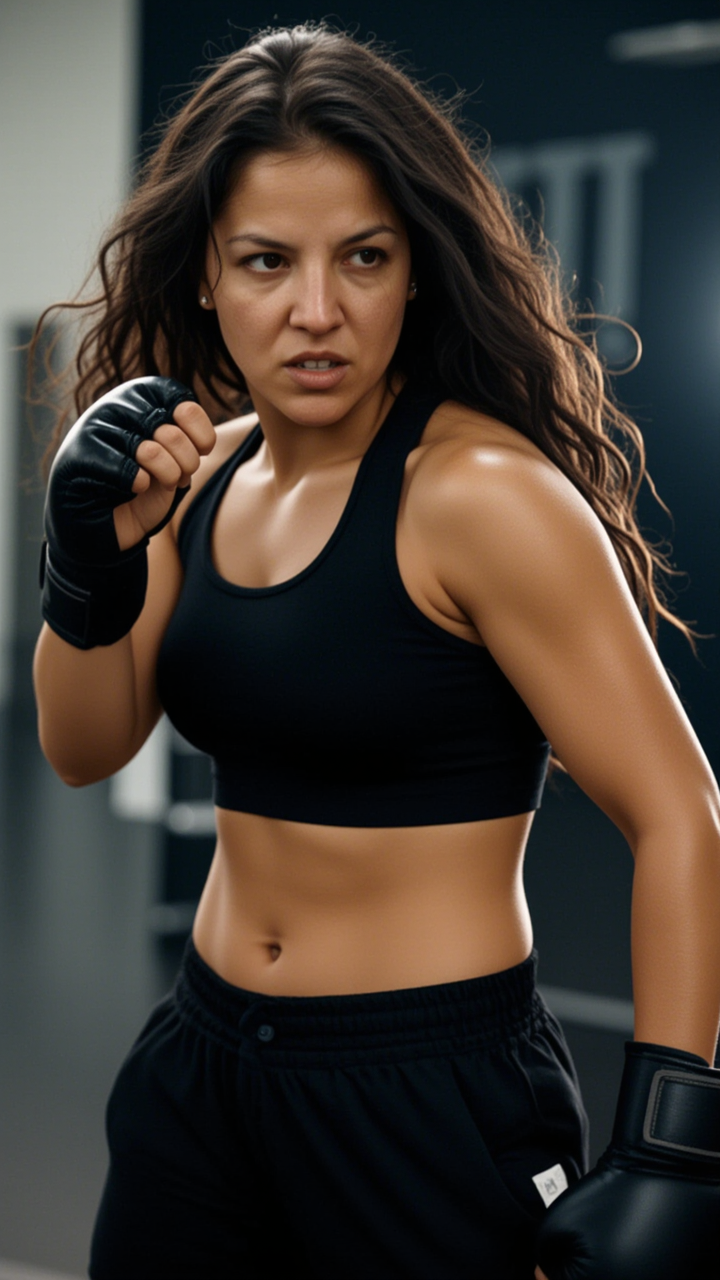
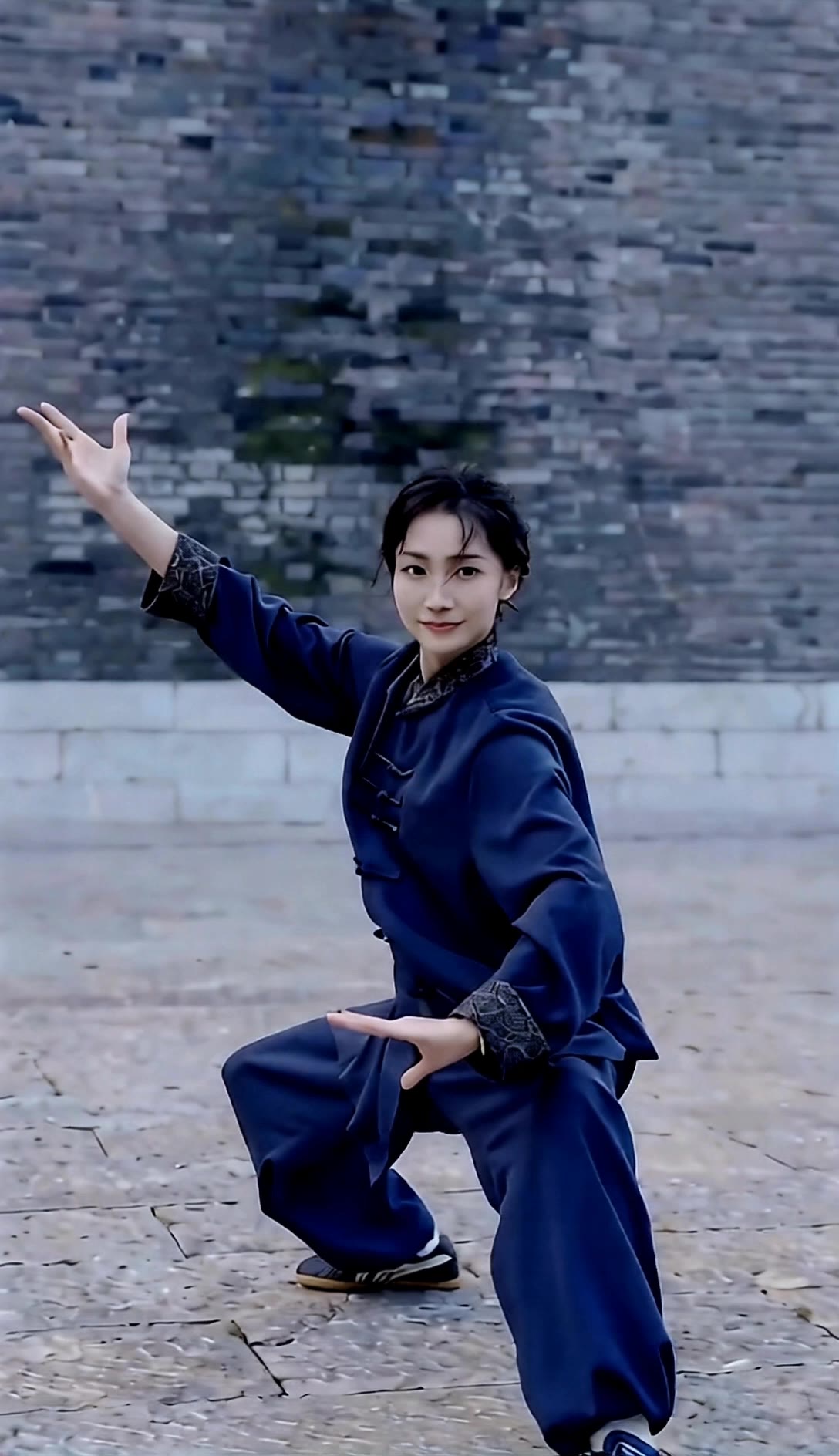
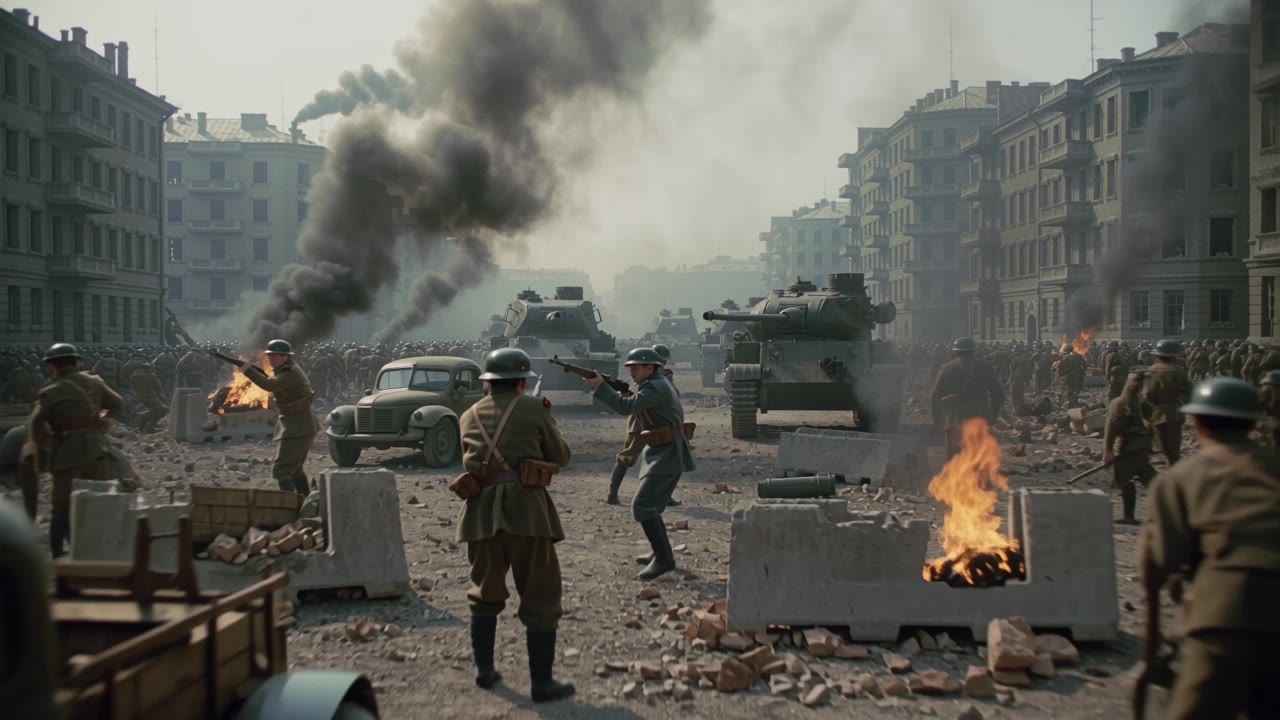
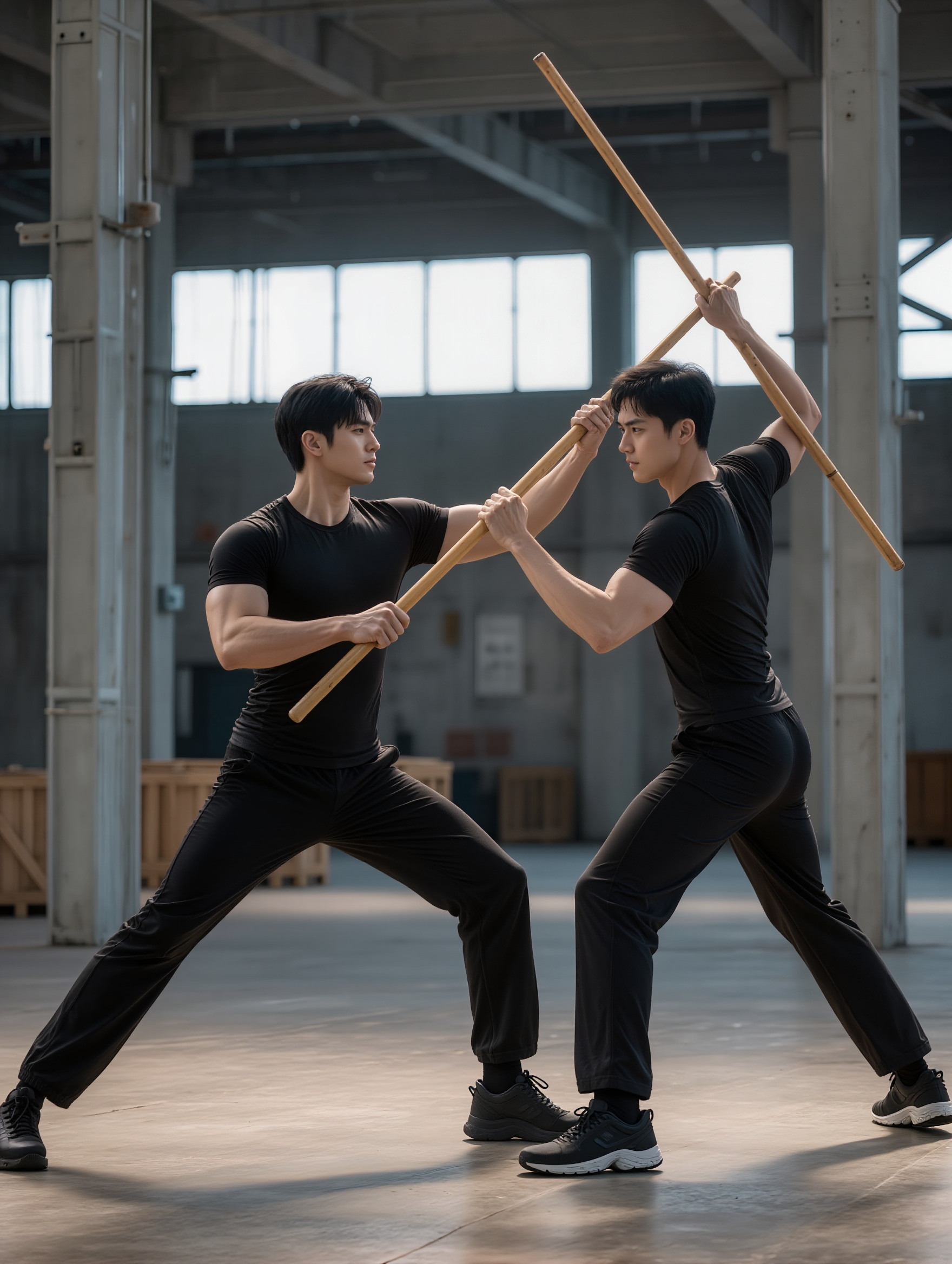
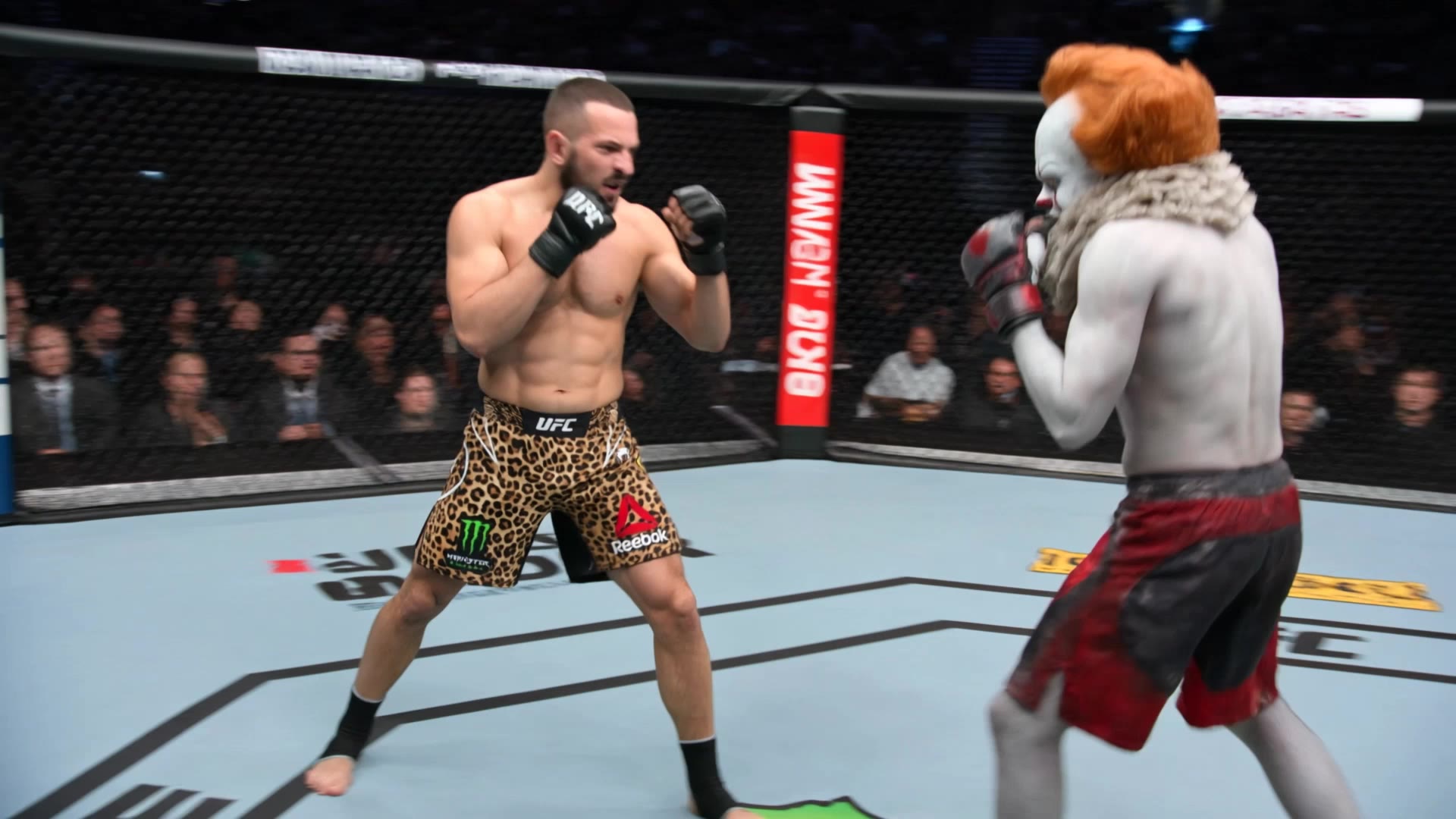
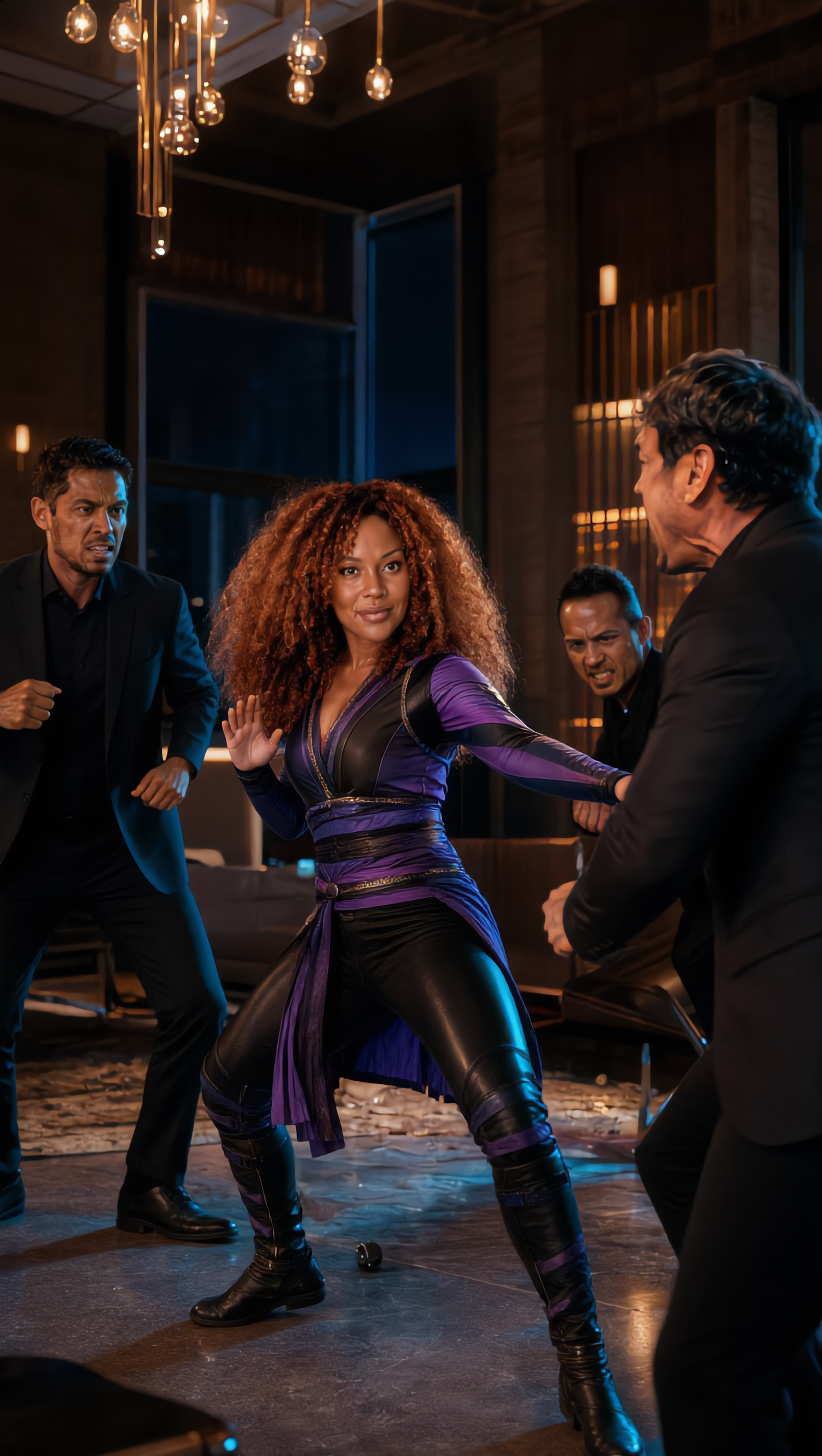
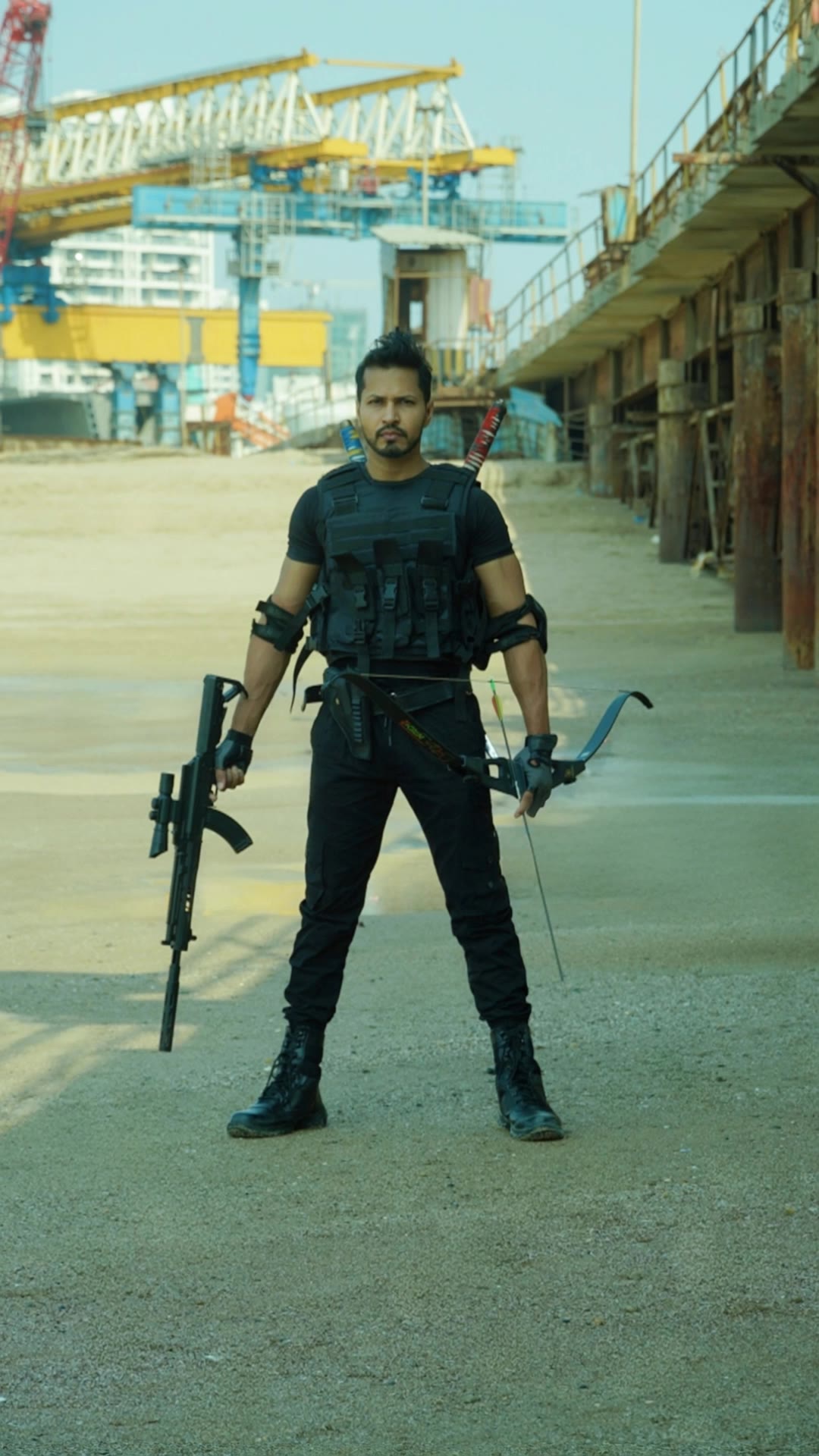
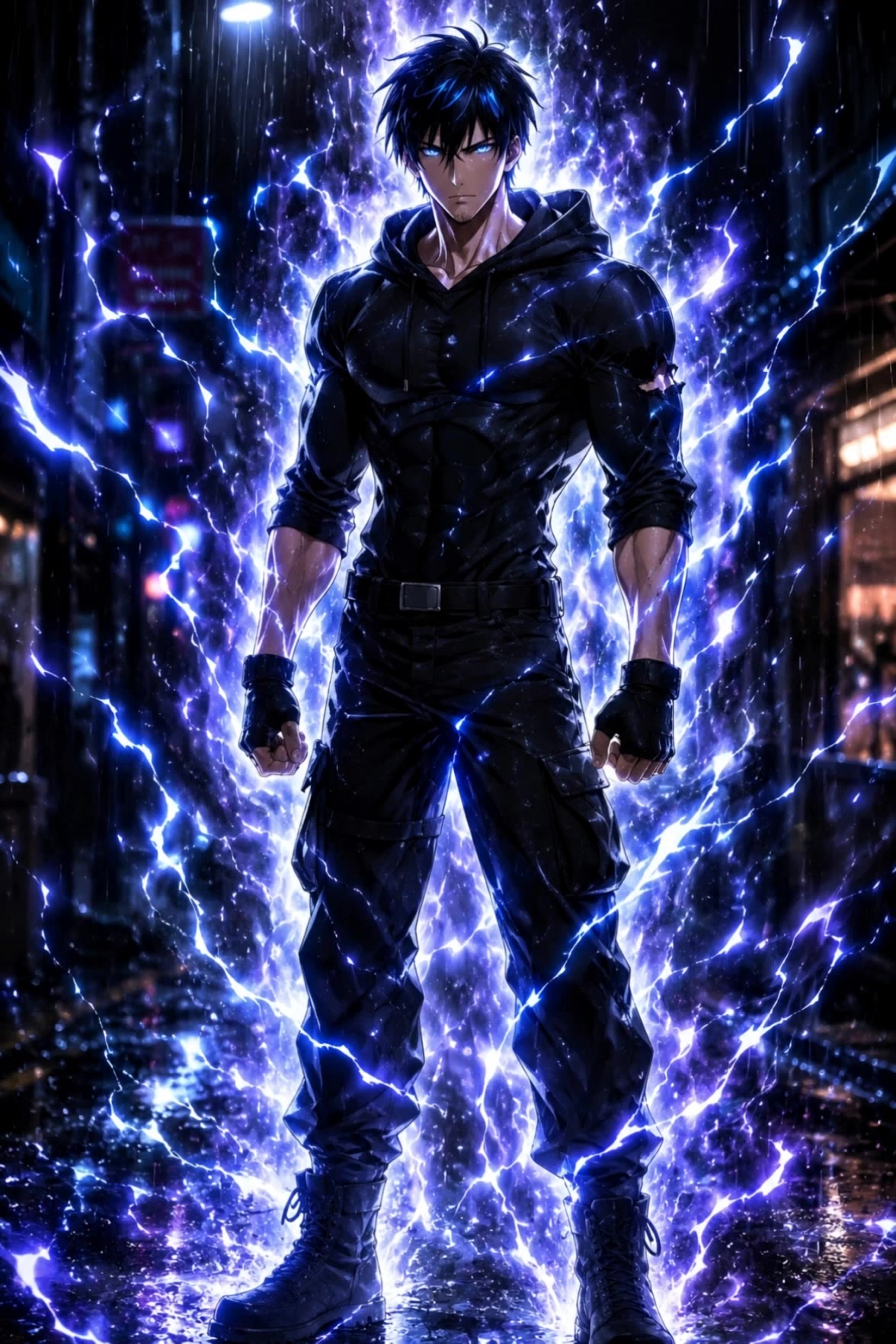
AI-generated fighting scene ideas – Action inspirations

Explore AI-generated fighting scene ideas. Get action inspirations quickly and easily. Customize these AI-made visuals to match your theme.

AI-generated fighting scene ideas – Action inspirations

Recommended

Kling AI work 306785471530213 - fighting scene AI image
wAZVWdic avatar
wAZVWdic
Kling AI work 300367770504653 - fighting scene AI video
Cliffgallery avatar
Cliffgallery
Fight - fighting scene AI video
Fight
MSZGLkgX avatar
MSZGLkgX
Kling AI work 310561532618505 - fighting scene AI image
VVoSDpDP avatar
VVoSDpDP
Fight - fighting scene AI video
Fight
CZaXppvq avatar
CZaXppvq
Fight - fighting scene AI video
Fight
IKvQoaxm avatar
IKvQoaxm
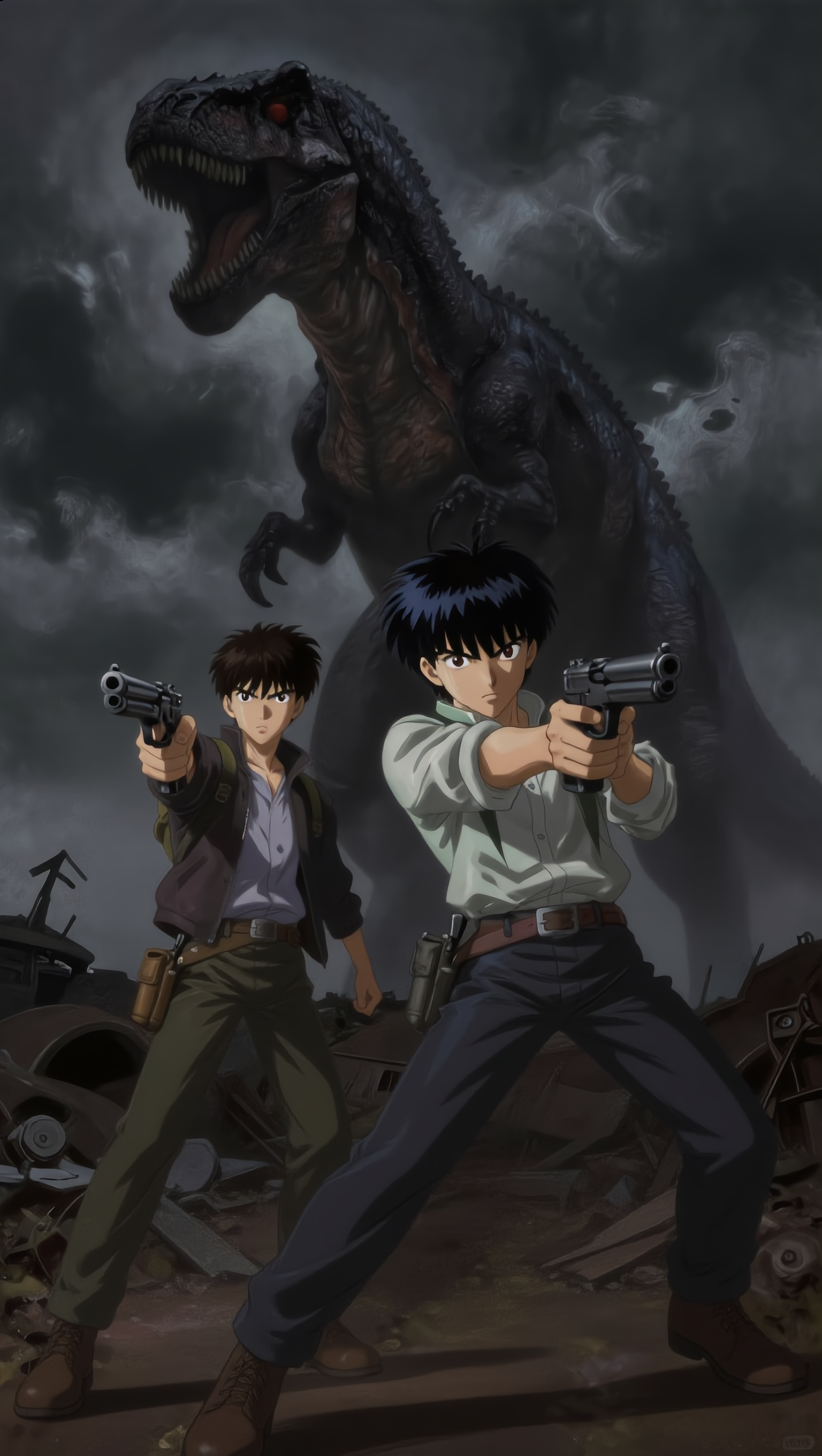
gun fighting 
 - fighting scene AI image
KjJbxfyK avatar
KjJbxfyK
Kling AI work 318227773668795 - fighting scene AI image
lXerSfAg avatar
lXerSfAg
Fight - fighting scene AI video
Fight
wvrkDxvf avatar
wvrkDxvf
Kling AI work 316894845500589 - fighting scene AI video
oWcgZDqz avatar
oWcgZDqz
2 Babilon Warrior - fighting scene AI video
PmwVrykc avatar
PmwVrykc
Fight - fighting scene AI video
Fight
Mxgghjkg avatar
Mxgghjkg
Wuxia Scene - fighting scene AI video
urwdmSuG avatar
urwdmSuG
Elite Creator
Kling AI work 315027648610339 - fighting scene AI video
Marckiey avatar
Marckiey
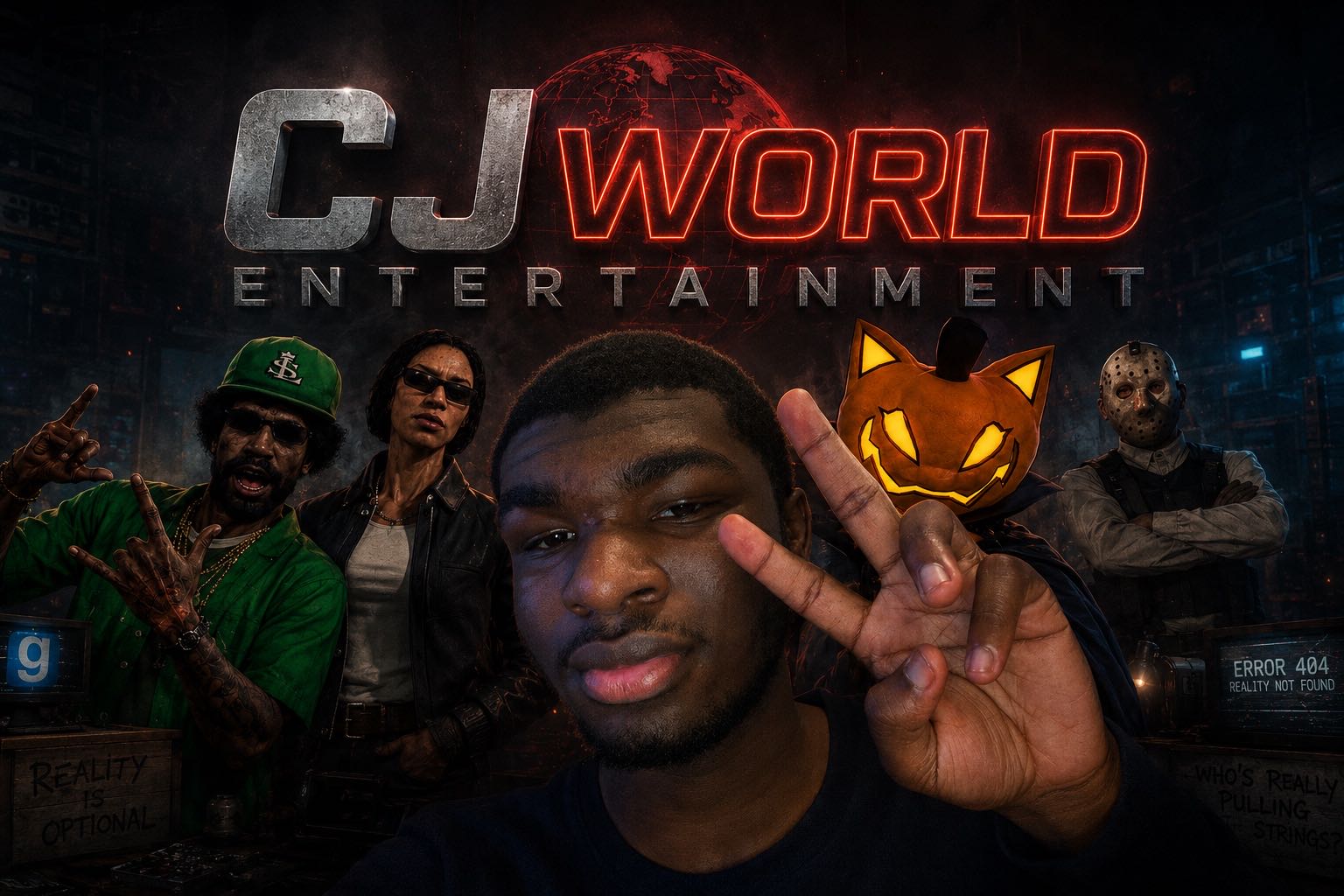
Well… - fighting scene AI video
CJ WORLD AI MOVIES! avatar
CJ WORLD AI MOVIES!
Kling AI work 309850693611687 - fighting scene AI image
zJwglUFV avatar
zJwglUFV
Fighting wit It - fighting scene AI video
RomanNsrvAI avatar
RomanNsrvAI
Elite Creator
Fight - fighting scene AI video
Fight
masterPoke avatar
masterPoke
Kling AI work 903704666746650642 - fighting scene AI video
00:15
XGUynmEW avatar
XGUynmEW

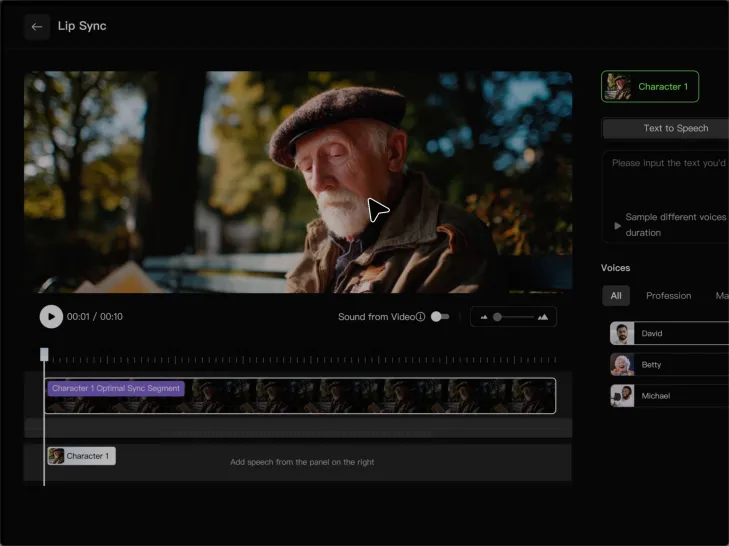
How to Generate AI Voices from Text with Kling AI

Step 1: Set Up Your Characters

Step 1: Set Up Your Characters

Start with a character in your prompt, or add a supported image, Character Element, or video reference when you already have a specific character in mind.

Step 2: Add Dialogue and Voice Direction

Step 2: Add Dialogue and Voice Direction

Write each character's dialogue and make the speaker clear in your prompt. Add directions for the language, accent, tone, emotion, or delivery when they matter to the scene. For scenes with multiple speakers, keep each character's name, line, and voice direction clearly connected.

Step 3: Generate Videos with Native Audio

Step 3: Generate Videos with Native Audio

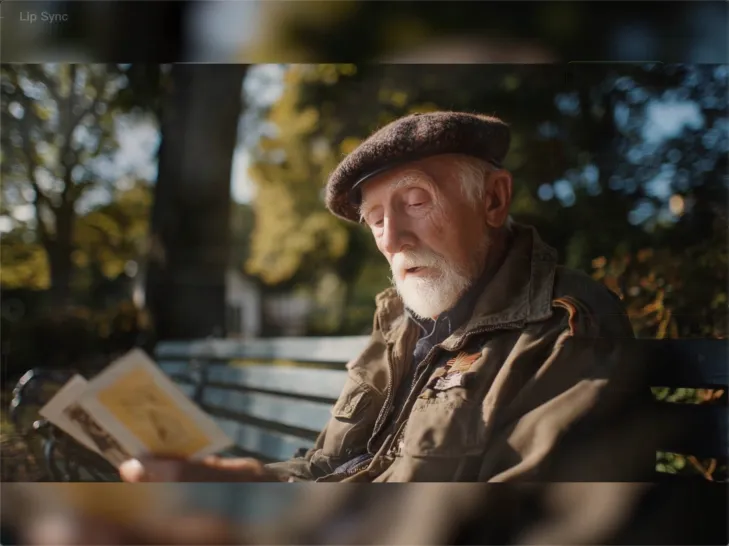
Generate with Native Audio to create the dialogue as part of the video itself. Kling VIDEO 3.0 Omni produces voice, facial performance, lip movement, visuals, ambience, and supporting sound within the same generation.

Key Features of Kling AI Text-to-Image Generator

Create Detailed Images From Text Prompts

Create Detailed Images From Text Prompts

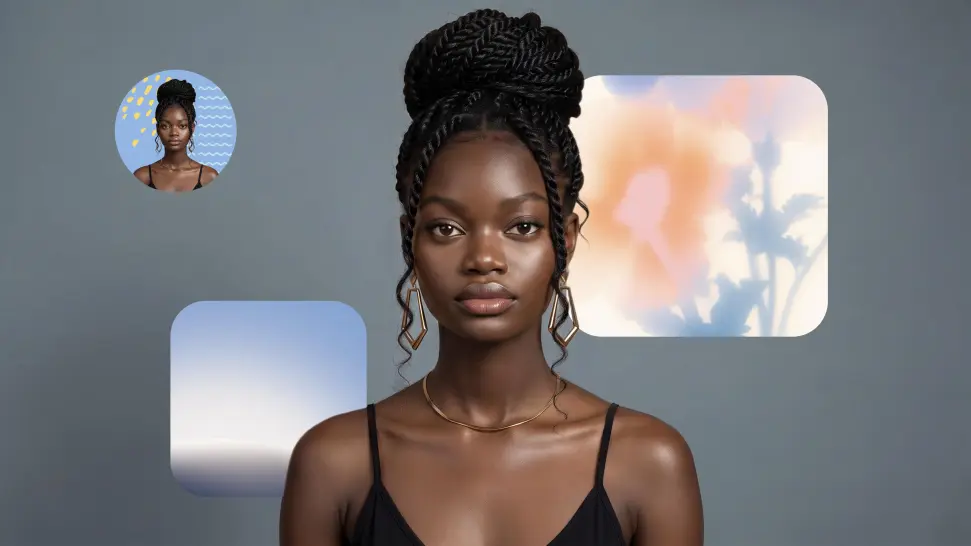
Turn your text descriptions into detailed images with Kling AI. Describe the subject, scene, style, and composition you want, and the model transforms your prompt into visuals that match your creative direction. Create realistic portraits, cinematic scenes, product visuals, and artistic images directly from text.

Keep Characters And Visual Elements Consistent

Keep Characters And Visual Elements Consistent

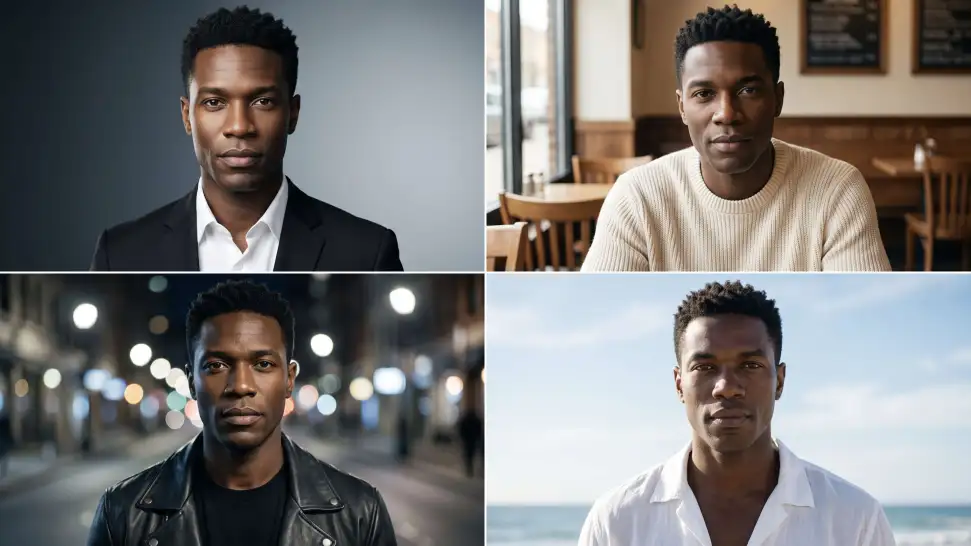
Create characters and visual concepts that remain consistent across different images. Kling IMAGE 3.0 uses reference images to preserve important details, including appearance, clothing, objects, and overall style. This makes it easier to create character designs, brand visuals, and image series with a consistent look.

Explore Different Styles And Variations

Explore Different Styles And Variations

Explore different visual directions with prompts and reference images. Adjust composition, perspective, lighting, and style to create new variations while keeping the main concept consistent. This helps you test different ideas and develop visuals for artwork, marketing materials, and creative projects.

Apps

Image to Video
Image to Video

Image to Video

Text to Video
Text to Video

Text to Video

Omni
Omni

Omni

Digital Human
Digital Human

Digital Human

Restyle
Restyle

Restyle

Text to Image
Text to Image

Text to Image

60M+
60M+
Users
600M+
600M+
AI Videos Generated
4.7 ★
4.7 ★
App Store
Industry-Leading
Industry-Leading
Cinematic 4K

Reviews

Samuele Poggi (@visualsk2)

Samuele Poggi (@visualsk2)

★★★★★

I use Kling AI daily to push the limits of AI filmmaking. It allows me to create highly cinematic content, blending AI and VFX to develop innovative projects. It has significantly impacted my creative process, enabling me to achieve complex animations that would otherwise require high production budgets.

James Phillips

James Phillips

★★★★★

Kling AI has transformed my workflow by collapsing timelines and democratizing production. It’s shifted my mindset from resource-dependent filmmaking to a boundless creative sandbox, where experimentation yields unexpected beauty.

PJ Ace

PJ Ace

★★★★★

Kling AI has made it easy for us to generate world class visuals for Fortune 500 companies, TV shows and music for big artists. We love the easy of use of the platform and the quality of the generations. My first time using Kling AI, I got 22 million views on just one video. It's that good.

FAQ

Q1What makes a good reference video for Motion Control?
Q2Can I use the audio from the reference video?
Q3Can I upload multiple images to improve accuracy?

Start Controlling Character Motion

Stop accepting distorted AI movements. Upload your reference and let Kling replicate it precisely.

Works on humans, anime & 3D | High-precision motion | Zero distortion