
Creative Studio
API
Resources
Features
About Us
Download

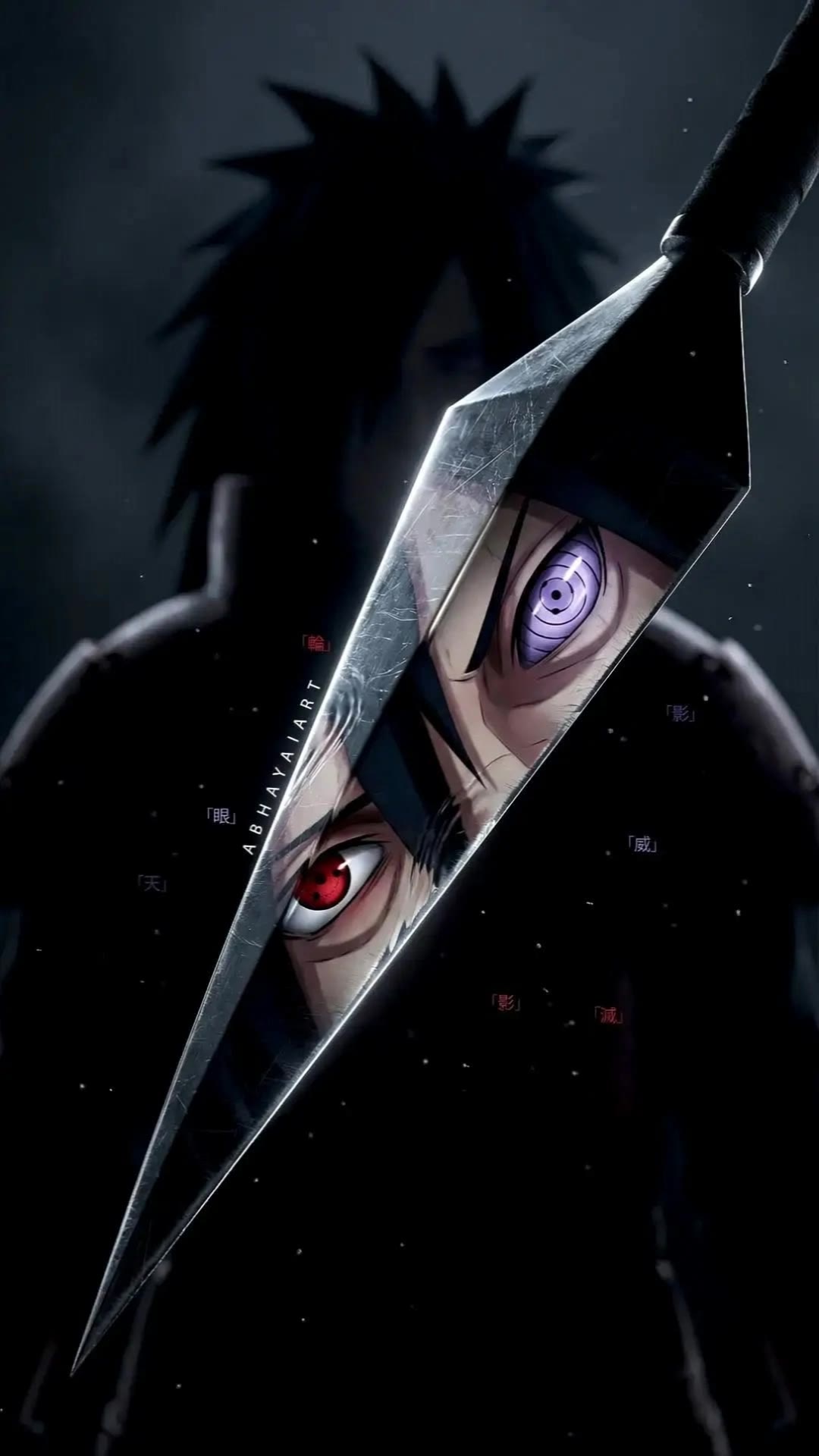
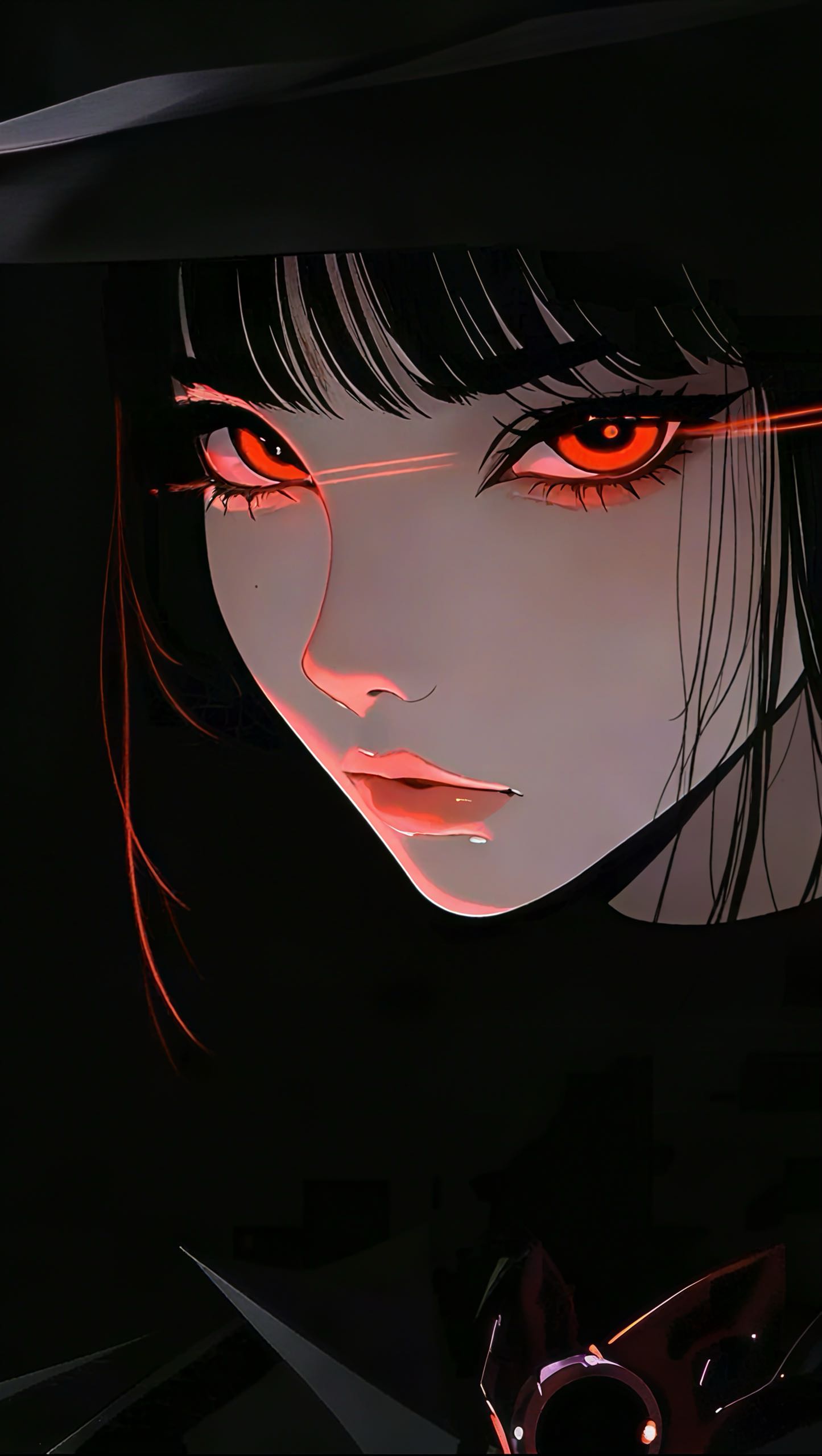
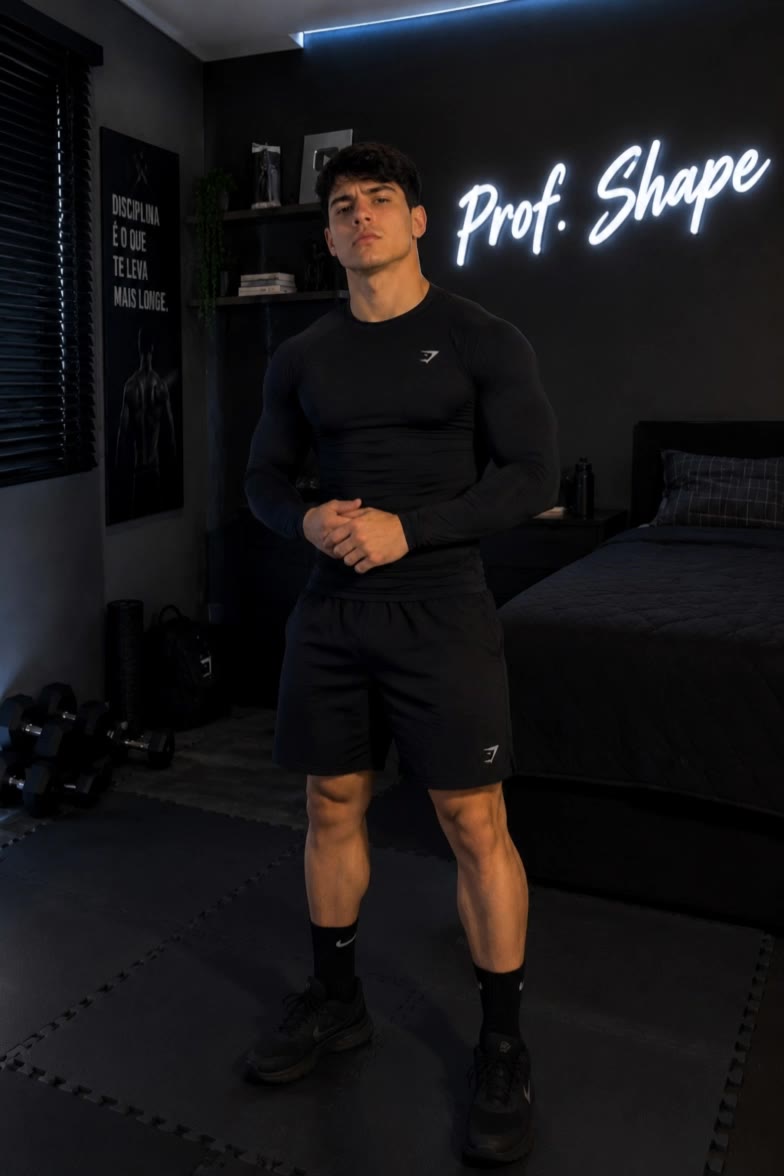
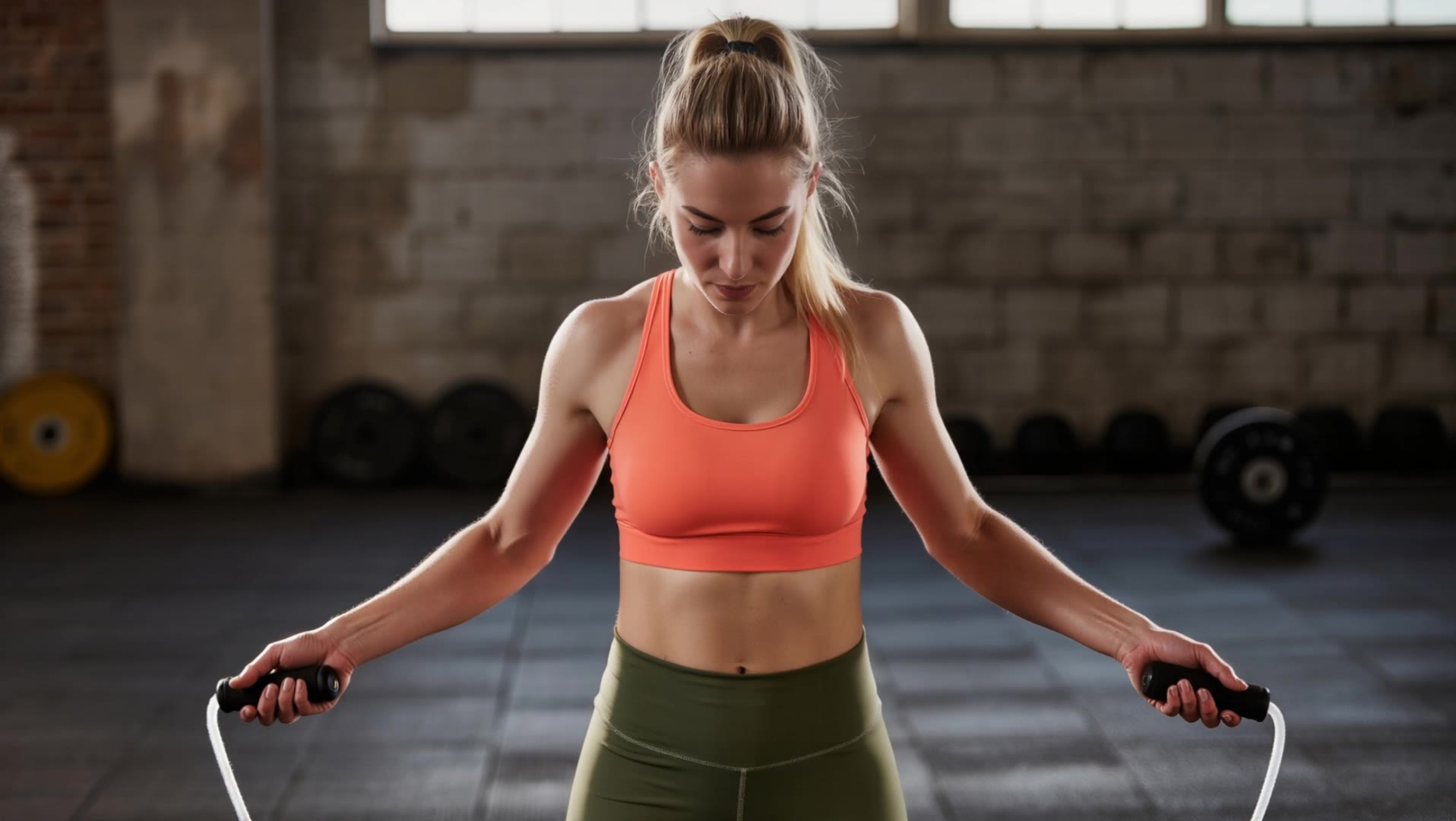
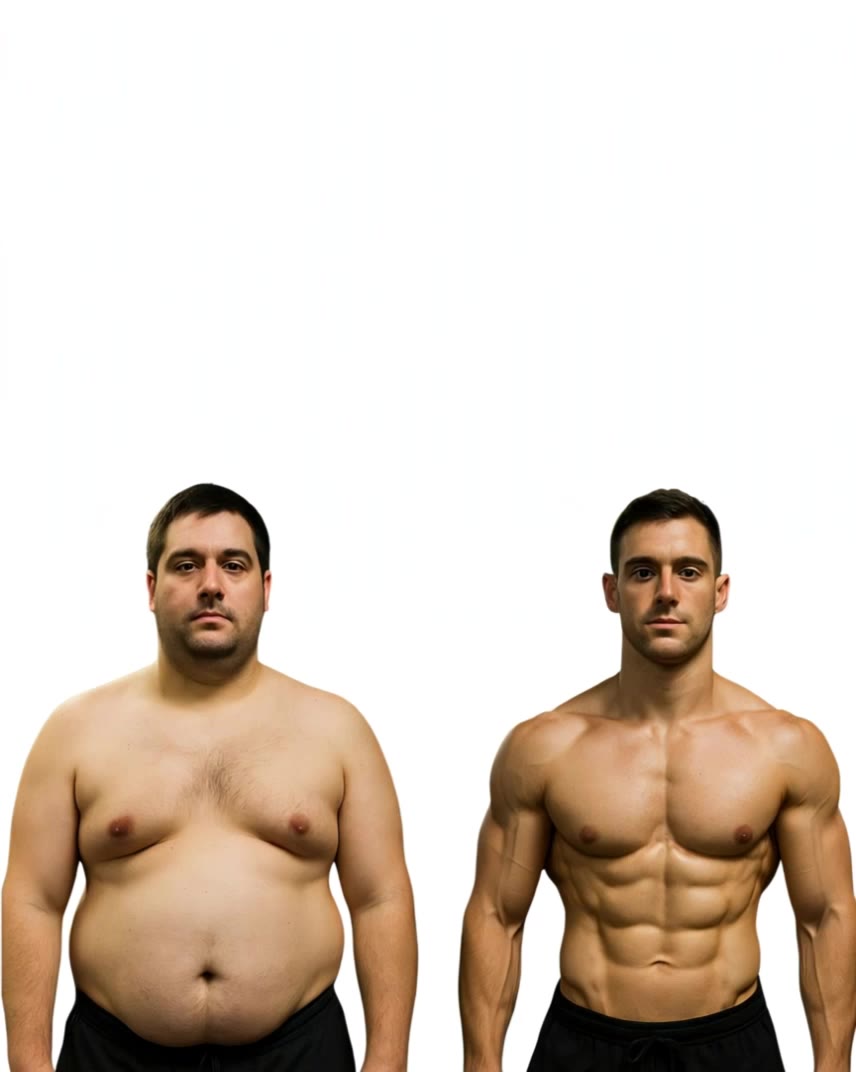
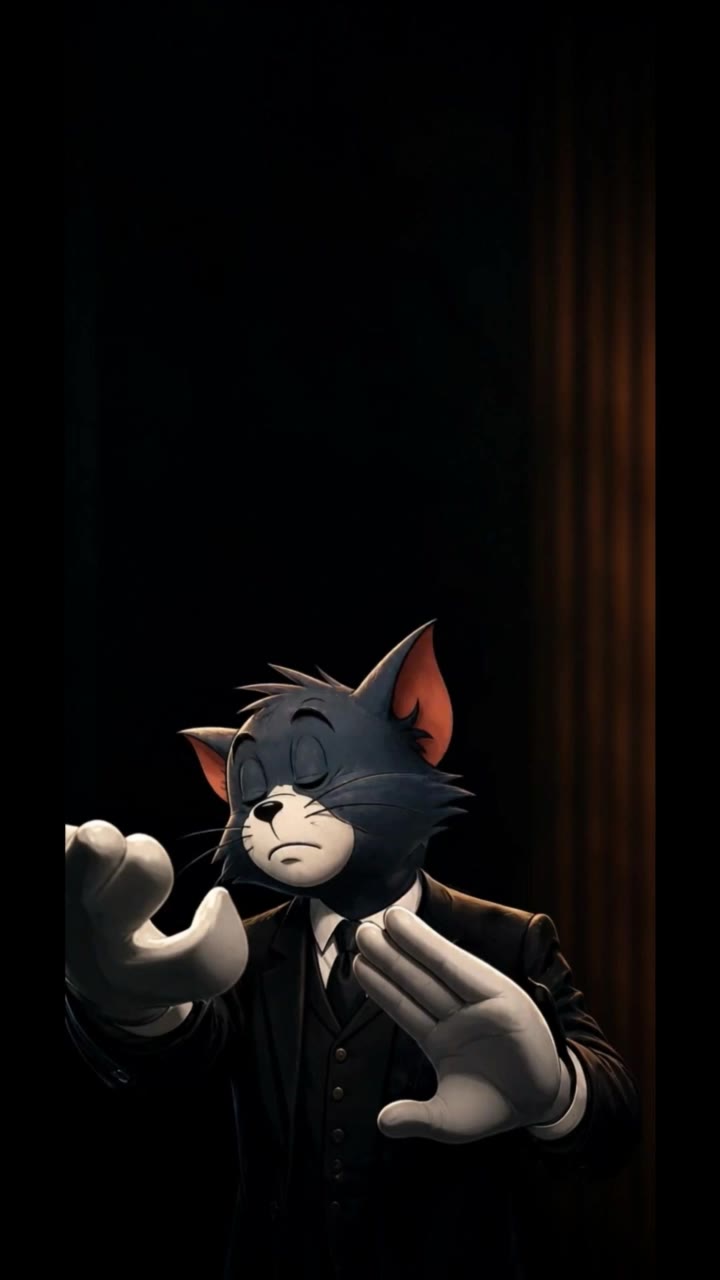
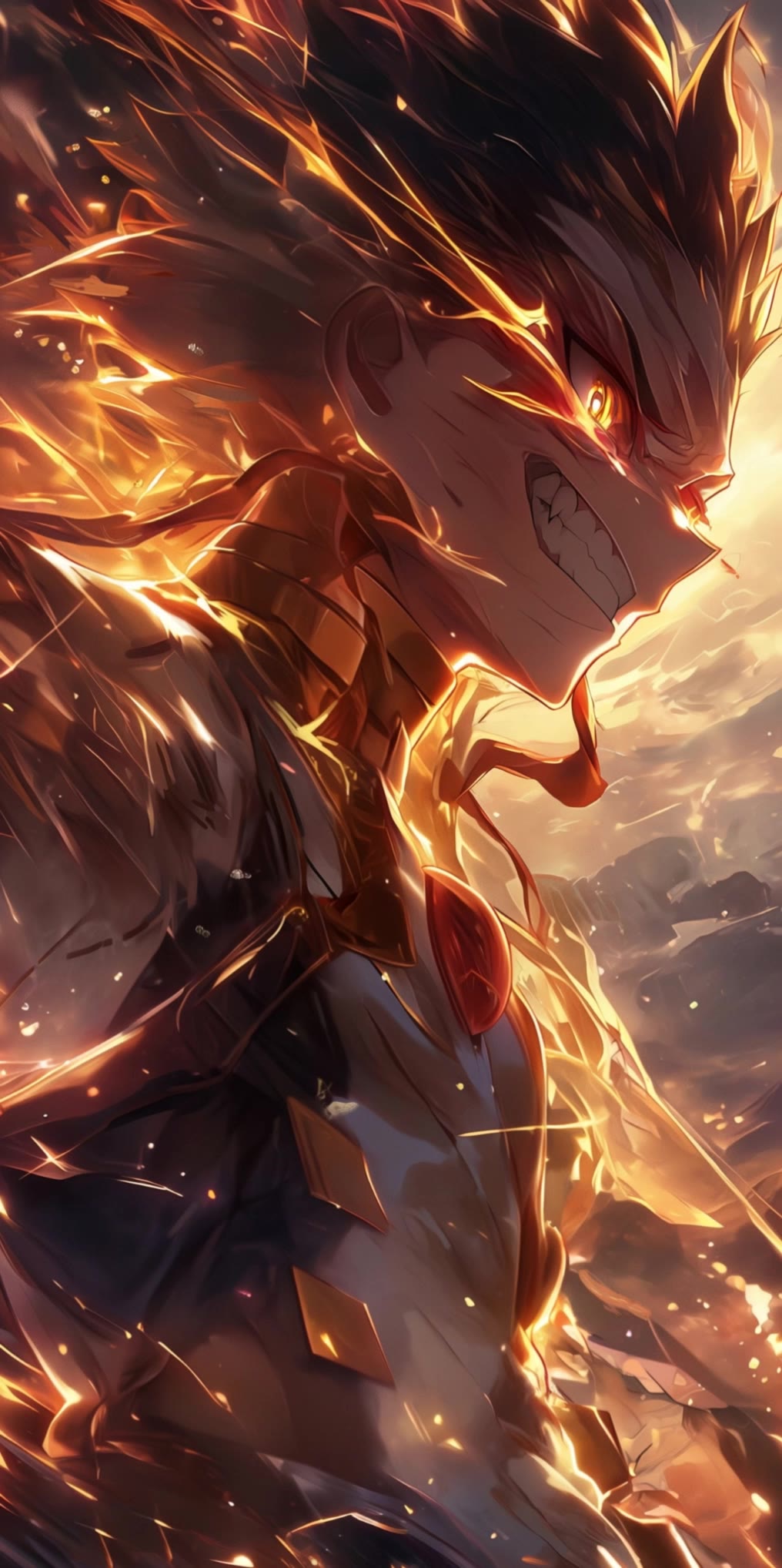
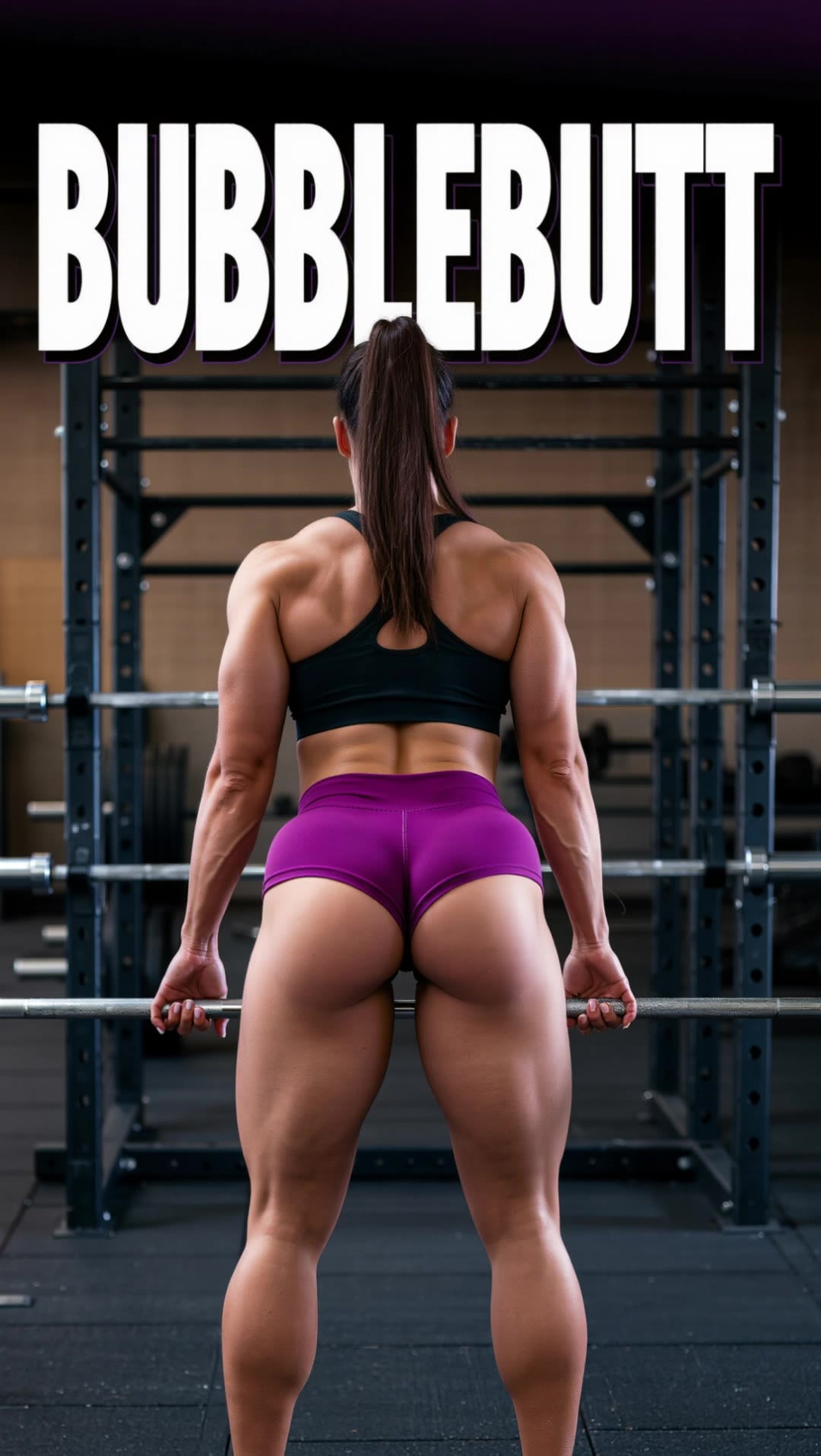
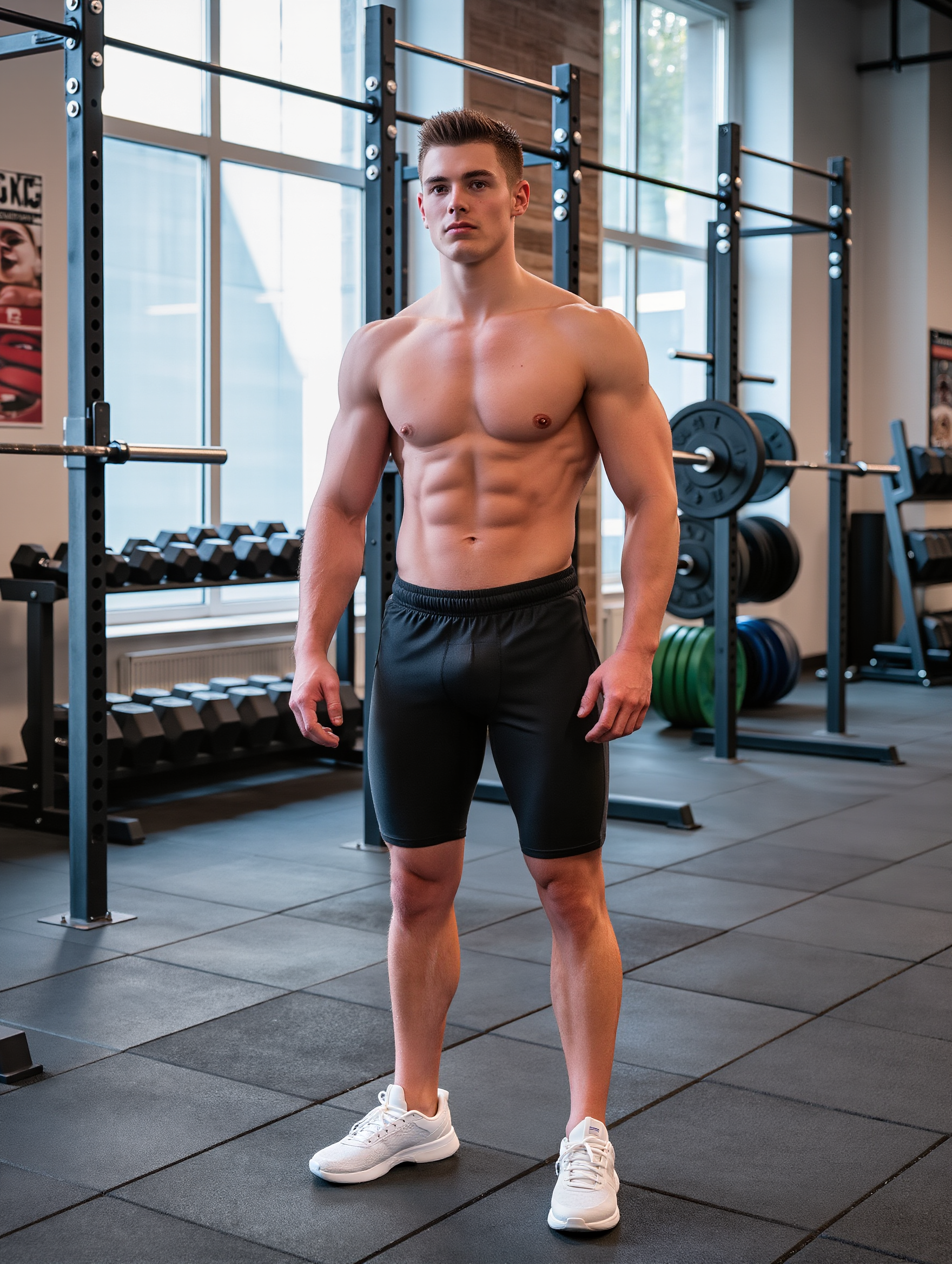
AI-made fitness wallpaper concepts – Motivate your space with AI

Motivate your space with AI-made fitness wallpaper concepts. These designs are created to inspire and energize, offering a quick and easy way to add a dynamic touch to any room. Customize the details to match your fitness goals and style.

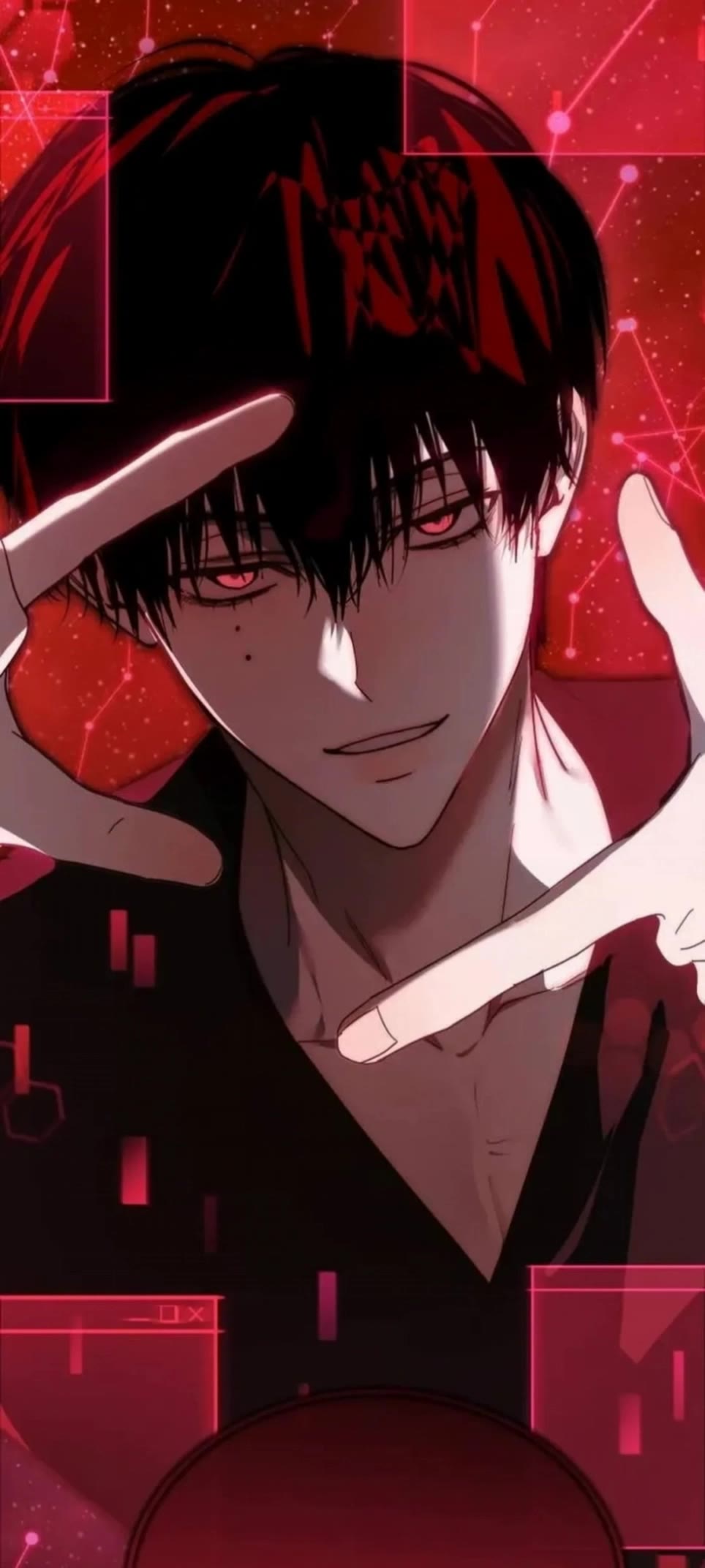
AI-made fitness wallpaper concepts – Motivate your space with AI

Recommended

Kling AI work 318213612613280 - fitness wallpaper AI image
yMdxQCAe avatar
yMdxQCAe
Kling AI work 308050915500509 - fitness wallpaper AI video
bKGXSDuD avatar
bKGXSDuD
wallpaper - fitness wallpaper AI video
00:20
bSiyzJEq avatar
bSiyzJEq
Kling AI work 313029707521594 - fitness wallpaper AI video
ugpiFHjN avatar
ugpiFHjN
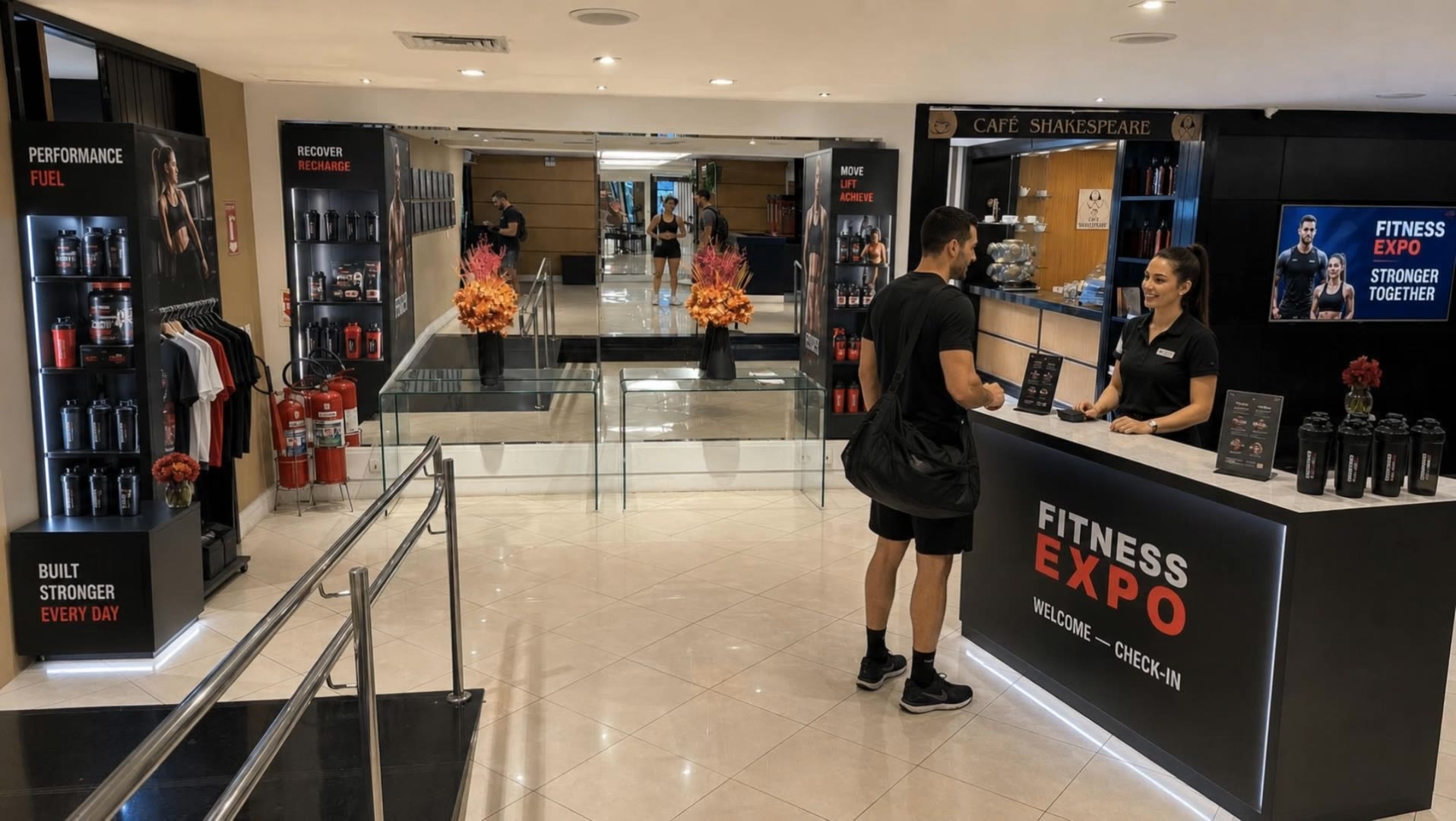
Fitness expo  - fitness wallpaper AI video
EbwNeaNp avatar
EbwNeaNp
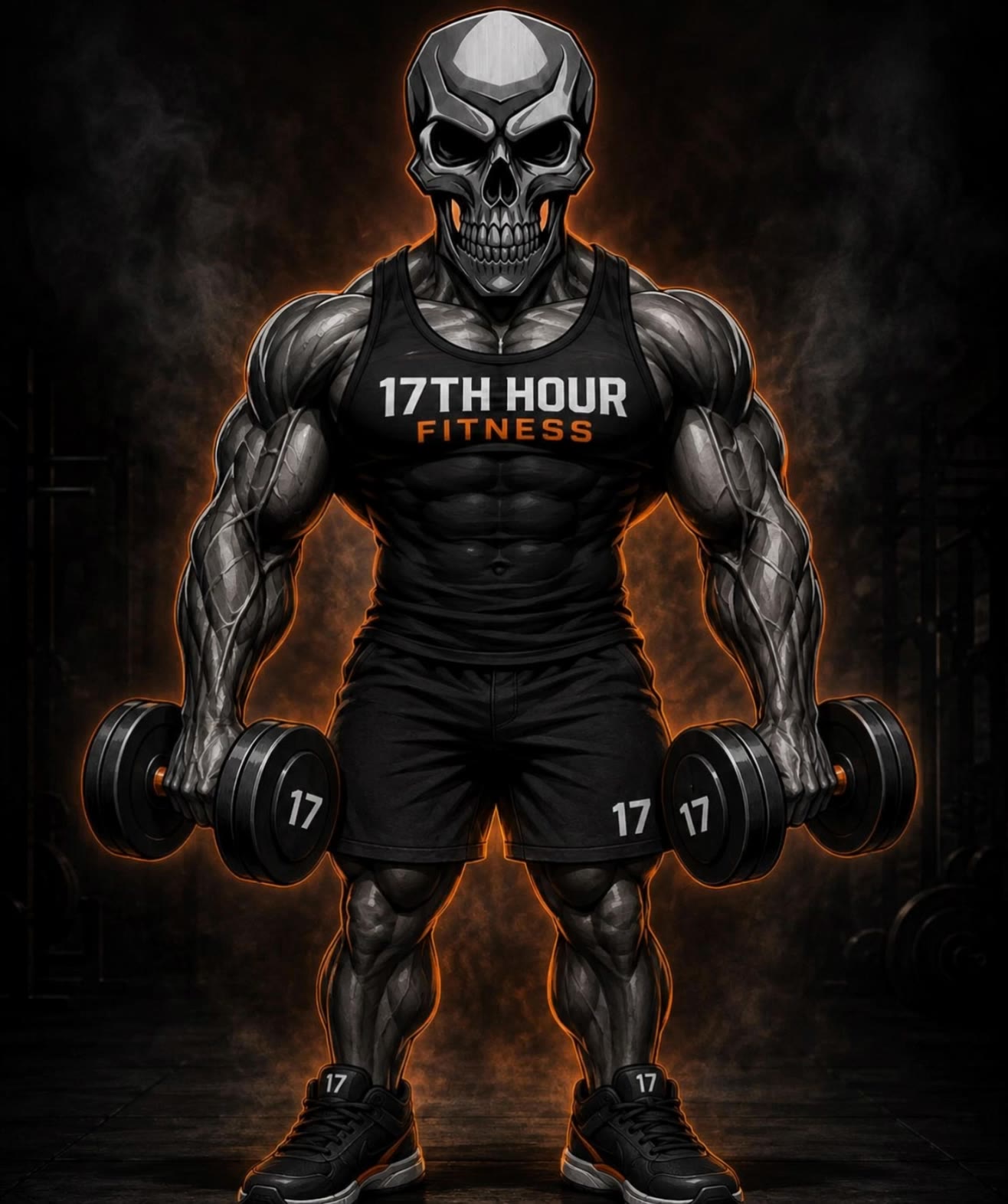
17hour fitness  - fitness wallpaper AI video
rHsMOoOs avatar
rHsMOoOs
Kling AI work 307801120535948 - fitness wallpaper AI video
MCBsGbvY avatar
MCBsGbvY
THE Prof. Shape - fitness wallpaper AI video
RndkrPqt avatar
RndkrPqt
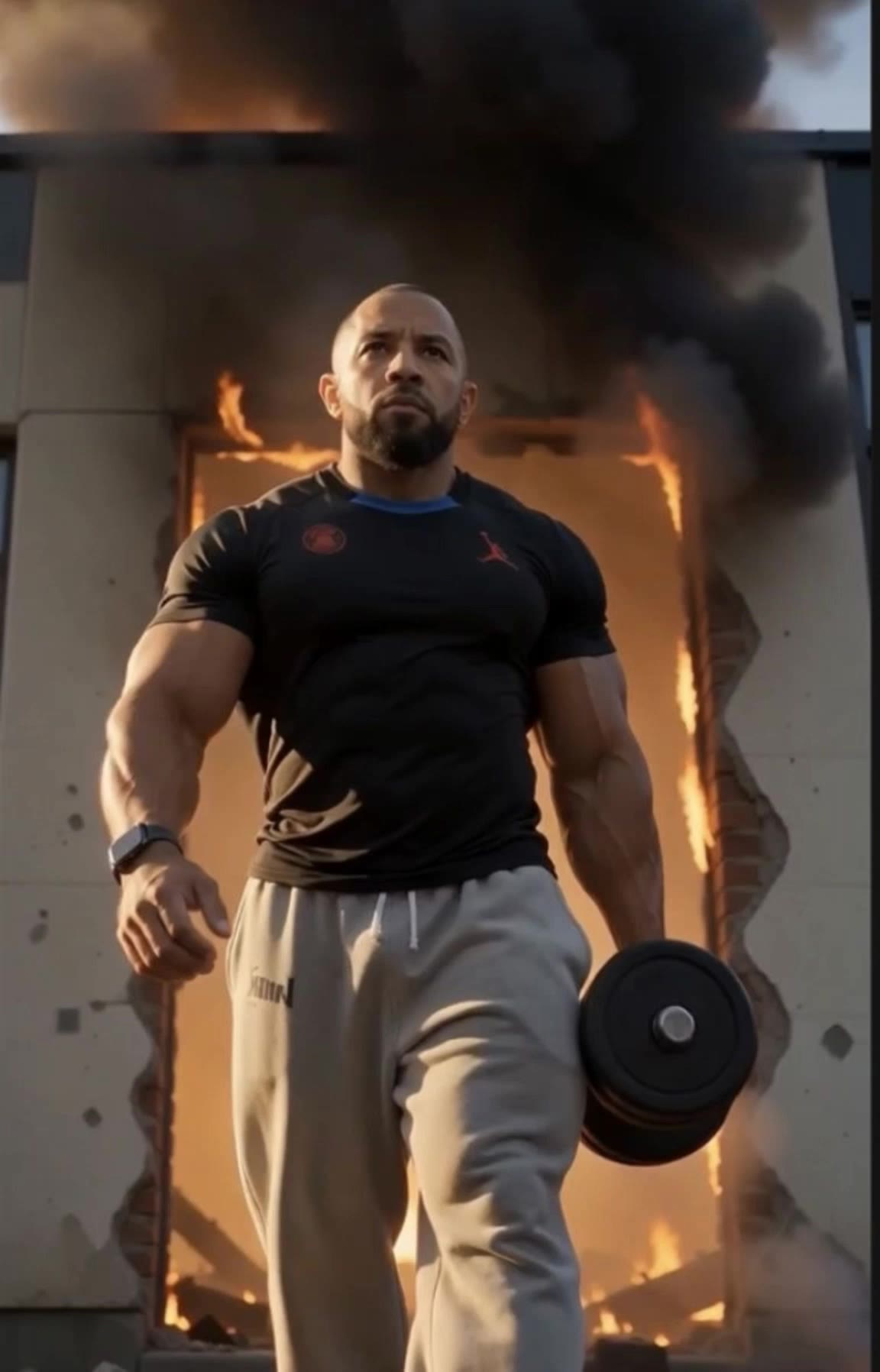
focus, fitness, determination - fitness wallpaper AI video
Pecherskiy_kz avatar
Pecherskiy_kz
Kling AI work 311335367522949 - fitness wallpaper AI video
KLING9143 avatar
KLING9143
Kling AI work 316445095506594 - fitness wallpaper AI video
MNIrNBsk avatar
MNIrNBsk
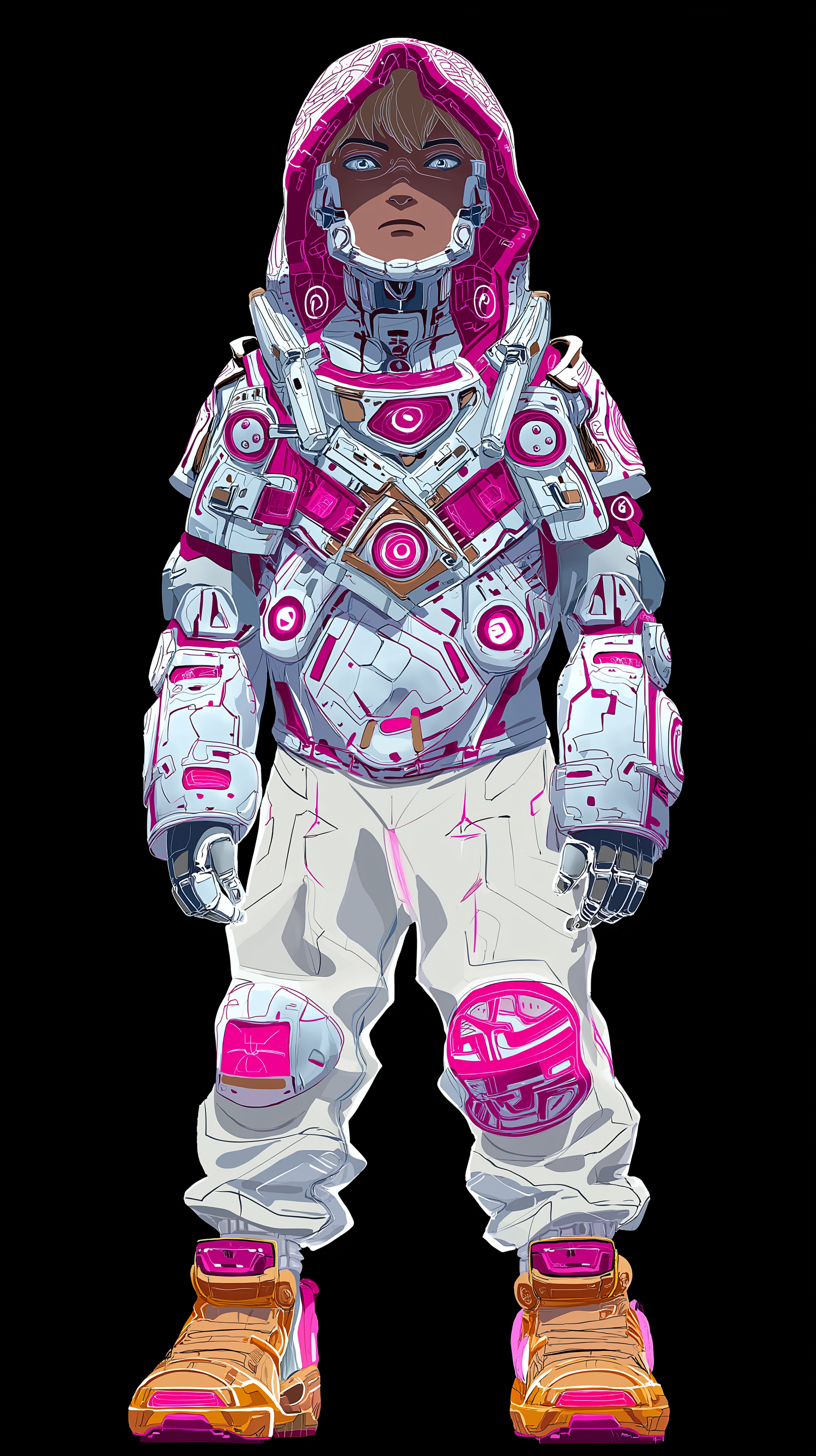
Anime character wallpaper  - fitness wallpaper AI video
Epic Live Wallpaper  avatar
Epic Live Wallpaper
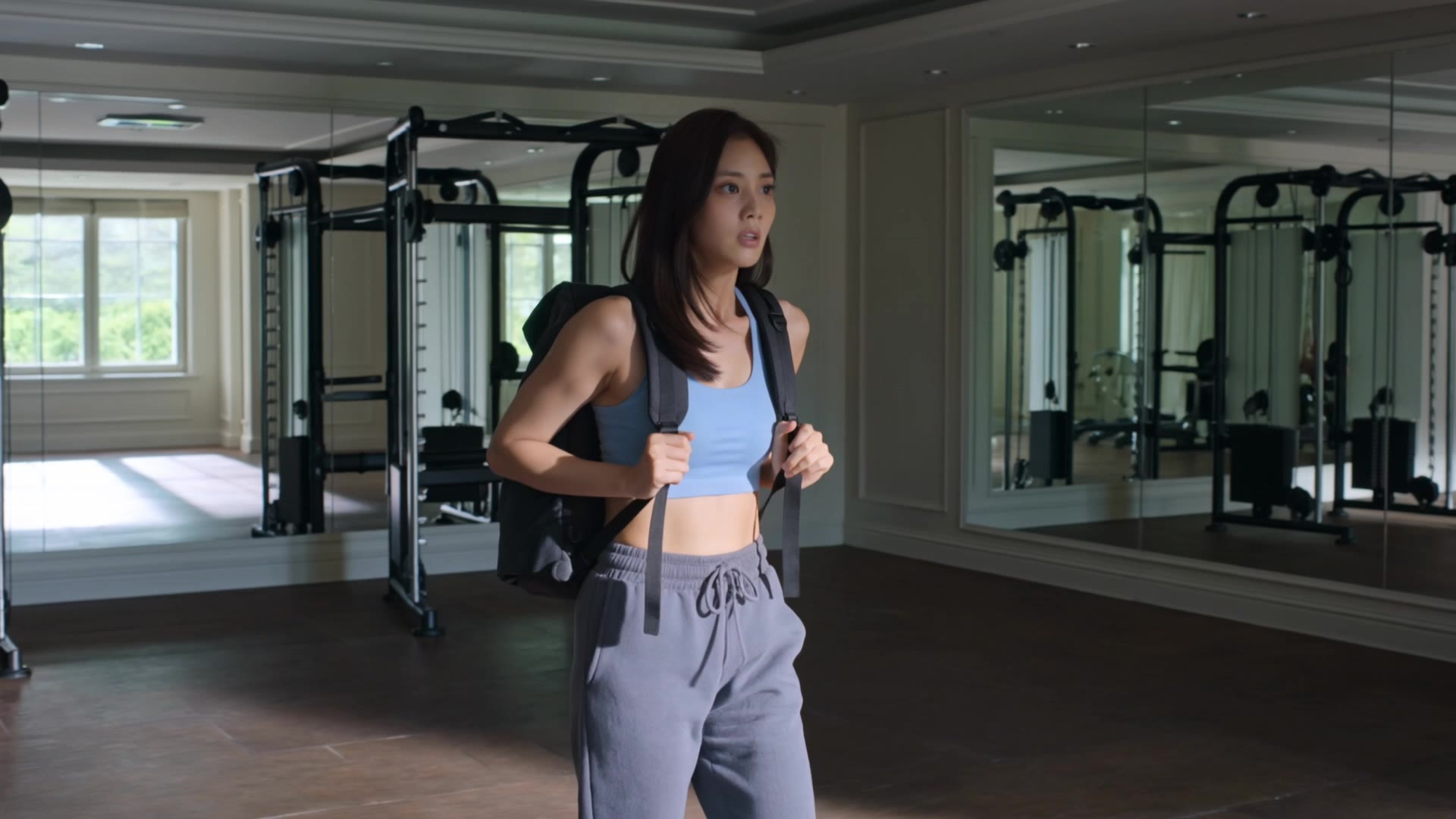
fitness beauty workout - fitness wallpaper AI video
Eman Daman avatar
Eman Daman
Live Wallpaper - fitness wallpaper AI video
Louis avatar
Louis
Elite Creator
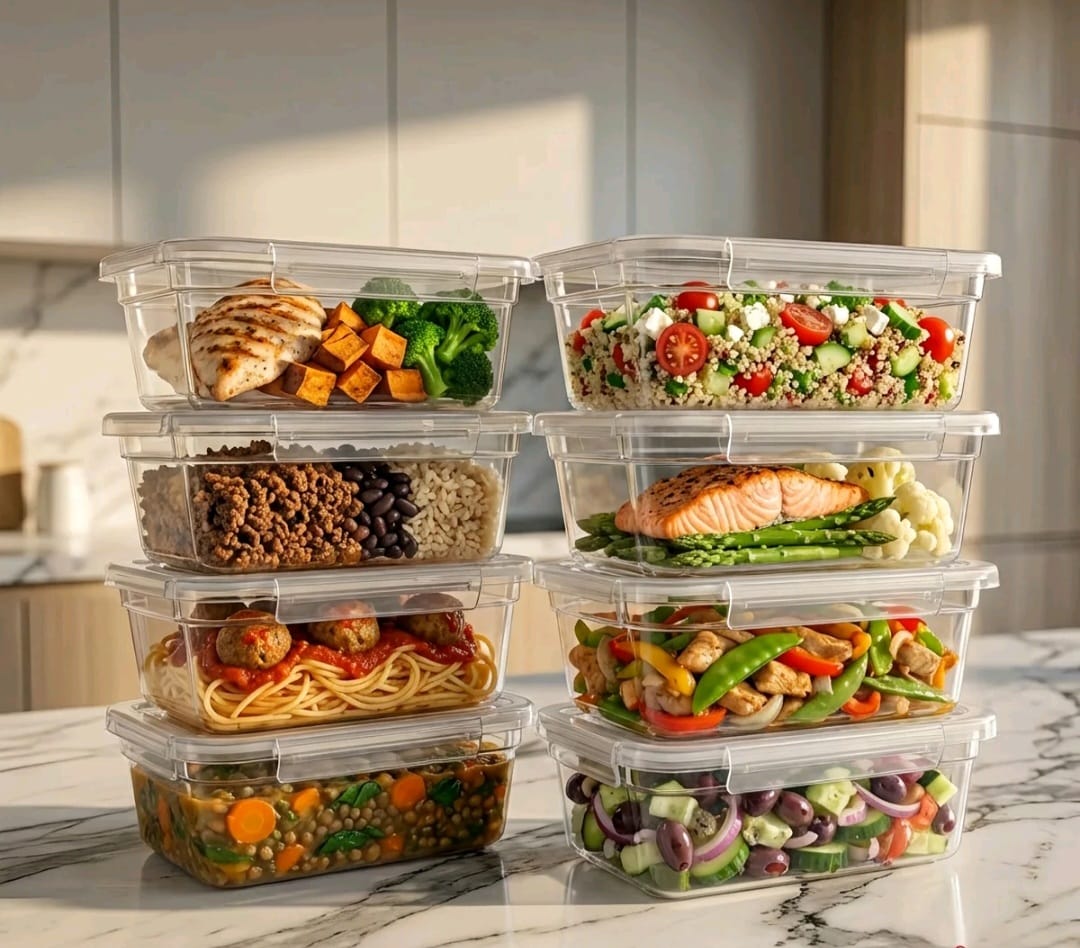
Marmitas Fitness - fitness wallpaper AI video
00:05
mbhlVKhX avatar
mbhlVKhX
Kling AI work 316801982508569 - fitness wallpaper AI video
Daianaaa avatar
Daianaaa
Kling AI work 313710910522049 - fitness wallpaper AI video
SncrKDpC avatar
SncrKDpC
Kling AI work 309003577661243 - fitness wallpaper AI video
GhGfLbHl avatar
GhGfLbHl
Kling AI work 318473229503998 - fitness wallpaper AI image
smallest Emmy avatar
smallest Emmy

How to Create an AI Video from a Script

Start with a Scene or Story Beat

Start with a Scene or Story Beat

Paste in the part of your script you want to see on screen. Include the setting, characters, action, and dialogue that matter to the scene. Camera direction and visual style can stay simple at first, you can get more specific when you start shaping the shots.

Turn the Scene into a Shot Sequence

Turn the Scene into a Shot Sequence

Switch on Multi-Shot and let Kling work out the scene transitions and camera coverage from your prompt. Already have the sequence in your head? Open Custom Multi-Shot and lay out the individual shots yourself, including how long they last and what happens in each one.

Generate with Native Audio

Generate with Native Audio

Set the duration and available output options, then generate your sequence. Native Audio can bring dialogue, ambience, and sound effects into the same generation, so the result does not have to begin as a silent set of shots. Kling VIDEO 3.0 supports scenes up to 15 seconds in a single generation.

Create AI Art with More Creative Control

Bring More Than a Prompt to Your Art

Bring More Than a Prompt to Your Art

Start with words, a sketch, a photo, or the references that already capture part of your idea. IMAGE 3.0 can use up to 10 reference images, so you can bring a character from one image, an outfit from another, and a different setting or art style into the same creation. Use references for the details you want to keep, then use your prompt to decide what changes.

Find the Look That Fits Your Idea

Find the Look That Fits Your Idea

Create pencil drawings, watercolor paintings, anime art, comics, concept art, 3D-inspired images, and more. Try a completely different style, or fine-tune the one you already have. Kling AI also gives you control beyond the art style. Reframe the scene, shift the viewing angle, change the lighting or color palette, and keep refining the image until the whole piece comes together

Create a Series, Not Just a Single Image

Create a Series, Not Just a Single Image

Keep a character, setting, or visual style recognizable across multiple pieces of artwork with IMAGE 3.0 Omni. Generate new poses, scenes, and compositions while keeping the details that tie the series together. It works especially well for character concepts, comics, storyboards, and other ideas that need to develop across several images. Generate in native 2K or 4K when you want more detail in the finished artwork.

Apps

Image to Video
Image to Video

Image to Video

Text to Video
Text to Video

Text to Video

Omni
Omni

Omni

Digital Human
Digital Human

Digital Human

Restyle
Restyle

Restyle

Text to Image
Text to Image

Text to Image

60M+
60M+
Users
600M+
600M+
AI Videos Generated
4.7 ★
4.7 ★
App Store
Industry-Leading
Industry-Leading
Cinematic 4K

Reviews

Jyo John Mulloor

Jyo John Mulloor

★★★★★

Kling AI has been instrumental in transforming my creative workflow, unlocking new dimensions of artistic expression that were once unimaginable. I use Kling AI extensively to develop high-concept visuals, animate surreal dreamscapes, and create AI-assisted films that blur the line between reality and fantasy. Kling AI’s deep learning capabilities have not only enhanced my creative efficiency but also inspired me to explore storytelling in ways I never thought possible.

Déborah

Déborah

★★★★★

I use Kling AI every day. It's amazing to see the almost daily progress it makes. I used AI for fun at first, and I now find that Kling AI's animations allow me to gain professional visibility, with three times more views on my animated posts than on my static posts.

KakuDrop

KakuDrop

★★★★★

I have successfully collaborated with world-renowned artists and well-known companies that are recognized globally

FAQ

Q1Does Kling AI support multiple languages?
Q2What can I use an AI voice generator for?
Q3Can I keep the same character voice across different videos?

Bring Every Voice Into the Story

Create character dialogue, multilingual voices, consistent voice identities, ambience, and sound effects with Kling VIDEO 3.0.

Multilingual Dialogue | Multi-Character Voices | Native Audio