
Creative Studio
API
Resources
Features
About Us
Download

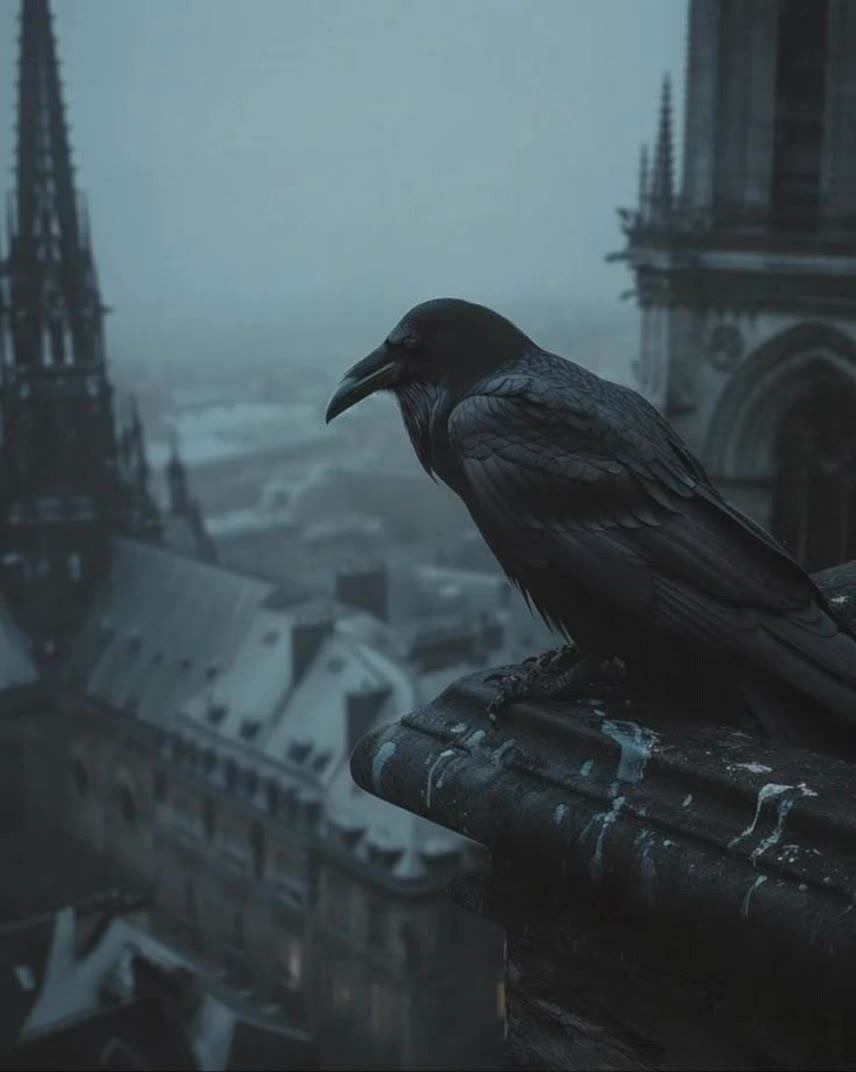
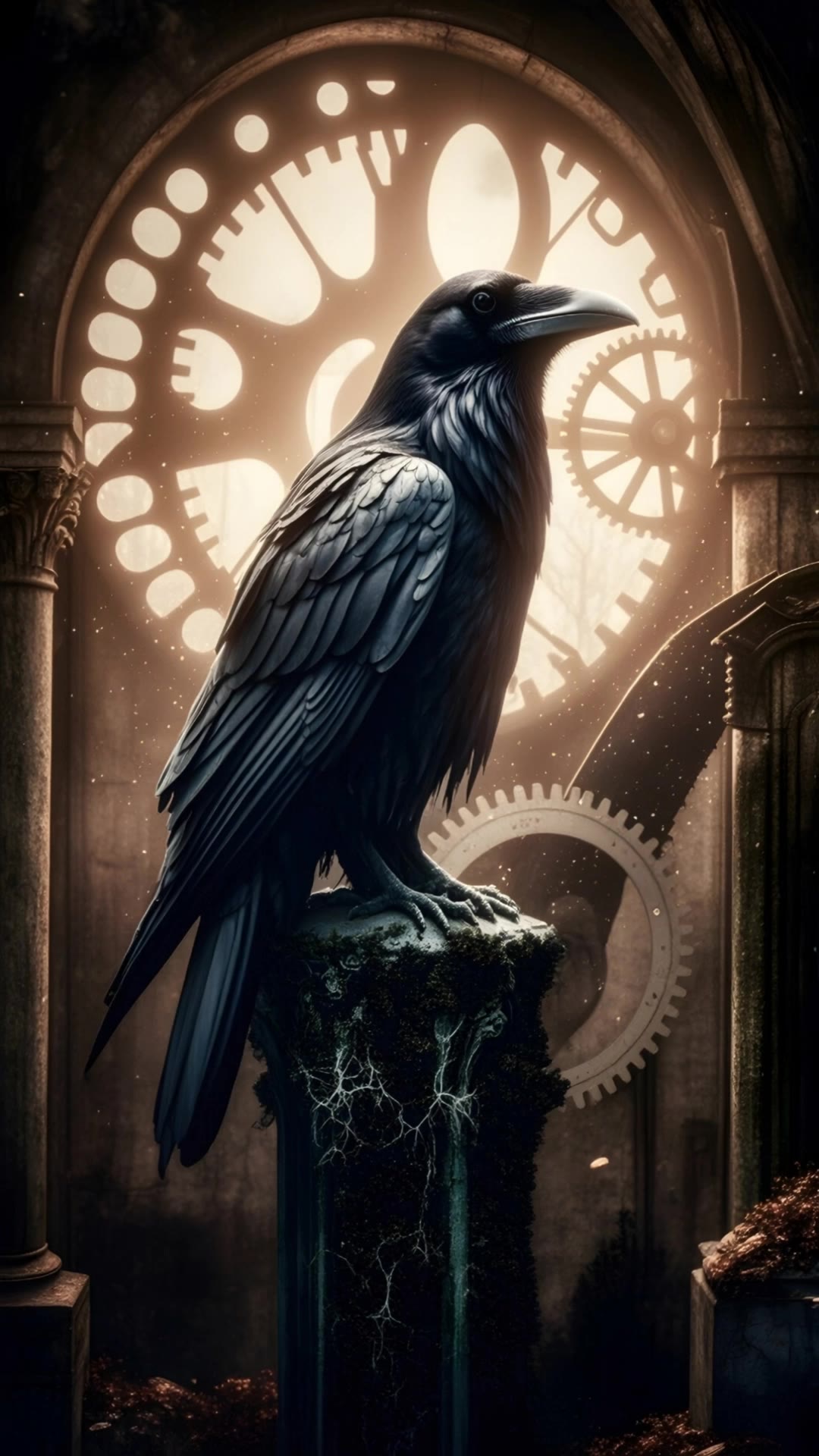
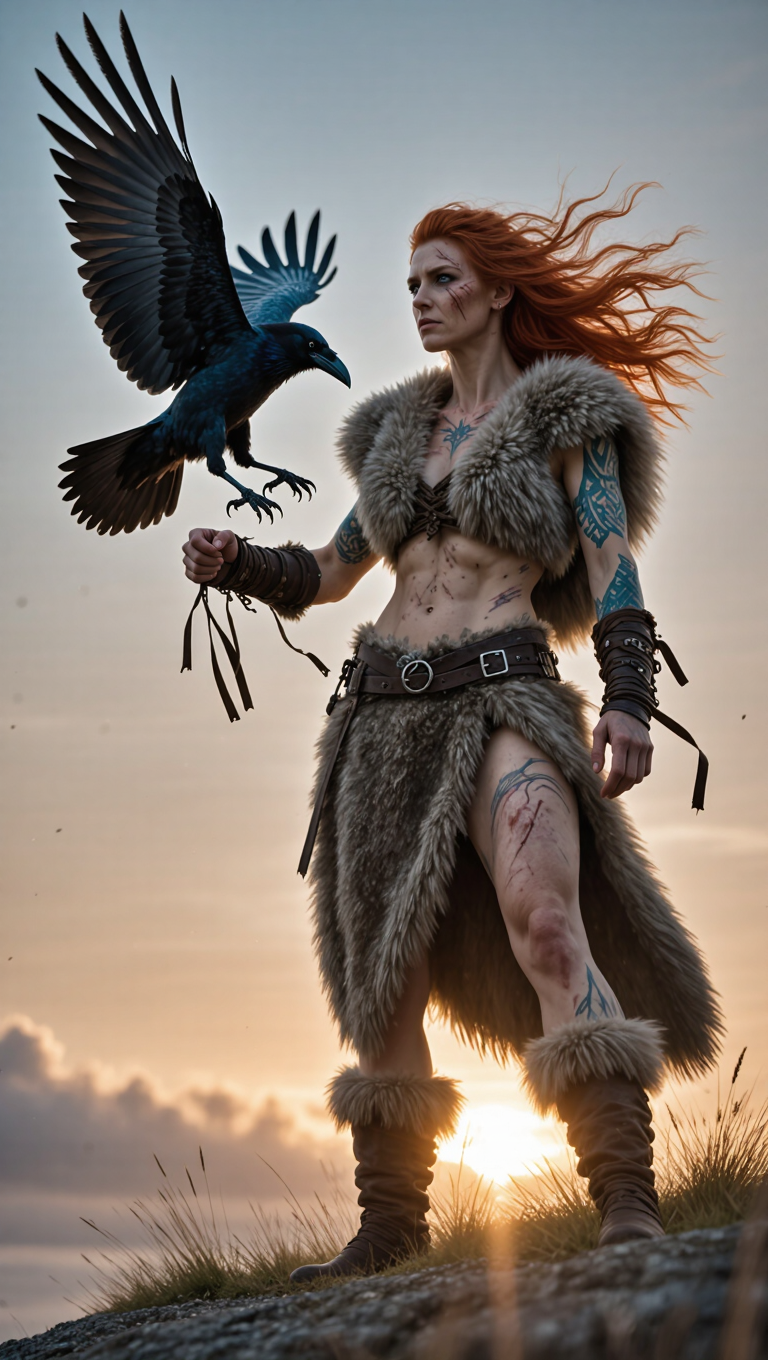
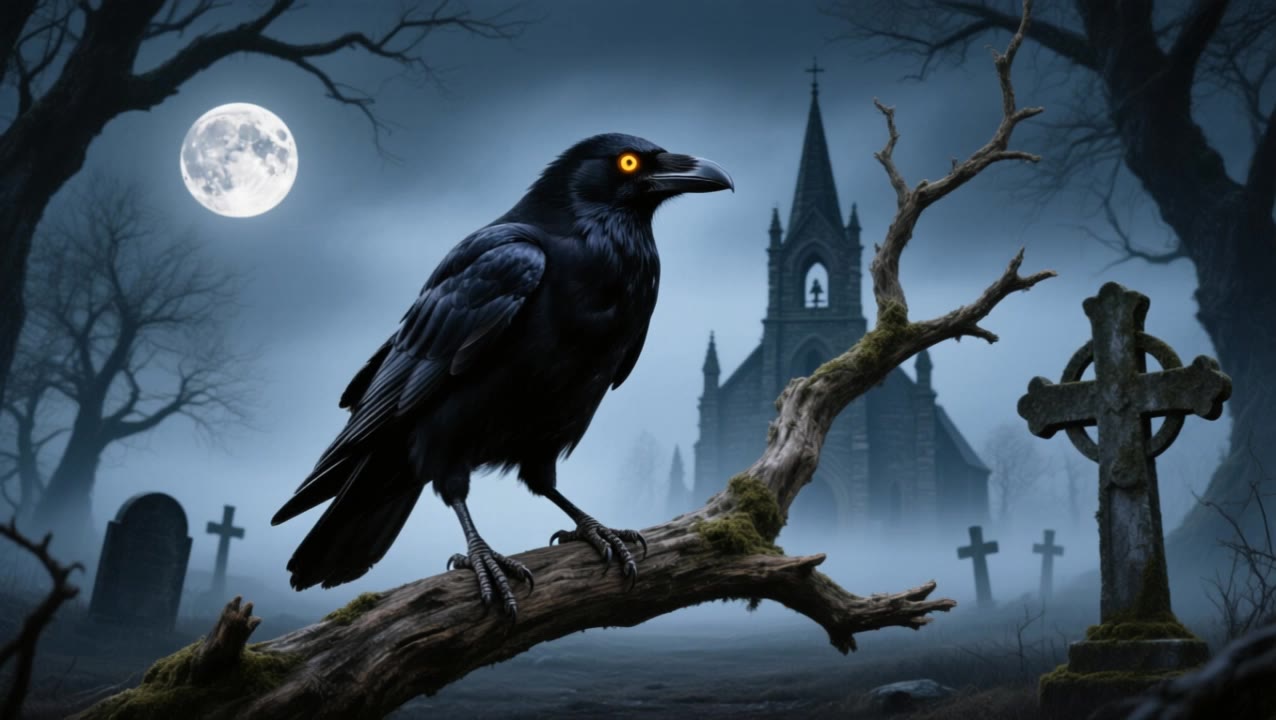
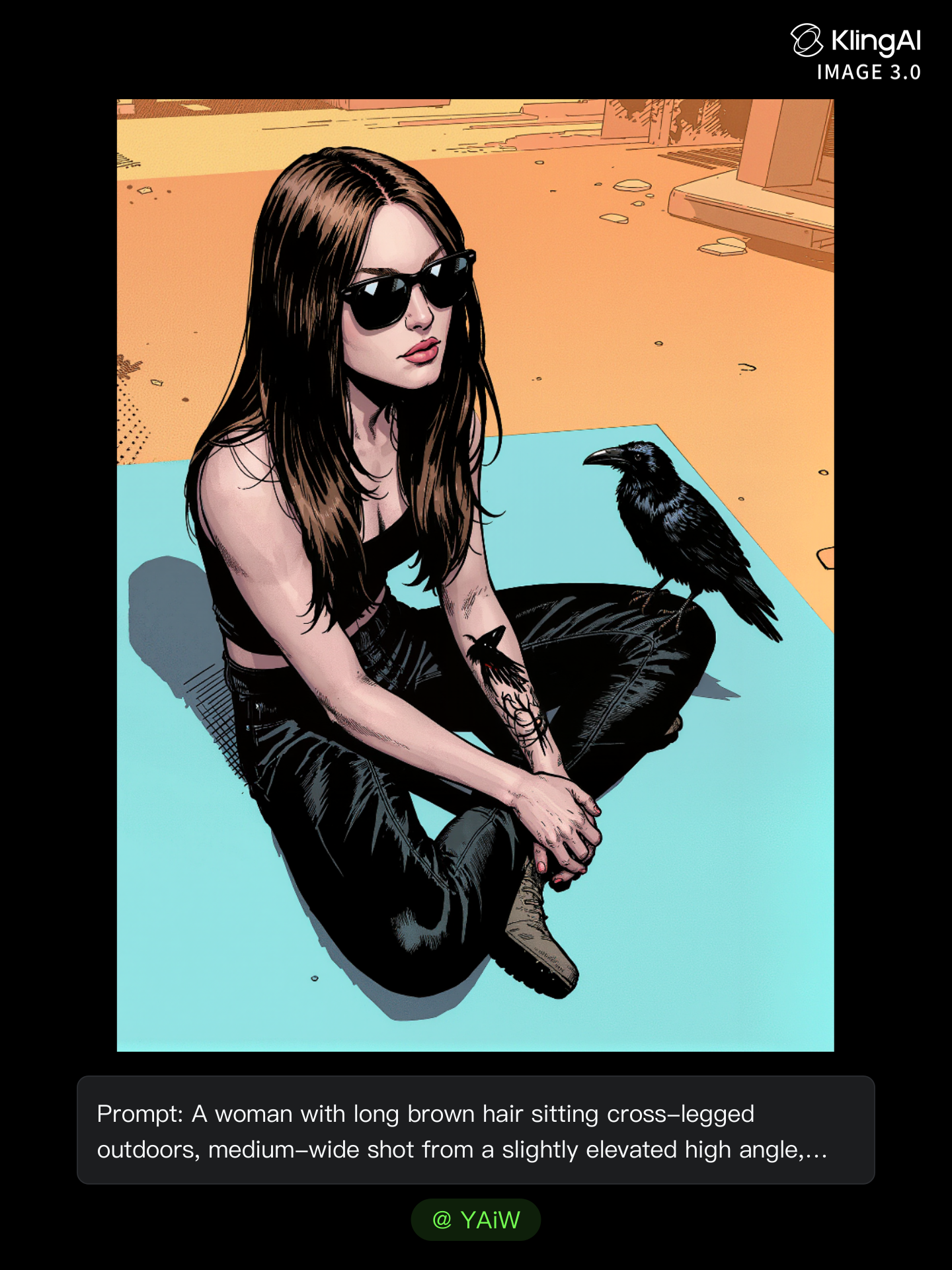
flying raven tattoo - warrior armor & mystical goddess

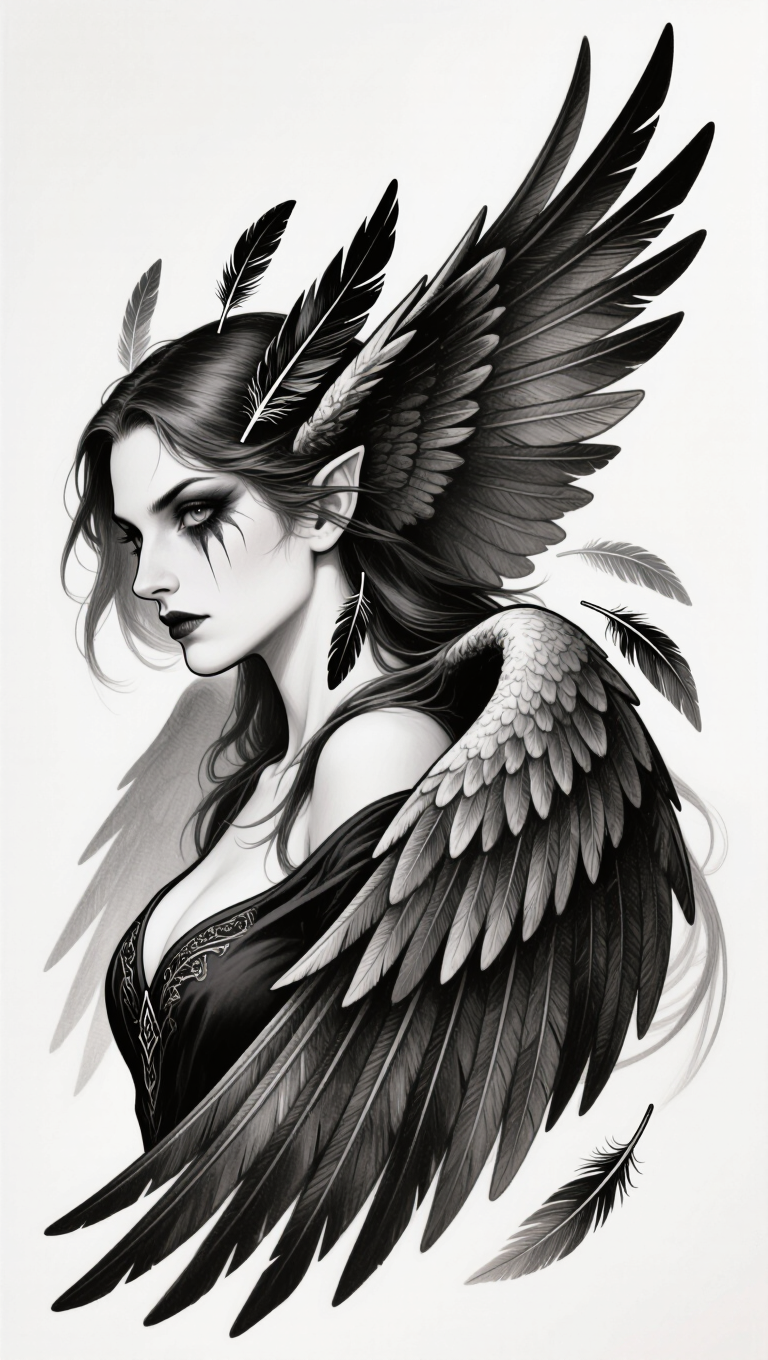
Uncover the mystique of flying raven tattoos inspired by a humanoid raven warrior in leather armor and the powerful symbolism of the Morrígan, the goddess of war and fate. Start exploring flying raven tattoo ideas and generate your own content with AI.

flying raven tattoo - warrior armor & mystical goddess

Recommended

Kling AI work 317848493662093 - flying raven tattoo AI video
imkTqXob avatar
imkTqXob
Kling AI work 319524891528953 - flying raven tattoo AI video
GMAN_ROCKZ avatar
GMAN_ROCKZ
The Raven - flying raven tattoo AI video
Manfred avatar
Manfred
Mlle K 🔗🌀 - flying raven tattoo AI image
YAiW avatar
YAiW
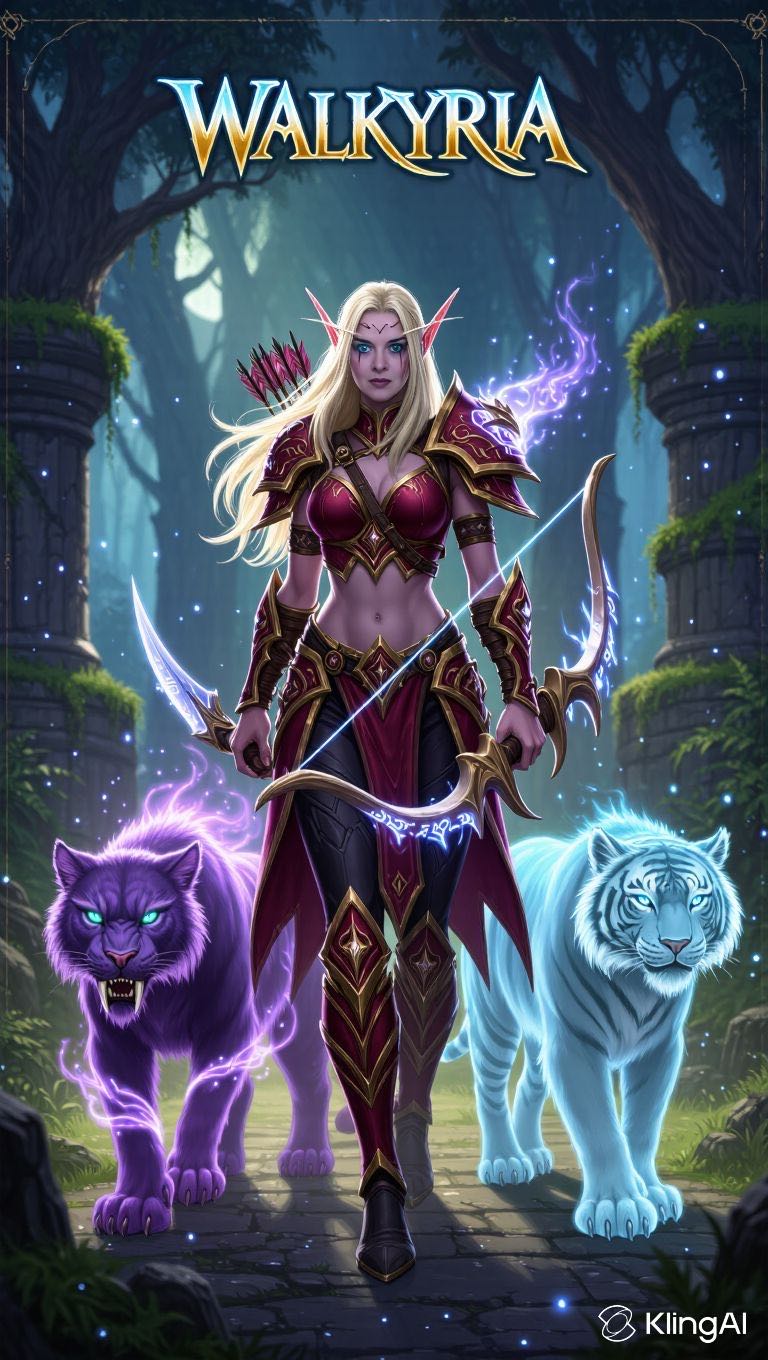
Kling AI work 298992713506626 - flying raven tattoo AI image
Walkyria avatar
Walkyria
Kling AI work 306537216666996 - flying raven tattoo AI video
Puck the dog avatar
Puck the dog
raven grabs a man - flying raven tattoo AI video
Maks_AI_Creator avatar
Maks_AI_Creator
Elite Creator
Kling AI work 295427629306019 - flying raven tattoo AI video
LeeLoo avatar
LeeLoo
Kling AI work 313724735660764 - flying raven tattoo AI video
fNnmpdob avatar
fNnmpdob
Kling AI work 306059362655918 - flying raven tattoo AI video
TraKkrFC avatar
TraKkrFC
Kling AI work 307530763664689 - flying raven tattoo AI image
qBfVEwnK avatar
qBfVEwnK
flying high - flying raven tattoo AI video
Flyer
qaKXTCnO avatar
qaKXTCnO
Kling AI work 315493656521327 - flying raven tattoo AI video
cYwYiHNs avatar
cYwYiHNs
Kling AI work 307530763667682 - flying raven tattoo AI image
qBfVEwnK avatar
qBfVEwnK
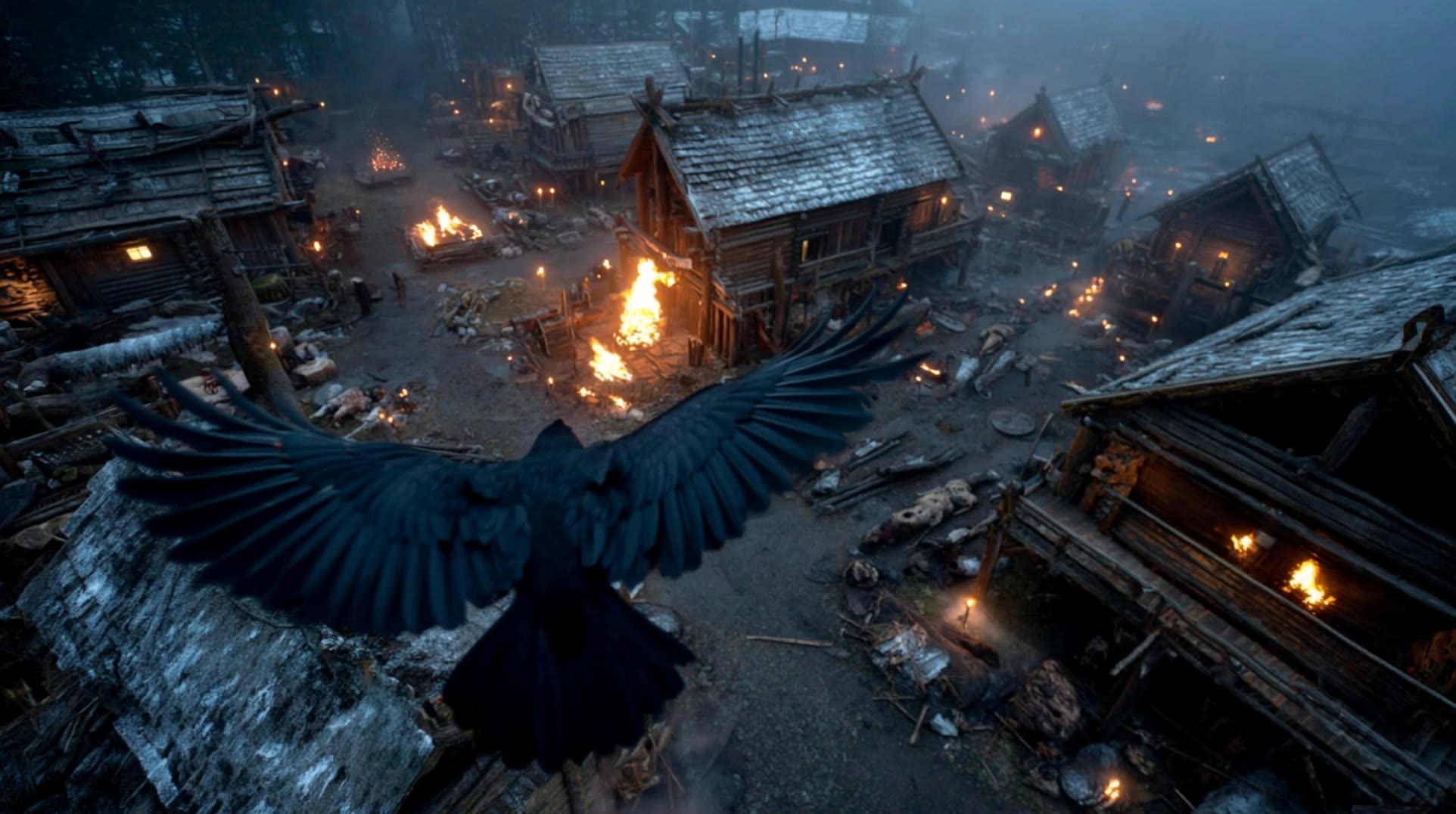
raven flights over village - flying raven tattoo AI video
Oliver Berger avatar
Oliver Berger
Kling AI work 293857346312643 - flying raven tattoo AI video
KLING0831 avatar
KLING0831
SCOTLAND 🏴󠁧󠁢󠁳󠁣󠁴󠁿 - flying raven tattoo AI video
KLING4627 avatar
KLING4627

How to Remove Background from Image

Step 1: Upload Your Image

Step 1: Upload Your Image

Upload the image you want to edit and choose the subject you want to keep. A clear source image makes it easier to separate the subject from the surrounding background.

Step 2: Remove or Replace the Background

Step 2: Remove or Replace the Background

Use a simple prompt to remove the existing background while keeping the main subject intact. Keep the result transparent when you need a clean cutout, or describe a new setting if you want to replace the original background directly.

Step 3: Generate and Download

Step 3: Generate and Download

Generate your edited image and review the result. Download the background-free image, or continue refining the new setting, subject details, and overall look with Kling AI.

Create AI Art with More Creative Control

Bring More Than a Prompt to Your Art

Bring More Than a Prompt to Your Art

Start with words, a sketch, a photo, or the references that already capture part of your idea. IMAGE 3.0 can use up to 10 reference images, so you can bring a character from one image, an outfit from another, and a different setting or art style into the same creation. Use references for the details you want to keep, then use your prompt to decide what changes.

Find the Look That Fits Your Idea

Find the Look That Fits Your Idea

Create pencil drawings, watercolor paintings, anime art, comics, concept art, 3D-inspired images, and more. Try a completely different style, or fine-tune the one you already have. Kling AI also gives you control beyond the art style. Reframe the scene, shift the viewing angle, change the lighting or color palette, and keep refining the image until the whole piece comes together

Create a Series, Not Just a Single Image

Create a Series, Not Just a Single Image

Keep a character, setting, or visual style recognizable across multiple pieces of artwork with IMAGE 3.0 Omni. Generate new poses, scenes, and compositions while keeping the details that tie the series together. It works especially well for character concepts, comics, storyboards, and other ideas that need to develop across several images. Generate in native 2K or 4K when you want more detail in the finished artwork.

Apps

Image to Video
Image to Video

Image to Video

Text to Video
Text to Video

Text to Video

Omni
Omni

Omni

Digital Human
Digital Human

Digital Human

Restyle
Restyle

Restyle

Text to Image
Text to Image

Text to Image

60M+
60M+
Users
600M+
600M+
AI Videos Generated
4.7 ★
4.7 ★
App Store
Industry-Leading
Industry-Leading
Cinematic 4K

Reviews

Jyo John Mulloor

Jyo John Mulloor

★★★★★

Kling AI has been instrumental in transforming my creative workflow, unlocking new dimensions of artistic expression that were once unimaginable. I use Kling AI extensively to develop high-concept visuals, animate surreal dreamscapes, and create AI-assisted films that blur the line between reality and fantasy. Kling AI’s deep learning capabilities have not only enhanced my creative efficiency but also inspired me to explore storytelling in ways I never thought possible.

Vincent Smadja

Vincent Smadja

★★★★★

Kling AI seamlessly integrates into my creative workflow, playing a key role in transforming my images. After generating and upscaling an image, Kling becomes a crucial element, bringing my creations to life with movement and depth.

Déborah

Déborah

★★★★★

I use Kling AI every day. It's amazing to see the almost daily progress it makes. I used AI for fun at first, and I now find that Kling AI's animations allow me to gain professional visibility, with three times more views on my animated posts than on my static posts.

FAQ

Q1What can I use AI-generated characters for?
Q2What character styles can I create with Kling AI?
Q3What is an AI Character Generator?

Bring Every Voice Into the Story

Create character dialogue, multilingual voices, consistent voice identities, ambience, and sound effects with Kling VIDEO 3.0.

Multilingual Dialogue | Multi-Character Voices | Native Audio