

AlexCreo
3
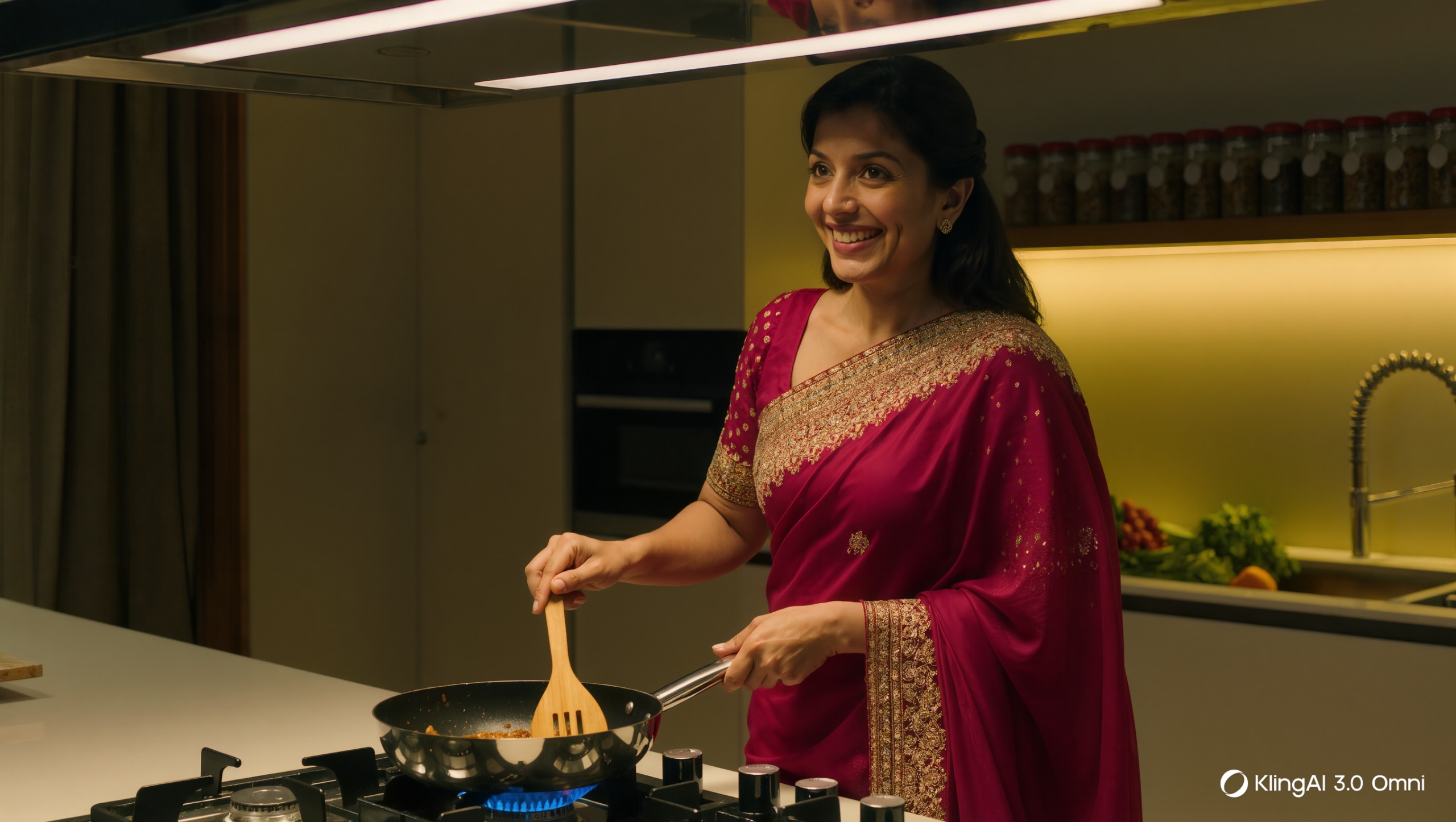
Experience the fusion of symmetry and independent motion with perfectly aligned, cinematic frames. Dive into high-quality AI-generated content featuring realistic textures and expressive elements. Start exploring frame gen ideas and generate your own content with AI.



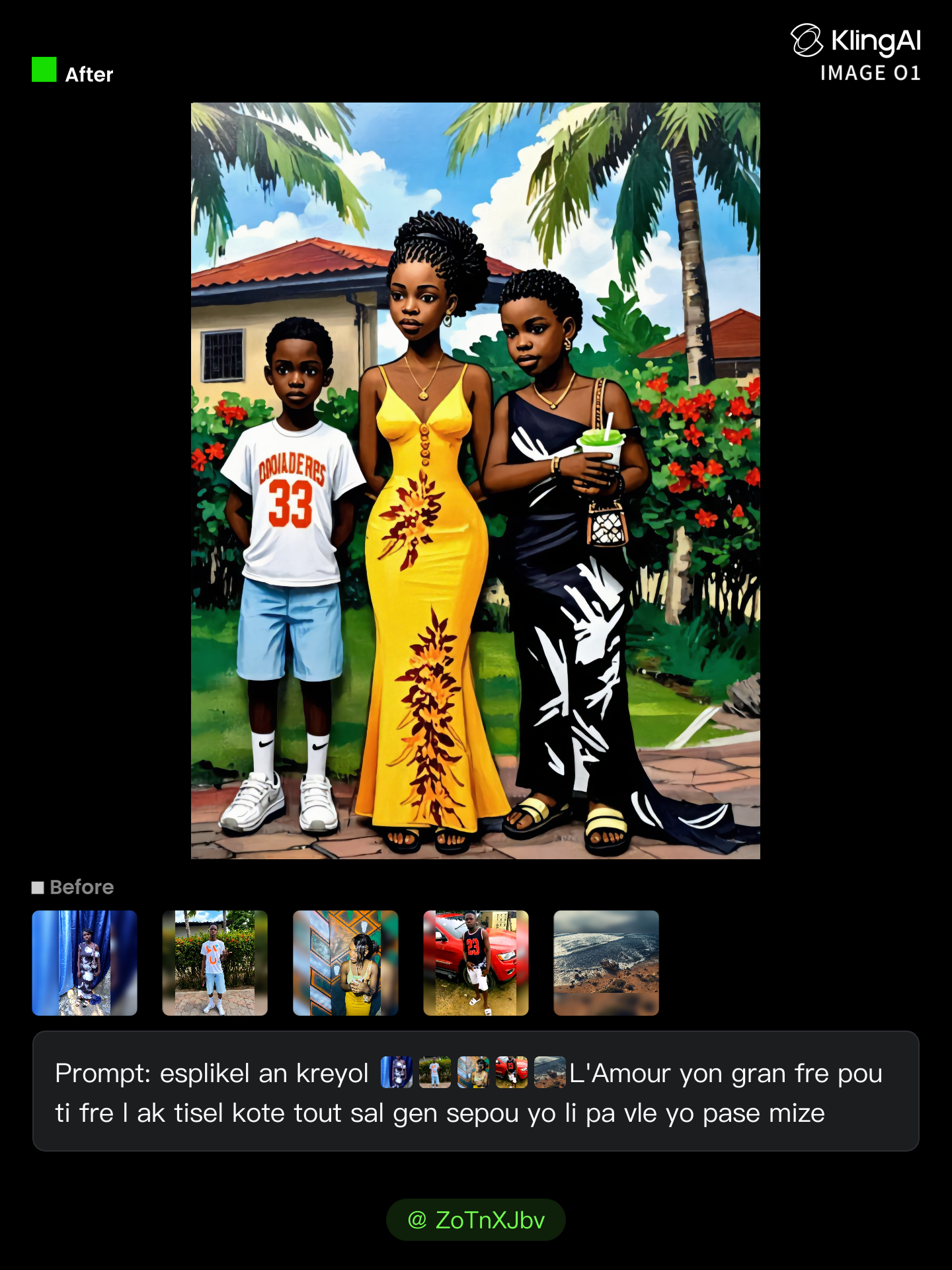
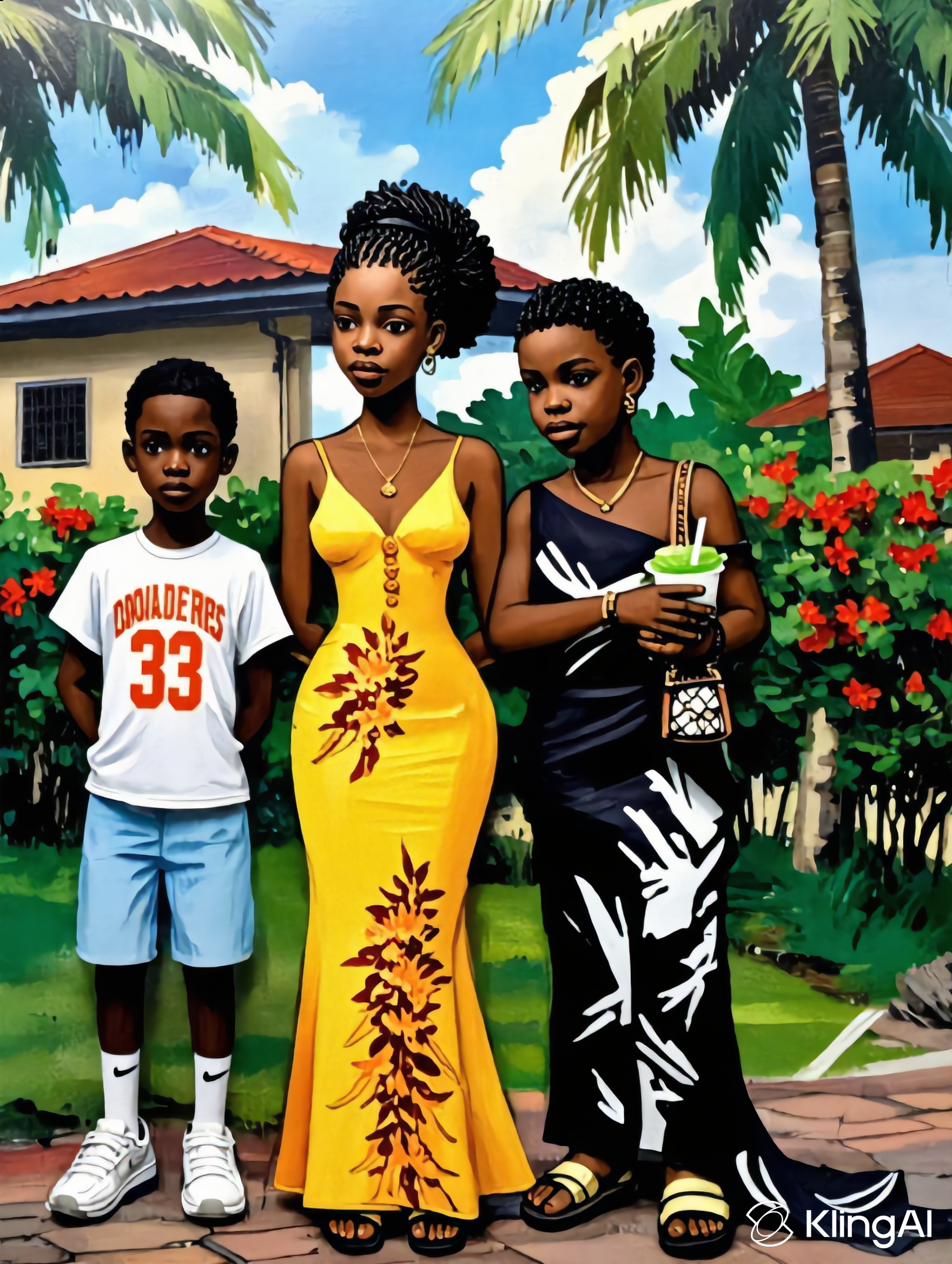


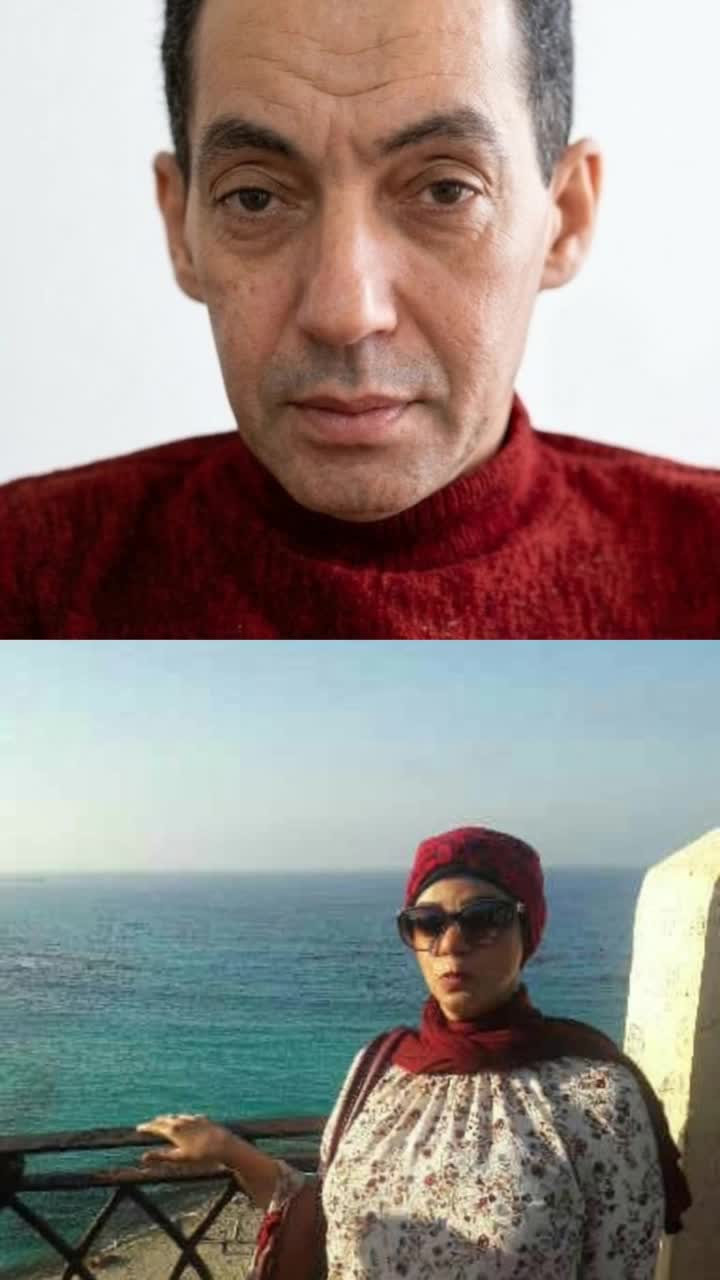


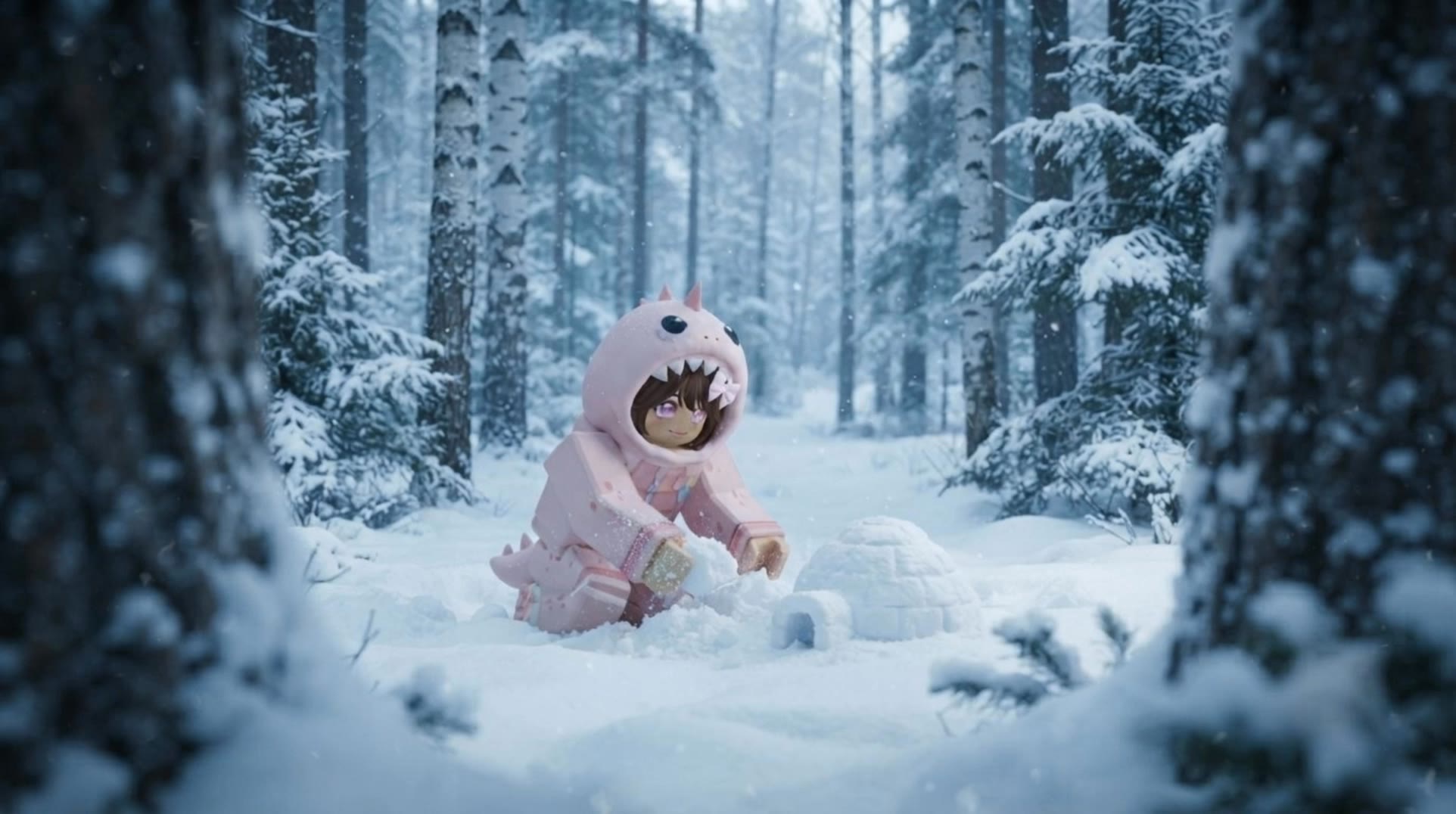
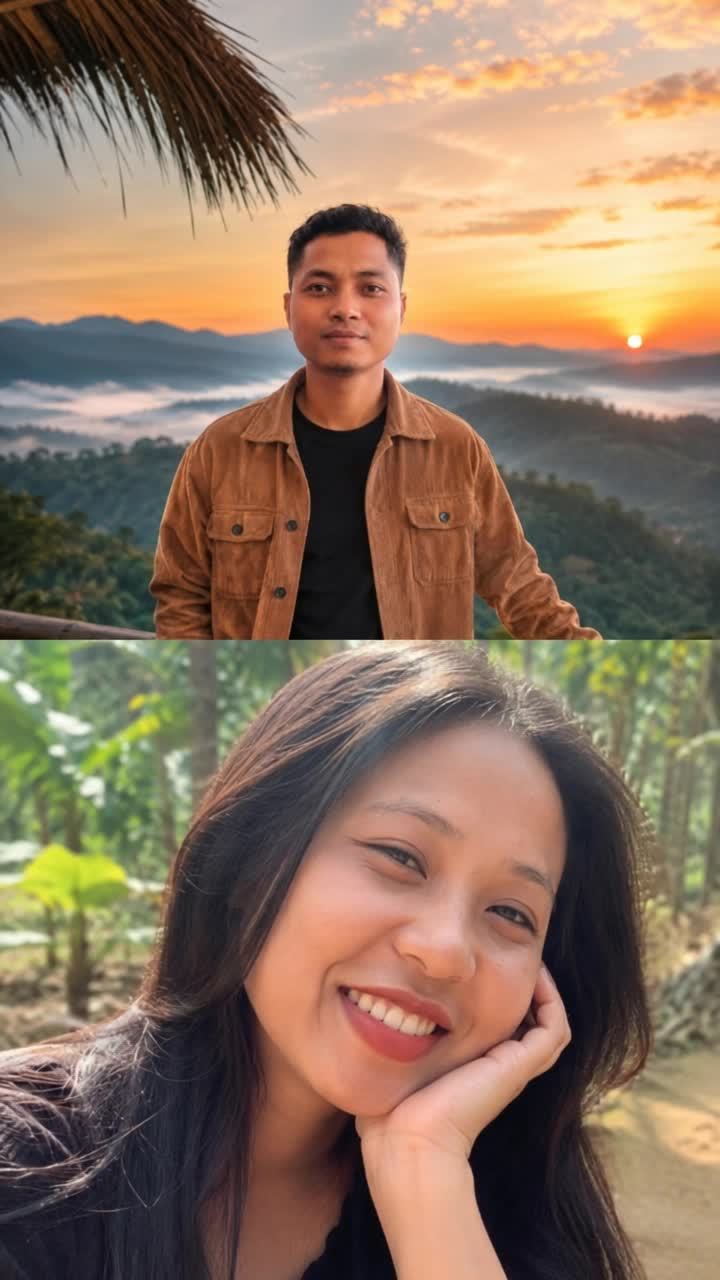

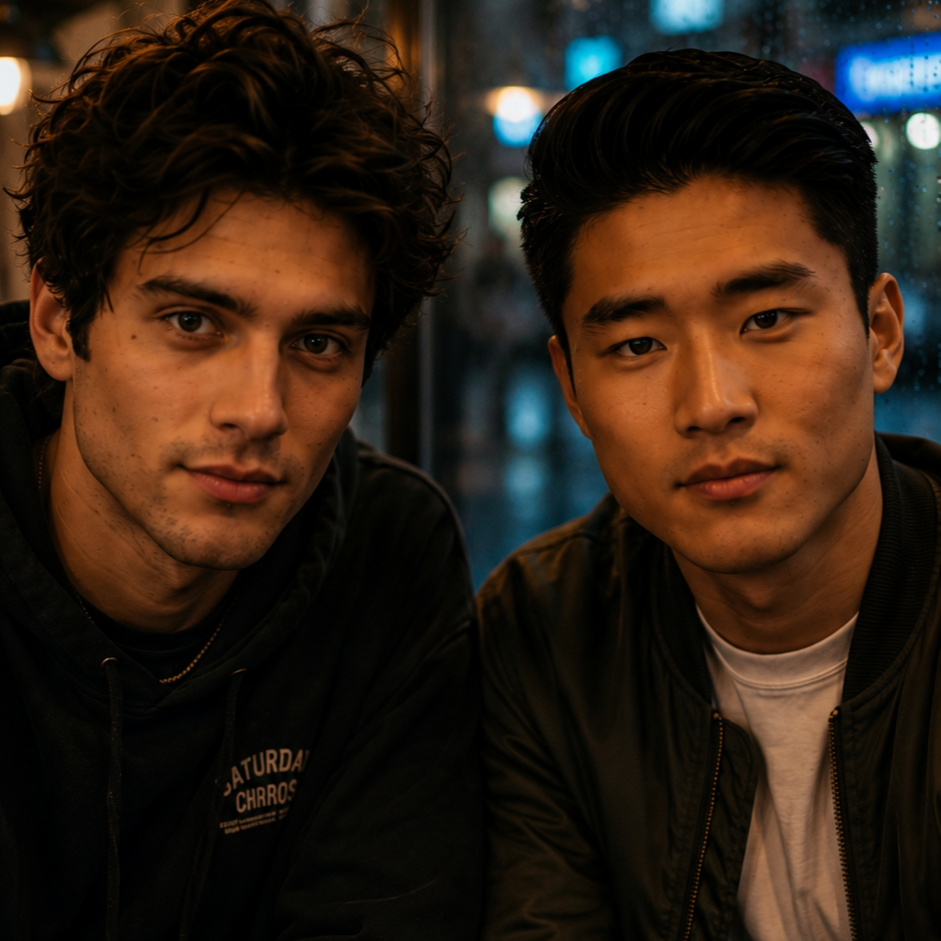


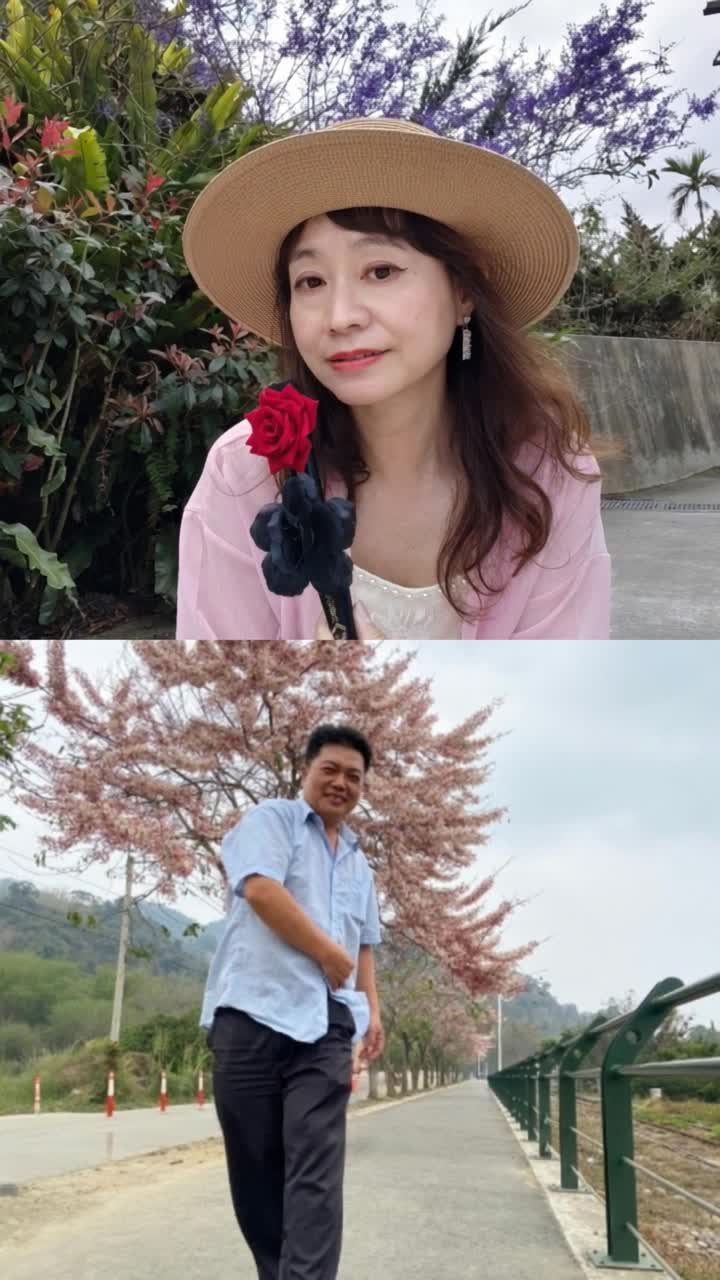

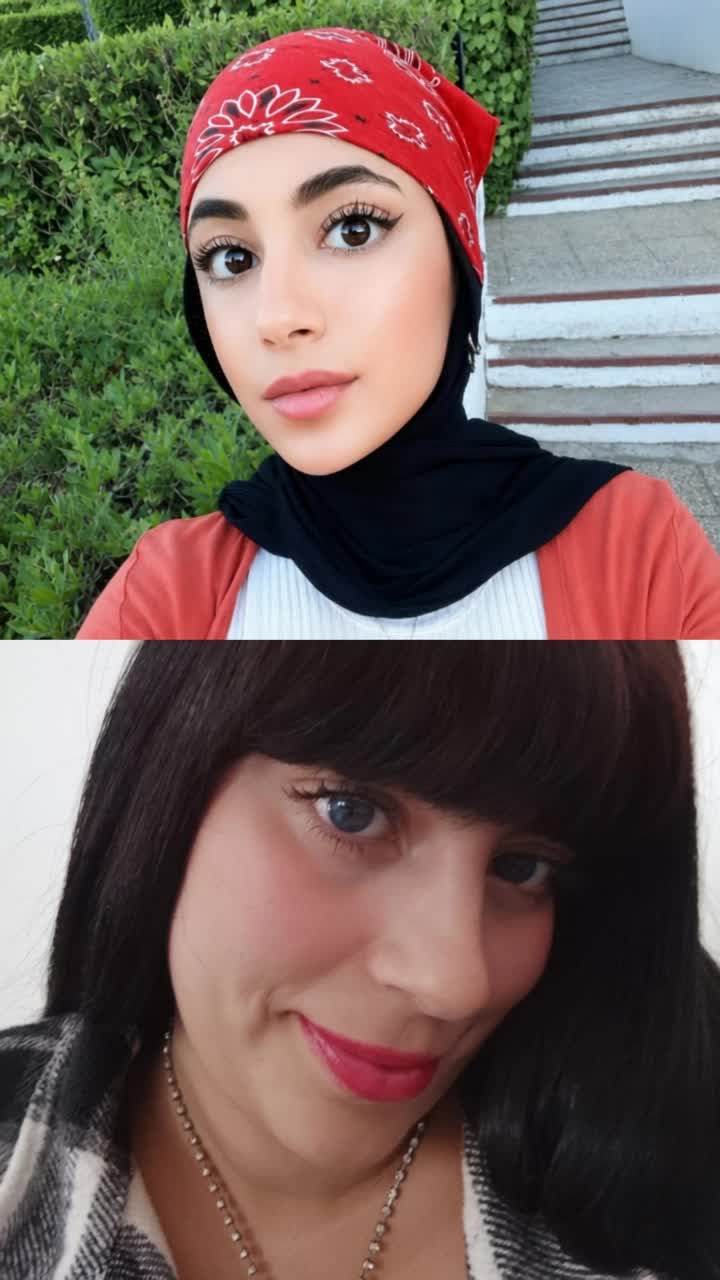






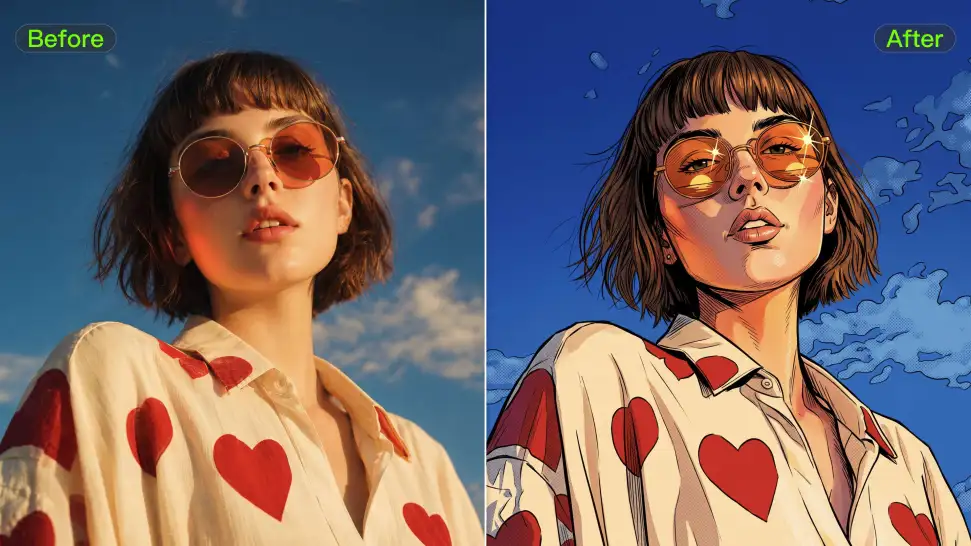
Ever wondered what you would look like as an anime character, a clean 3D-style portrait, a cartoon, or an illustrated character? Use your photo as the starting point and take it in a new visual direction, or use a style reference when there is already a look you love.
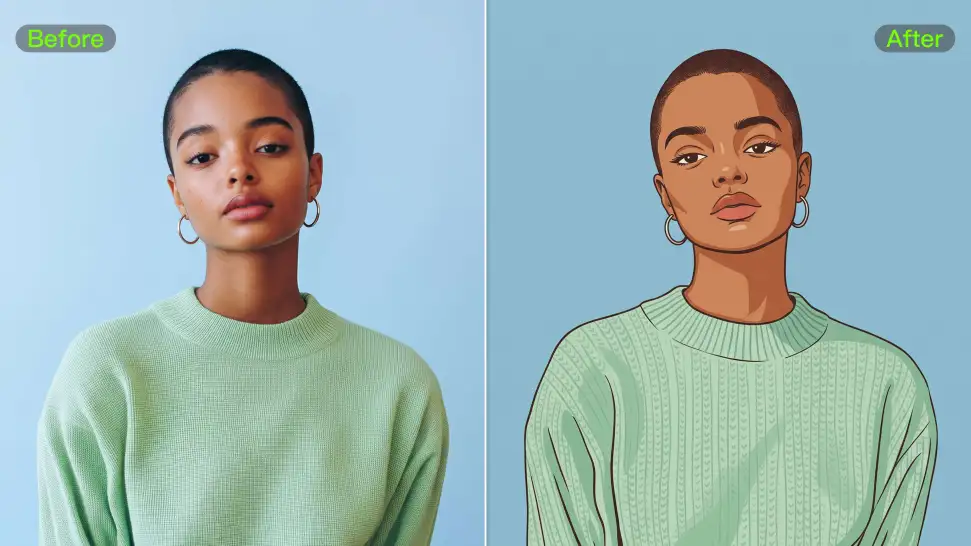
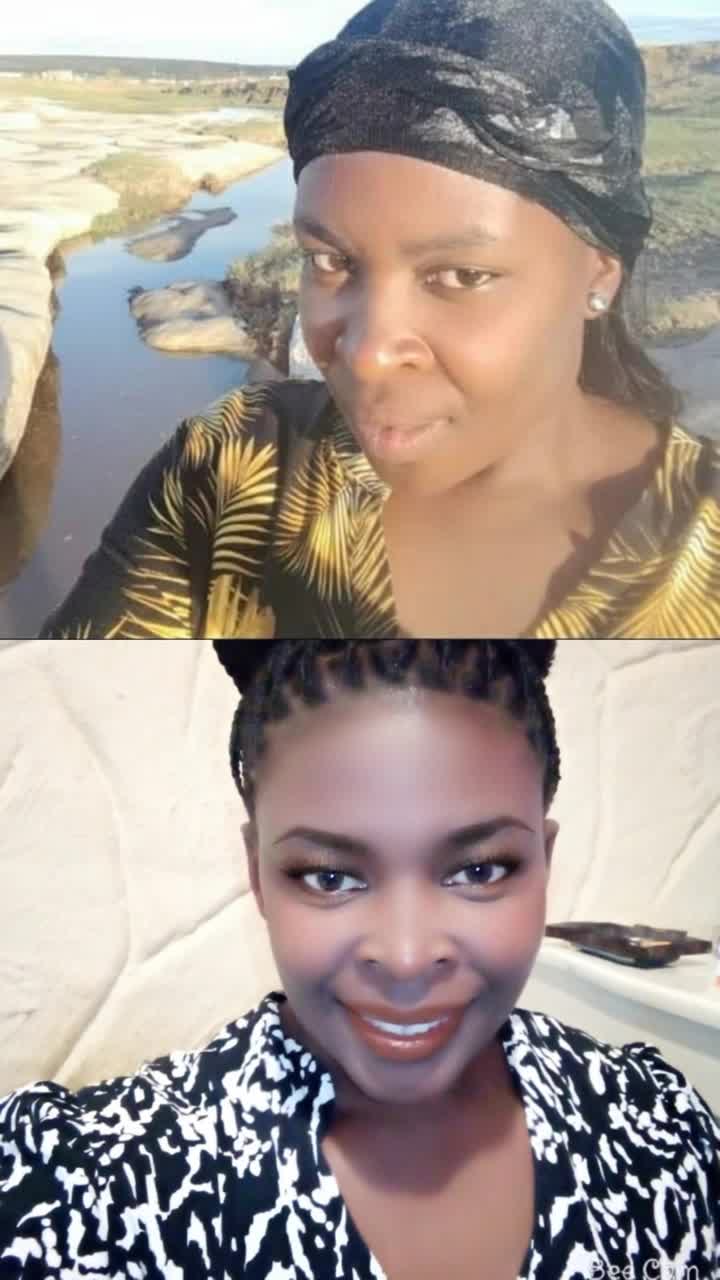
A strong avatar can look completely different without losing the features that make the person recognizable. Your reference photo gives Kling IMAGE 3.0 something familiar to work from, so details such as the face and hairstyle can stay closer to the source even when the clothing, setting, or art style changes.
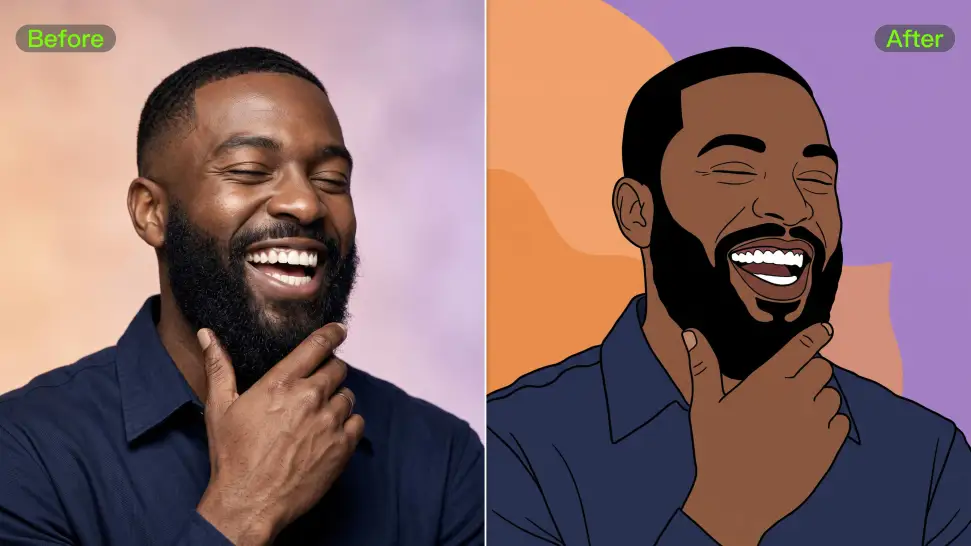
Upload a portrait to create an avatar that resembles you, or start with a text prompt to design an original character from scratch. Kling IMAGE 3.0 supports both approaches, giving you the freedom to create your own avatar even without a reference image.

















I use AI daily and Kling AI is a crucial part of my workflow, whether for client work or personal projects. What I love most about using Kling AI is that it provides all the tools I need in one place, from keyframes to character references, elements and special effects.

I use Kling AI daily to push the limits of AI filmmaking. It allows me to create highly cinematic content, blending AI and VFX to develop innovative projects. It has significantly impacted my creative process, enabling me to achieve complex animations that would otherwise require high production budgets.

Kling AI has made it easy for us to generate world class visuals for Fortune 500 companies, TV shows and music for big artists. We love the easy of use of the platform and the quality of the generations. My first time using Kling AI, I got 22 million views on just one video. It's that good.
Use the photo you already have as the starting point. Repair visible damage, improve faded areas, guide familiar faces with references, and create a higher-resolution version when you need it.
