Creative Studio
API
Resources
Features
About Us
Download

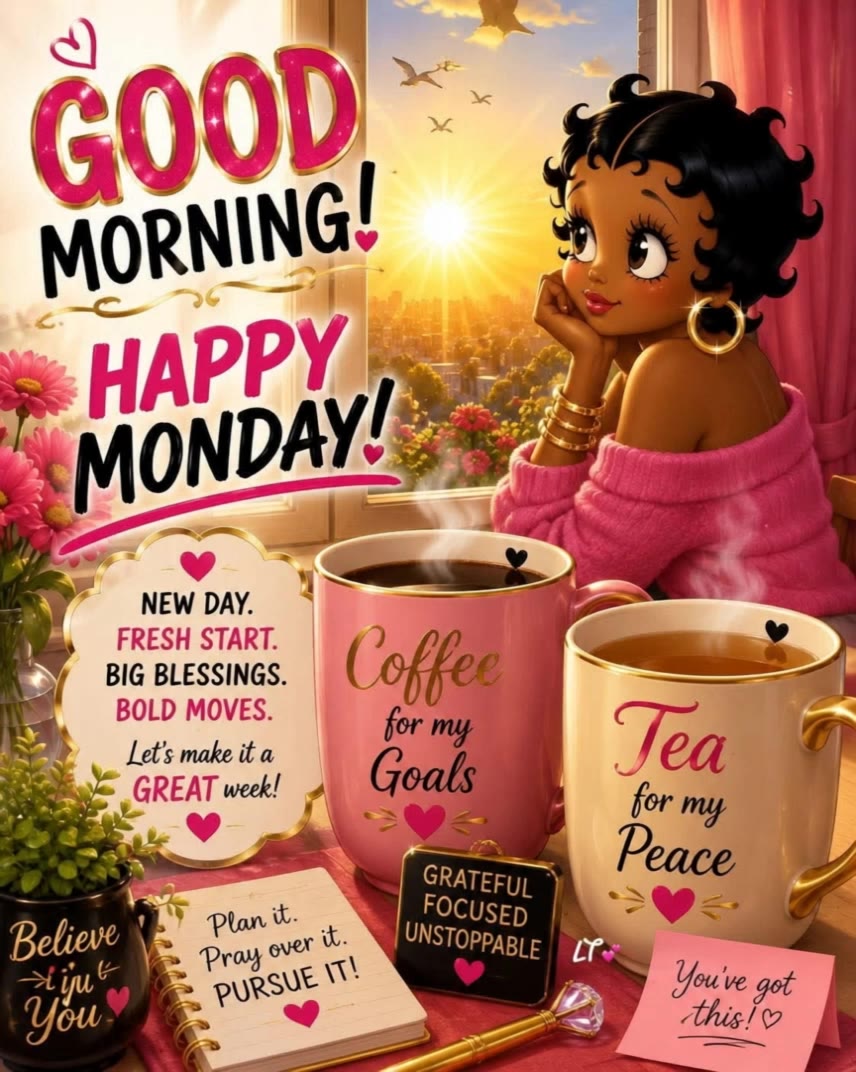
funny monday quotes - funny animals & Monday Mornings

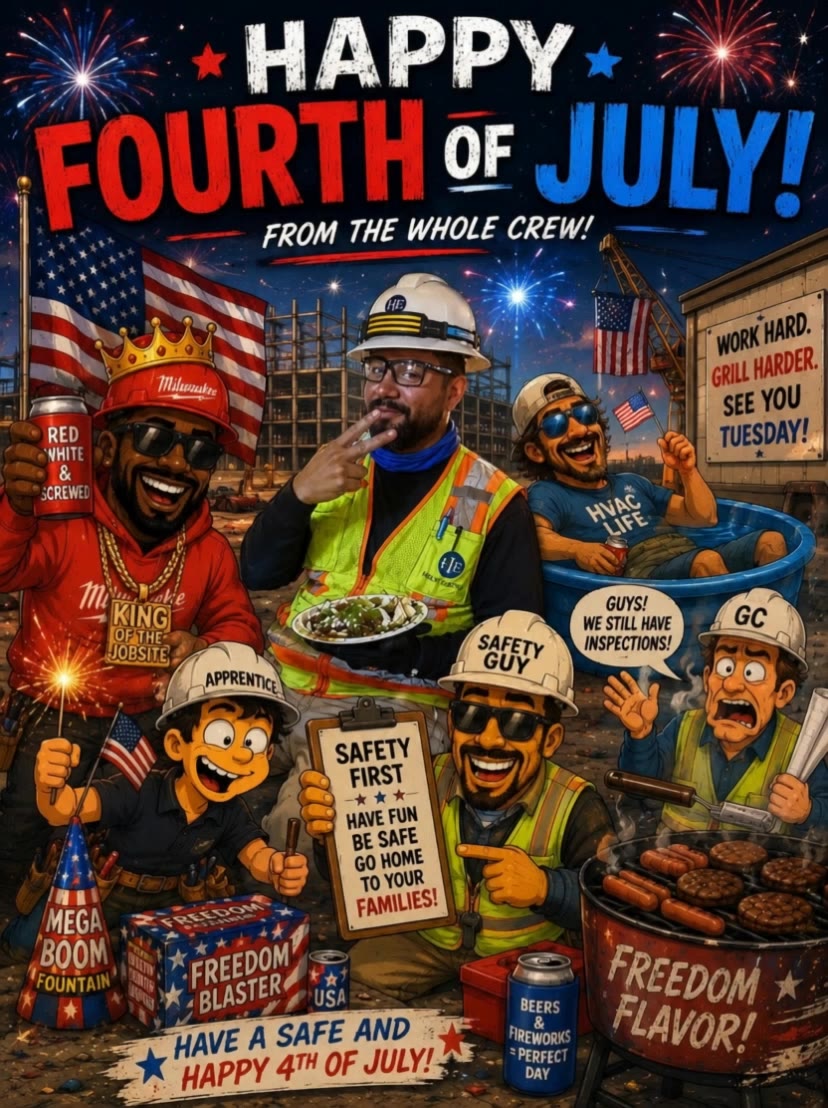
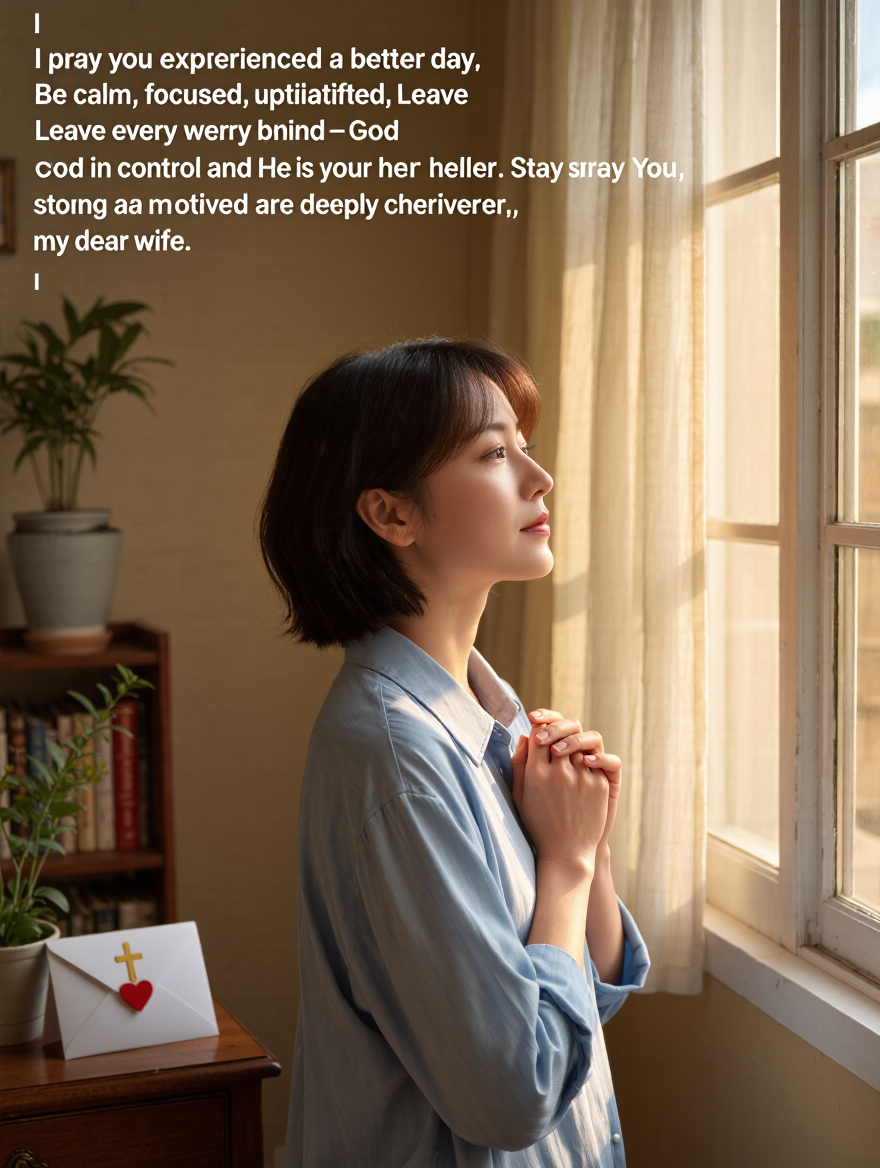
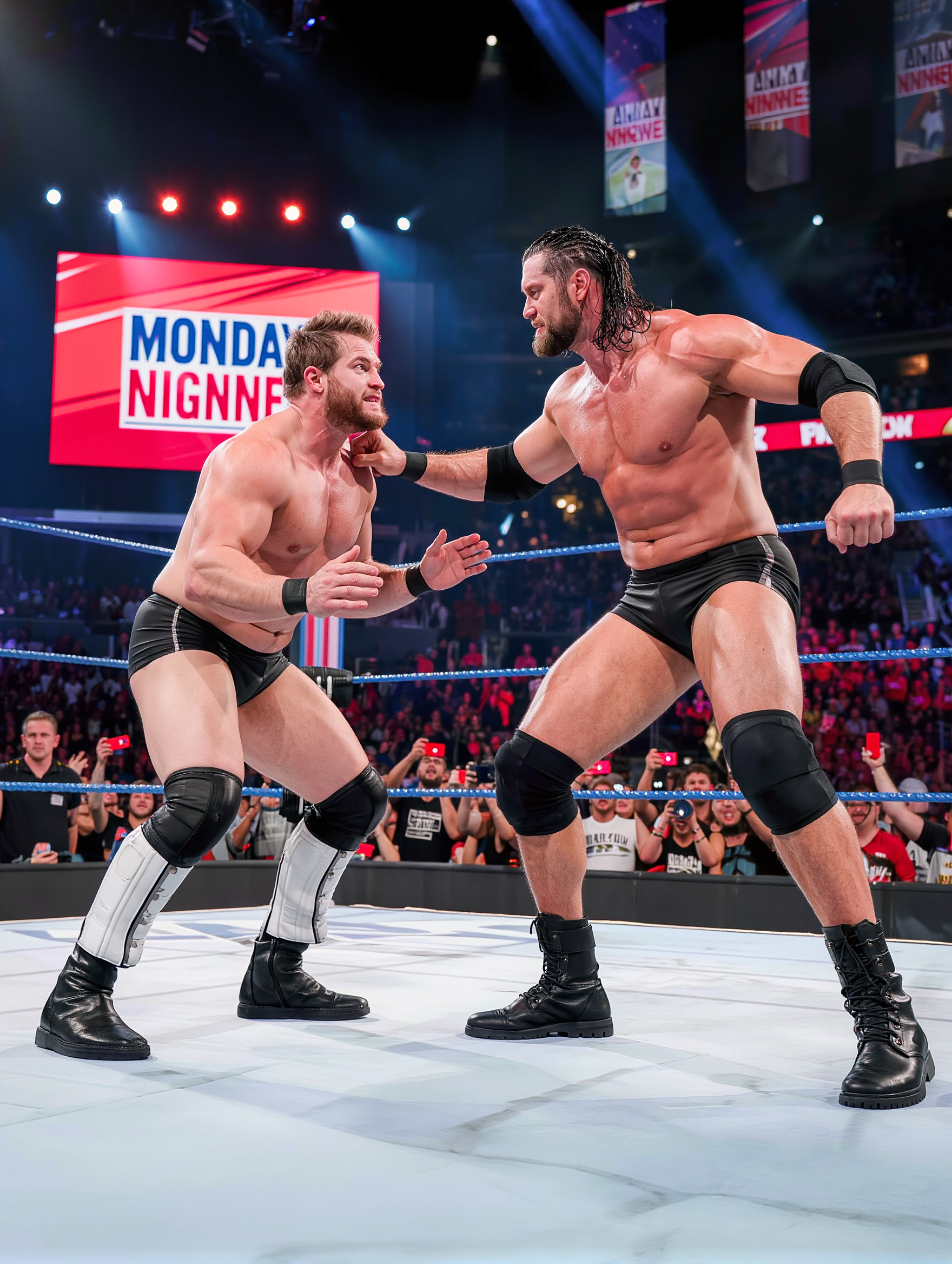
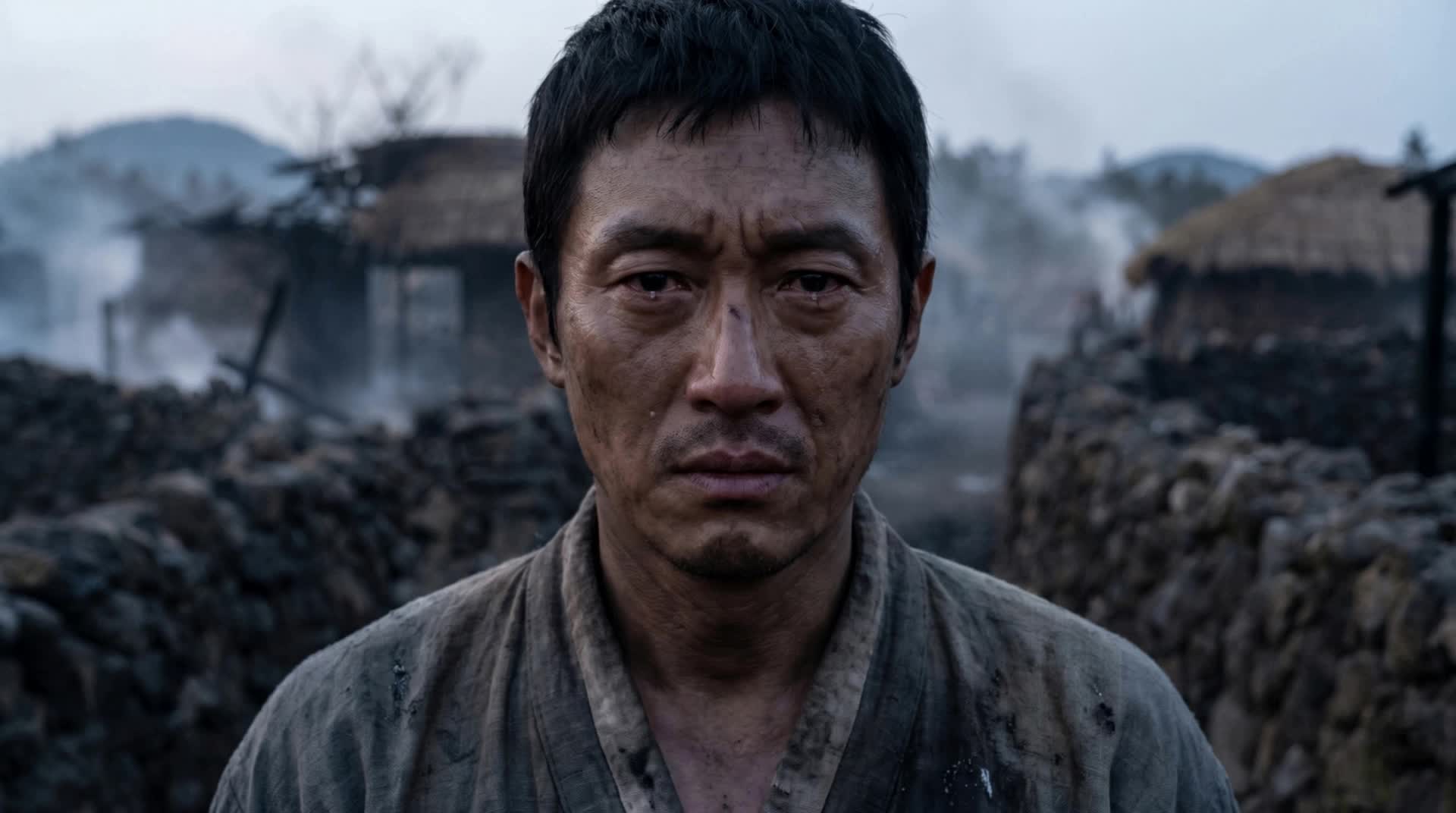
Laugh through Monday blues with whimsical ostrich stretches and quirky cat comedy scenes. Dive into playful "Monday Vibes" coffee dioramas and AI-generated robot fails. Start exploring funny monday quotes ideas and generate your own content with AI.

funny monday quotes - funny animals & Monday Mornings

Recommended

Kling AI work 311694523528766 - funny monday quotes AI video
ChrisCrypto213 avatar
ChrisCrypto213
Kling AI work 314560535500322 - funny monday quotes AI image
Sv creation avatar
Sv creation
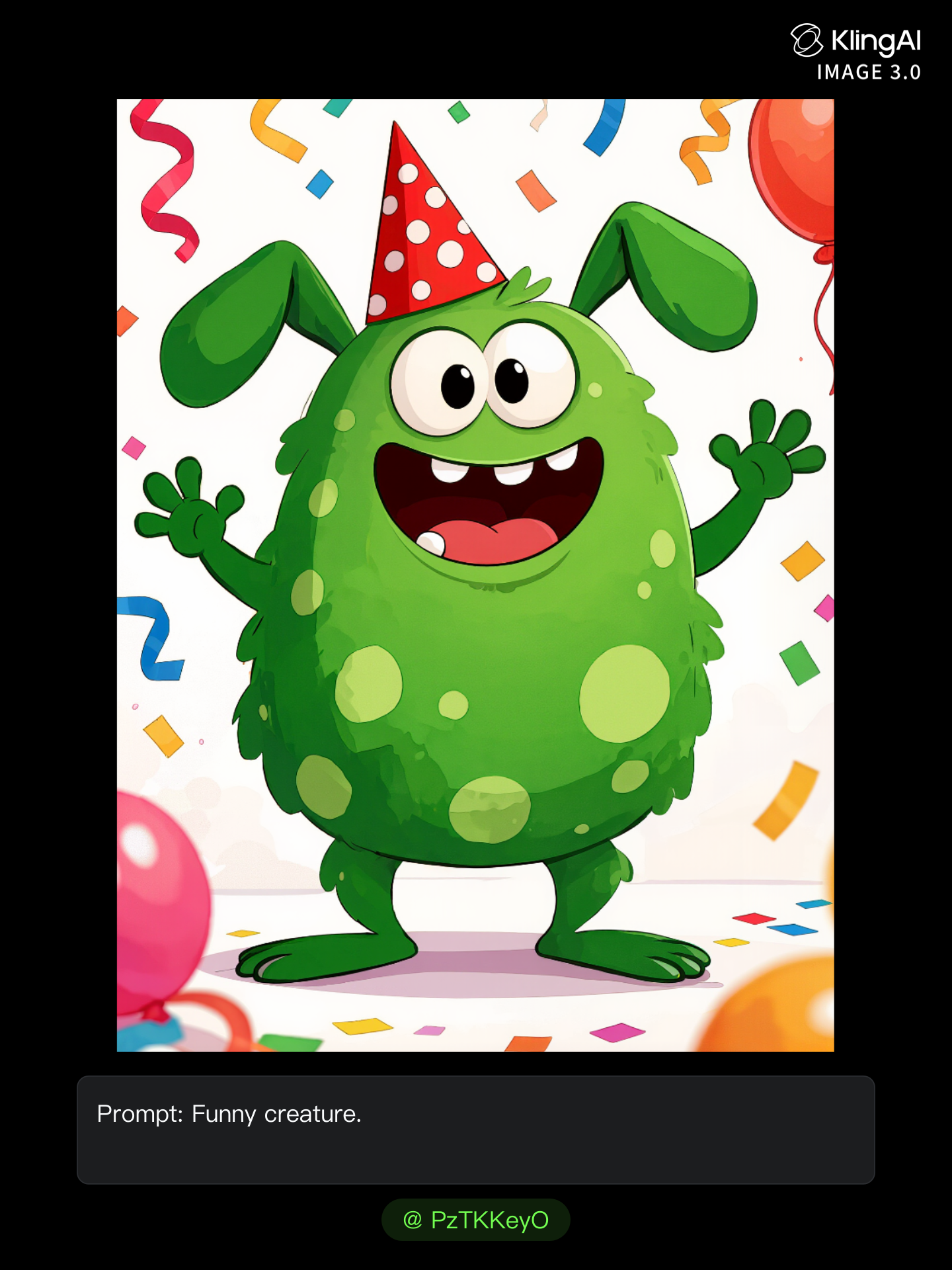
Funny creature - funny monday quotes AI image
PzTKKeyO avatar
PzTKKeyO
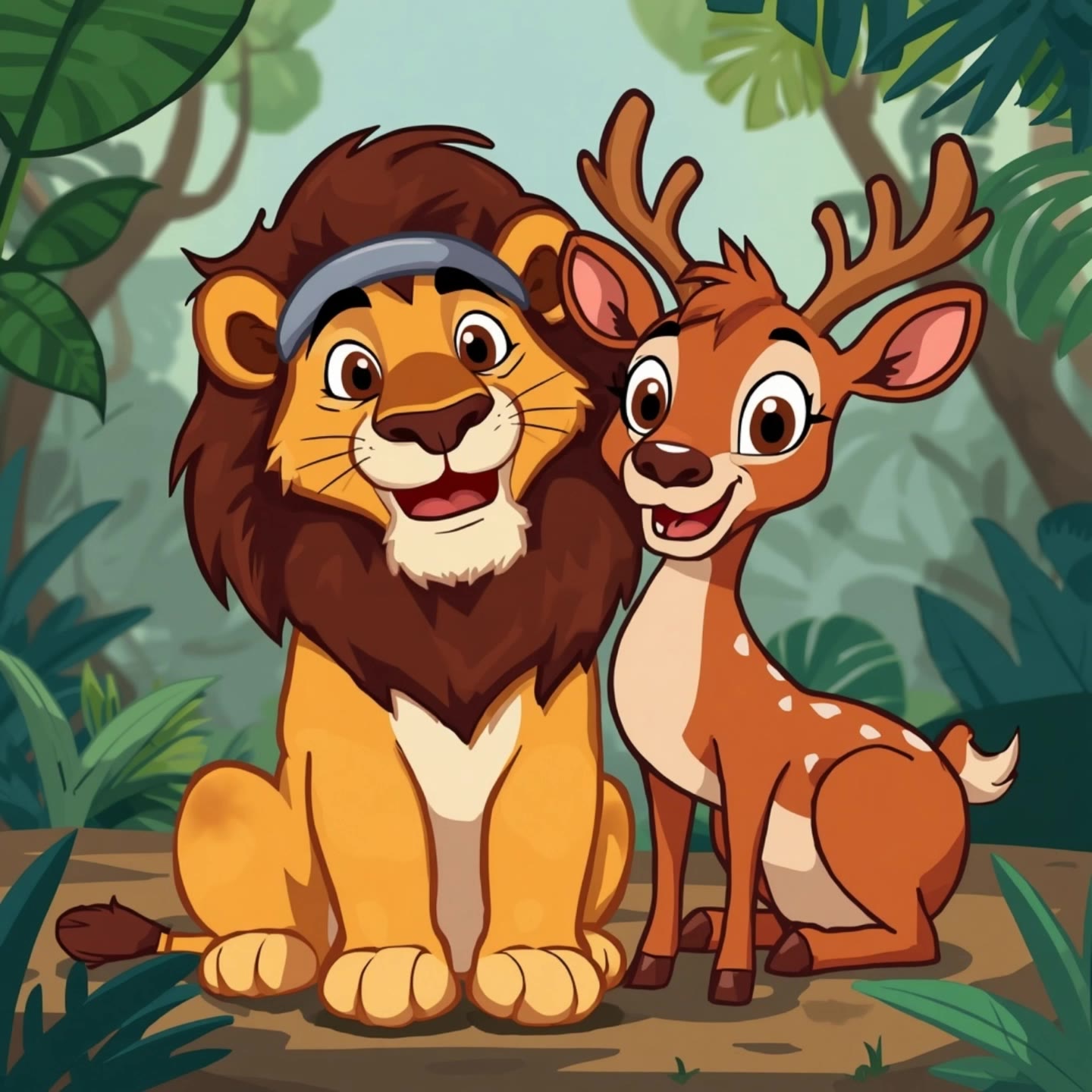
lion and deer funny story  - funny monday quotes AI video
QmktBHLg avatar
QmktBHLg
Kling AI work 321222179506506 - funny monday quotes AI video
ftOCEudc avatar
ftOCEudc
Kling AI work 315938613664561 - funny monday quotes AI image
Aintelligencer avatar
Aintelligencer
Kling AI work 315285174524052 - funny monday quotes AI video
Blue Collar Bastard avatar
Blue Collar Bastard
Kling AI work 314008034505455 - funny monday quotes AI image
cZTZznkZ avatar
cZTZznkZ
Another funny creature - funny monday quotes AI image
PzTKKeyO avatar
PzTKKeyO
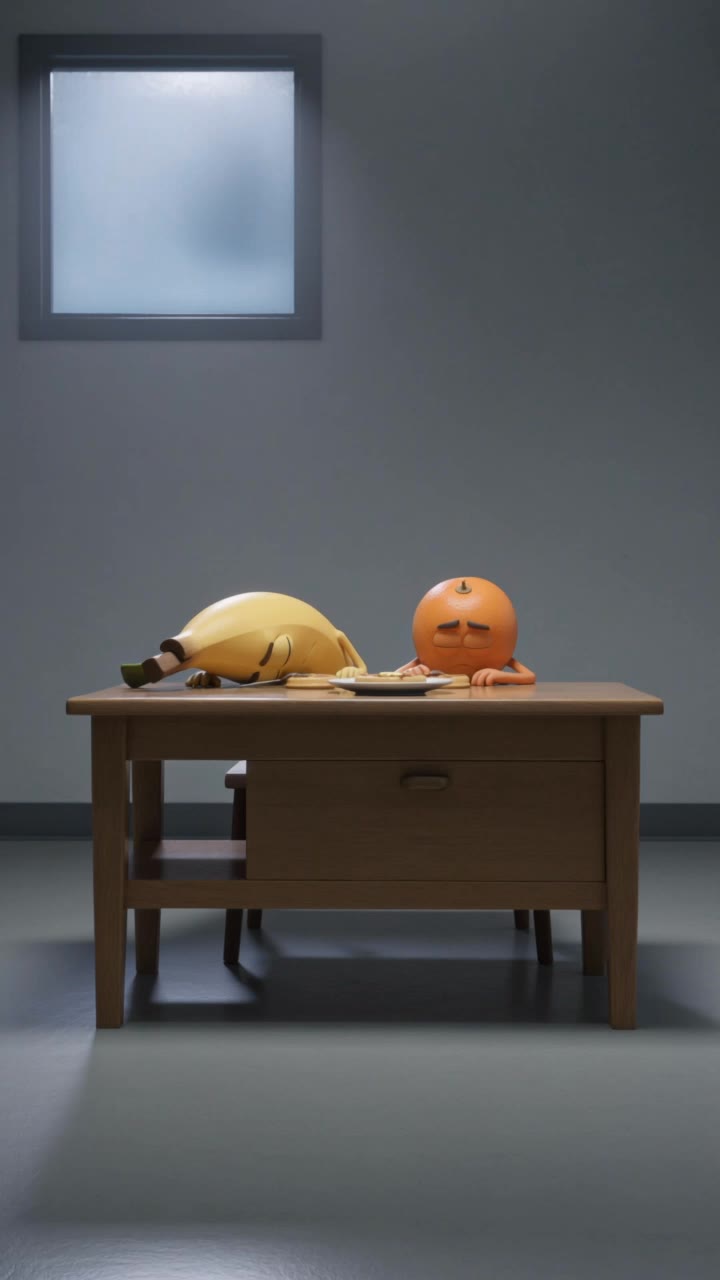
Monday morning 🌄 - funny monday quotes AI image
sNMvMgix avatar
sNMvMgix
Kling AI work 308109432501014 - funny monday quotes AI image
XiGqZvgN avatar
XiGqZvgN
Kling AI work 319231780617005 - funny monday quotes AI image
UHTGSgaj avatar
UHTGSgaj
MONDAY - funny monday quotes AI video
Mokstory Studio avatar
Mokstory Studio
Kling AI work 308537381501077 - funny monday quotes AI video
Martrice Thomas avatar
Martrice Thomas
Funny - funny monday quotes AI video
ThoAI avatar
ThoAI
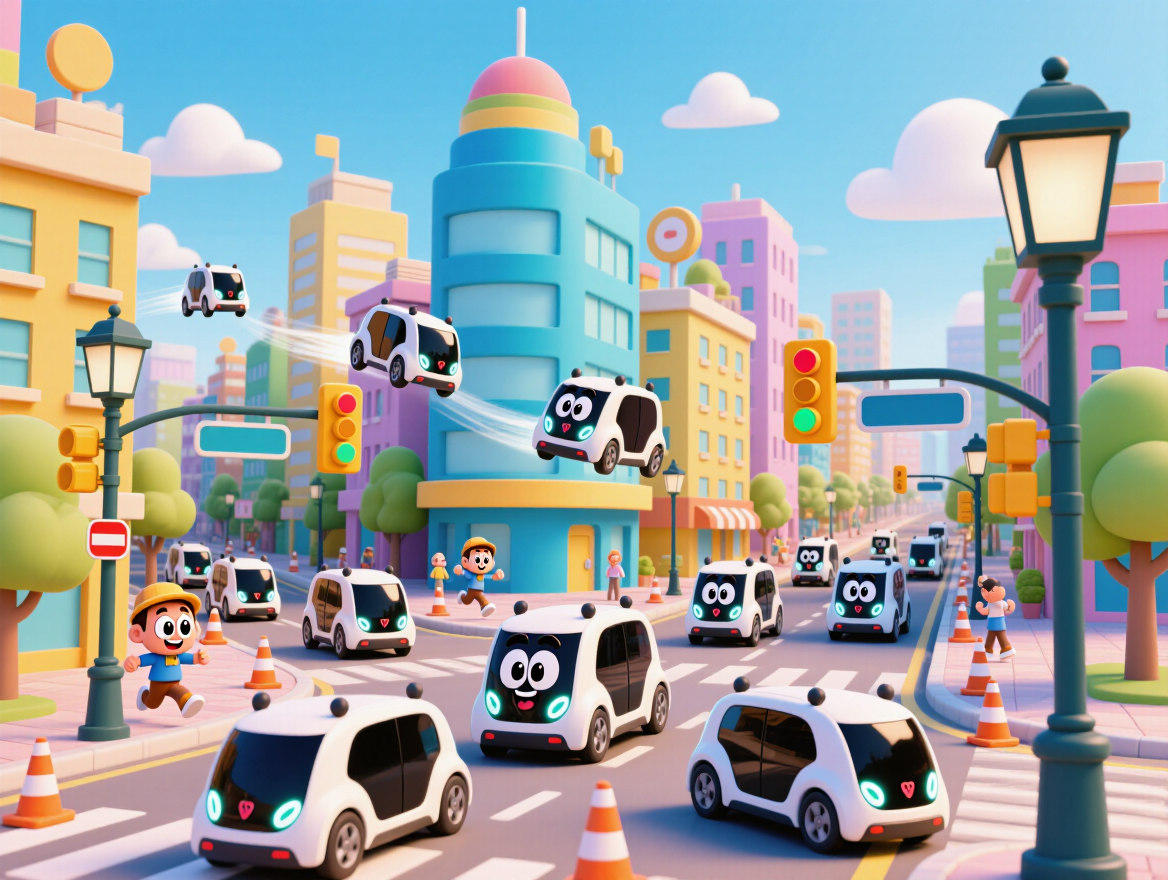
Create a cute funny 3D animated  - funny monday quotes AI image
kiss avatar
kiss
Funny - funny monday quotes AI video
ThoAI avatar
ThoAI
Create a funny, highly realistic - funny monday quotes AI image
LxnHHJtV avatar
LxnHHJtV
Let's start on monday🔥🔥 - funny monday quotes AI video
Daeun avatar
Daeun

How to Create AI Video Dubbing with Kling

Step 1: Set Up Your Characters and Scene

Step 1: Set Up Your Characters and Scene

Describe the characters and scene you want to create, or add supported image or Character Element references when you already have a specific look in mind. Make each speaker easy to identify before adding dialogue.

Step 2: Add Dialogue and Set Each Voice

Step 2: Add Dialogue and Set Each Voice

Write each character’s lines and keep them clearly paired with the right speaker. Add the language, accent, tone, or delivery to your prompt when you want to shape how each line sounds, and mix supported languages within the same scene when needed.

Step 3: Generate with Native Audio

Step 3: Generate with Native Audio

Generate the video with Native Audio to create dialogue, lip movements, visuals, ambience, and supporting sound together. Enable Multi-Shot when you want the conversation to unfold across different shots, camera angles, or scene beats.

Key Features of Kling AI Image Generator

Turn Ideas into Images

Turn Ideas into Images

Describe the scene, character, product, or style you have in mind, and watch your idea come to life. Whether you're generating from scratch or fine-tuning an existing result, Kling IMAGE 3.0 follows your instructions, including tweaking the composition, shifting the lighting, and adjusting visual details until it looks right.

Bring References Into New Creations

Bring References Into New Creations

Bring in references for a character, product, color palette, material, composition, or visual style. IMAGE 3.0 draws on the defining qualities of up to 10 images and brings them together in one cohesive result, keeping the details that make each reference recognizable.

Produce Professional Image Series in 4K

Produce Professional Image Series in 4K

Plan and create a complete visual series as one cohesive project, rather than generating each image separately. IMAGE 3.0 Omni supports intentional shot progression, varied framing, and a unified creative direction across the set, with native 4K output for cinematic storyboards, product campaigns, character development, comics, and branded content.

Apps

Image to Video
Image to Video

Image to Video

Text to Video
Text to Video

Text to Video

Omni
Omni

Omni

Digital Human
Digital Human

Digital Human

Restyle
Restyle

Restyle

Text to Image
Text to Image

Text to Image

60M+
60M+
Users
600M+
600M+
AI Videos Generated
4.7 ★
4.7 ★
App Store
Industry-Leading
Industry-Leading
Cinematic 4K

Reviews

Ozan Sihay

Ozan Sihay

★★★★★

Kling AI allows me to rapidly prototype ideas, refine storytelling elements, and produce visually compelling content efficiently. It has not only accelerated my creative processes, but also deepened my understanding of how AI can enrich visual storytelling.

Halim Alrasihi

Halim Alrasihi

★★★★★

I use AI daily and Kling AI is a crucial part of my workflow, whether for client work or personal projects. What I love most about using Kling AI is that it provides all the tools I need in one place, from keyframes to character references, elements and special effects.

PJ Ace

PJ Ace

★★★★★

Kling AI has made it easy for us to generate world class visuals for Fortune 500 companies, TV shows and music for big artists. We love the easy of use of the platform and the quality of the generations. My first time using Kling AI, I got 22 million views on just one video. It's that good.

FAQ

Q1Can Kling AI keep faces, characters, or products consistent?
Q2Does Kling AI support 2K or 4K image-to-image generation?
Q3How is image to image different from text to image?

Bring Your Character to Life

Add a voice or script to turn your character video into a polished lip-sync performance.

Voiceover | Text to Speech | Audio trimming | Realistic, 3D & 2D character