Creative Studio
API
Resources
Features
About Us
Download

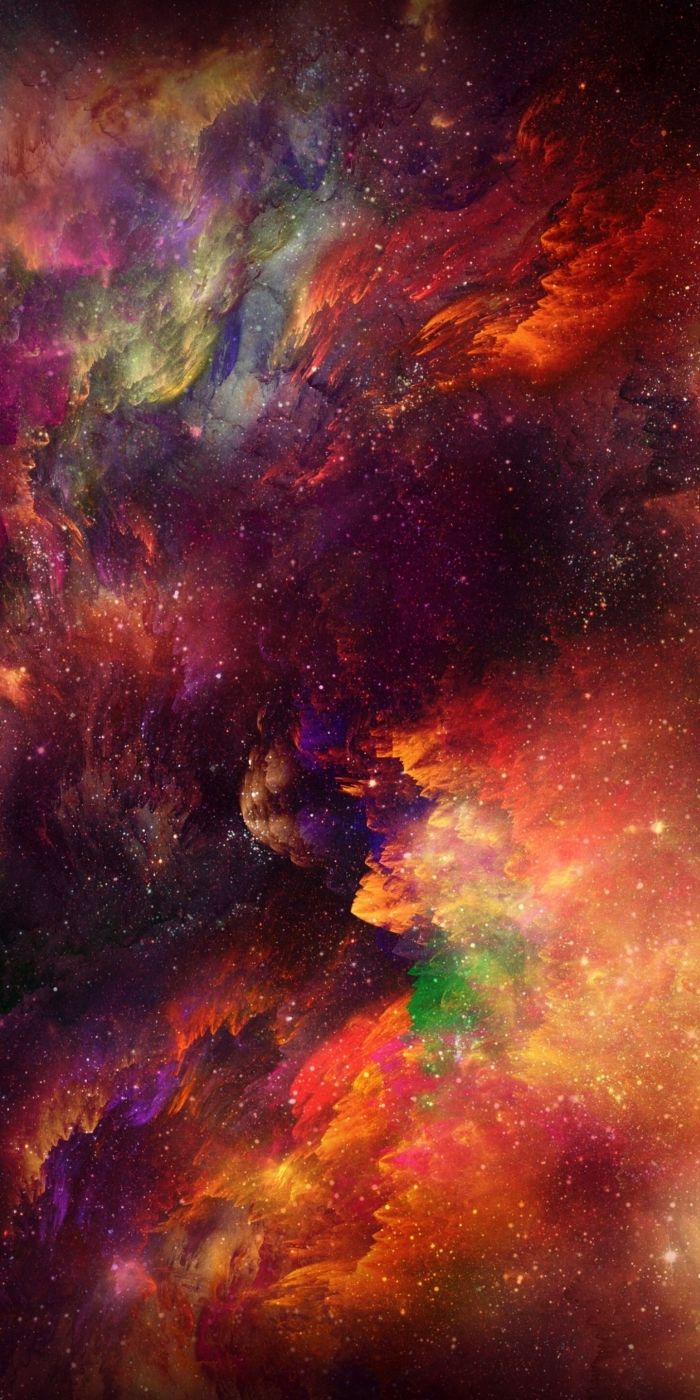
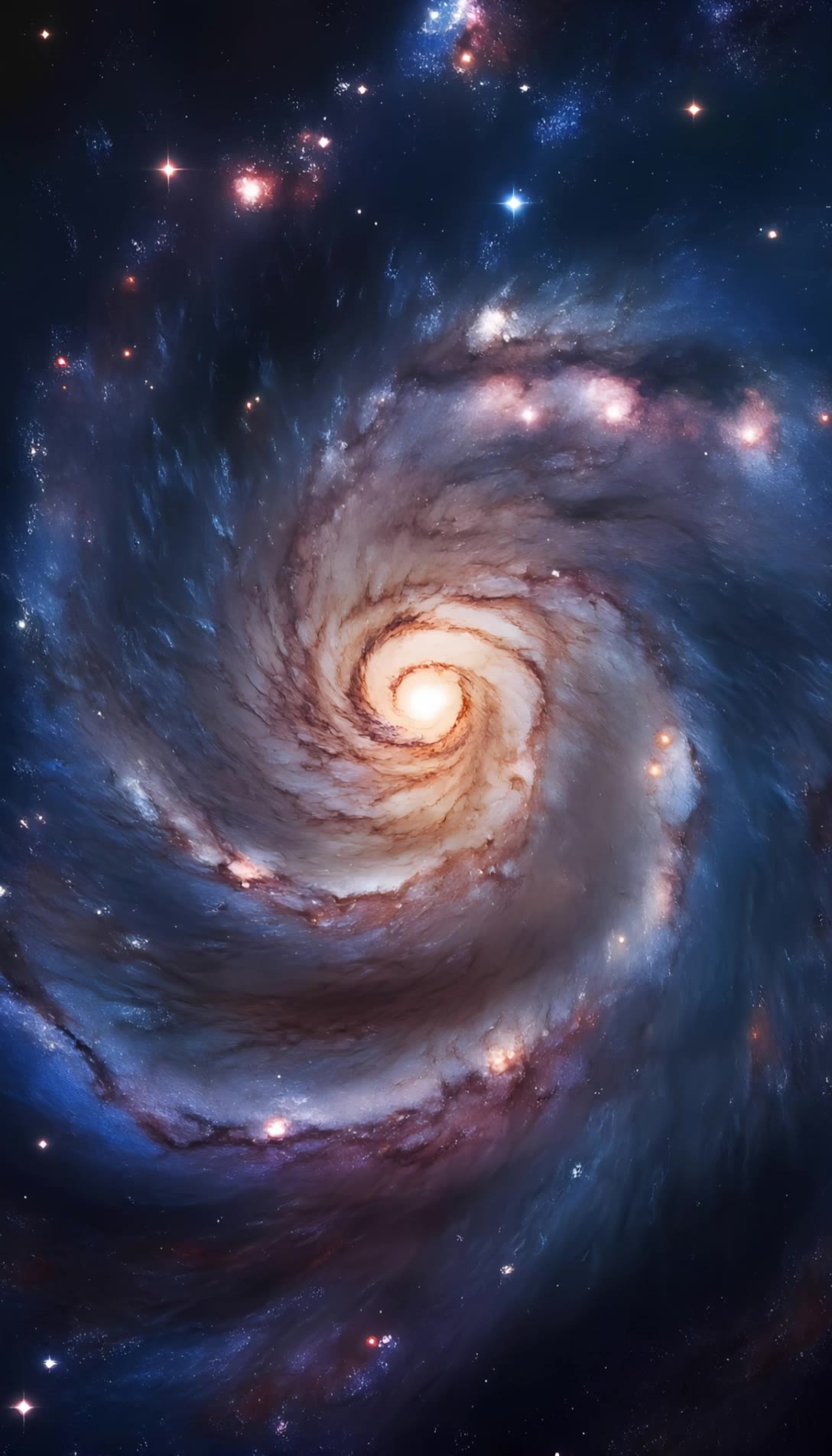
AI-generated galaxy ideas

Explore AI-made galaxy concepts. Quickly find inspiration and adapt AI results to your needs.

AI-generated galaxy ideas

Recommended

Beautiful Galaxy - galaxy ai AI image
MARG avatar
MARG
Kling AI work 319205030528593 - galaxy ai AI video
NPxoLpqy avatar
NPxoLpqy
Kling AI work 297250420506133 - galaxy ai AI image
Lara Crøft avatar
Lara Crøft
interstellar galaxy - galaxy ai AI image
KLING4882 avatar
KLING4882
Twirly thing - galaxy ai AI image
Charwen avatar
Charwen
Kling AI work 297250340508261 - galaxy ai AI image
Lara Crøft avatar
Lara Crøft
Kling AI work 296639884504169 - galaxy ai AI image
TZhGUQtT avatar
TZhGUQtT
A peaceful galaxy with twinkling - galaxy ai AI video
xjHKaKgZ avatar
xjHKaKgZ
Kling AI work 296642095617807 - galaxy ai AI video
aAerjDAx avatar
aAerjDAx
Kling AI work 318758400521811 - galaxy ai AI video
gQaRQkrd avatar
gQaRQkrd
Kling AI work 314248242613343 - galaxy ai AI image
Jessica avatar
Jessica
A peaceful galaxy with twinkling - galaxy ai AI video
xjHKaKgZ avatar
xjHKaKgZ
Galaxy zoom in - galaxy ai AI video
TPJ Vision avatar
TPJ Vision
Elite Creator
Coffee transformation - galaxy ai AI video
PFNTLaPI avatar
PFNTLaPI
Galaxy zooming in - galaxy ai AI video
qJWYRpdC avatar
qJWYRpdC
galaxy - galaxy ai AI video
DlovDPQw avatar
DlovDPQw
Kling AI work 296284425666320 - galaxy ai AI video
Joboy96 avatar
Joboy96
Kling AI work 296160372502161 - galaxy ai AI image
ÃtLįRîũz avatar
ÃtLįRîũz
Galaxy Phone Birth - galaxy ai AI video
AurumVitaFortuna avatar
AurumVitaFortuna

How to Extend an Image with AI

Step 1: Upload and Describe

Step 1: Upload and Describe

Upload the image you want to expand, such as a portrait, product photo, landscape, or social media visual. Use a text prompt to specify which side to extend and what should appear in the new area, such as more sky, scenery, or background details, while keeping the main subject unchanged.

Step 2: Choose the Output Settings and Generate

Step 2: Choose the Output Settings and Generate

Choose the image ratio, number of outputs, and resolution, then generate your extended image. Creating multiple versions makes it easier to compare the results and choose your favorite.

Step 3: Expand Your Image with Image Expansion

Step 3: Expand Your Image with Image Expansion

Open the Image Expansion workflow when you want a dedicated way to extend an existing image. Upload your source image, describe what should appear beyond the original frame, choose from the available output settings, and generate the expanded result.

Choose the Right Voice Workflow

Add New Audio to an Existing Video

Add New Audio to an Existing Video

Use the dedicated Lip Sync tool when your character video is already created. Upload a voiceover or song, or generate speech from text, then match the new audio to the character’s mouth movements.

Generate Dialogue with the Scene

Generate Dialogue with the Scene

Starting from scratch? Kling VIDEO 3.0 and VIDEO 3.0 Omni create dialogue, lip movement, visuals, sound effects, and ambience together. Native Audio supports Chinese, English, Japanese, Korean, and Spanish.

Keep Character and Voice Consistent

Keep Character and Voice Consistent

Create a reusable Character Element from images or a video, bind a voice tone, and carry the same appearance and voice into new scenes with VIDEO 3.0 Omni.

Apps

Image to Video
Image to Video

Image to Video

Text to Video
Text to Video

Text to Video

Omni
Omni

Omni

Digital Human
Digital Human

Digital Human

Restyle
Restyle

Restyle

Text to Image
Text to Image

Text to Image

60M+
60M+
Users
600M+
600M+
AI Videos Generated
4.7 ★
4.7 ★
App Store
Industry-Leading
Industry-Leading
Cinematic 4K

Reviews

Déborah

Déborah

★★★★★

I use Kling AI every day. It's amazing to see the almost daily progress it makes. I used AI for fun at first, and I now find that Kling AI's animations allow me to gain professional visibility, with three times more views on my animated posts than on my static posts.

Vincent Smadja

Vincent Smadja

★★★★★

Kling AI seamlessly integrates into my creative workflow, playing a key role in transforming my images. After generating and upscaling an image, Kling becomes a crucial element, bringing my creations to life with movement and depth.

PJ Ace

PJ Ace

★★★★★

Kling AI has made it easy for us to generate world class visuals for Fortune 500 companies, TV shows and music for big artists. We love the easy of use of the platform and the quality of the generations. My first time using Kling AI, I got 22 million views on just one video. It's that good.

FAQ

Q1What is the best AI to turn an image into a video?
Q2Can I use these generated videos for my e-commerce store or social media ads?
Q3How do I keep the face from changing or morphing in my video?

Start Controlling Character Motion

Stop accepting distorted AI movements. Upload your reference and let Kling replicate it precisely.

Works on humans, anime & 3D | High-precision motion | Zero distortion