Creative Studio
API
Resources
Features
About Us
Download

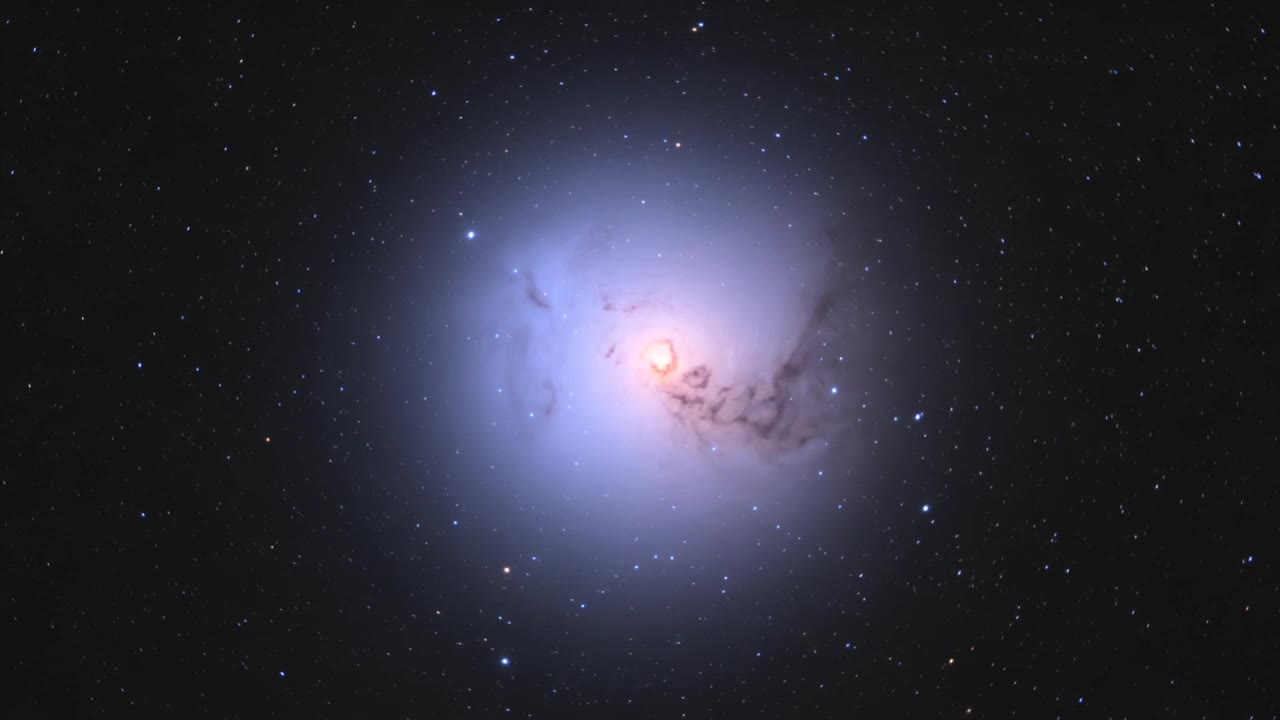
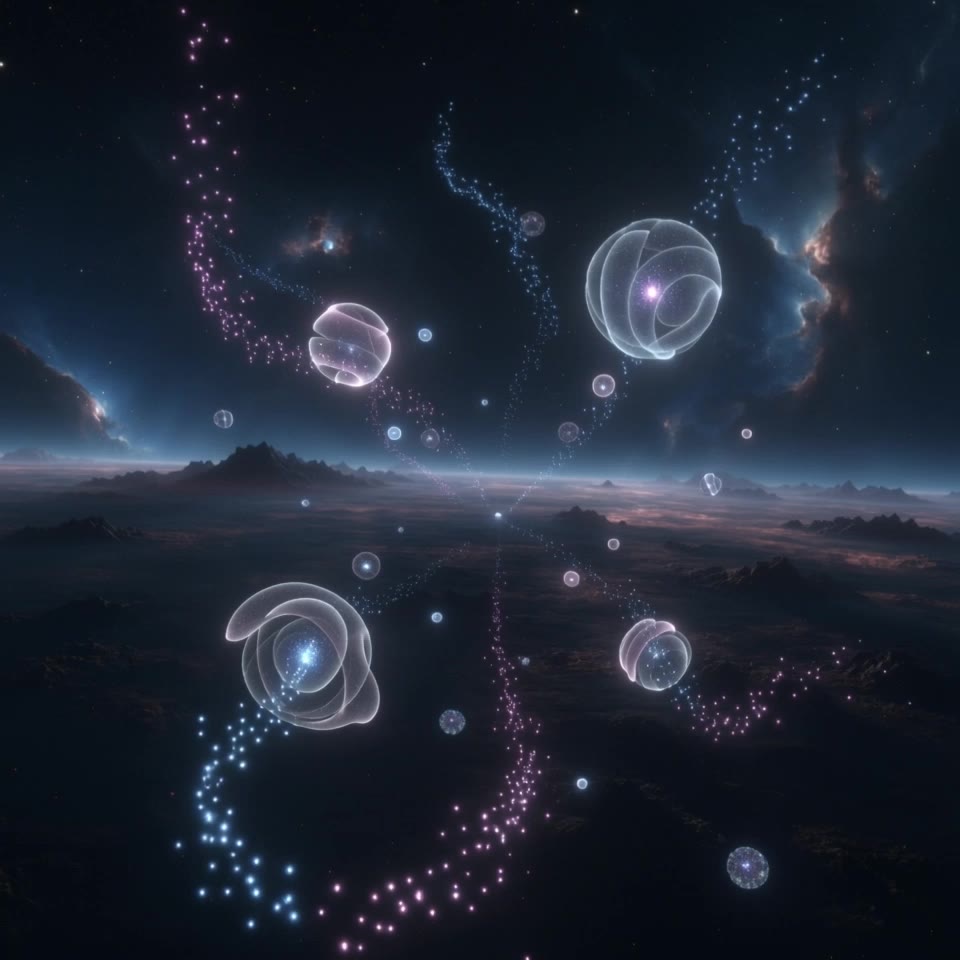
AI-generated galaxy wallpapers – Explore cosmic designs

Discover AI-made galaxy wallpapers. Quickly find designs that match your cosmic theme. Customize colors and elements to fit your style. No design skills needed – just choose and adapt.

AI-generated galaxy wallpapers – Explore cosmic designs

Recommended

A futuristic smartphone - galaxy ai wallpaper AI image
MOMO -KLING avatar
MOMO -KLING
Kling AI work 311344953661563 - galaxy ai wallpaper AI video
cxIgLfgg avatar
cxIgLfgg
Kling AI work 307991559505091 - galaxy ai wallpaper AI image
ZByFXRiT avatar
ZByFXRiT
Kling AI work 309155892611817 - galaxy ai wallpaper AI image
Dreaming avatar
Dreaming
Elite Creator
Twirly thing - galaxy ai wallpaper AI image
Charwen avatar
Charwen
Kling AI work 307793488613581 - galaxy ai wallpaper AI image
GuAZCYYq avatar
GuAZCYYq
Kling AI work 314116022521986 - galaxy ai wallpaper AI video
GfClbiLY avatar
GfClbiLY
Galaxy Phone Birth - galaxy ai wallpaper AI video
AurumVitaFortuna avatar
AurumVitaFortuna
Beautiful Galaxy - galaxy ai wallpaper AI image
MARG avatar
MARG
A peaceful galaxy with twinkling - galaxy ai wallpaper AI video
xjHKaKgZ avatar
xjHKaKgZ
Galaxy - galaxy ai wallpaper AI video
reJAsyIi avatar
reJAsyIi
Live Wallpaper - galaxy ai wallpaper AI video
Louis avatar
Louis
Elite Creator
Kling AI work 307579983664189 - galaxy ai wallpaper AI image
AiBEfaiZ avatar
AiBEfaiZ
A peaceful galaxy with twinkling - galaxy ai wallpaper AI video
xjHKaKgZ avatar
xjHKaKgZ
Kling AI work 310335821661328 - galaxy ai wallpaper AI image
Dreaming avatar
Dreaming
Elite Creator
Kling AI work 316050436662512 - galaxy ai wallpaper AI video
OXnfcchs avatar
OXnfcchs
interstellar galaxy - galaxy ai wallpaper AI image
KLING4882 avatar
KLING4882
galaxy - galaxy ai wallpaper AI image
someone avatar
someone
galaxy pumpkin pie - galaxy ai wallpaper AI video
Pekosman avatar
Pekosman

How to Restore Old Photos with Kling AI

Upload Your Old Photo

Upload Your Old Photo

Upload a scanned photo, faded print, damaged portrait, or black-and-white image. Your original photo gives Kling the visual reference for the people, objects, composition, and details you want to keep.

Describe the Restoration You Want

Describe the Restoration You Want

Use a prompt to describe the improvements you want, such as removing scratches, reducing stains, restoring faded colors, enhancing facial details, or repairing damaged areas. You can also mention what should stay consistent, like expressions, clothing, or the overall look of the original photo.

Generate Your Restored Photo

Generate Your Restored Photo

Generate your restored version and compare it with the original. If an important detail changes, update your prompt or add another reference and try again.

Make Images Clearer, Sharper, and More Detailed

Make Soft or Blurry-Looking Images Clearer

Make Soft or Blurry-Looking Images Clearer

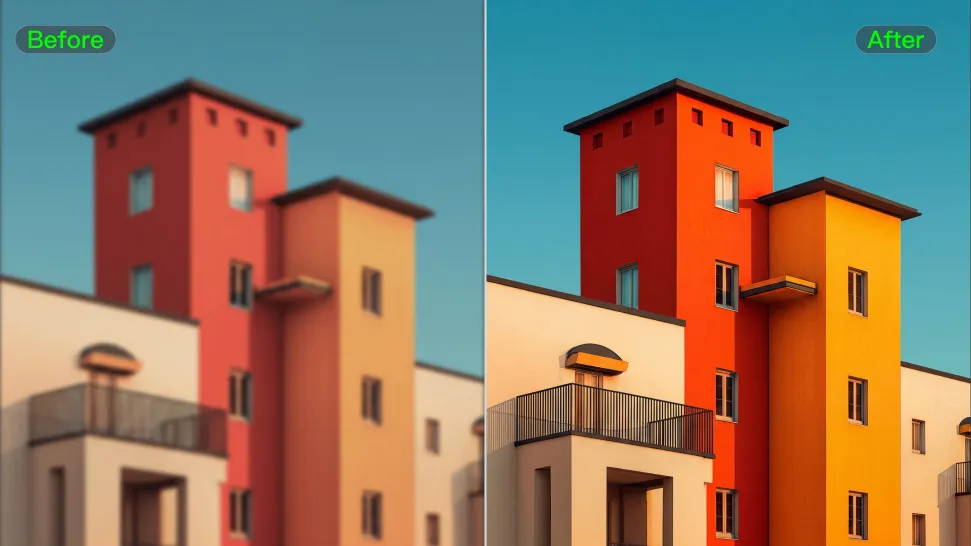
Improve images that look soft, blurry, or short on detail so important subjects appear clearer and easier to recognize. Kling IMAGE 3.0 Omni can refine facial features, object edges, textures, and other key areas while preserving the overall look and character of the original image.
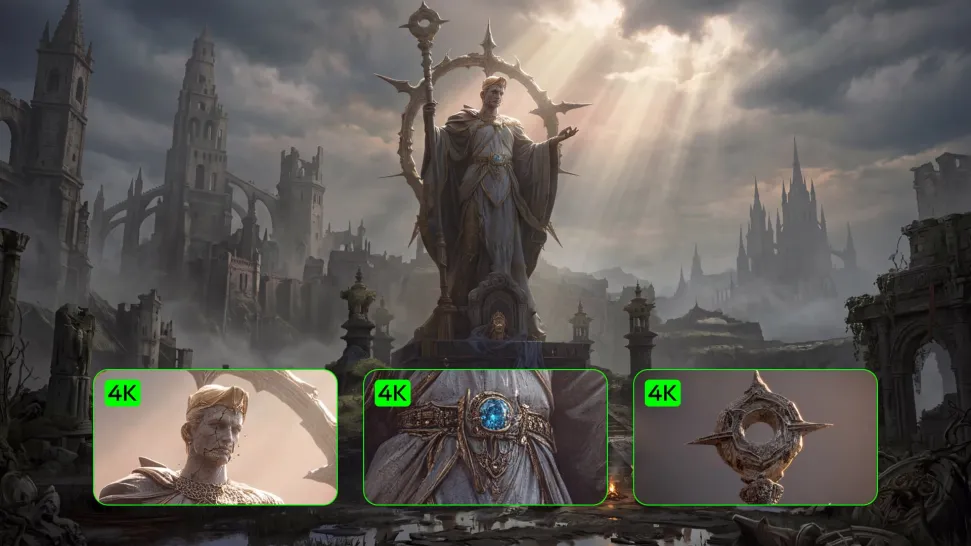
Enhance Low-Resolution Images in 2K/4K

Enhance Low-Resolution Images in 2K/4K

Need more resolution for a larger screen, campaign visual, product image, or creative project? Use your existing image as the starting point and generate a higher-resolution version in native 2K or 4K. You get more room for fine textures and visual detail to come through, making your result better suited to larger displays, print, presentations, and other high-resolution uses.

Improve Color and Lighting Your Way

Improve Color and Lighting Your Way

If your image feels too dark, flat, or visually uneven, describe the look you want and guide changes to lighting, shadows, contrast, color tone, or saturation. You can create softer light, richer color, or a more balanced finish while keeping control over the overall visual direction.

Apps

Image to Video
Image to Video

Image to Video

Text to Video
Text to Video

Text to Video

Omni
Omni

Omni

Digital Human
Digital Human

Digital Human

Restyle
Restyle

Restyle

Text to Image
Text to Image

Text to Image

60M+
60M+
Users
600M+
600M+
AI Videos Generated
4.7 ★
4.7 ★
App Store
Industry-Leading
Industry-Leading
Cinematic 4K

Reviews

Maria Rubtsova

Maria Rubtsova

★★★★★

I’m Maria Rubtsova, an AIGC digital artist passionate about creating stunning visuals in the worlds of fashion, aesthetics, and fantasy. I use KlingAi to bring imagination to life through video. My work is all about exploring beauty, emotion, and the limitless possibilities of digital art.

Jyo John Mulloor

Jyo John Mulloor

★★★★★

Kling AI has been instrumental in transforming my creative workflow, unlocking new dimensions of artistic expression that were once unimaginable. I use Kling AI extensively to develop high-concept visuals, animate surreal dreamscapes, and create AI-assisted films that blur the line between reality and fantasy. Kling AI’s deep learning capabilities have not only enhanced my creative efficiency but also inspired me to explore storytelling in ways I never thought possible.

Halim Alrasihi

Halim Alrasihi

★★★★★

I use AI daily and Kling AI is a crucial part of my workflow, whether for client work or personal projects. What I love most about using Kling AI is that it provides all the tools I need in one place, from keyframes to character references, elements and special effects.

FAQ

Q1Can I upload multiple images to improve accuracy?
Q2What kind of images work best for Motion Control?
Q3Can I use the audio from the reference video?

Turn Your Ideas into Stunning Images

Create realistic images, character concepts, and creative artwork with Kling AI.

Free tier available | Reference images supported | High-quality output | Fast generation