Creative Studio
API
Resources
Features
About Us
Download

game on world - Squid Game & 90's Retro Gaming

Dive into nostalgic 90's video game vibes and cinematic character adventures across diverse gaming universes. Start exploring game on world ideas and generate your own content with AI.

game on world - Squid Game & 90's Retro Gaming

Recommended

Kling AI work 309017711618180 - game on world AI video
IzAJUHLm avatar
IzAJUHLm
AI Baseball Game - game on world AI image
AknUWeTI avatar
AknUWeTI
game sinematic - game on world AI video
lSDNLwwL avatar
lSDNLwwL
Video Game to Real Life Actoin - game on world AI video
BernawanFR avatar
BernawanFR
GAME ON 🎮 - game on world AI video
Kirito Kaizuka avatar
Kirito Kaizuka
2 People Great Game - game on world AI video
LmNkmcdv avatar
LmNkmcdv
Game of the AI - game on world AI video
Loky avatar
Loky
tiny game - game on world AI video
csqCKqqd avatar
csqCKqqd
scotland game trailer - game on world AI video
Droichead Games avatar
Droichead Games
Please like his new game - game on world AI video
01:20
Ghaith avatar
Ghaith
Game night - game on world AI video
TMH avatar
TMH
game play - game on world AI video
00:05
ImDYdvZG avatar
ImDYdvZG
Kling AI work 315708955613378 - game on world AI image
AmikvyaO avatar
AmikvyaO
Kling AI work 308657170524696 - game on world AI image
vszoEuOU avatar
vszoEuOU
Game CG - game on world AI image
Vc929 avatar
Vc929
Kling AI work 316500163522275 - game on world AI video
kakkerlak123 avatar
kakkerlak123
Kling AI work 310454422505536 - game on world AI video
LpgGYJzM avatar
LpgGYJzM
end game - game on world AI image
artisticvideo avatar
artisticvideo
Elite Creator

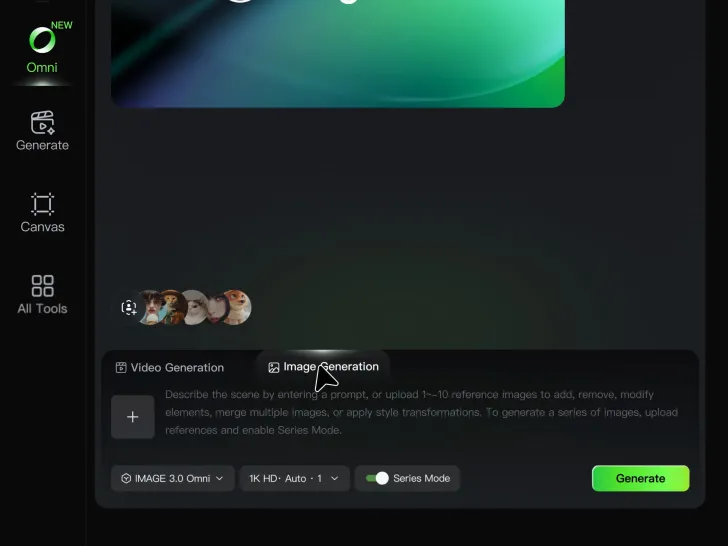
How to Create AI Characters with Kling AI

Step 1: Describe Your Character

Step 1: Describe Your Character

Start with a text prompt describing the character you want to create. Define key details such as appearance, hairstyle, clothing, visual style, expression, pose, or setting to help Kling AI generate a character that matches your description.

Step 2: Add Reference Images if Available

Step 2: Add Reference Images if Available

Already have a character design or visual direction in mind? Add one or more reference images to guide the character's appearance and key visual traits. Multiple views can help Kling AI maintain consistency across different angles.

Step 3: Generate and Develop Your Character

Step 3: Generate and Develop Your Character

Generate your character, review the result, and continue refining the design. Explore new poses, scenes, styles, and related images, or reuse the character in later creative workflows.

Why Kling Motion Control Stands Out

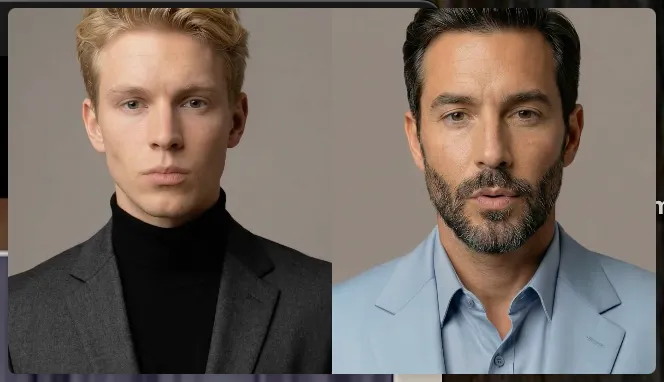
Flawless Facial Consistency in Any Angle

Flawless Facial Consistency in Any Angle

Unlike standard AI video generators that distort features during head turns, Kling locks your character’s identity for stable, recognizable results from any perspective.
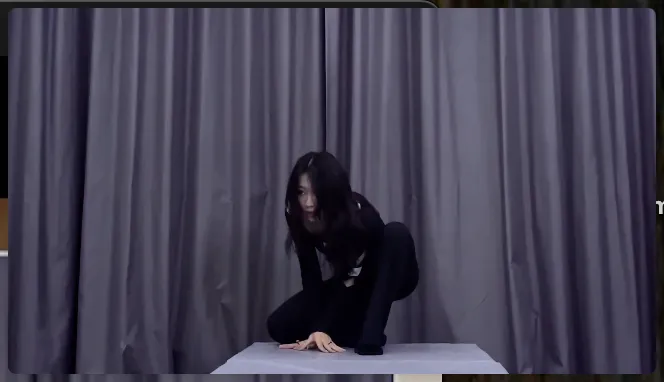
Extreme Precision for Complex Emotions

Extreme Precision for Complex Emotions

Replicate micro-expressions and dramatic emotional transitions with elite motion transfer technology. Kling captures every subtle muscle movement from your reference.
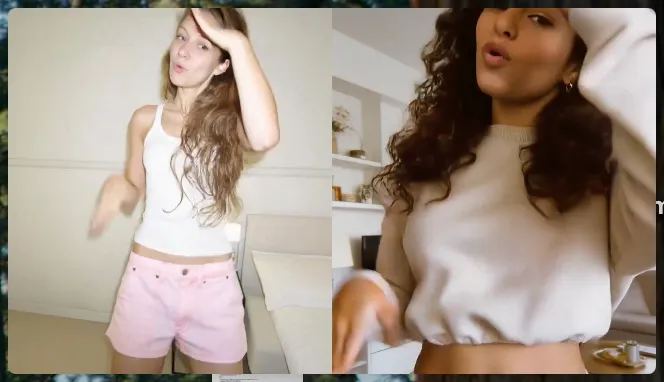
Stable Across Angles, Occlusion, and Distance

Stable Across Angles, Occlusion, and Distance

Maintain character consistency even when the subject is partially blocked or moves between close-up and long shots

Apps

Image to Video
Image to Video

Image to Video

Text to Video
Text to Video

Text to Video

Omni
Omni

Omni

Digital Human
Digital Human

Digital Human

Restyle
Restyle

Restyle

Text to Image
Text to Image

Text to Image

60M+
60M+
Users
600M+
600M+
AI Videos Generated
4.7 ★
4.7 ★
App Store
Industry-Leading
Industry-Leading
Cinematic 4K

Reviews

Vincent Smadja

Vincent Smadja

★★★★★

Kling AI seamlessly integrates into my creative workflow, playing a key role in transforming my images. After generating and upscaling an image, Kling becomes a crucial element, bringing my creations to life with movement and depth.

Ozan Sihay

Ozan Sihay

★★★★★

Kling AI allows me to rapidly prototype ideas, refine storytelling elements, and produce visually compelling content efficiently. It has not only accelerated my creative processes, but also deepened my understanding of how AI can enrich visual storytelling.

Halim Alrasihi

Halim Alrasihi

★★★★★

I use AI daily and Kling AI is a crucial part of my workflow, whether for client work or personal projects. What I love most about using Kling AI is that it provides all the tools I need in one place, from keyframes to character references, elements and special effects.

FAQ

Q1What type of photo works best for changing clothes with AI?
Q2Can I use Kling AI Clothes Changer for virtual try-on?
Q3Can I transfer an outfit from one photo to another person?

Go Beyond the Original Frame

Turn tightly framed images into fuller scenes with Kling IMAGE 3.0. Extend the scene, guide what appears beyond the edges, and keep key subjects and visual style consistent.