Creative Studio
API
Resources
Features
About Us
Download

gem cartoon - graffiti style & real life transformation

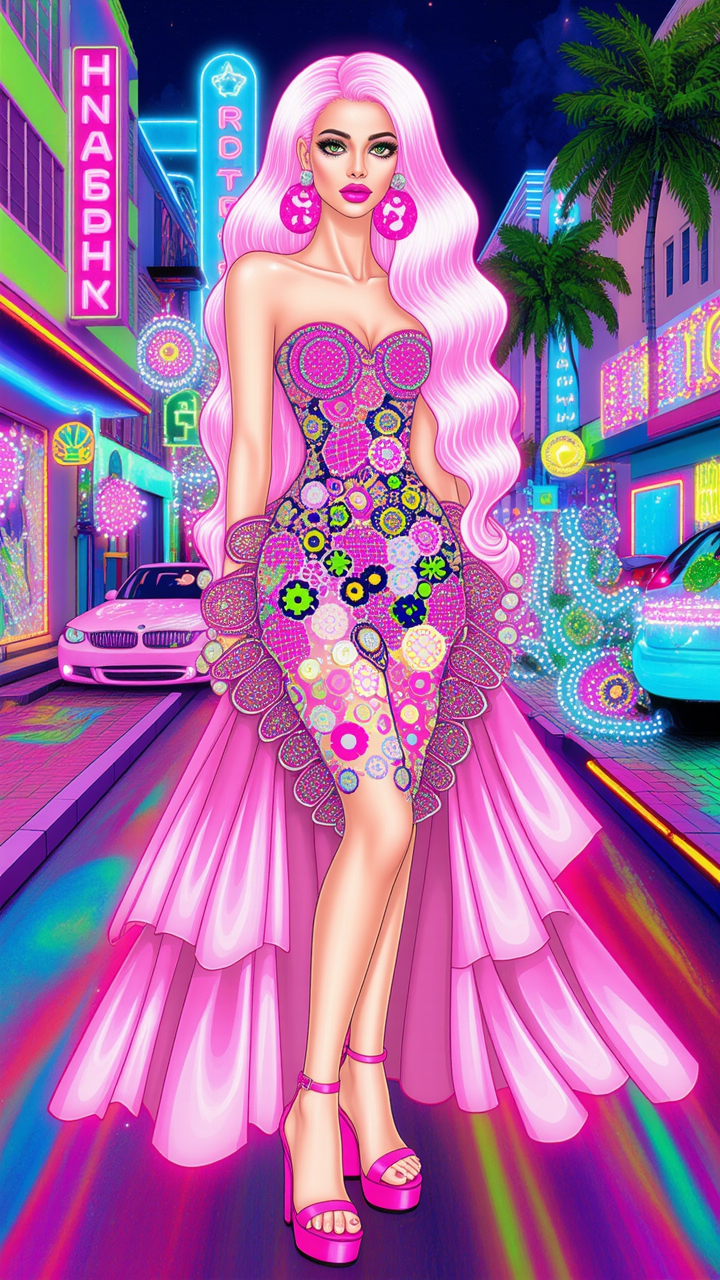
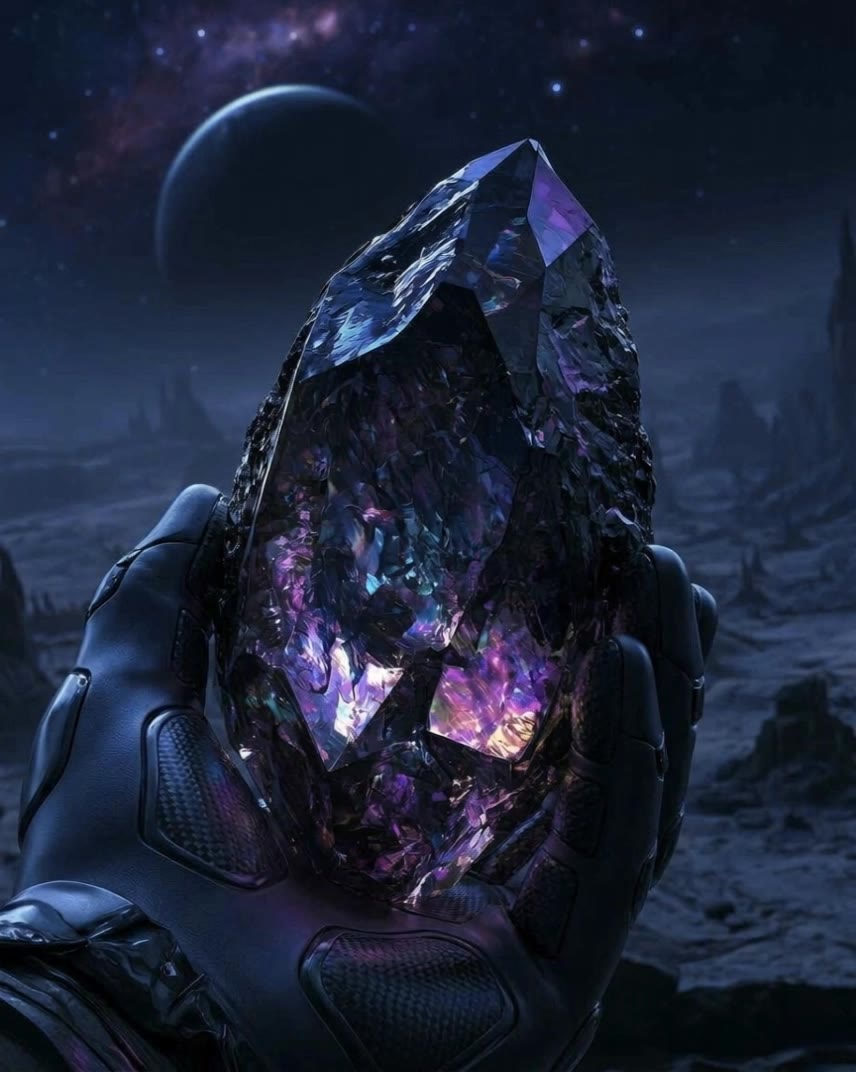
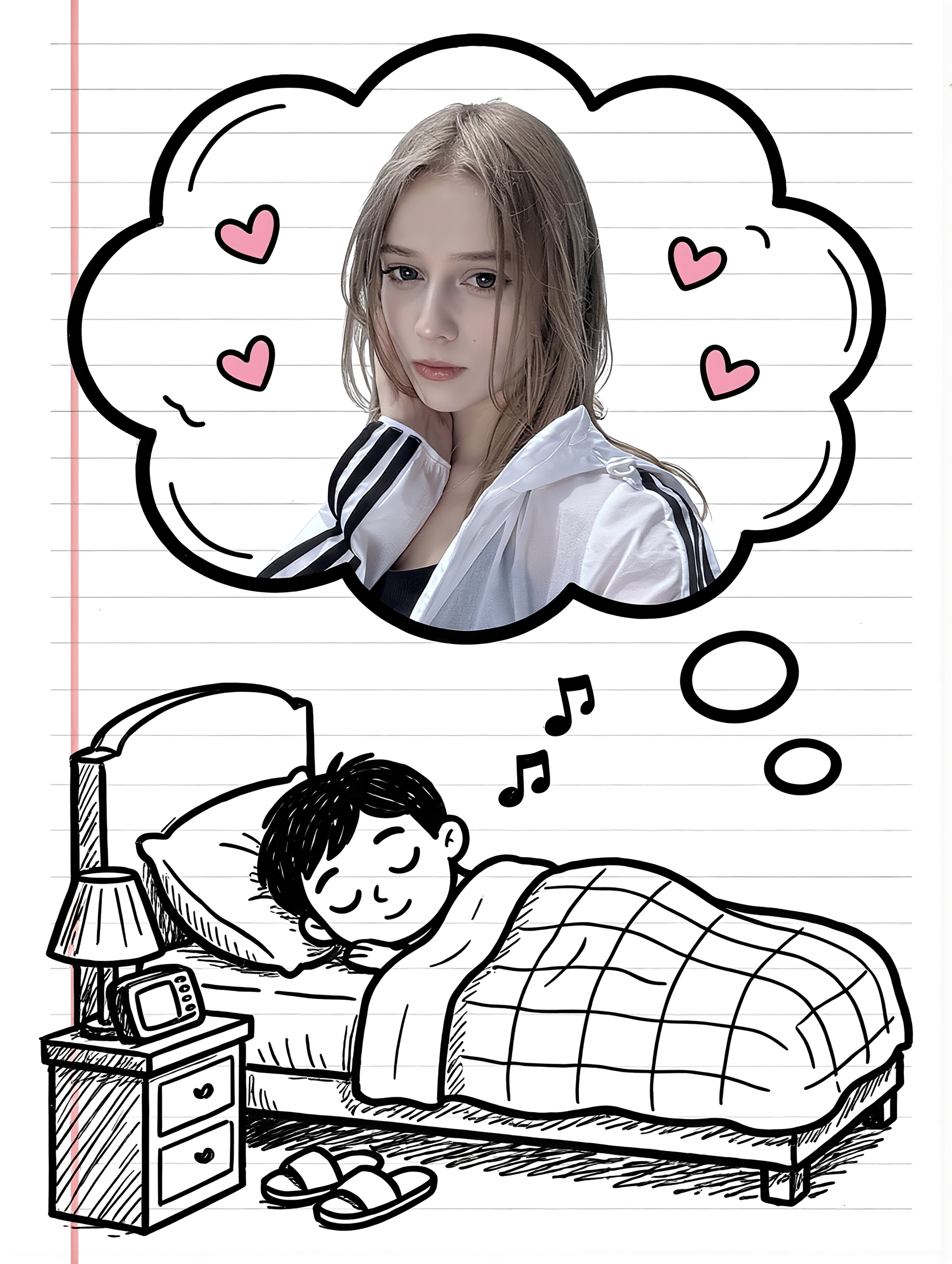
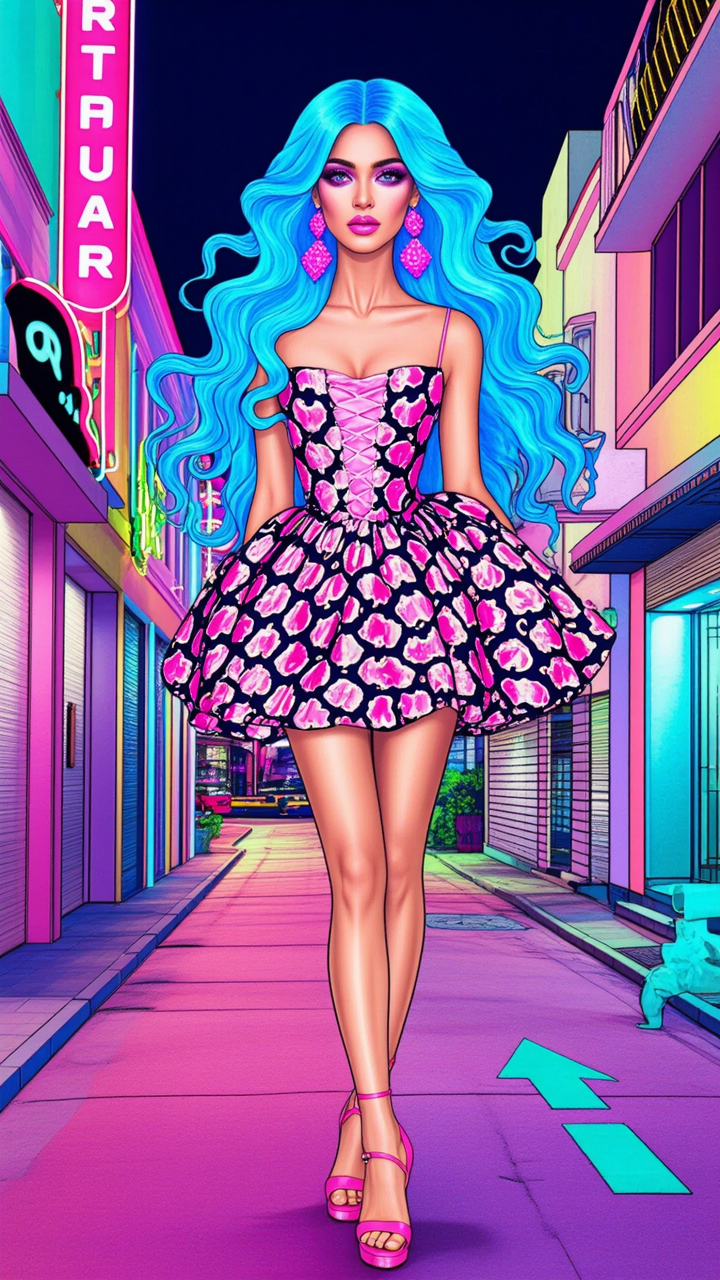
Immerse in vibrant cartoon adventures featuring playful cars with graffiti patterns and charming gem-themed animations. Witness the magic of cartoon transitions to real-life scenarios and delightful gem cutting sequences. Start exploring gem cartoon ideas and generate your own content with AI.

gem cartoon - graffiti style & real life transformation

Recommended

Kling AI work 311803298612855 - gem cartoon AI image
Forever Rockin avatar
Forever Rockin
Kling AI work 319754029521209 - gem cartoon AI video
aGdhihpl avatar
aGdhihpl
Taylor Swift Bedazzling Dog - gem cartoon AI video
Boo Boo’s Creator avatar
Boo Boo’s Creator
Kling AI work 317772854615194 - gem cartoon AI video
oVQpkBdZ avatar
oVQpkBdZ
Kling AI work 313816598505287 - gem cartoon AI image
Mitzins avatar
Mitzins
Kling AI work 309002212502508 - gem cartoon AI video
🎀librakoreaa♎️ avatar
🎀librakoreaa♎️
Kling AI work 299706039507934 - gem cartoon AI video
ZqtiikAd avatar
ZqtiikAd
Kling AI work 317131373307796 - gem cartoon AI image
rShpPTVP avatar
rShpPTVP
Kling AI work 311803081662125 - gem cartoon AI image
Forever Rockin avatar
Forever Rockin
Alien Genstone - gem cartoon AI video
ugmbwuOb avatar
ugmbwuOb
Couple Cartoon Fantasy - gem cartoon AI image
331.ヅ avatar
331.ヅ
Kling AI work 311803008500783 - gem cartoon AI image
Forever Rockin avatar
Forever Rockin
Kling AI work 309682973501567 - gem cartoon AI video
KLING0369 avatar
KLING0369
Kling AI work 321209323668131 - gem cartoon AI video
UnoUDxQb avatar
UnoUDxQb
Kling AI work 290724365503852 - gem cartoon AI video
Cristy Perez avatar
Cristy Perez
Kling AI work 308802452664642 - gem cartoon AI image
DestinySpell avatar
DestinySpell
GGD Logo - gem cartoon AI video
tMNOBPGu avatar
tMNOBPGu
Kling AI work 315815356500609 - gem cartoon AI video
iZGyjqwr avatar
iZGyjqwr
Kling AI work 296813388616350 - gem cartoon AI video
jeffrey.a.brick avatar
jeffrey.a.brick

How to Edit a Photo with Kling AI

Upload Your Photo

Upload Your Photo

Start with a clear photo. Add a reference image when you have a particular replacement, background, or style in mind.

Tell Kling What to Change

Tell Kling What to Change

Enter a clear text prompt, explaining what should change and what should stay the same. Kling applies the edit to the photo with AI directly, without layers or complex manual steps.

Review and Fine-Tune

Review and Fine-Tune

Check the result and the areas that matter most. When one detail needs more work, update the prompt for that area instead of starting over. Download the finished image and share it.

From Clean Cutouts to Completely New Backgrounds

Clean Cutouts, Ready to Use

Clean Cutouts, Ready to Use

Clear away a distracting background without tracing around the subject by hand. Create transparent product shots, portraits, logos, and graphics for listings, profile images, presentations, and design work. When you need a higher-resolution de-priming effect, IMAGE 3.0 Omni also supports 2K and 4K output.

Go Straight to the Background You Want

Go Straight to the Background You Want

Already know what belongs behind the subject? Skip the extra editing and go straight to the final look. Describe a new setting or add a reference image to guide it, whether you're refreshing a product shot, portrait, social graphic, or campaign visual.

Refresh Video Footage Without Reshooting

Refresh Video Footage Without Reshooting

Keep the clip you already have and change the setting around it. With VIDEO 3.0 Omni, use a prompt or reference image to update backgrounds for ads, product videos, presenter clips, and social content—without another shoot or a green screen.

Apps

Image to Video
Image to Video

Image to Video

Text to Video
Text to Video

Text to Video

Omni
Omni

Omni

Digital Human
Digital Human

Digital Human

Restyle
Restyle

Restyle

Text to Image
Text to Image

Text to Image

60M+
60M+
Users
600M+
600M+
AI Videos Generated
4.7 ★
4.7 ★
App Store
Industry-Leading
Industry-Leading
Cinematic 4K

Reviews

Jyo John Mulloor

Jyo John Mulloor

★★★★★

Kling AI has been instrumental in transforming my creative workflow, unlocking new dimensions of artistic expression that were once unimaginable. I use Kling AI extensively to develop high-concept visuals, animate surreal dreamscapes, and create AI-assisted films that blur the line between reality and fantasy. Kling AI’s deep learning capabilities have not only enhanced my creative efficiency but also inspired me to explore storytelling in ways I never thought possible.

Samuele Poggi (@visualsk2)

Samuele Poggi (@visualsk2)

★★★★★

I use Kling AI daily to push the limits of AI filmmaking. It allows me to create highly cinematic content, blending AI and VFX to develop innovative projects. It has significantly impacted my creative process, enabling me to achieve complex animations that would otherwise require high production budgets.

James Phillips

James Phillips

★★★★★

Kling AI has transformed my workflow by collapsing timelines and democratizing production. It’s shifted my mindset from resource-dependent filmmaking to a boundless creative sandbox, where experimentation yields unexpected beauty.

FAQ

Q1What types of watermarks can AI remove?
Q2Can I remove text from an image with Kling AI?
Q3Can I select a watermark manually instead of using a prompt?

Create More with Every Background Change

Turn every background change into a new creative direction with Kling AI. Explore new scenes, reshape your visuals, and create images that keep the details and style that make them unique.

AI Background Removal | Scene Transformation | 2K/4K Image Creation