Creative Studio
API
Resources
Features
About Us
Download

gender swap app - anime transformation & fashion runway

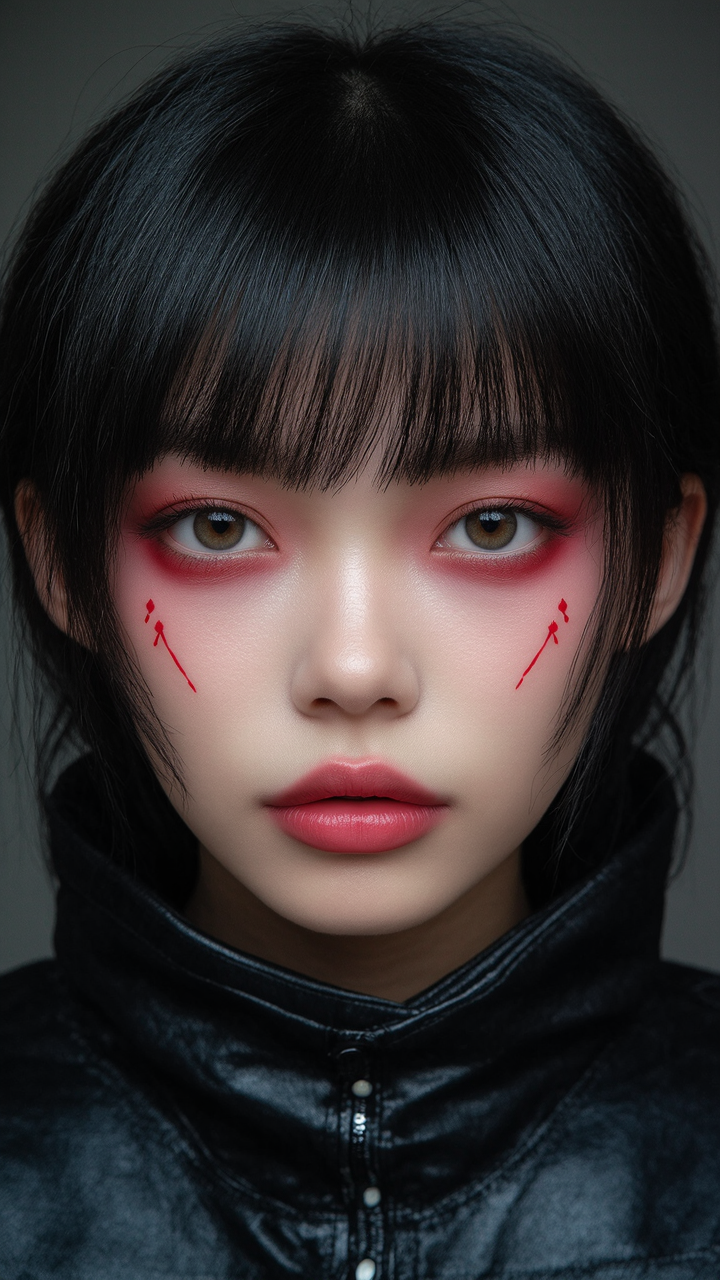
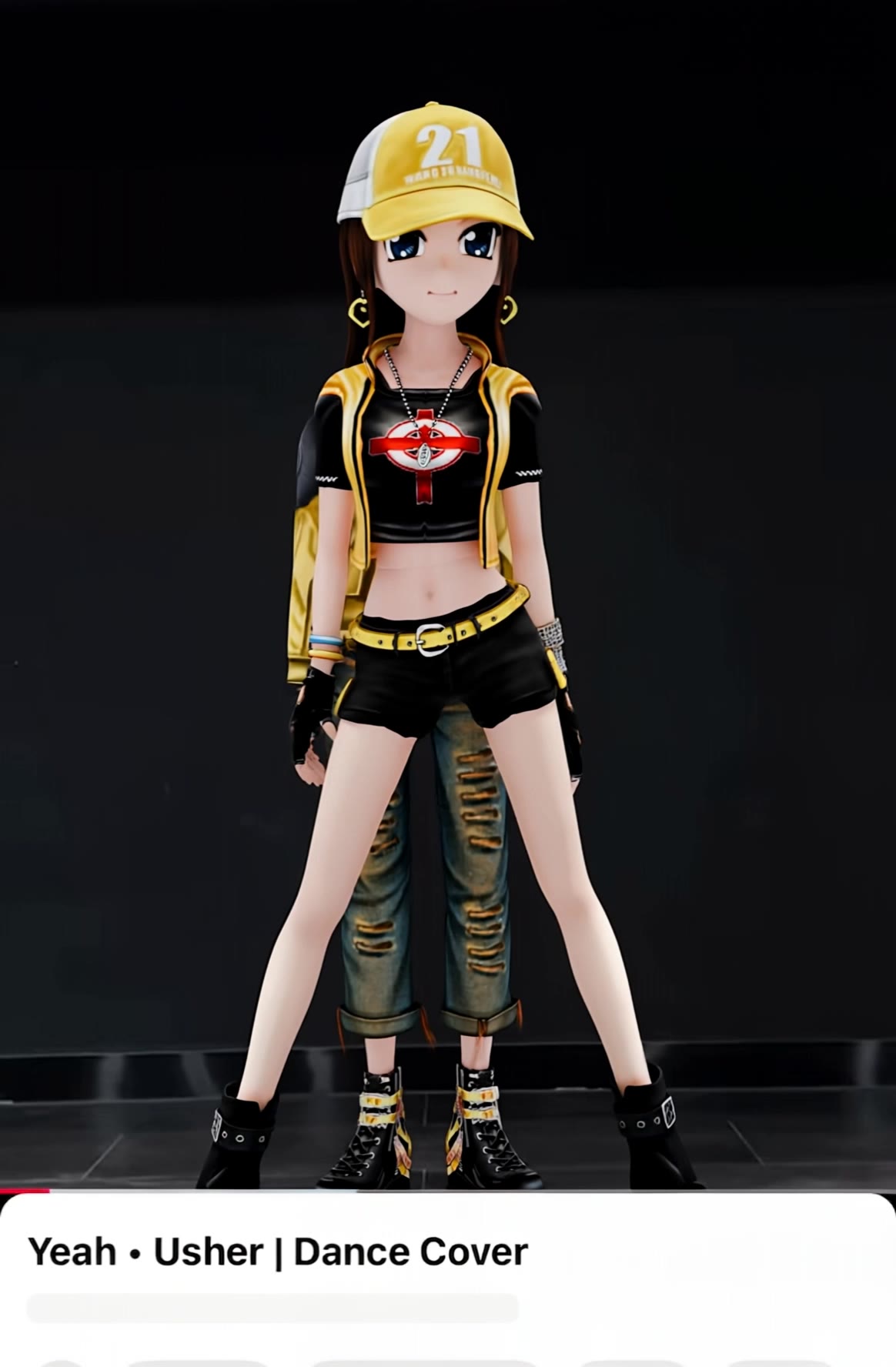
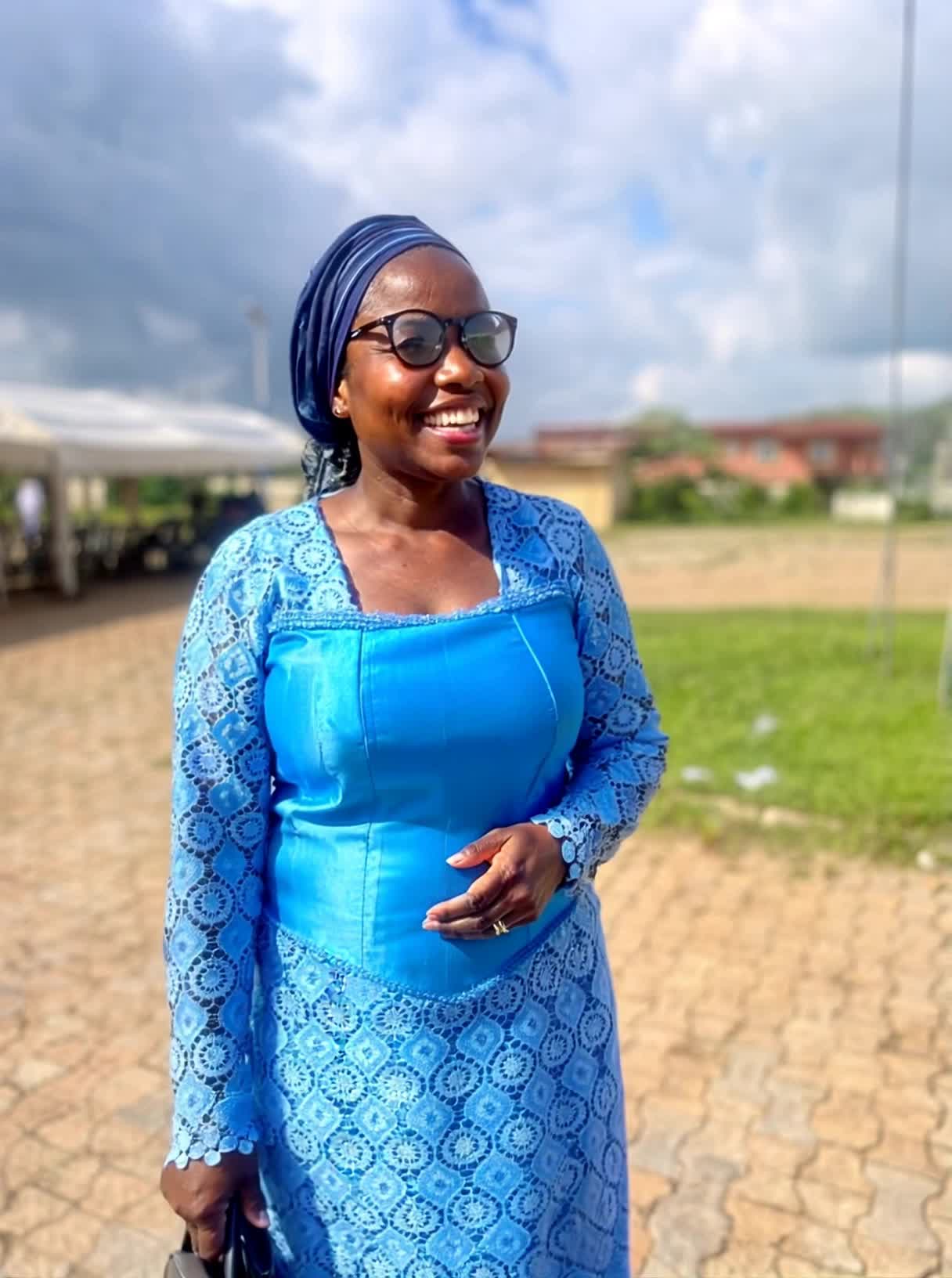
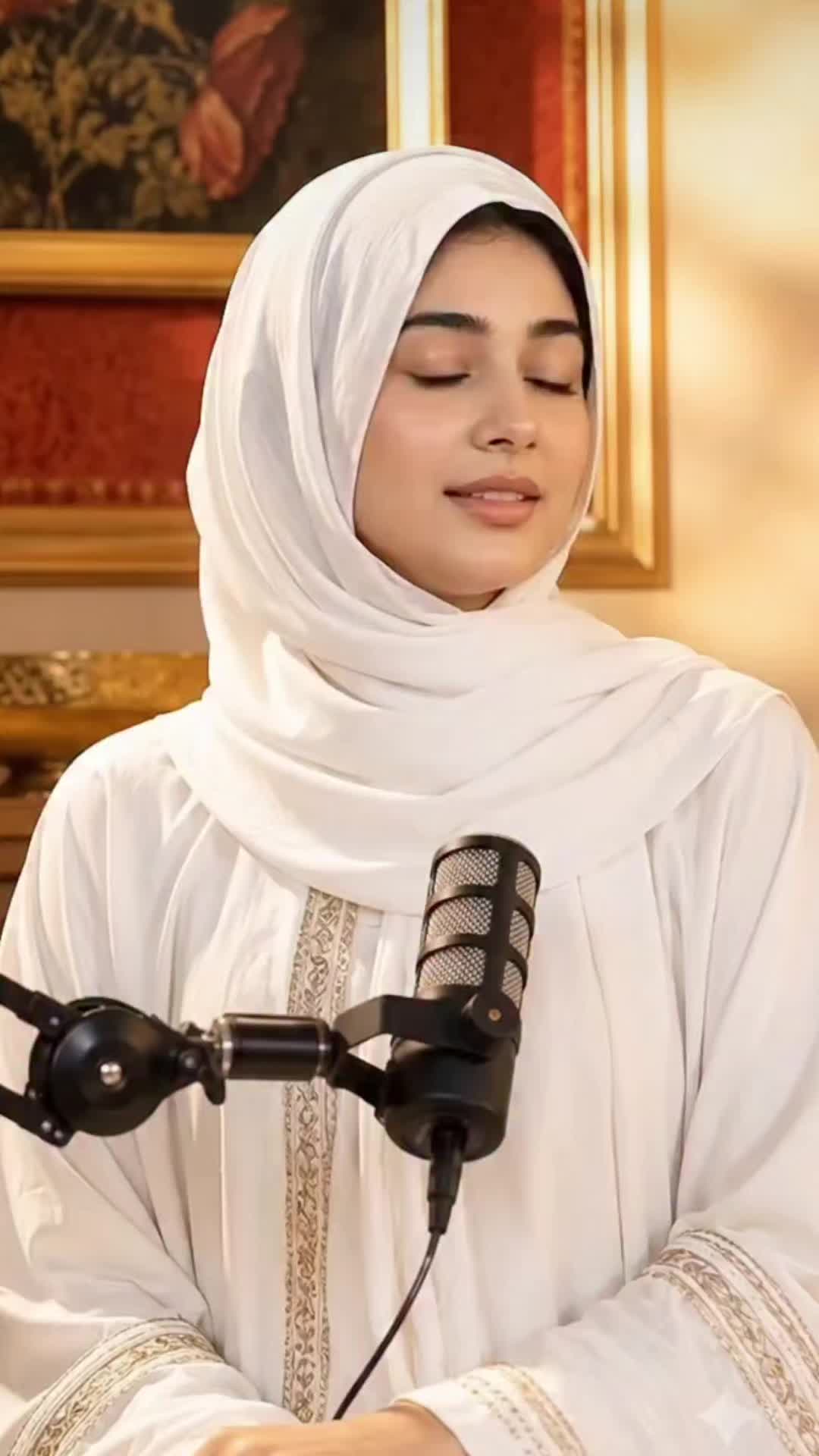
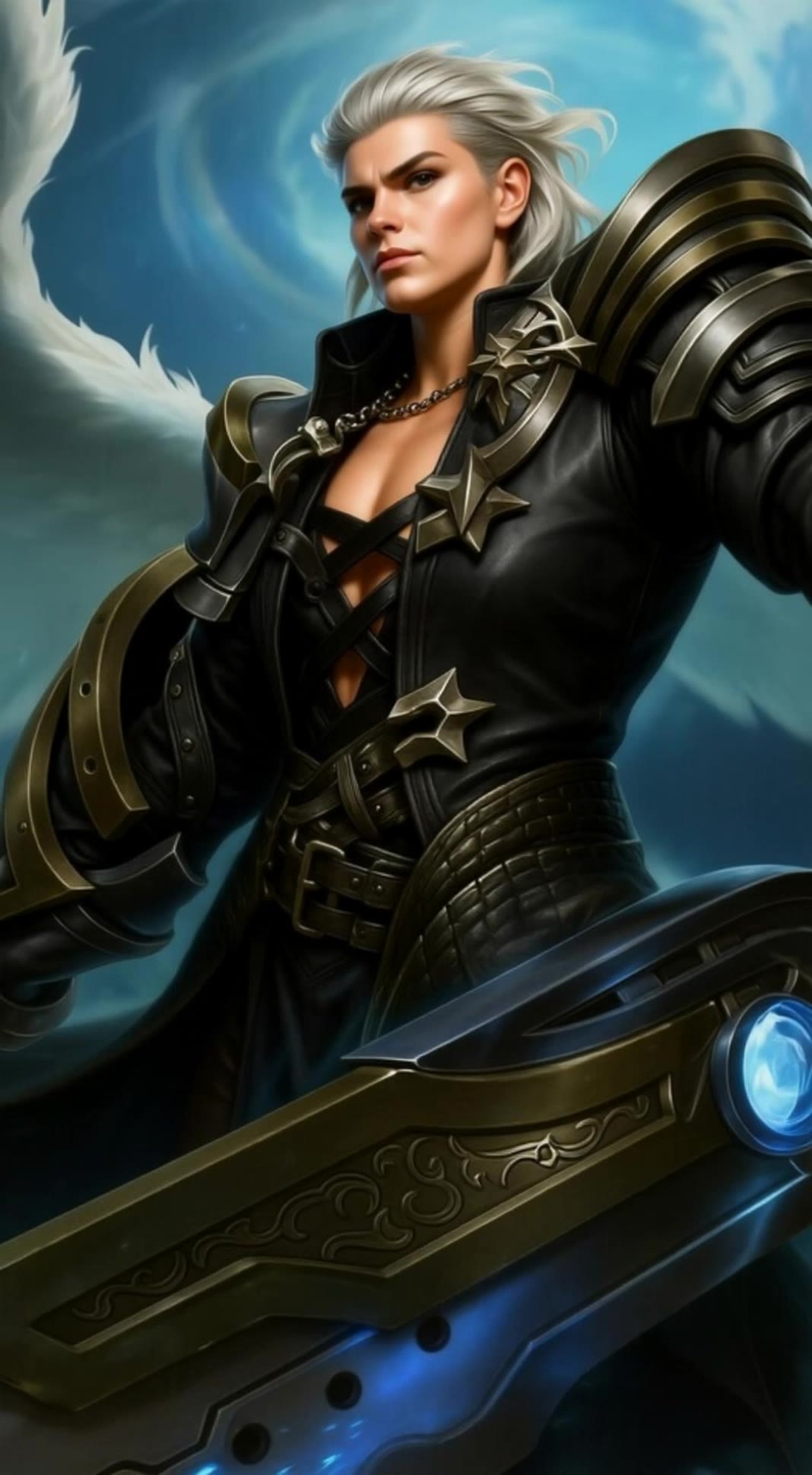
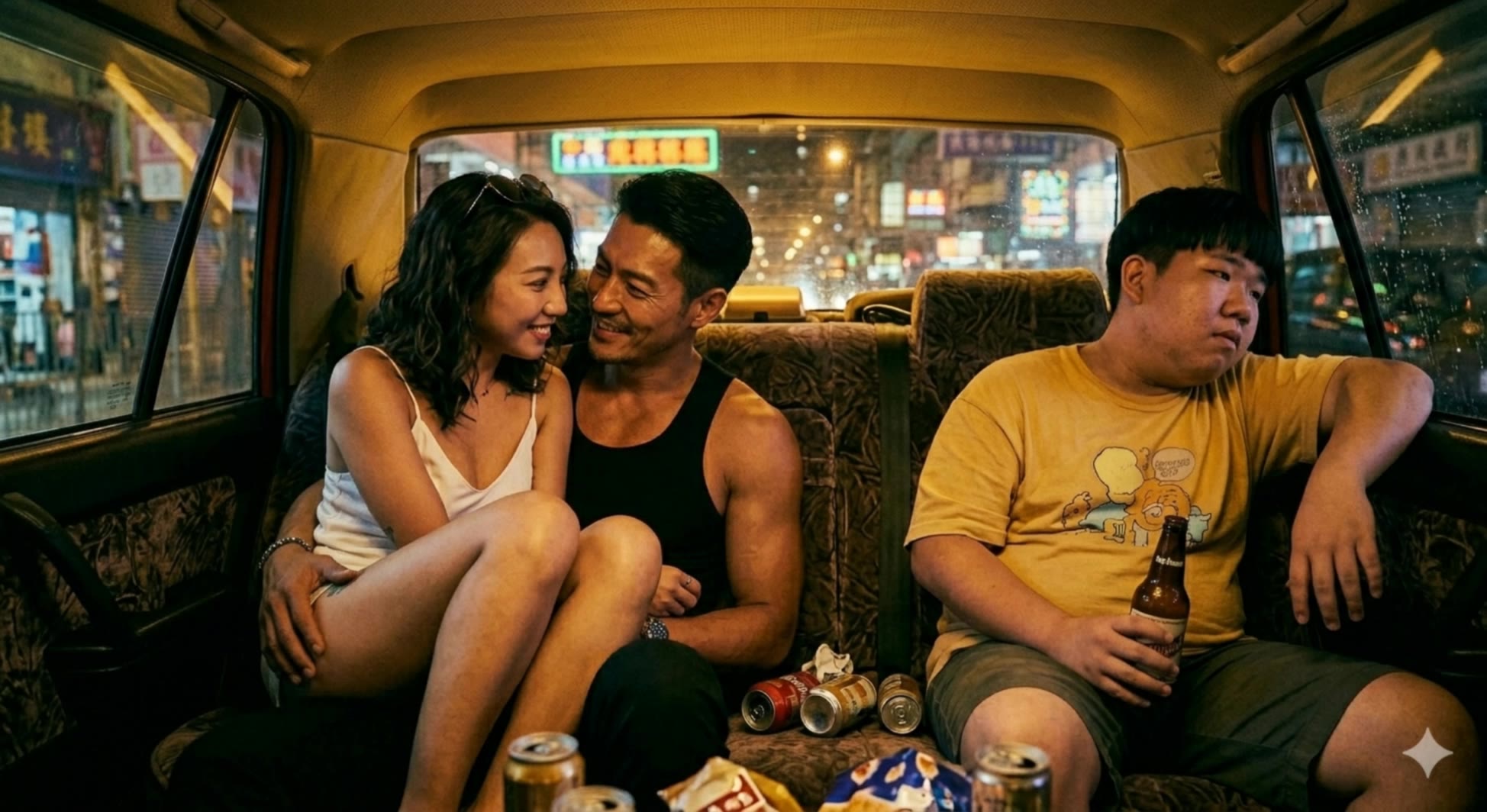
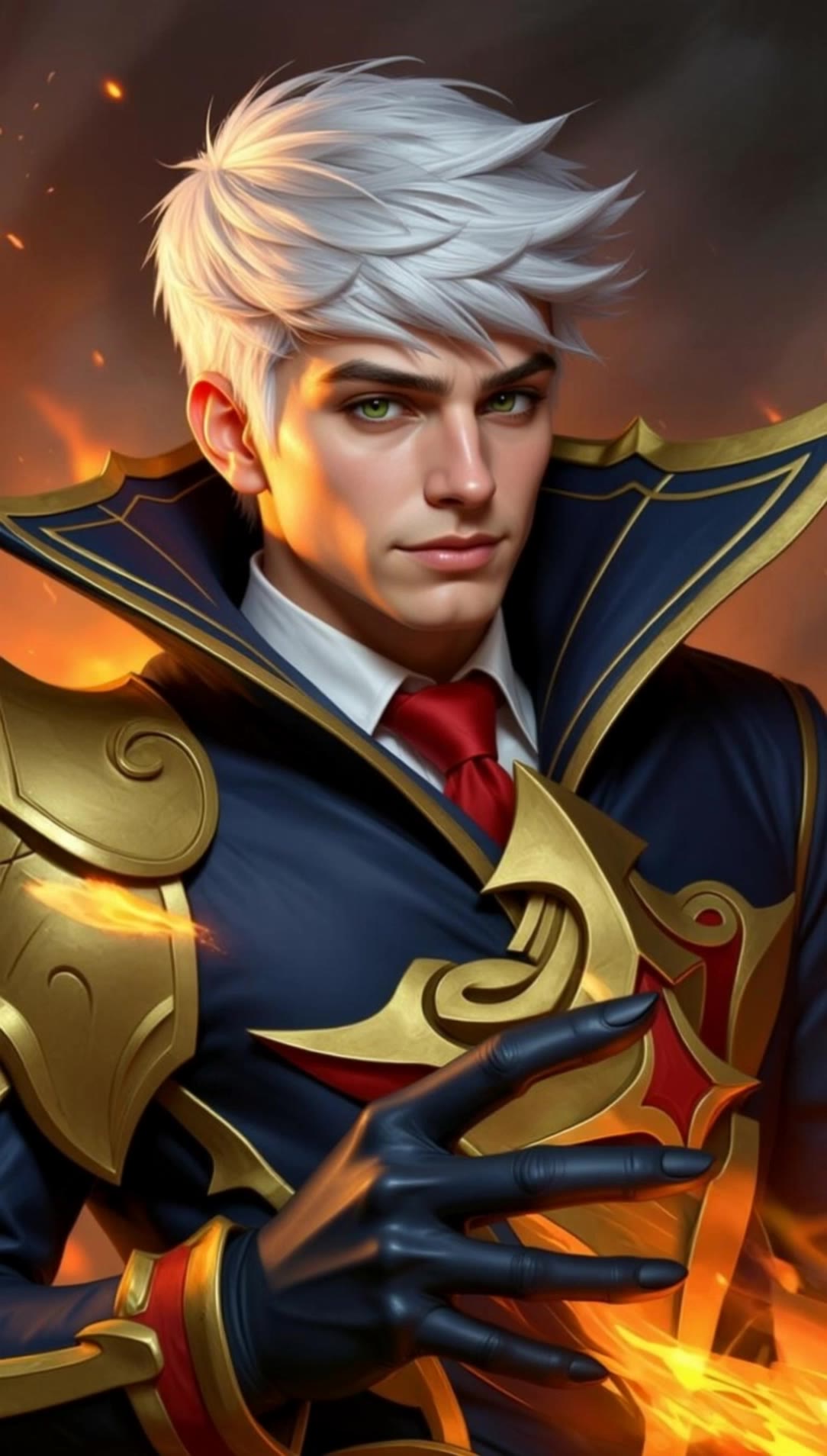
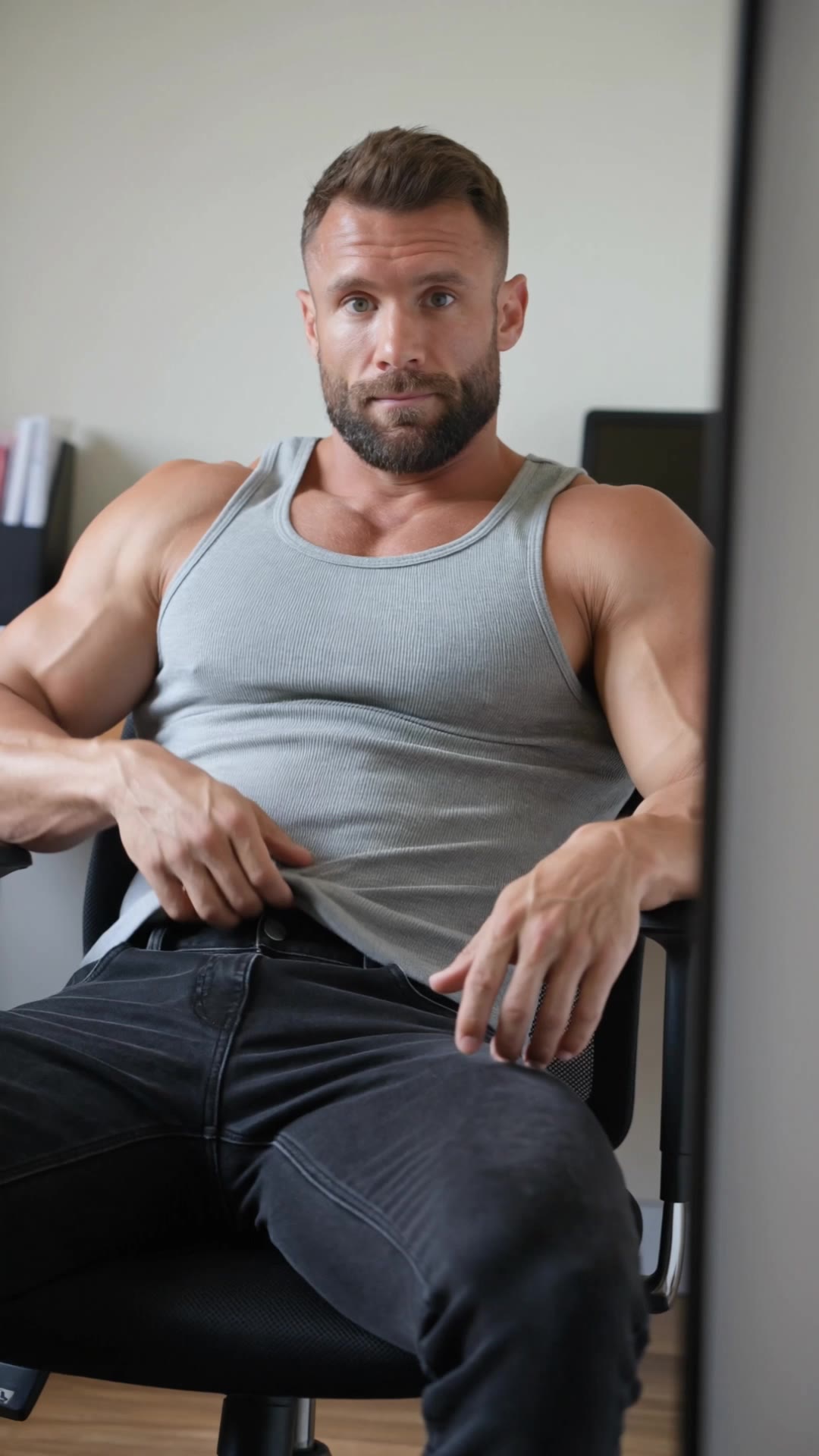
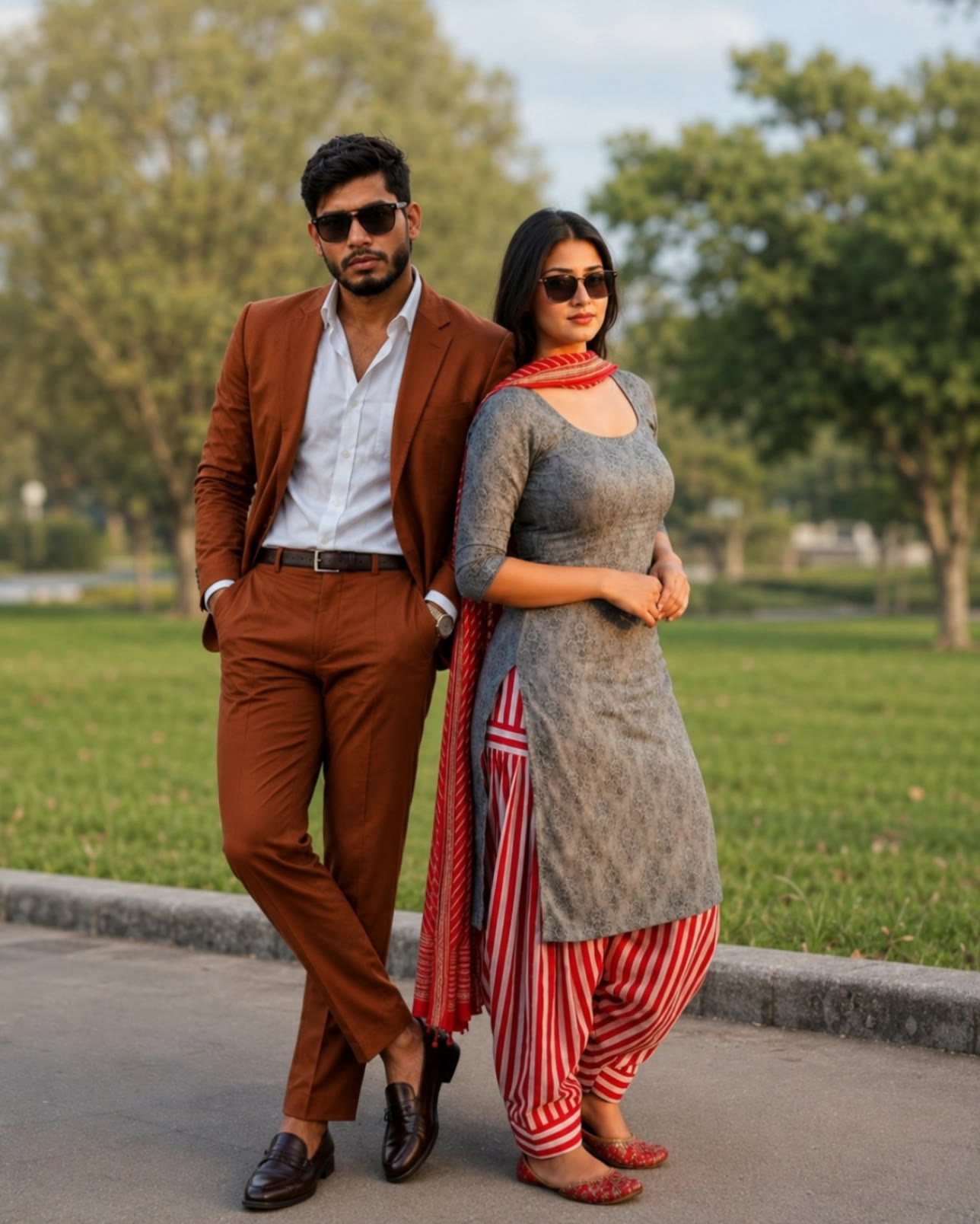
Experience stunning gender swap transformations with anime-style characters and dynamic face swaps. Engage with creative app features for unique event choices and fashion runway presentations. Start exploring gender swap app ideas and generate your own content with AI.

gender swap app - anime transformation & fashion runway

Recommended

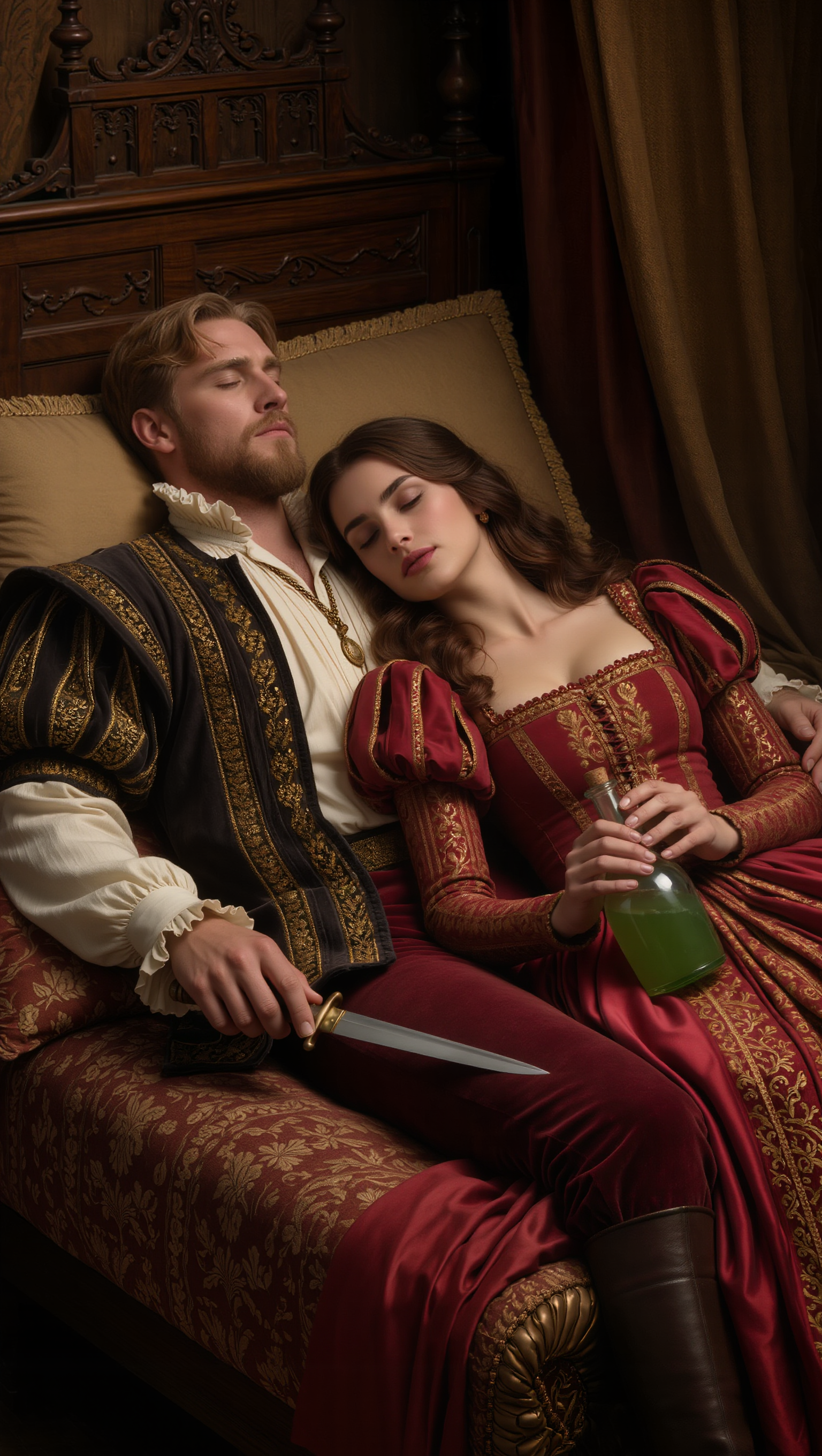
Julian & Roma - gender swap app AI image
YQIeLnqq avatar
YQIeLnqq
Kling AI work 275455621613385 - gender swap app AI image
KLING4649 avatar
KLING4649
Kling AI work 275455621652366 - gender swap app AI image
KLING4649 avatar
KLING4649
Kling AI work 315737578663213 - gender swap app AI video
LeFAwvvQ avatar
LeFAwvvQ
Kling AI work 314939795661289 - gender swap app AI image
nlEWboUk avatar
nlEWboUk
Kling AI work 306899786615661 - gender swap app AI video
fmJZFvKo avatar
fmJZFvKo
Kling AI work 317445388524813 - gender swap app AI video
Baby Announcement avatar
Baby Announcement
Kling AI work 316014756663249 - gender swap app AI video
JPOBrRxw avatar
JPOBrRxw
different face, face swap, face  - gender swap app AI video
00:14
ujSwUVGQ avatar
ujSwUVGQ
Kling AI work 309180001614855 - gender swap app AI video
tiEflgNg avatar
tiEflgNg
Kling AI work 298662045651571 - gender swap app AI video
fhmVfpLu avatar
fhmVfpLu
Kling AI work 309397035502983 - gender swap app AI video
smNkawAv avatar
smNkawAv
Kling AI work 309412920526564 - gender swap app AI video
smNkawAv avatar
smNkawAv
Kling AI work 298661888508686 - gender swap app AI video
fhmVfpLu avatar
fhmVfpLu
Kling AI work 312630953615763 - gender swap app AI video
kBVcabeW avatar
kBVcabeW
DAting app - gender swap app AI video
00:15
oxtFtwEo avatar
oxtFtwEo
Kling AI work 318675033502312 - gender swap app AI video
nZAHcVvw avatar
nZAHcVvw
Kling AI work 307272296662496 - gender swap app AI video
lIhcwtVS avatar
lIhcwtVS

How to Create Images with Kling AI

Write Down You Ideas

Write Down You Ideas

Open the AI Image Generator and choose the model that fits your project. Describe the subject and scene, then add details such as lighting, color, and visual style to shape the result.

Add References Or Not

Add References Or Not

Upload reference images for a character, product, composition, or style. References are optional, but they give Kling AI a clearer visual foundation when specific features, colors, or design details need to carry into the final image.

Generate Your Image

Generate Your Image

Choose your preferred format and output settings, then hit Generate. Once the result is ready, download it directly or open it in the image-to-video workflow to bring it to life with motion.

Remove Objects from Images with More Control

Remove Objects with Simple Text Prompts

Remove Objects with Simple Text Prompts

Skip complex masks and manual retouching. Tell Kling IMAGE 3.0 what you want gone in a text prompt, and it interprets your instruction as a targeted image edit. It gives you a faster way to clean up photos without a complicated editing workflow.

Target the Exact Object You Want Gone

Target the Exact Object You Want Gone

When several similar people or objects appear in the same image, describe the target by its position, appearance, or nearby context. Clearer instructions give you more control over which element is removed while helping reduce unintended changes to unrelated parts of the scene.

Keep the Edited Area Visually Consistent

Keep the Edited Area Visually Consistent

Removing an object also means recreating the area it once covered. Kling IMAGE 3.0 is designed to preserve surrounding style, lighting, and texture during targeted edits, helping the cleared area feel more connected to the rest of the image instead of standing out as an obvious edit.

Apps

Image to Video
Image to Video

Image to Video

Text to Video
Text to Video

Text to Video

Omni
Omni

Omni

Digital Human
Digital Human

Digital Human

Restyle
Restyle

Restyle

Text to Image
Text to Image

Text to Image

60M+
60M+
Users
600M+
600M+
AI Videos Generated
4.7 ★
4.7 ★
App Store
Industry-Leading
Industry-Leading
Cinematic 4K

Reviews

Halim Alrasihi

Halim Alrasihi

★★★★★

I use AI daily and Kling AI is a crucial part of my workflow, whether for client work or personal projects. What I love most about using Kling AI is that it provides all the tools I need in one place, from keyframes to character references, elements and special effects.

Jyo John Mulloor

Jyo John Mulloor

★★★★★

Kling AI has been instrumental in transforming my creative workflow, unlocking new dimensions of artistic expression that were once unimaginable. I use Kling AI extensively to develop high-concept visuals, animate surreal dreamscapes, and create AI-assisted films that blur the line between reality and fantasy. Kling AI’s deep learning capabilities have not only enhanced my creative efficiency but also inspired me to explore storytelling in ways I never thought possible.

Maria Rubtsova

Maria Rubtsova

★★★★★

I’m Maria Rubtsova, an AIGC digital artist passionate about creating stunning visuals in the worlds of fashion, aesthetics, and fantasy. I use KlingAi to bring imagination to life through video. My work is all about exploring beauty, emotion, and the limitless possibilities of digital art.

FAQ

Q1How can I keep a character or art style consistent across multiple images?
Q2What is the best AI art generator?
Q3Is there a free AI art generator?

Make Every Scene Speak

Turn your script into a video with native dialogue and sound for multi-character conversations, multilingual scenes, and more.

Native audio | Multi-Character Coreference | Multilingual Content Generation