Creative Studio
API
Resources
Features
About Us
Download

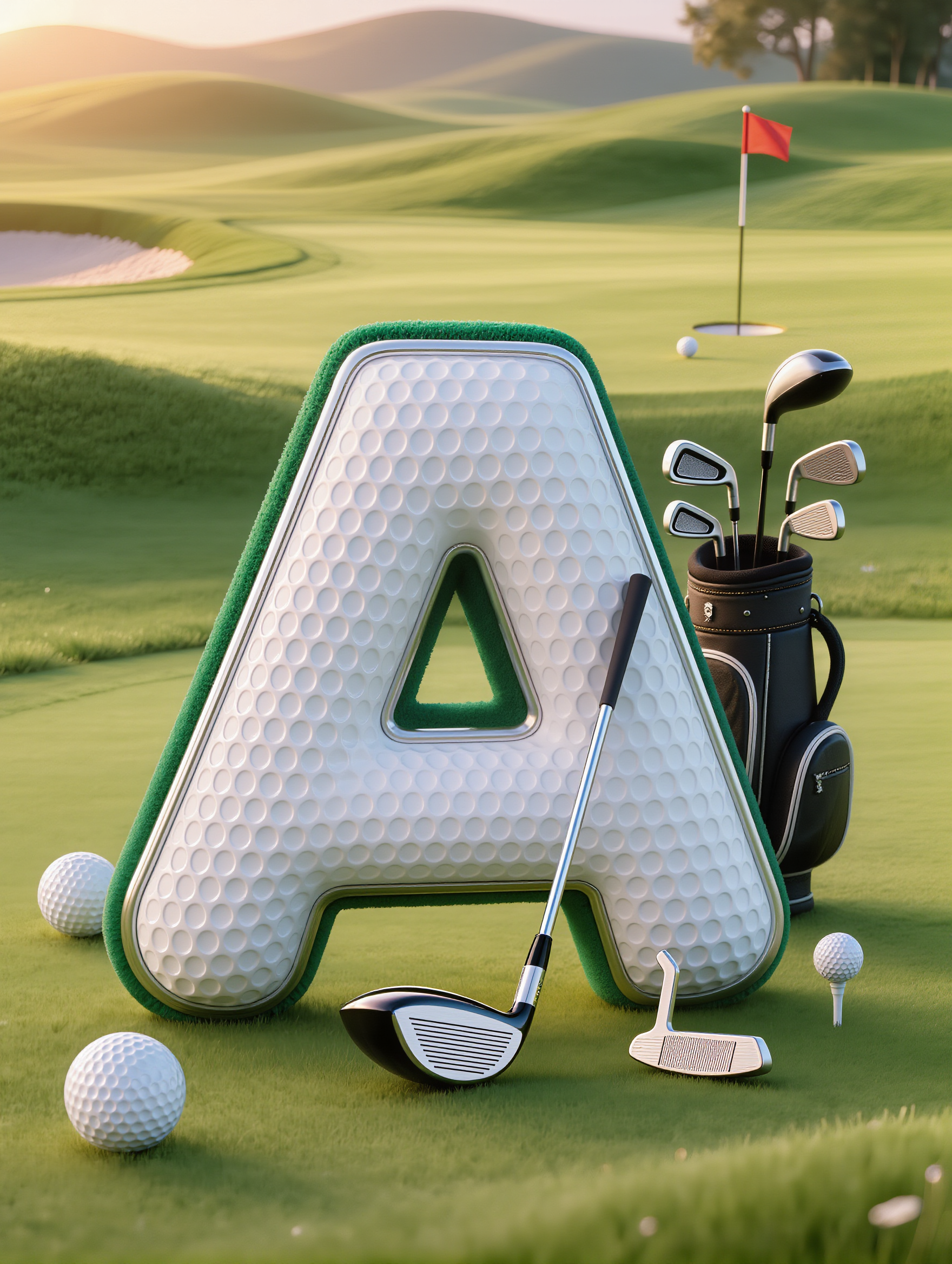
Golf Banner Design Ideas – AI-Generated Inspirations

Discover AI-generated golf banner design ideas. Quickly find inspirations that fit your event or project. Customize and adapt these AI-made visuals to create stunning banners effortlessly.

Golf Banner Design Ideas – AI-Generated Inspirations

Recommended

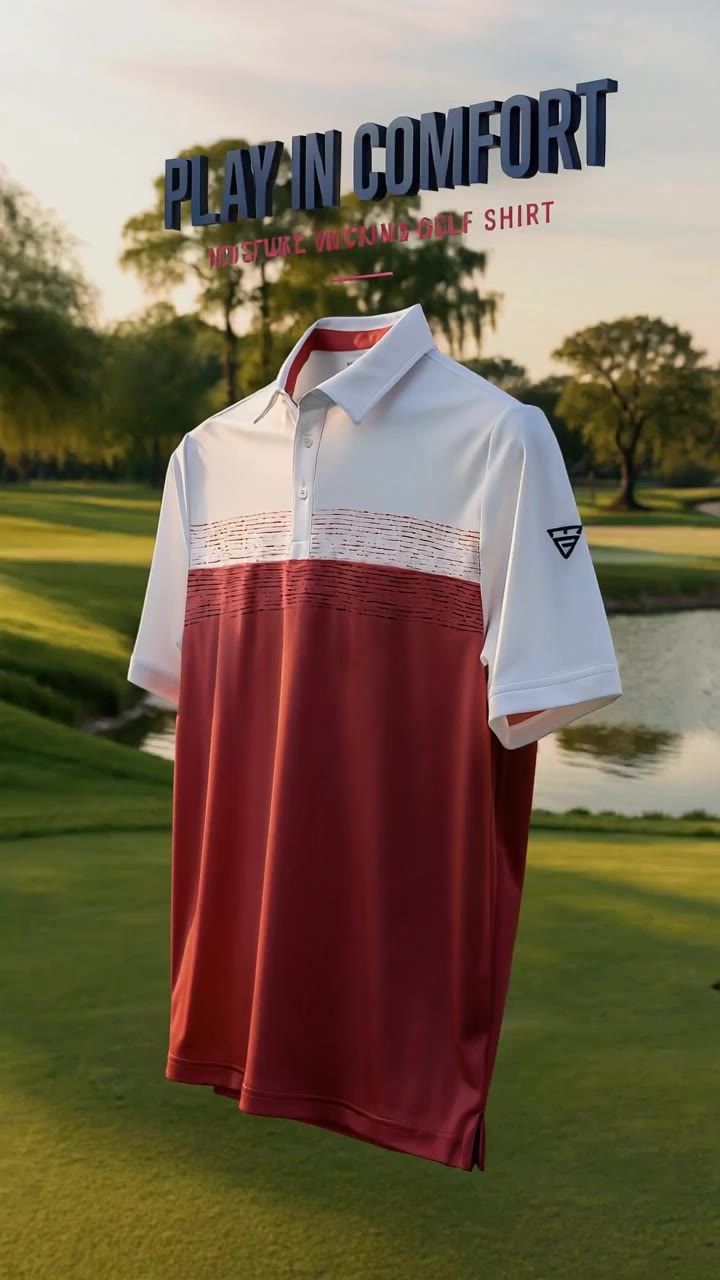
Kling AI work 317604355612594 - golf banner design AI image
MelissaABC’s avatar
MelissaABC’s
Kling AI work 319385777610035 - golf banner design AI video
CcPHvCYp avatar
CcPHvCYp
Kling AI work 316710033504401 - golf banner design AI video
VcRNXPro avatar
VcRNXPro
Kling AI work 307718895618200 - golf banner design AI video
Fallenforit87 avatar
Fallenforit87
golf - golf banner design AI video
00:31
BlymDwTV avatar
BlymDwTV
Kling AI work 315812211525786 - golf banner design AI video
lnXpmZyW avatar
lnXpmZyW
Kling AI work 306958491610068 - golf banner design AI video
JpmItJeQ avatar
JpmItJeQ
Kling AI work 317828278523166 - golf banner design AI image
zxUwUOgs avatar
zxUwUOgs
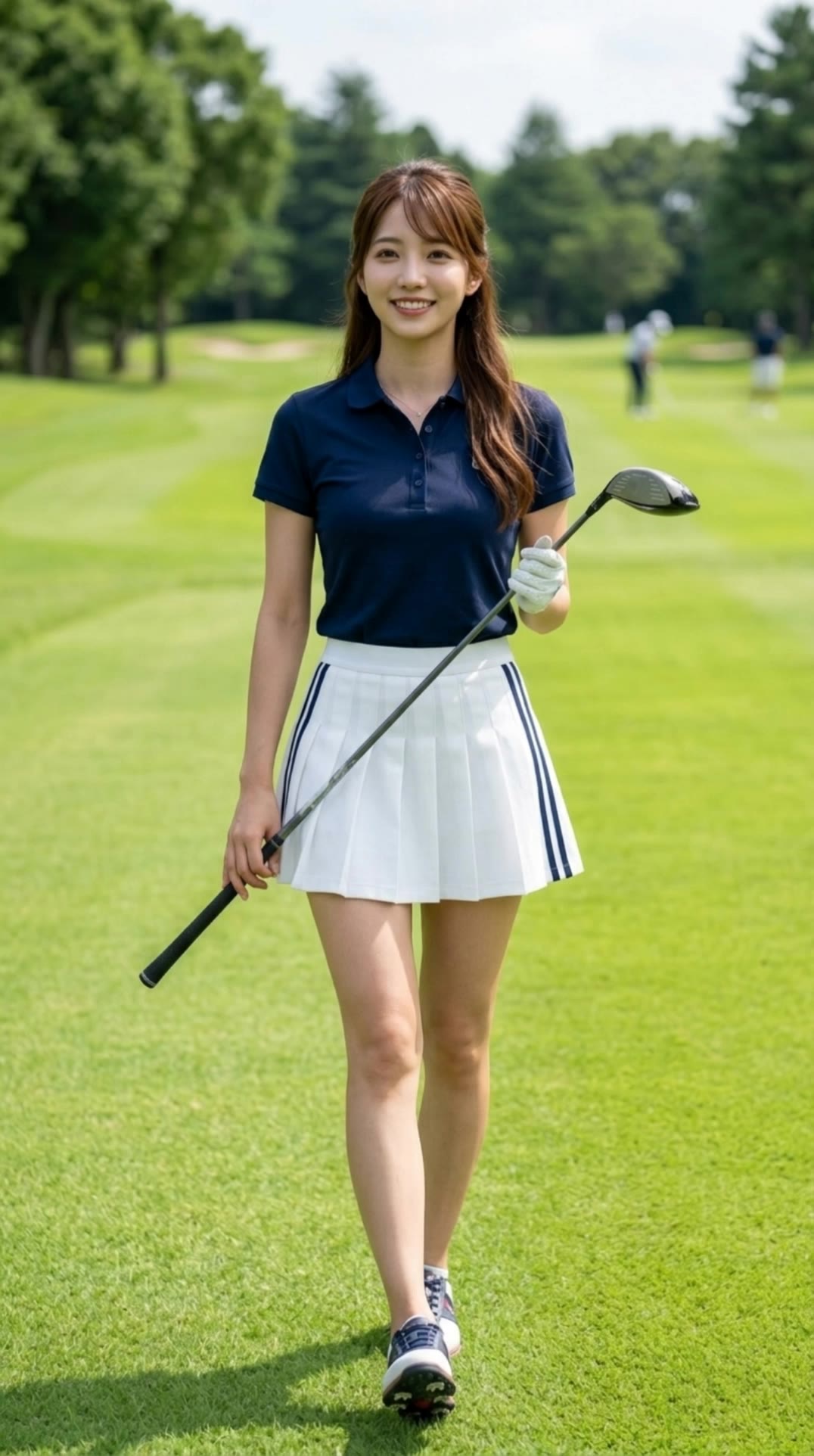
Japanese girl playing golf. - golf banner design AI video
ArisA.I avatar
ArisA.I
Banner - golf banner design AI video
00:05
SM Automation avatar
SM Automation
Kling AI work 315317689611221 - golf banner design AI video
zZVurMla avatar
zZVurMla
Kling AI work 316491356500928 - golf banner design AI image
CiDuPpRF avatar
CiDuPpRF
Kling AI work 313421238507775 - golf banner design AI video
icJeCPgF avatar
icJeCPgF
Kling AI work 315957104661833 - golf banner design AI video
XWanLDKm avatar
XWanLDKm
Kling AI work 318357752503184 - golf banner design AI video
DyslexicGnome avatar
DyslexicGnome
Kling AI work 301917879502173 - golf banner design AI video
ichsan avatar
ichsan
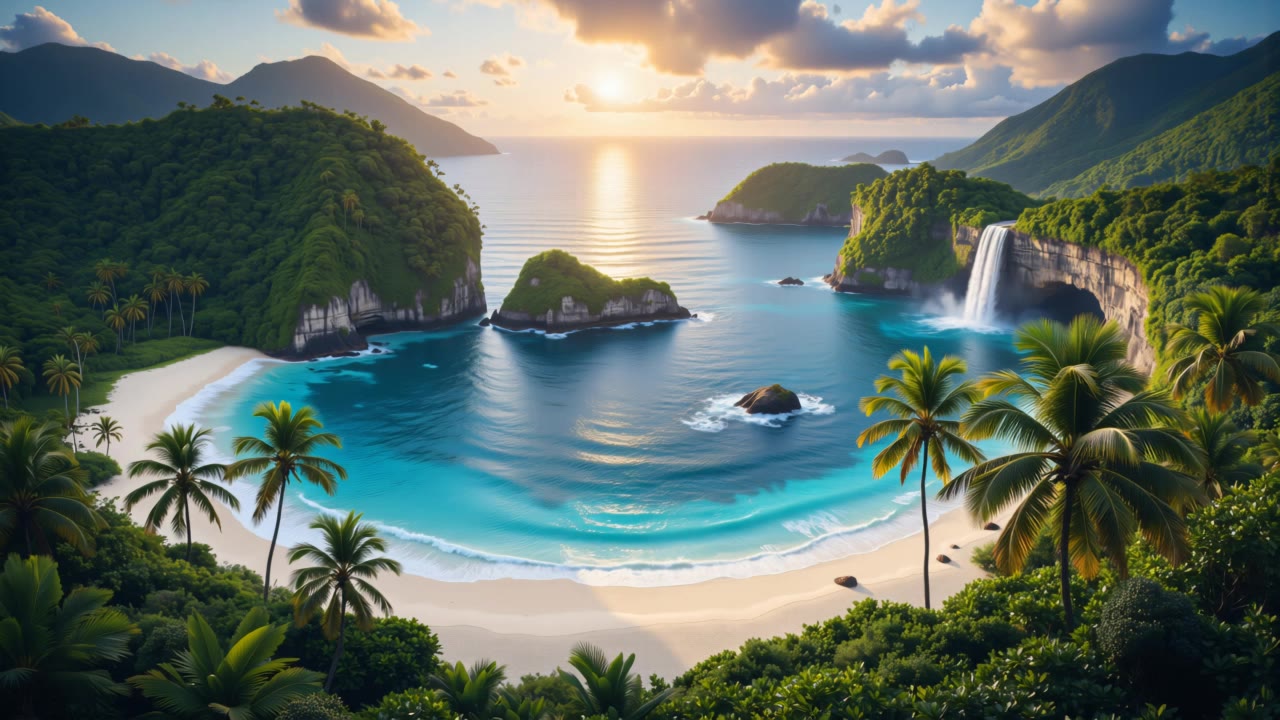
tropical golf at twilight - golf banner design AI video
JPfwuJQS avatar
JPfwuJQS
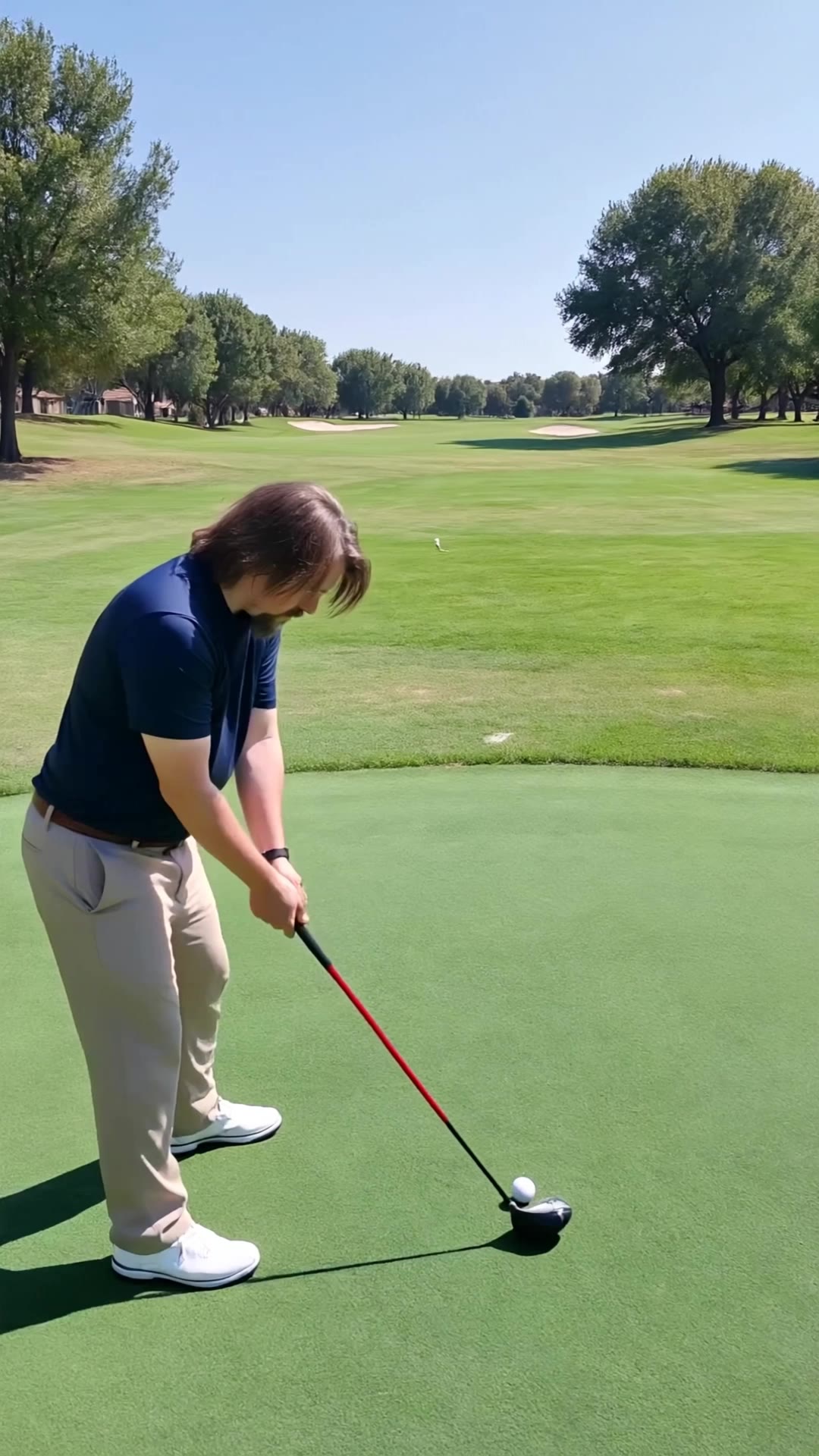
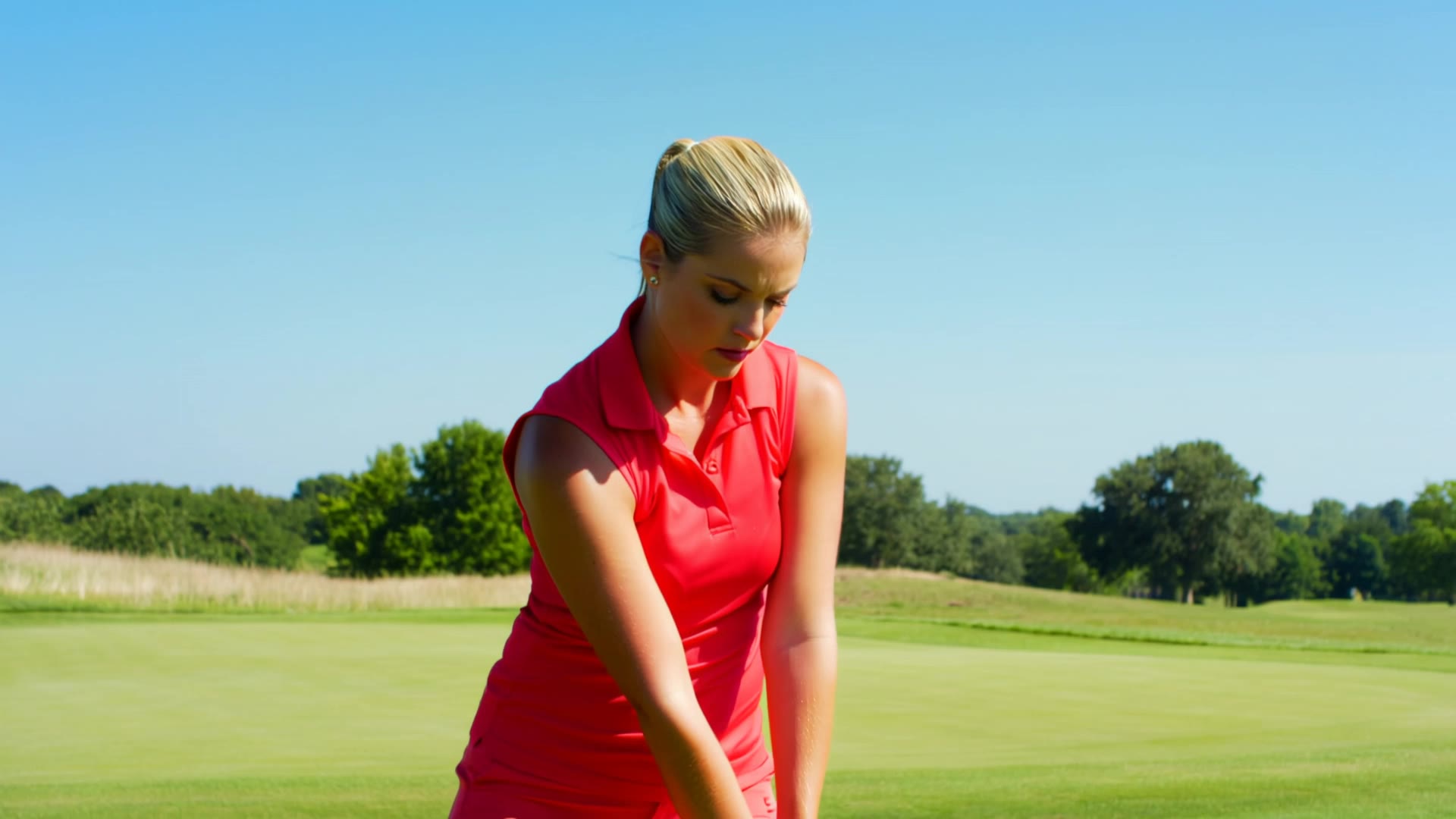
golf swing - golf banner design AI video
BlymDwTV avatar
BlymDwTV
Kling AI work 317464257664016 - golf banner design AI image
KMyjExIN avatar
KMyjExIN

How to Change Clothes with Kling AI

Step 1: Upload the Model Photo and Outfit References

Step 1: Upload the Model Photo and Outfit References

Upload the model's photo you want to edit, then add references for the clothing, shoes, hats, bags, or accessories you want to use. You can combine multiple references when different parts of the final look come from different images.

Step 2: Describe the Outfit Change

Step 2: Describe the Outfit Change

Tell Kling AI how each reference should be used. For example, use Image 1 as the base person, then apply the shirt from Image 2, jacket from Image 3, skirt from Image 4, and shoes from Image 5.

Step 3: Generate Your Outfit Change

Step 3: Generate Your Outfit Change

Choose your preferred aspect ratio and 2K or 4K resolution, then generate your new look. Preview the final composite and download your favorite result.

One Image-to-Image Generator, More Ways to Create

Refine With Precision

Refine With Precision

Bring in up to 10 reference images to keep the subject, color, shape, and visual details that matter, then update only what needs to change. Whether you’re reworking a background, adjusting lighting, or refining a product or character, IMAGE 3.0 helps the new image stay true to the original while making the edit feel clean, natural, and intentional.

Restyle With Freedom

Restyle With Freedom

Give any image a fresh look in more than one way. Start with the built-in style library to recreate a look in one click, or upload your original image with a reference to follow a specific visual direction. Kling AI image-to-image model carries over the qualities that define the style while keeping the subject clear and the composition intact.

Generate Image Series in 4K

Generate Image Series in 4K

Start with one image or several references and generate a connected set in one pass. IMAGE 3.0 Omni keeps characters, products, style, and tone consistent from image to image, while still allowing new actions, framing, camera angles, and shot types. Native 4K output makes it well suited to cinematic multi-shot storyboards, product image sets, and character design.

Apps

Image to Video
Image to Video

Image to Video

Text to Video
Text to Video

Text to Video

Omni
Omni

Omni

Digital Human
Digital Human

Digital Human

Restyle
Restyle

Restyle

Text to Image
Text to Image

Text to Image

60M+
60M+
Users
600M+
600M+
AI Videos Generated
4.7 ★
4.7 ★
App Store
Industry-Leading
Industry-Leading
Cinematic 4K

Reviews

Jyo John Mulloor

Jyo John Mulloor

★★★★★

Kling AI has been instrumental in transforming my creative workflow, unlocking new dimensions of artistic expression that were once unimaginable. I use Kling AI extensively to develop high-concept visuals, animate surreal dreamscapes, and create AI-assisted films that blur the line between reality and fantasy. Kling AI’s deep learning capabilities have not only enhanced my creative efficiency but also inspired me to explore storytelling in ways I never thought possible.

Maria Rubtsova

Maria Rubtsova

★★★★★

I’m Maria Rubtsova, an AIGC digital artist passionate about creating stunning visuals in the worlds of fashion, aesthetics, and fantasy. I use KlingAi to bring imagination to life through video. My work is all about exploring beauty, emotion, and the limitless possibilities of digital art.

Ozan Sihay

Ozan Sihay

★★★★★

Kling AI allows me to rapidly prototype ideas, refine storytelling elements, and produce visually compelling content efficiently. It has not only accelerated my creative processes, but also deepened my understanding of how AI can enrich visual storytelling.

FAQ

Q1Can Kling VIDEO 3.0 handle multiple characters in one conversation?
Q2How does AI dubbing work?
Q3Can Kling AI dub an existing video?

Remove Distractions. Make Every Image Count.

Clean up portraits, product shots, travel photos, social content, and other images by removing the elements that pull attention away from what matters.