Creative Studio
API
Resources
Features
About Us
Download

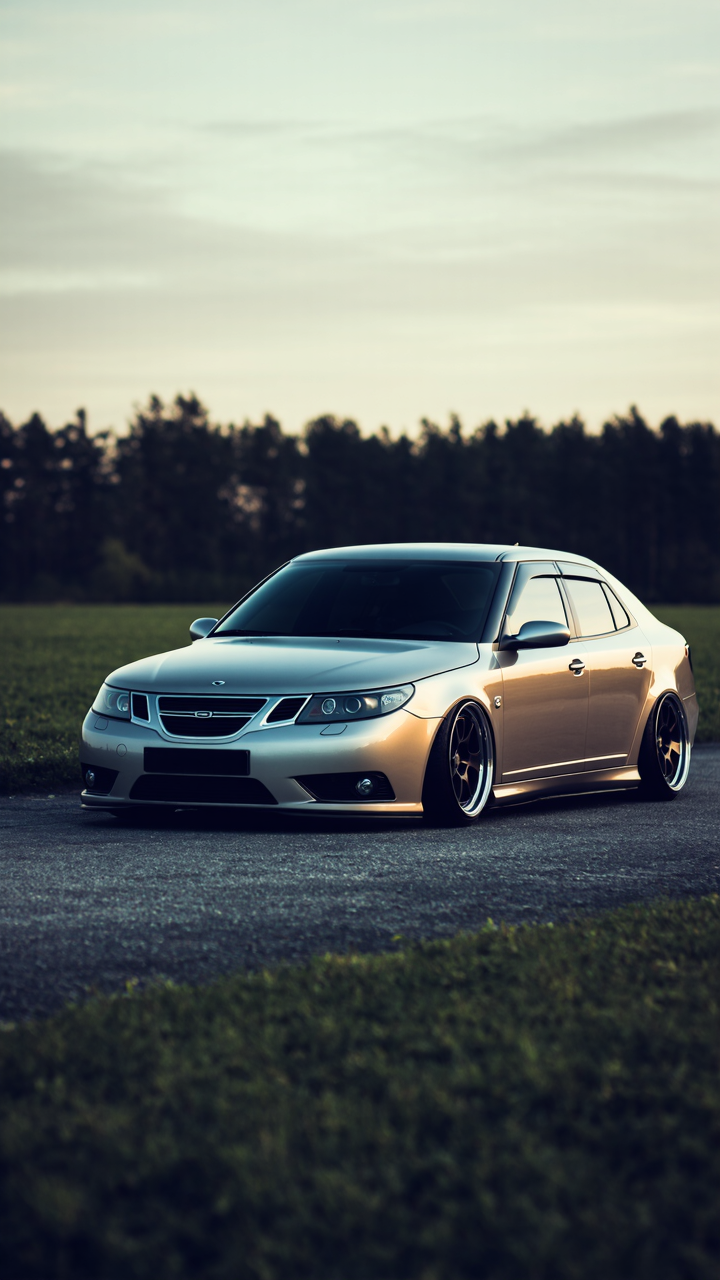
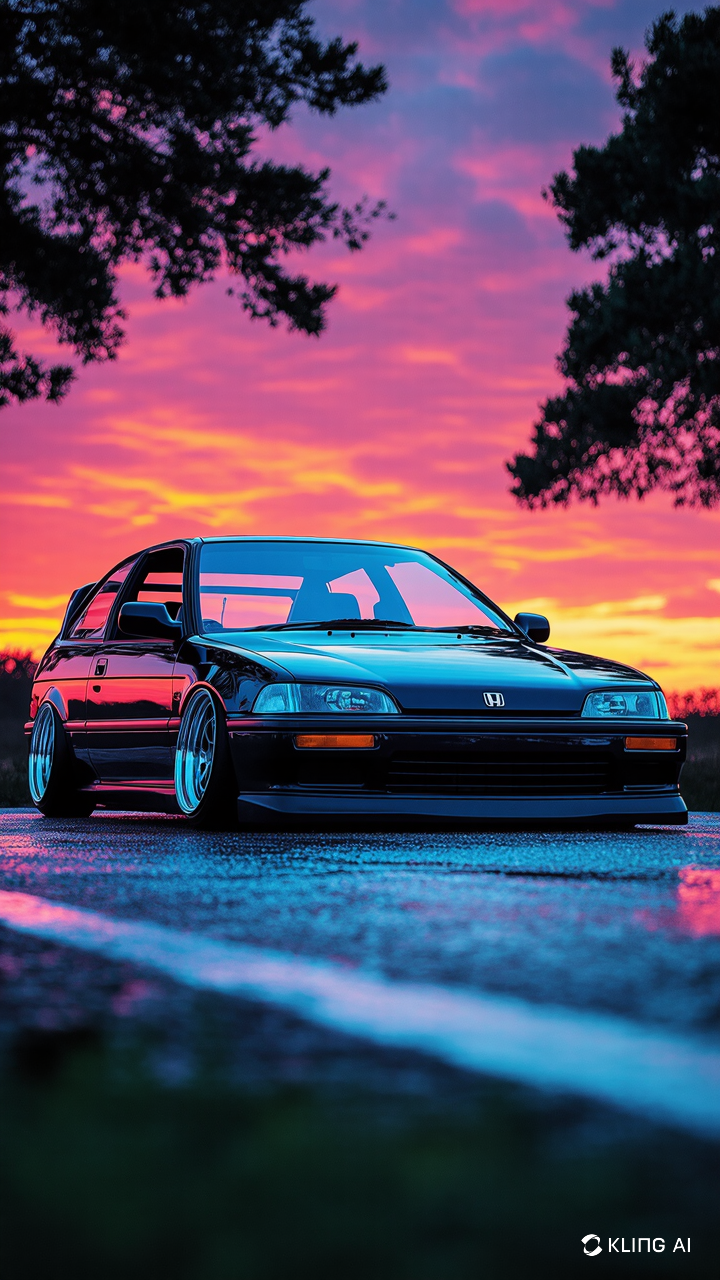
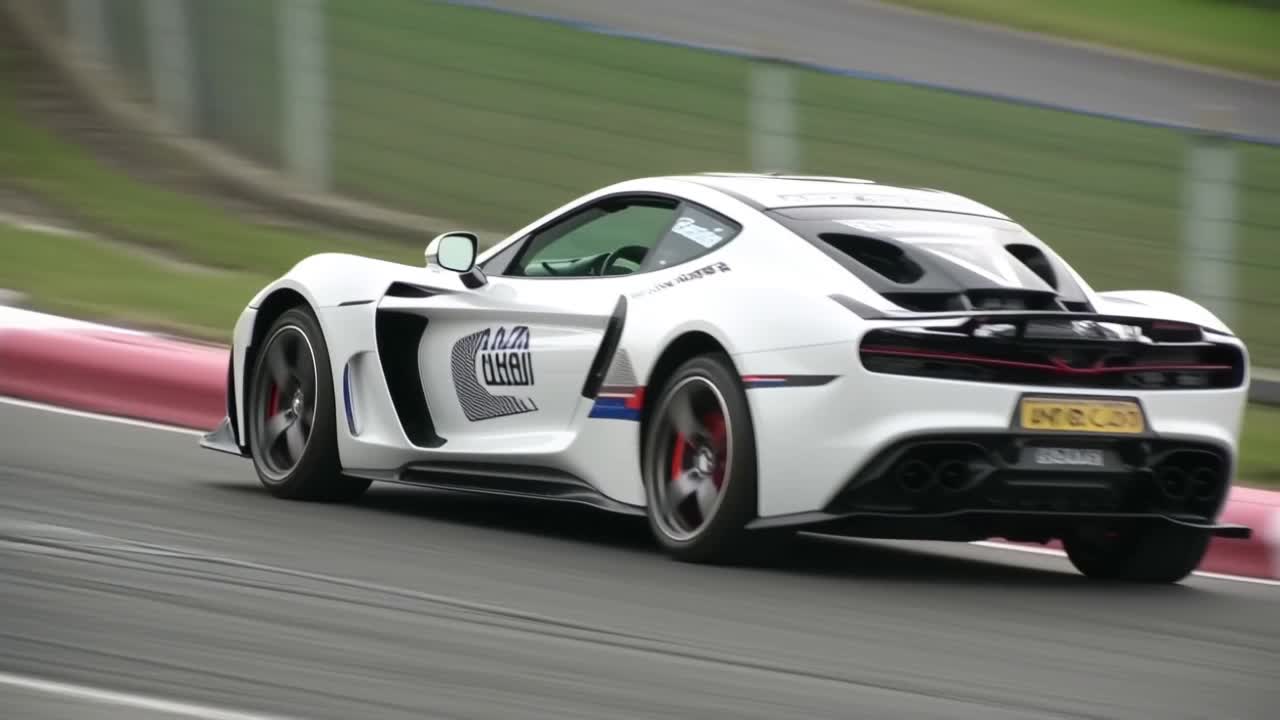
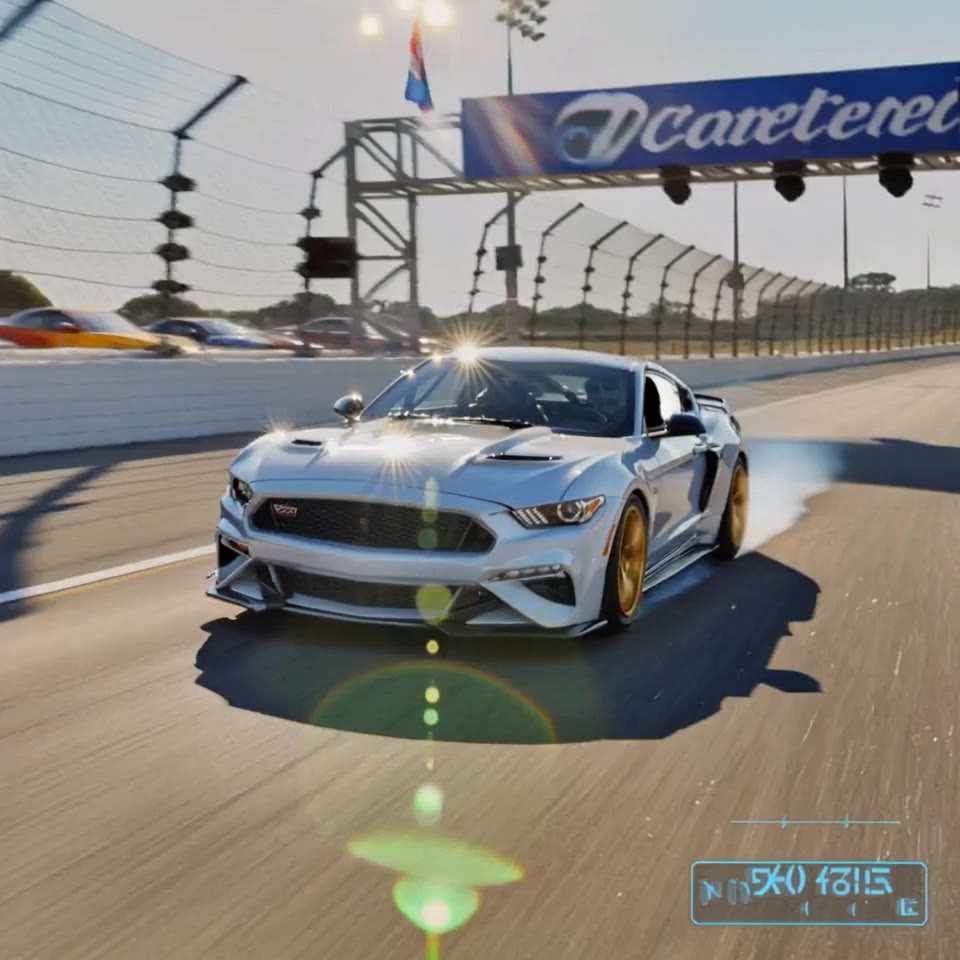
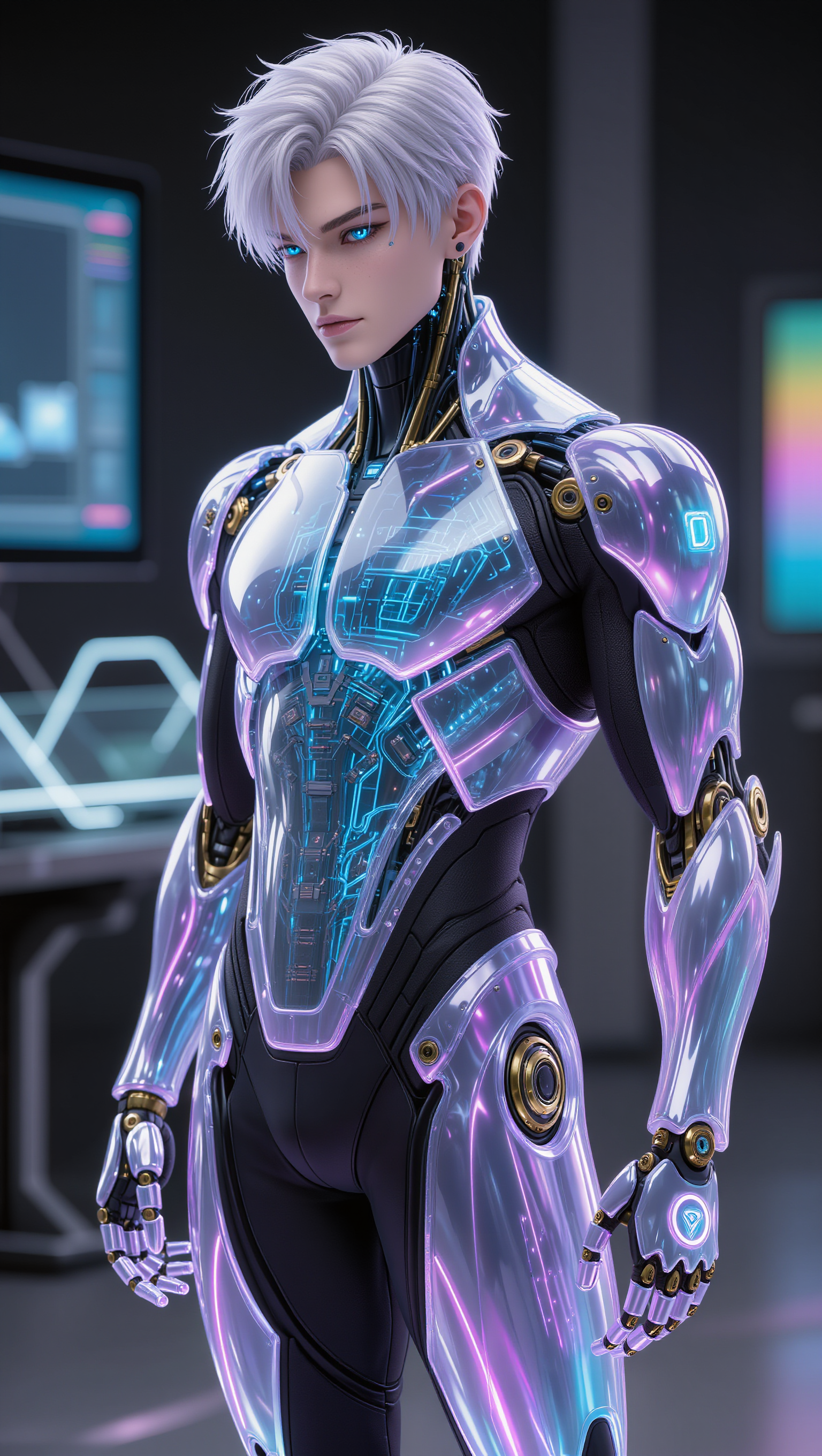
gpt aero - race-ready cars & Frutiger Aero aesthetics

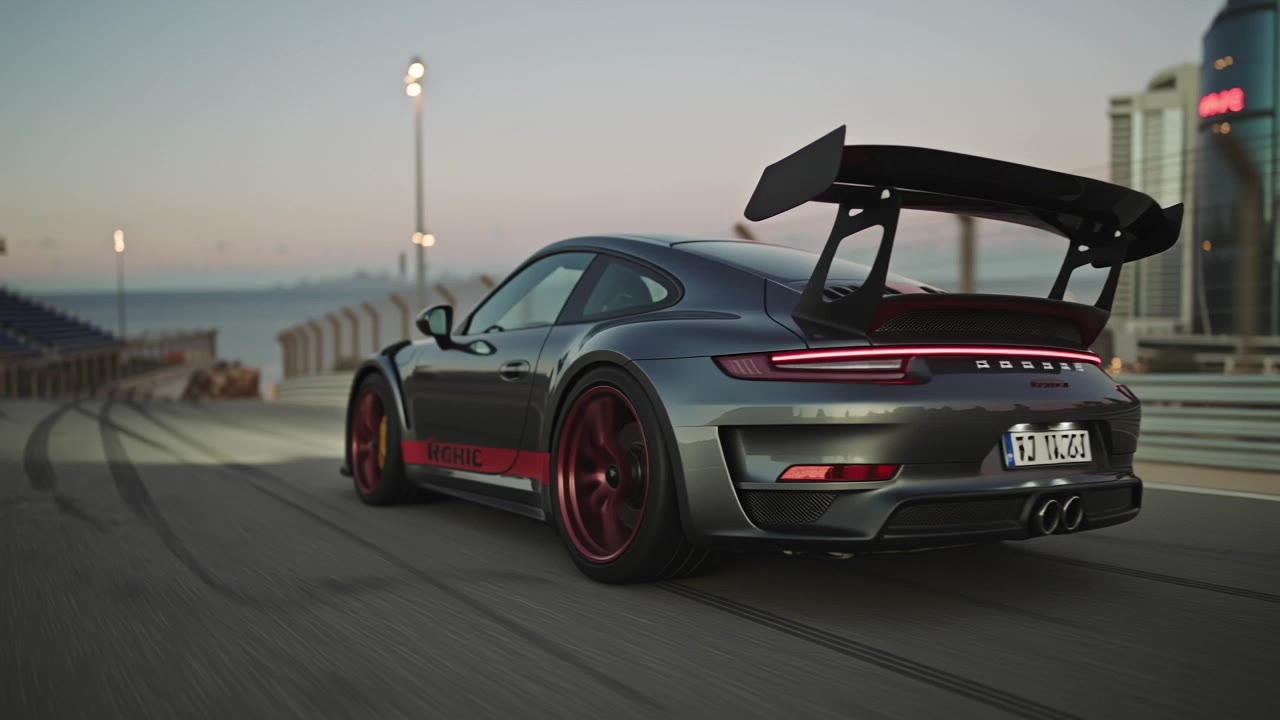
Immerse in the Frutiger Aero aesthetic with race-ready cars and dynamic 2D anime visuals. Start exploring gpt aero ideas and generate your own content with AI.

gpt aero - race-ready cars & Frutiger Aero aesthetics

Recommended

Agente Virtual iridiscente - gpt aero AI image
A.Bravo-Studio.- avatar
A.Bravo-Studio.-
Kling AI work 310540940661790 - gpt aero AI image
owRsVrnM avatar
owRsVrnM
Kling AI work 310547165524549 - gpt aero AI video
KllNHhJa avatar
KllNHhJa
Kling AI work 310720487617866 - gpt aero AI image
CEfpCZPV avatar
CEfpCZPV
Kling AI work 310508915613988 - gpt aero AI video
iHRtDapp avatar
iHRtDapp
Kling AI work 275083518522514 - gpt aero AI image
CarArt avatar
CarArt
Kling AI work 302470285656018 - gpt aero AI video
CarlosG avatar
CarlosG
Kling AI work 310643108610715 - gpt aero AI image
MCPsNGEv avatar
MCPsNGEv
Kling AI work 317797084525330 - gpt aero AI image
RXRcyTVF avatar
RXRcyTVF
Kling AI work 318785688667385 - gpt aero AI video
Geeeeep avatar
Geeeeep
Kling AI work 314460514667906 - gpt aero AI video
lrrtbfkA avatar
lrrtbfkA
Kling AI work 310540844662625 - gpt aero AI image
owRsVrnM avatar
owRsVrnM
Kling AI work 310712054661393 - gpt aero AI image
TaGNkHtd avatar
TaGNkHtd
Kling AI work 308957408612347 - gpt aero AI video
TlIdnalY avatar
TlIdnalY
Kling AI work 310469894610170 - gpt aero AI image
VRxwwjwG avatar
VRxwwjwG
Kling AI work 317306856306931 - gpt aero AI video
LbbwLccv avatar
LbbwLccv
Kling AI work 296238207503230 - gpt aero AI video
aXLNwJrH avatar
aXLNwJrH

How to Create an AI Avatar Video

Create an Avatar

Create an Avatar

Pick a ready-made character from the Avatar Library, return to a saved avatar, upload an image from your device or Assets, or generate someone new with AI Image. The selected image becomes the visual starting point for the video.

Add the Voice

Add the Voice

Upload a finished recording, or enter the lines you want the character to deliver. With text to speech, select a voice and adjust its speed and emotional tone. Use punctuation to place pauses where they naturally belong, especially in longer passages.

Shape the Performance

Shape the Performance

Describe how the character should feel, react, and move while speaking. You can write the direction yourself or begin with one of the performance options Kling AI suggests for the selected character. Generate the video and review the delivery.

Create AI Art with More Creative Control

Bring More Than a Prompt to Your Art

Bring More Than a Prompt to Your Art

Start with words, a sketch, a photo, or the references that already capture part of your idea. IMAGE 3.0 can use up to 10 reference images, so you can bring a character from one image, an outfit from another, and a different setting or art style into the same creation. Use references for the details you want to keep, then use your prompt to decide what changes.

Find the Look That Fits Your Idea

Find the Look That Fits Your Idea

Create pencil drawings, watercolor paintings, anime art, comics, concept art, 3D-inspired images, and more. Try a completely different style, or fine-tune the one you already have. Kling AI also gives you control beyond the art style. Reframe the scene, shift the viewing angle, change the lighting or color palette, and keep refining the image until the whole piece comes together

Create a Series, Not Just a Single Image

Create a Series, Not Just a Single Image

Keep a character, setting, or visual style recognizable across multiple pieces of artwork with IMAGE 3.0 Omni. Generate new poses, scenes, and compositions while keeping the details that tie the series together. It works especially well for character concepts, comics, storyboards, and other ideas that need to develop across several images. Generate in native 2K or 4K when you want more detail in the finished artwork.

Apps

Image to Video
Image to Video

Image to Video

Text to Video
Text to Video

Text to Video

Omni
Omni

Omni

Digital Human
Digital Human

Digital Human

Restyle
Restyle

Restyle

Text to Image
Text to Image

Text to Image

60M+
60M+
Users
600M+
600M+
AI Videos Generated
4.7 ★
4.7 ★
App Store
Industry-Leading
Industry-Leading
Cinematic 4K

Reviews

James Phillips

James Phillips

★★★★★

Kling AI has transformed my workflow by collapsing timelines and democratizing production. It’s shifted my mindset from resource-dependent filmmaking to a boundless creative sandbox, where experimentation yields unexpected beauty.

Vincent Smadja

Vincent Smadja

★★★★★

Kling AI seamlessly integrates into my creative workflow, playing a key role in transforming my images. After generating and upscaling an image, Kling becomes a crucial element, bringing my creations to life with movement and depth.

Samuele Poggi (@visualsk2)

Samuele Poggi (@visualsk2)

★★★★★

I use Kling AI daily to push the limits of AI filmmaking. It allows me to create highly cinematic content, blending AI and VFX to develop innovative projects. It has significantly impacted my creative process, enabling me to achieve complex animations that would otherwise require high production budgets.

FAQ

Q1Will recoloring preserve the original texture and shadows?
Q2How long does it take to recolor an image with AI?
Q3Does changing image color reduce resolution?

Get More From Your Video in 4K

Keep the footage you already have and give it a higher-resolution finish. Upscale short videos to 4K, bring out more visible detail, and use prompts or references when you want more control over the final result.