Creative Studio
API
Resources
Features
About Us
Download

hair color apps - color transitions & hair transformation

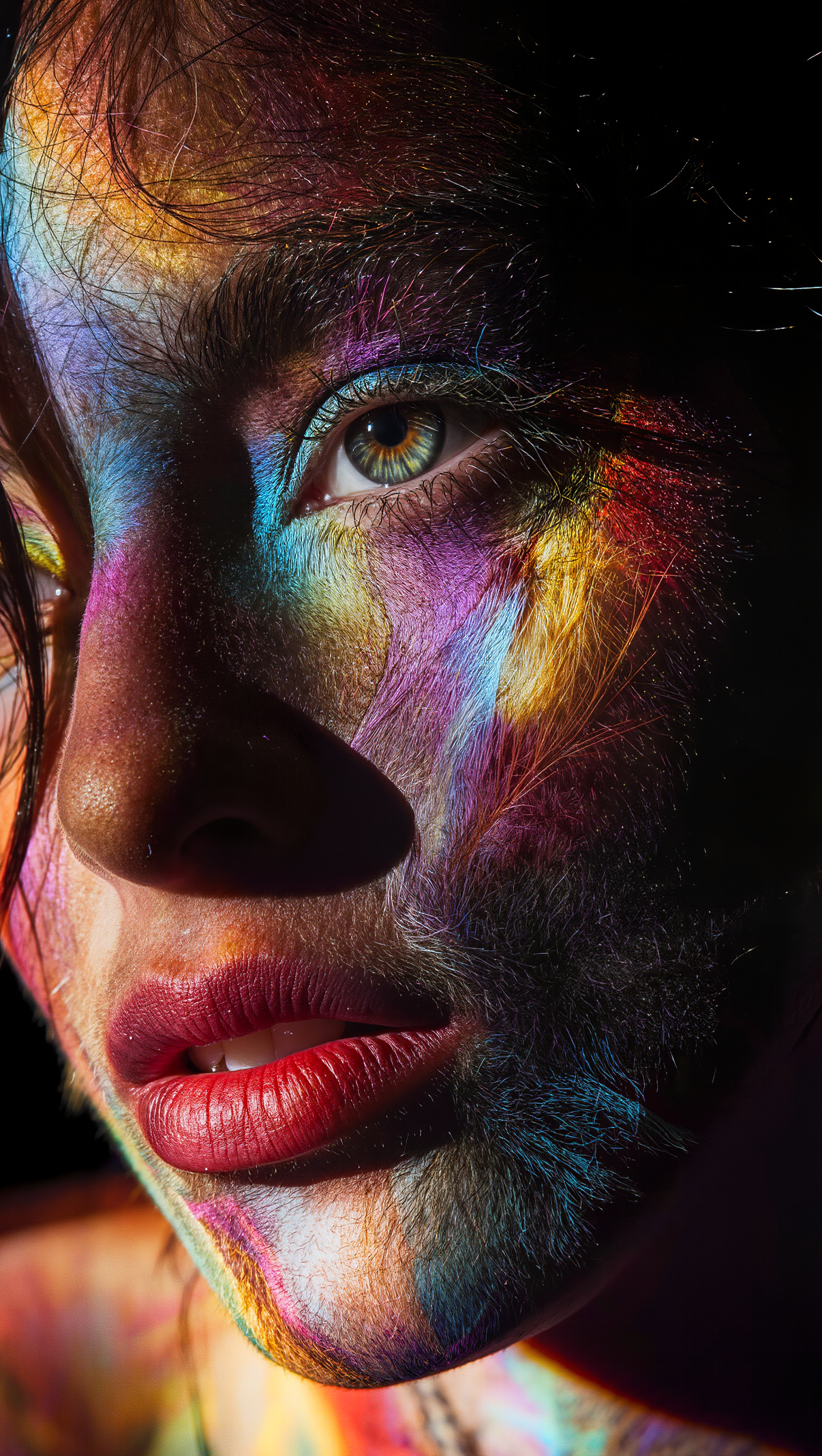
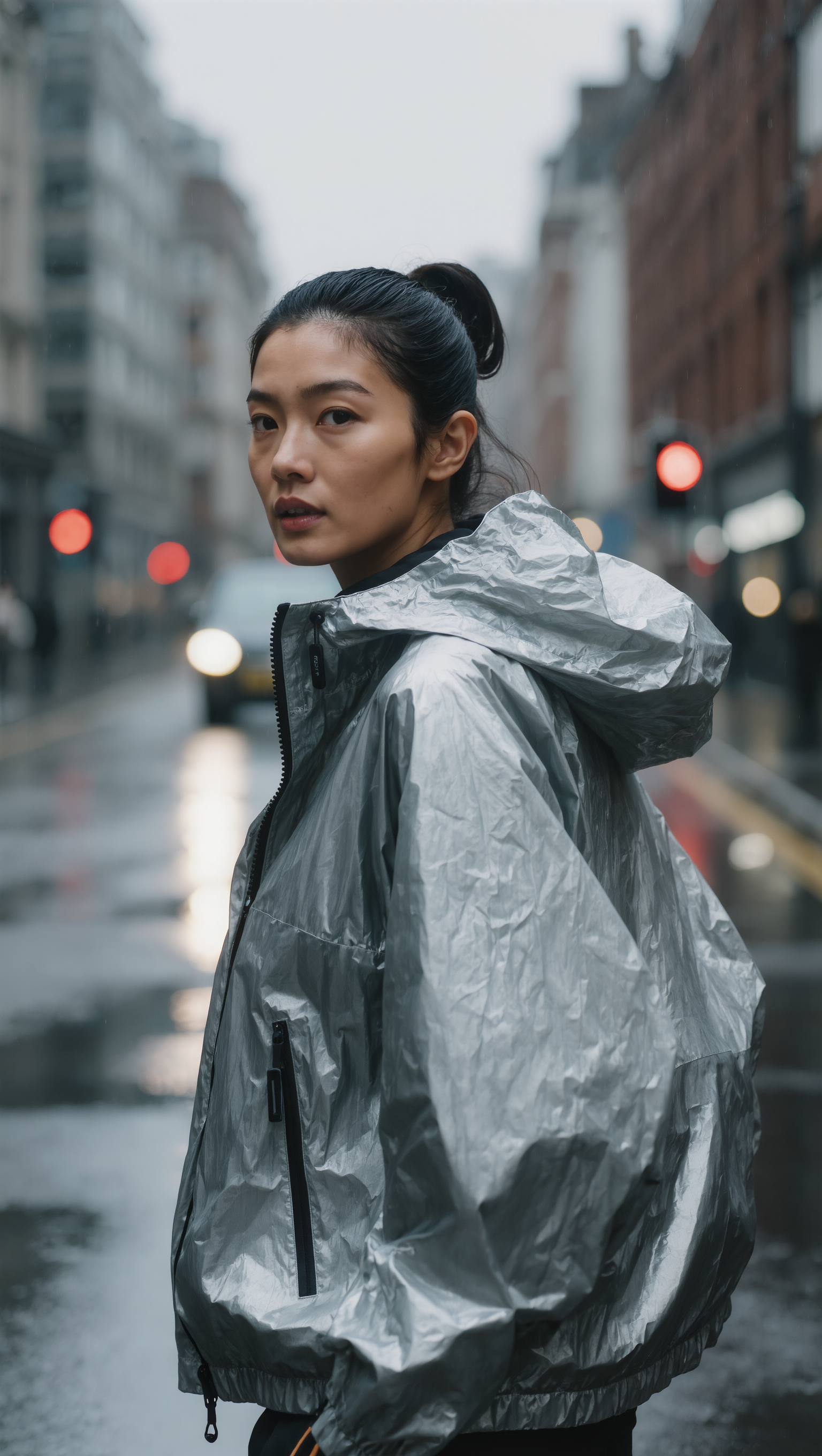
Experience the magic of transforming hair color with dynamic visual illusions and creative app filters. Dive into a world where monochrome transitions to vibrant color spectrums and cinematic luxury styles. Start exploring hair color apps ideas and generate your own content with AI.

hair color apps - color transitions & hair transformation

Recommended

Kling AI work 314690876520892 - hair color apps AI image
YRvkGHEm avatar
YRvkGHEm
SLICKED-BACK HAIR & REFLECTIVE N - hair color apps AI image
Dreaming avatar
Dreaming
Elite Creator
Hair - hair color apps AI video
MahdiMahyar avatar
MahdiMahyar
Beautiful Hair Transformation ✨ - hair color apps AI video
kdAsEVKv avatar
kdAsEVKv
Kling AI work 316044399611772 - hair color apps AI image
qgtjJmKs avatar
qgtjJmKs
Kling AI work 310738333660060 - hair color apps AI image
lYjxHVoJ avatar
lYjxHVoJ
Kling 3.0 - Color Gamut - hair color apps AI image
Ady Media Design avatar
Ady Media Design
Elite Creator
chiku brown hair  - hair color apps AI video
EveivCsy avatar
EveivCsy
shorrt hair - hair color apps AI image
klingai.video.ai avatar
klingai.video.ai
Into the World of Color - hair color apps AI video
Daphnia_marina avatar
Daphnia_marina
Elite Creator
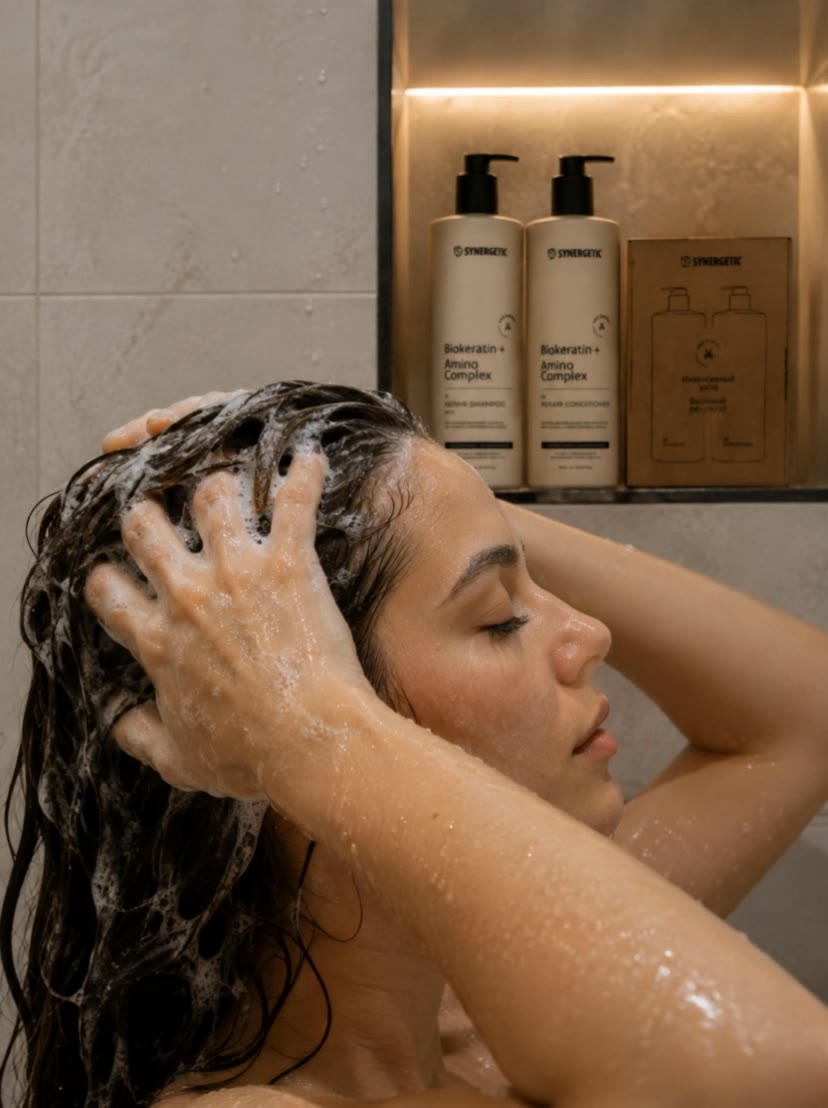
 woman is washing hair - hair color apps AI video
htjxBhMn avatar
htjxBhMn
Pink Hair Desert - hair color apps AI video
00:05
boMIuDXm avatar
boMIuDXm
Blue Hair Beauty - hair color apps AI image
Kahkmah Bahm avatar
Kahkmah Bahm
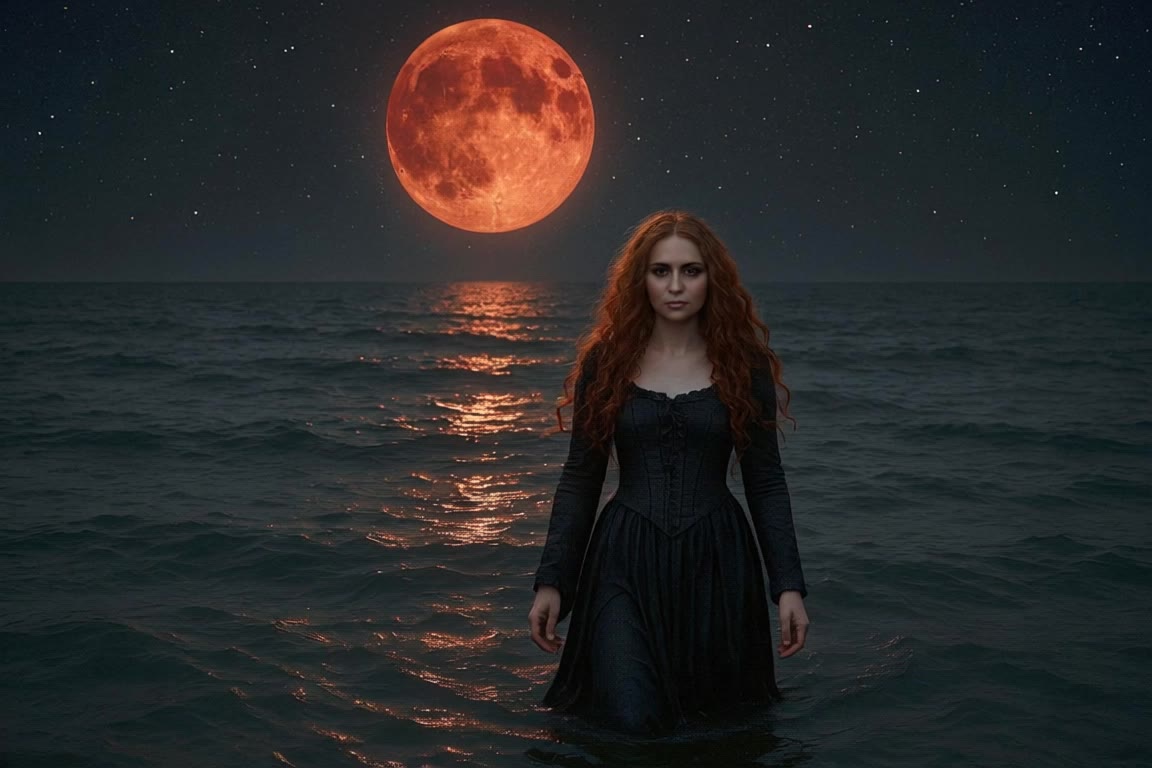
A woman with long red hair walks - hair color apps AI video
Manuetta Moon avatar
Manuetta Moon
HAIR WITH HIGHLIGHTS… Copy Cat! - hair color apps AI video
ZPrXLnzV avatar
ZPrXLnzV
Hair Control - hair color apps AI video
00:30
Sabai Goldstream avatar
Sabai Goldstream
Kling AI Prompt:
Realistic hair  - hair color apps AI image
pssEICto avatar
pssEICto
hair flip with cool pose - hair color apps AI video
EbLQssGx avatar
EbLQssGx
Kling 3.0 - Color Gamut Face - hair color apps AI image
Ady Media Design avatar
Ady Media Design
Elite Creator

How to Create AI Backgrounds in High-Quality

Start with Your Photo

Start with Your Photo

Upload the person, product, or image you want to work with. If you already have a location, mood, composition, or visual style in mind, add reference images to give Kling AI a clearer direction.

Describe the New Scene

Describe the New Scene

Describe what you want behind the subject and what should stay familiar. You might ask for a clean studio, a sunlit kitchen, a city rooftop, or something more imaginative. If you are using references, explain which parts of them you want to follow.

Generate a High-Quality Background

Generate a High-Quality Background

Choose your preferred aspect ratio and output resolution, then generate the image. Kling IMAGE 3.0 supports output up to 2K. For higher-resolution native 4K output, use Kling IMAGE 3.0 Omni.

From Clean Cutouts to Completely New Backgrounds

Clean Cutouts, Ready to Use

Clean Cutouts, Ready to Use

Clear away a distracting background without tracing around the subject by hand. Create transparent product shots, portraits, logos, and graphics for listings, profile images, presentations, and design work. When you need a higher-resolution de-priming effect, IMAGE 3.0 Omni also supports 2K and 4K output.

Go Straight to the Background You Want

Go Straight to the Background You Want

Already know what belongs behind the subject? Skip the extra editing and go straight to the final look. Describe a new setting or add a reference image to guide it, whether you're refreshing a product shot, portrait, social graphic, or campaign visual.

Refresh Video Footage Without Reshooting

Refresh Video Footage Without Reshooting

Keep the clip you already have and change the setting around it. With VIDEO 3.0 Omni, use a prompt or reference image to update backgrounds for ads, product videos, presenter clips, and social content—without another shoot or a green screen.

Apps

Image to Video
Image to Video

Image to Video

Text to Video
Text to Video

Text to Video

Omni
Omni

Omni

Digital Human
Digital Human

Digital Human

Restyle
Restyle

Restyle

Text to Image
Text to Image

Text to Image

60M+
60M+
Users
600M+
600M+
AI Videos Generated
4.7 ★
4.7 ★
App Store
Industry-Leading
Industry-Leading
Cinematic 4K

Reviews

Ozan Sihay

Ozan Sihay

★★★★★

Kling AI allows me to rapidly prototype ideas, refine storytelling elements, and produce visually compelling content efficiently. It has not only accelerated my creative processes, but also deepened my understanding of how AI can enrich visual storytelling.

PJ Ace

PJ Ace

★★★★★

Kling AI has made it easy for us to generate world class visuals for Fortune 500 companies, TV shows and music for big artists. We love the easy of use of the platform and the quality of the generations. My first time using Kling AI, I got 22 million views on just one video. It's that good.

Huang Lu (Elson)

Huang Lu (Elson)

★★★★★

I’ve been using Kling AI since its initial release, and it’s remained one of the leading AI media generators ever since. With Kling AI, I’ve created hundreds of videos, collectively amassing millions of views.

FAQ

Q1Can I change the background, expression, or framing of my profile picture?
Q2What styles can I create with an AI profile picture maker?
Q3How does an AI profile picture generator work?

Turn Your Script into a Cinematic Multi-Shot Video

Start with one scene, work out how the camera should tell it, and turn the written beat into a sequence with dialogue, sound, and recurring characters built into the generation.