
Creative Studio
API
Resources
About Us
Download

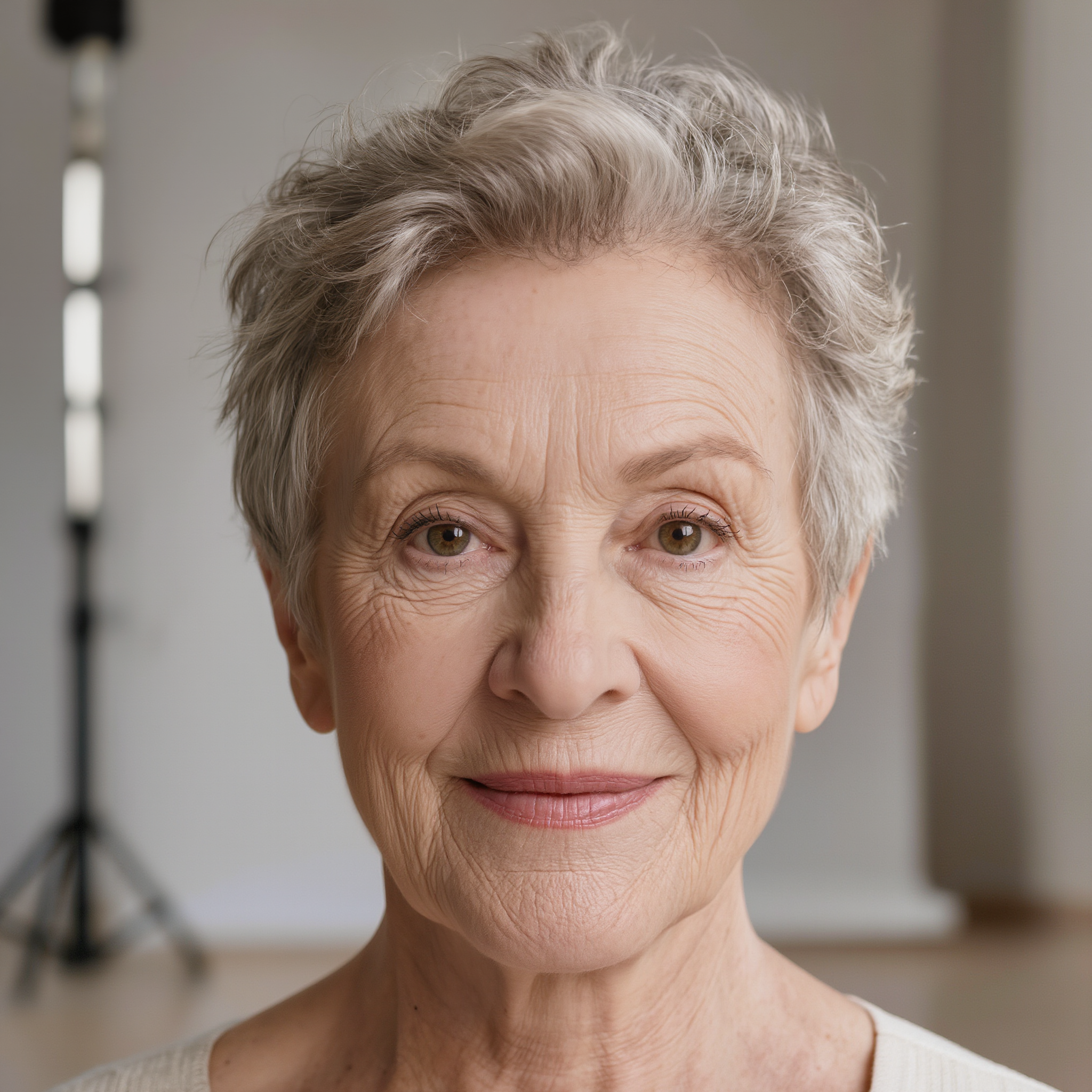
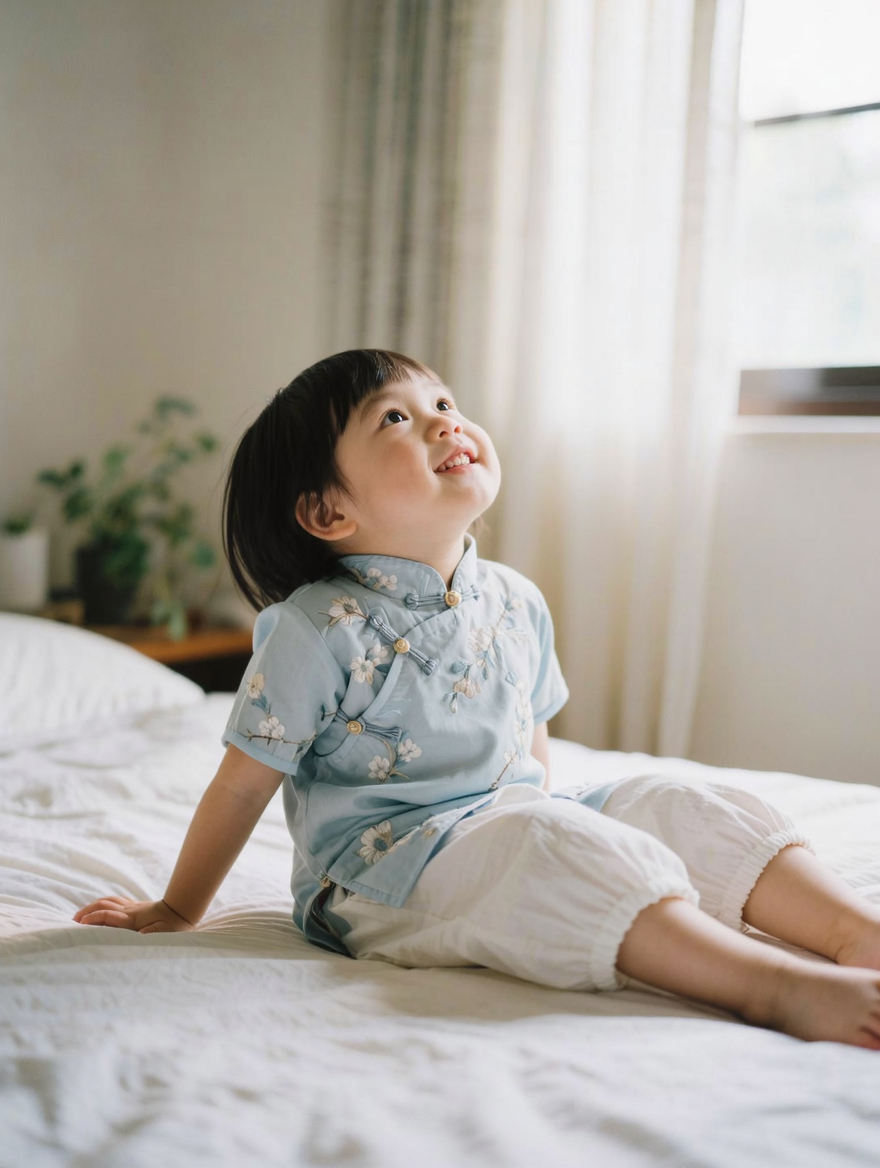
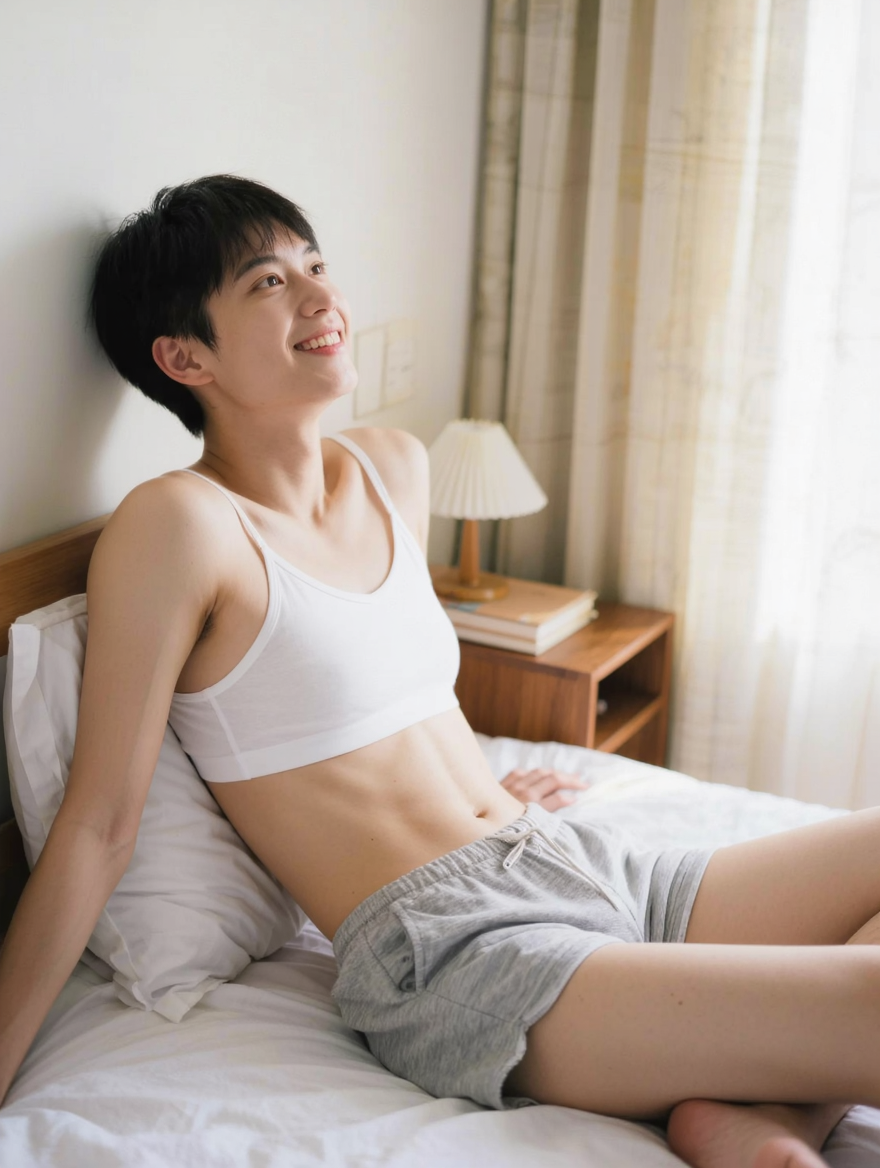
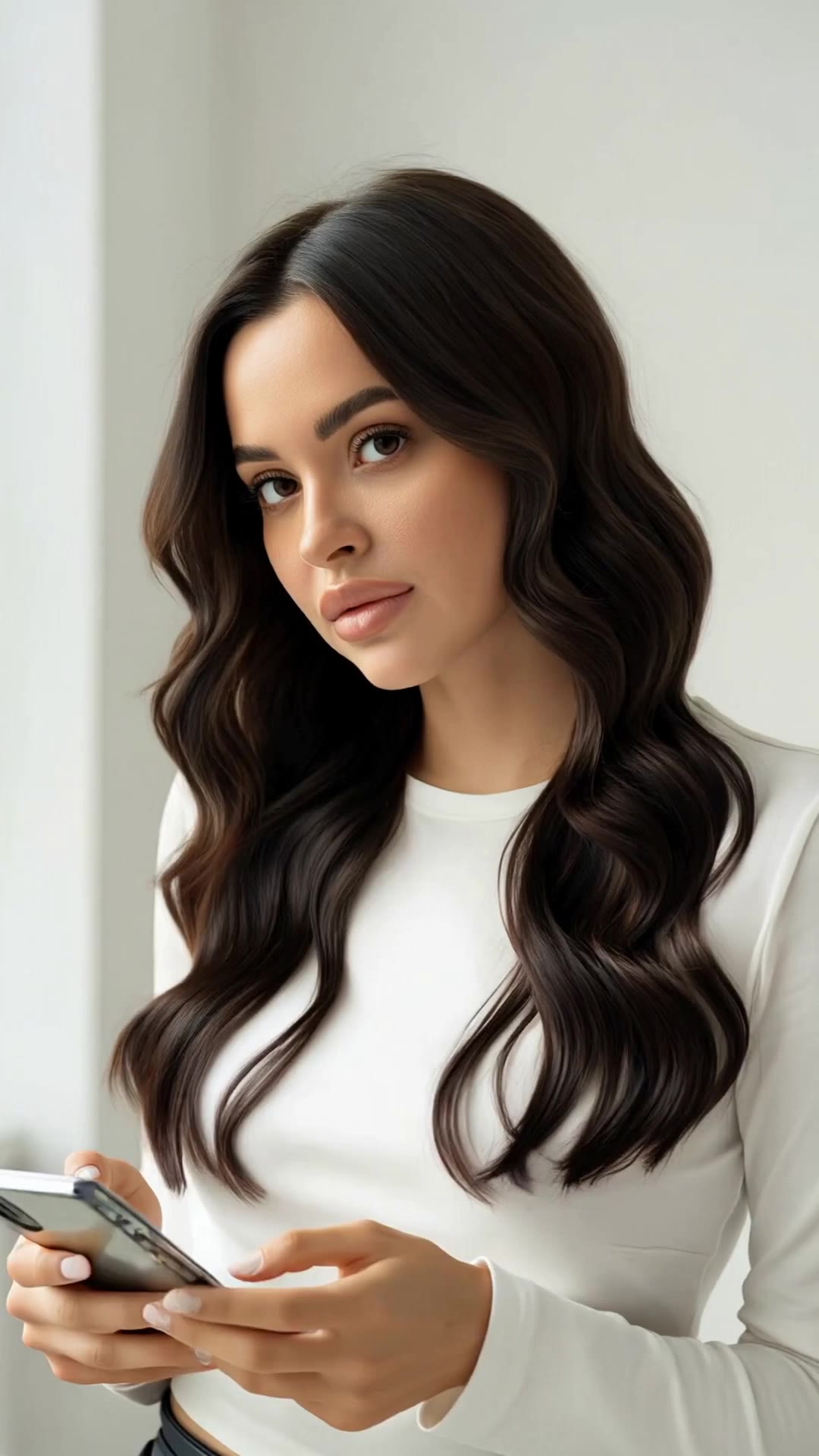
hair color on pixie cuts - color transition & hair movement

Witness the vibrant transformation and dynamic motion of hair color on pixie cuts, inspired by visual illusions and reality shifts. Embrace the creative freedom and endless possibilities for stylish, short hairstyles. Start exploring hair color on pixie cuts ideas and generate your own content with AI.

hair color on pixie cuts - color transition & hair movement

Recommended

Into the World of Color - hair color on pixie cuts AI video
Daphnia_marina avatar
Daphnia_marina
Elite Creator
Pixie - hair color on pixie cuts AI video
KLING2836 avatar
KLING2836
gel color - hair color on pixie cuts AI video
qYRfQYAk avatar
qYRfQYAk
Kling AI work 315773674508012 - hair color on pixie cuts AI video
mary avatar
mary
Color paint - hair color on pixie cuts AI video
Logotypin avatar
Logotypin
Elite Creator
Kling AI work 311110457666899 - hair color on pixie cuts AI video
JSmth_90s avatar
JSmth_90s
Kling AI work 314263359505715 - hair color on pixie cuts AI video
NlgfuKxY avatar
NlgfuKxY
Kling AI work 312662626502205 - hair color on pixie cuts AI image
KiIzTQFt avatar
KiIzTQFt
Kling AI work 309344228522230 - hair color on pixie cuts AI video
membershipofbus avatar
membershipofbus
showing off my new hair - hair color on pixie cuts AI video
BPfAWiYh avatar
BPfAWiYh
Hair - hair color on pixie cuts AI video
HDajTgmf avatar
HDajTgmf
Color analysis - hair color on pixie cuts AI video
KLING6075 avatar
KLING6075
Kling AI work 288236432650674 - hair color on pixie cuts AI video
pixie anime avatar
pixie anime
So cuts? - hair color on pixie cuts AI video
zero avatar
zero
Knife cuts glass apple - hair color on pixie cuts AI video
oySfxfxd avatar
oySfxfxd
short blonde pixie - hair color on pixie cuts AI video
Logotypin avatar
Logotypin
Elite Creator
Asse Professional Hair Color AI - hair color on pixie cuts AI video
00:28
Berkenin avatar
Berkenin
Kling AI work 309961922664867 - hair color on pixie cuts AI image
DNctnwHk avatar
DNctnwHk
Kling AI work 316178829665005 - hair color on pixie cuts AI video
Pixie Adventures ABC avatar
Pixie Adventures ABC

How To Create AI Video From Text

Write Your Prompt

Write Your Prompt

Choose a model and describe the video you want to create in natural language. You can include scenes, characters, actions, or style references.

Customize Your Video

Customize Your Video

Use prompts to guide multiple scenes, actions, and styles within a single generation. Kling AI also supports native multilingual voiceovers and sound effects, so you can shape dialogue and audio direction directly through your prompt.

Generate & Export

Generate & Export

Select your format, including resolution (720p, 1080p, or 4K), duration (3 - 15 seconds), and aspect ratio (16:9, 9:16, or 1:1). Then download your video or keep iterating with new variations for your project.

Why Kling Sets the Standard for Video Creation

Flawless Character Consistency for High-Quality Videos

Flawless Character Consistency for High-Quality Videos

Unlike standard tools that distort faces when moving, Kling Video 3.0 lets you strictly lock a character’s appearance. Upload a single photo, or use a short video/multiple angles as a reference to completely eliminate the “AI morphing” effect.

All-in-One Native Audio & Lip-Sync

All-in-One Native Audio & Lip-Sync

Your video isn’t just silent footage; it speaks. Generate perfectly matched voices and realistic lip movements in multiple languages or regional accents. Even in multi-character scenes, you can precisely assign who speaks—no third-party tools required.

Up to 15s Multi-Shot Cinematic Output

Up to 15s Multi-Shot Cinematic Output

Go beyond a basic 3-second clip. Kling 3.0 extends generation to 15 seconds of smooth, uninterrupted narrative. You can even use native storyboard controls to direct multi-shot sequences in a single click—outputting in crystal-clear 4K for professional use.

Apps

Image to Video
Image to Video

Image to Video

Text to Video
Text to Video

Text to Video

Omni
Omni

Omni

Digital Human
Digital Human

Digital Human

Restyle
Restyle

Restyle

Text to Image
Text to Image

Text to Image

60M+
60M+
Users
600M+
600M+
AI Videos Generated
4.7 ★
4.7 ★
App Store
Industry-Leading
Industry-Leading
Cinematic 4K

Reviews

Samuele Poggi (@visualsk2)

Samuele Poggi (@visualsk2)

★★★★★

I use Kling AI daily to push the limits of AI filmmaking. It allows me to create highly cinematic content, blending AI and VFX to develop innovative projects. It has significantly impacted my creative process, enabling me to achieve complex animations that would otherwise require high production budgets.

Halim Alrasihi

Halim Alrasihi

★★★★★

I use AI daily and Kling AI is a crucial part of my workflow, whether for client work or personal projects. What I love most about using Kling AI is that it provides all the tools I need in one place, from keyframes to character references, elements and special effects.

Vincent Smadja

Vincent Smadja

★★★★★

Kling AI seamlessly integrates into my creative workflow, playing a key role in transforming my images. After generating and upscaling an image, Kling becomes a crucial element, bringing my creations to life with movement and depth.

FAQ

Q1Can I generate 4K videos from an image?
Q2How do I keep the face from changing or morphing in my video?
Q3Can I use these generated videos for my e-commerce store or social media ads?

Start Creating AI Videos with Kling

Turn your image into a talking, high-quality video in seconds. No watermarks, no complicated setup.

Free tier available (Memberships are watermark-free) | 1080p export (Memberships unlock 4K) | Instant results