Creative Studio
API
Resources
Features
About Us
Download

hair color online - color transformation & hair in the wind

Witness the mesmerizing transformation of hair with vibrant color shifts and dynamic motion, inspired by visual illusions and online shopping trends. Start exploring hair color online ideas and generate your own content with AI.

hair color online - color transformation & hair in the wind

Recommended

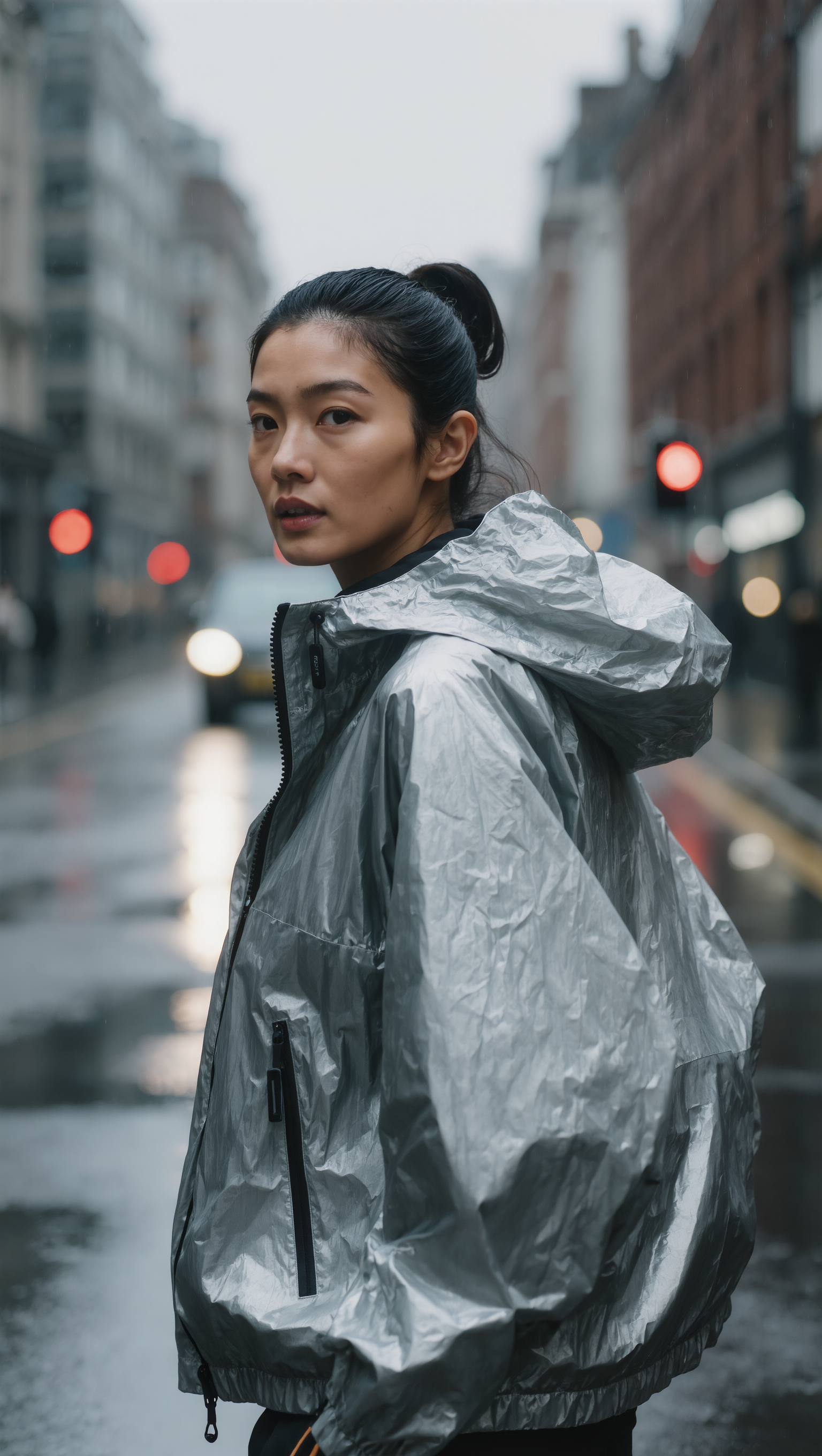
Kling AI work 316044399611772 - hair color online AI image
qgtjJmKs avatar
qgtjJmKs
shorrt hair - hair color online AI image
klingai.video.ai avatar
klingai.video.ai
HAIR WITH HIGHLIGHTS… Copy Cat! - hair color online AI video
ZPrXLnzV avatar
ZPrXLnzV
Online course - hair color online AI video
Viktor_Fox avatar
Viktor_Fox
Kling AI work 320820828650493 - hair color online AI image
ZrKycApu avatar
ZrKycApu
Kling AI Prompt:
Realistic hair  - hair color online AI image
pssEICto avatar
pssEICto
Kling AI work 315642430618098 - hair color online AI image
YtwgpNkD avatar
YtwgpNkD
Overwhelmed Mom to Online Earner - hair color online AI video
oXDuUrrO avatar
oXDuUrrO
Blue Hair Beauty - hair color online AI image
Kahkmah Bahm avatar
Kahkmah Bahm
SLICKED-BACK HAIR & REFLECTIVE N - hair color online AI image
Dreaming avatar
Dreaming
Elite Creator
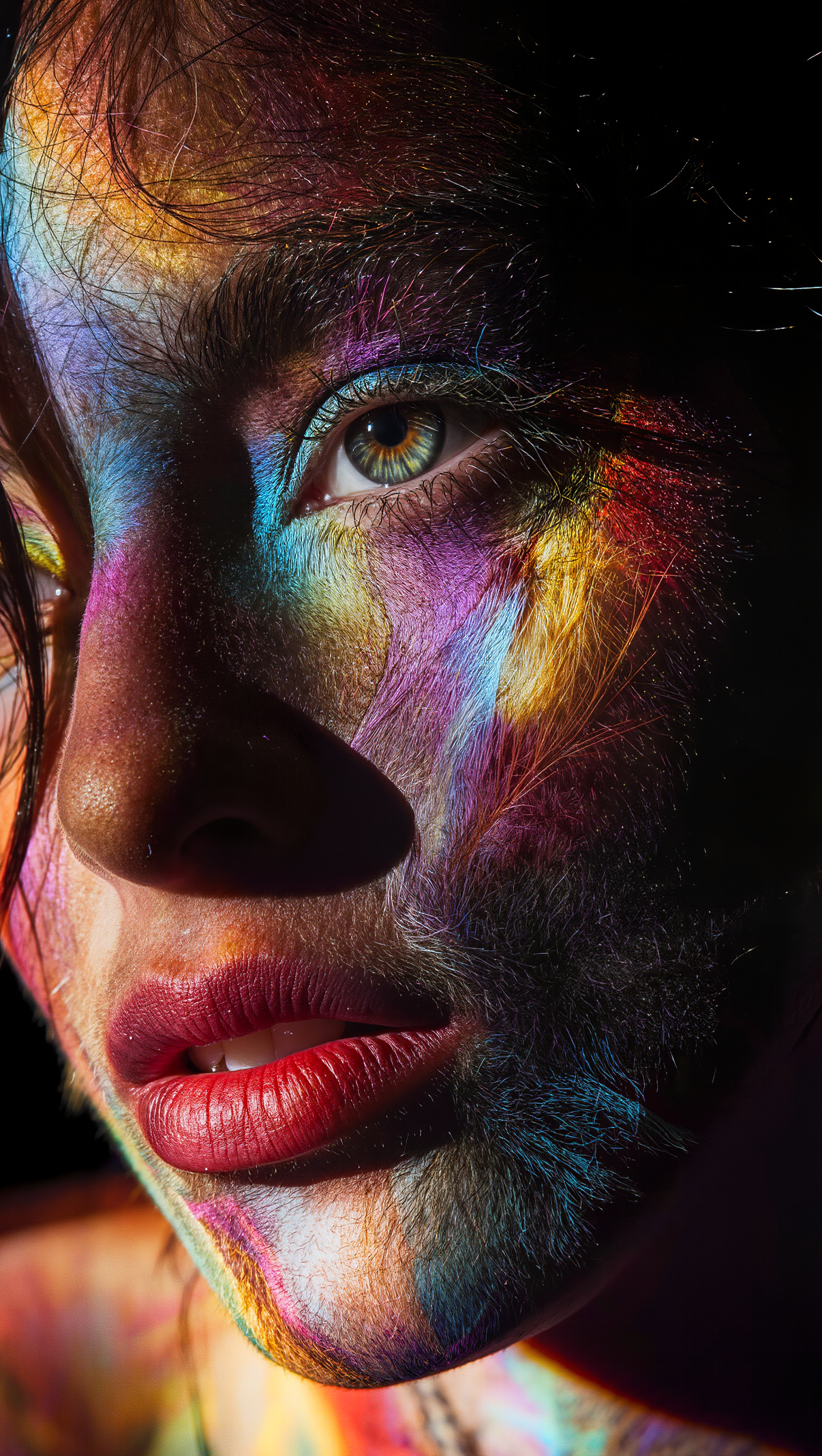
Kling 3.0 - Color Gamut Face - hair color online AI image
Ady Media Design avatar
Ady Media Design
Elite Creator
Kling AI work 299036485618817 - hair color online AI image
VJePXfSn avatar
VJePXfSn
Kling 3.0 - Color Gamut - hair color online AI image
Ady Media Design avatar
Ady Media Design
Elite Creator
Hair - hair color online AI video
MahdiMahyar avatar
MahdiMahyar
Kling AI work 309344386665871 - hair color online AI video
usvGyDOL avatar
usvGyDOL
Into the World of Color - hair color online AI video
Daphnia_marina avatar
Daphnia_marina
Elite Creator
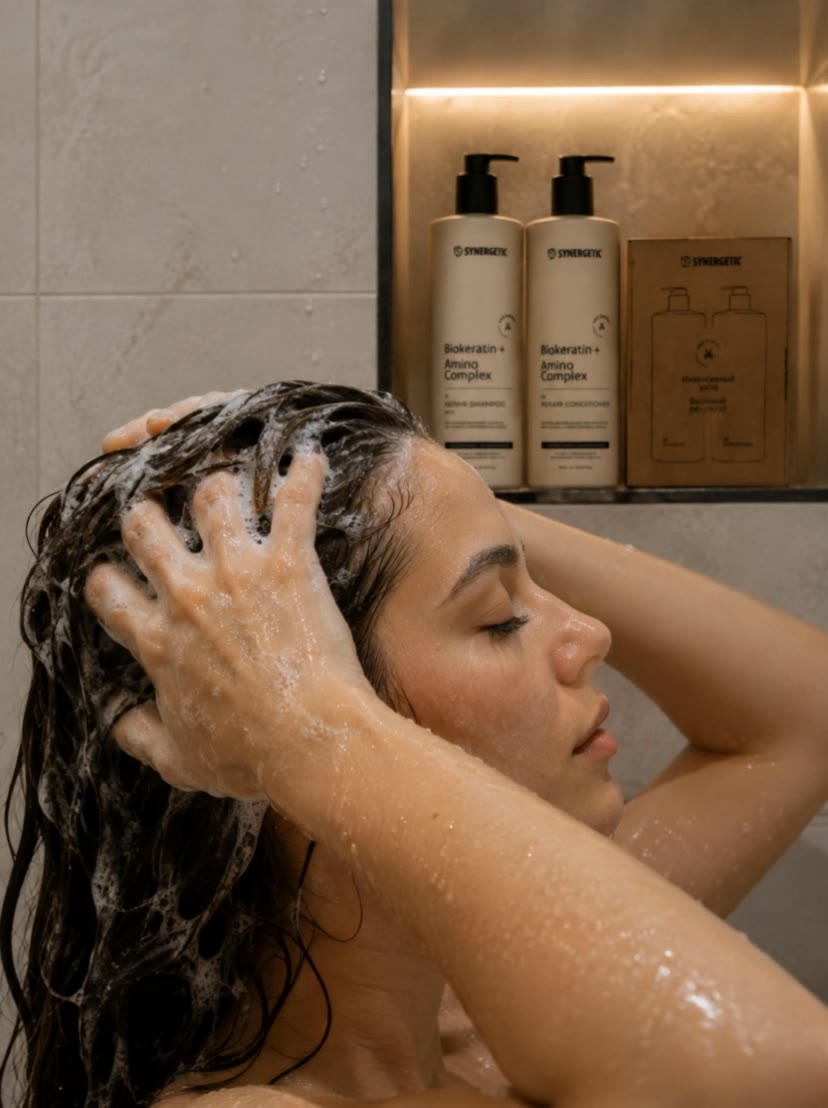
 woman is washing hair - hair color online AI video
htjxBhMn avatar
htjxBhMn
Beautiful Hair Transformation ✨ - hair color online AI video
kdAsEVKv avatar
kdAsEVKv

How to Restore Old Photos with Kling AI

Upload Your Old Photo

Upload Your Old Photo

Upload a scanned photo, faded print, damaged portrait, or black-and-white image. Your original photo gives Kling the visual reference for the people, objects, composition, and details you want to keep.

Describe the Restoration You Want

Describe the Restoration You Want

Use a prompt to describe the improvements you want, such as removing scratches, reducing stains, restoring faded colors, enhancing facial details, or repairing damaged areas. You can also mention what should stay consistent, like expressions, clothing, or the overall look of the original photo.

Generate Your Restored Photo

Generate Your Restored Photo

Generate your restored version and compare it with the original. If an important detail changes, update your prompt or add another reference and try again.

Make Images Clearer, Sharper, and More Detailed

Make Soft or Blurry-Looking Images Clearer

Make Soft or Blurry-Looking Images Clearer

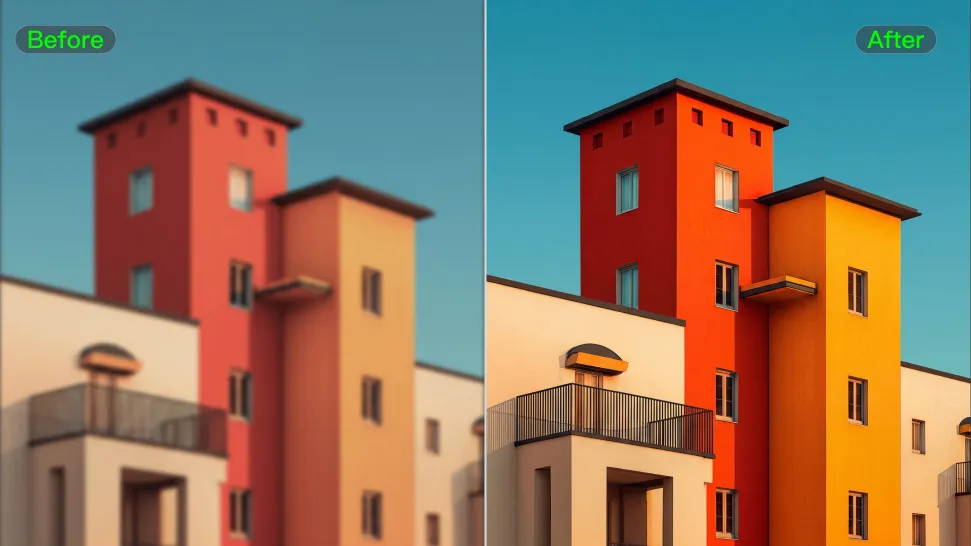
Improve images that look soft, blurry, or short on detail so important subjects appear clearer and easier to recognize. Kling IMAGE 3.0 Omni can refine facial features, object edges, textures, and other key areas while preserving the overall look and character of the original image.
Enhance Low-Resolution Images in 2K/4K

Enhance Low-Resolution Images in 2K/4K

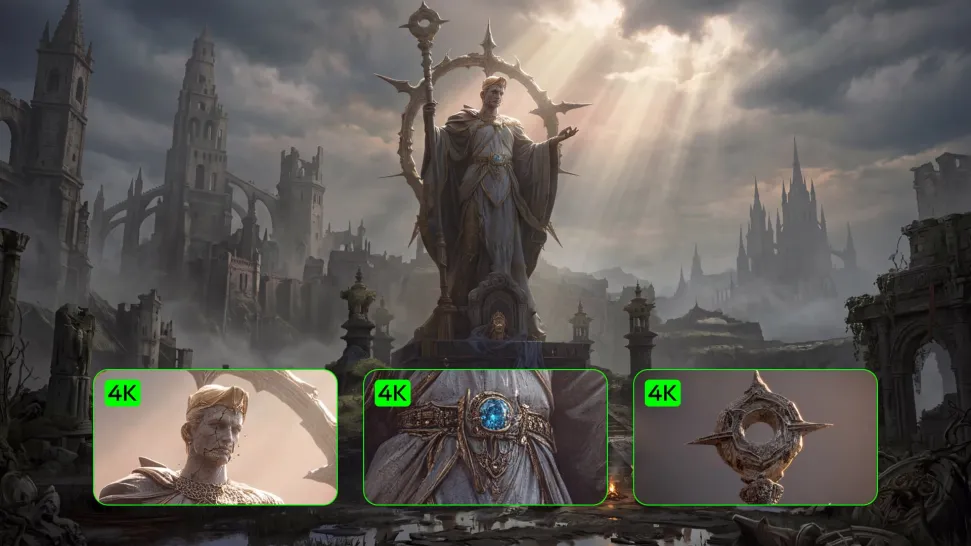
Need more resolution for a larger screen, campaign visual, product image, or creative project? Use your existing image as the starting point and generate a higher-resolution version in native 2K or 4K. You get more room for fine textures and visual detail to come through, making your result better suited to larger displays, print, presentations, and other high-resolution uses.

Improve Color and Lighting Your Way

Improve Color and Lighting Your Way

If your image feels too dark, flat, or visually uneven, describe the look you want and guide changes to lighting, shadows, contrast, color tone, or saturation. You can create softer light, richer color, or a more balanced finish while keeping control over the overall visual direction.

Apps

Image to Video
Image to Video

Image to Video

Text to Video
Text to Video

Text to Video

Omni
Omni

Omni

Digital Human
Digital Human

Digital Human

Restyle
Restyle

Restyle

Text to Image
Text to Image

Text to Image

60M+
60M+
Users
600M+
600M+
AI Videos Generated
4.7 ★
4.7 ★
App Store
Industry-Leading
Industry-Leading
Cinematic 4K

Reviews

Samuele Poggi (@visualsk2)

Samuele Poggi (@visualsk2)

★★★★★

I use Kling AI daily to push the limits of AI filmmaking. It allows me to create highly cinematic content, blending AI and VFX to develop innovative projects. It has significantly impacted my creative process, enabling me to achieve complex animations that would otherwise require high production budgets.

Halim Alrasihi

Halim Alrasihi

★★★★★

I use AI daily and Kling AI is a crucial part of my workflow, whether for client work or personal projects. What I love most about using Kling AI is that it provides all the tools I need in one place, from keyframes to character references, elements and special effects.

Vincent Smadja

Vincent Smadja

★★★★★

Kling AI seamlessly integrates into my creative workflow, playing a key role in transforming my images. After generating and upscaling an image, Kling becomes a crucial element, bringing my creations to life with movement and depth.

FAQ

Q1What types of videos work best for AI upscaling?
Q2Can I upscale old, compressed, or AI-generated videos?
Q3Can an AI video upscaler unblur video?

Start Creating AI Videos with Kling

Turn your image into a talking, high-quality video in seconds. No watermarks, no complicated setup.

Free tier available (Memberships are watermark-free) | 1080p export (Memberships unlock 4K) | Instant results