

Freya Sage
3
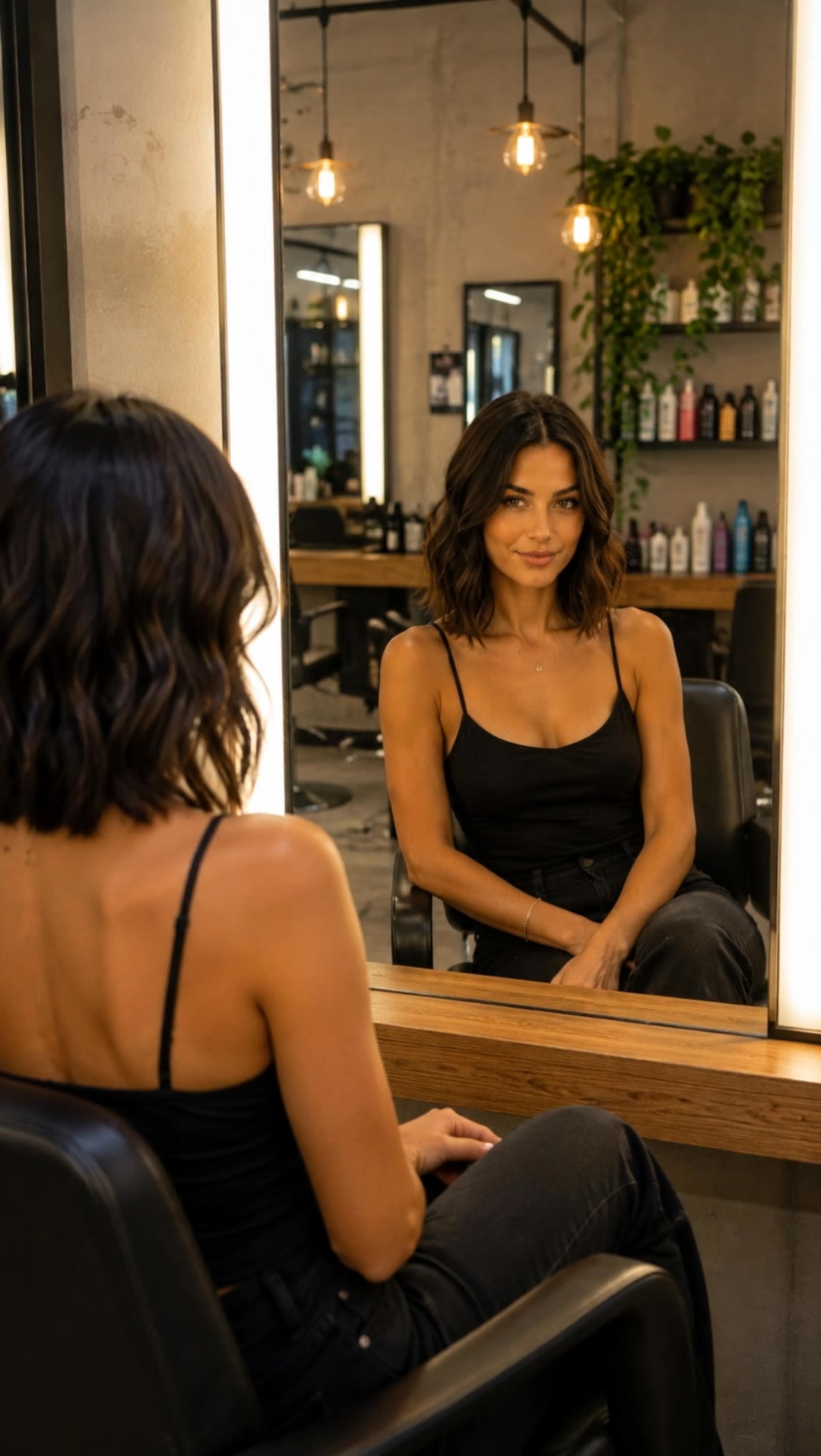
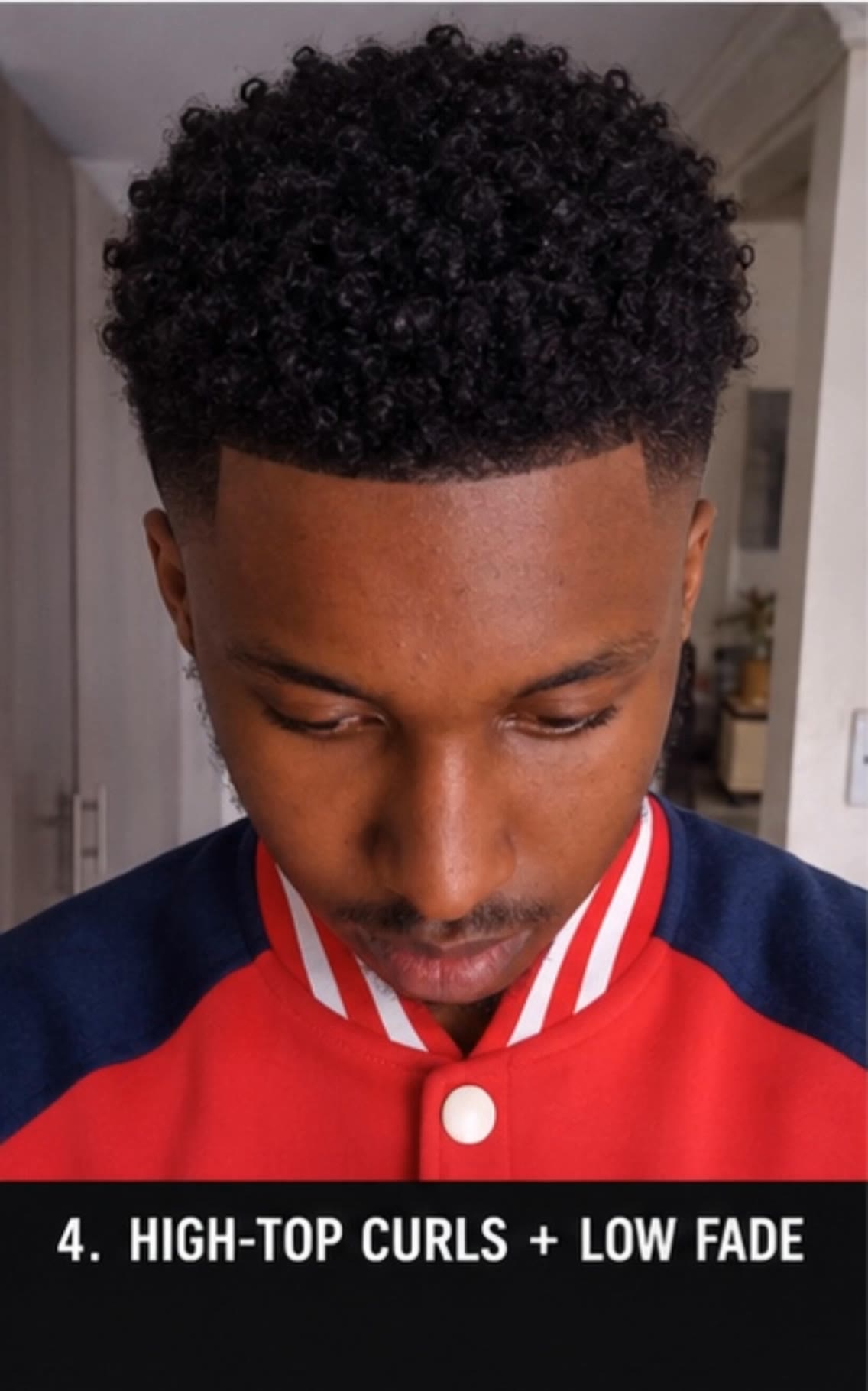
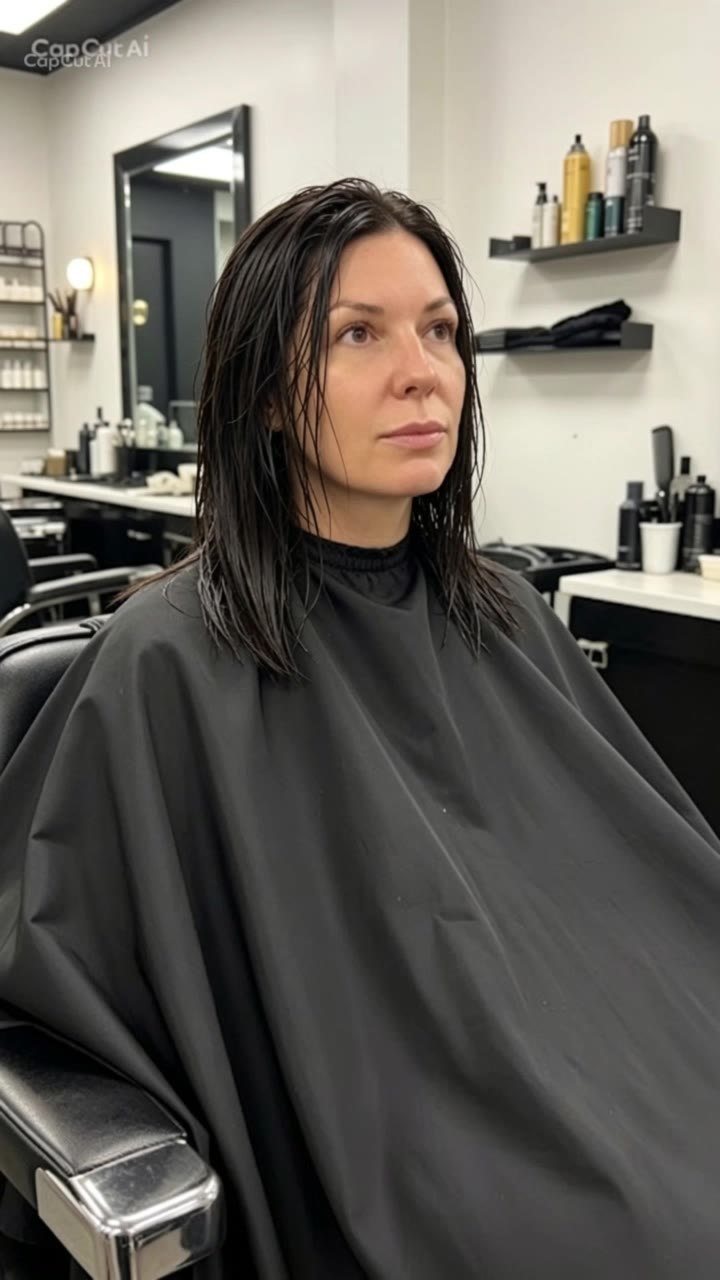
Experience the art of precision cutting with our hair cut simulator, inspired by the delicate slicing of jelly vases and the fluid dynamics of gloss on cherries. Start exploring hair cut simulator ideas and generate your own content with AI.








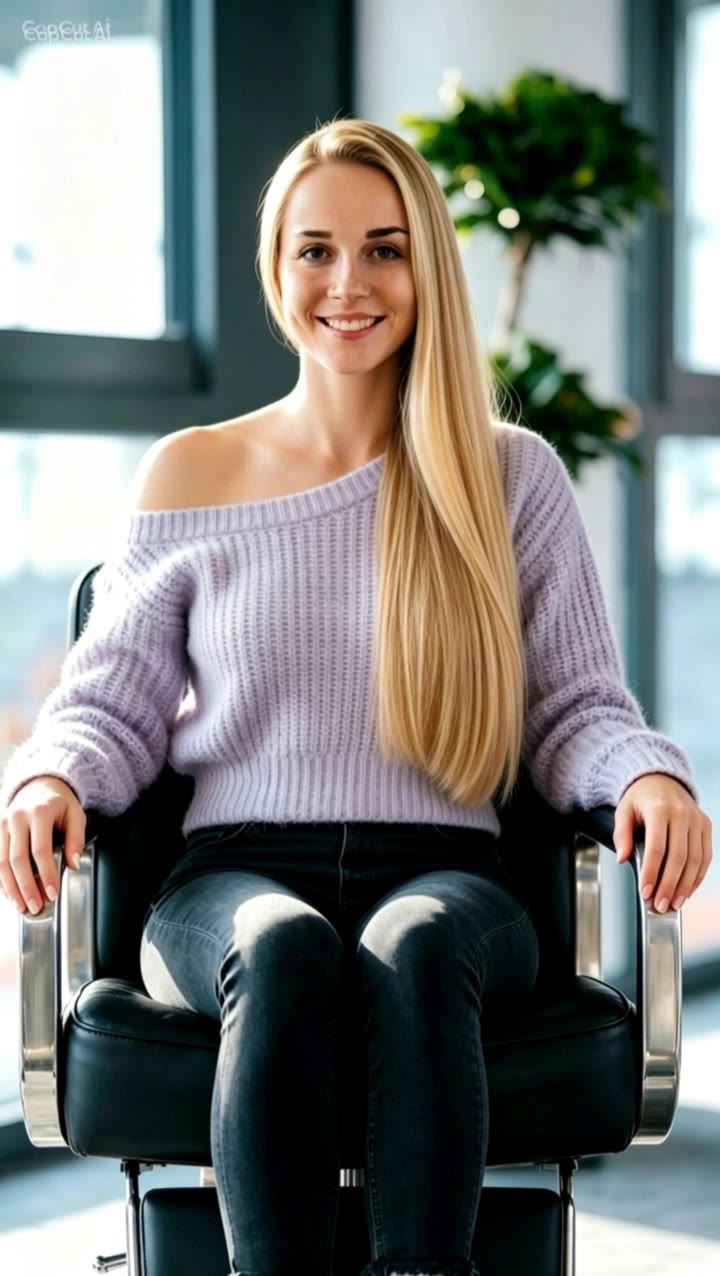


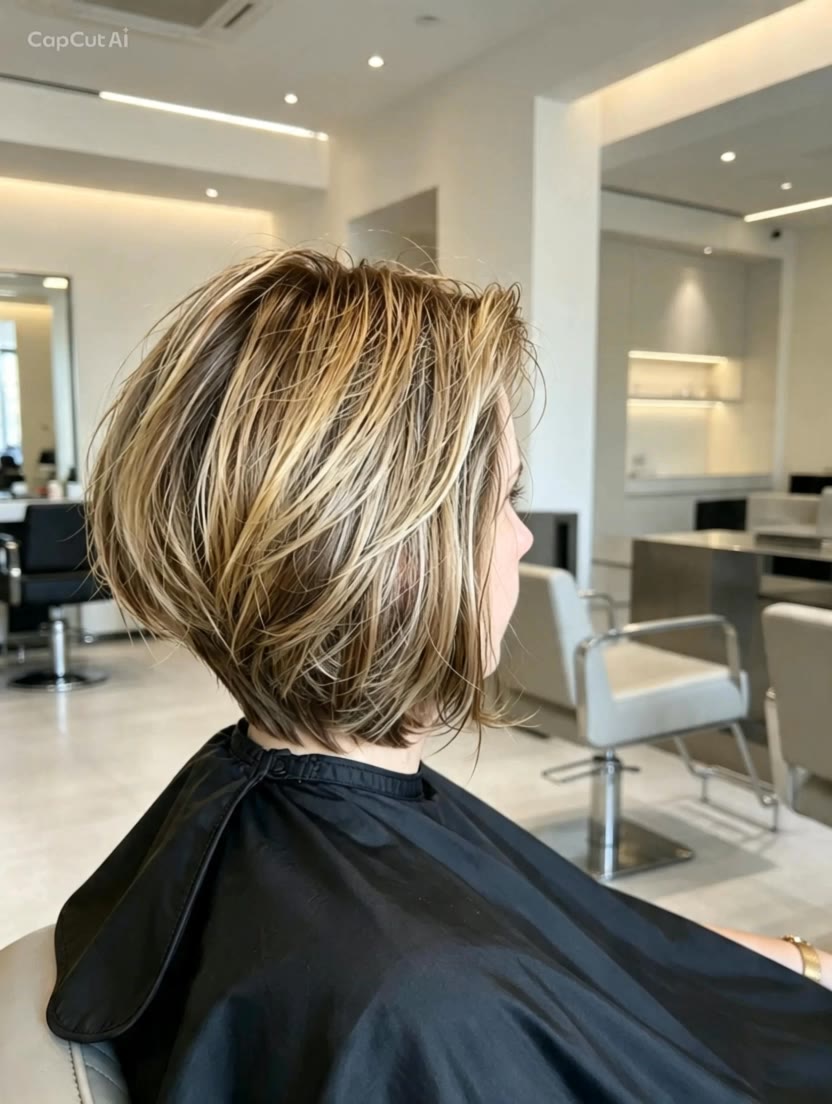

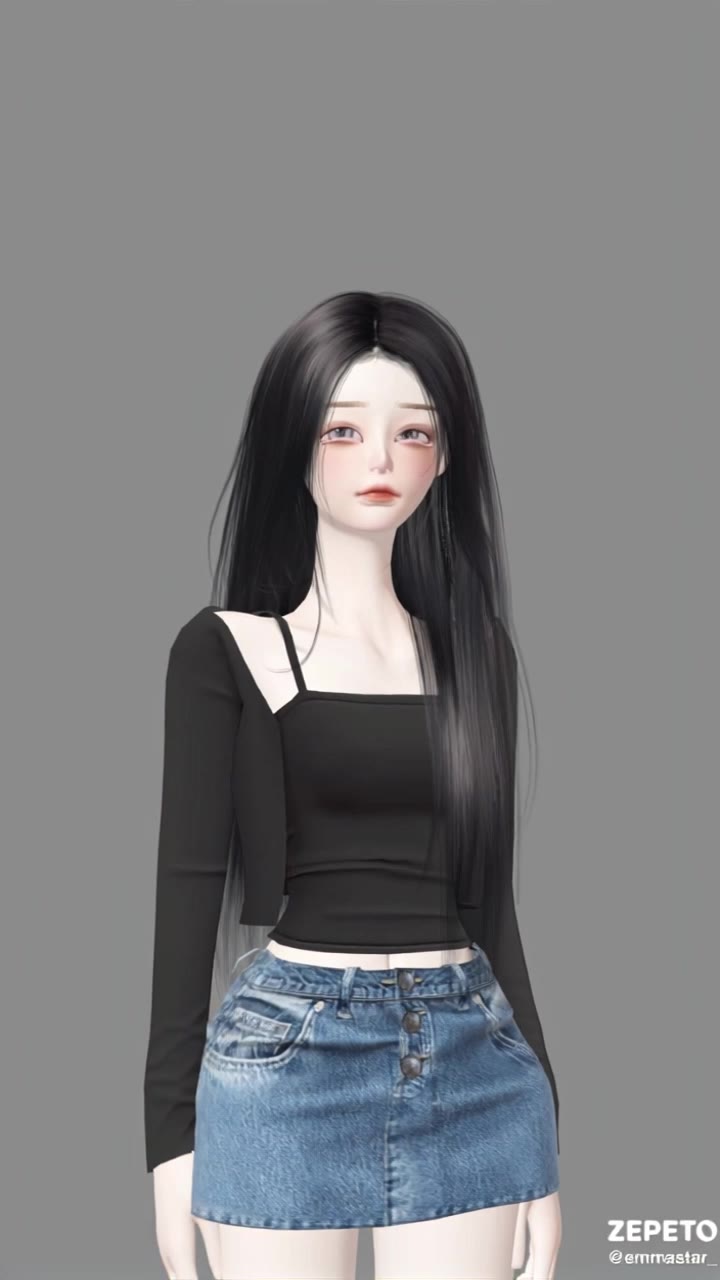
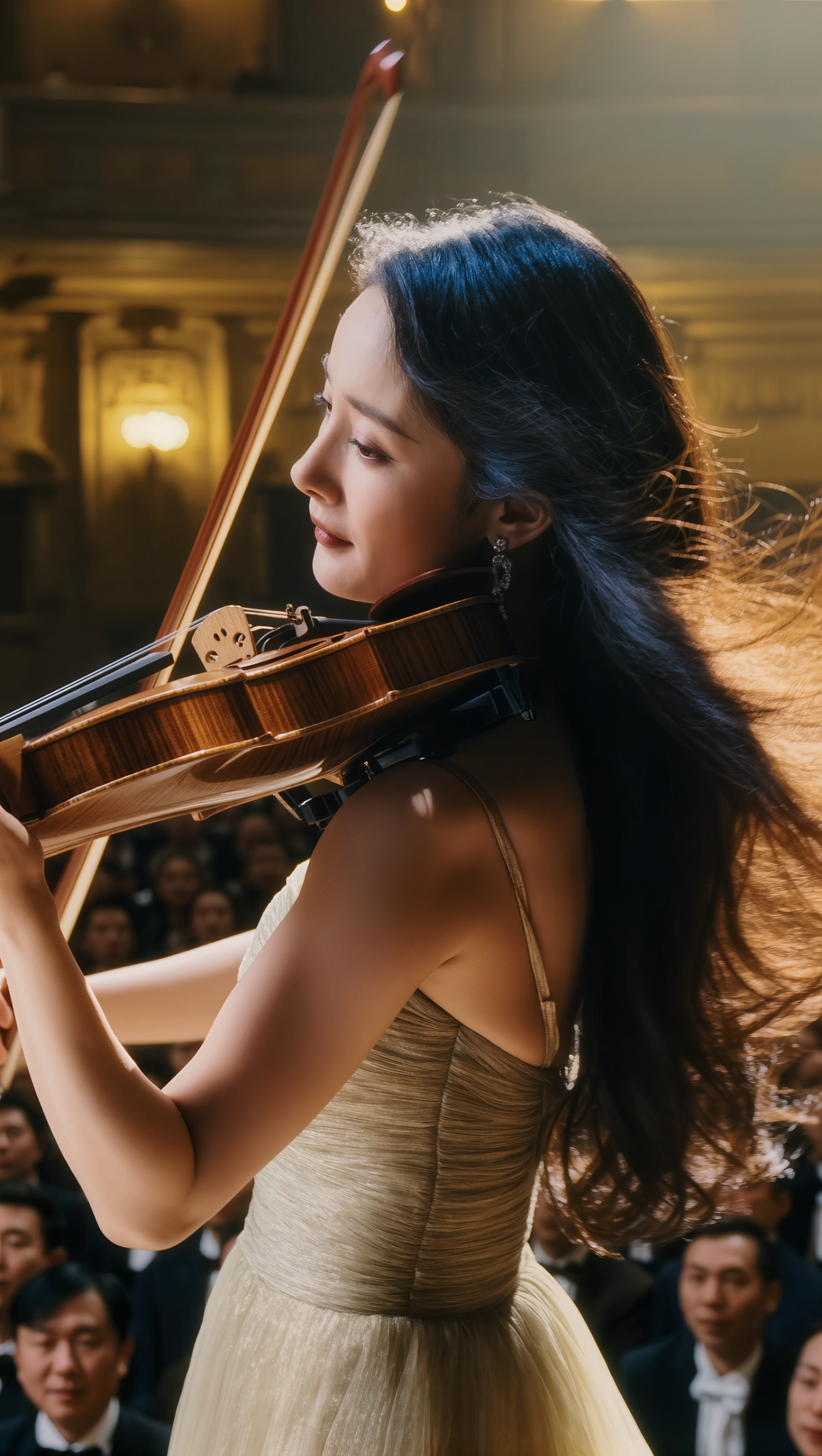
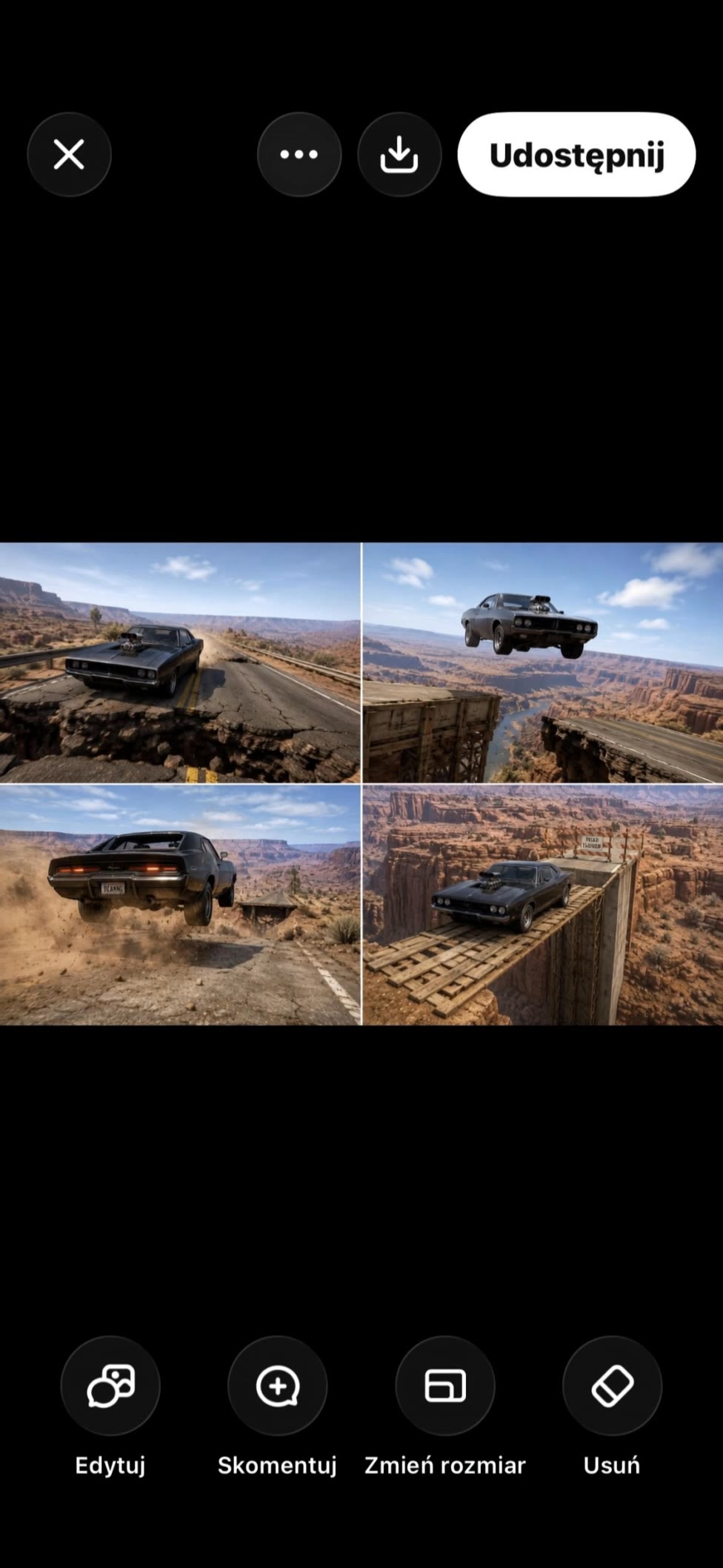
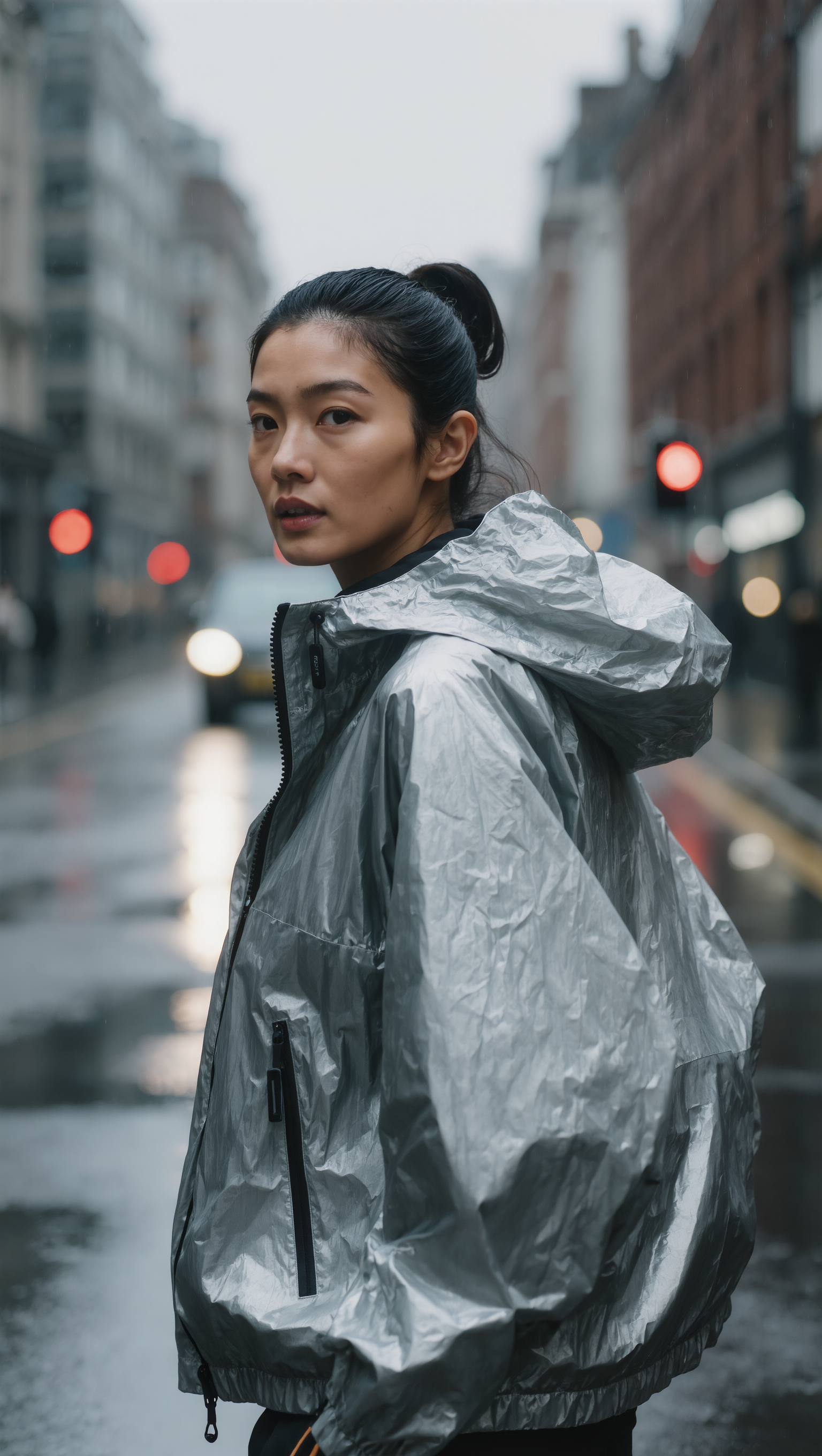
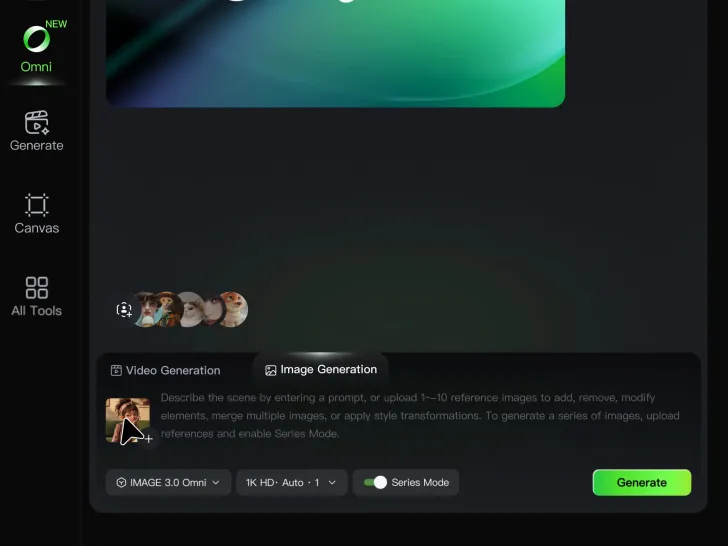
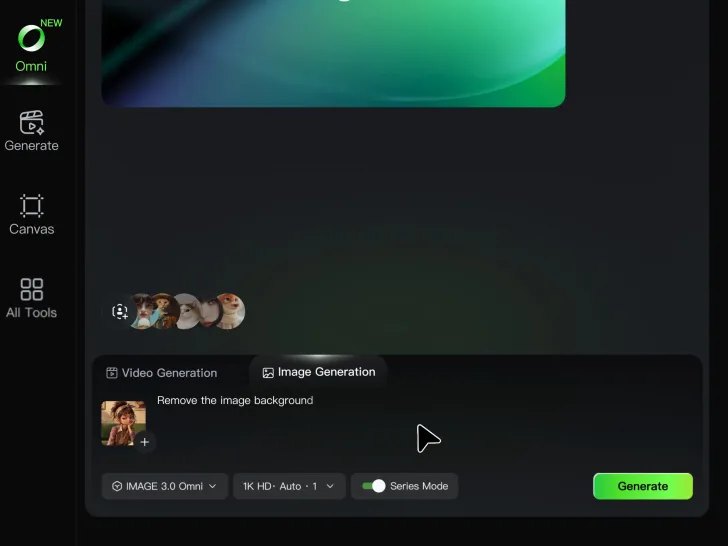
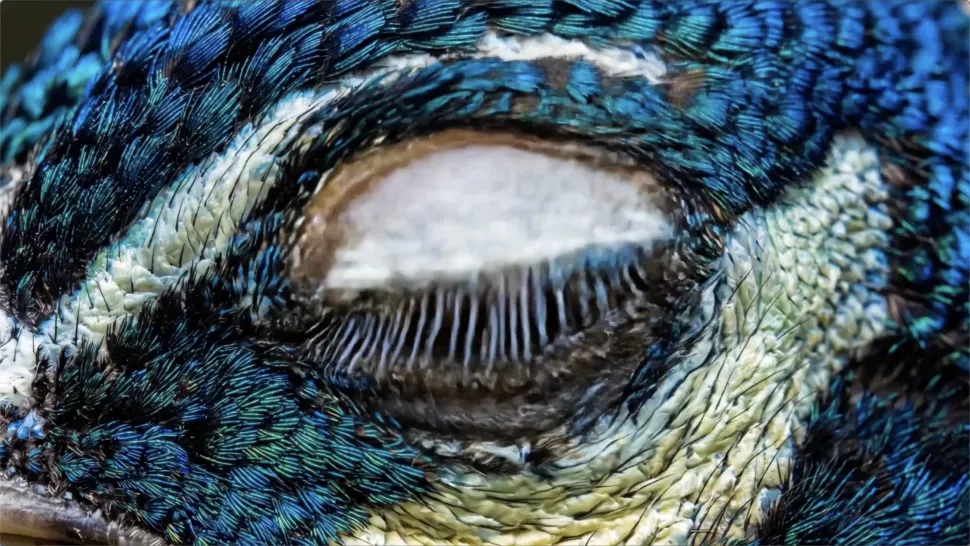
Turn your ideas into videos that closely match your prompt. Kling AI understands detailed descriptions and keeps recurring characters consistent across scenes, preserving their appearance, expressions, and movement throughout the video. Videos support up to 4K resolution, 15 seconds in length, and 60fps playback, depending on your plan.
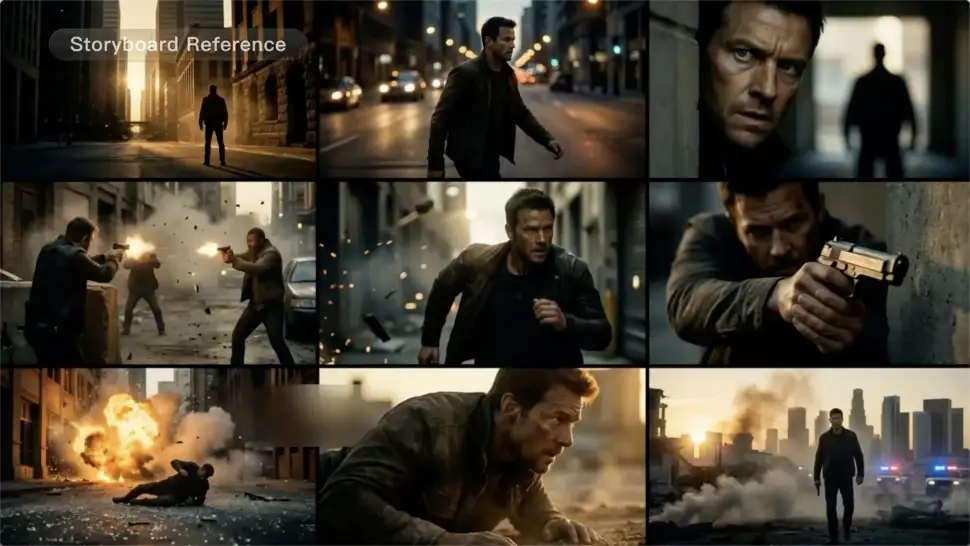
Create more complete stories from a single prompt. When your prompt includes multiple scenes, Kling 3.0 can organize them into up to five connected shots with smooth scene transitions, reducing the need for manual editing.
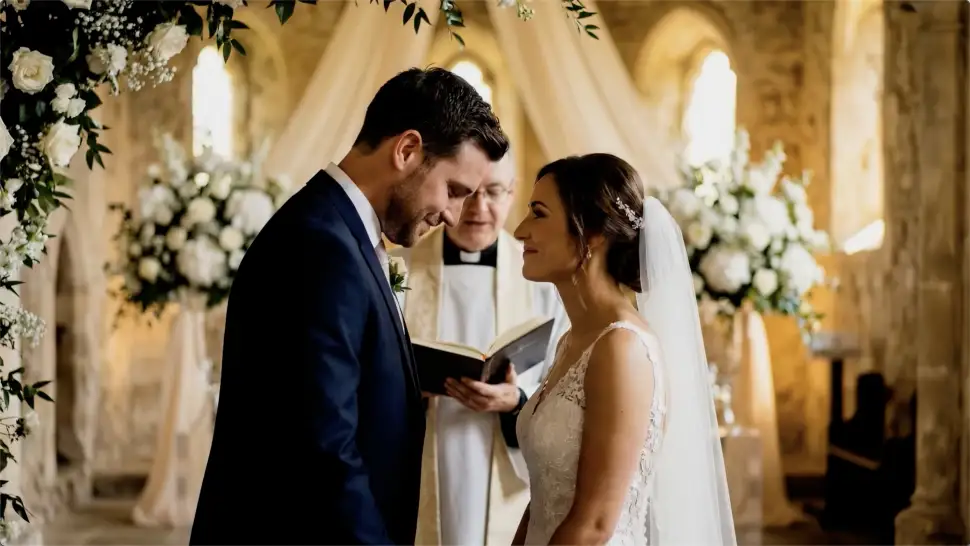
Create videos with built-in dialogue, sound effects, and ambient audio in five languages: English, Chinese, Japanese, Korean, and Spanish. Regional accent variations are also available, including American, British, and Indian English, to make voices sound more natural.

















I’m Maria Rubtsova, an AIGC digital artist passionate about creating stunning visuals in the worlds of fashion, aesthetics, and fantasy. I use KlingAi to bring imagination to life through video. My work is all about exploring beauty, emotion, and the limitless possibilities of digital art.

I use Kling AI every day. It's amazing to see the almost daily progress it makes. I used AI for fun at first, and I now find that Kling AI's animations allow me to gain professional visibility, with three times more views on my animated posts than on my static posts.

Kling AI has been instrumental in transforming my creative workflow, unlocking new dimensions of artistic expression that were once unimaginable. I use Kling AI extensively to develop high-concept visuals, animate surreal dreamscapes, and create AI-assisted films that blur the line between reality and fantasy. Kling AI’s deep learning capabilities have not only enhanced my creative efficiency but also inspired me to explore storytelling in ways I never thought possible.
Clean up portraits, product shots, travel photos, social content, and other images by removing the elements that pull attention away from what matters.