

MrKit
1
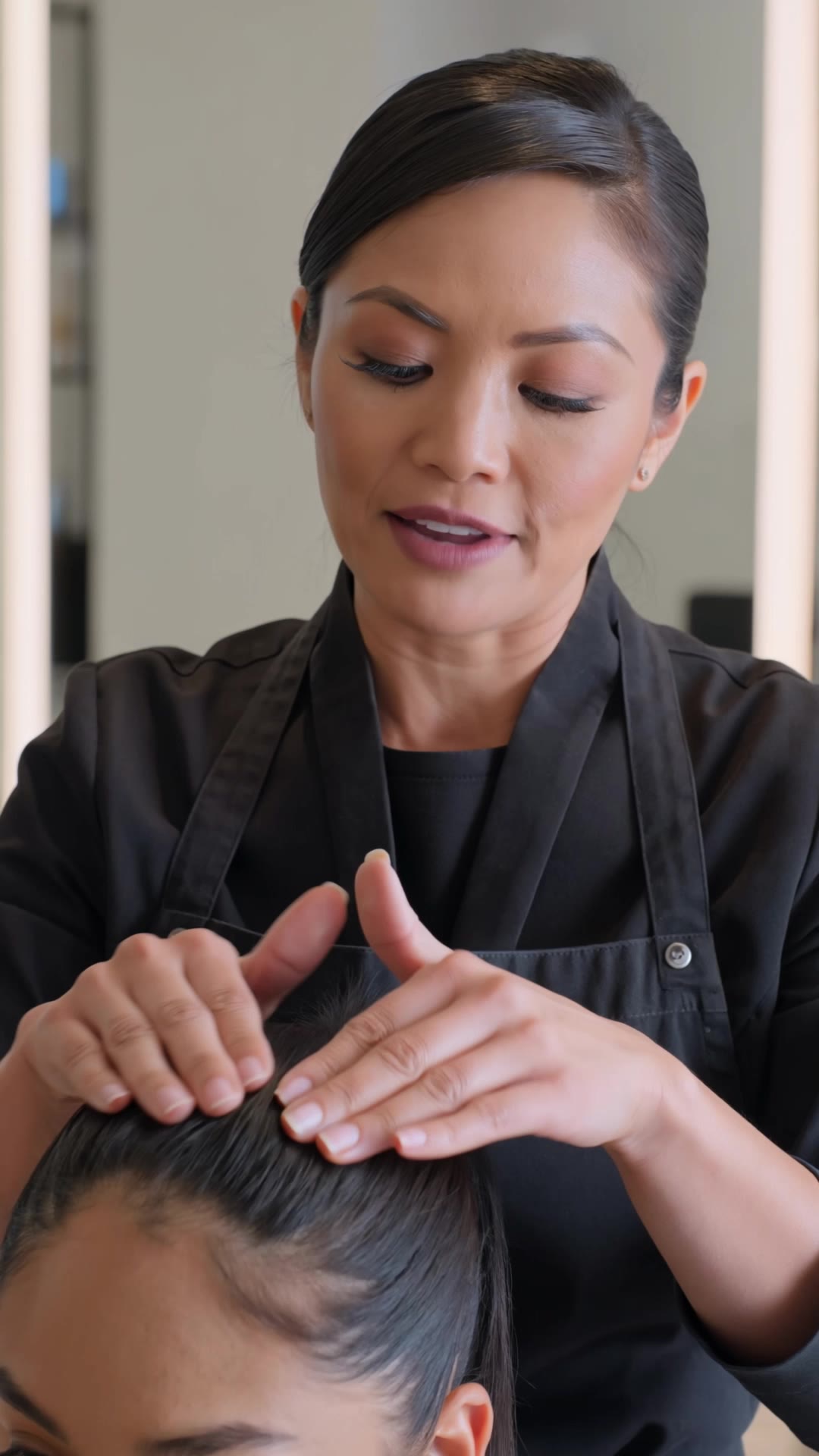
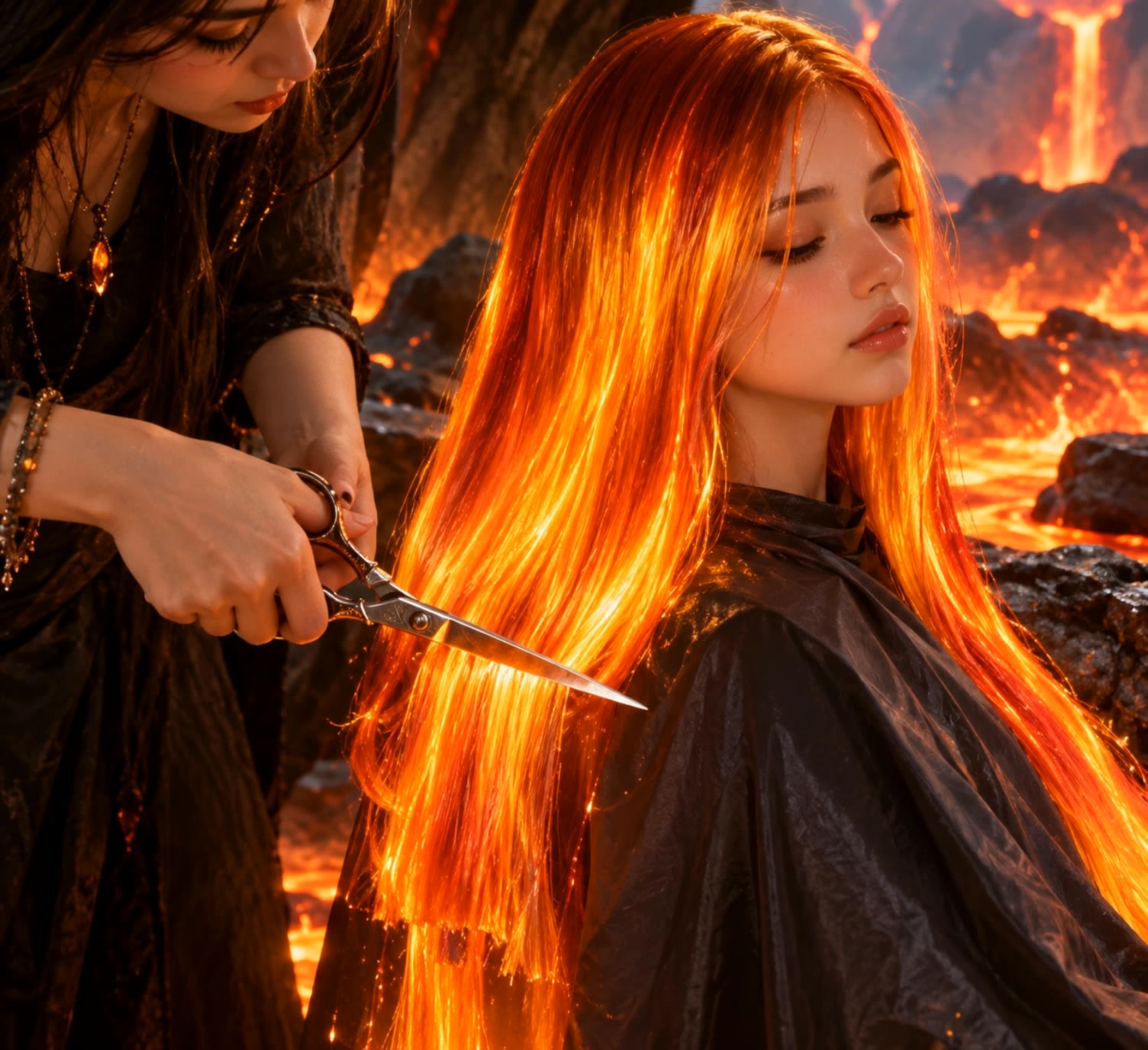
Witness the elegance of hair moving in the desert wind and the transformative power of AI-driven hair cut simulations. Start exploring hair cuts styles ideas and generate your own content with AI.


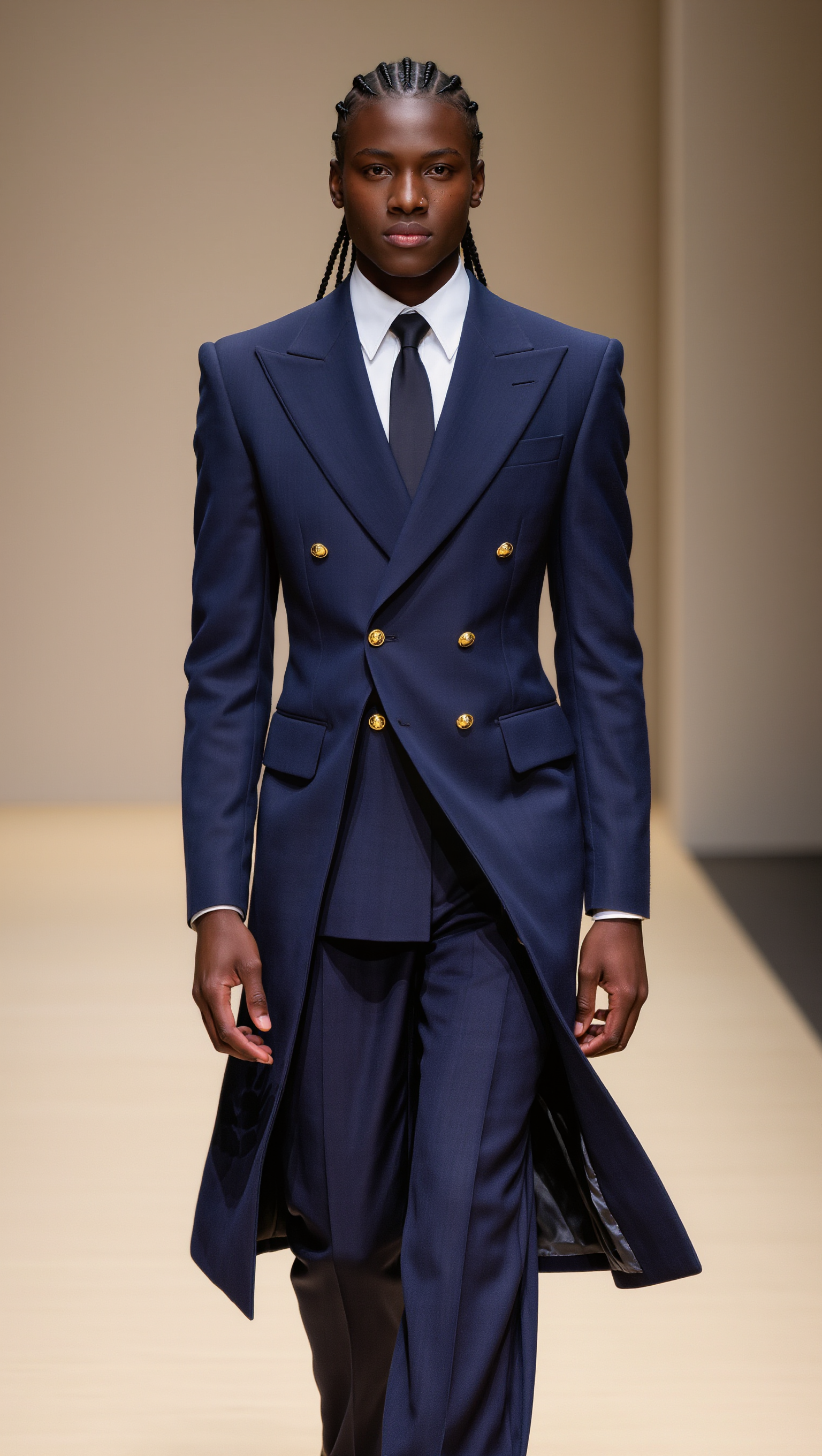


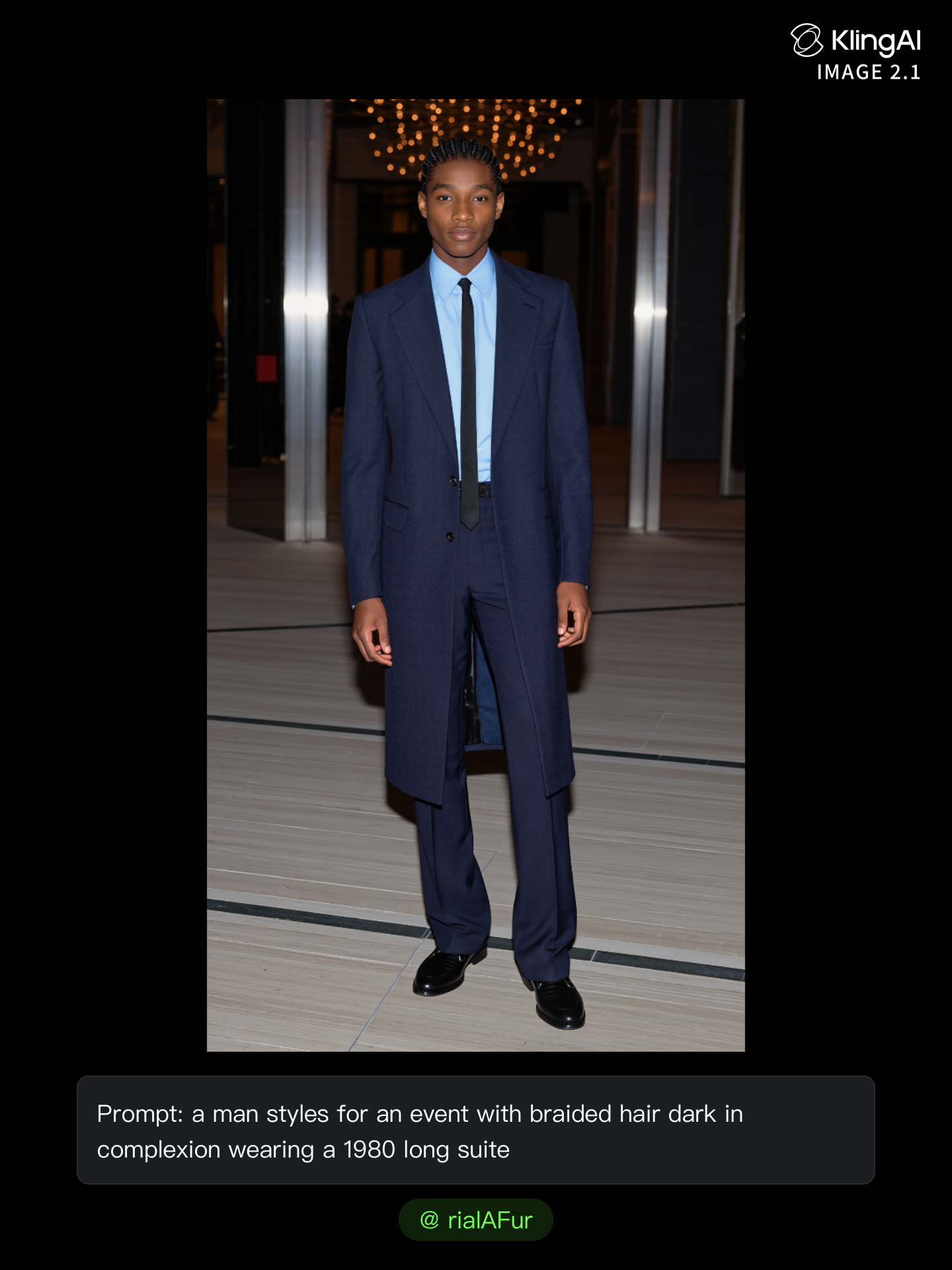

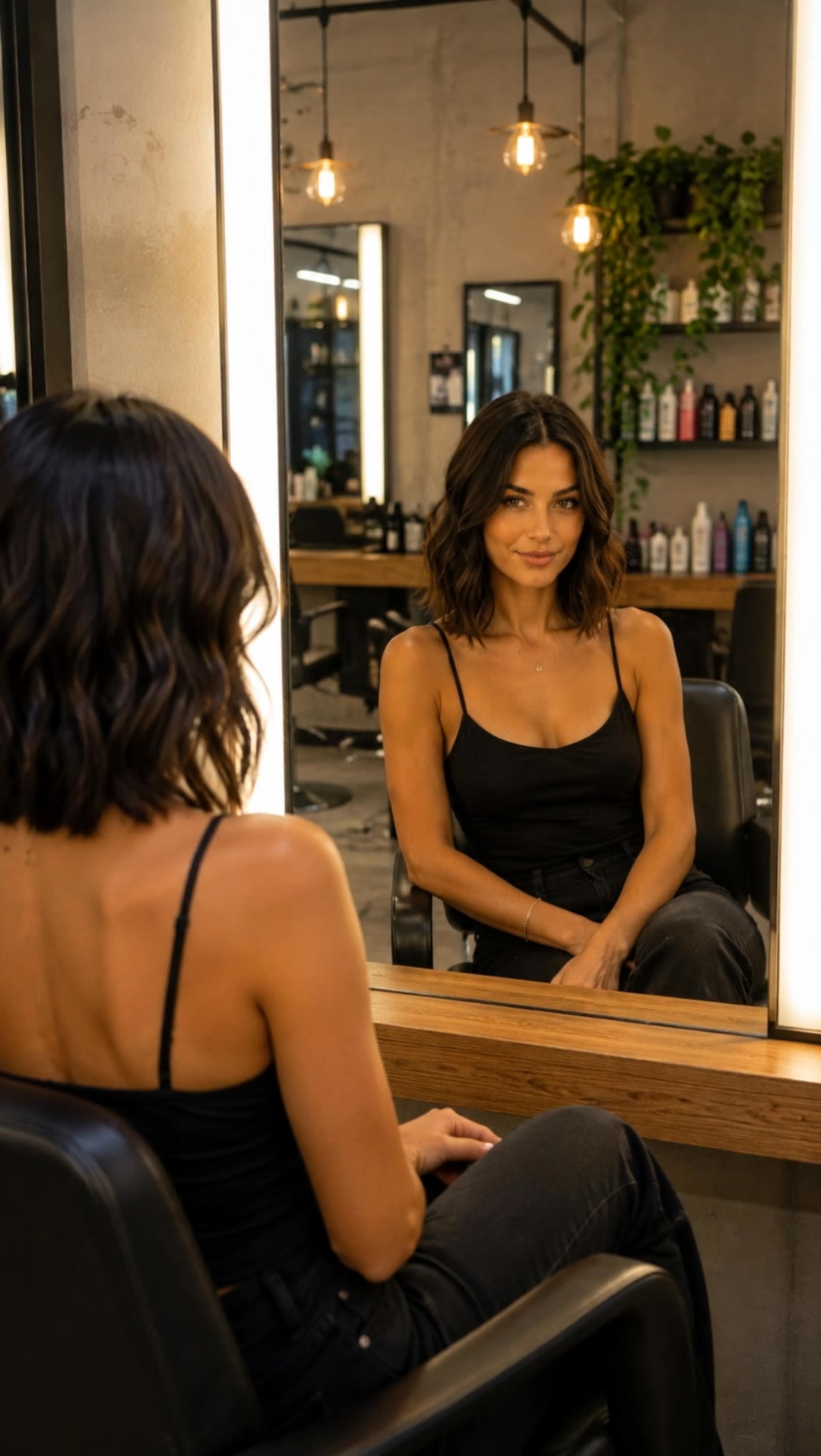
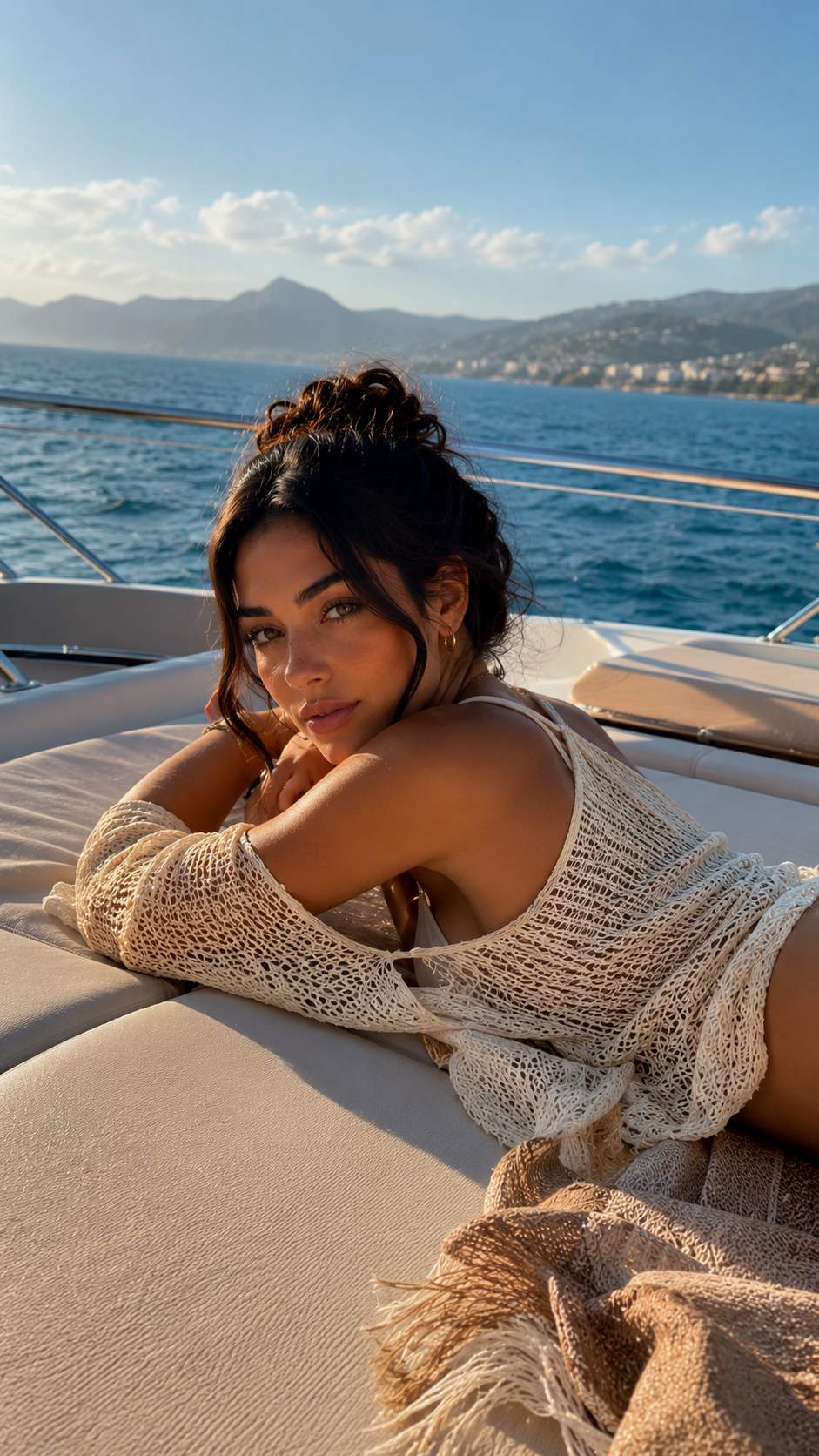

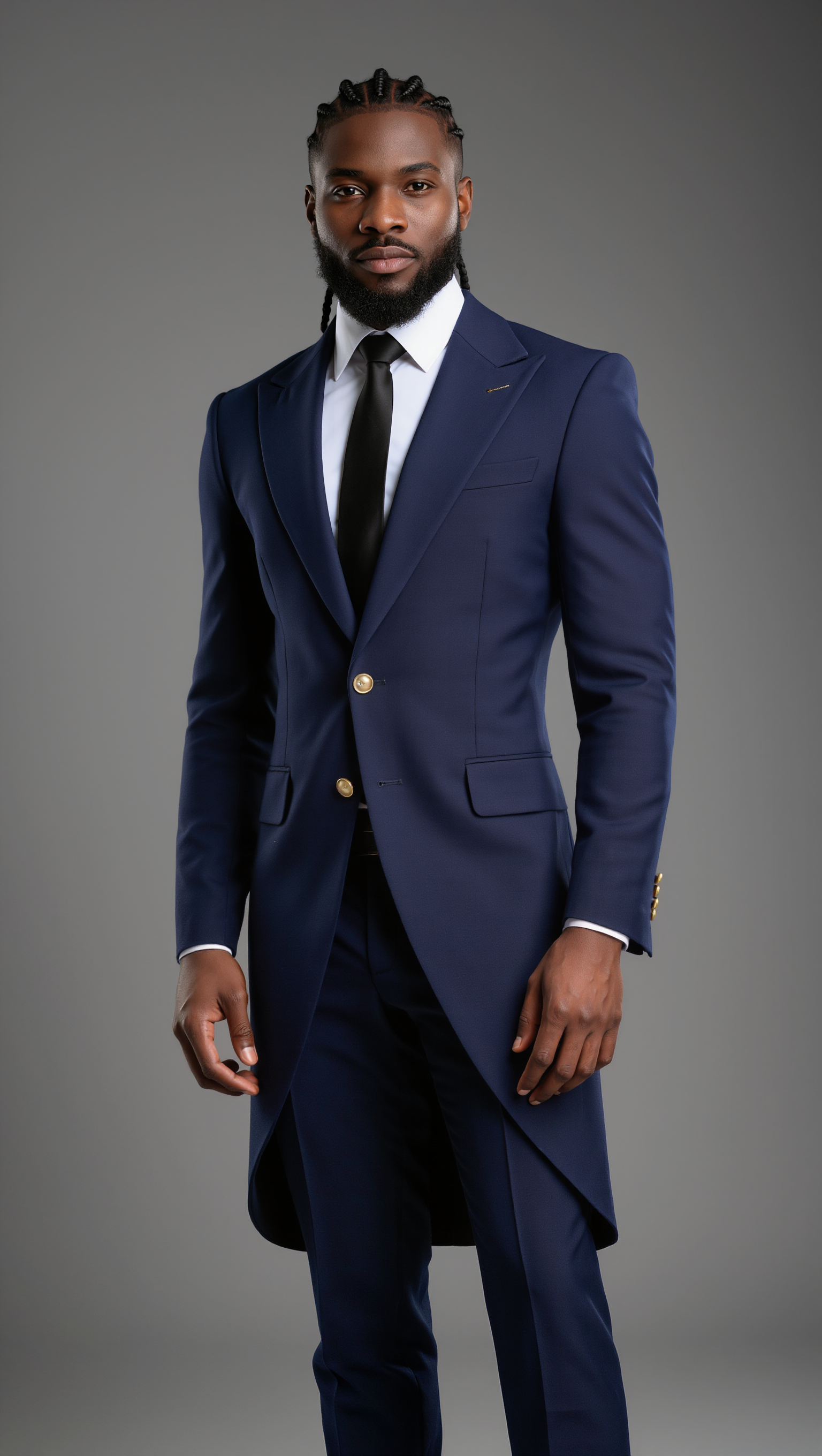








Clear away a distracting background without tracing around the subject by hand. Create transparent product shots, portraits, logos, and graphics for listings, profile images, presentations, and design work. When you need a higher-resolution de-priming effect, IMAGE 3.0 Omni also supports 2K and 4K output.

Already know what belongs behind the subject? Skip the extra editing and go straight to the final look. Describe a new setting or add a reference image to guide it, whether you're refreshing a product shot, portrait, social graphic, or campaign visual.

Keep the clip you already have and change the setting around it. With VIDEO 3.0 Omni, use a prompt or reference image to update backgrounds for ads, product videos, presenter clips, and social content—without another shoot or a green screen.

















Kling AI allows me to rapidly prototype ideas, refine storytelling elements, and produce visually compelling content efficiently. It has not only accelerated my creative processes, but also deepened my understanding of how AI can enrich visual storytelling.

Kling AI has transformed my workflow by collapsing timelines and democratizing production. It’s shifted my mindset from resource-dependent filmmaking to a boundless creative sandbox, where experimentation yields unexpected beauty.

I’ve been using Kling AI since its initial release, and it’s remained one of the leading AI media generators ever since. With Kling AI, I’ve created hundreds of videos, collectively amassing millions of views.
Start with the footage you already have. Improve visual quality, refine lighting and color with prompts, and choose 4K output when you need a higher-resolution result.