Creative Studio
API
Resources
Features
About Us
Download

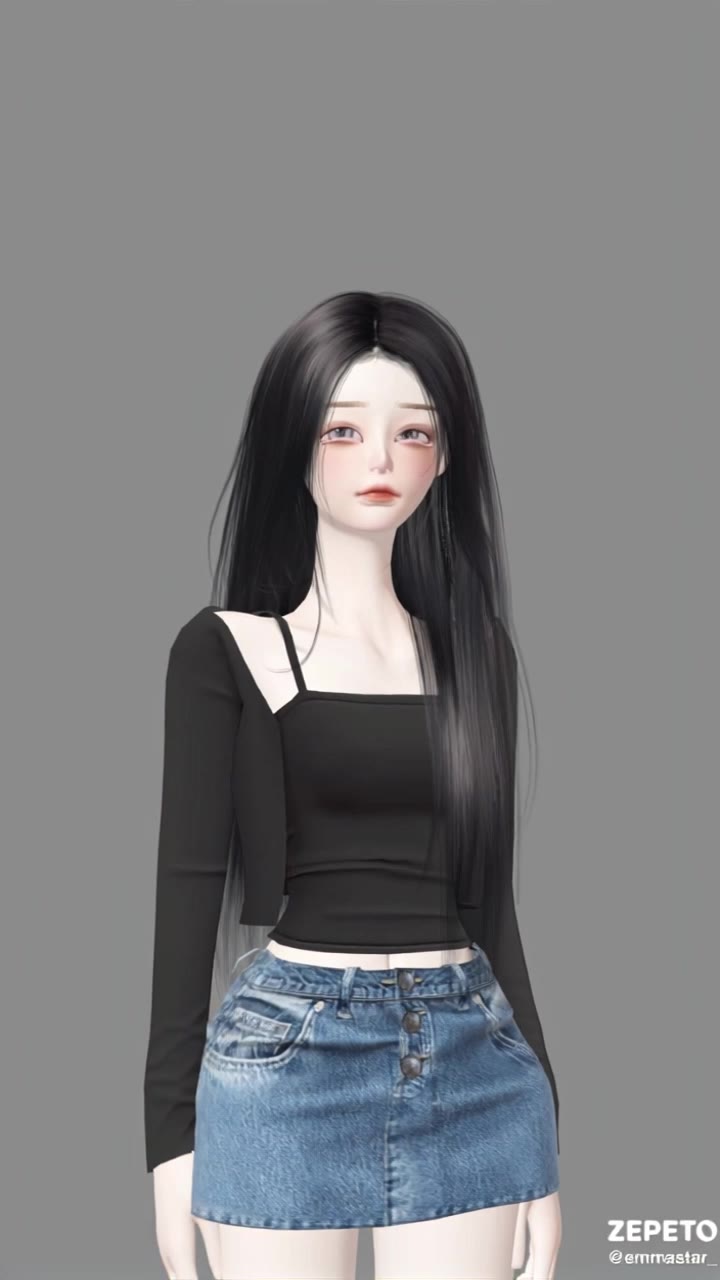
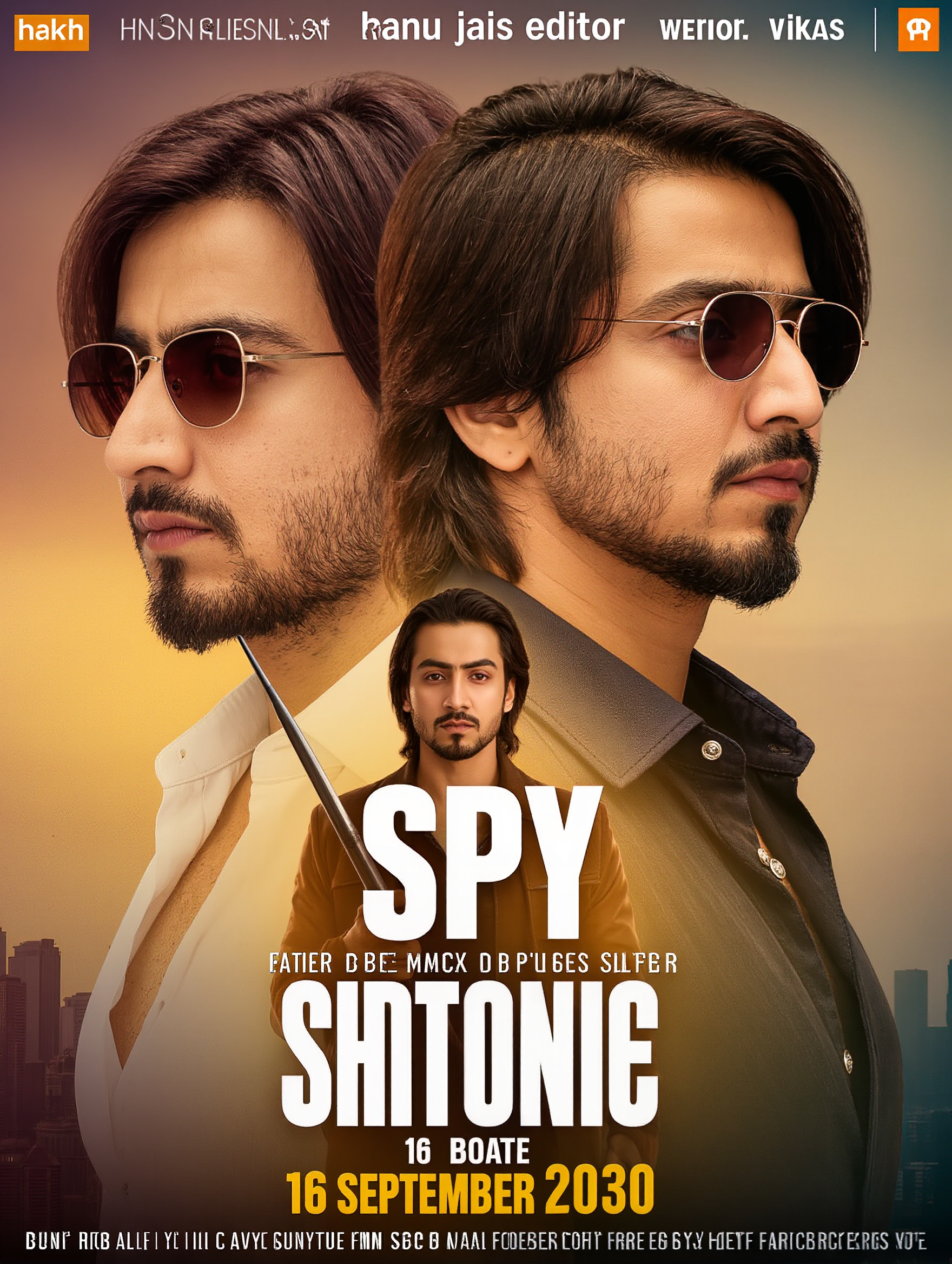
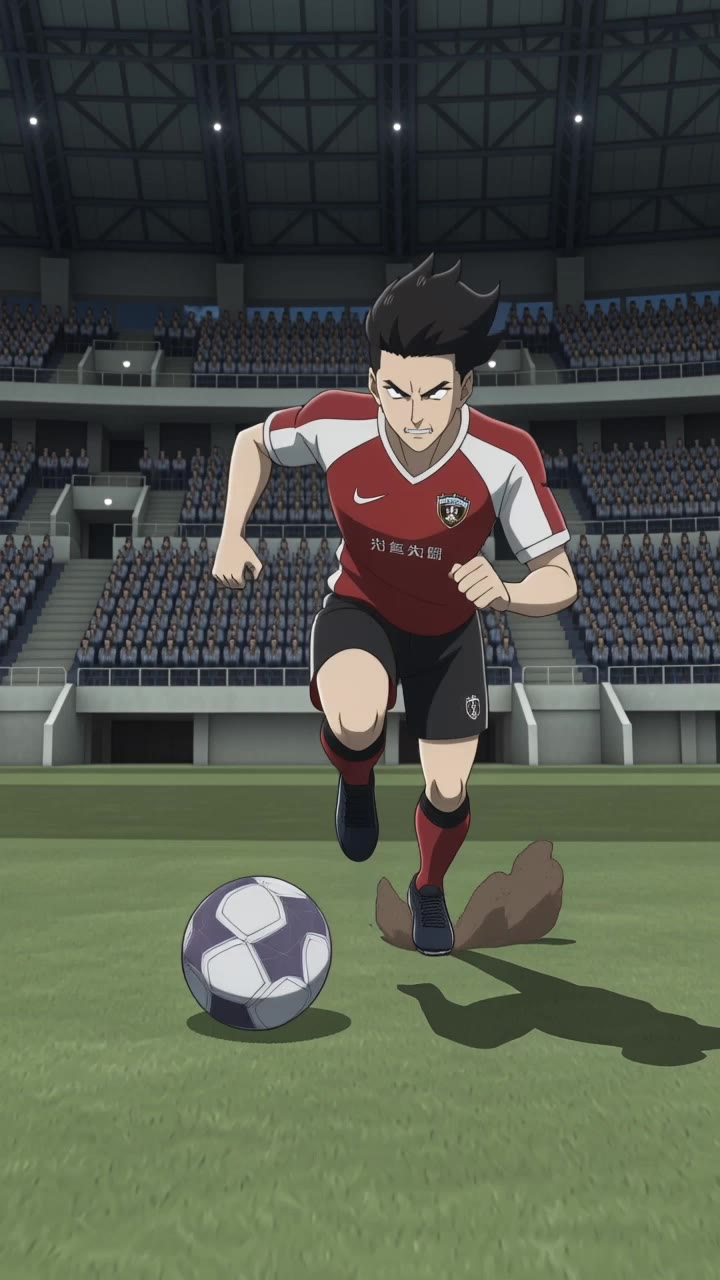
hair editor - wind dynamics & elegant animations

Unleash your creativity with dynamic wind-swept hair transformations and elegant floral-inspired styles. Embrace versatile looks from vibrant magenta to natural blonde and brown tresses. Start exploring hair editor ideas and generate your own content with AI.

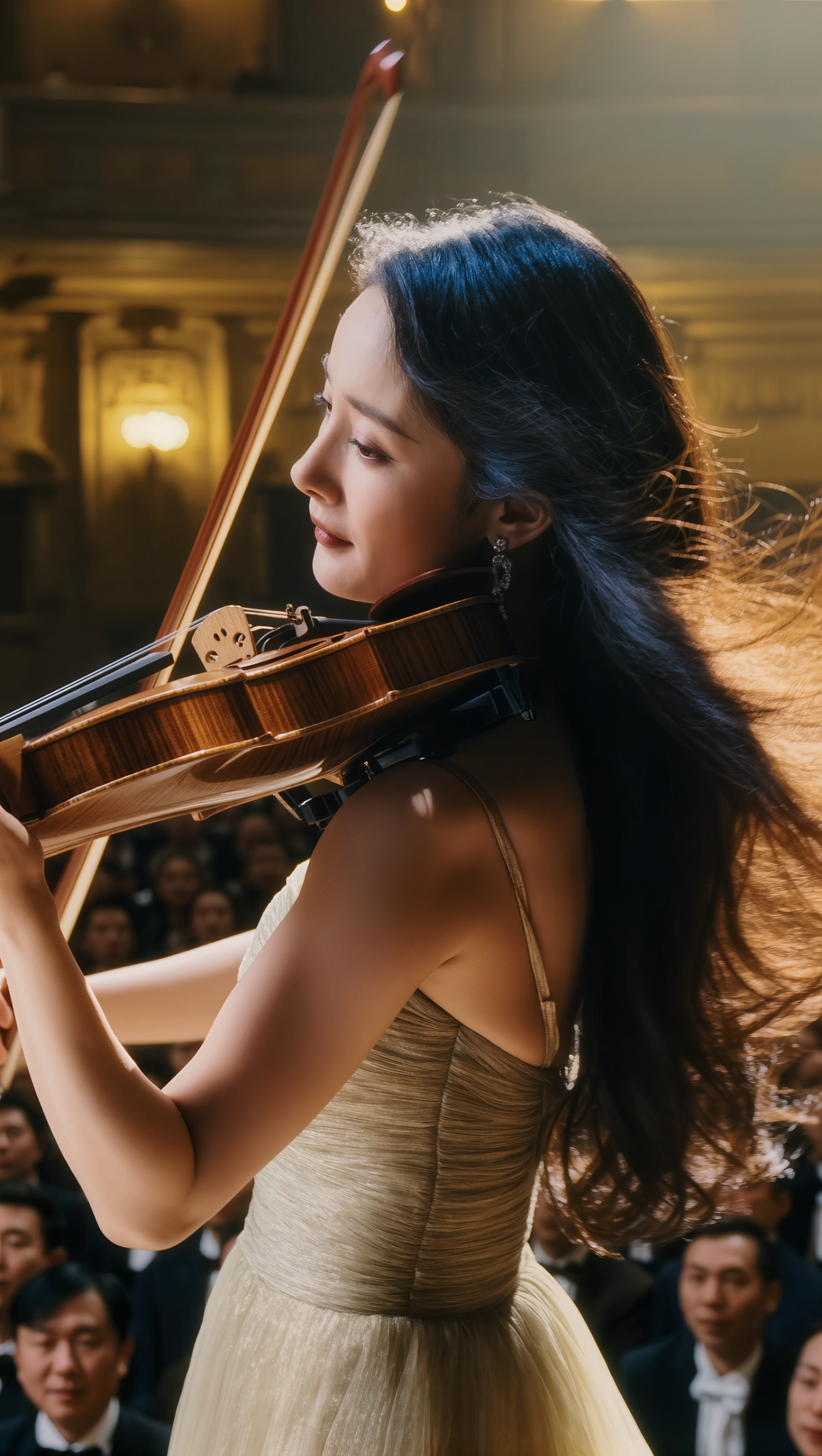
hair editor - wind dynamics & elegant animations

Recommended

Kling AI work 311207339662618 - hair editor AI video
Dora avatar
Dora
Hair Control - hair editor AI video
00:30
Sabai Goldstream avatar
Sabai Goldstream
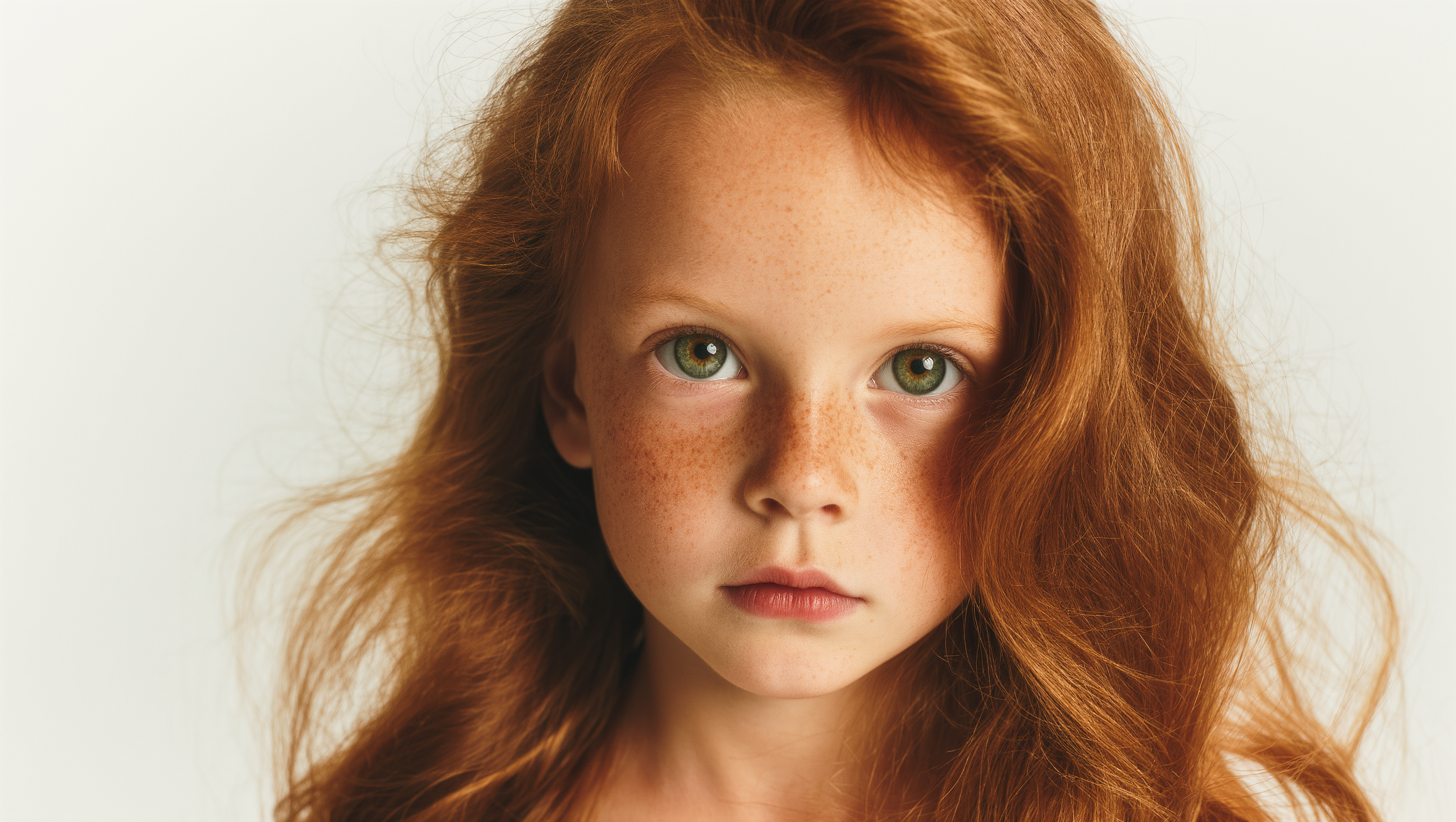
RED HAIR YOUNG GIRL - hair editor AI image
mussi avatar
mussi
Hair - hair editor AI video
MahdiMahyar avatar
MahdiMahyar
Kling AI work 311206387618573 - hair editor AI video
Dora avatar
Dora
Kling AI work 315498577614639 - hair editor AI video
xecOQYgt avatar
xecOQYgt
shorrt hair - hair editor AI image
klingai.video.ai avatar
klingai.video.ai
Blue Hair Beauty - hair editor AI image
Kahkmah Bahm avatar
Kahkmah Bahm
Kling AI work 311206753668707 - hair editor AI video
Dora avatar
Dora
Hair botox - hair editor AI video
lEMOPAWq avatar
lEMOPAWq
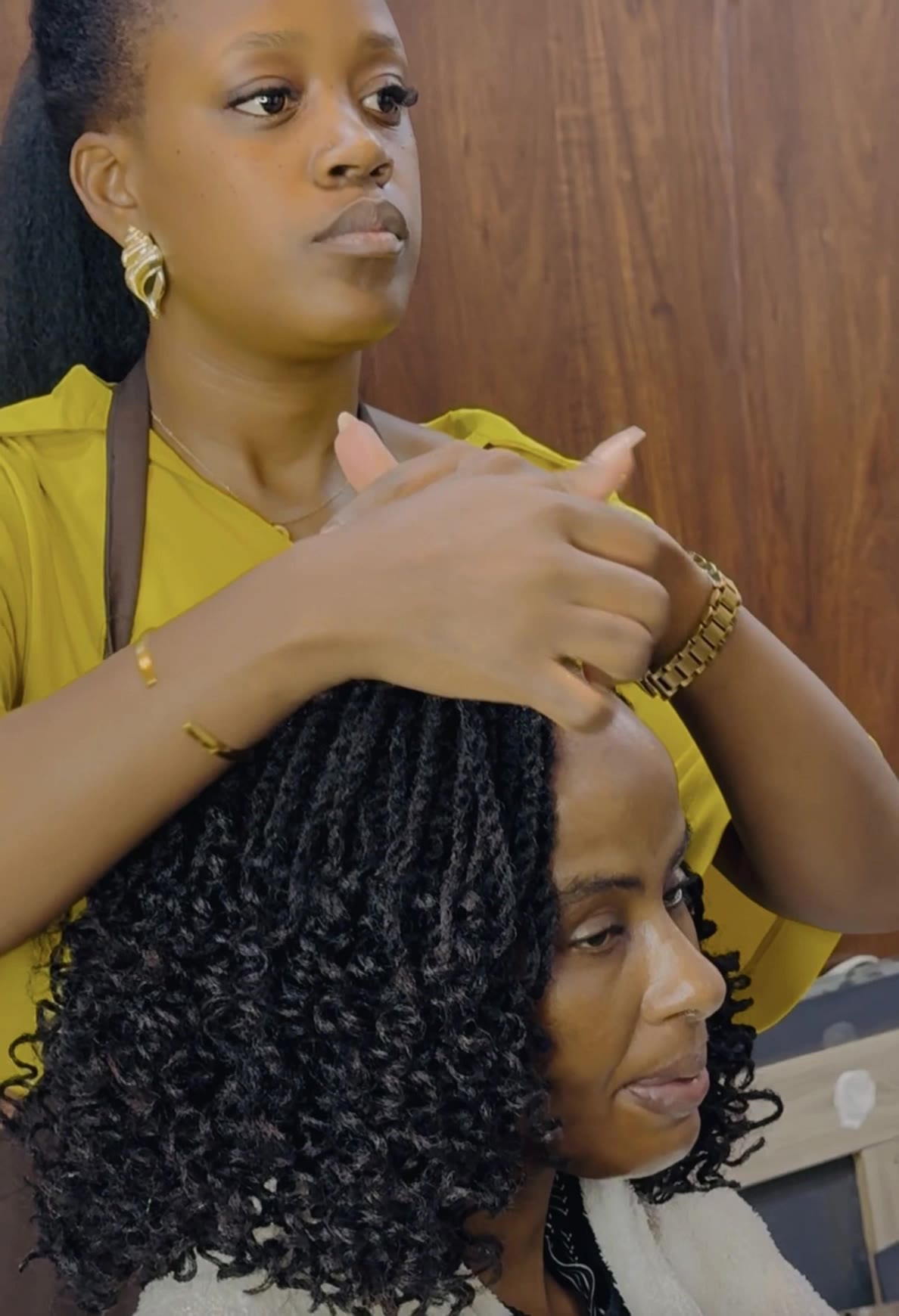
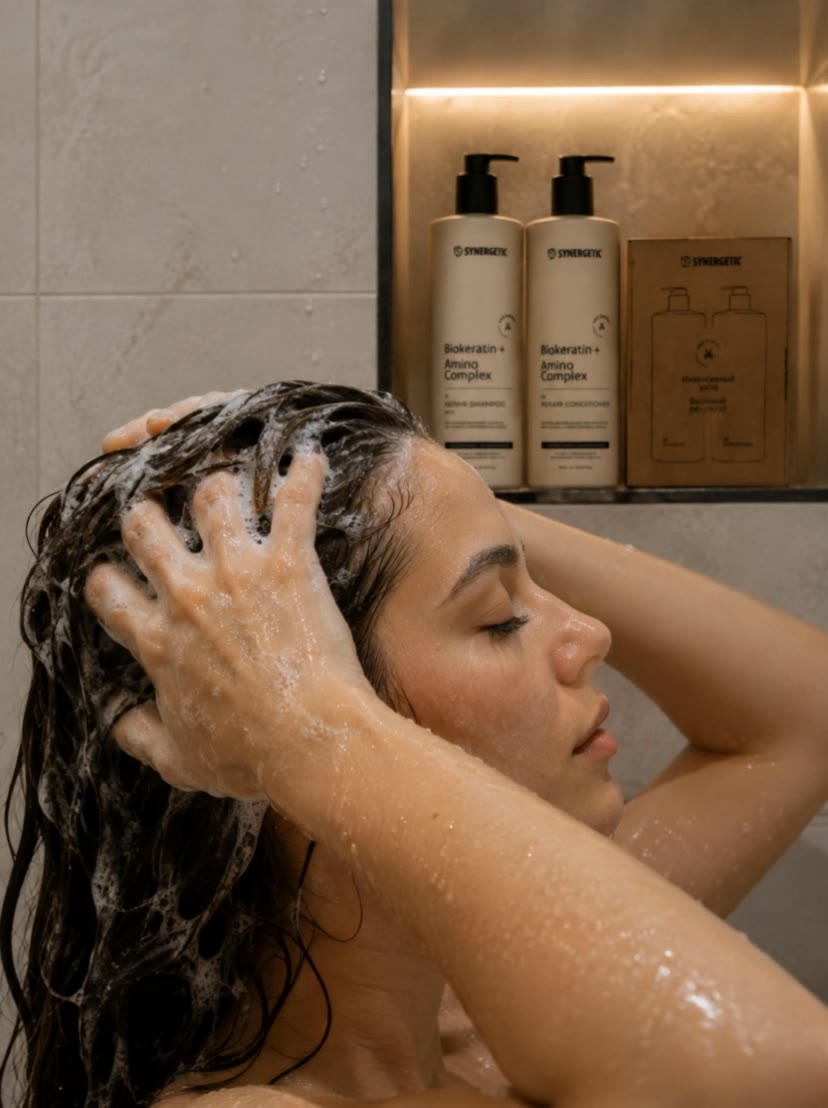
 woman is washing hair - hair editor AI video
htjxBhMn avatar
htjxBhMn
New Hair, New Look - hair editor AI video
Freya Sage avatar
Freya Sage
Kling AI Prompt:
Realistic hair  - hair editor AI image
pssEICto avatar
pssEICto
Kling AI work 314524356666210 - hair editor AI video
jXXicPGQ avatar
jXXicPGQ
hair flip with cool pose - hair editor AI video
EbLQssGx avatar
EbLQssGx
Editor - hair editor AI video
00:20
hOQPFmdw avatar
hOQPFmdw
Kling AI work 308585578610735 - hair editor AI image
mSmcXPSG avatar
mSmcXPSG
Kling AI work 296832313611579 - hair editor AI video
QYQsBrWV avatar
QYQsBrWV
Kling AI work 312249747506596 - hair editor AI image
vPRFeDyN avatar
vPRFeDyN

How to Make an Avatar with Kling

Bring a Photo or an Idea

Bring a Photo or an Idea

Have an original photo to recreate? Upload it and use it as the visual starting point. If you would rather invent someone new, skip the photo and begin with a description.

Make the Look Your Own

Make the Look Your Own

Describe the avater you want to see, including the features, hairstyle, or outfit, or take the whole image into a different art style. The more specific the direction, the easier it is to shape the result around your idea.

Generate Your Avatar

Generate Your Avatar

Choose the available image settings and generate your avatar. Found one that feels close? Use it on other platforms right away.

Edit Any Part with Kling AI

Add, Remove, or Replace Image Content

Add, Remove, or Replace Image Content

Tell Kling what you want to change in text prompts. Replace a person, remove an object, or fine-tune details such as color, material, pose, and expression. Even detailed edits take fewer and easier steps because you can change the photo with AI instead of with traditional photo editing tools. IMAGE 3.0 follows your instruction while keeping the photo’s original style, lighting, and texture in place, so the edited area still belongs in the same shot.

Change the Color, Lighting, or Style

Change the Color, Lighting, or Style

Give an existing photo a different mood effortlessly. Lift a dim scene, soften harsh light, warm or cool the colors, or bring color to a black-and-white photo or line drawing. A short prompt replaces the usual round of manual adjustments. Looking for a bigger shift? Add a style reference or spell out the visual direction. IMAGE 3.0 carries the palette, texture, and atmosphere across the whole image, so the new look feels cohesive rather than pasted on. Use it for studio-style professional headshots, distinctive portrait treatments, cinematic scene design, or a visual style that feels entirely your own.

Rework the Shot or Camera Angle

Rework the Shot or Camera Angle

Tell Kling how you want the shot to look in a text prompt. Turn a front-facing photo into a side view, move the camera higher or lower, or change a wide shot into a close-up. You can explore a new composition around the same subject without setting up another shoot. IMAGE 3.0 rebuilds the scene from the angle you request, adjusting the perspective, camera height, shot size, focal length, and depth of field along with it. The result is a newly generated view based on the source photo, rather than hidden details recovered from outside the original frame.

Apps

Image to Video
Image to Video

Image to Video

Text to Video
Text to Video

Text to Video

Omni
Omni

Omni

Digital Human
Digital Human

Digital Human

Restyle
Restyle

Restyle

Text to Image
Text to Image

Text to Image

60M+
60M+
Users
600M+
600M+
AI Videos Generated
4.7 ★
4.7 ★
App Store
Industry-Leading
Industry-Leading
Cinematic 4K

Reviews

James Phillips

James Phillips

★★★★★

Kling AI has transformed my workflow by collapsing timelines and democratizing production. It’s shifted my mindset from resource-dependent filmmaking to a boundless creative sandbox, where experimentation yields unexpected beauty.

Vincent Smadja

Vincent Smadja

★★★★★

Kling AI seamlessly integrates into my creative workflow, playing a key role in transforming my images. After generating and upscaling an image, Kling becomes a crucial element, bringing my creations to life with movement and depth.

Huang Lu (Elson)

Huang Lu (Elson)

★★★★★

I’ve been using Kling AI since its initial release, and it’s remained one of the leading AI media generators ever since. With Kling AI, I’ve created hundreds of videos, collectively amassing millions of views.

FAQ

Q1Is Kling AI’s image to image AI free to try?
Q2What is image to image AI?
Q3Can I use images generated with Kling AI commercially?

Bring Your Character to Life

Add a voice or script to turn your character video into a polished lip-sync performance.

Voiceover | Text to Speech | Audio trimming | Realistic, 3D & 2D character