Creative Studio
API
Resources
Features
About Us
Download

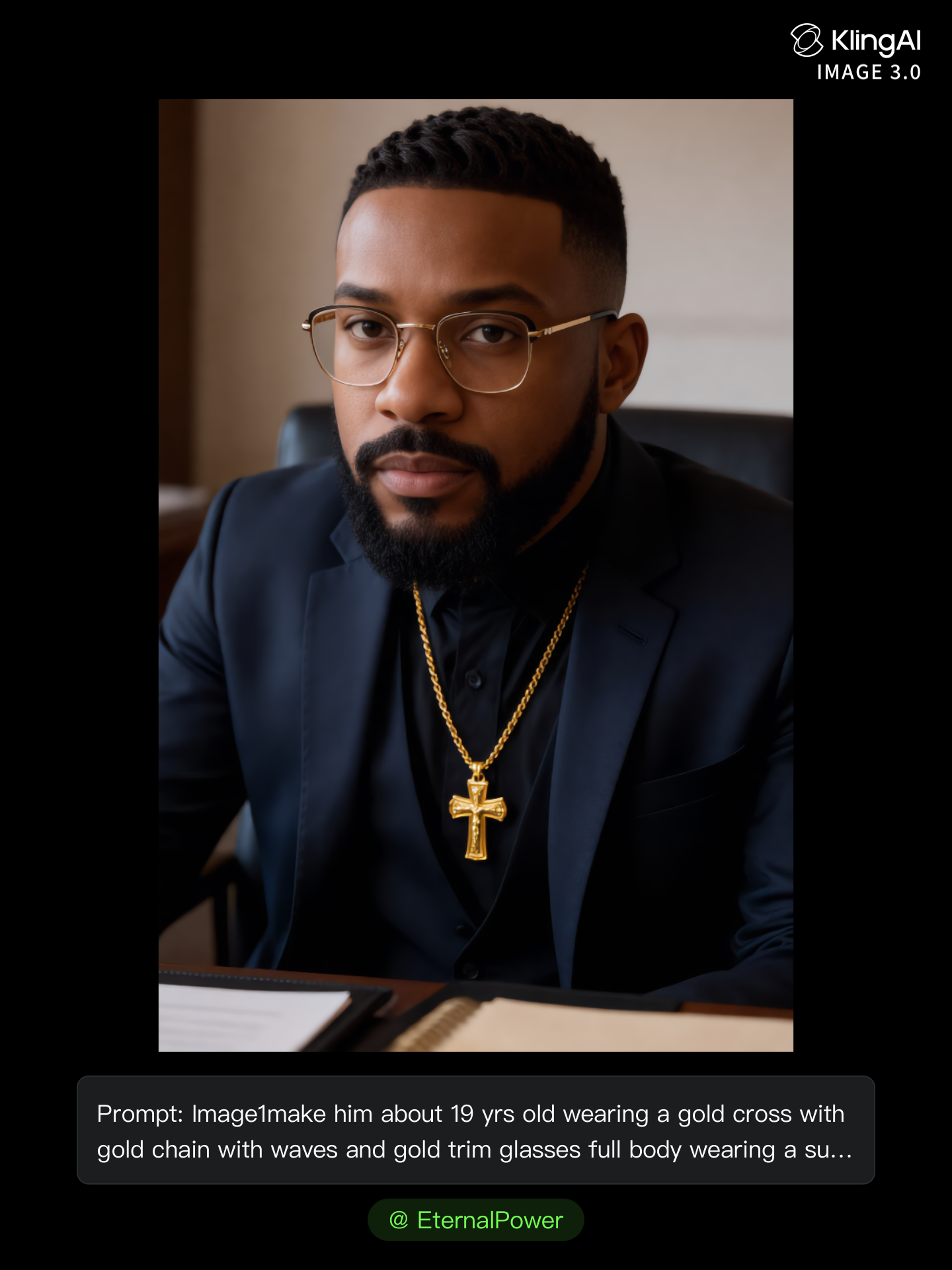
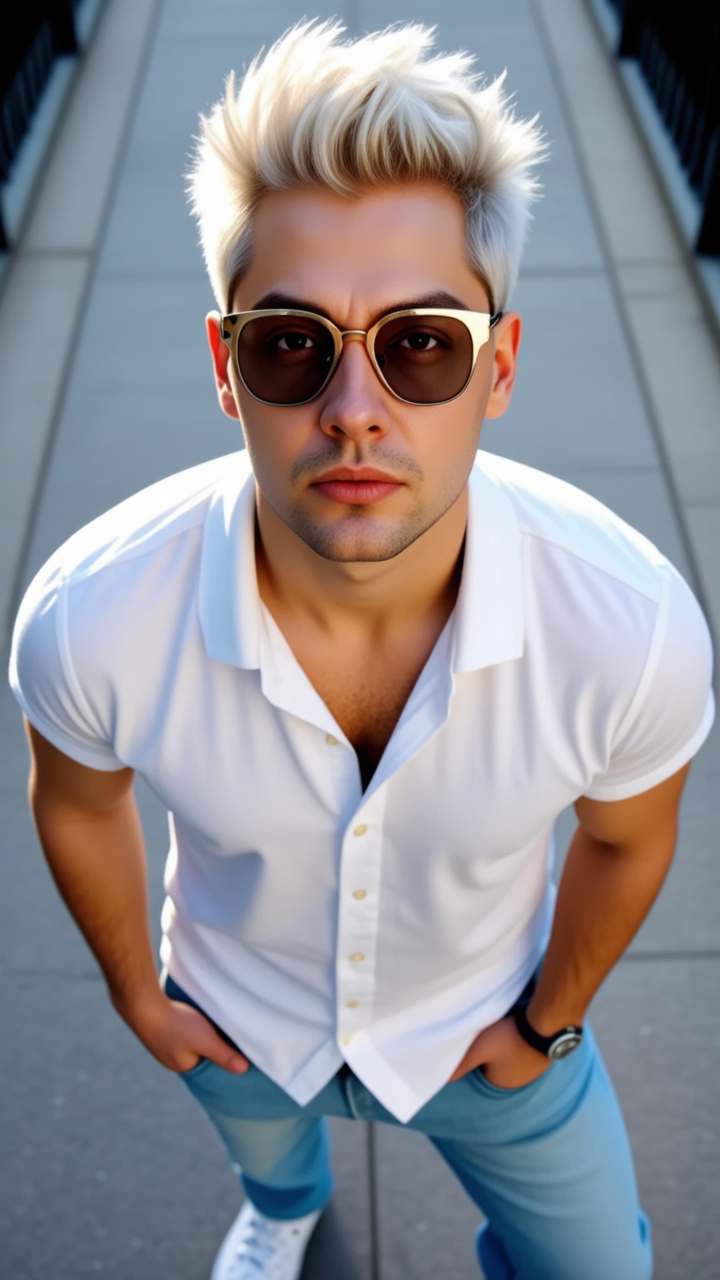
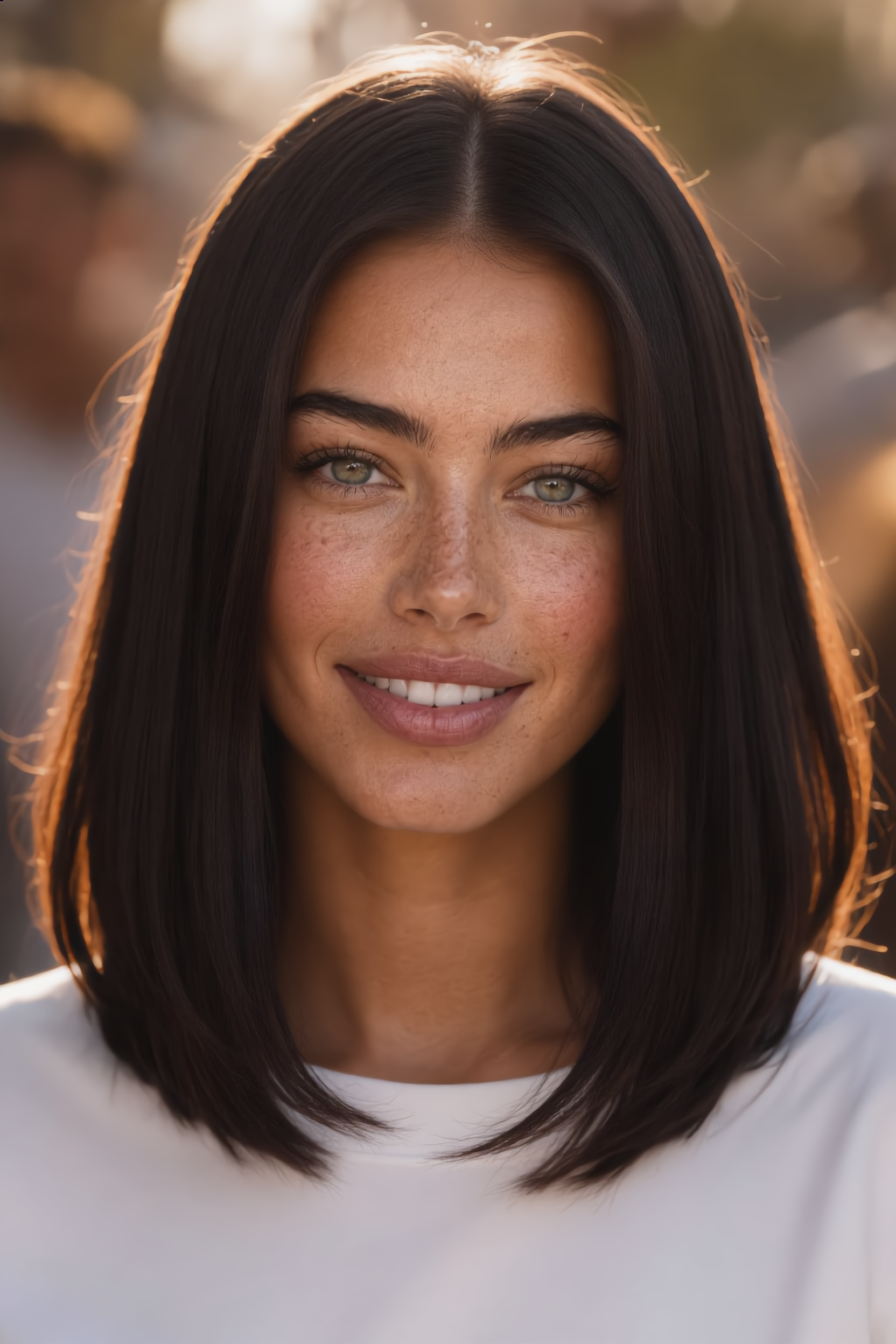
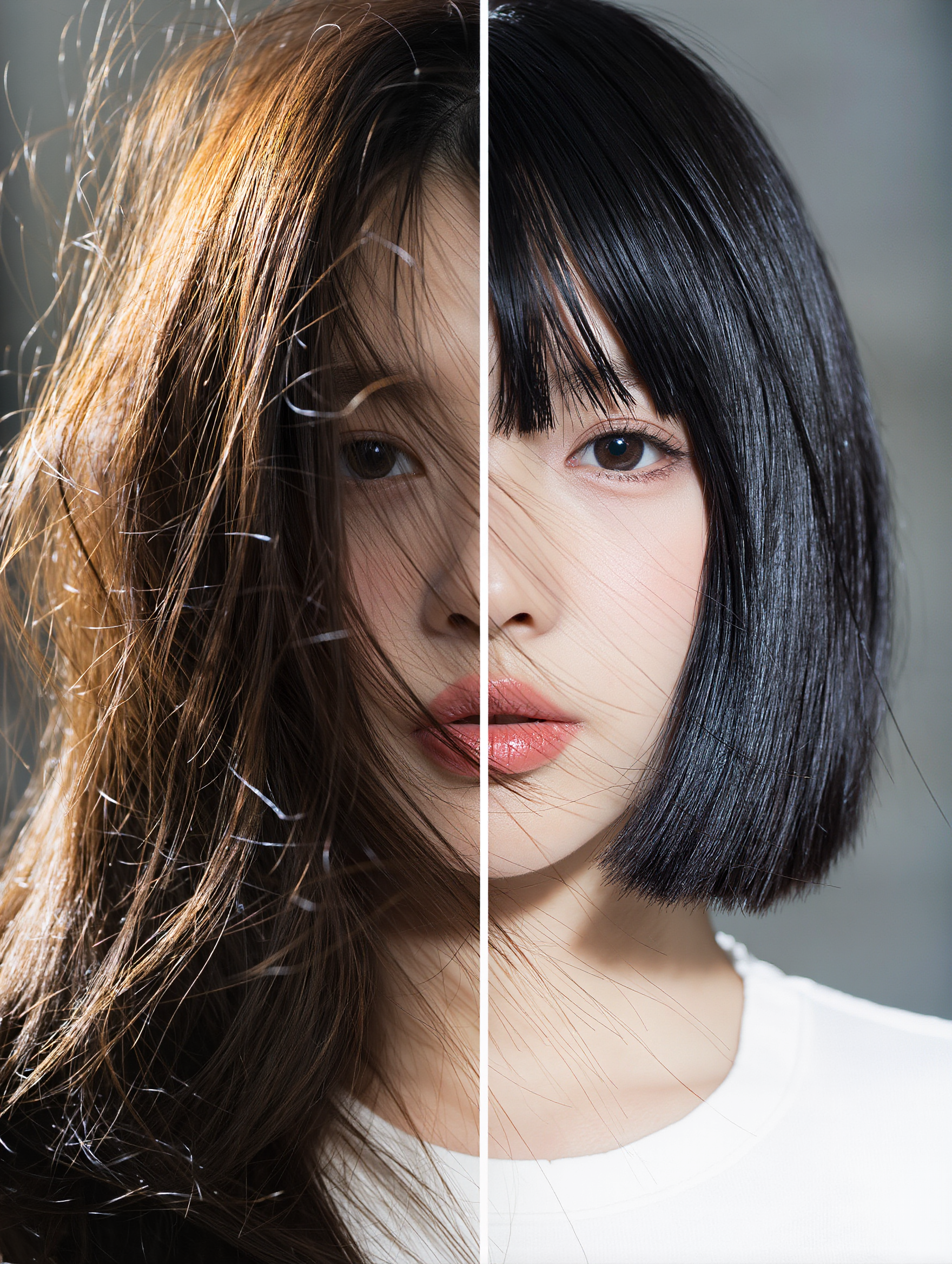
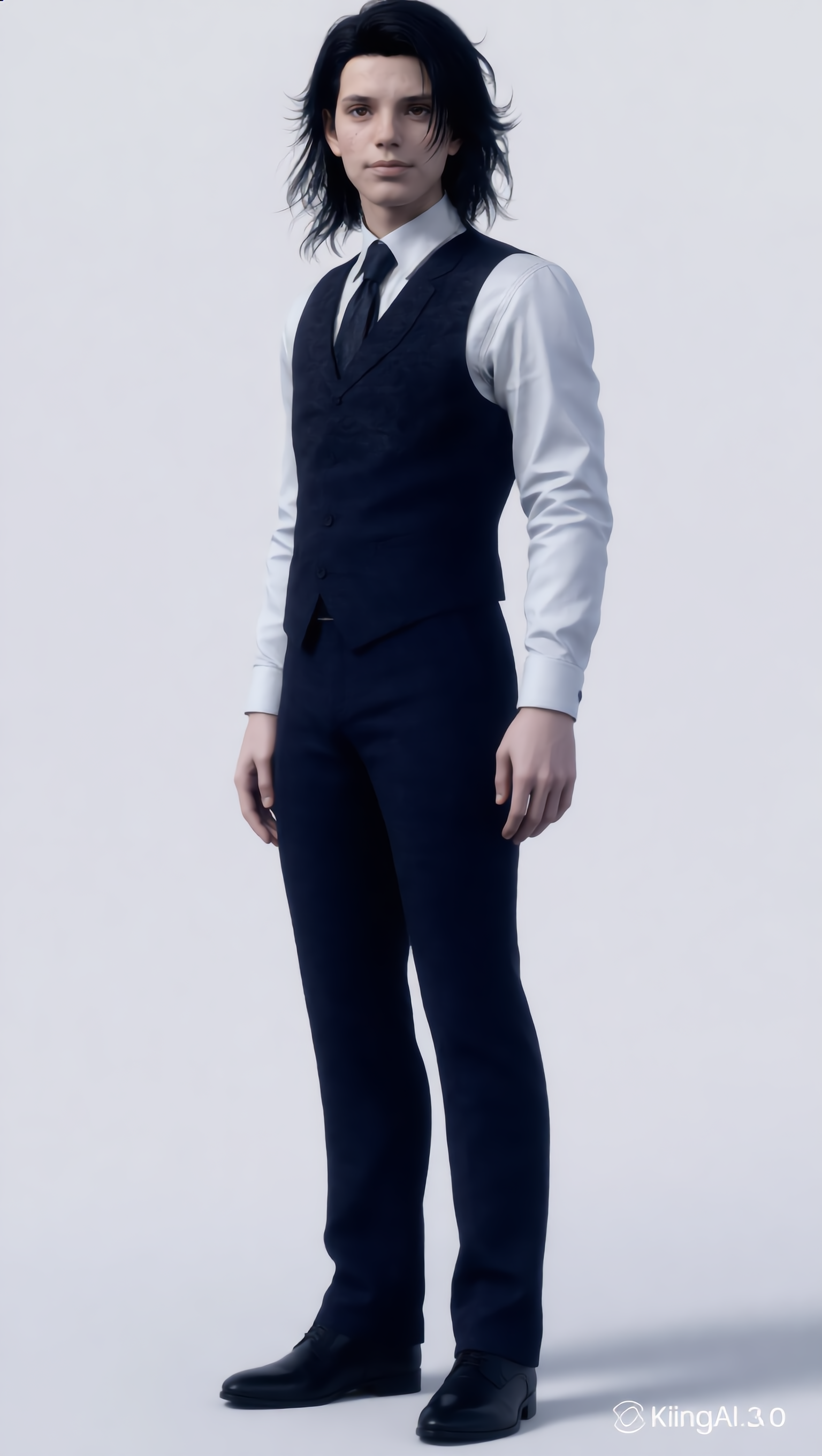
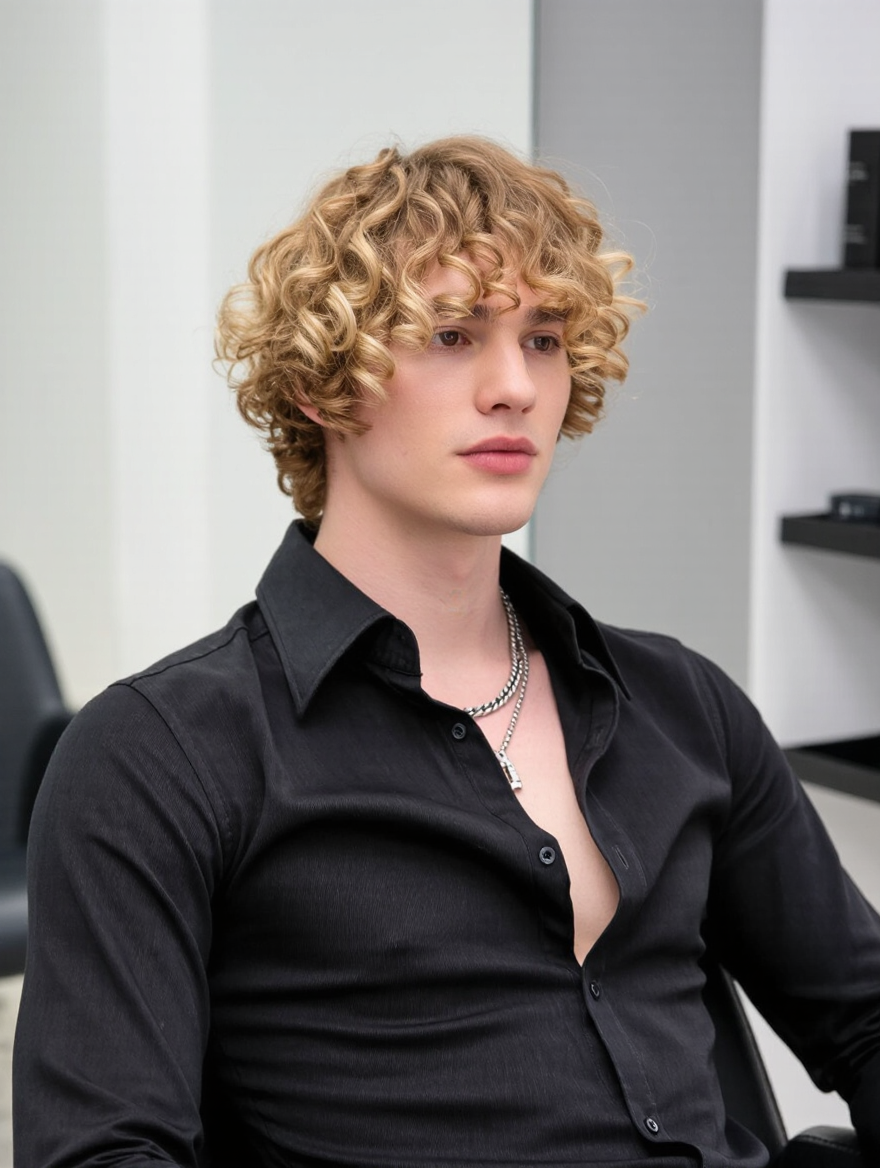
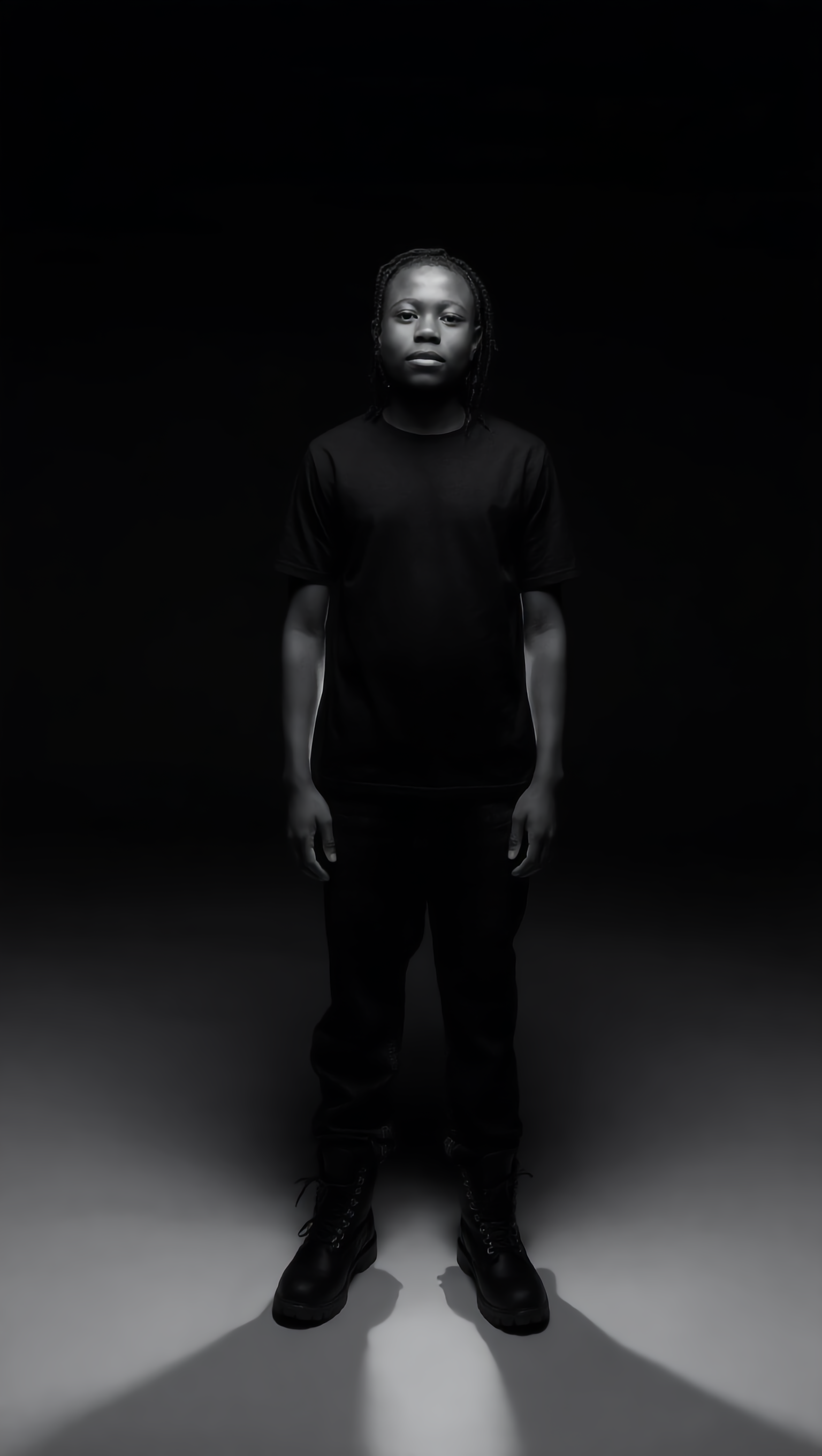
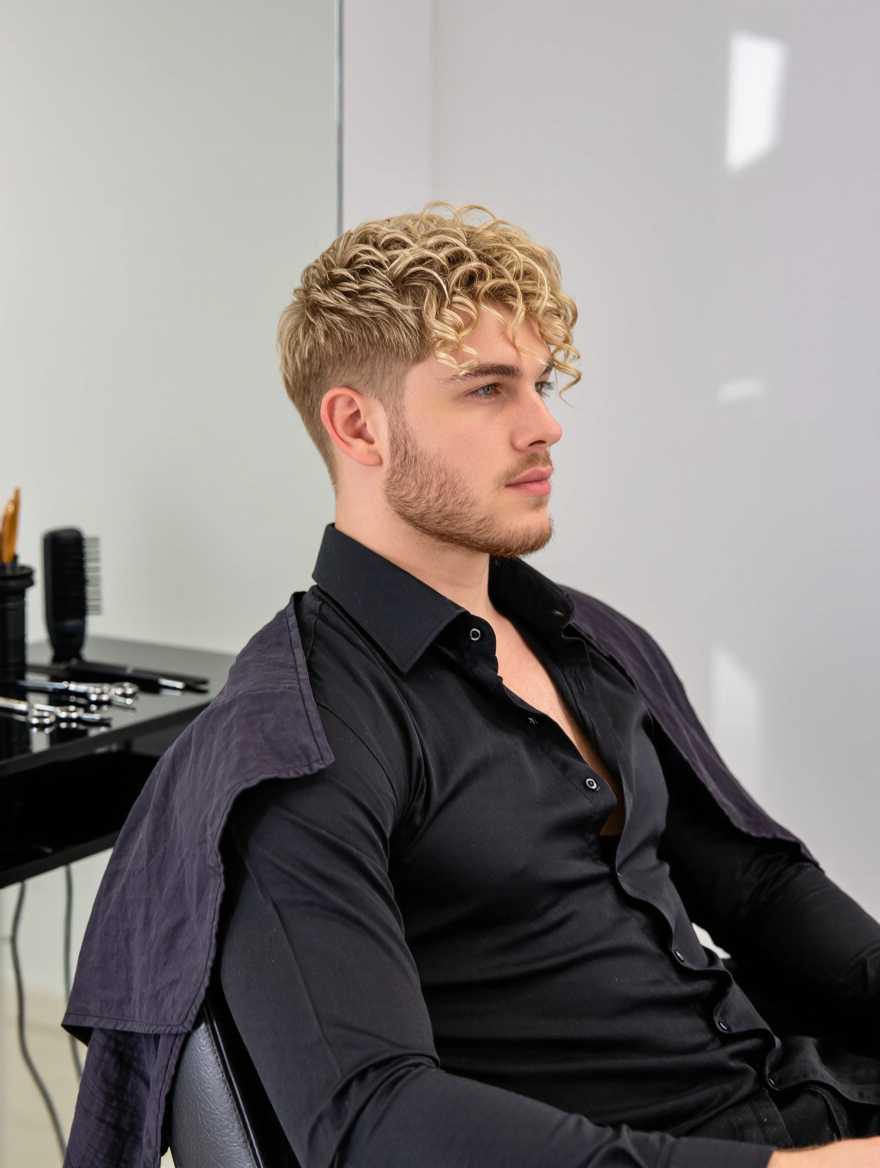
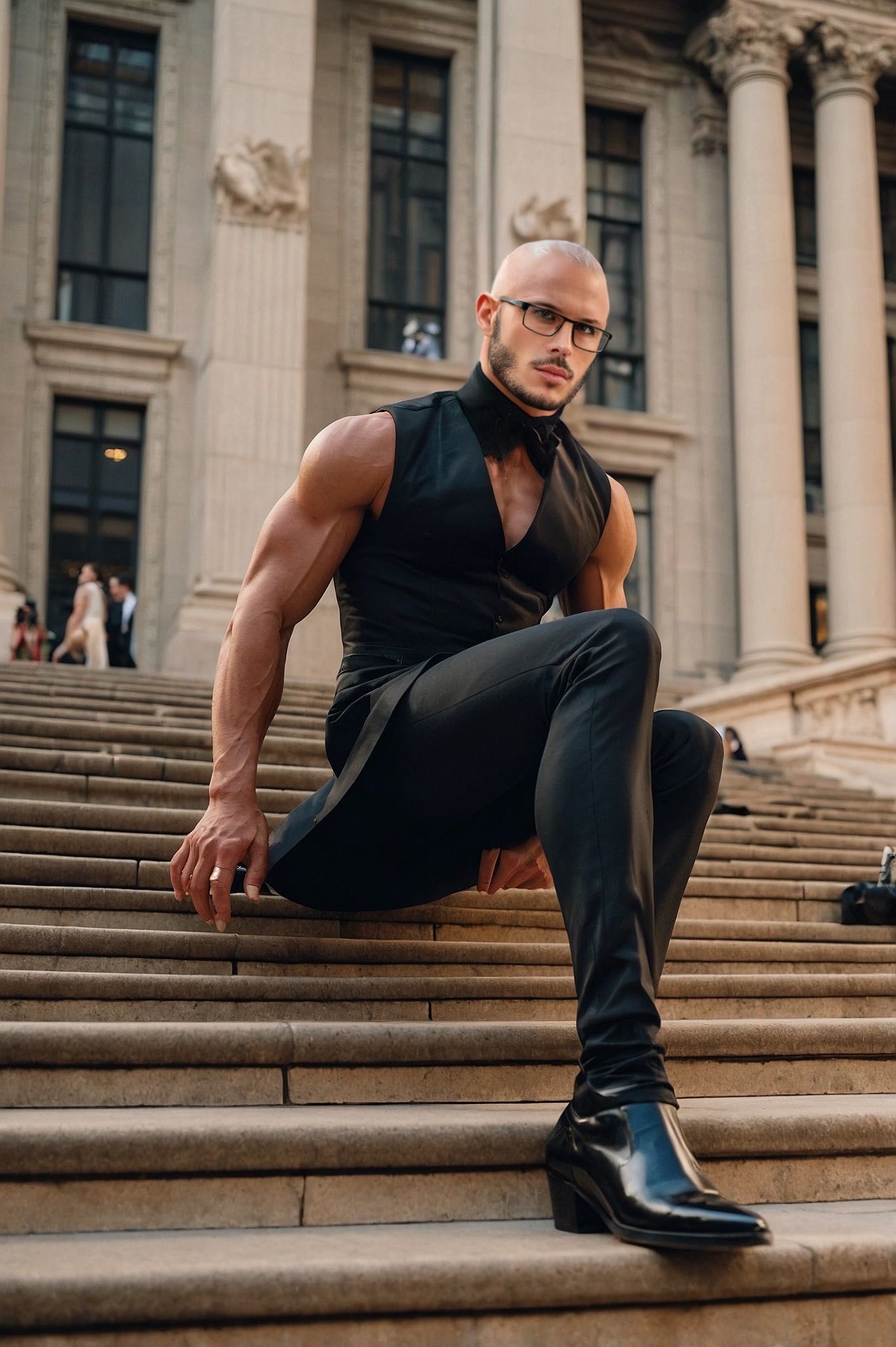
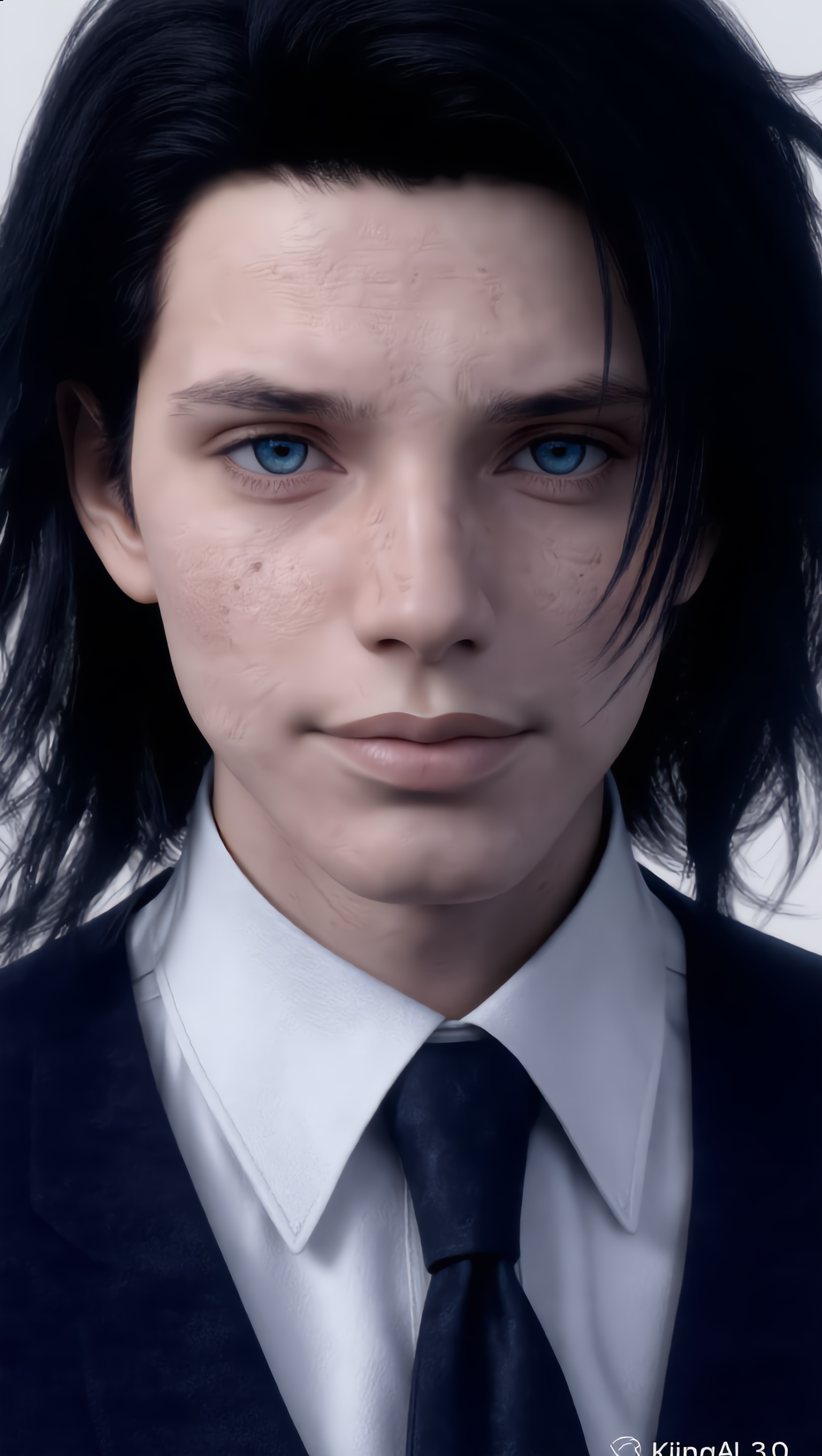
haircut for round face men - Lion's haircut & drastic haircut

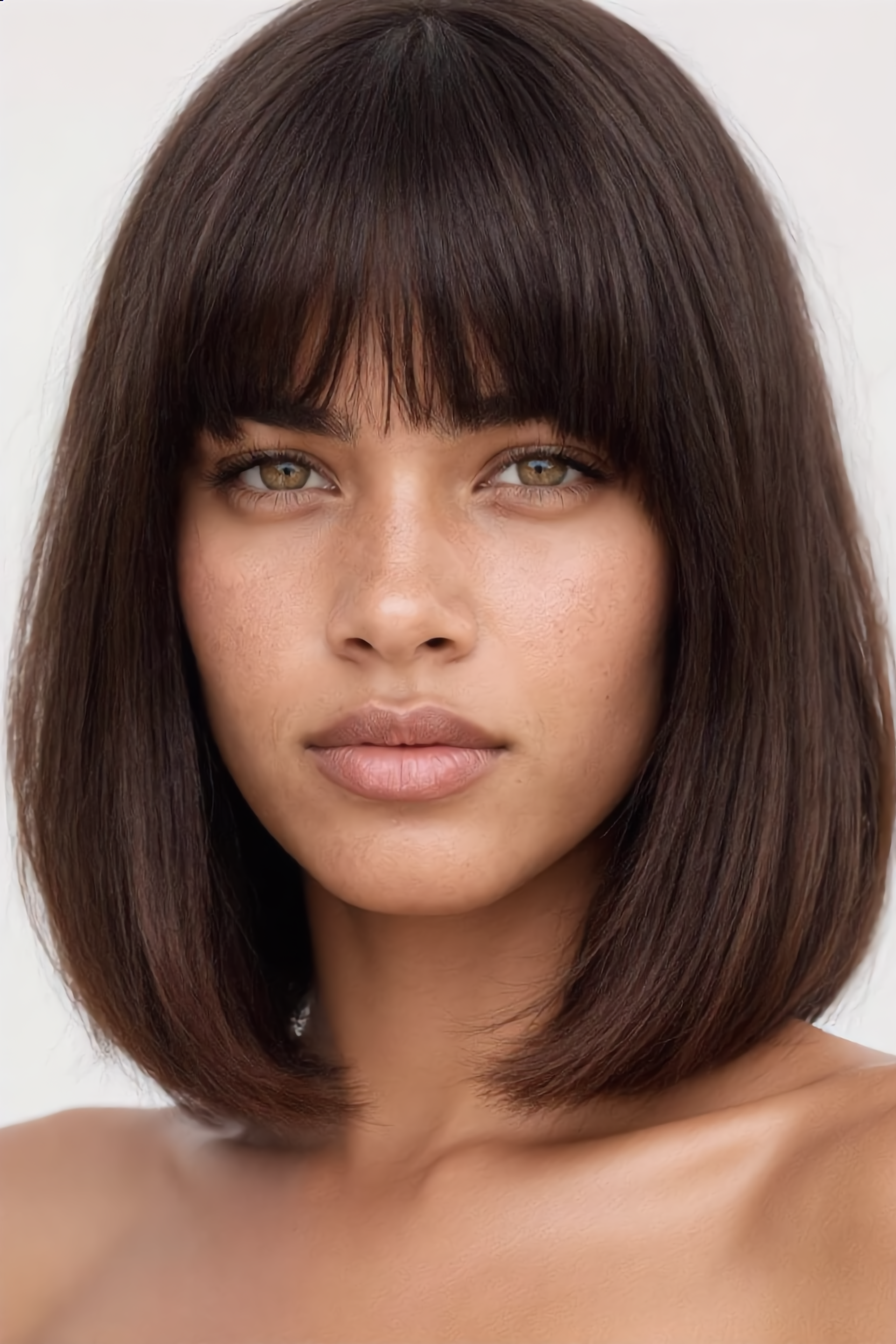
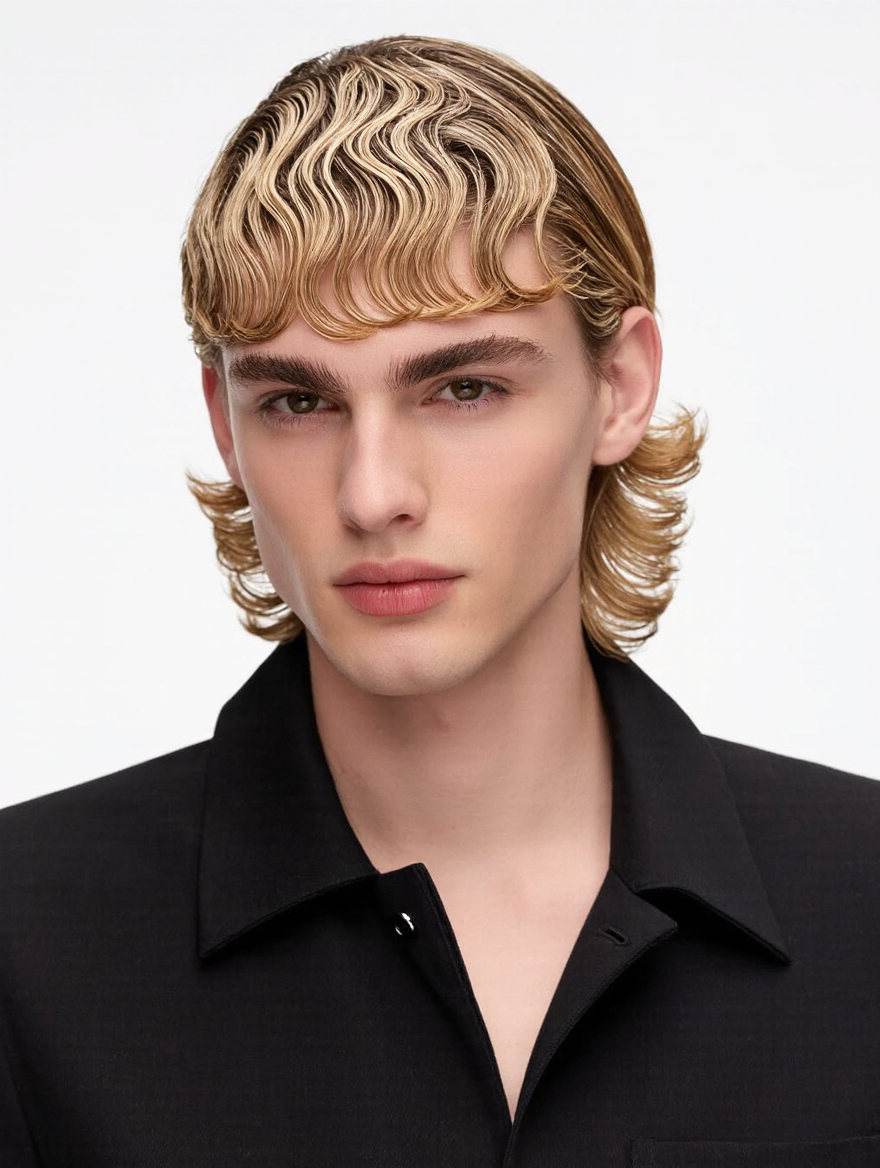
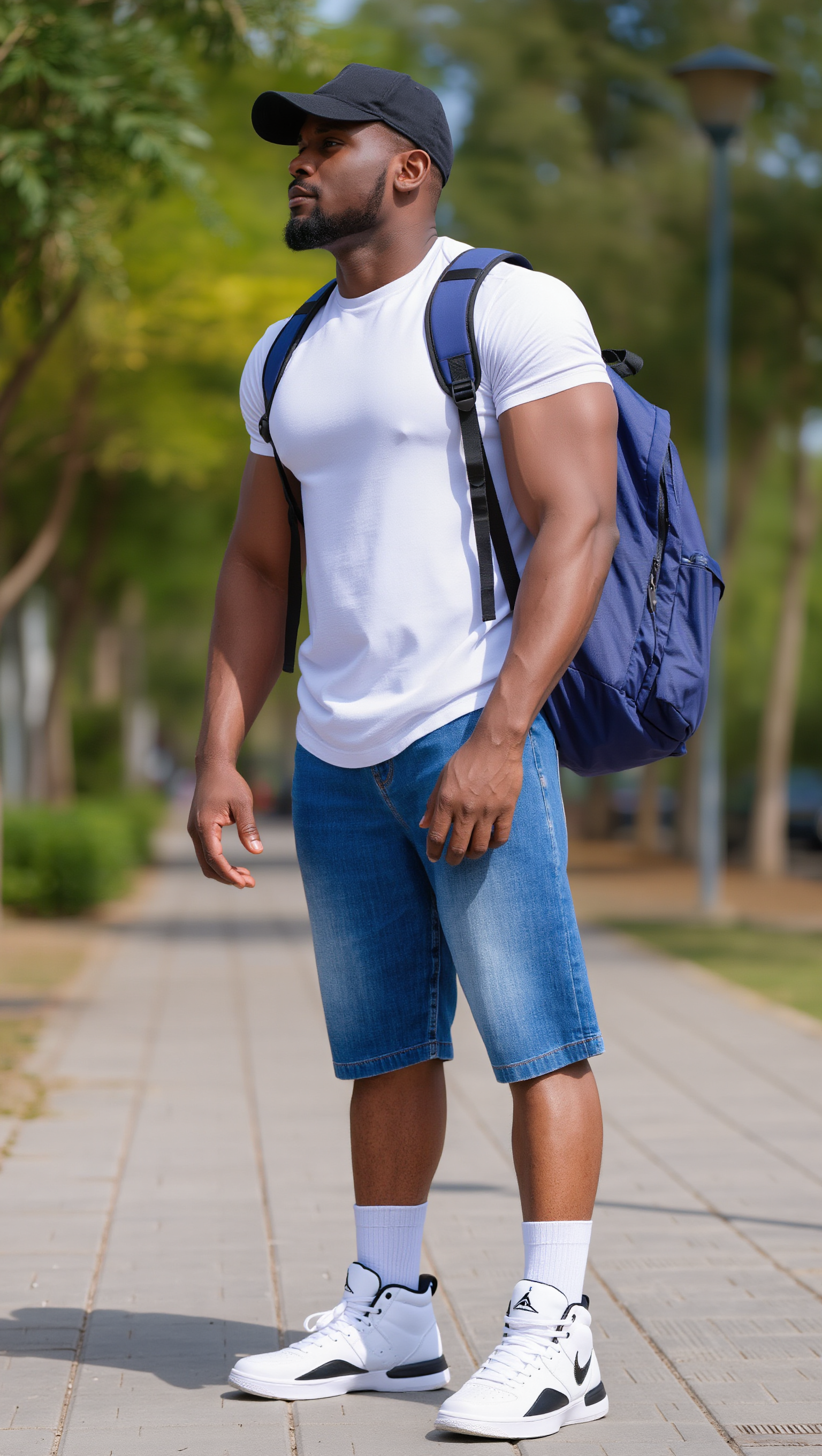
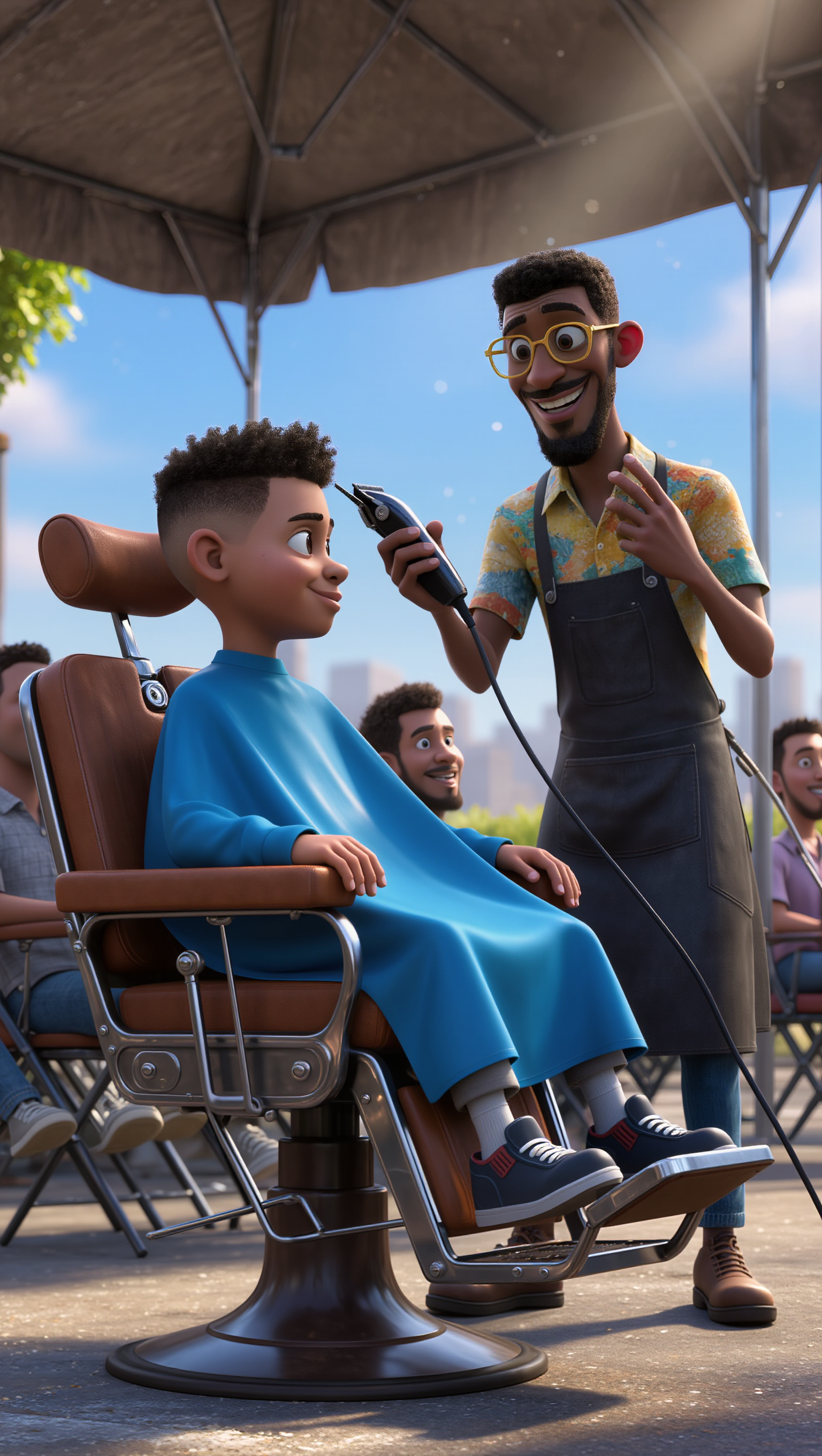
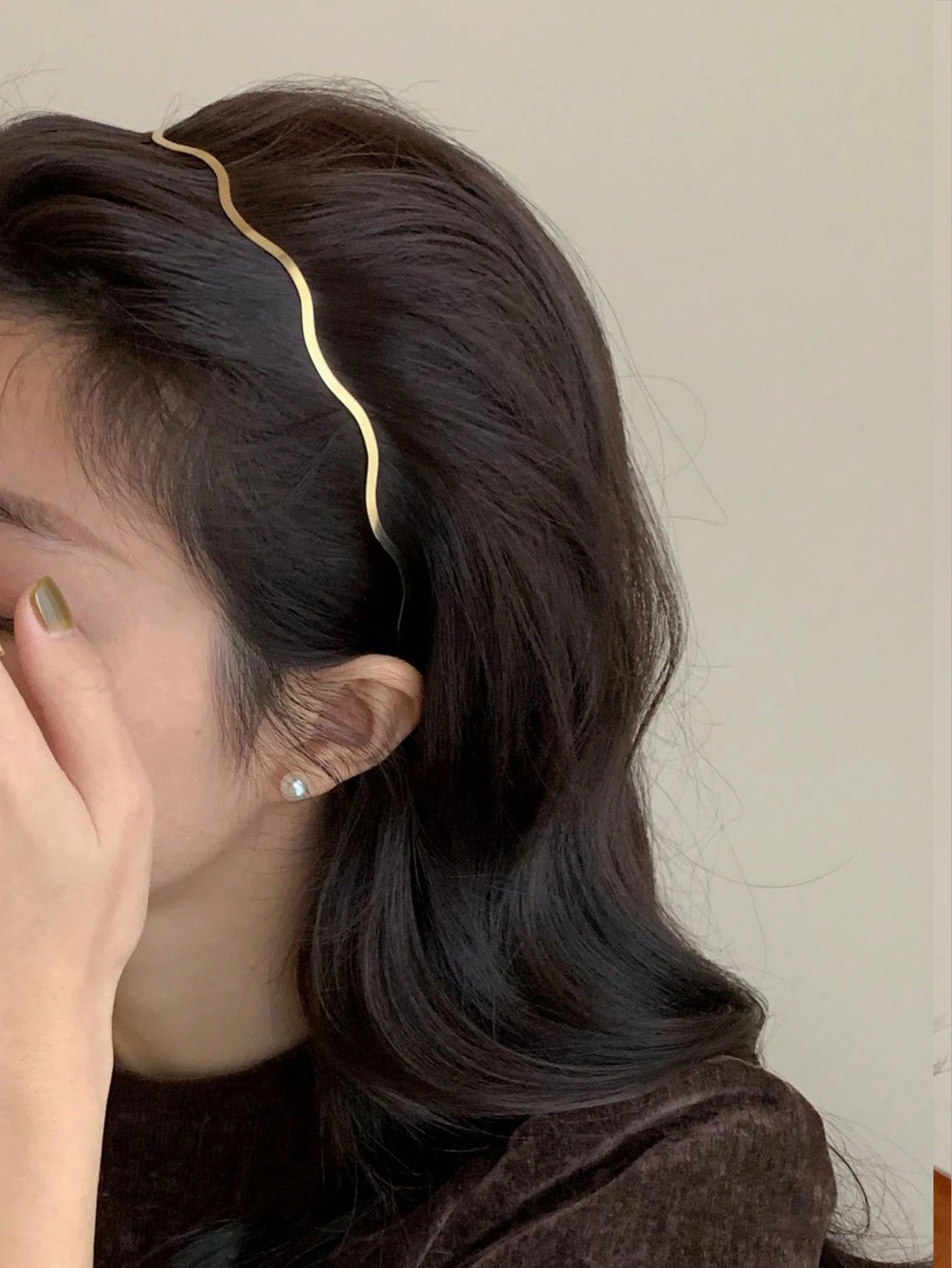
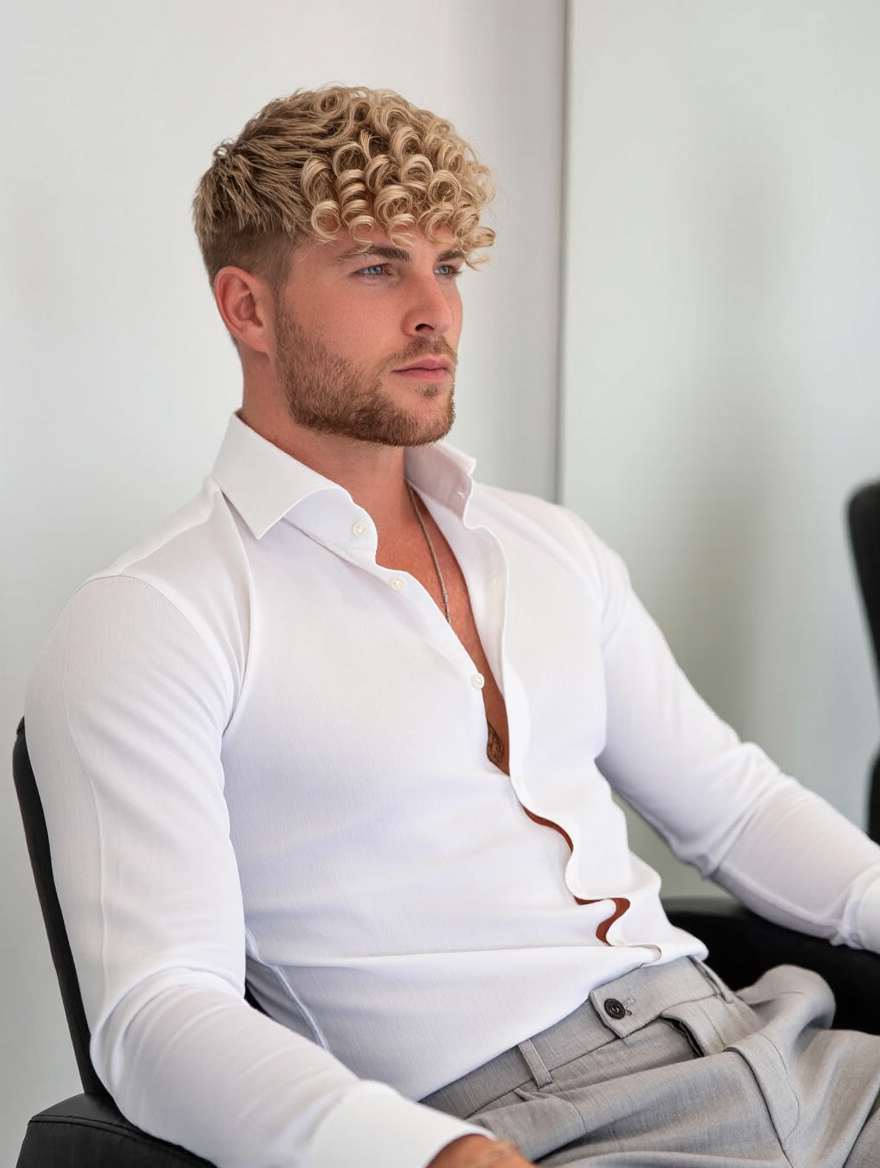
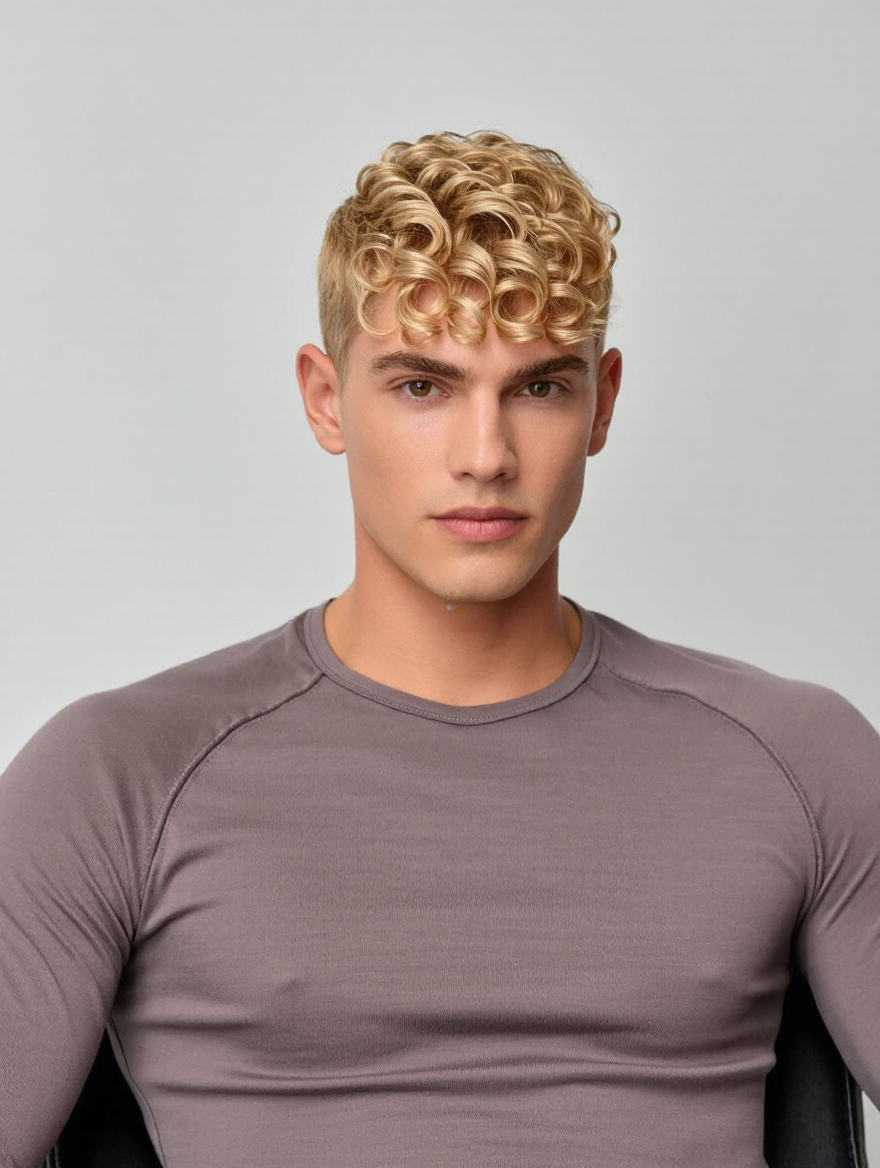
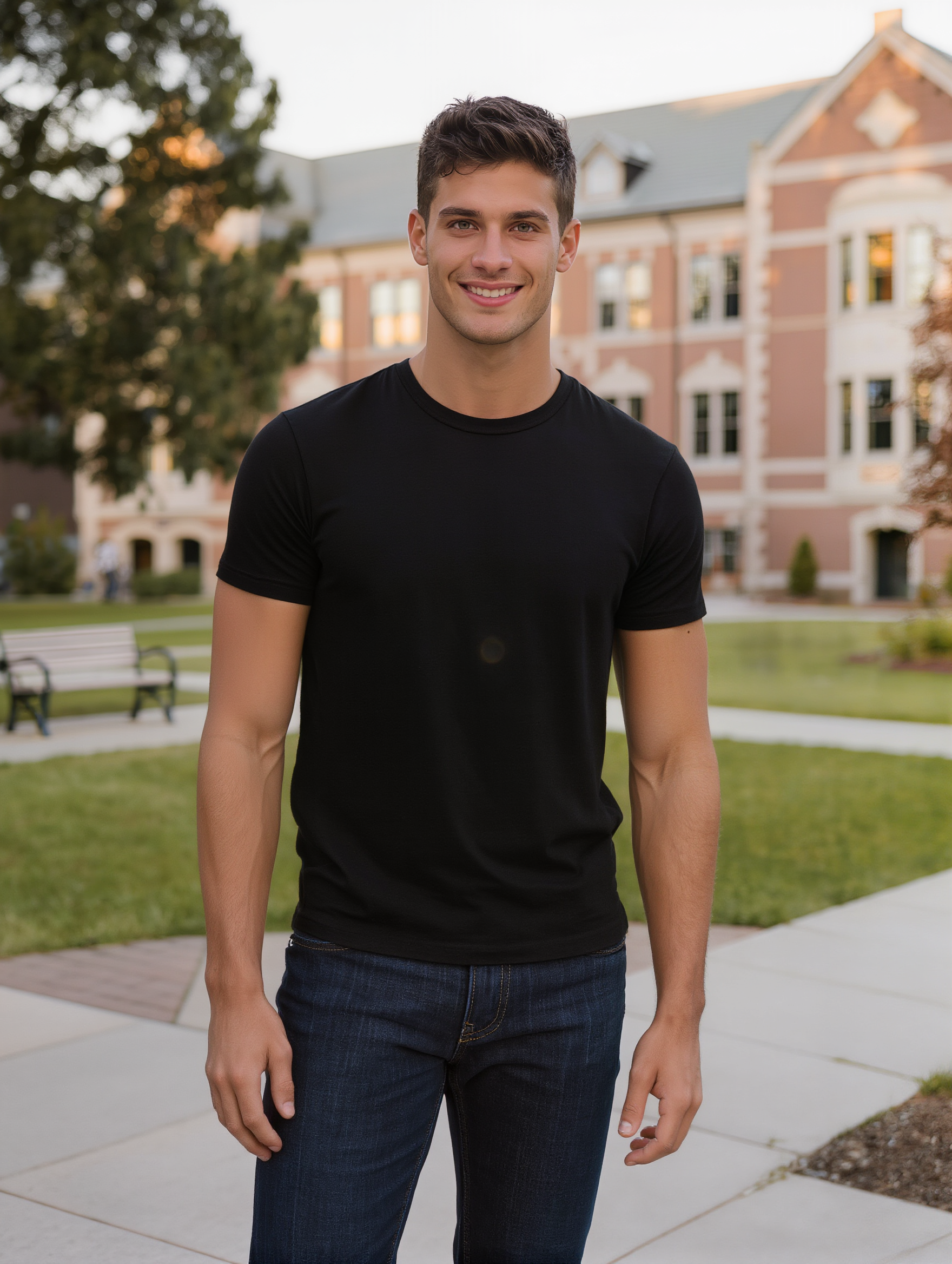
Embrace unique styles with cinematic inspirations and professional transformations for haircuts tailored for round face men. Draw insights from high-resolution, realistic textures and soft studio lighting setups. Start exploring haircut for round face men ideas and generate your own content with AI.

haircut for round face men - Lion's haircut & drastic haircut

Recommended

Kling AI work 318174869503602 - haircut for round face men AI image
FLXynHZT avatar
FLXynHZT
Kling AI work 310727215318762 - haircut for round face men AI image
OrionaMuzUA avatar
OrionaMuzUA
Kling AI work 275089692533030 - haircut for round face men AI image
uhiKTNAj avatar
uhiKTNAj
Kling AI work 318951489502816 - haircut for round face men AI image
ZOC41 avatar
ZOC41
Kling AI work 318174869501597 - haircut for round face men AI image
FLXynHZT avatar
FLXynHZT
Kling AI work 307287440660475 - haircut for round face men AI image
zhITxBUN avatar
zhITxBUN
Kling AI work 299400173304988 - haircut for round face men AI image
MXPtdTgX avatar
MXPtdTgX
Kling AI work 321649416524047 - haircut for round face men AI image
xCSTAlox avatar
xCSTAlox
Kling AI work 308273340536448 - haircut for round face men AI image
EternalPower avatar
EternalPower
Kling AI work 319493383617082 - haircut for round face men AI image
LeeTheBeacon avatar
LeeTheBeacon
Kling AI work 318525633614476 - haircut for round face men AI image
ZOC41 avatar
ZOC41
Kling AI work 313485722524569 - haircut for round face men AI image
NoorPixels avatar
NoorPixels
Kling AI work 318174869505608 - haircut for round face men AI image
FLXynHZT avatar
FLXynHZT
Kling AI work 318174869521594 - haircut for round face men AI image
FLXynHZT avatar
FLXynHZT
Kling AI work 309431619614408 - haircut for round face men AI image
KqrvBmZX avatar
KqrvBmZX
Kling AI work 315827669504567 - haircut for round face men AI image
asvYXYtN avatar
asvYXYtN
Kling AI work 310713559507274 - haircut for round face men AI image
OrionaMuzUA avatar
OrionaMuzUA
Kling AI work 318174869527605 - haircut for round face men AI image
FLXynHZT avatar
FLXynHZT
Kling AI work 311058511528860 - haircut for round face men AI image
tShEHaRT avatar
tShEHaRT

How to Create an AI Avatar Video

Create an Avatar

Create an Avatar

Pick a ready-made character from the Avatar Library, return to a saved avatar, upload an image from your device or Assets, or generate someone new with AI Image. The selected image becomes the visual starting point for the video.

Add the Voice

Add the Voice

Upload a finished recording, or enter the lines you want the character to deliver. With text to speech, select a voice and adjust its speed and emotional tone. Use punctuation to place pauses where they naturally belong, especially in longer passages.

Shape the Performance

Shape the Performance

Describe how the character should feel, react, and move while speaking. You can write the direction yourself or begin with one of the performance options Kling AI suggests for the selected character. Generate the video and review the delivery.

Go from Written Scene to Directed Sequence

See Your Scene as More Than One Shot

See Your Scene as More Than One Shot

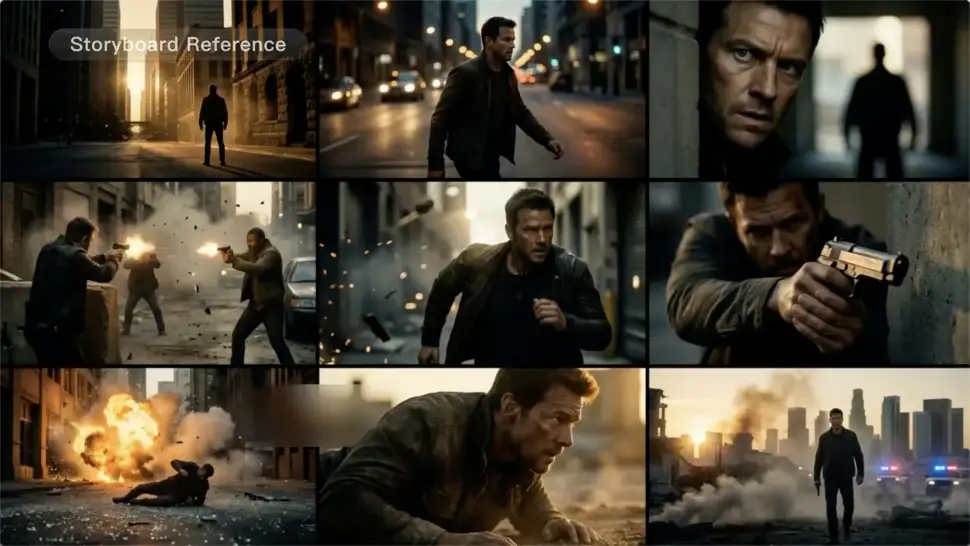
A conversation does not have to stay on one camera angle. An action beat does not have to play out in a single wide shot. Turn on Multi-Shot and Kling can plan scene transitions, framing, and camera-angle changes around what you wrote. A simple story beat can move from an establishing shot to a character close-up, then cut again when the action calls for it.
Take Over the Storyboard When the Shot Matters

Take Over the Storyboard When the Shot Matters

When you already know how the scene should be covered, use Custom Multi-Shot instead of leaving every decision to the model. Decide what happens in each shot, how long it lasts, whether the camera is wide or close, which angle you want, and how the camera moves. It gives you a practical way to turn screenplay direction or a rough shot list into something Kling can generate.

Bring the Same Character into the Next Shot

Bring the Same Character into the Next Shot

A cut should not feel like a new actor walked into the scene. Use a Character Element when someone needs to return across different angles, actions, or settings, and make it clear in the prompt which character belongs in each shot. For workflows that need a richer mix of character, image, video, and scene references, VIDEO 3.0 Omni gives you more ways to anchor the people and visual details your story depends on.

Apps

Image to Video
Image to Video

Image to Video

Text to Video
Text to Video

Text to Video

Omni
Omni

Omni

Digital Human
Digital Human

Digital Human

Restyle
Restyle

Restyle

Text to Image
Text to Image

Text to Image

60M+
60M+
Users
600M+
600M+
AI Videos Generated
4.7 ★
4.7 ★
App Store
Industry-Leading
Industry-Leading
Cinematic 4K

Reviews

Ozan Sihay

Ozan Sihay

★★★★★

Kling AI allows me to rapidly prototype ideas, refine storytelling elements, and produce visually compelling content efficiently. It has not only accelerated my creative processes, but also deepened my understanding of how AI can enrich visual storytelling.

Huang Lu (Elson)

Huang Lu (Elson)

★★★★★

I’ve been using Kling AI since its initial release, and it’s remained one of the leading AI media generators ever since. With Kling AI, I’ve created hundreds of videos, collectively amassing millions of views.

PJ Ace

PJ Ace

★★★★★

Kling AI has made it easy for us to generate world class visuals for Fortune 500 companies, TV shows and music for big artists. We love the easy of use of the platform and the quality of the generations. My first time using Kling AI, I got 22 million views on just one video. It's that good.

FAQ

Q1What is text-to-image AI?
Q2Can I use reference images with Kling AI?
Q3Is Kling AI text-to-image free to use?

Your Next Visual Starts Here

Start with a sentence, a sketch, or a reference photo. Shape the composition, dial in the details, and keep iterating in Kling AI.

Free tier available | Text-to-image | Image-to-image | Fast generation