
Creative Studio
API
Resources
Features
About Us
Download

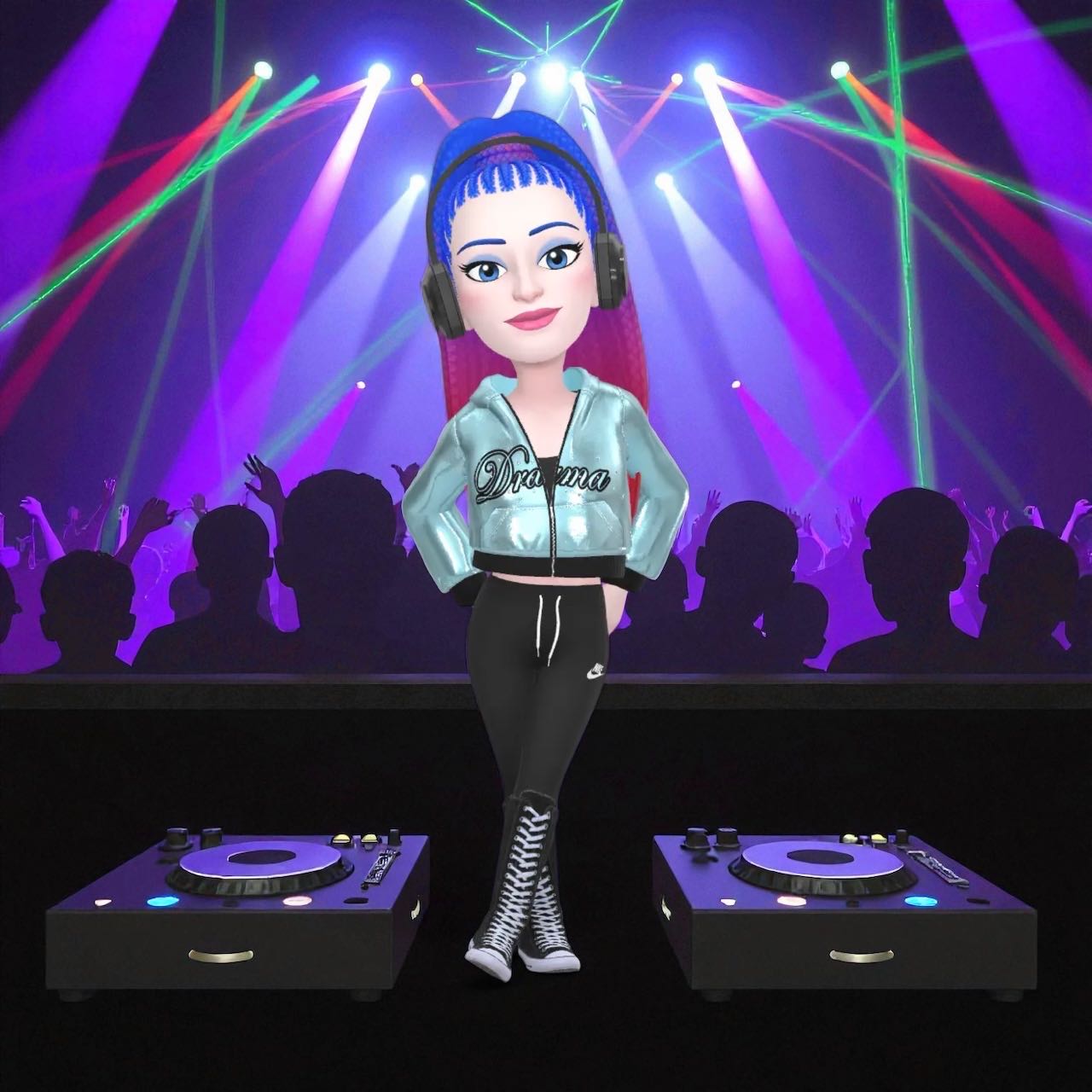
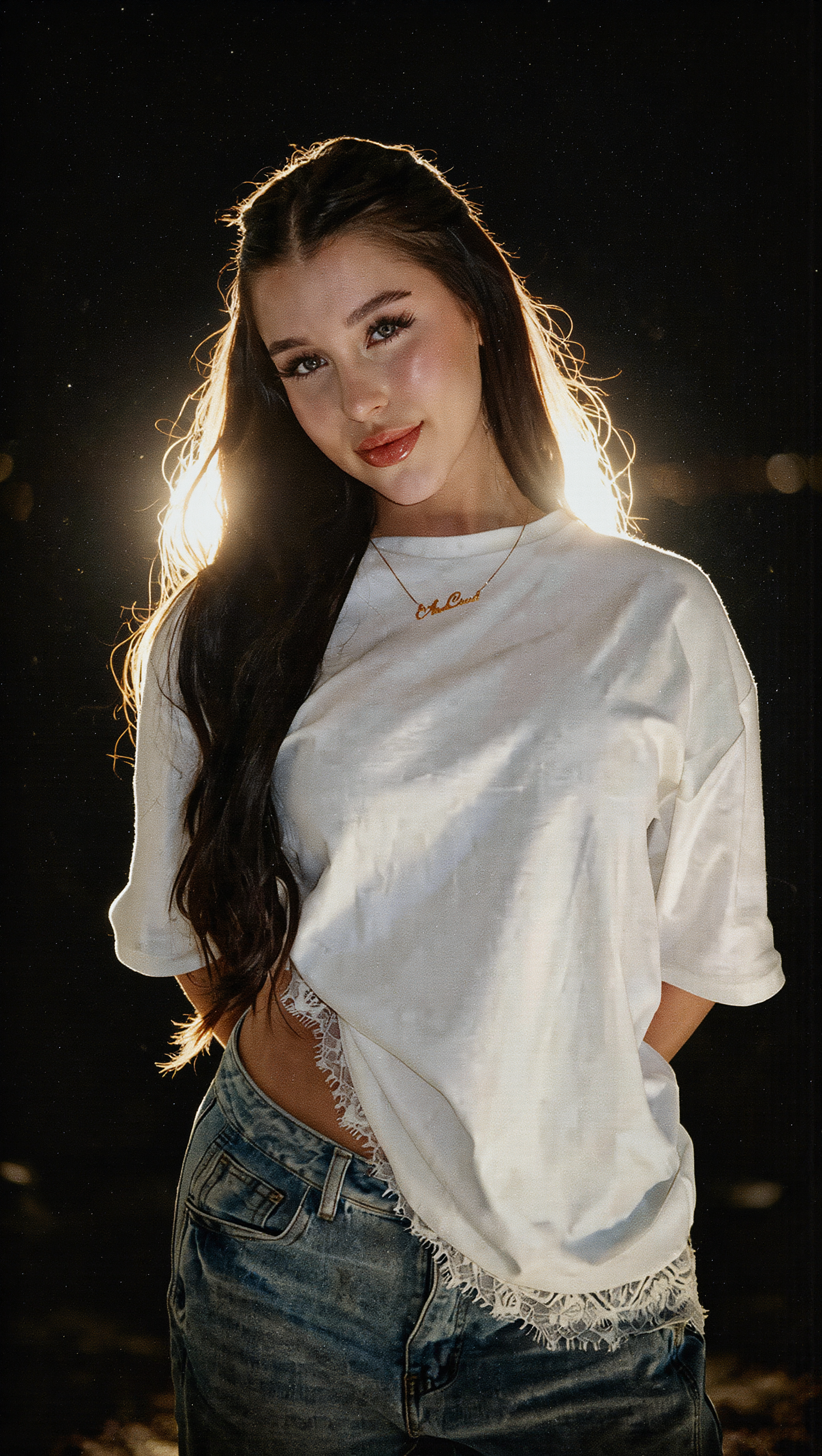
halo ai - animated wallpapers & glowing visuals

Immerse in the futuristic aesthetics of next-gen robot soldiers and iconic UNSC outfits, alongside dynamic light effects and interstellar themes. Start exploring halo ai ideas and generate your own content with AI.

halo ai - animated wallpapers & glowing visuals

Recommended

Kling AI work 843440127317377037 - halo ai AI video
00:29
BuusztaD avatar
BuusztaD
Kling AI work 312720565663401 - halo ai AI image
PLY avatar
PLY
Kling AI work 296096040522913 - halo ai AI video
ASMR k_king avatar
ASMR k_king
Kling AI work 296334664617069 - halo ai AI video
PBDGDOKc avatar
PBDGDOKc
Kling AI work 298820260616221 - halo ai AI video
NveJsXNW avatar
NveJsXNW
Kling AI work 295442364617923 - halo ai AI video
rGxnuozO avatar
rGxnuozO
Kling AI work 296666356527805 - halo ai AI video
ZbYrULoL avatar
ZbYrULoL
Kling AI work 296633081661648 - halo ai AI video
PwkRDgRJ avatar
PwkRDgRJ
Kling AI work 297242857662260 - halo ai AI video
Georgiew avatar
Georgiew
Kling AI work 306755788505313 - halo ai AI video
Kemmie's avatar
Kemmie's
Kling AI work 296105747668996 - halo ai AI video
CBljUAeR avatar
CBljUAeR
Kling AI work 310805983500456 - halo ai AI video
QleTmEPj avatar
QleTmEPj
Kling AI work 289493365504685 - halo ai AI video
TMeJjzyQ avatar
TMeJjzyQ
Kling AI work 305906294536539 - halo ai AI video
JMzZEoiC avatar
JMzZEoiC
Kling AI work 301733998533199 - halo ai AI video
Andrea avatar
Andrea
Kling AI work 295872100501789 - halo ai AI video
x man superb avatar
x man superb
Kling AI work 296311079660743 - halo ai AI video
CEYrPFMO avatar
CEYrPFMO

How to Extend an Image with AI

Step 1: Upload and Describe

Step 1: Upload and Describe

Upload the image you want to expand, such as a portrait, product photo, landscape, or social media visual. Use a text prompt to specify which side to extend and what should appear in the new area, such as more sky, scenery, or background details, while keeping the main subject unchanged.

Step 2: Choose the Output Settings and Generate

Step 2: Choose the Output Settings and Generate

Choose the image ratio, number of outputs, and resolution, then generate your extended image. Creating multiple versions makes it easier to compare the results and choose your favorite.

Step 3: Expand Your Image with Image Expansion

Step 3: Expand Your Image with Image Expansion

Open the Image Expansion workflow when you want a dedicated way to extend an existing image. Upload your source image, describe what should appear beyond the original frame, choose from the available output settings, and generate the expanded result.

Effortless Background Removal, Refined Details, New Visual Possibilities

Remove Image Backgrounds with Simple Prompts

Remove Image Backgrounds with Simple Prompts

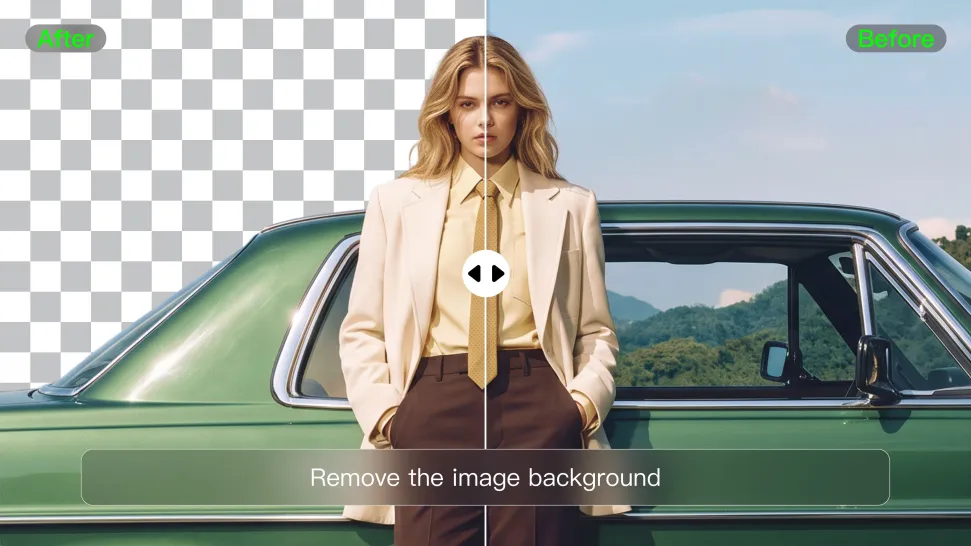
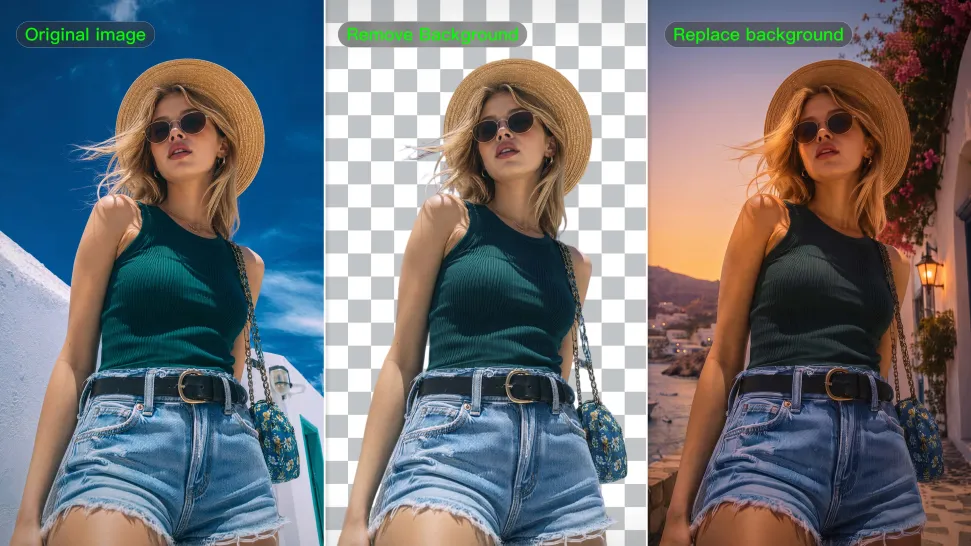
When you want to isolate a person, product, or other subject, Kling AI keeps background removal simple. A short prompt like “Remove the background” or “Keep the person and remove everything behind them” can clear away the surroundings without tracing edges by hand.
Keep Important Subject Details

Keep Important Subject Details

Removing the background does not mean you want the subject itself to change. Kling IMAGE 3.0 supports targeted image editing while helping preserve important visual characteristics such as the subject's appearance, shape, style, lighting, and texture. You can also specify what should stay unchanged when the image includes details that matter to the final result.
Create Background-Free Images in 2K or 4K

Create Background-Free Images in 2K or 4K

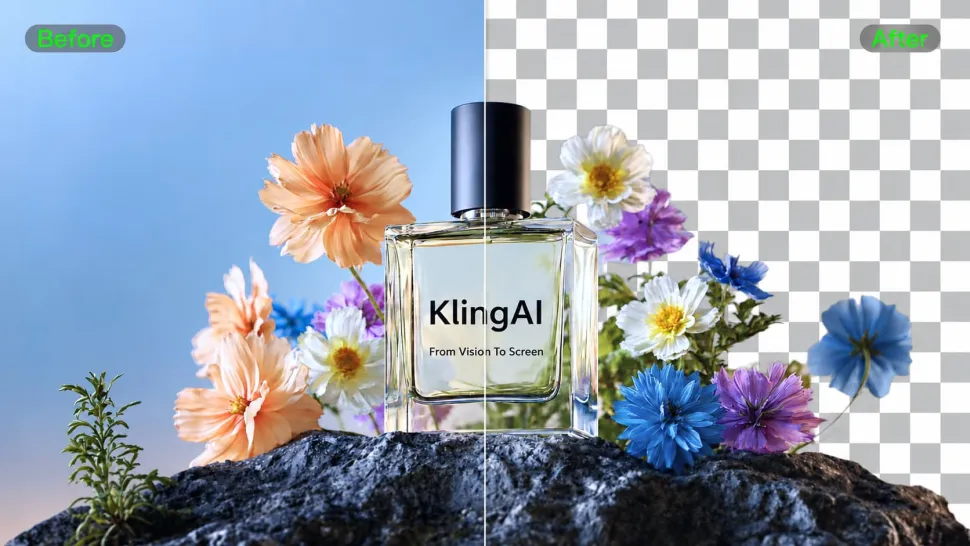
When you need more detail or higher resolution, Kling IMAGE 3.0 Omni lets you create images with background removals and output them in 2K or 4K. They’re ideal for product displays, posters, marketing assets, presentations, and designs that need to work across different sizes.

Apps

Image to Video
Image to Video

Image to Video

Text to Video
Text to Video

Text to Video

Omni
Omni

Omni

Digital Human
Digital Human

Digital Human

Restyle
Restyle

Restyle

Text to Image
Text to Image

Text to Image

60M+
60M+
Users
600M+
600M+
AI Videos Generated
4.7 ★
4.7 ★
App Store
Industry-Leading
Industry-Leading
Cinematic 4K

Reviews

Ozan Sihay

Ozan Sihay

★★★★★

Kling AI allows me to rapidly prototype ideas, refine storytelling elements, and produce visually compelling content efficiently. It has not only accelerated my creative processes, but also deepened my understanding of how AI can enrich visual storytelling.

Halim Alrasihi

Halim Alrasihi

★★★★★

I use AI daily and Kling AI is a crucial part of my workflow, whether for client work or personal projects. What I love most about using Kling AI is that it provides all the tools I need in one place, from keyframes to character references, elements and special effects.

Jyo John Mulloor

Jyo John Mulloor

★★★★★

Kling AI has been instrumental in transforming my creative workflow, unlocking new dimensions of artistic expression that were once unimaginable. I use Kling AI extensively to develop high-concept visuals, animate surreal dreamscapes, and create AI-assisted films that blur the line between reality and fantasy. Kling AI’s deep learning capabilities have not only enhanced my creative efficiency but also inspired me to explore storytelling in ways I never thought possible.

FAQ

Q1What character styles can I create with Kling AI?
Q2Can I keep the same character consistent across different images?
Q3How does an AI Character Generator work?

Bring Every Voice Into the Story

Create character dialogue, multilingual voices, consistent voice identities, ambience, and sound effects with Kling VIDEO 3.0.

Multilingual Dialogue | Multi-Character Voices | Native Audio