Creative Studio
API
Resources
Features
About Us
Download

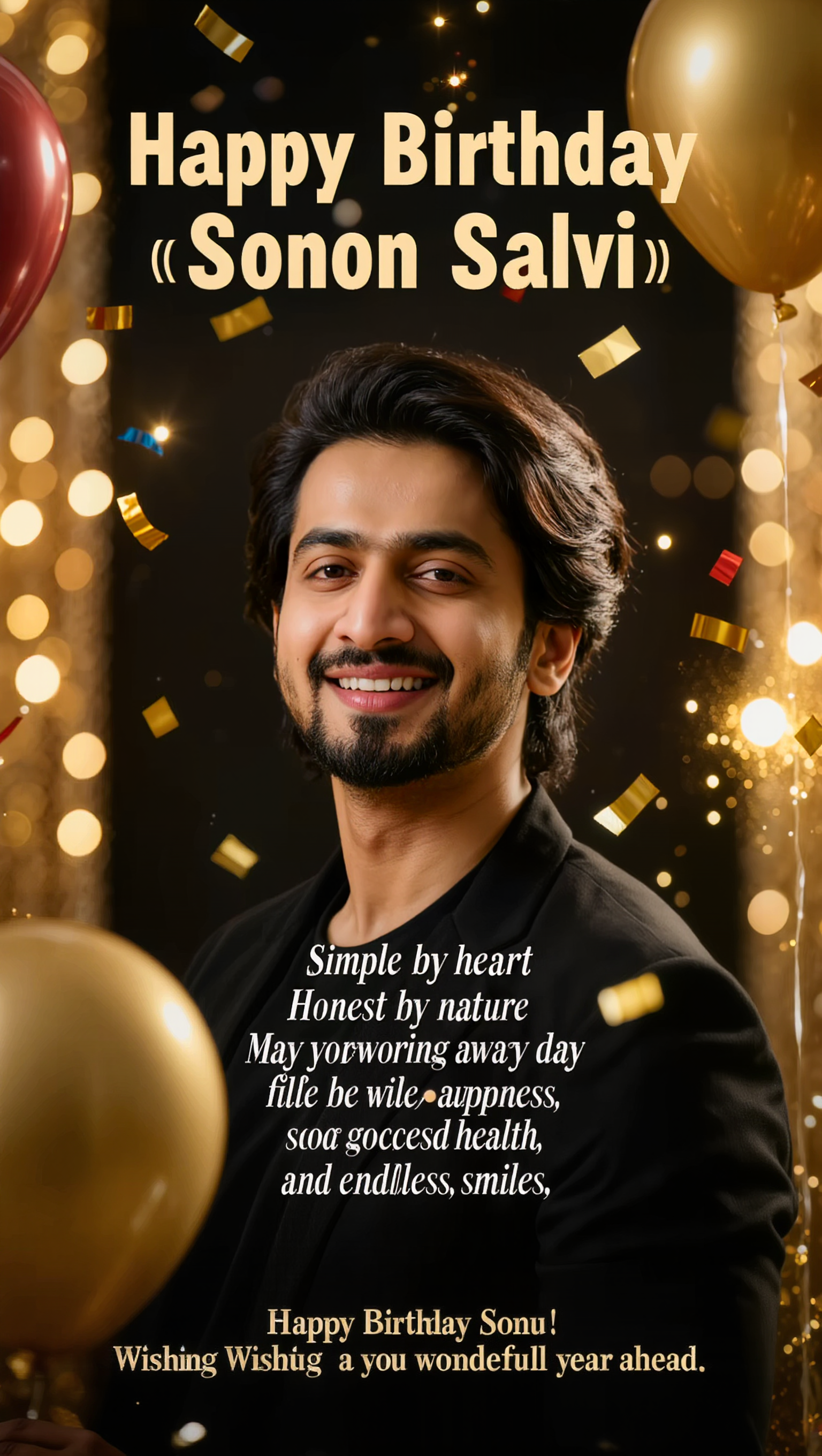
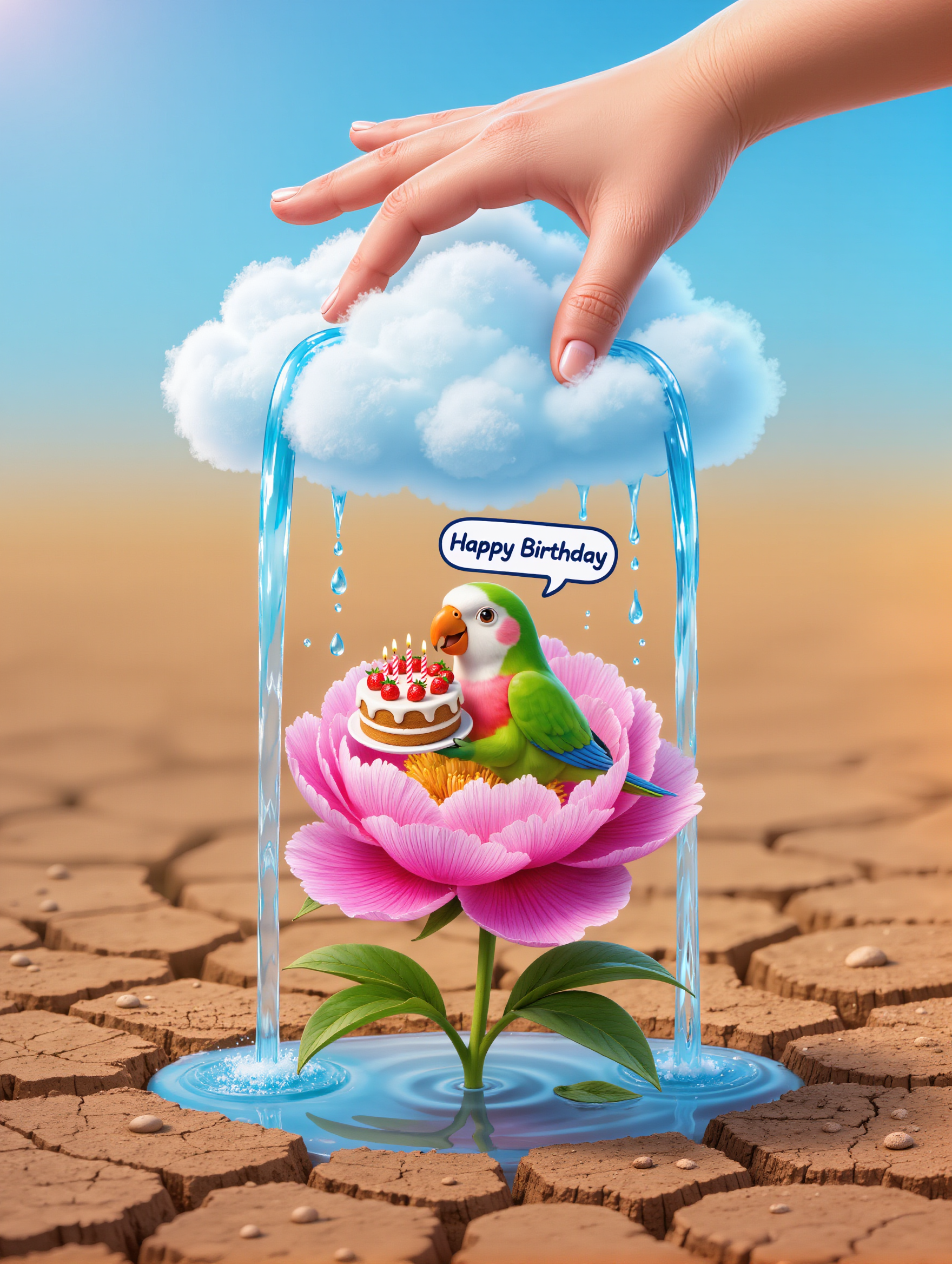
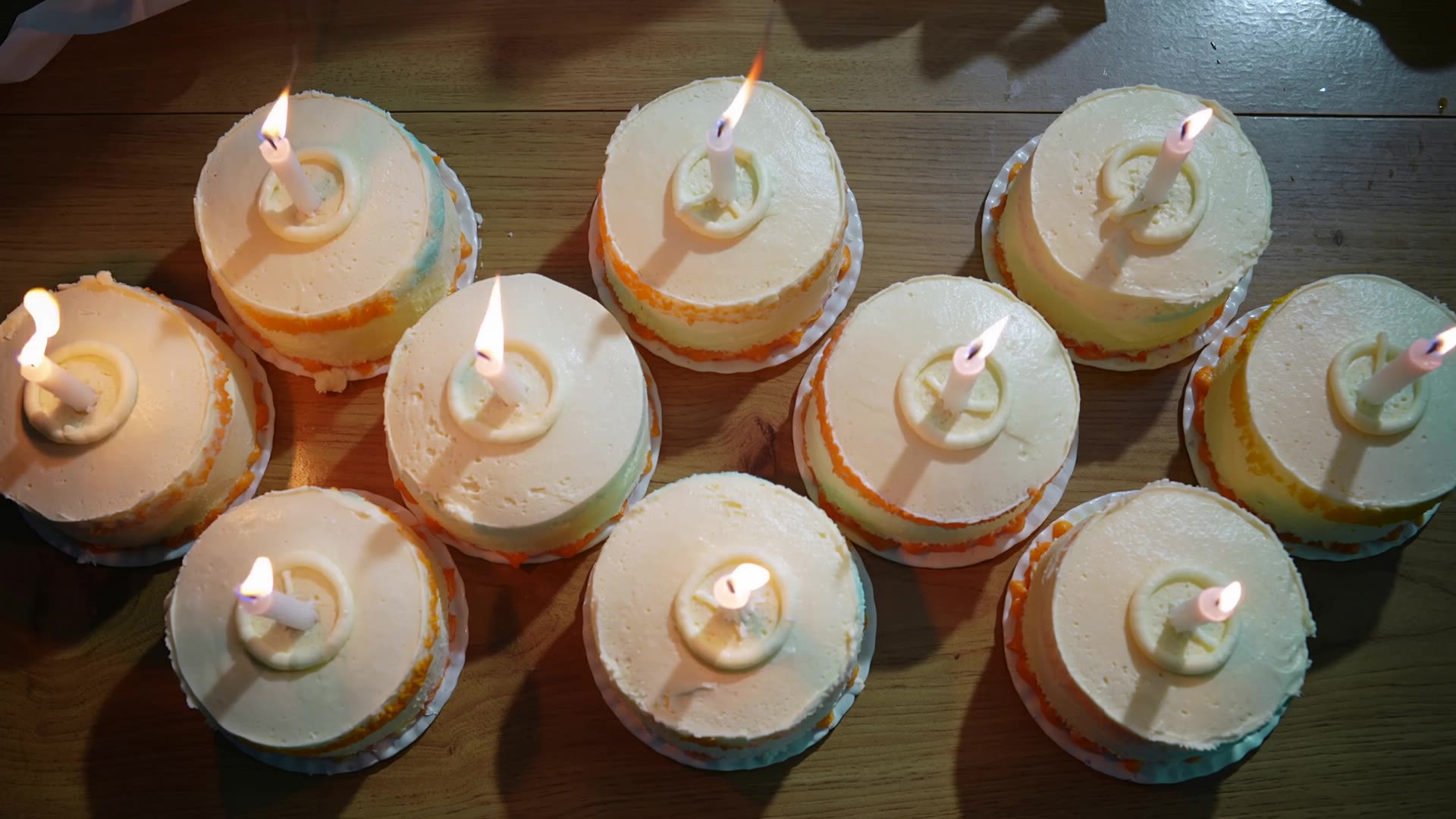
Happy Birthday Animation Ideas – AI-Generated Concepts

Find Happy Birthday animation ideas created with AI. Get quick and customizable designs for your projects.

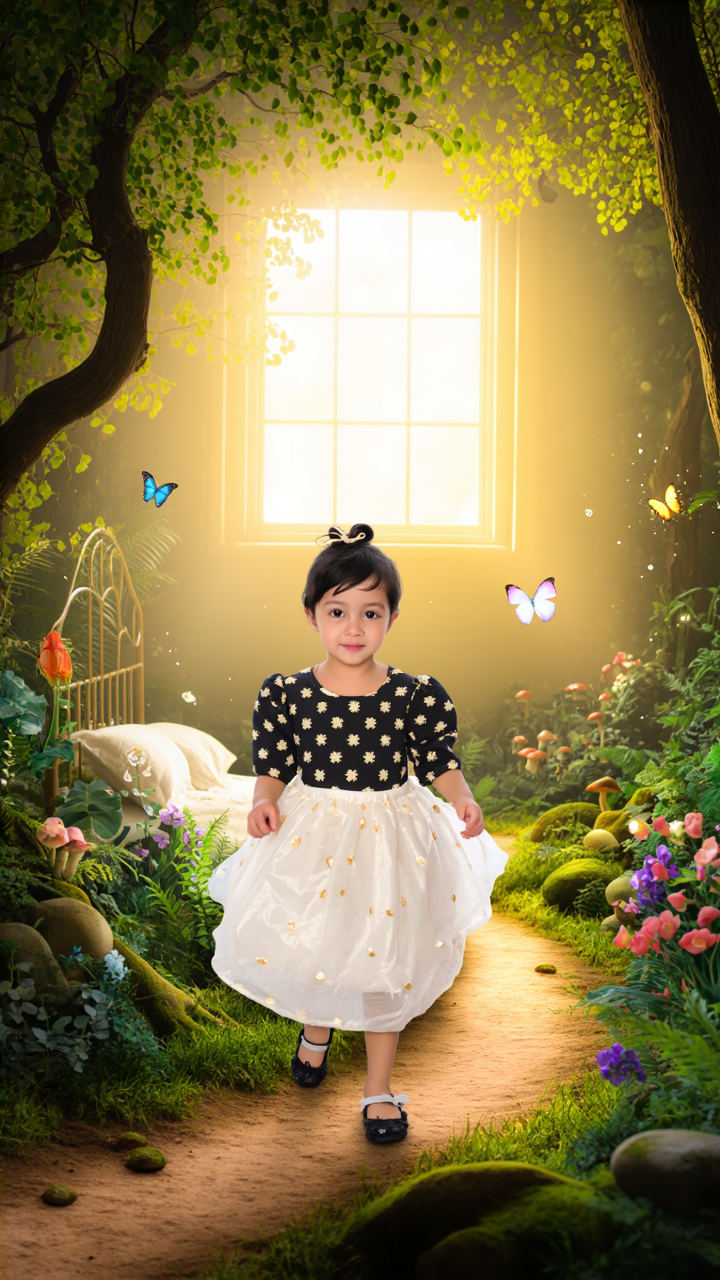
Happy Birthday Animation Ideas – AI-Generated Concepts

Recommended

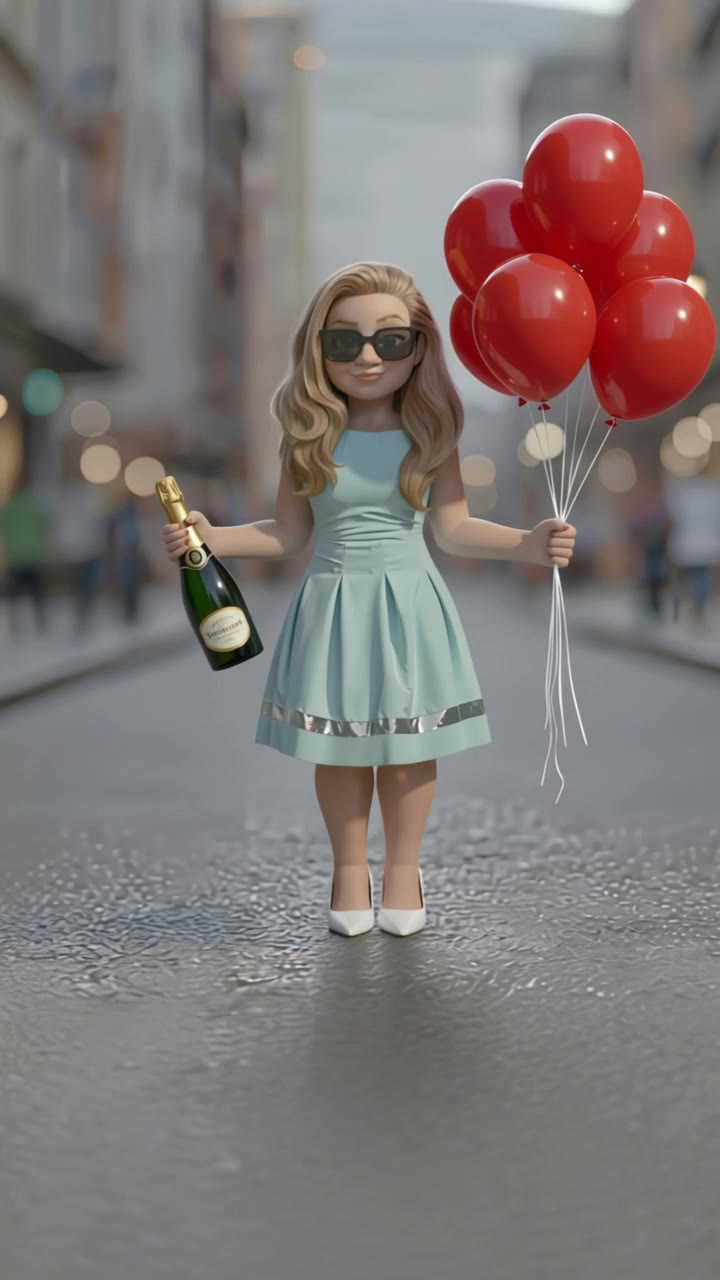
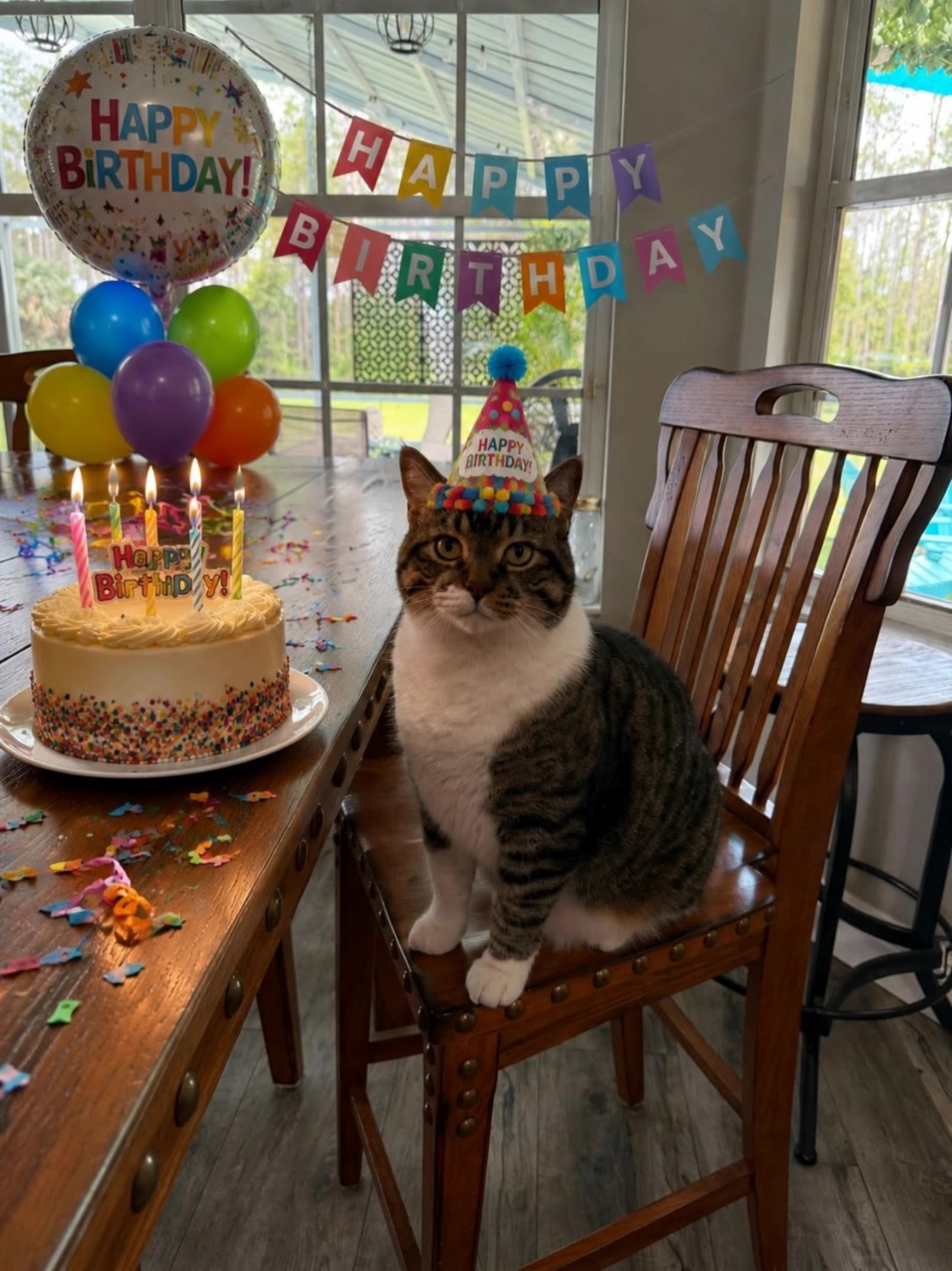
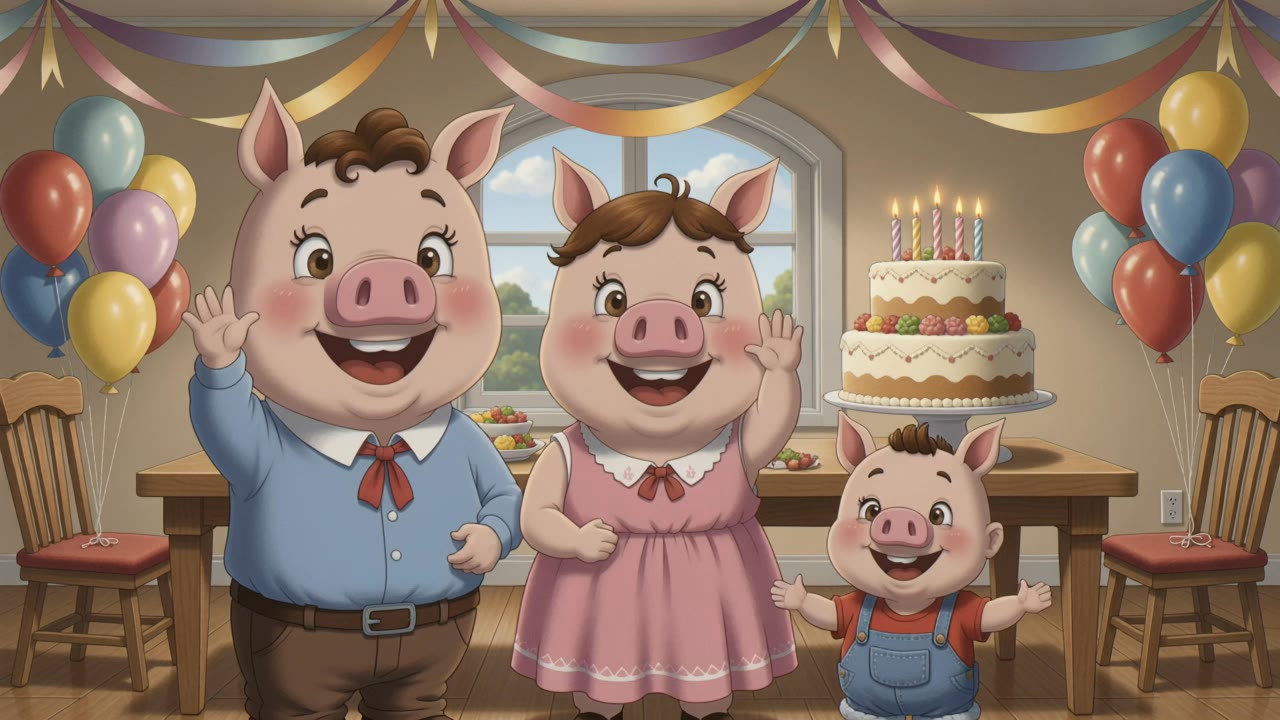
Birthday - happy birthday animation AI video
JPfwuJQS avatar
JPfwuJQS
happy funny birthday - happy birthday animation AI video
Celebration
Gandalf3d avatar
Gandalf3d
Kling AI work 311017271503462 - happy birthday animation AI video
WpOHctwv avatar
WpOHctwv
Happy Birthday - happy birthday animation AI video
PKDezines avatar
PKDezines
Kling AI work 307221328664800 - happy birthday animation AI video
Dexta avatar
Dexta
Kling AI work 312031112525178 - happy birthday animation AI video
tnTYUeDL avatar
tnTYUeDL
Happy Birthday - happy birthday animation AI video
Jack ☕️ avatar
Jack ☕️
Kling AI work 315701309611890 - happy birthday animation AI video
EvdTiDMi avatar
EvdTiDMi
Kling AI work 313822879660730 - happy birthday animation AI video
gQmElqIu avatar
gQmElqIu
Kling AI work 307268126614489 - happy birthday animation AI video
⛦⃝ 𝕄𝕦𝕗𝕗𝕚𝕟☆ avatar
⛦⃝ 𝕄𝕦𝕗𝕗𝕚𝕟☆
Happy birthday to me! - happy birthday animation AI video
NZAPodYo avatar
NZAPodYo
Kling AI work 312520072668637 - happy birthday animation AI video
fhDHYJaN avatar
fhDHYJaN
Heather's birthday - happy birthday animation AI video
ICGdEZOx avatar
ICGdEZOx
Happy Birthday  - happy birthday animation AI video
KuluFly avatar
KuluFly
Creative Partner
Kling AI work 316277632666248 - happy birthday animation AI video
zBbtvdaz avatar
zBbtvdaz
"A 11-year-old birthday moment,  - happy birthday animation AI image
DRNAoBBE avatar
DRNAoBBE
Happy Birthday Kling! - happy birthday animation AI video
Pixelia avatar
Pixelia
happy birthday cartoon - happy birthday animation AI video
GutiWilly avatar
GutiWilly
Kling AI work 310659111663885 - happy birthday animation AI video
IfAUIQbR avatar
IfAUIQbR

How to Edit a Photo with Kling AI

Upload Your Photo

Upload Your Photo

Start with a clear photo. Add a reference image when you have a particular replacement, background, or style in mind.

Tell Kling What to Change

Tell Kling What to Change

Enter a clear text prompt, explaining what should change and what should stay the same. Kling applies the edit to the photo with AI directly, without layers or complex manual steps.

Review and Fine-Tune

Review and Fine-Tune

Check the result and the areas that matter most. When one detail needs more work, update the prompt for that area instead of starting over. Download the finished image and share it.

Key Features of Kling AI Image Generator

Turn Ideas into Images

Turn Ideas into Images

Describe the scene, character, product, or style you have in mind, and watch your idea come to life. Whether you're generating from scratch or fine-tuning an existing result, Kling IMAGE 3.0 follows your instructions, including tweaking the composition, shifting the lighting, and adjusting visual details until it looks right.

Bring References Into New Creations

Bring References Into New Creations

Bring in references for a character, product, color palette, material, composition, or visual style. IMAGE 3.0 draws on the defining qualities of up to 10 images and brings them together in one cohesive result, keeping the details that make each reference recognizable.

Produce Professional Image Series in 4K

Produce Professional Image Series in 4K

Plan and create a complete visual series as one cohesive project, rather than generating each image separately. IMAGE 3.0 Omni supports intentional shot progression, varied framing, and a unified creative direction across the set, with native 4K output for cinematic storyboards, product campaigns, character development, comics, and branded content.

Apps

Image to Video
Image to Video

Image to Video

Text to Video
Text to Video

Text to Video

Omni
Omni

Omni

Digital Human
Digital Human

Digital Human

Restyle
Restyle

Restyle

Text to Image
Text to Image

Text to Image

60M+
60M+
Users
600M+
600M+
AI Videos Generated
4.7 ★
4.7 ★
App Store
Industry-Leading
Industry-Leading
Cinematic 4K

Reviews

Déborah

Déborah

★★★★★

I use Kling AI every day. It's amazing to see the almost daily progress it makes. I used AI for fun at first, and I now find that Kling AI's animations allow me to gain professional visibility, with three times more views on my animated posts than on my static posts.

Huang Lu (Elson)

Huang Lu (Elson)

★★★★★

I’ve been using Kling AI since its initial release, and it’s remained one of the leading AI media generators ever since. With Kling AI, I’ve created hundreds of videos, collectively amassing millions of views.

James Phillips

James Phillips

★★★★★

Kling AI has transformed my workflow by collapsing timelines and democratizing production. It’s shifted my mindset from resource-dependent filmmaking to a boundless creative sandbox, where experimentation yields unexpected beauty.

FAQ

Q1Can I use a reference image for a new background?
Q2Can I replace the background after removing it?
Q3Does removing the background reduce image quality?

Go Beyond the Original Frame

Turn tightly framed images into fuller scenes with Kling IMAGE 3.0. Extend the scene, guide what appears beyond the edges, and keep key subjects and visual style consistent.