Creative Studio
API
Resources
Features
About Us
Download

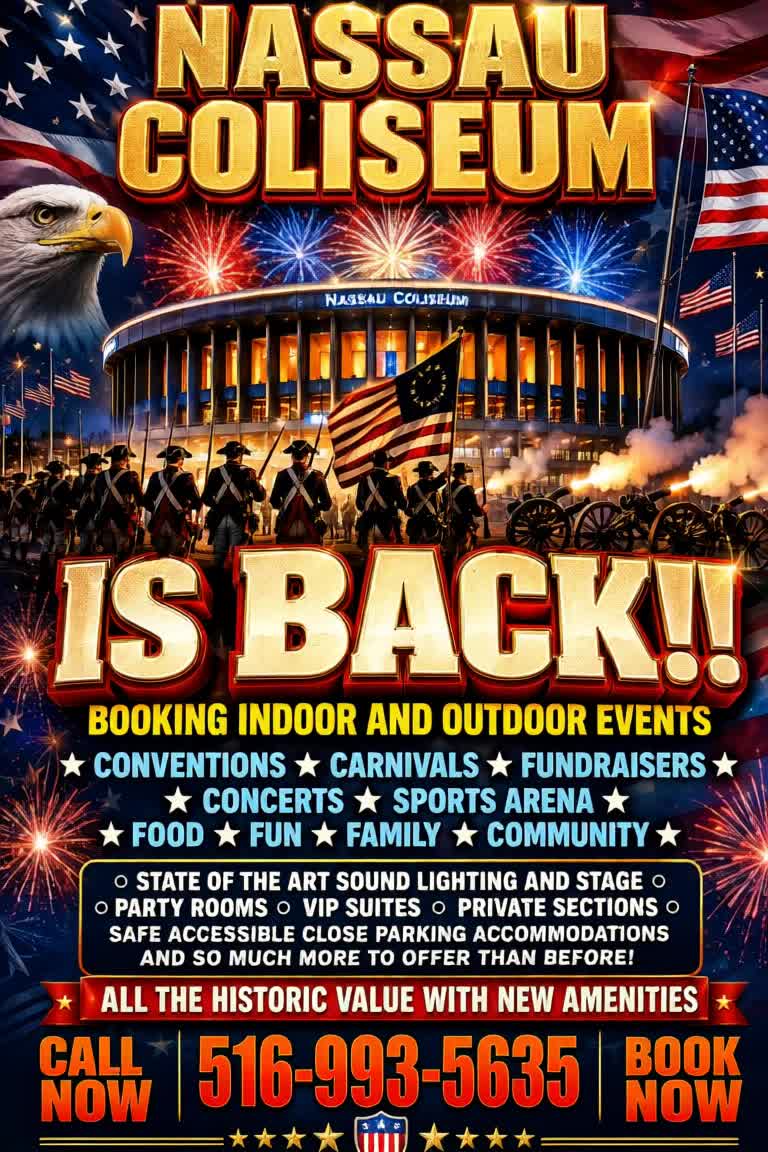
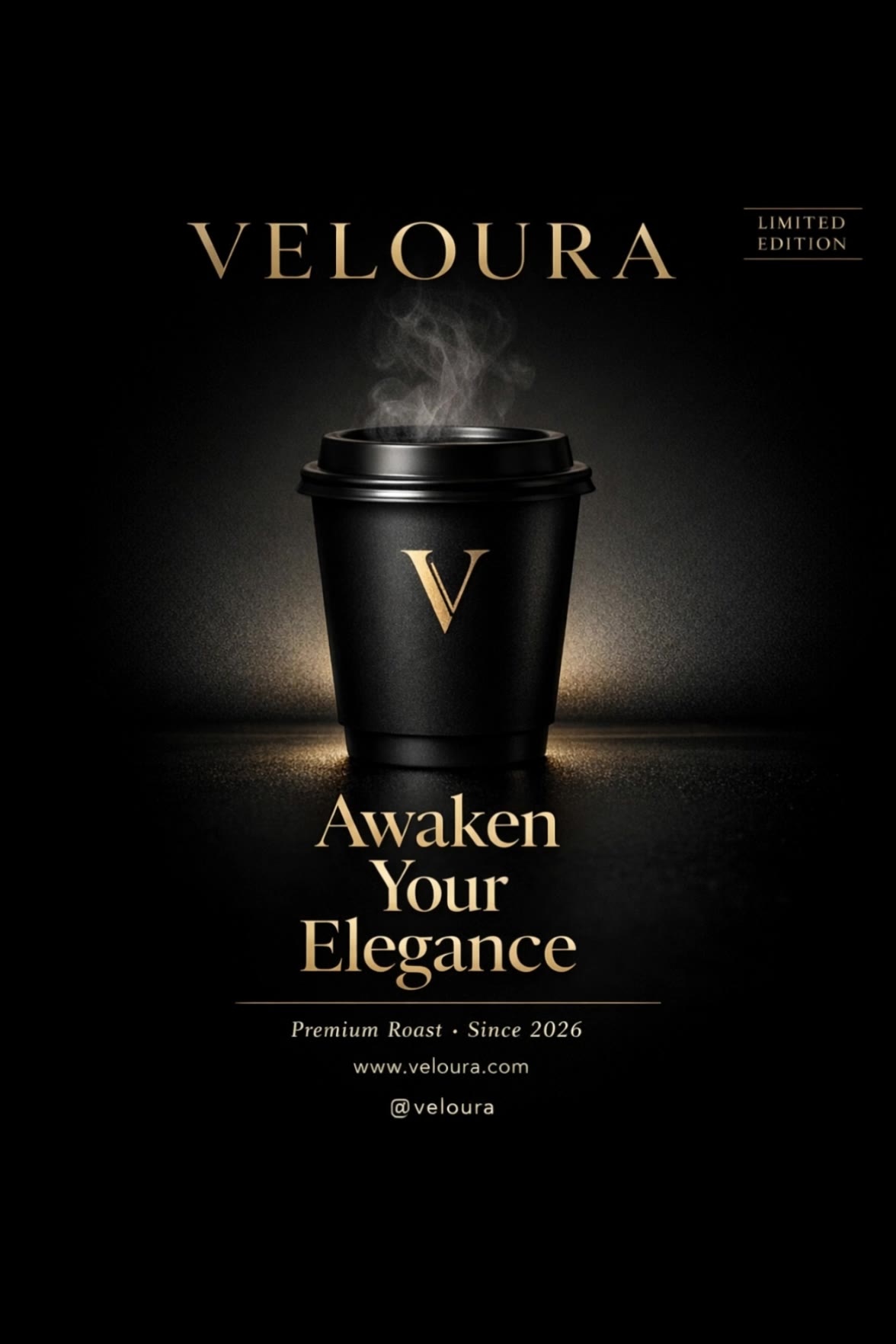
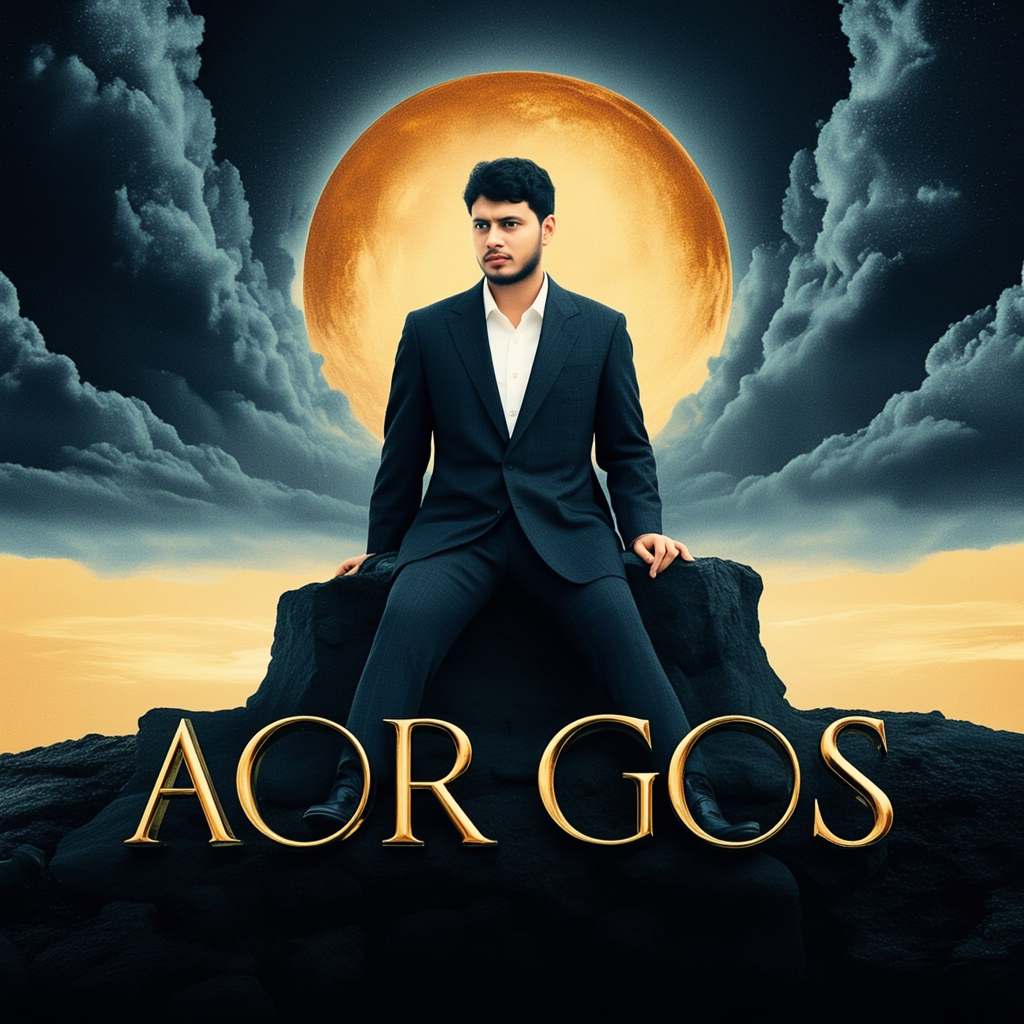
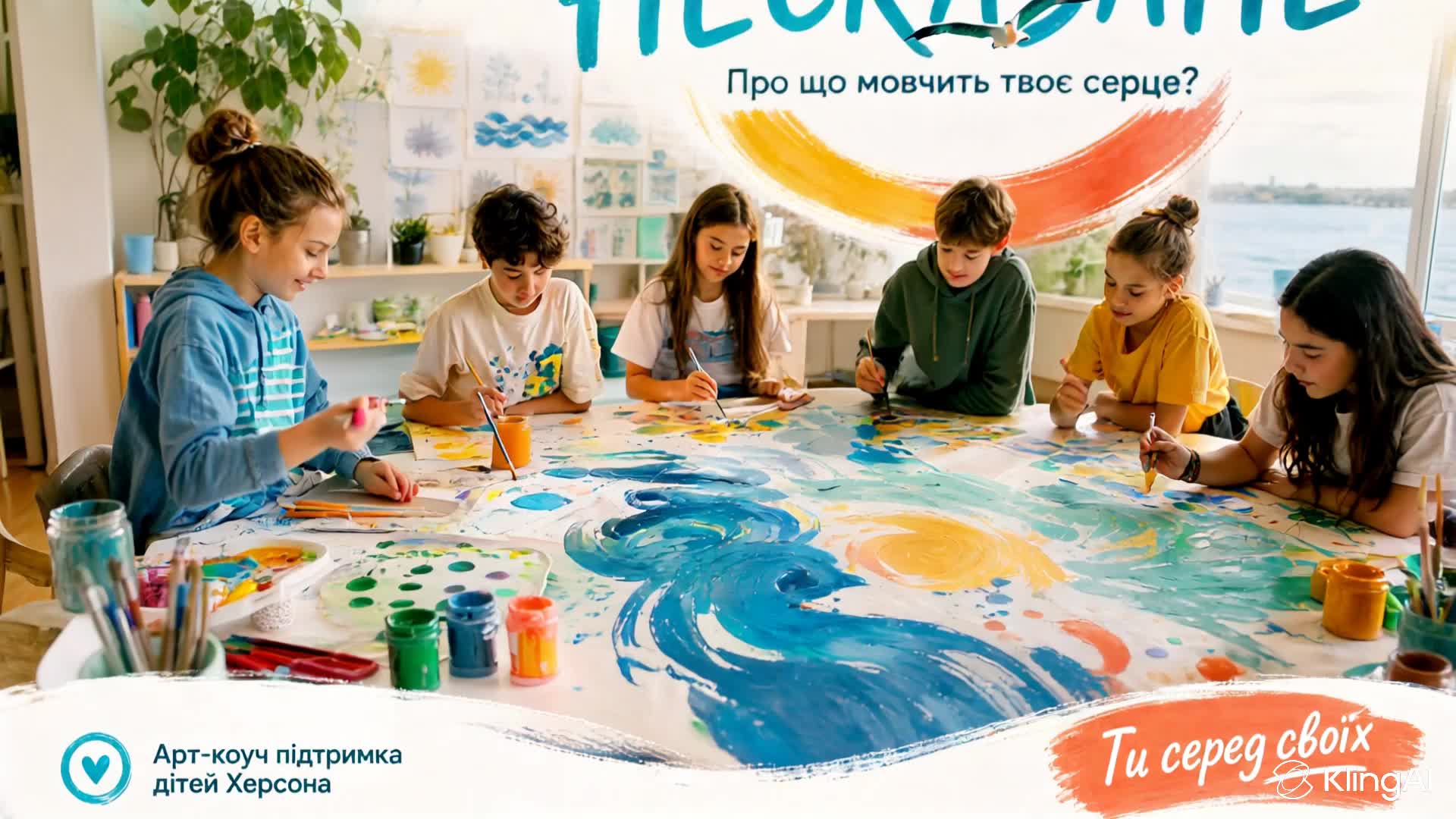
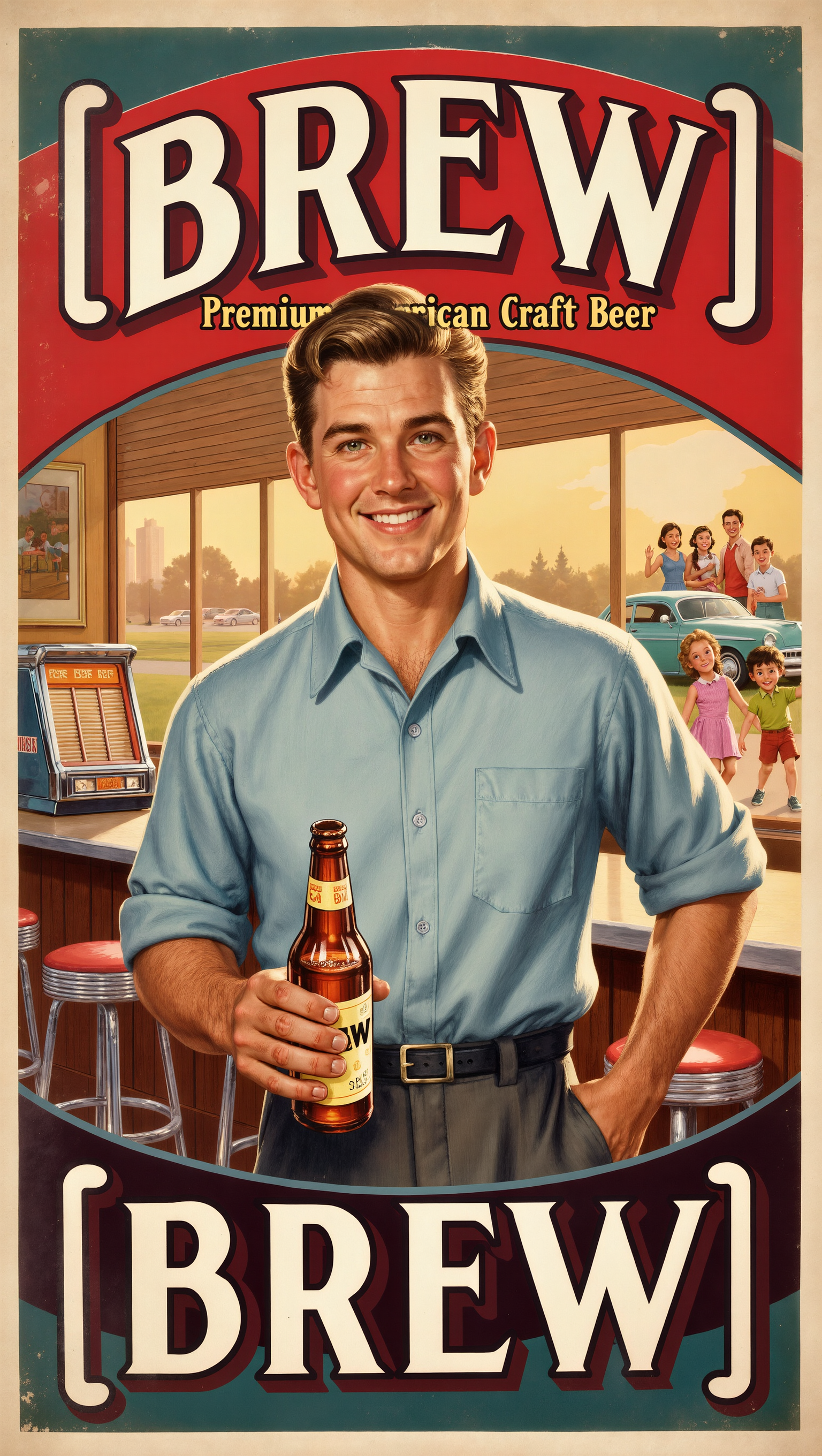
Hell Poster Design – Mangoman Animation Style

Design hell-themed posters with AI. Get unique visuals quickly, tailored to your style. Easy, customizable, and AI-driven.

Hell Poster Design – Mangoman Animation Style

Recommended

Poster Design 4 - hell poster design AI image
WeAI avatar
WeAI
Art Deco geometric poster - hell poster design AI image
7A7PI avatar
7A7PI
Elite Creator
Vintage Artworks Poster Design - hell poster design AI image
7A7PI avatar
7A7PI
Elite Creator
zebra print design - hell poster design AI video
Logotypin avatar
Logotypin
Elite Creator
Kling AI work 318874071525920 - hell poster design AI image
khms88 avatar
khms88
Kling AI work 307866596535071 - hell poster design AI image
Abdo Hussini avatar
Abdo Hussini
Kling AI work 306038267657404 - hell poster design AI image
nqABhTjH avatar
nqABhTjH
motion poster  - hell poster design AI video
RTMiJyjO avatar
RTMiJyjO
Kling AI work 309829762507523 - hell poster design AI image
linge avatar
linge
3D pop-out social media poster - hell poster design AI video
souvenir avatar
souvenir
Kling AI work 318955279507903 - hell poster design AI video
dLNFwUza avatar
dLNFwUza
Sci-fi poster Animation - hell poster design AI video
CorVega avatar
CorVega
Poster Idea - hell poster design AI image
turkishdelightmu avatar
turkishdelightmu
MyStore Design Tshirt - hell poster design AI video
Rumy.dg avatar
Rumy.dg
Kling AI work 311319967525190 - hell poster design AI image
gNHIkUpc avatar
gNHIkUpc
Kling AI work 312887992612138 - hell poster design AI video
rETbLiXP avatar
rETbLiXP
Kling AI work 314237717663991 - hell poster design AI video
TAKpQpIq avatar
TAKpQpIq
Kling AI work 316082223507855 - hell poster design AI video
TIYsAxuD avatar
TIYsAxuD

How to Use Kling AI Text to Speech

Step 1: Enter the Video Generation Workspace

Step 1: Enter the Video Generation Workspace

Edit your prompt to set the scene, characters, and style, or upload a reference image to shape the look of your video.

Step 2: Add Dialogue and Speech Instructions

Step 2: Add Dialogue and Speech Instructions

Add dialogue to your prompt and clearly specify which character speaks each line. You can also describe the language or dialect, speaking pace, tone, and delivery style in the prompt to guide how each character sounds.

Step 3: Choose Your Settings and Generate

Step 3: Choose Your Settings and Generate

Choose your resolution (720p, 1080p, or 4K), video length (3–15 seconds), and aspect ratio (16:9, 9:16, or 1:1). Then click Generate to create your video.

Natural Face Swaps Without the Editing Hassle

Image Face Swap Without the Busywork

Image Face Swap Without the Busywork

From portrait-style shots to playful creative images, Kling IMAGE 3.0 helps you create more natural and consistent face swaps. Add the photo you want to edit, provide a face reference, and tell Kling AI what you want to change. The edit can stay close to the original photo, helping the new face feel like part of the image rather than something added on top.

Keep the Same Face Across Angles and Shots

Keep the Same Face Across Angles and Shots

A single reference does not always show everything. Add multiple views or use a character element to give Kling AI more information about the person you want to preserve. Kling VIDEO 3.0 Omni uses those references to help maintain key identity features as the subject changes pose, the camera moves, or the scene shifts—especially useful for moving footage and multi-shot videos where consistency matters.

Change the Face, Keep the Scene

Change the Face, Keep the Scene

Swap the face, not the whole scene. Kling AI keeps the original lighting, mood, and overall look in place, helping the new face blend naturally into the shot while the setting and visual feel stay true to the original.

Apps

Image to Video
Image to Video

Image to Video

Text to Video
Text to Video

Text to Video

Omni
Omni

Omni

Digital Human
Digital Human

Digital Human

Restyle
Restyle

Restyle

Text to Image
Text to Image

Text to Image

60M+
60M+
Users
600M+
600M+
AI Videos Generated
4.7 ★
4.7 ★
App Store
Industry-Leading
Industry-Leading
Cinematic 4K

Reviews

Maria Rubtsova

Maria Rubtsova

★★★★★

I’m Maria Rubtsova, an AIGC digital artist passionate about creating stunning visuals in the worlds of fashion, aesthetics, and fantasy. I use KlingAi to bring imagination to life through video. My work is all about exploring beauty, emotion, and the limitless possibilities of digital art.

Huang Lu (Elson)

Huang Lu (Elson)

★★★★★

I’ve been using Kling AI since its initial release, and it’s remained one of the leading AI media generators ever since. With Kling AI, I’ve created hundreds of videos, collectively amassing millions of views.

James Phillips

James Phillips

★★★★★

Kling AI has transformed my workflow by collapsing timelines and democratizing production. It’s shifted my mindset from resource-dependent filmmaking to a boundless creative sandbox, where experimentation yields unexpected beauty.

FAQ

Q1How is an AI video editor different from an AI video generator?
Q2What Is an AI Video Editor?
Q3Is Kling AI Video Editor free?

Take Your Photo in a New Direction

Start with the image you have and rework it for the look, message, or moment you have in mind.

Object removal | Background changes | Portrait retouching | Photo restyling