Creative Studio
API
Resources
Features
About Us
Download

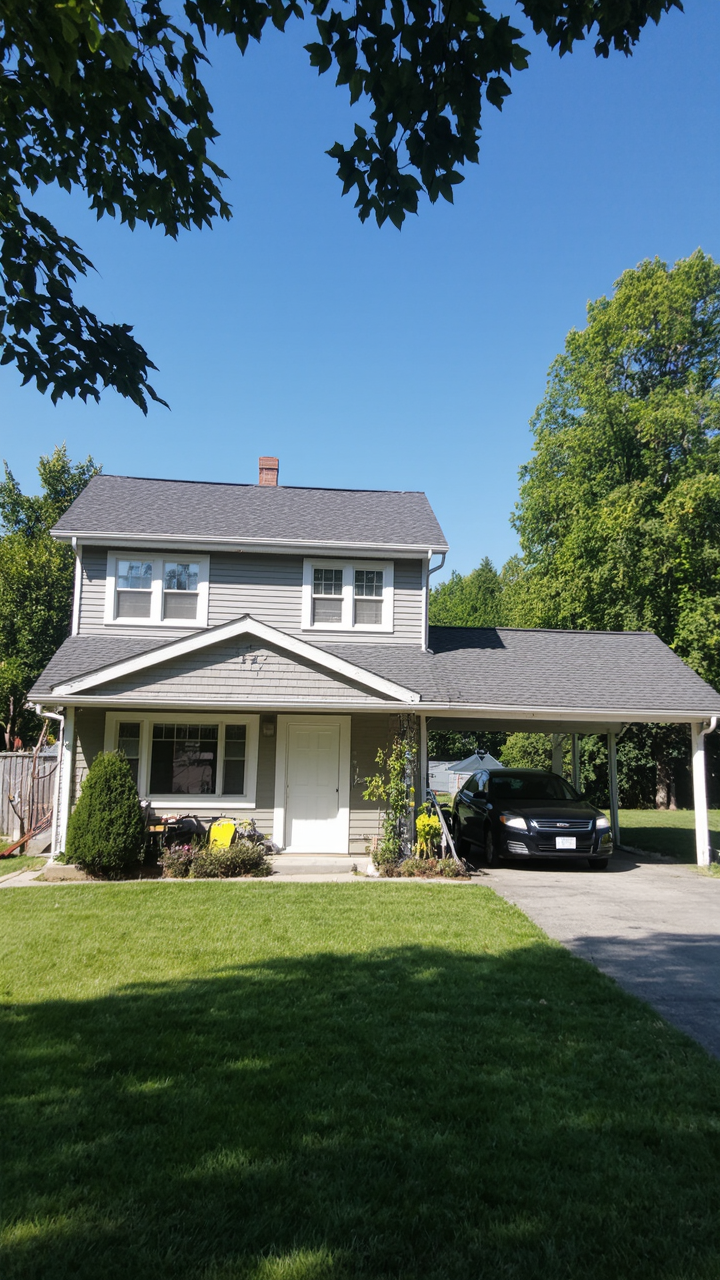
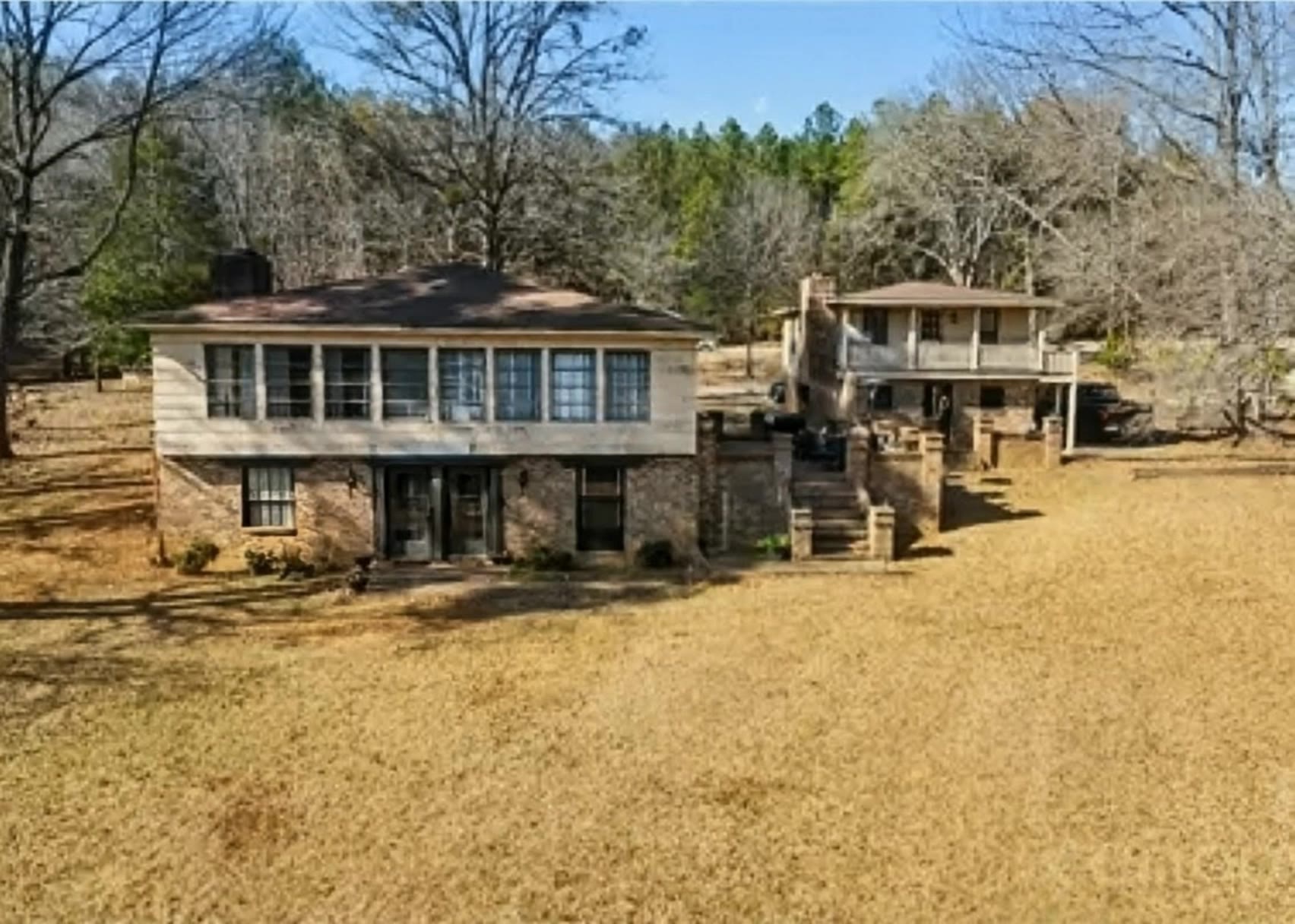
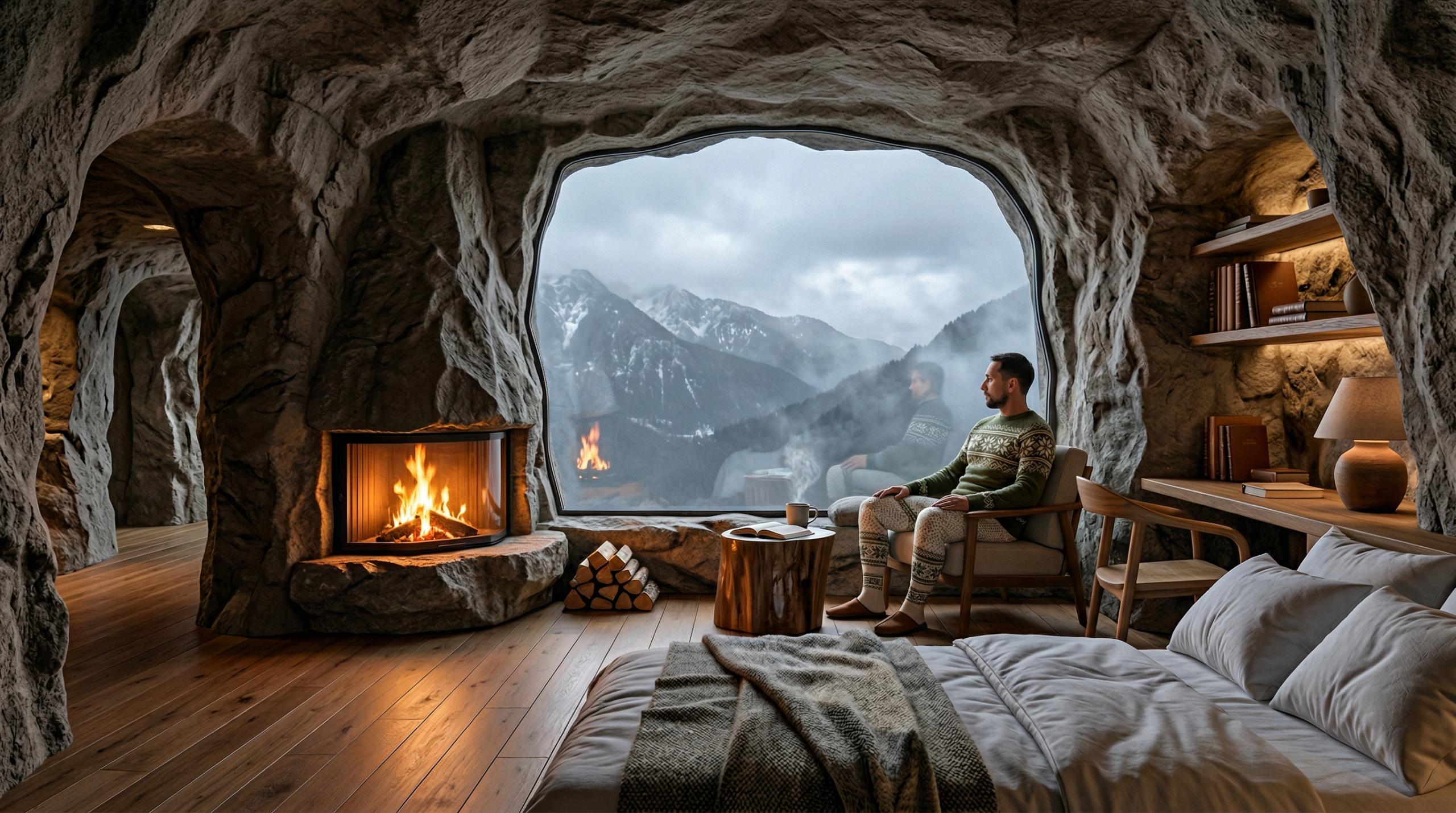
House Wallpaper Ideas – AI Image Inspirations

Discover AI-generated house wallpaper ideas. Create beautiful and customized visuals quickly with the help of AI.

House Wallpaper Ideas – AI Image Inspirations

Recommended

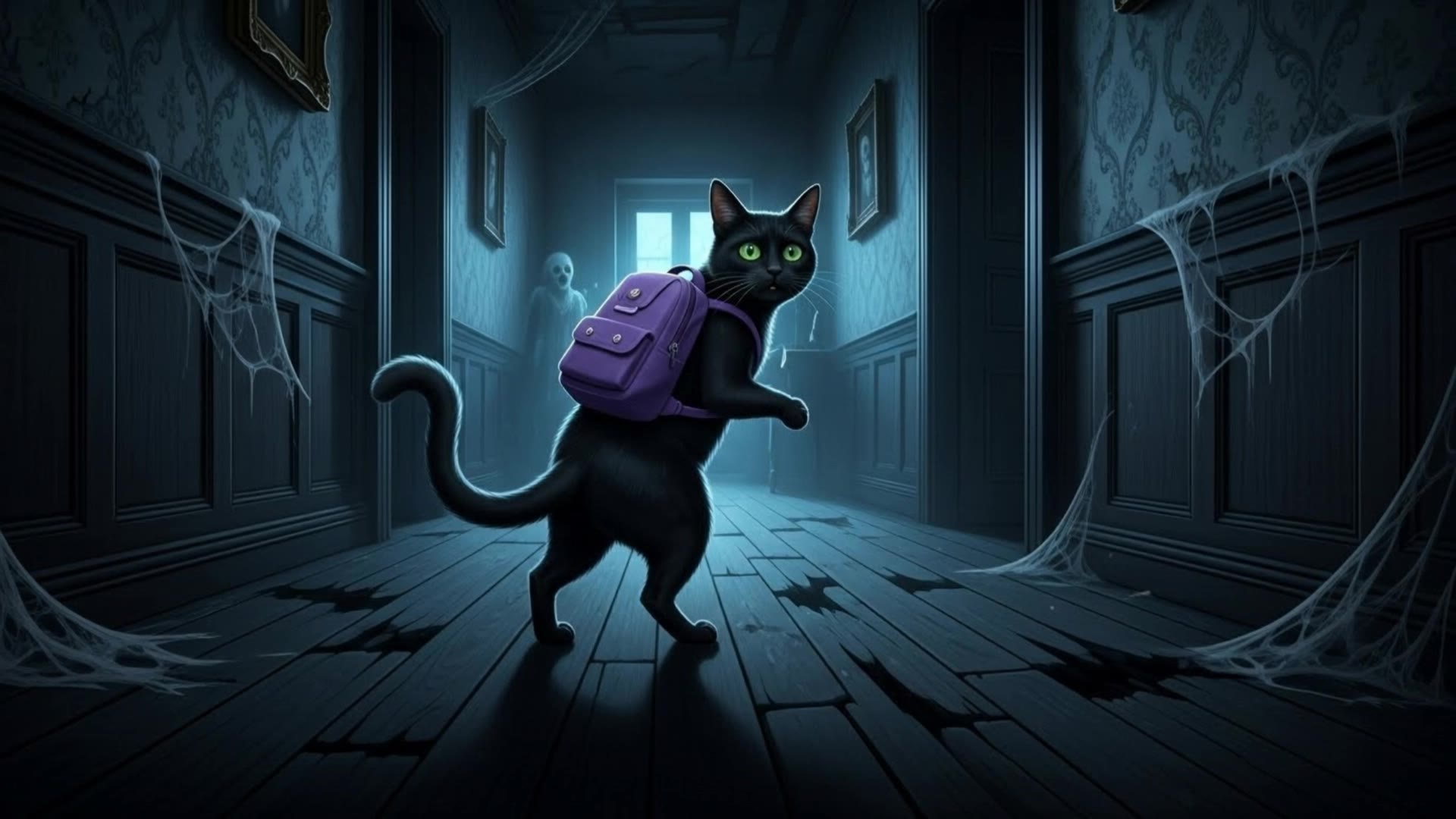
GHOST HOUSE - house wallpaper AI video
doisae avatar
doisae
wallpaper - house wallpaper AI video
00:20
bSiyzJEq avatar
bSiyzJEq
Kling AI work 313244285502068 - house wallpaper AI video
FKJKKJOW avatar
FKJKKJOW
knitted house - house wallpaper AI video
craftneed AI avatar
craftneed AI
New Years House - house wallpaper AI image
Konstantin_S avatar
Konstantin_S
a modern house  - house wallpaper AI video
HAREEM avatar
HAREEM
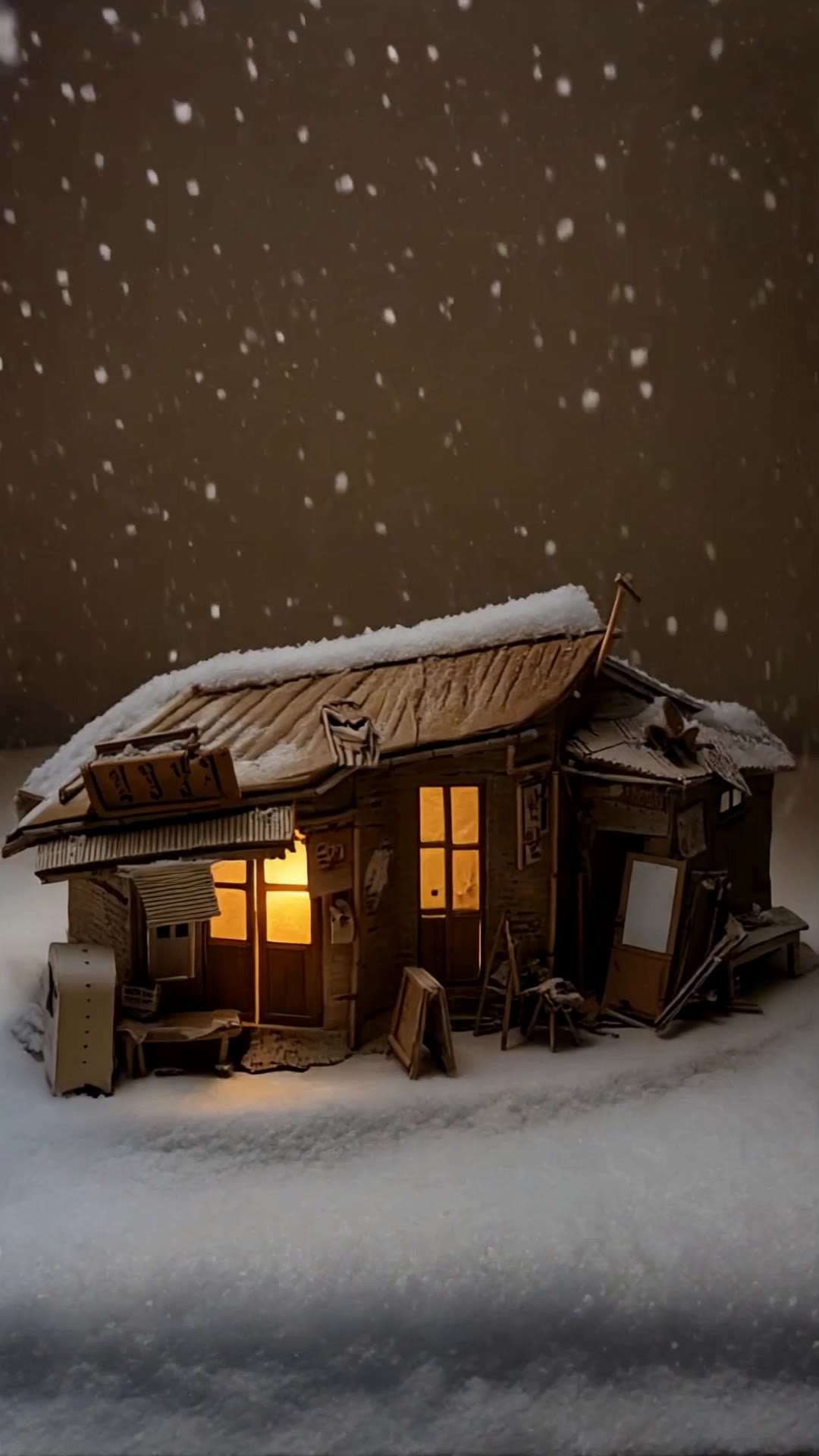
A small cardboard house at nigh - house wallpaper AI video
craftneed AI avatar
craftneed AI
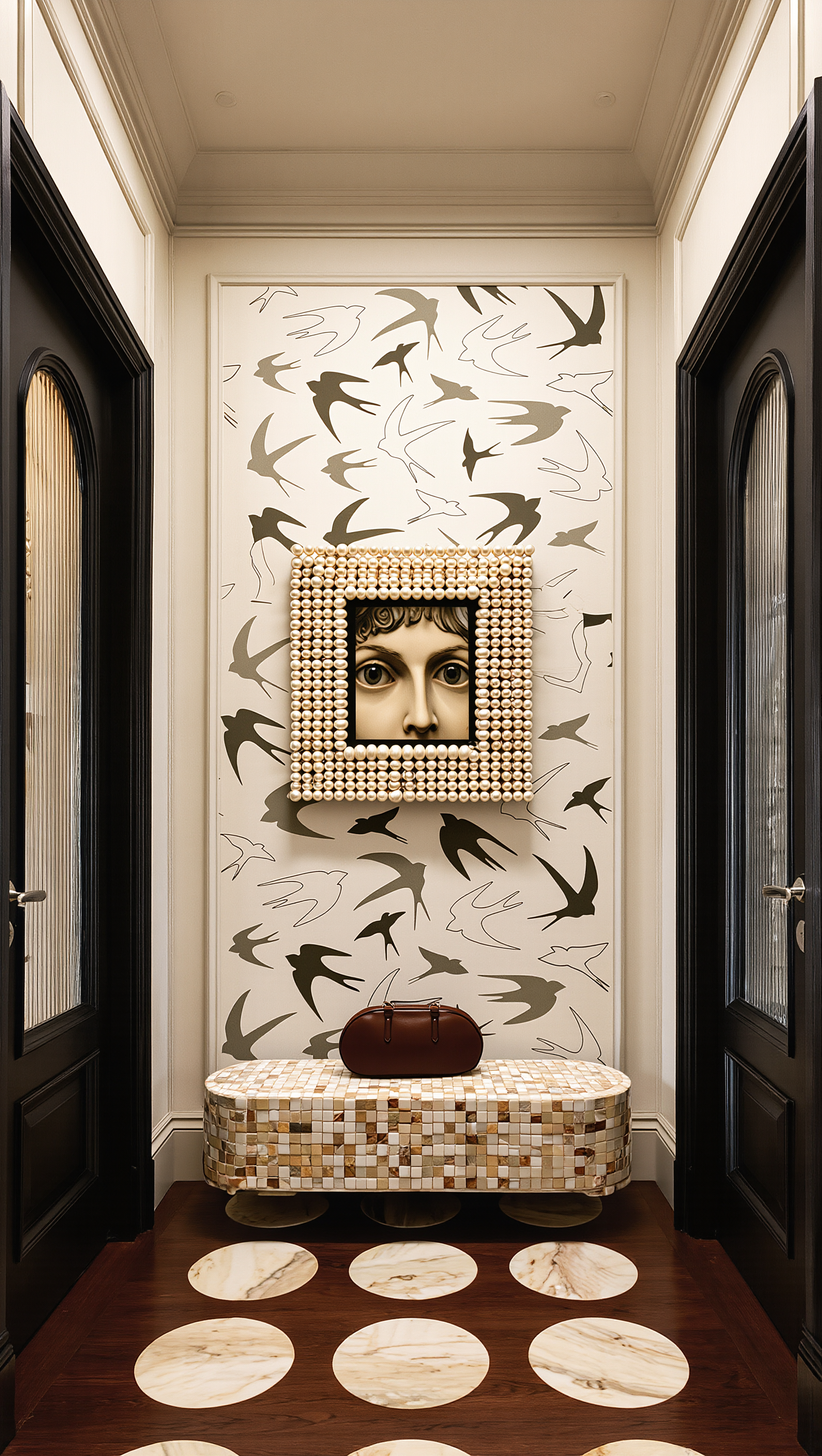
Wallpaper integration  - house wallpaper AI image
shift.code.ai avatar
shift.code.ai
Kling AI work 310701529505781 - house wallpaper AI image
Free wallpaper HD avatar
Free wallpaper HD
Kling AI work 309155892611817 - house wallpaper AI image
Dreaming avatar
Dreaming
Elite Creator
Kling AI work 318526907666592 - house wallpaper AI video
vSaWSkGv avatar
vSaWSkGv
house - house wallpaper AI image
BunnyLOVE Studios avatar
BunnyLOVE Studios
Live Wallpaper - house wallpaper AI video
Louis avatar
Louis
Elite Creator
wallpaper - house wallpaper AI video
EDCxWRhK avatar
EDCxWRhK
Kling AI work 310335821661328 - house wallpaper AI image
Dreaming avatar
Dreaming
Elite Creator
house transformatiob - house wallpaper AI video
Jennalynncollard avatar
Jennalynncollard
House - house wallpaper AI video
00:17
Solvai avatar
Solvai

How to Use Kling AI Image to Image

Upload Your Images

Upload Your Images

Open Image Generation, select IMAGE 3.0 Omni, and upload the image you want to transform and add reference images to carry into the result.

Set the Creative Direction

Set the Creative Direction

You can combine elements from several references, change the style, adjust the camera angle, or enable Image Series mode to create multiple connected visuals in one generation.

Generate and Create More

Generate and Create More

Select the aspect ratio, number of images, and 2K or 4K resolution, then generate and review your results. Download or share the finished image, or use it for your new AI video.

Choose the Right Voice Workflow

Add New Audio to an Existing Video

Add New Audio to an Existing Video

Use the dedicated Lip Sync tool when your character video is already created. Upload a voiceover or song, or generate speech from text, then match the new audio to the character’s mouth movements.

Generate Dialogue with the Scene

Generate Dialogue with the Scene

Starting from scratch? Kling VIDEO 3.0 and VIDEO 3.0 Omni create dialogue, lip movement, visuals, sound effects, and ambience together. Native Audio supports Chinese, English, Japanese, Korean, and Spanish.

Keep Character and Voice Consistent

Keep Character and Voice Consistent

Create a reusable Character Element from images or a video, bind a voice tone, and carry the same appearance and voice into new scenes with VIDEO 3.0 Omni.

Apps

Image to Video
Image to Video

Image to Video

Text to Video
Text to Video

Text to Video

Omni
Omni

Omni

Digital Human
Digital Human

Digital Human

Restyle
Restyle

Restyle

Text to Image
Text to Image

Text to Image

60M+
60M+
Users
600M+
600M+
AI Videos Generated
4.7 ★
4.7 ★
App Store
Industry-Leading
Industry-Leading
Cinematic 4K

Reviews

Maria Rubtsova

Maria Rubtsova

★★★★★

I’m Maria Rubtsova, an AIGC digital artist passionate about creating stunning visuals in the worlds of fashion, aesthetics, and fantasy. I use KlingAi to bring imagination to life through video. My work is all about exploring beauty, emotion, and the limitless possibilities of digital art.

Samuele Poggi (@visualsk2)

Samuele Poggi (@visualsk2)

★★★★★

I use Kling AI daily to push the limits of AI filmmaking. It allows me to create highly cinematic content, blending AI and VFX to develop innovative projects. It has significantly impacted my creative process, enabling me to achieve complex animations that would otherwise require high production budgets.

Déborah

Déborah

★★★★★

I use Kling AI every day. It's amazing to see the almost daily progress it makes. I used AI for fun at first, and I now find that Kling AI's animations allow me to gain professional visibility, with three times more views on my animated posts than on my static posts.

FAQ

Q1Can I turn an image created with Kling AI into a video?
Q2How do I write a good AI image prompt?
Q3What is an AI image generator?

Change the Shot Without Reshooting It

Upload your footage, describe the result, and let Kling rebuild the scene around your direction.

Free tier available | Simple prompt editing | Up to 4K output | Fast generation