Creative Studio
API
Resources
Features
About Us
Download

i am music generator - Romantic aesthetics & headphone experiences

Immerse in the serene ambiance of a violinist's evening melody and let AI-crafted music ignite your creativity. Start exploring i am music generator ideas and generate your own content with AI.

i am music generator - Romantic aesthetics & headphone experiences

Recommended

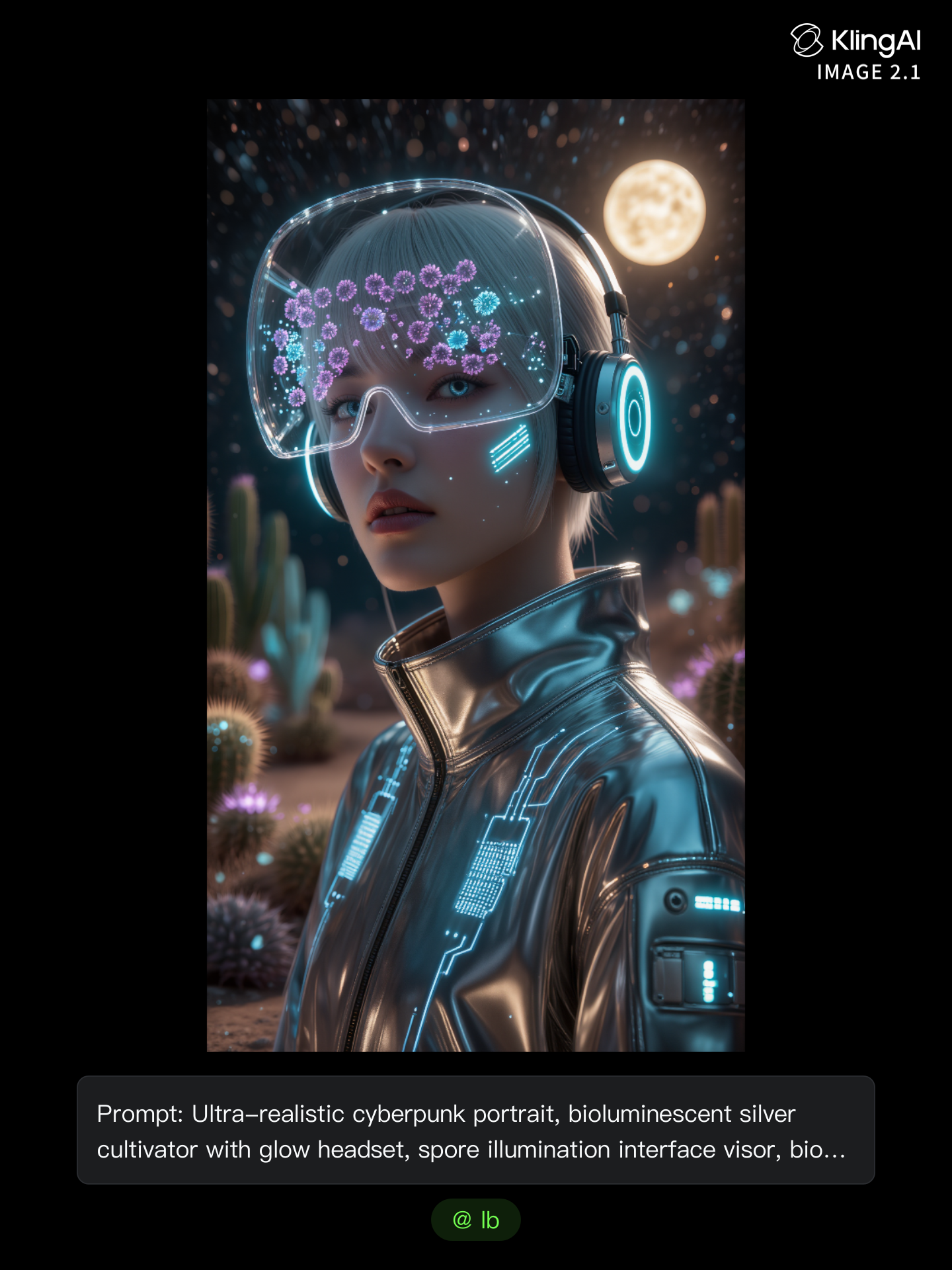
Kling AI work 312920654526281 - i am music generator AI image
Visual Imagery avatar
Visual Imagery
Music music - i am music generator AI video
쿠쿠종덕파파 avatar
쿠쿠종덕파파
Aliens listening to music - i am music generator AI video
KLING2285 avatar
KLING2285
Kling AI work 310739389500669 - i am music generator AI image
UURTuGBi avatar
UURTuGBi
Kling AI work 308685525617995 - i am music generator AI image
Pace avatar
Pace
Kling AI work 318748569617222 - i am music generator AI image
yNfQTDmO avatar
yNfQTDmO
Watching music video - i am music generator AI video
Lua_Muna avatar
Lua_Muna
Into the Music - i am music generator AI video
Josh.M7 avatar
Josh.M7
Kling AI work 309073593616374 - i am music generator AI image
yLIXScPO avatar
yLIXScPO
Kling AI work 313943128610612 - i am music generator AI video
oEeryKpZ avatar
oEeryKpZ
Kling AI work 315824399617976 - i am music generator AI video
SMFyEMiu avatar
SMFyEMiu
Kling AI work 317404760527066 - i am music generator AI video
QvkCcAKH Berrys&milk avatar
QvkCcAKH Berrys&milk
Kling AI work 308685525663986 - i am music generator AI image
Pace avatar
Pace
Music Music~~ - i am music generator AI video
HhwiZBlF avatar
HhwiZBlF
music - i am music generator AI image
spjsvqal avatar
spjsvqal
Syrax Music - i am music generator AI video
oneBYone_Andre avatar
oneBYone_Andre
Pretty Manola🥰 - i am music generator AI image
silenceboy🥺 avatar
silenceboy🥺
Kling AI work 295953993660497 - i am music generator AI video
ai video avatar
ai video
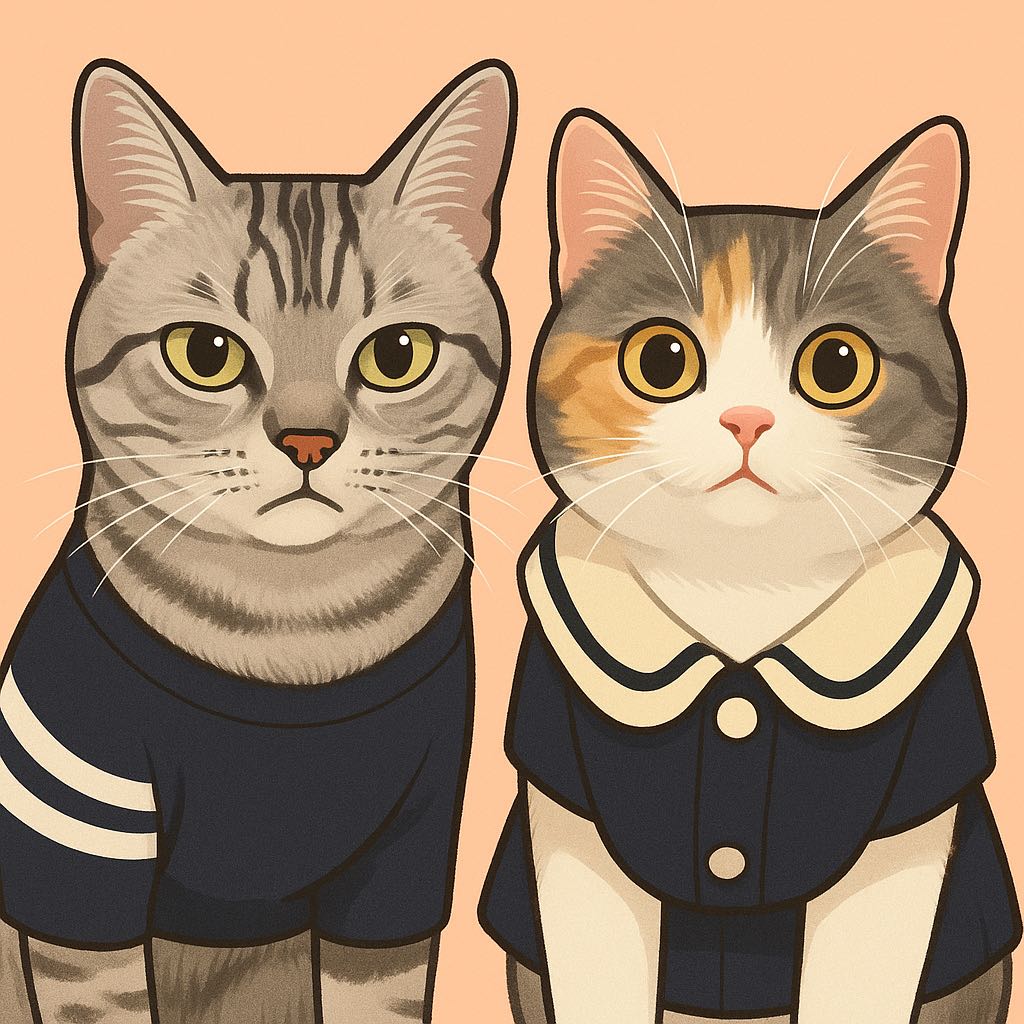
Cat Vibing to Christmas Music - i am music generator AI video
lNwEcyNx avatar
lNwEcyNx

How to Generate AI Voices from Text with Kling AI

Step 1: Set Up Your Characters

Step 1: Set Up Your Characters

Start with a character in your prompt, or add a supported image, Character Element, or video reference when you already have a specific character in mind.

Step 2: Add Dialogue and Voice Direction

Step 2: Add Dialogue and Voice Direction

Write each character's dialogue and make the speaker clear in your prompt. Add directions for the language, accent, tone, emotion, or delivery when they matter to the scene. For scenes with multiple speakers, keep each character's name, line, and voice direction clearly connected.

Step 3: Generate Videos with Native Audio

Step 3: Generate Videos with Native Audio

Generate with Native Audio to create the dialogue as part of the video itself. Kling VIDEO 3.0 Omni produces voice, facial performance, lip movement, visuals, ambience, and supporting sound within the same generation.

Make Every Voice Feel Part of the Story

Generate Dubbing Together with Video

Generate Dubbing Together with Video

Dubbing does not have to begin after the visuals are done. Kling VIDEO 3.0 can generate character dialogue, lip movements, ambience, and sound effects alongside the video, so more of the scene comes together in one pass. Spend less time recording separate voiceovers, layering audio, and lining up tracks later, and more time shaping the story and visuals.
Reach More Audiences with Multilingual Dialogue

Reach More Audiences with Multilingual Dialogue

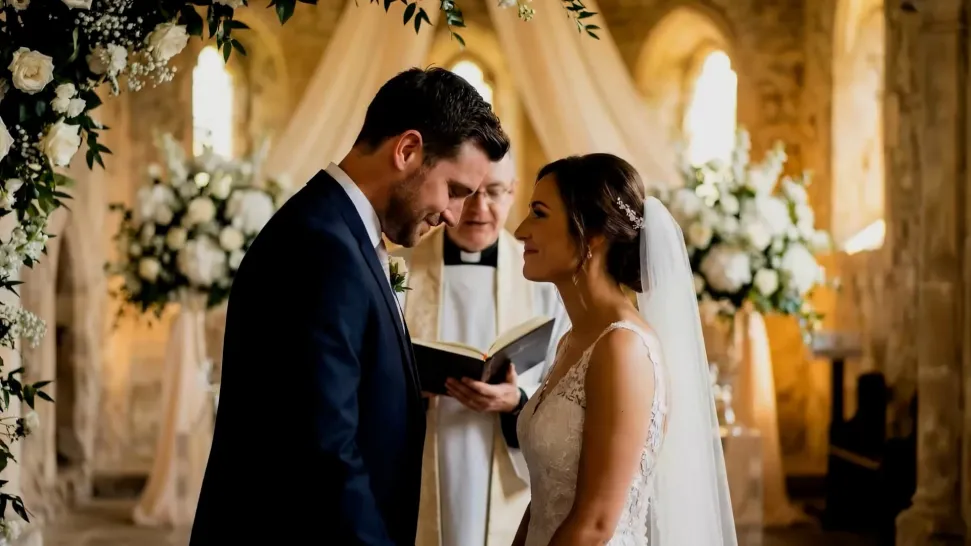
Create dialogue in Chinese, English, Japanese, Korean, and Spanish, or let characters switch between supported languages within the same scene. You can also specify supported dialects and accents in your prompt, giving you more flexibility for cross-cultural stories, travel content, global campaigns, and multilingual character interactions.
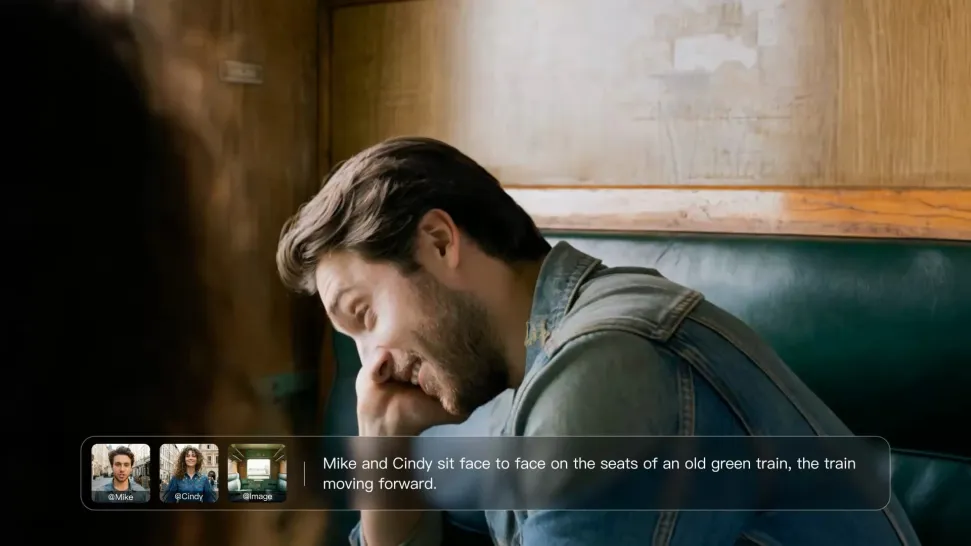
Direct Tone and Speaking Style Through Prompts

Direct Tone and Speaking Style Through Prompts

When several characters share a scene, keep each line connected to the intended speaker. Kling VIDEO 3.0 supports multi-character dialogue and speaker matching, making it easier to create interviews, group conversations, family scenes, and story-driven videos where several characters speak.

Apps

Image to Video
Image to Video

Image to Video

Text to Video
Text to Video

Text to Video

Omni
Omni

Omni

Digital Human
Digital Human

Digital Human

Restyle
Restyle

Restyle

Text to Image
Text to Image

Text to Image

60M+
60M+
Users
600M+
600M+
AI Videos Generated
4.7 ★
4.7 ★
App Store
Industry-Leading
Industry-Leading
Cinematic 4K

Reviews

James Phillips

James Phillips

★★★★★

Kling AI has transformed my workflow by collapsing timelines and democratizing production. It’s shifted my mindset from resource-dependent filmmaking to a boundless creative sandbox, where experimentation yields unexpected beauty.

KakuDrop

KakuDrop

★★★★★

I have successfully collaborated with world-renowned artists and well-known companies that are recognized globally

Jyo John Mulloor

Jyo John Mulloor

★★★★★

Kling AI has been instrumental in transforming my creative workflow, unlocking new dimensions of artistic expression that were once unimaginable. I use Kling AI extensively to develop high-concept visuals, animate surreal dreamscapes, and create AI-assisted films that blur the line between reality and fantasy. Kling AI’s deep learning capabilities have not only enhanced my creative efficiency but also inspired me to explore storytelling in ways I never thought possible.

FAQ

Q1Is Kling AI’s image to image AI free to try?
Q2Does Kling AI support 2K or 4K image-to-image generation?
Q3Can I use images generated with Kling AI commercially?

Bring Your Character to Life

Add a voice or script to turn your character video into a polished lip-sync performance.

Voiceover | Text to Speech | Audio trimming | Realistic, 3D & 2D character