Creative Studio
API
Resources
Features
About Us
Download

AI-generated ice animations – Cool visuals for your projects

Discover AI-created ice animations. Get cool visuals in minutes. Customize for your projects. Easy to use, no animation skills required.

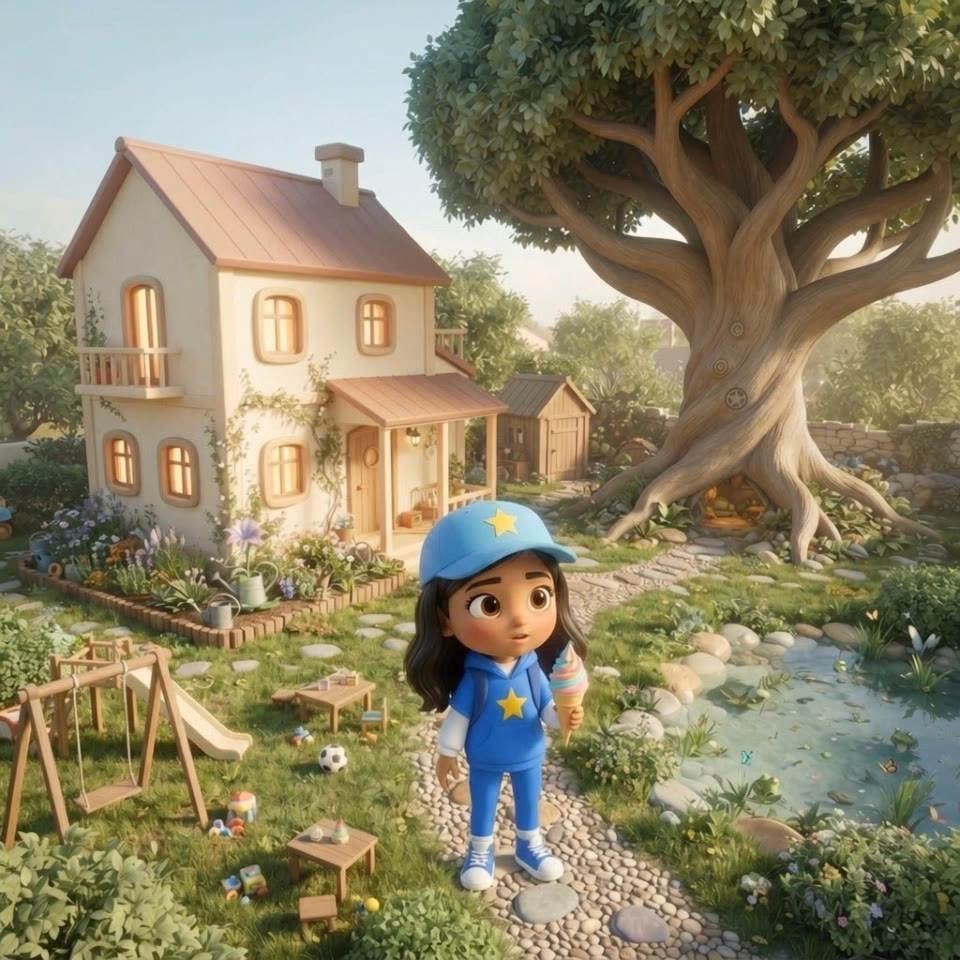
AI-generated ice animations – Cool visuals for your projects

Recommended

Face expression - ice ai animation AI video
sana avatar
sana
Ice cream - ice ai animation AI video
zqTMbcgV avatar
zqTMbcgV
Kling AI work 316855380522396 - ice ai animation AI video
rlwzUVDv avatar
rlwzUVDv
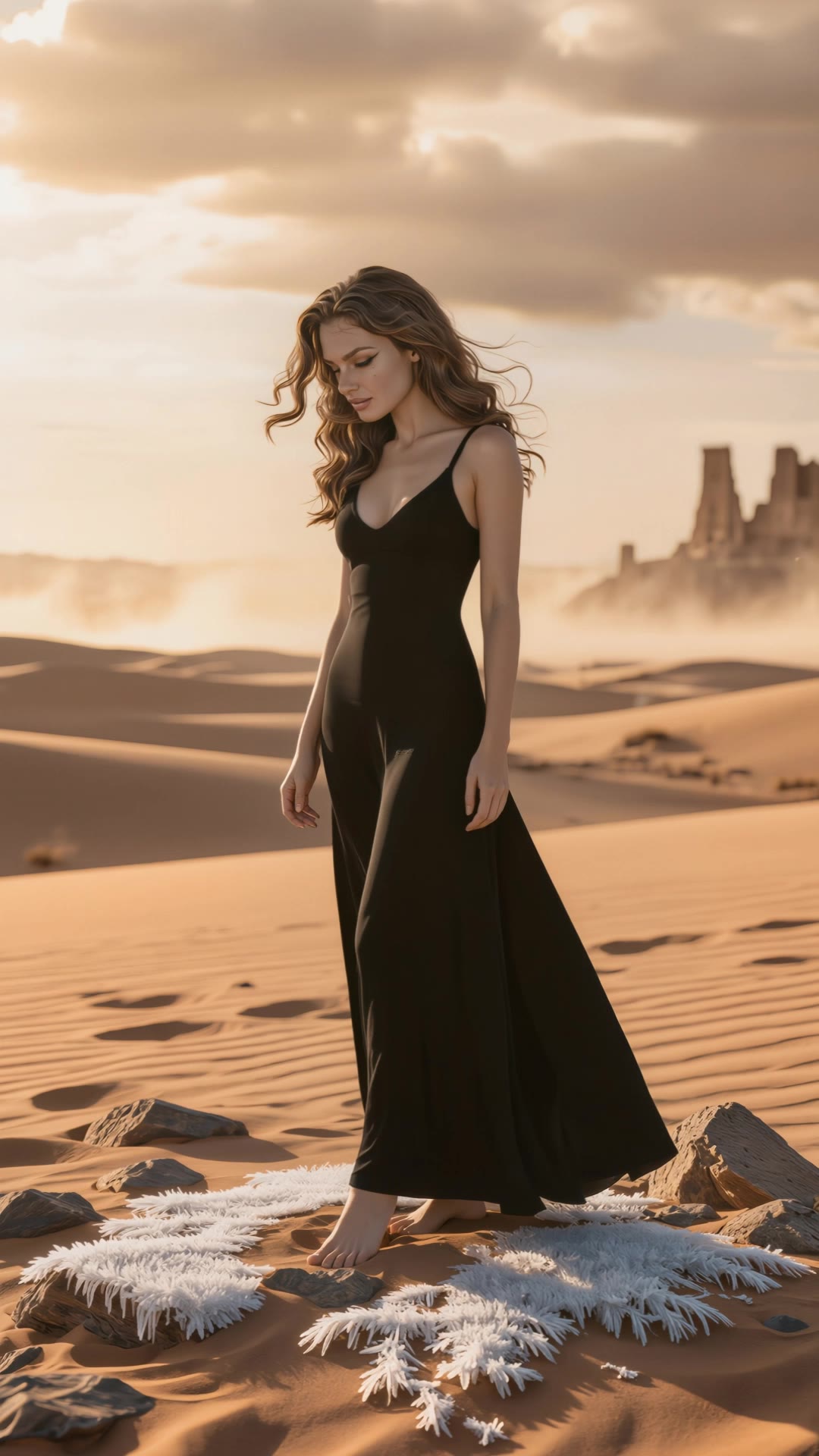
Surreal ice in the desert - ice ai animation AI video
desertmira avatar
desertmira
Face expression - ice ai animation AI video
sana avatar
sana
Kling AI work 316119425526502 - ice ai animation AI video
aCDYRgGl avatar
aCDYRgGl
Ice Bloom Awakening - ice ai animation AI video
Vladimir 𝗣𝗥𝗢 avatar
Vladimir 𝗣𝗥𝗢
Elite Creator
Do you want ice? - ice ai animation AI video
A316 avatar
A316
Face expression - ice ai animation AI video
sana avatar
sana
Kling AI work 319987129663799 - ice ai animation AI video
zqTMbcgV avatar
zqTMbcgV
Kling AI work 316856040304023 - ice ai animation AI video
rlwzUVDv avatar
rlwzUVDv
Ice monster - ice ai animation AI video
CIS avatar
CIS
ice - ice ai animation AI image
hvUIxVht avatar
hvUIxVht
Kling AI work 296953440525531 - ice ai animation AI video
OFkMeZQf avatar
OFkMeZQf
Ice and Gold - ice ai animation AI video
mdNwGrVy avatar
mdNwGrVy
ice break - ice ai animation AI video
cGJWGOot avatar
cGJWGOot
Flami Tries to Save Luna's Ice  - ice ai animation AI video
qtCrYtoU avatar
qtCrYtoU
Kling AI work 315508597520668 - ice ai animation AI image
hSypNzPy avatar
hSypNzPy
ice cream - ice ai animation AI video
Velay.ai avatar
Velay.ai

How to Remove an Object from an Image with Kling

Step 1: Upload the Photo You Want to Clean Up

Step 1: Upload the Photo You Want to Clean Up

Upload the photo you want to edit. Start with a clear source image where the unwanted object and surrounding details are easy to distinguish.

Step 2: Describe What You Want to Remove

Step 2: Describe What You Want to Remove

Tell Kling IMAGE 3.0 which object, person, text, or other element you want to remove. Add details such as its position, appearance, or nearby context when the image contains similar elements, and specify what should stay unchanged around the edit.

Step 3: Generate Your Cleaned Image

Step 3: Generate Your Cleaned Image

Choose your preferred image ratio and output quality, then generate your edited image. Select up to 2K resolution for clearer, higher-resolution output.

Edit the Parts That Matter

Change Subjects, Backgrounds, and Style

Change Subjects, Backgrounds, and Style

Keep what works and change what does not. Replace a character or product, update an outfit, remove a distraction, or move the action into a different setting. You can also change the weather, lighting, time of day, or overall look. With Kling VIDEO 3.0 Omni, you can start with a prompt and add a reference image when a face, product, or branded detail needs a closer match.

Reframe the Shot

Reframe the Shot

Keep the original action, then change how the moment is framed. Move in for a close-up, open to a wider view, shift the angle, or rebalance the composition around the subject. The source footage keeps the motion and scene context in place while your prompt sets the new framing.

Extend the Video

Extend the Video

Continue a clip beyond its current ending without building the next scene from scratch. Kling carries the subject, motion, and setting into the new footage; add a prompt when you want to steer what happens next. Use Video Extension when a clip ends too soon, an action needs more time, or the next beat is still missing.

Apps

Image to Video
Image to Video

Image to Video

Text to Video
Text to Video

Text to Video

Omni
Omni

Omni

Digital Human
Digital Human

Digital Human

Restyle
Restyle

Restyle

Text to Image
Text to Image

Text to Image

60M+
60M+
Users
600M+
600M+
AI Videos Generated
4.7 ★
4.7 ★
App Store
Industry-Leading
Industry-Leading
Cinematic 4K

Reviews

Halim Alrasihi

Halim Alrasihi

★★★★★

I use AI daily and Kling AI is a crucial part of my workflow, whether for client work or personal projects. What I love most about using Kling AI is that it provides all the tools I need in one place, from keyframes to character references, elements and special effects.

Déborah

Déborah

★★★★★

I use Kling AI every day. It's amazing to see the almost daily progress it makes. I used AI for fun at first, and I now find that Kling AI's animations allow me to gain professional visibility, with three times more views on my animated posts than on my static posts.

Vincent Smadja

Vincent Smadja

★★★★★

Kling AI seamlessly integrates into my creative workflow, playing a key role in transforming my images. After generating and upscaling an image, Kling becomes a crucial element, bringing my creations to life with movement and depth.

FAQ

Q1Is there a free AI art generator?
Q2How does AI art work?
Q3What is the best AI art generator?

Make Every Scene Speak

Turn your script into a video with native dialogue and sound for multi-character conversations, multilingual scenes, and more.

Native audio | Multi-Character Coreference | Multilingual Content Generation