Creative Studio
API Platform
Resources
About Us

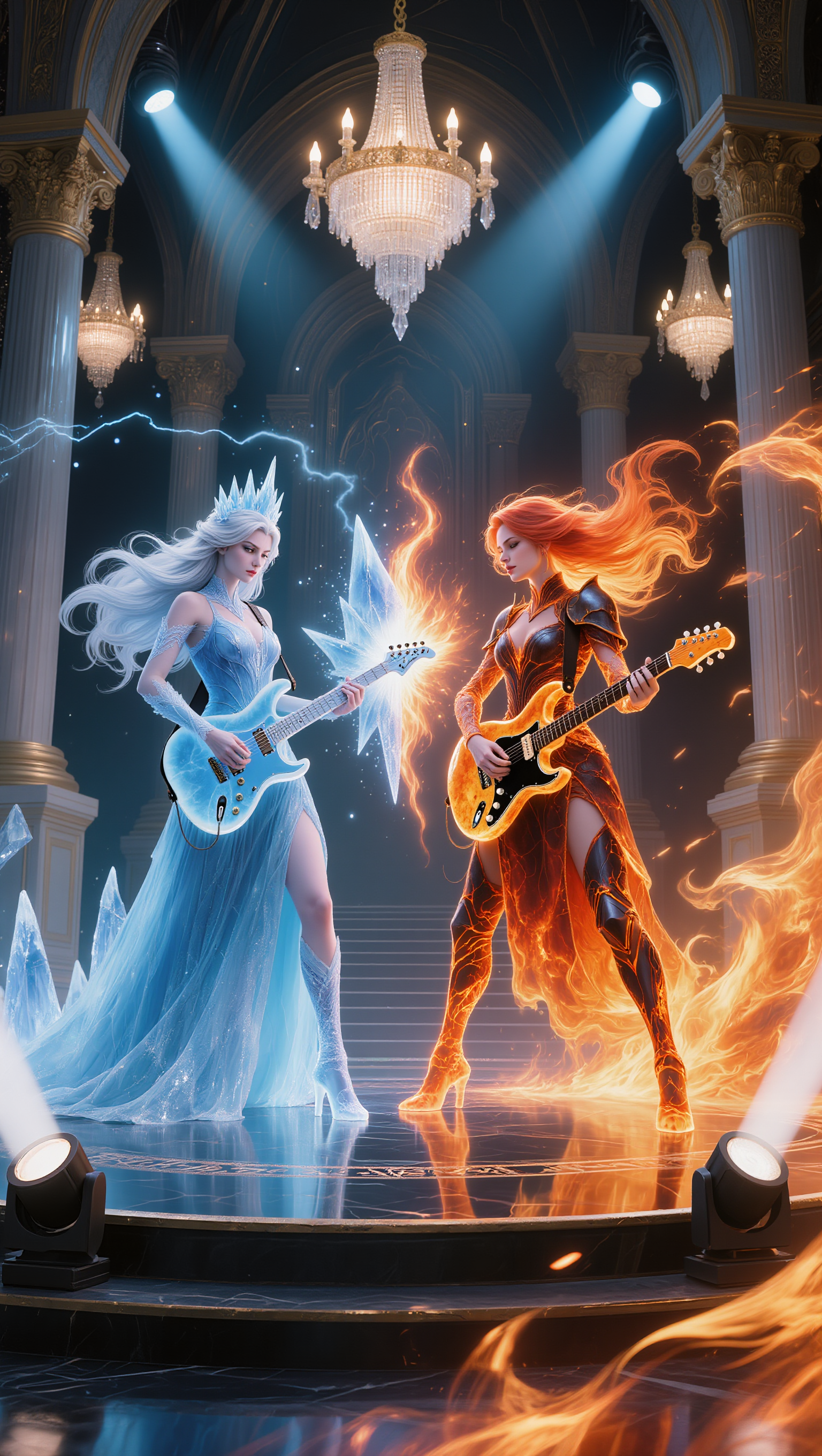
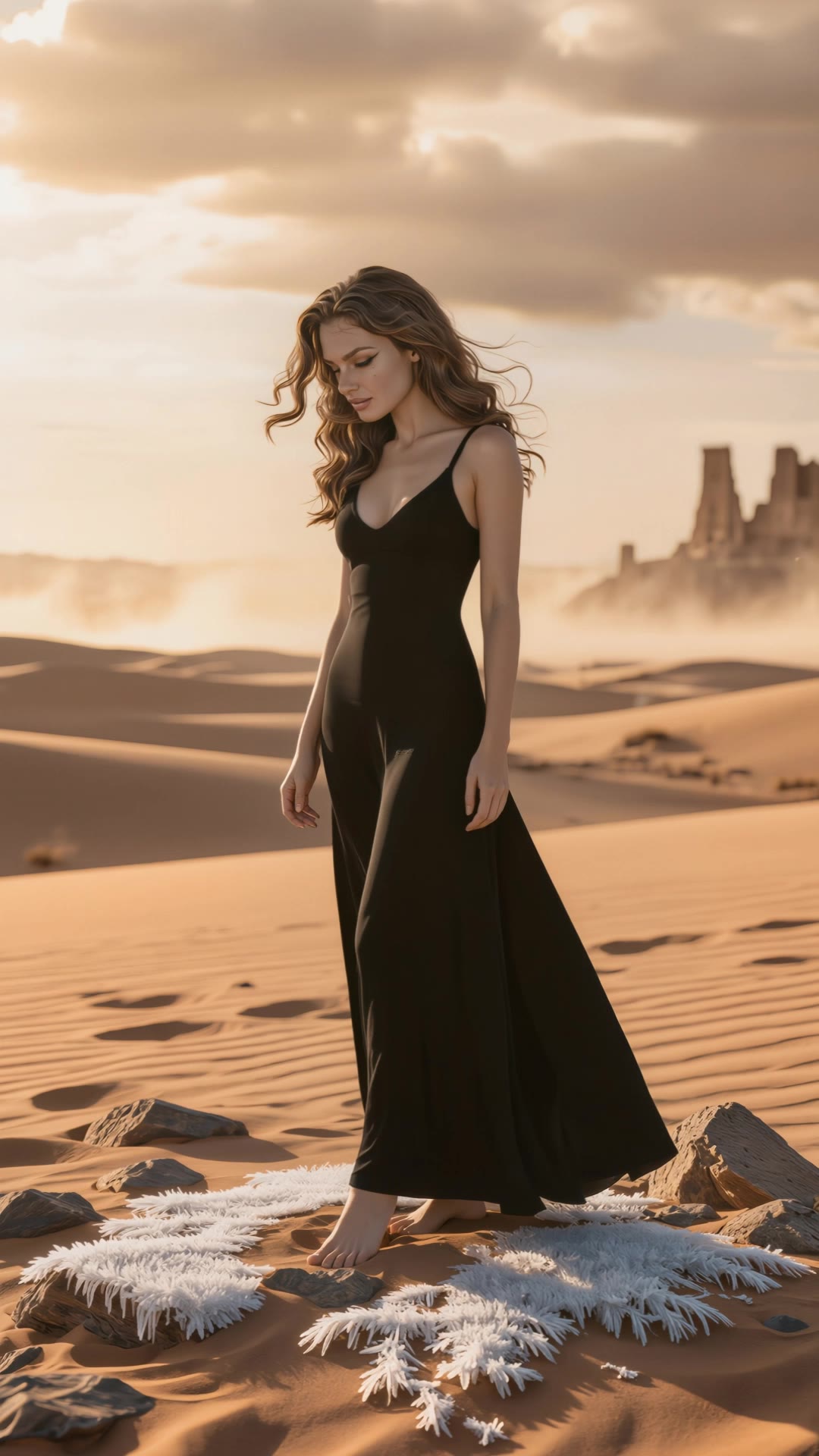
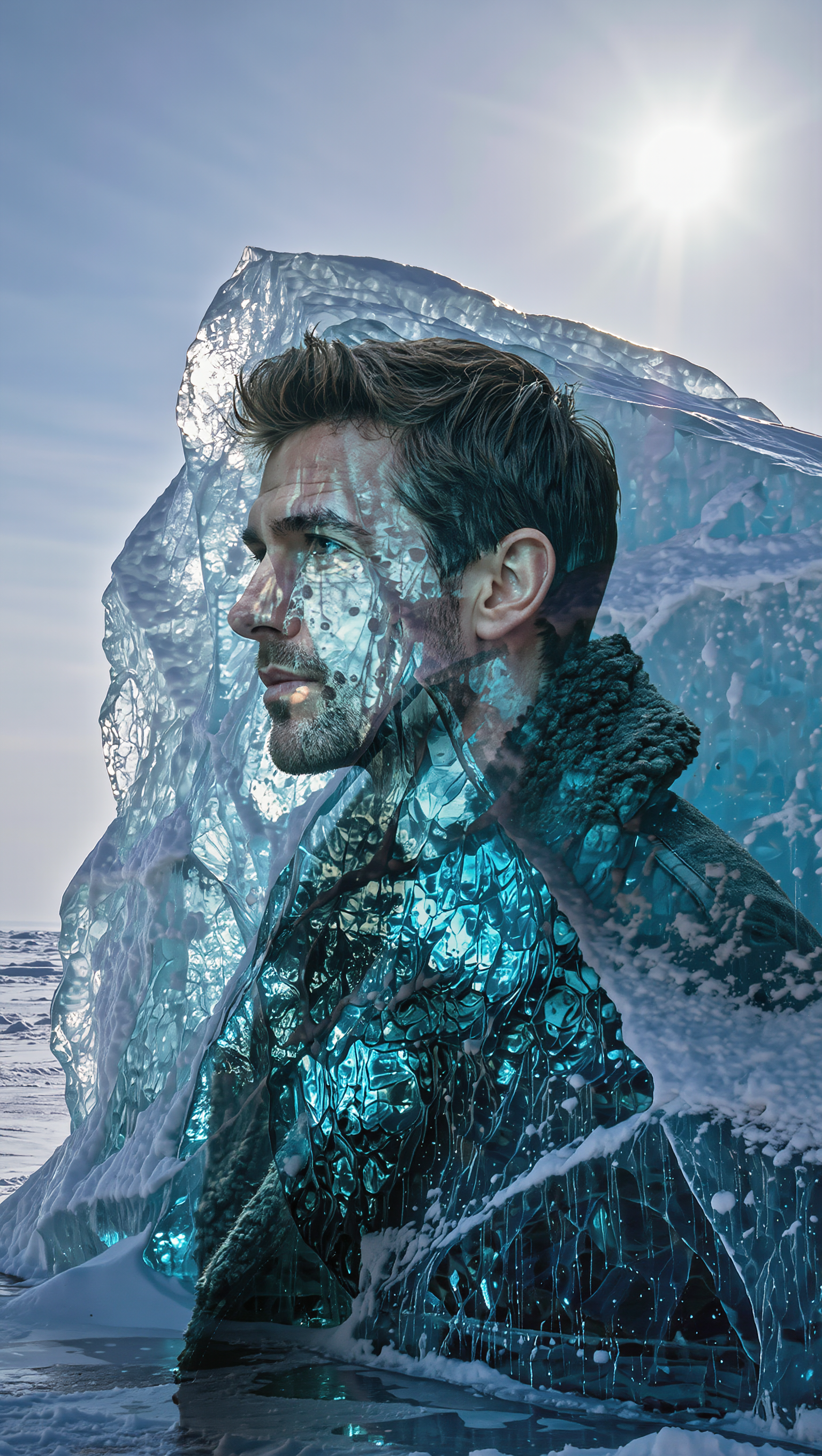
Ice Style Ideas – AI-Generated Concepts

Explore AI-generated ice style ideas. Quickly find inspiration and customize these concepts to create cool and unique designs.

Ice Style Ideas – AI-Generated Concepts

Recommended

work cover
video-play
kpKNGwhV
work cover
IoannisP_GR
work cover
video-play
gtGHhsAH
work cover
video-play
KLING5921
work cover
video-play
puSgnhsZ
work cover
Dadda_GER
work cover
video-play
cGJWGOot
work cover
video-play
IYZzBfsx
work cover
video-play
CIS
work cover
video-play
KLING5243
work cover
IoannisP_GR
work cover
video-play
edAi
work cover
video-play
XTSAMJams
work cover
video-play
cGJWGOot
work cover
video-play
CSZiOfLM
work cover
video-play
DpXVMrzY
work cover
video-play
Pecherskiy_kz
work cover
evvallo_motion
work cover
video-play
cGJWGOot

How to Create Cinematic AI Videos with Kling

Upload or Describe Your Vision

Upload or Describe Your Vision

Start by uploading a reference photo or entering a text prompt to define your character, style, and scene.

Adjust Settings & Motion

Adjust Settings & Motion

Refine your video by locking character consistency, adjusting motion intensity, or adding native AI audio and lip-sync.

Generate & Export in 4K

Generate & Export in 4K

Click generate to produce your high-fidelity video. Preview the results and export your masterpiece in stunning 4K resolution.

Why Kling Sets the Standard for Video Creation

Flawless Character Consistency for High-Quality Videos

Flawless Character Consistency for High-Quality Videos

Unlike standard tools that distort faces when moving, Kling Video 3.0 lets you strictly lock a character’s appearance. Upload a single photo, or use a short video/multiple angles as a reference to completely eliminate the “AI morphing” effect.

All-in-One Native Audio & Lip-Sync

All-in-One Native Audio & Lip-Sync

Your video isn’t just silent footage; it speaks. Generate perfectly matched voices and realistic lip movements in multiple languages or regional accents. Even in multi-character scenes, you can precisely assign who speaks—no third-party tools required.

Up to 15s Multi-Shot Cinematic Output

Up to 15s Multi-Shot Cinematic Output

Go beyond a basic 3-second clip. Kling 3.0 extends generation to 15 seconds of smooth, uninterrupted narrative. You can even use native storyboard controls to direct multi-shot sequences in a single click—outputting in crystal-clear 4K for professional use.

Apps

Image to Video
Image to Video

Image to Video

Text to Video
Text to Video

Text to Video

Omni
Omni

Omni

Digital Human
Digital Human

Digital Human

Restyle
Restyle

Restyle

Text to Image
Text to Image

Text to Image

60M+
60M+
Users
600M+
600M+
AI Videos Generated
4.7 ★
4.7 ★
App Store
Industry-Leading
Industry-Leading
Cinematic 4K

Reviews

Jyo John Mulloor

Jyo John Mulloor

★★★★★

Kling AI has been instrumental in transforming my creative workflow, unlocking new dimensions of artistic expression that were once unimaginable. I use Kling AI extensively to develop high-concept visuals, animate surreal dreamscapes, and create AI-assisted films that blur the line between reality and fantasy. Kling AI’s deep learning capabilities have not only enhanced my creative efficiency but also inspired me to explore storytelling in ways I never thought possible.

Huang Lu (Elson)

Huang Lu (Elson)

★★★★★

I’ve been using Kling AI since its initial release, and it’s remained one of the leading AI media generators ever since. With Kling AI, I’ve created hundreds of videos, collectively amassing millions of views.

Maria Rubtsova

Maria Rubtsova

★★★★★

I’m Maria Rubtsova, an AIGC digital artist passionate about creating stunning visuals in the worlds of fashion, aesthetics, and fantasy. I use KlingAi to bring imagination to life through video. My work is all about exploring beauty, emotion, and the limitless possibilities of digital art.

FAQ

Q1What happens if the reference motion and image don’t match?
Q2Can I upload multiple images to improve accuracy?
Q3What is the difference between Kling 2.6 and 3.0 Motion Control?

Start Creating AI Videos with Kling

Turn your image into a talking, high-quality video in seconds. No watermarks, no complicated setup.

Free tier available (Memberships are watermark-free) | 1080p export (Memberships unlock 4K) | Instant results