Creative Studio
API
Resources
Features
About Us
Download

image to test - photorealistic scenes & dynamic motion videos

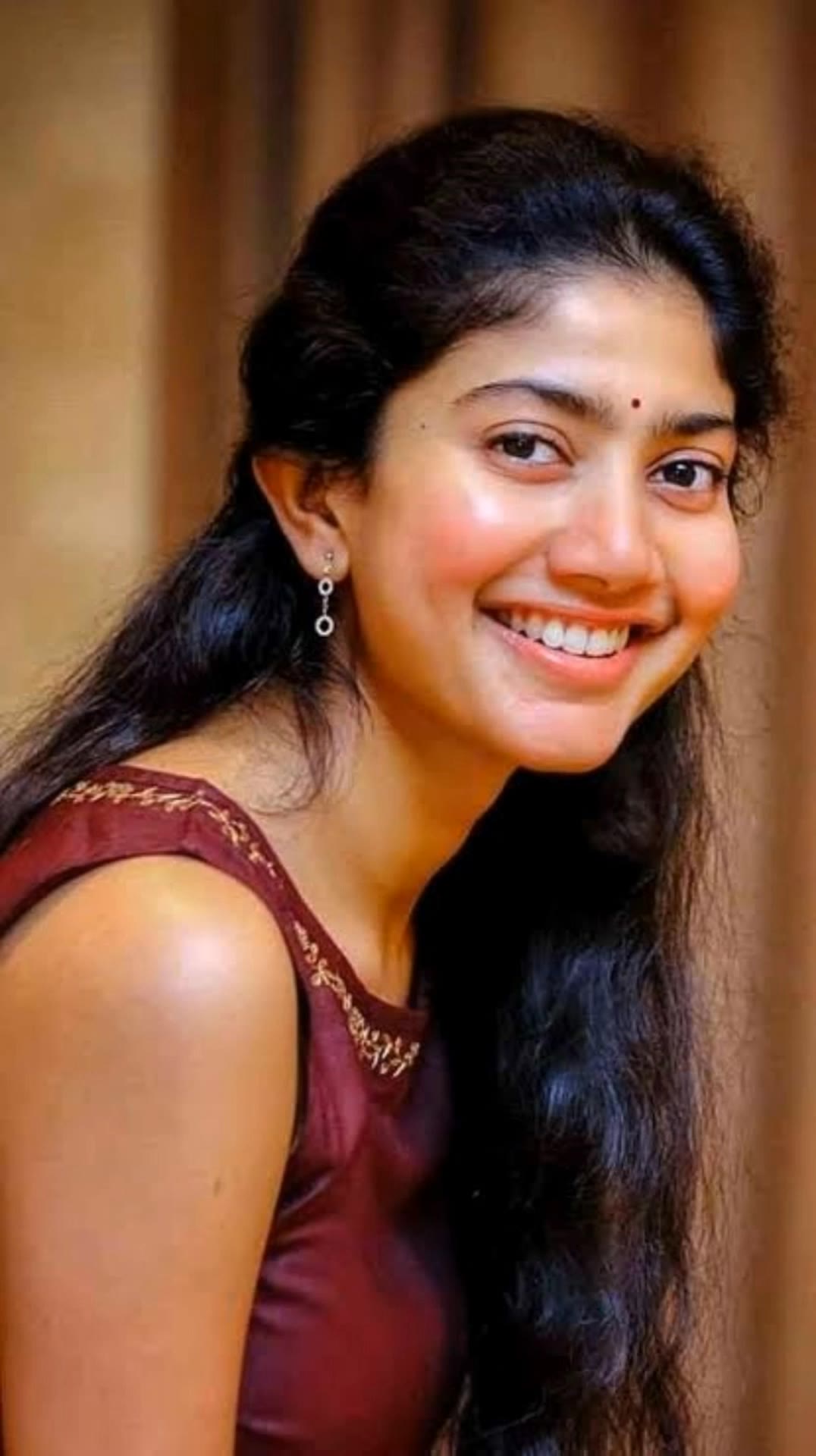
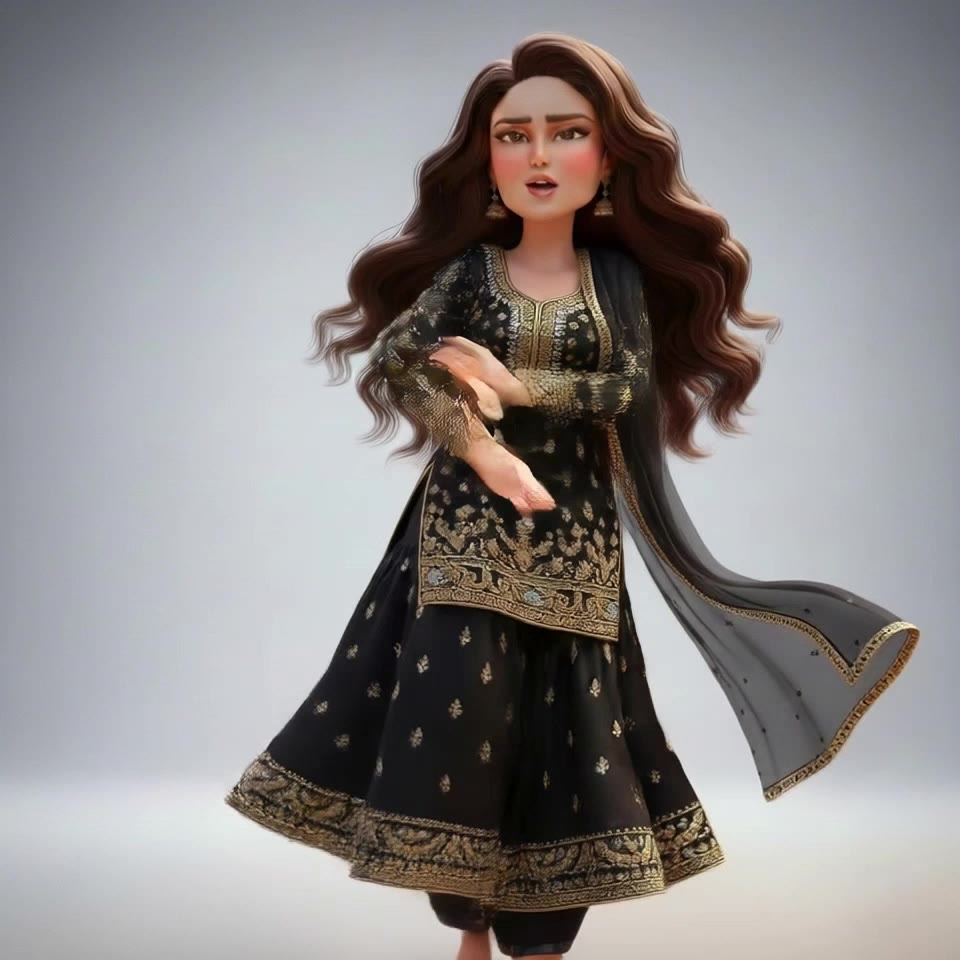
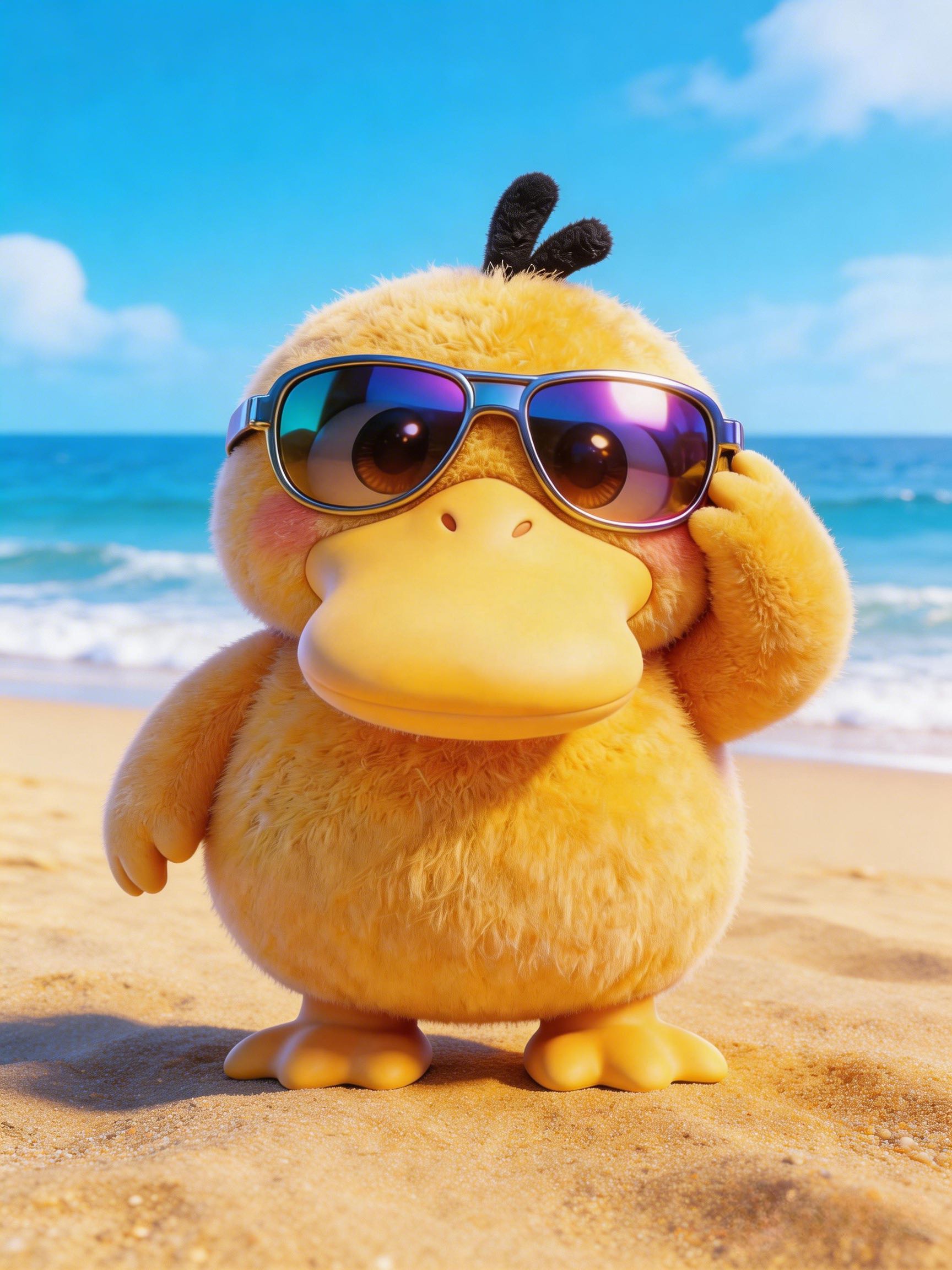
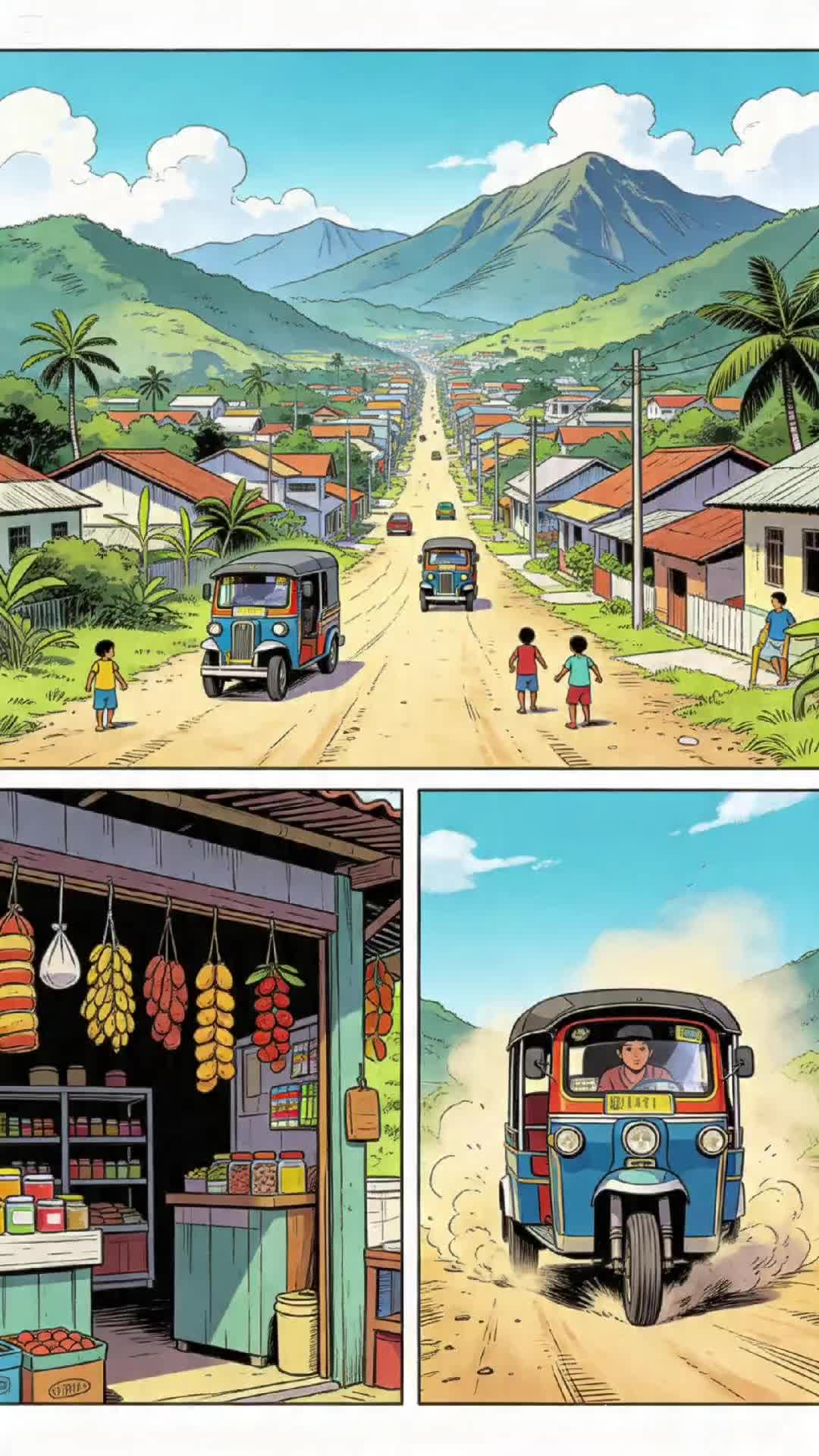
Experience the transformation of surreal and dynamic images into captivating videos with AI. Unveil the power of turning static visuals into lifelike, moving scenes. Start exploring image to test ideas and generate your own content with AI.

image to test - photorealistic scenes & dynamic motion videos

Recommended

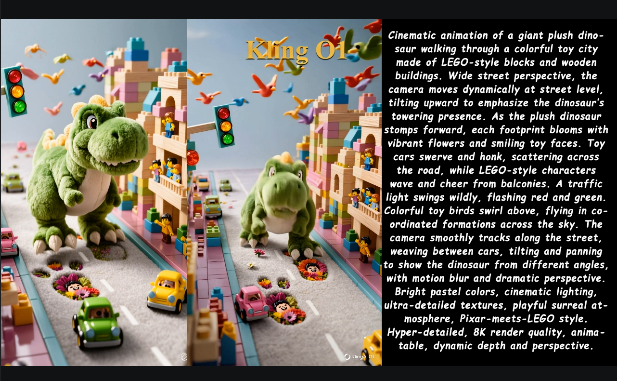
Kling O1: Image to Video - image to test AI video
01:14
tinta.artificial avatar
tinta.artificial
I used Kling Image for this - image to test AI image
Jenny_M avatar
Jenny_M
Elite Creator
image to video  - image to test AI video
qNBlhMzu avatar
qNBlhMzu
image reference - image to test AI image
ESYkocAi avatar
ESYkocAi
Image to video - image to test AI video
tKCRyKxK avatar
tKCRyKxK
Image becomes high definition - image to test AI image
Mrfighter01 avatar
Mrfighter01
image to video - image to test AI video
04:20
DkHtYKKQ avatar
DkHtYKKQ
image to motion. - image to test AI video
00:06
gohaRDXc avatar
gohaRDXc
Rate this image prompt - image to test AI image
AI Short Films avatar
AI Short Films
Elite Creator
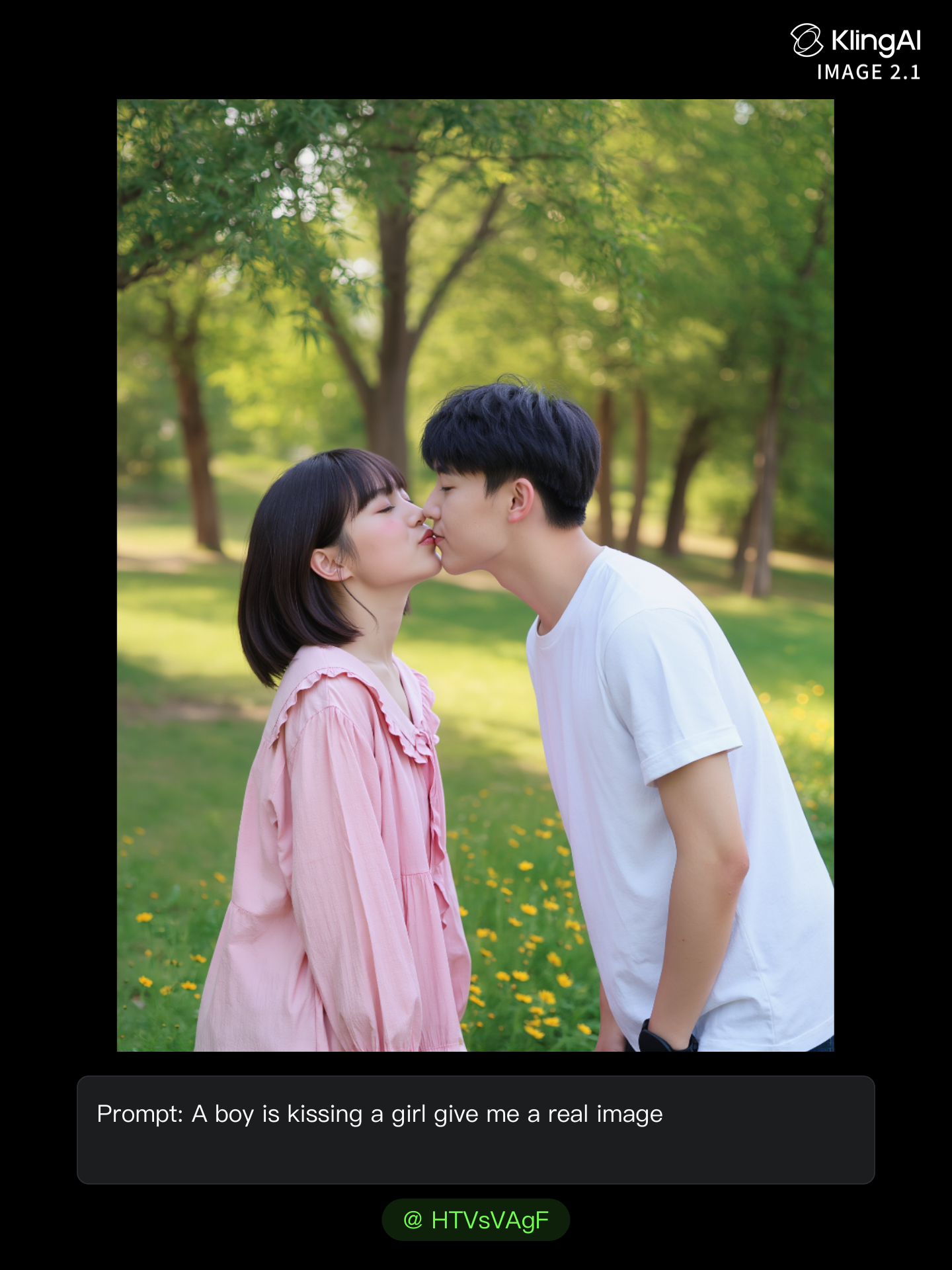
real kissing image  - image to test AI image
HTVsVAgF avatar
HTVsVAgF
Upload any image  - image to test AI video
TinyGroove AI avatar
TinyGroove AI
 image 1 - image to test AI image
CXThSvTE avatar
CXThSvTE
Image to video - image to test AI video
00:05
mmgeumbf avatar
mmgeumbf
Kling IMAGE O1 - image to test AI video
00:34
KLING AI avatar
KLING AI
Kling IMAGE 3.0 Model User Guide - image to test AI image
YxIAgcaB avatar
YxIAgcaB
ivvy image - image to test AI image
NQHmTVSz avatar
NQHmTVSz
image to video  - image to test AI video
QJhZiOWk avatar
QJhZiOWk
Perfume product image💐 - image to test AI image
souvenir avatar
souvenir

How to Create an AI Video from a Script

Start with a Scene or Story Beat

Start with a Scene or Story Beat

Paste in the part of your script you want to see on screen. Include the setting, characters, action, and dialogue that matter to the scene. Camera direction and visual style can stay simple at first, you can get more specific when you start shaping the shots.

Turn the Scene into a Shot Sequence

Turn the Scene into a Shot Sequence

Switch on Multi-Shot and let Kling work out the scene transitions and camera coverage from your prompt. Already have the sequence in your head? Open Custom Multi-Shot and lay out the individual shots yourself, including how long they last and what happens in each one.

Generate with Native Audio

Generate with Native Audio

Set the duration and available output options, then generate your sequence. Native Audio can bring dialogue, ambience, and sound effects into the same generation, so the result does not have to begin as a silent set of shots. Kling VIDEO 3.0 supports scenes up to 15 seconds in a single generation.

Improve Video Quality Beyond Resolution

Give Your Video a Cinematic Finish in 4K

Give Your Video a Cinematic Finish in 4K

Choose 4K in the output settings to give your footage a finely detailed finish. From the texture of fabric to the contours of a face, bring small details into view for larger screens and close-up shots. Give family recordings, social clips, and creative projects a richer presentation.

Fix Lighting, Color, and the Overall Look

Fix Lighting, Color, and the Overall Look

A good clip can still fall flat because of dull color, poor lighting, or an awkward composition. Use prompts to reduce visible grain and digital noise in low-light footage, then refine the lighting, color, and composition. Turn an ordinary view into an expressive close-up, bring warmth to a dim scene, or change the weather and time of day. Shape the overall look without adjusting every element by hand.

Fill in the Gaps for More Fluid Motion

Fill in the Gaps for More Fluid Motion

Upload your video and describe the missing action or moment you want to add. Add reference images when needed, then use Kling to generate additional footage that helps connect existing moments with less manual editing.

Apps

Image to Video
Image to Video

Image to Video

Text to Video
Text to Video

Text to Video

Omni
Omni

Omni

Digital Human
Digital Human

Digital Human

Restyle
Restyle

Restyle

Text to Image
Text to Image

Text to Image

60M+
60M+
Users
600M+
600M+
AI Videos Generated
4.7 ★
4.7 ★
App Store
Industry-Leading
Industry-Leading
Cinematic 4K

Reviews

Vincent Smadja

Vincent Smadja

★★★★★

Kling AI seamlessly integrates into my creative workflow, playing a key role in transforming my images. After generating and upscaling an image, Kling becomes a crucial element, bringing my creations to life with movement and depth.

Huang Lu (Elson)

Huang Lu (Elson)

★★★★★

I’ve been using Kling AI since its initial release, and it’s remained one of the leading AI media generators ever since. With Kling AI, I’ve created hundreds of videos, collectively amassing millions of views.

Ozan Sihay

Ozan Sihay

★★★★★

Kling AI allows me to rapidly prototype ideas, refine storytelling elements, and produce visually compelling content efficiently. It has not only accelerated my creative processes, but also deepened my understanding of how AI can enrich visual storytelling.

FAQ

Q1Can I use Kling AI to remove a person from a photo?
Q2What happens to the area after an object is removed?
Q3Can I remove multiple objects from one image?

Create an Avatar That Feels Like Yours

Start with a photo or a prompt, explore different styles, and keep shaping the details until the character fits the look you want.