Creative Studio
API
Resources
Features
About Us
Download

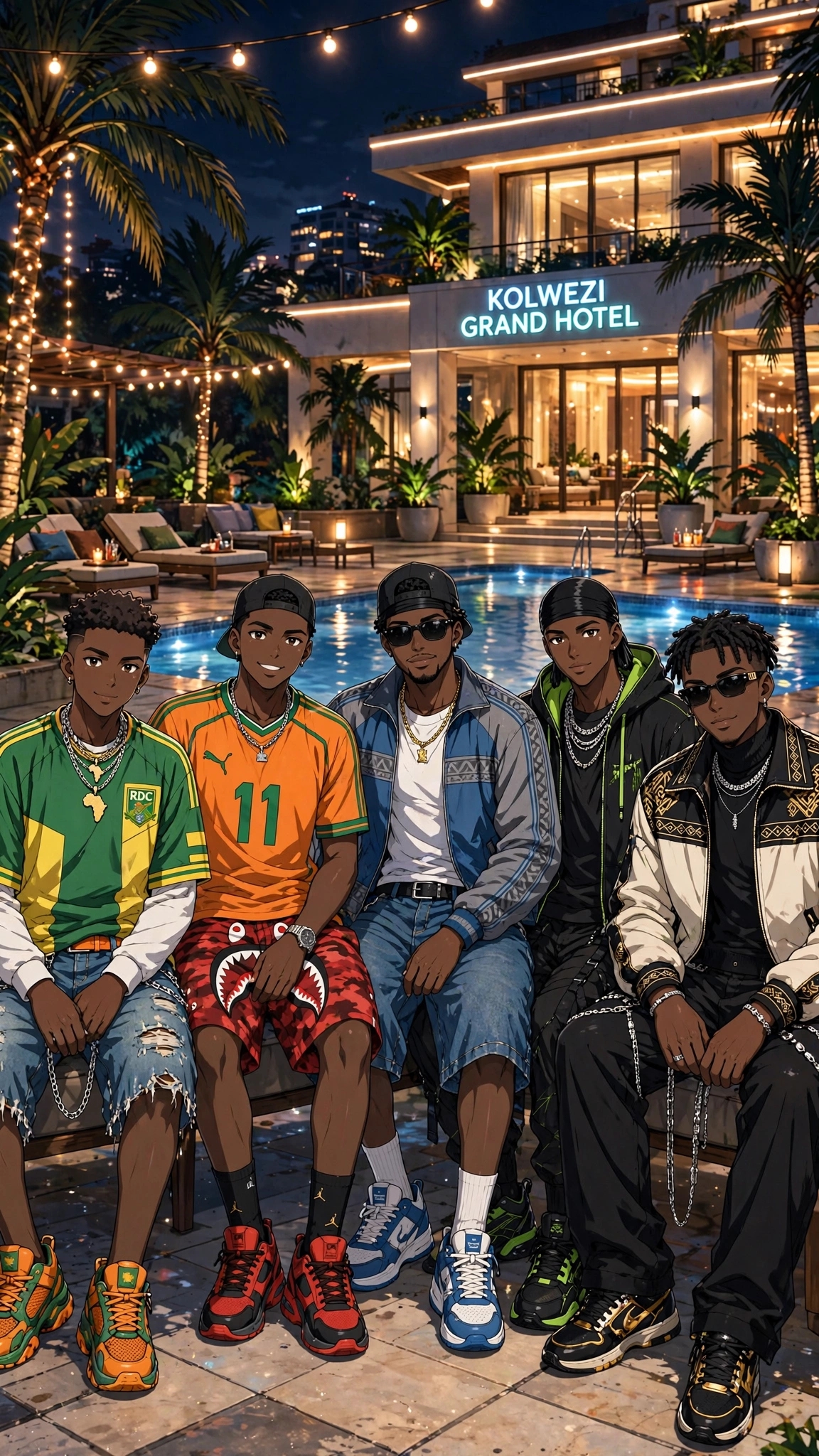
Japan KlingAI: AI-Generated Japanese-Inspired Art

Discover Japanese-inspired art with Japan KlingAI. Our AI-generated designs offer unique and culturally rich visuals that inspire and captivate. Perfect for personal use or adding a touch of Japan to your projects.

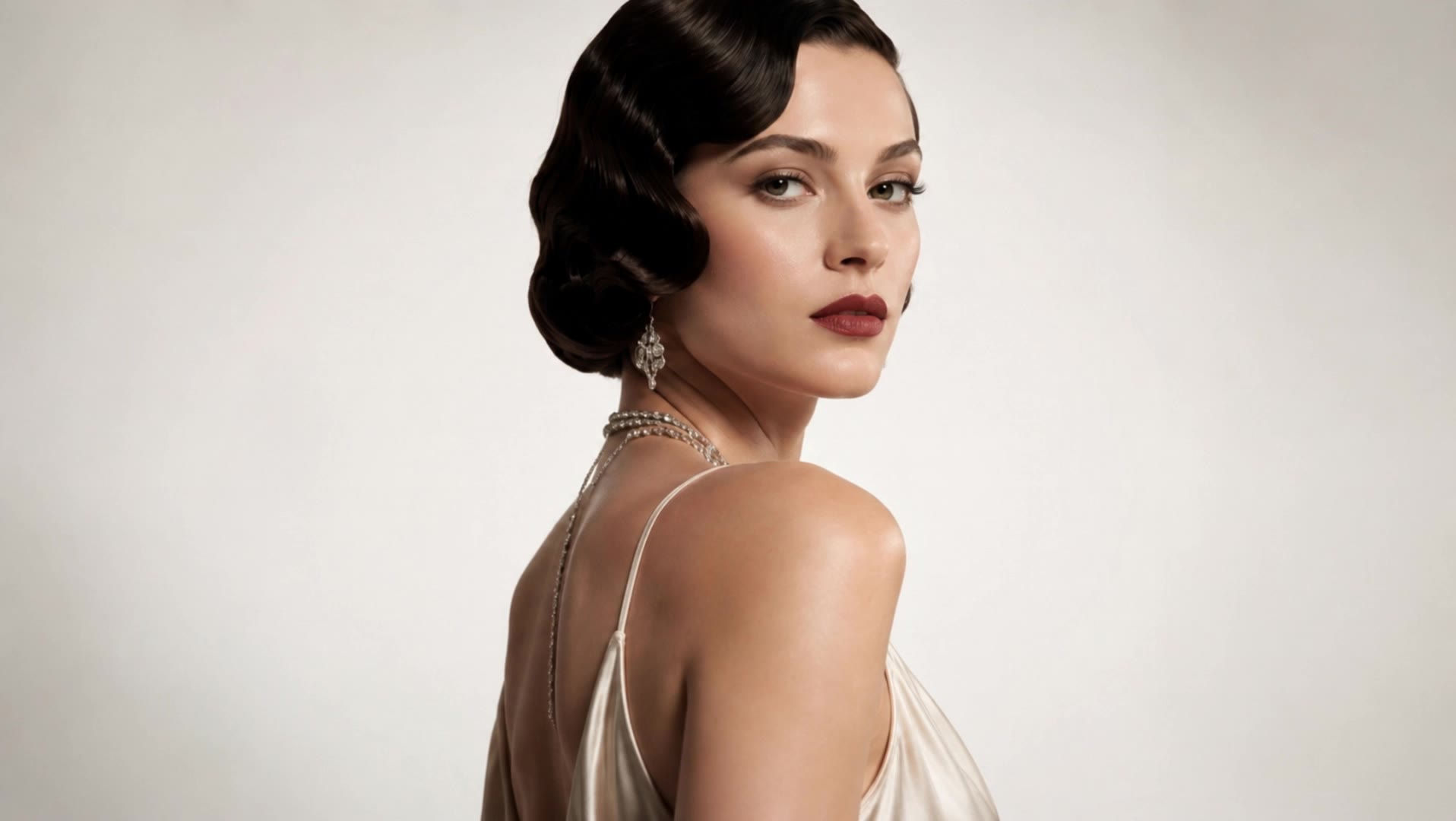
Japan KlingAI: AI-Generated Japanese-Inspired Art

Recommended

kling saves humanity - japan kling ai AI video
medtkr avatar
medtkr
Happy 2nd anniversary, Kling AI - japan kling ai AI video
NAJwyedd avatar
NAJwyedd
Elite Creator
JAPAN - japan kling ai AI video
Takkyboy avatar
Takkyboy
JAPAN - japan kling ai AI video
Takkyboy avatar
Takkyboy
super hero kling ai - japan kling ai AI video
medtkr avatar
medtkr
Happy Kling day - japan kling ai AI video
NAJwyedd avatar
NAJwyedd
Elite Creator
JAPAN - japan kling ai AI video
Takkyboy avatar
Takkyboy
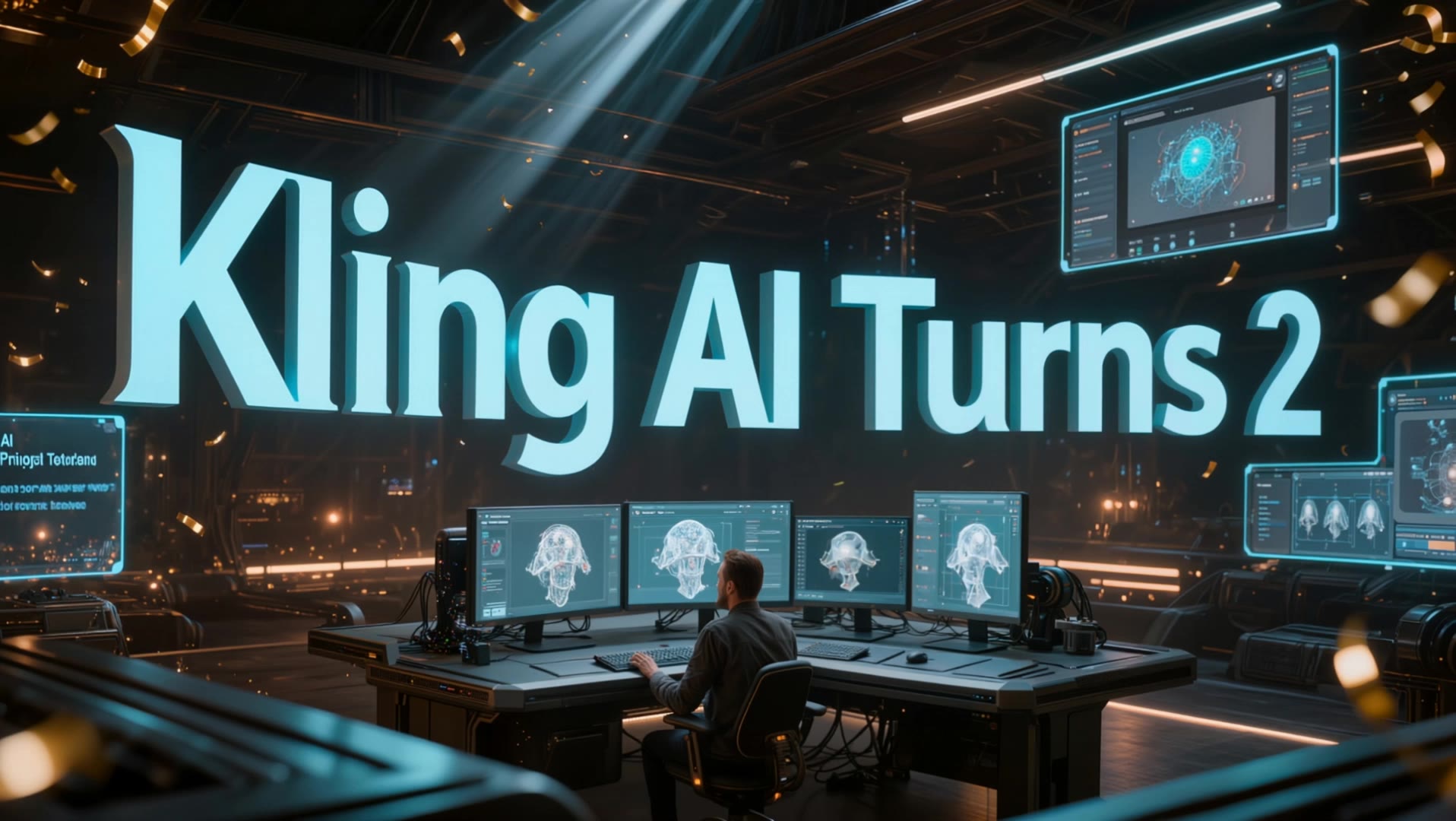
Kling AI Turns 2 - japan kling ai AI video
RamZ avatar
RamZ
Elite Creator
super hero kling ai - japan kling ai AI video
medtkr avatar
medtkr
JAPAN - japan kling ai AI video
Takkyboy avatar
Takkyboy
JAPAN - japan kling ai AI video
Takkyboy avatar
Takkyboy
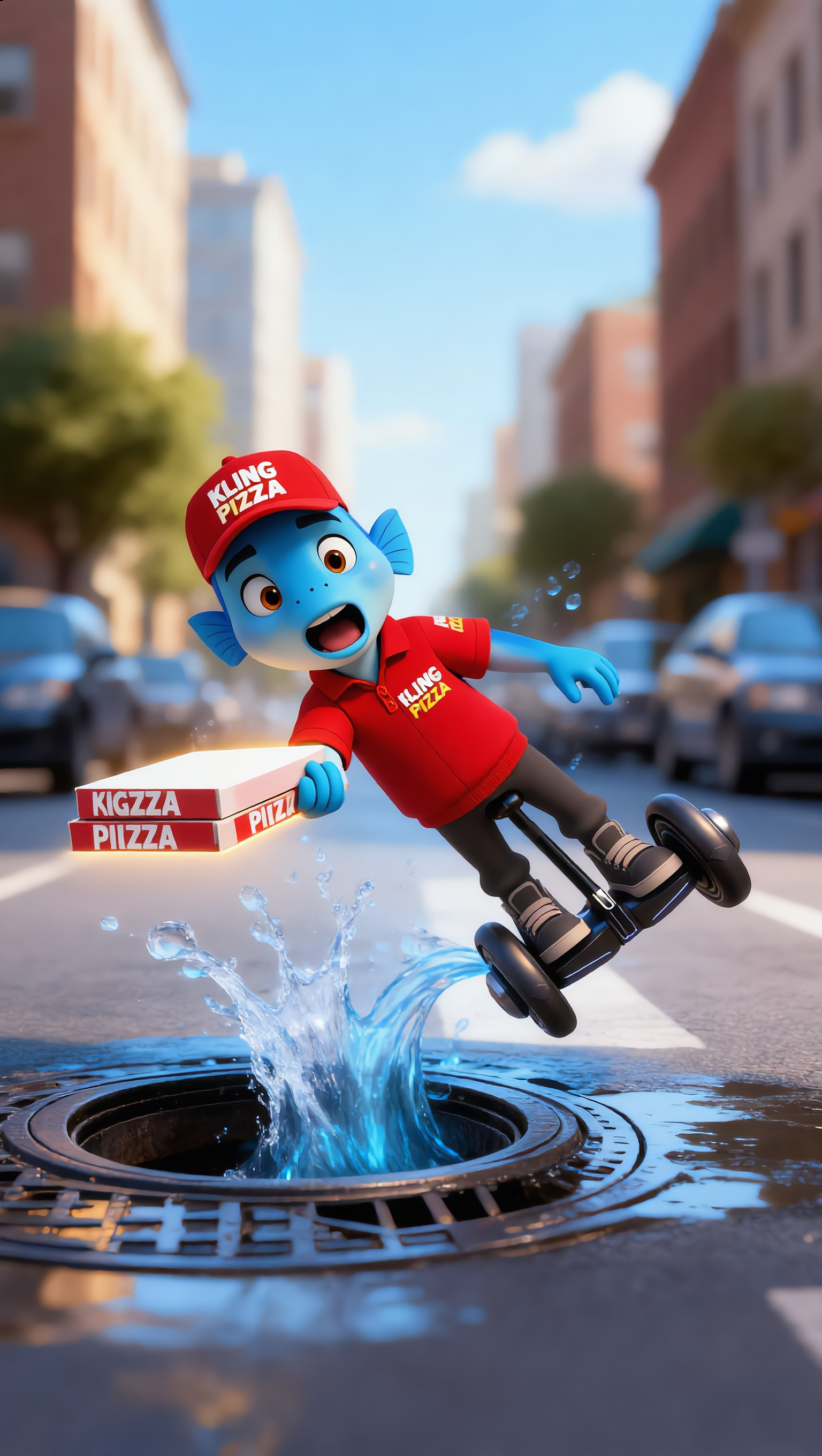
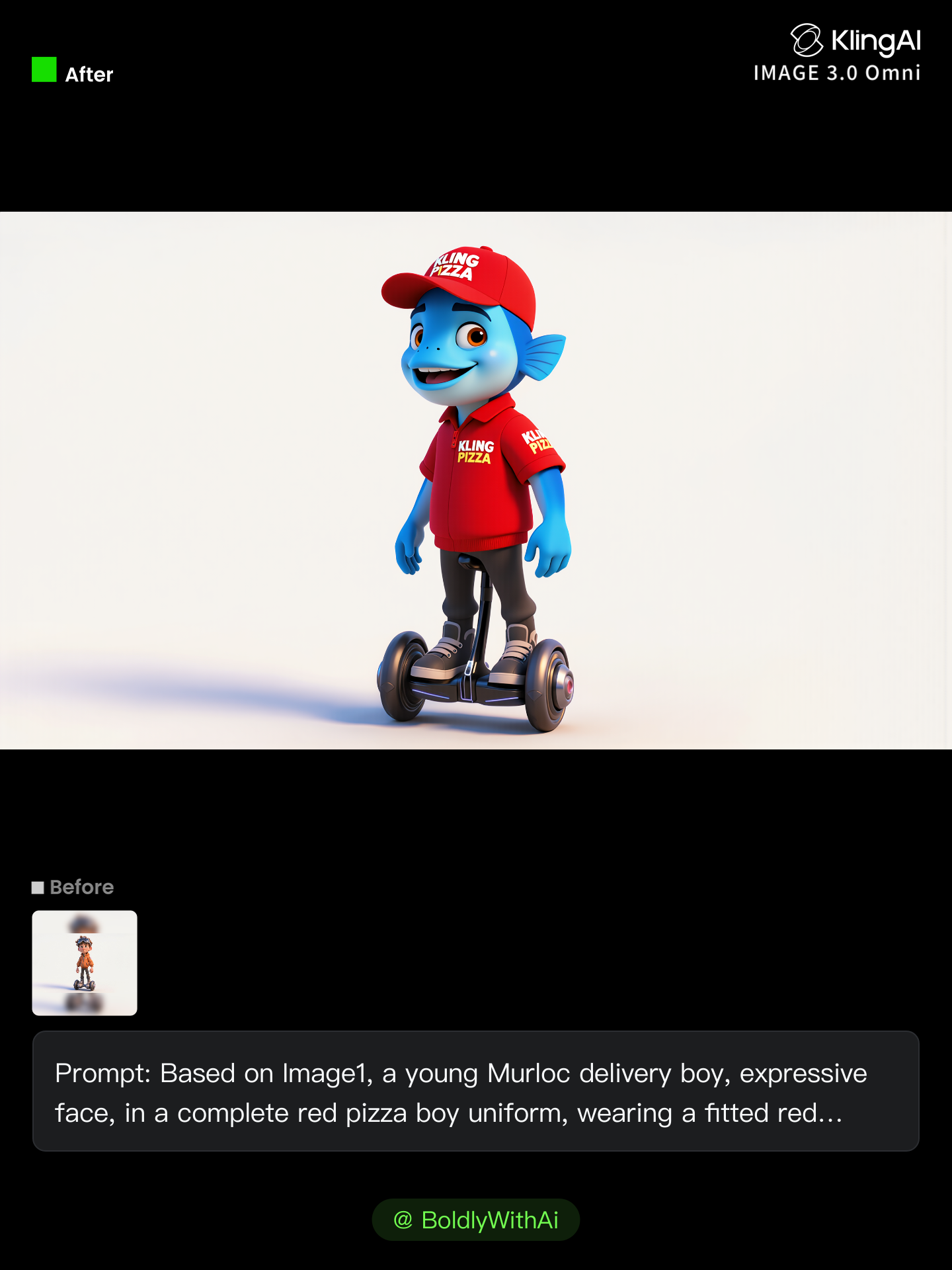
Kling Anniversary Character - japan kling ai AI image
BoldlyWithAi avatar
BoldlyWithAi
Elite Creator
Happy 2nd anniversary, Kling AI. - japan kling ai AI video
NAJwyedd avatar
NAJwyedd
Elite Creator
Kling IMAGE 3.0 Model User Guide - japan kling ai AI image
YxIAgcaB avatar
YxIAgcaB
Kling Anniversary Character - japan kling ai AI image
BoldlyWithAi avatar
BoldlyWithAi
Elite Creator
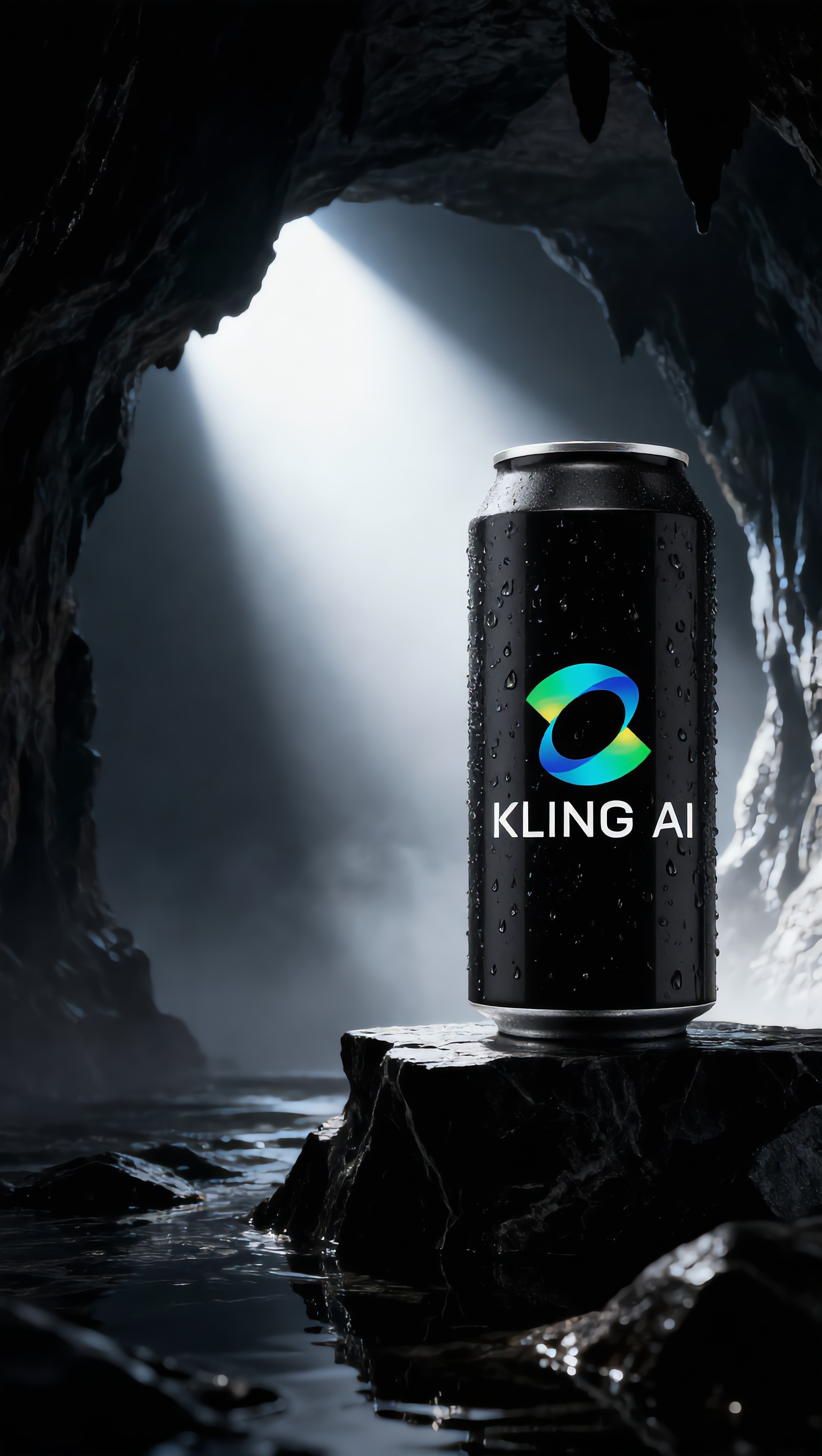
Kling AI Can - japan kling ai AI image
UN_RE_AI_vision avatar
UN_RE_AI_vision
KLING Man  - japan kling ai AI video
KENZO avatar
KENZO
Kling IMAGE 3.0 Model User Guide - japan kling ai AI image
YxIAgcaB avatar
YxIAgcaB
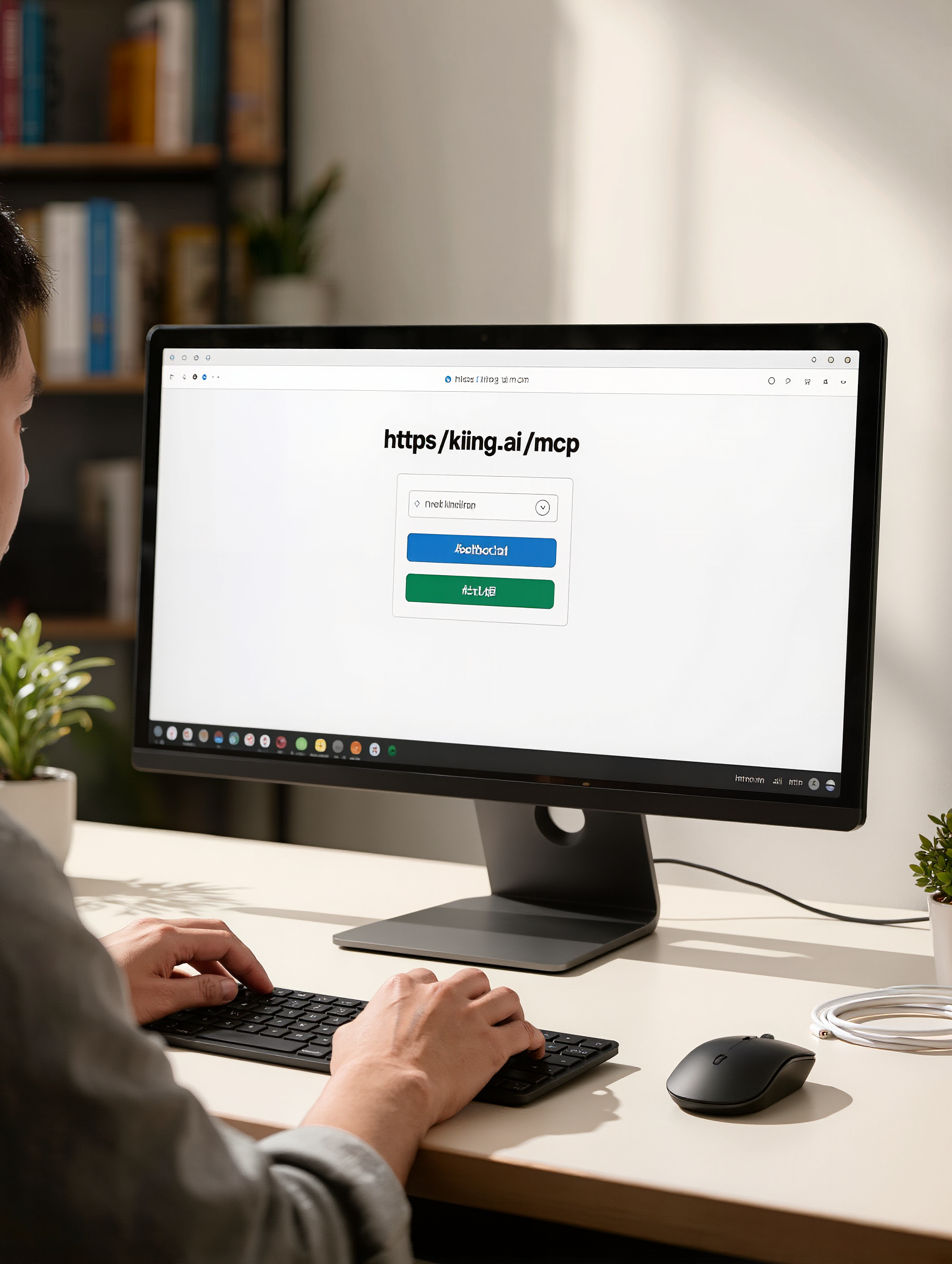
Kling MCP - japan kling ai AI image
KIGOLD89 avatar
KIGOLD89

A Complete AI Video Editing Workflow

Create Videos with AI

Create Videos with AI

Start with a prompt, image, or visual reference. Animate a still, build a new scene, or recreate a popular effect with Kling’s AI video tools.

Edit Videos with AI

Edit Videos with AI

Upload existing footage and tell Kling what to change. Use Kling VIDEO 3.0 Omni to replace subjects, rebuild backgrounds, restyle footage, or reframe a shot. When you need more time, continue the clip with Video Extension without tedious frame-by-frame work.

Make Avatar or Talking Videos

Make Avatar or Talking Videos

Create presenter-led videos for ads, explainers, product demos, and social content with Kling AI Avatar tool. Use Lip Sync to add dialogue, dubbing, or narration from text or uploaded audio.

Edit Any Part with Kling AI

Add, Remove, or Replace Image Content

Add, Remove, or Replace Image Content

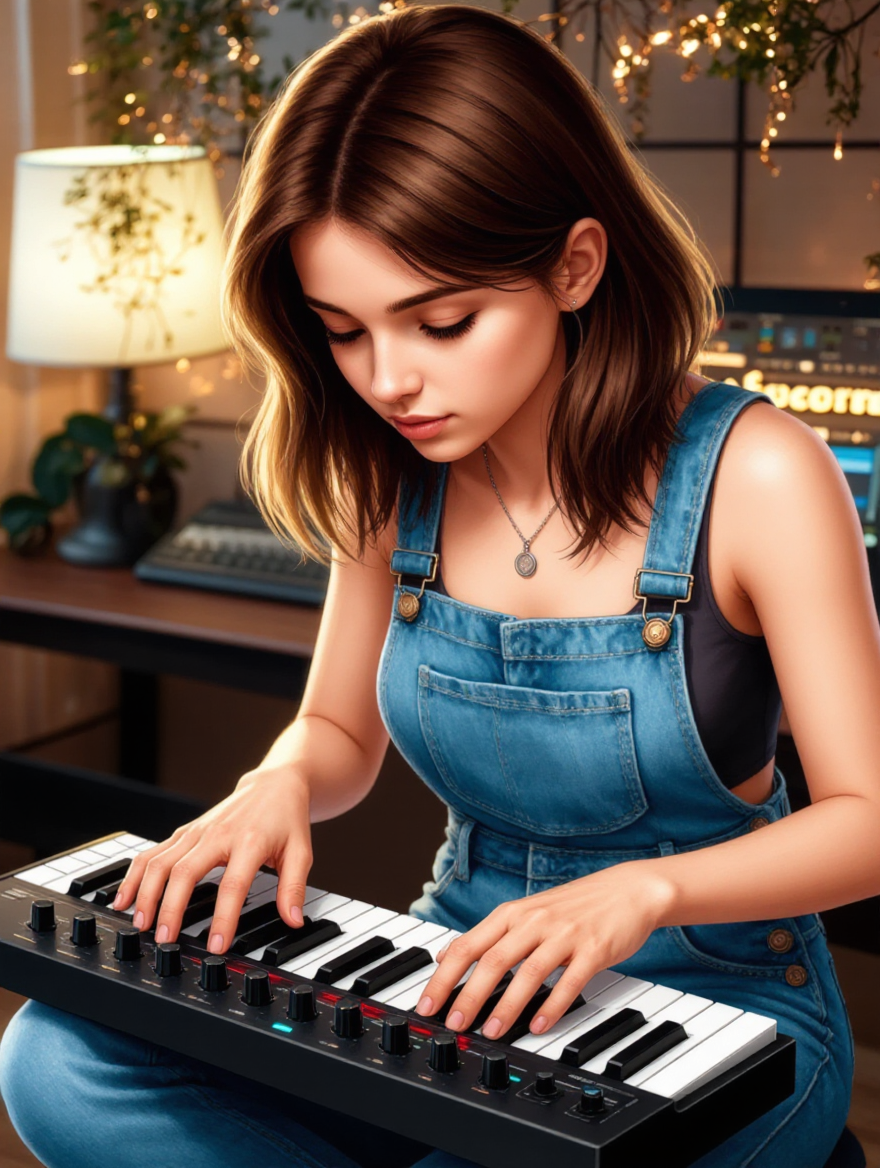
Tell Kling what you want to change in text prompts. Replace a person, remove an object, or fine-tune details such as color, material, pose, and expression. Even detailed edits take fewer and easier steps because you can change the photo with AI instead of with traditional photo editing tools. IMAGE 3.0 follows your instruction while keeping the photo’s original style, lighting, and texture in place, so the edited area still belongs in the same shot.

Change the Color, Lighting, or Style

Change the Color, Lighting, or Style

Give an existing photo a different mood effortlessly. Lift a dim scene, soften harsh light, warm or cool the colors, or bring color to a black-and-white photo or line drawing. A short prompt replaces the usual round of manual adjustments. Looking for a bigger shift? Add a style reference or spell out the visual direction. IMAGE 3.0 carries the palette, texture, and atmosphere across the whole image, so the new look feels cohesive rather than pasted on. Use it for studio-style professional headshots, distinctive portrait treatments, cinematic scene design, or a visual style that feels entirely your own.

Rework the Shot or Camera Angle

Rework the Shot or Camera Angle

Tell Kling how you want the shot to look in a text prompt. Turn a front-facing photo into a side view, move the camera higher or lower, or change a wide shot into a close-up. You can explore a new composition around the same subject without setting up another shoot. IMAGE 3.0 rebuilds the scene from the angle you request, adjusting the perspective, camera height, shot size, focal length, and depth of field along with it. The result is a newly generated view based on the source photo, rather than hidden details recovered from outside the original frame.

Apps

Image to Video
Image to Video

Image to Video

Text to Video
Text to Video

Text to Video

Omni
Omni

Omni

Digital Human
Digital Human

Digital Human

Restyle
Restyle

Restyle

Text to Image
Text to Image

Text to Image

60M+
60M+
Users
600M+
600M+
AI Videos Generated
4.7 ★
4.7 ★
App Store
Industry-Leading
Industry-Leading
Cinematic 4K

Reviews

Maria Rubtsova

Maria Rubtsova

★★★★★

I’m Maria Rubtsova, an AIGC digital artist passionate about creating stunning visuals in the worlds of fashion, aesthetics, and fantasy. I use KlingAi to bring imagination to life through video. My work is all about exploring beauty, emotion, and the limitless possibilities of digital art.

Ozan Sihay

Ozan Sihay

★★★★★

Kling AI allows me to rapidly prototype ideas, refine storytelling elements, and produce visually compelling content efficiently. It has not only accelerated my creative processes, but also deepened my understanding of how AI can enrich visual storytelling.

Déborah

Déborah

★★★★★

I use Kling AI every day. It's amazing to see the almost daily progress it makes. I used AI for fun at first, and I now find that Kling AI's animations allow me to gain professional visibility, with three times more views on my animated posts than on my static posts.

FAQ

Q1Can I use a reference image for a new background?
Q2How does AI remove a background from an image?
Q3What types of images can Kling AI remove backgrounds from?

Create a Whole New Look from One Photo

Swap outfits, mix references, and explore new styles with IMAGE 3.0 Omni. Keep the person recognizable and let new clothing blend naturally into the original photo.