Creative Studio
API
Resources
Features
About Us
Download

AI-generated Japan style ideas – Discover unique concepts

Explore AI-generated Japan style ideas for your creative projects. Quickly find inspiration and adapt these AI results to meet your specific needs.

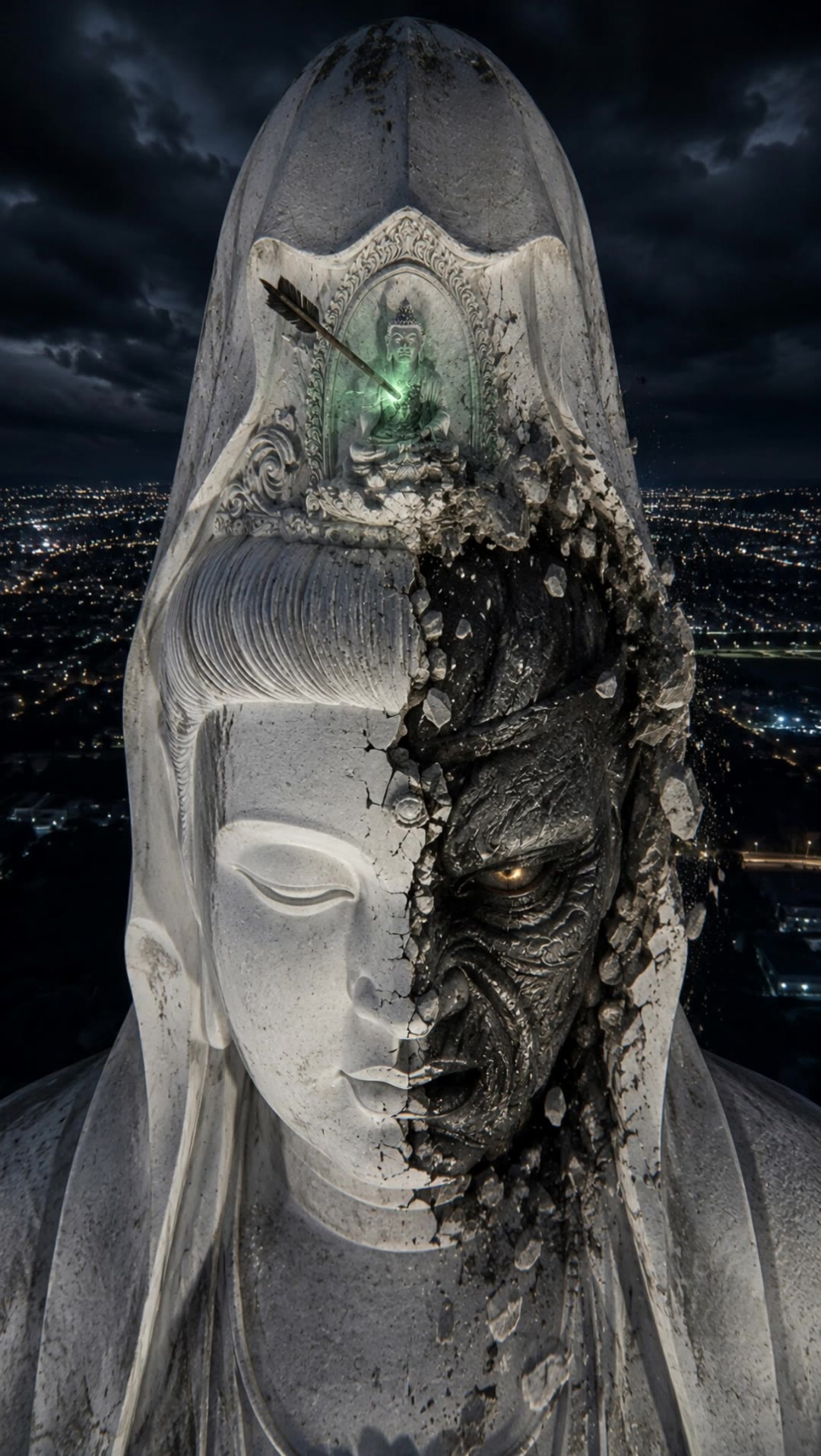
AI-generated Japan style ideas – Discover unique concepts

Recommended

japan home style  - japan style AI video
00:44
XCONS E&C avatar
XCONS E&C
JAPAN - japan style AI video
Takkyboy avatar
Takkyboy
Kling AI work 307026834505774 - japan style AI video
bHKGLjTq avatar
bHKGLjTq
JAPAN - japan style AI video
Takkyboy avatar
Takkyboy
Kling AI work 312983594523407 - japan style AI video
zEtryiDn avatar
zEtryiDn
Kling AI work 310845350618642 - japan style AI image
Manona avatar
Manona
Kling AI work 308740016313028 - japan style AI video
SbHKYDuh avatar
SbHKYDuh
Kling AI work 307158108662144 - japan style AI image
nVXhRlnk avatar
nVXhRlnk
Kling AI work 306935313612977 - japan style AI image
rwVRUazt avatar
rwVRUazt
JAPAN - japan style AI video
Takkyboy avatar
Takkyboy
Kling AI work 314623797661768 - japan style AI video
fluffy.dreamworld avatar
fluffy.dreamworld
Yuki Japan Clothes - japan style AI image
Yuto Shizako avatar
Yuto Shizako
Kling AI work 316853963520422 - japan style AI image
skeff 32 avatar
skeff 32
JAPAN - japan style AI video
Takkyboy avatar
Takkyboy
Trip to Japan in Aug?! - japan style AI video
rWJLAesU avatar
rWJLAesU
21 Years of Wisdom. Japan Memoir - japan style AI video
KLING7459 avatar
KLING7459
Kling AI work 313423335525134 - japan style AI image
PerTZalO avatar
PerTZalO
JAPAN - japan style AI video
Takkyboy avatar
Takkyboy
Kling AI work 296178426668222 - japan style AI image
JvDSNRLp avatar
JvDSNRLp

How to Generate AI Voices from Text with Kling AI

Step 1: Set Up Your Characters

Step 1: Set Up Your Characters

Start with a character in your prompt, or add a supported image, Character Element, or video reference when you already have a specific character in mind.

Step 2: Add Dialogue and Voice Direction

Step 2: Add Dialogue and Voice Direction

Write each character's dialogue and make the speaker clear in your prompt. Add directions for the language, accent, tone, emotion, or delivery when they matter to the scene. For scenes with multiple speakers, keep each character's name, line, and voice direction clearly connected.

Step 3: Generate Videos with Native Audio

Step 3: Generate Videos with Native Audio

Generate with Native Audio to create the dialogue as part of the video itself. Kling VIDEO 3.0 Omni produces voice, facial performance, lip movement, visuals, ambience, and supporting sound within the same generation.

Key Features of Kling AI Text-to-Image Generator

Create Detailed Images From Text Prompts

Create Detailed Images From Text Prompts

Turn your text descriptions into detailed images with Kling AI. Describe the subject, scene, style, and composition you want, and the model transforms your prompt into visuals that match your creative direction. Create realistic portraits, cinematic scenes, product visuals, and artistic images directly from text.

Keep Characters And Visual Elements Consistent

Keep Characters And Visual Elements Consistent

Create characters and visual concepts that remain consistent across different images. Kling IMAGE 3.0 uses reference images to preserve important details, including appearance, clothing, objects, and overall style. This makes it easier to create character designs, brand visuals, and image series with a consistent look.

Explore Different Styles And Variations

Explore Different Styles And Variations

Explore different visual directions with prompts and reference images. Adjust composition, perspective, lighting, and style to create new variations while keeping the main concept consistent. This helps you test different ideas and develop visuals for artwork, marketing materials, and creative projects.

Apps

Image to Video
Image to Video

Image to Video

Text to Video
Text to Video

Text to Video

Omni
Omni

Omni

Digital Human
Digital Human

Digital Human

Restyle
Restyle

Restyle

Text to Image
Text to Image

Text to Image

60M+
60M+
Users
600M+
600M+
AI Videos Generated
4.7 ★
4.7 ★
App Store
Industry-Leading
Industry-Leading
Cinematic 4K

Reviews

KakuDrop

KakuDrop

★★★★★

I have successfully collaborated with world-renowned artists and well-known companies that are recognized globally

James Phillips

James Phillips

★★★★★

Kling AI has transformed my workflow by collapsing timelines and democratizing production. It’s shifted my mindset from resource-dependent filmmaking to a boundless creative sandbox, where experimentation yields unexpected beauty.

Vincent Smadja

Vincent Smadja

★★★★★

Kling AI seamlessly integrates into my creative workflow, playing a key role in transforming my images. After generating and upscaling an image, Kling becomes a crucial element, bringing my creations to life with movement and depth.

FAQ

Q1How does lip sync AI work?
Q2What kinds of characters can I lip sync?
Q3Is Kling AI Lip Sync free?

Put Your Character in Front of the Screen

Start with an image, add the voice, and shape the performance. Kling AI Avatar brings the pieces together for your next campaign, lesson, social post, or story.

Custom AI avatars | Voice or text input | Lip sync | Expression and gesture control