Creative Studio
API
Resources
Features
About Us
Download

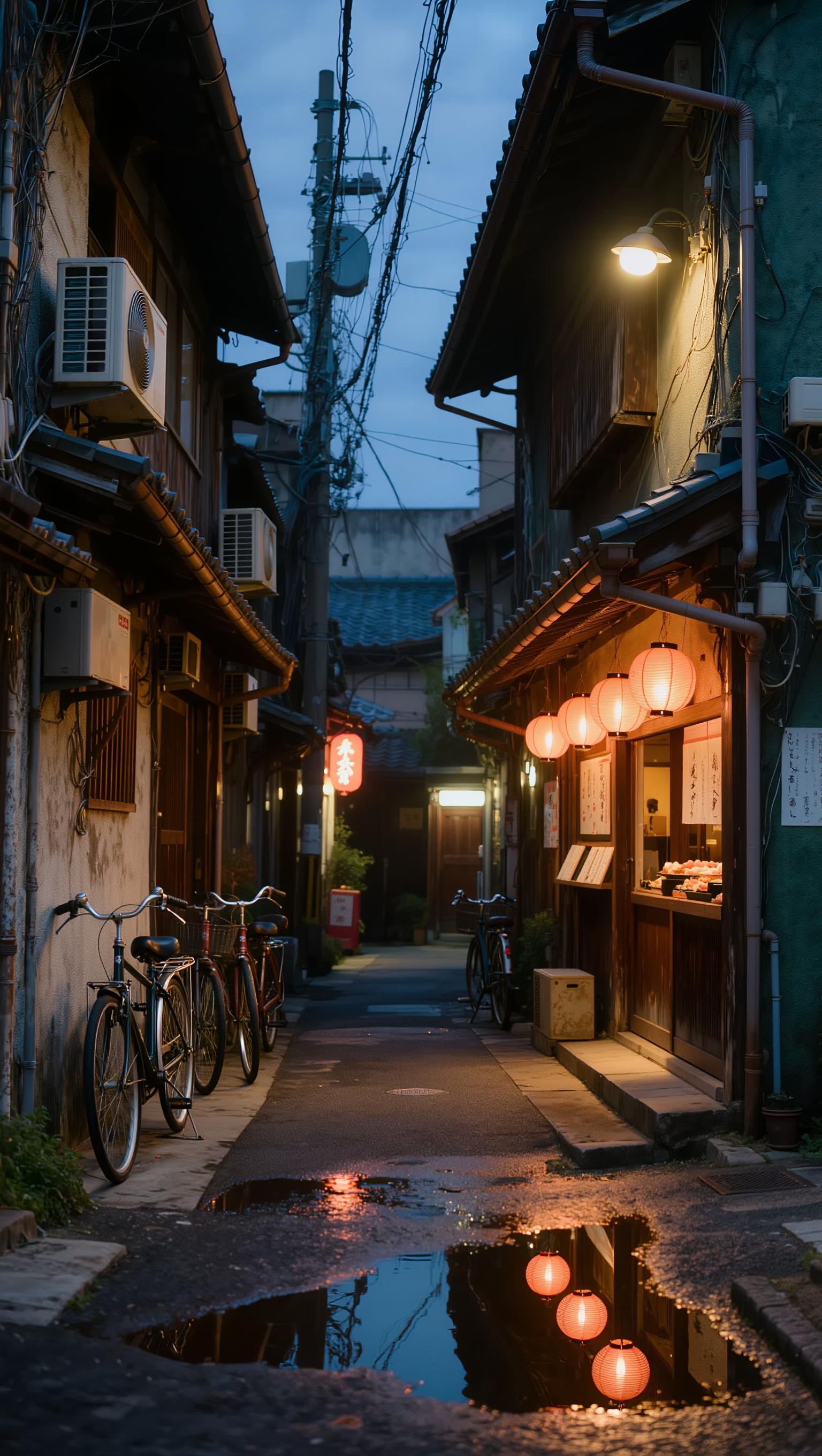
japanese alleyway - cat exploration & floating mid-air

Capture the enchanting charm of a cozy Japanese alleyway with a curious cat exploring, and the whimsical sight of a young man floating mid-air holding a red balloon. Start exploring japanese alleyway ideas and generate your own content with AI.

japanese alleyway - cat exploration & floating mid-air

Recommended

#Loranca_AI  #Artwork - japanese alleyway AI image
Loranca_AI avatar
Loranca_AI
gugu gagas head turns into an 🥚 - japanese alleyway AI video
SgijUSHN avatar
SgijUSHN
Kling AI work 298327480504827 - japanese alleyway AI image
Fumioh avatar
Fumioh
Kling AI work 316880363521322 - japanese alleyway AI video
hyklcsto avatar
hyklcsto
Kling AI work 318135724614040 - japanese alleyway AI video
MiAjgRkn avatar
MiAjgRkn
Kling AI work 312690636668525 - japanese alleyway AI image
Kalye avatar
Kalye
Kling AI work 300147571507090 - japanese alleyway AI image
Loranca_AI avatar
Loranca_AI
Kling AI work 307892553660687 - japanese alleyway AI image
YKWjKGVo avatar
YKWjKGVo
Man floating in air - japanese alleyway AI video
Dr_dark_mt avatar
Dr_dark_mt
Kling AI work 312953237614442 - japanese alleyway AI video
bEBOjrHn avatar
bEBOjrHn
Kling AI work 308752472522841 - japanese alleyway AI image
VXCymkRp avatar
VXCymkRp
Man floating in air - japanese alleyway AI video
Dr_dark_mt avatar
Dr_dark_mt
Kling AI work 299287023507358 - japanese alleyway AI video
ySEmNaRY avatar
ySEmNaRY
Kling AI work 317113465664593 - japanese alleyway AI video
SlkcgRLJ avatar
SlkcgRLJ
Kling AI work 315089546610011 - japanese alleyway AI image
mansuru avatar
mansuru
Kling AI work 298134041502293 - japanese alleyway AI video
oRExAcxJ avatar
oRExAcxJ
Kling AI work 312952849614085 - japanese alleyway AI video
bEBOjrHn avatar
bEBOjrHn
Kling AI work 308539336531839 - japanese alleyway AI video
Lena Montana avatar
Lena Montana
Kling AI work 296576072500996 - japanese alleyway AI image
nadja.visuals avatar
nadja.visuals

How to Use Kling AI Face Swap

Step 1: Upload Your Target and References

Step 1: Upload Your Target and References

Add the photo or video you want to edit, then add the face reference you want Kling AI to follow. For video, you can also use multiple views or a character element when you need stronger identity consistency across different angles.

Step 2: Describe the Face Swap You Want

Step 2: Describe the Face Swap You Want

Tell Kling AI which face to replace and what reference to use. For example: "Replace the face in [Image 1] with the face from [Image 2] while keeping all other content unchanged."

Step 3: Generate Your Face Swap

Step 3: Generate Your Face Swap

Choose your preferred output settings, such as the generation mode and aspect ratio, then click Generate. Kling AI will apply your instructions and chosen settings to create your face-swapped image or video.

Why Kling Sets the Standard for Video Creation

Flawless Character Consistency

Flawless Character Consistency

Unlike standard tools that distort faces when moving, Kling Video 3.0 lets you strictly lock a character’s appearance. Upload a single photo, or use a short video/multiple angles as a reference to completely eliminate the “AI morphing” effect.

Native Audio & Perfect Lip-Sync

Native Audio & Perfect Lip-Sync

Your image doesn’t just move; it speaks. Generate perfectly matched voices and realistic lip movements in multiple languages or regional accents. Even in multi-character scenes, you can precisely assign who speaks—no third-party tools required.

15s Duration & Motion Control

15s Duration & Motion Control

Go beyond simple loops with up to 15 seconds of smooth narrative. Use advanced Motion Control to direct camera pans, tilts, and zooms, or define exact transitions with start and end frame references.

Apps

Image to Video
Image to Video

Image to Video

Text to Video
Text to Video

Text to Video

Omni
Omni

Omni

Digital Human
Digital Human

Digital Human

Restyle
Restyle

Restyle

Text to Image
Text to Image

Text to Image

60M+
60M+
Users
600M+
600M+
AI Videos Generated
4.7 ★
4.7 ★
App Store
Industry-Leading
Industry-Leading
Cinematic 4K

Reviews

Halim Alrasihi

Halim Alrasihi

★★★★★

I use AI daily and Kling AI is a crucial part of my workflow, whether for client work or personal projects. What I love most about using Kling AI is that it provides all the tools I need in one place, from keyframes to character references, elements and special effects.

PJ Ace

PJ Ace

★★★★★

Kling AI has made it easy for us to generate world class visuals for Fortune 500 companies, TV shows and music for big artists. We love the easy of use of the platform and the quality of the generations. My first time using Kling AI, I got 22 million views on just one video. It's that good.

Déborah

Déborah

★★★★★

I use Kling AI every day. It's amazing to see the almost daily progress it makes. I used AI for fun at first, and I now find that Kling AI's animations allow me to gain professional visibility, with three times more views on my animated posts than on my static posts.

FAQ

Q1Can I keep faces and products recognizable while changing a video?
Q2How can I enhance video quality online?
Q3What can I change with text prompts?

Bring Your Old Photos Back to Life

Use the photo you already have as the starting point. Repair visible damage, improve faded areas, guide familiar faces with references, and create a higher-resolution version when you need it.