Creative Studio
API
Resources
Features
About Us
Download

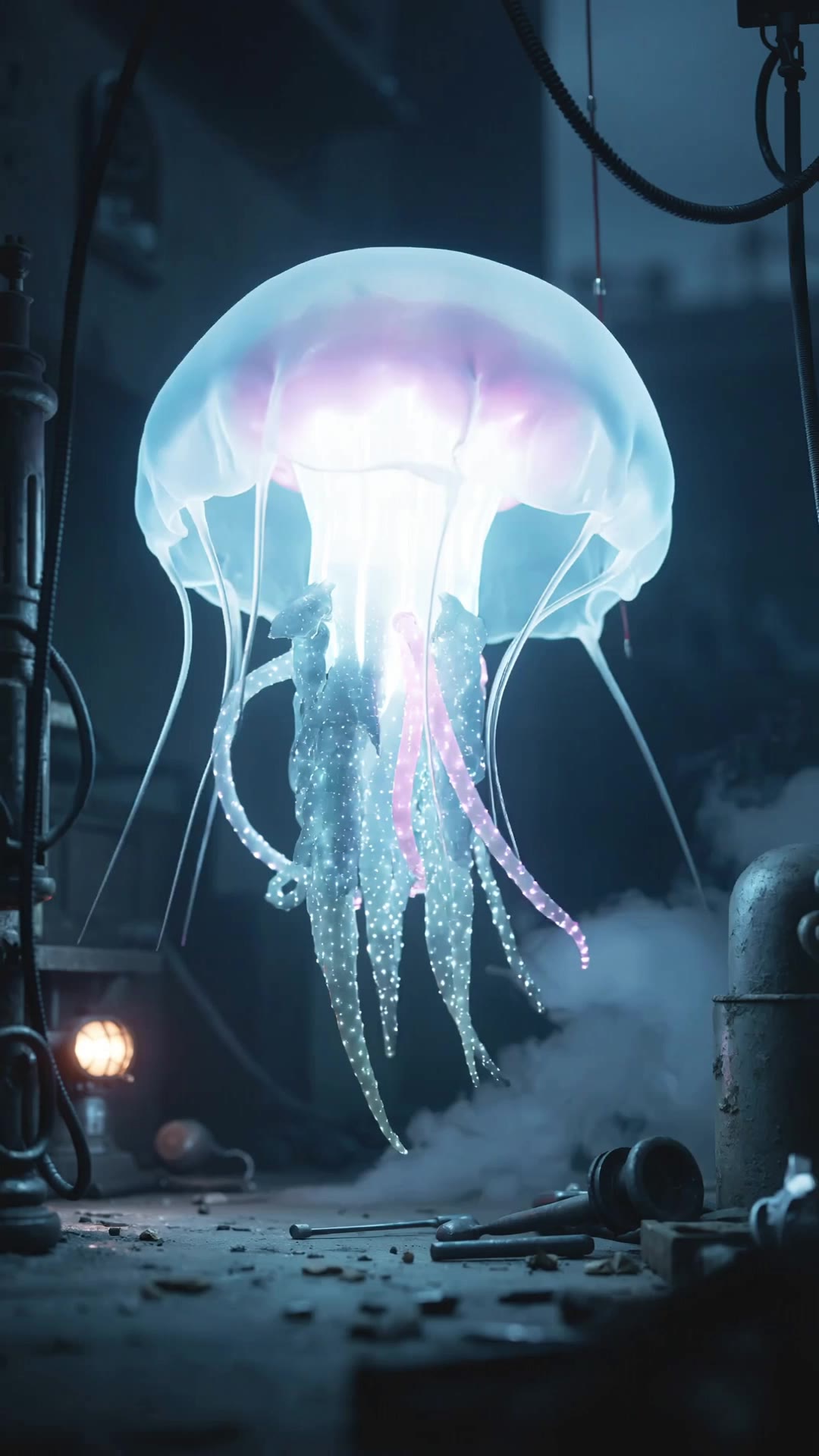
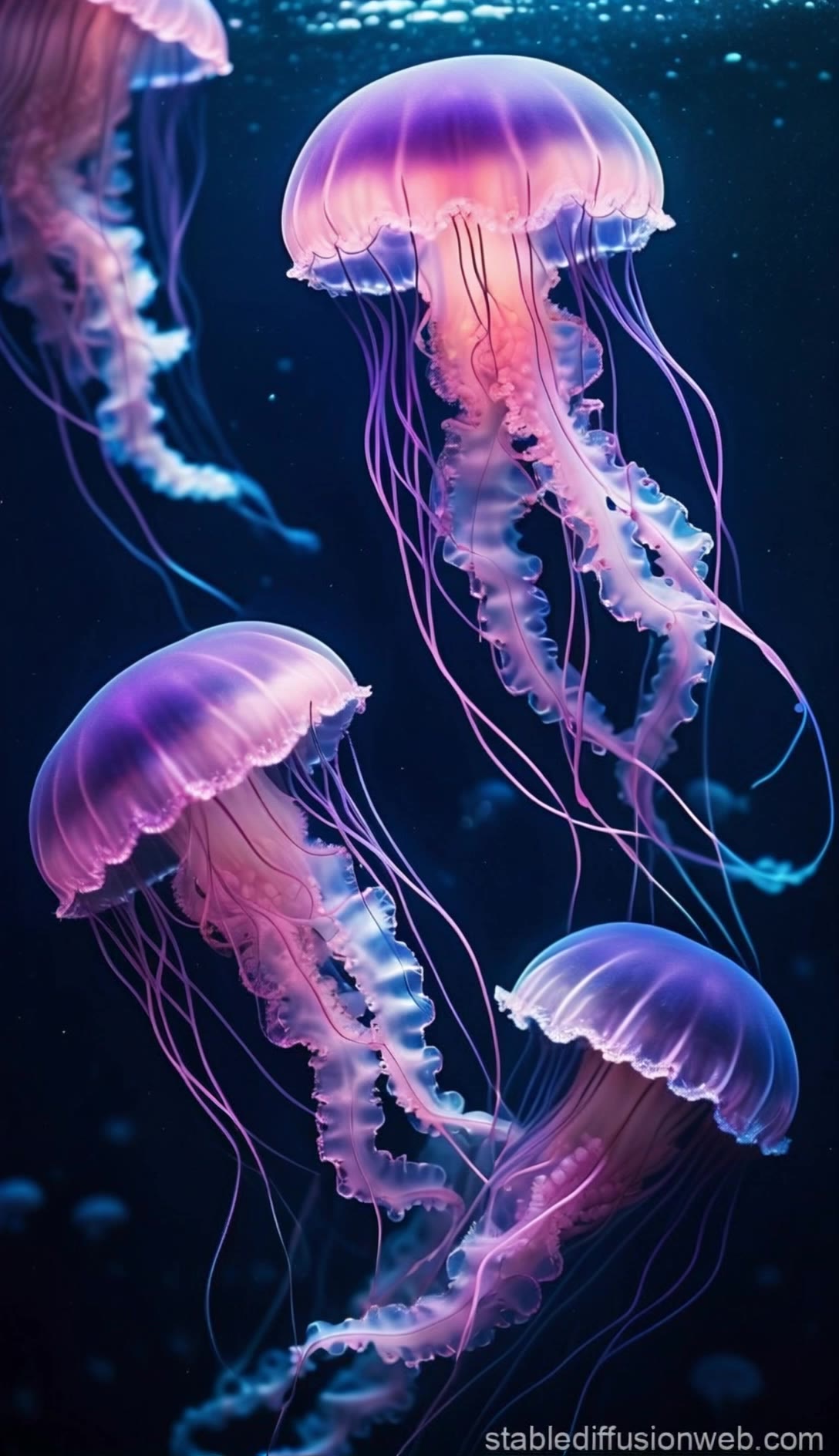
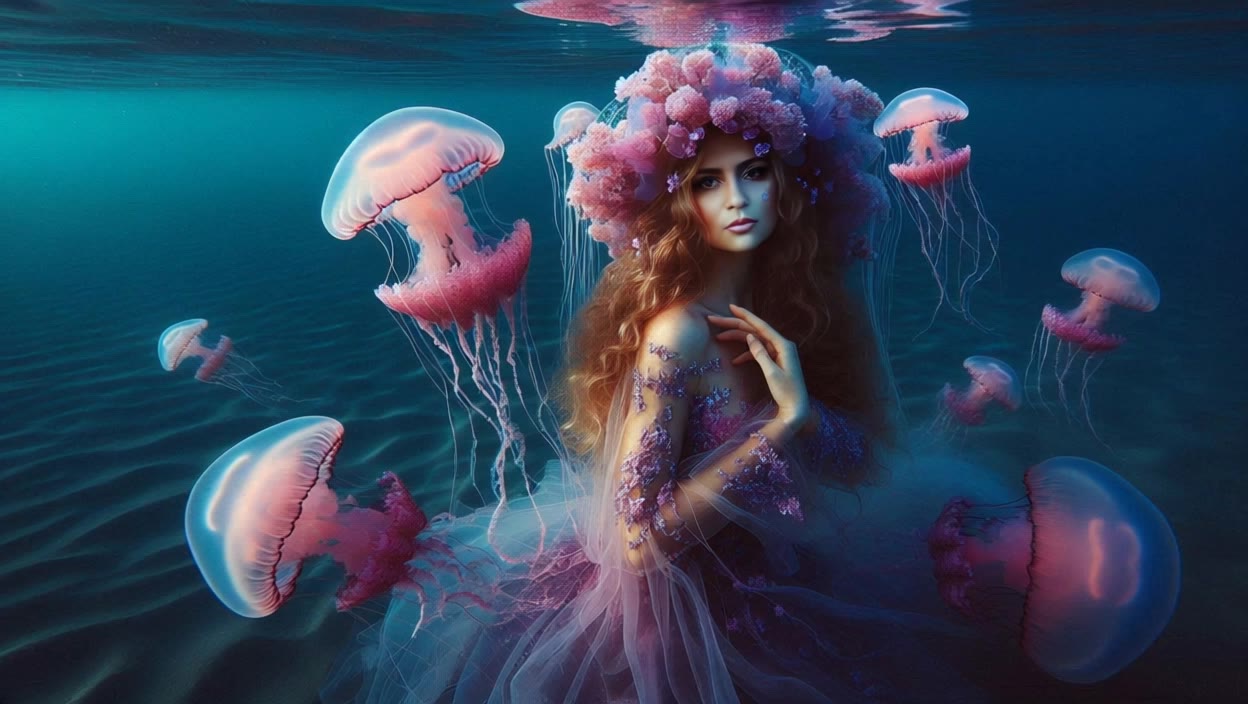
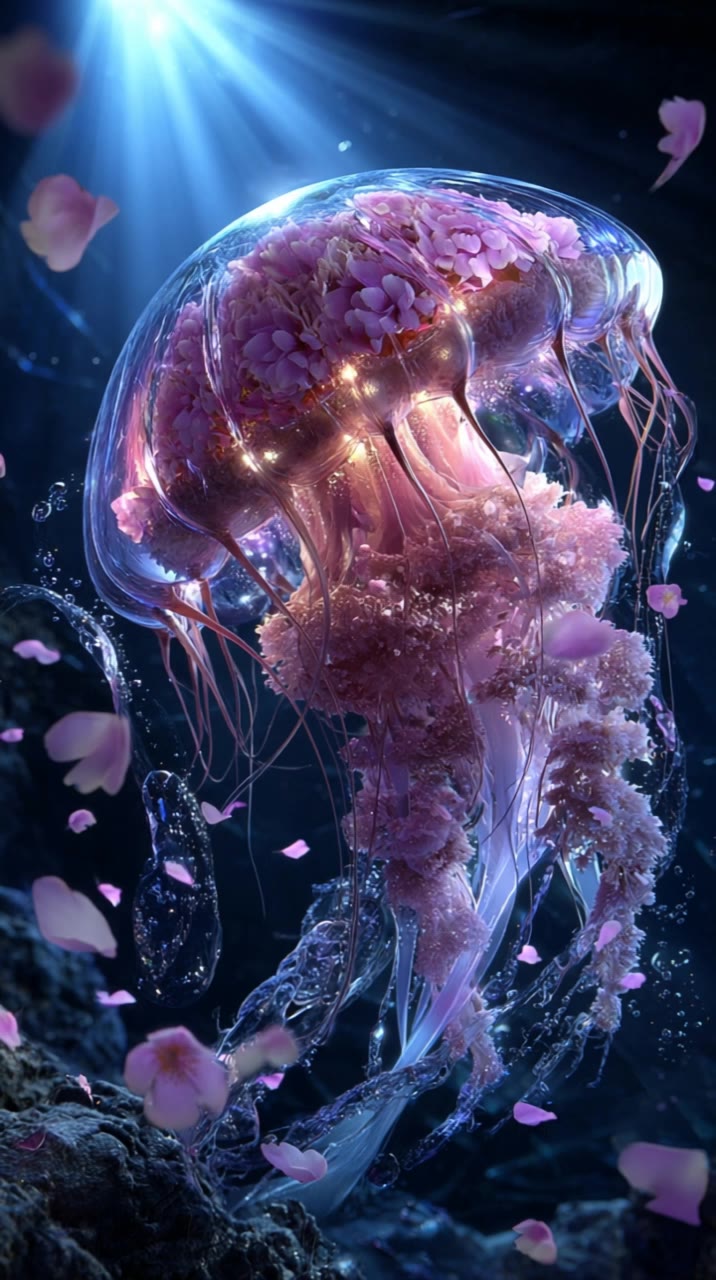
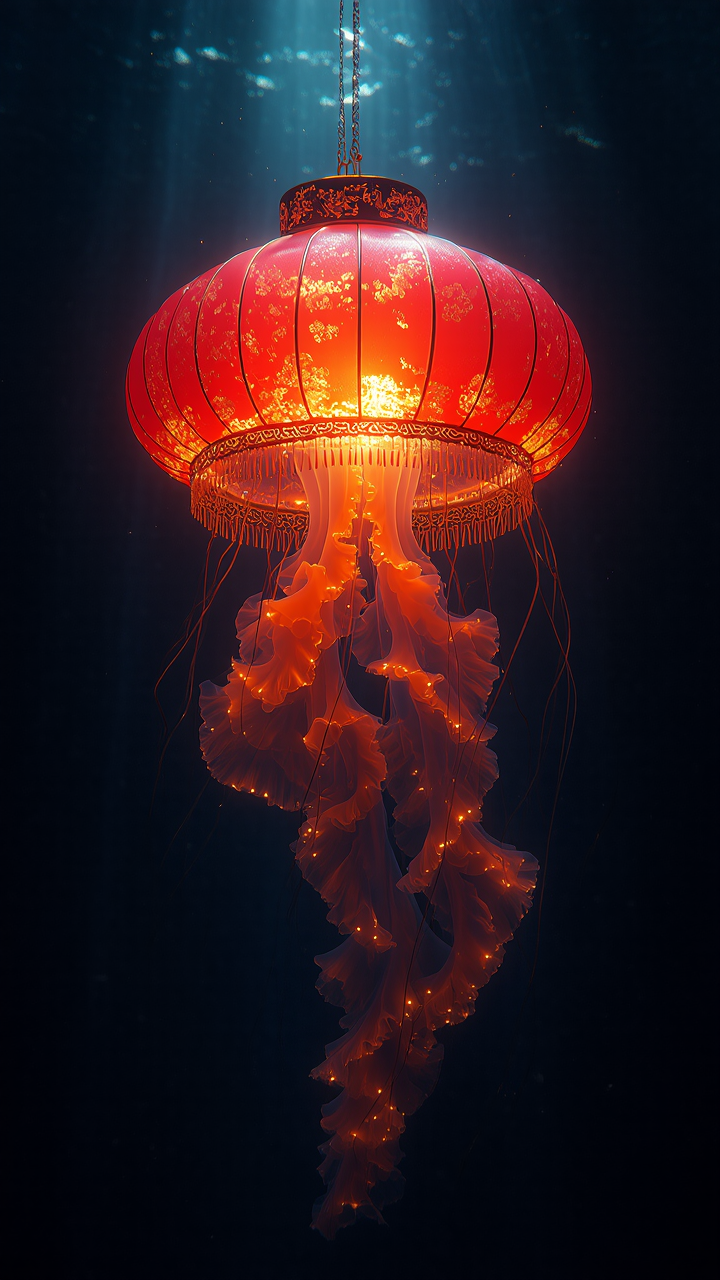
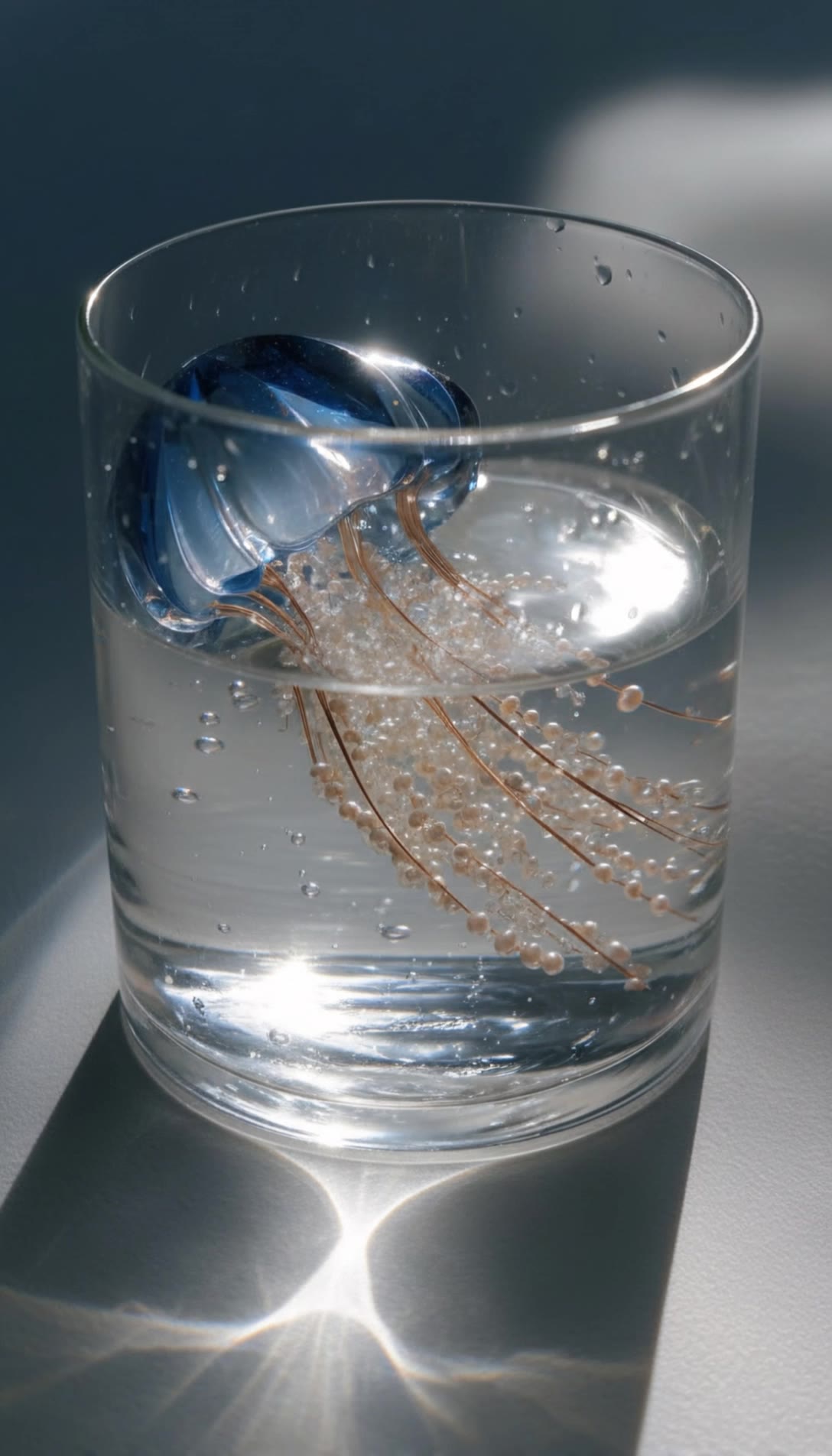
jellyfish aesthetic - bioluminescent motion & serene underwater drift

Immerse in the ethereal beauty of bioluminescent jellyfish and the serene elegance of translucent creatures drifting through sunlit ocean shafts. Witness the surreal blend of nature and fantasy with giant glowing jellyfish in cathedral-like settings. Start exploring jellyfish aesthetic ideas and generate your own content with AI.

jellyfish aesthetic - bioluminescent motion & serene underwater drift

Recommended

Kling AI work 316588440615565 - jellyfish aesthetic AI video
🎀librakoreaa♎️ avatar
🎀librakoreaa♎️
Beautiful jellyfish - jellyfish aesthetic AI image
RmIieUvr avatar
RmIieUvr
Kling AI work 318794458662253 - jellyfish aesthetic AI image
pNQLjVnX avatar
pNQLjVnX
Kling AI work 296374716501077 - jellyfish aesthetic AI video
Chynnas Cozy Lofi avatar
Chynnas Cozy Lofi
Kling AI work 316490242660174 - jellyfish aesthetic AI video
🎀librakoreaa♎️ avatar
🎀librakoreaa♎️
Kling AI work 297121952527676 - jellyfish aesthetic AI video
KubanoplusArt avatar
KubanoplusArt
Jellyfish  - jellyfish aesthetic AI video
XmbNPIAG avatar
XmbNPIAG
jellyfish - jellyfish aesthetic AI image
nKBpJZXu avatar
nKBpJZXu
Kling AI work 296841685501552 - jellyfish aesthetic AI video
Chynnas Cozy Lofi avatar
Chynnas Cozy Lofi
Pink jellyfish - jellyfish aesthetic AI video
Manuetta Moon avatar
Manuetta Moon
Сны - jellyfish aesthetic AI video
Elen avatar
Elen
Kling AI work 296581486304304 - jellyfish aesthetic AI video
a_vika_a avatar
a_vika_a
Kling AI work 313423130661438 - jellyfish aesthetic AI video
ZuWinston avatar
ZuWinston
Kling AI work 313840036520608 - jellyfish aesthetic AI image
P00pOOTubtana avatar
P00pOOTubtana
Kling AI work 308789929664786 - jellyfish aesthetic AI image
dLNrQAAH avatar
dLNrQAAH
Kling AI work 316391957508527 - jellyfish aesthetic AI image
aMXWFfxQ avatar
aMXWFfxQ
Glass Jellyfish - jellyfish aesthetic AI video
KLING5338 avatar
KLING5338
Golden Hour Aesthetic ✨ - jellyfish aesthetic AI video
Vicky avatar
Vicky
Kling AI work 297298008611730 - jellyfish aesthetic AI video
pDpXnLOw avatar
pDpXnLOw

How to Create an AI Avatar Video

Create an Avatar

Create an Avatar

Pick a ready-made character from the Avatar Library, return to a saved avatar, upload an image from your device or Assets, or generate someone new with AI Image. The selected image becomes the visual starting point for the video.

Add the Voice

Add the Voice

Upload a finished recording, or enter the lines you want the character to deliver. With text to speech, select a voice and adjust its speed and emotional tone. Use punctuation to place pauses where they naturally belong, especially in longer passages.

Shape the Performance

Shape the Performance

Describe how the character should feel, react, and move while speaking. You can write the direction yourself or begin with one of the performance options Kling AI suggests for the selected character. Generate the video and review the delivery.

Go from Written Scene to Directed Sequence

See Your Scene as More Than One Shot

See Your Scene as More Than One Shot

A conversation does not have to stay on one camera angle. An action beat does not have to play out in a single wide shot. Turn on Multi-Shot and Kling can plan scene transitions, framing, and camera-angle changes around what you wrote. A simple story beat can move from an establishing shot to a character close-up, then cut again when the action calls for it.
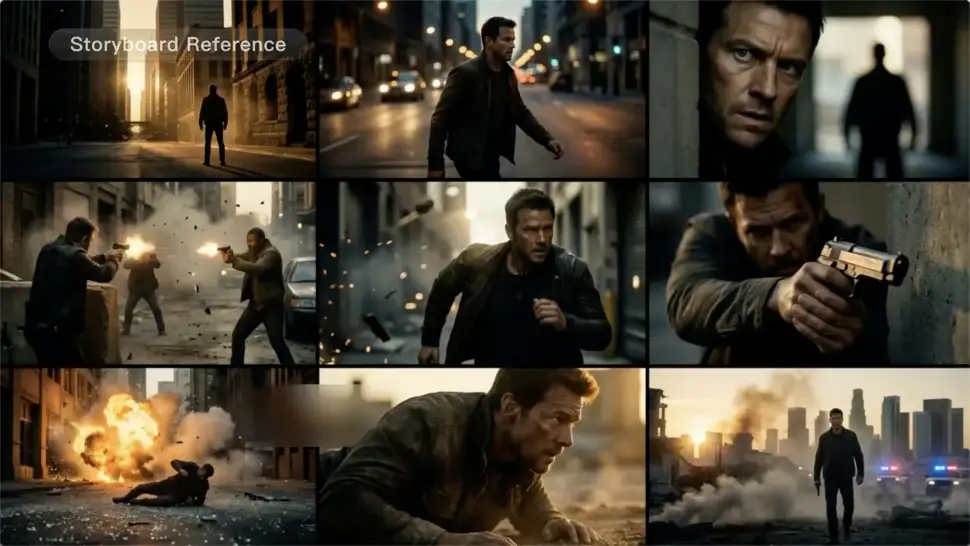
Take Over the Storyboard When the Shot Matters

Take Over the Storyboard When the Shot Matters

When you already know how the scene should be covered, use Custom Multi-Shot instead of leaving every decision to the model. Decide what happens in each shot, how long it lasts, whether the camera is wide or close, which angle you want, and how the camera moves. It gives you a practical way to turn screenplay direction or a rough shot list into something Kling can generate.

Bring the Same Character into the Next Shot

Bring the Same Character into the Next Shot

A cut should not feel like a new actor walked into the scene. Use a Character Element when someone needs to return across different angles, actions, or settings, and make it clear in the prompt which character belongs in each shot. For workflows that need a richer mix of character, image, video, and scene references, VIDEO 3.0 Omni gives you more ways to anchor the people and visual details your story depends on.

Apps

Image to Video
Image to Video

Image to Video

Text to Video
Text to Video

Text to Video

Omni
Omni

Omni

Digital Human
Digital Human

Digital Human

Restyle
Restyle

Restyle

Text to Image
Text to Image

Text to Image

60M+
60M+
Users
600M+
600M+
AI Videos Generated
4.7 ★
4.7 ★
App Store
Industry-Leading
Industry-Leading
Cinematic 4K

Reviews

Jyo John Mulloor

Jyo John Mulloor

★★★★★

Kling AI has been instrumental in transforming my creative workflow, unlocking new dimensions of artistic expression that were once unimaginable. I use Kling AI extensively to develop high-concept visuals, animate surreal dreamscapes, and create AI-assisted films that blur the line between reality and fantasy. Kling AI’s deep learning capabilities have not only enhanced my creative efficiency but also inspired me to explore storytelling in ways I never thought possible.

Samuele Poggi (@visualsk2)

Samuele Poggi (@visualsk2)

★★★★★

I use Kling AI daily to push the limits of AI filmmaking. It allows me to create highly cinematic content, blending AI and VFX to develop innovative projects. It has significantly impacted my creative process, enabling me to achieve complex animations that would otherwise require high production budgets.

Ozan Sihay

Ozan Sihay

★★★★★

Kling AI allows me to rapidly prototype ideas, refine storytelling elements, and produce visually compelling content efficiently. It has not only accelerated my creative processes, but also deepened my understanding of how AI can enrich visual storytelling.

FAQ

Q1Can I upscale old, compressed, or AI-generated videos?
Q2Will upscaling change faces or products in my video?
Q3What types of videos work best for AI upscaling?

Start Creating AI Videos with Kling

Turn your image into a talking, high-quality video in seconds. No watermarks, no complicated setup.

Free tier available (Memberships are watermark-free) | 1080p export (Memberships unlock 4K) | Instant results