Creative Studio
API Platform
Resources
About Us

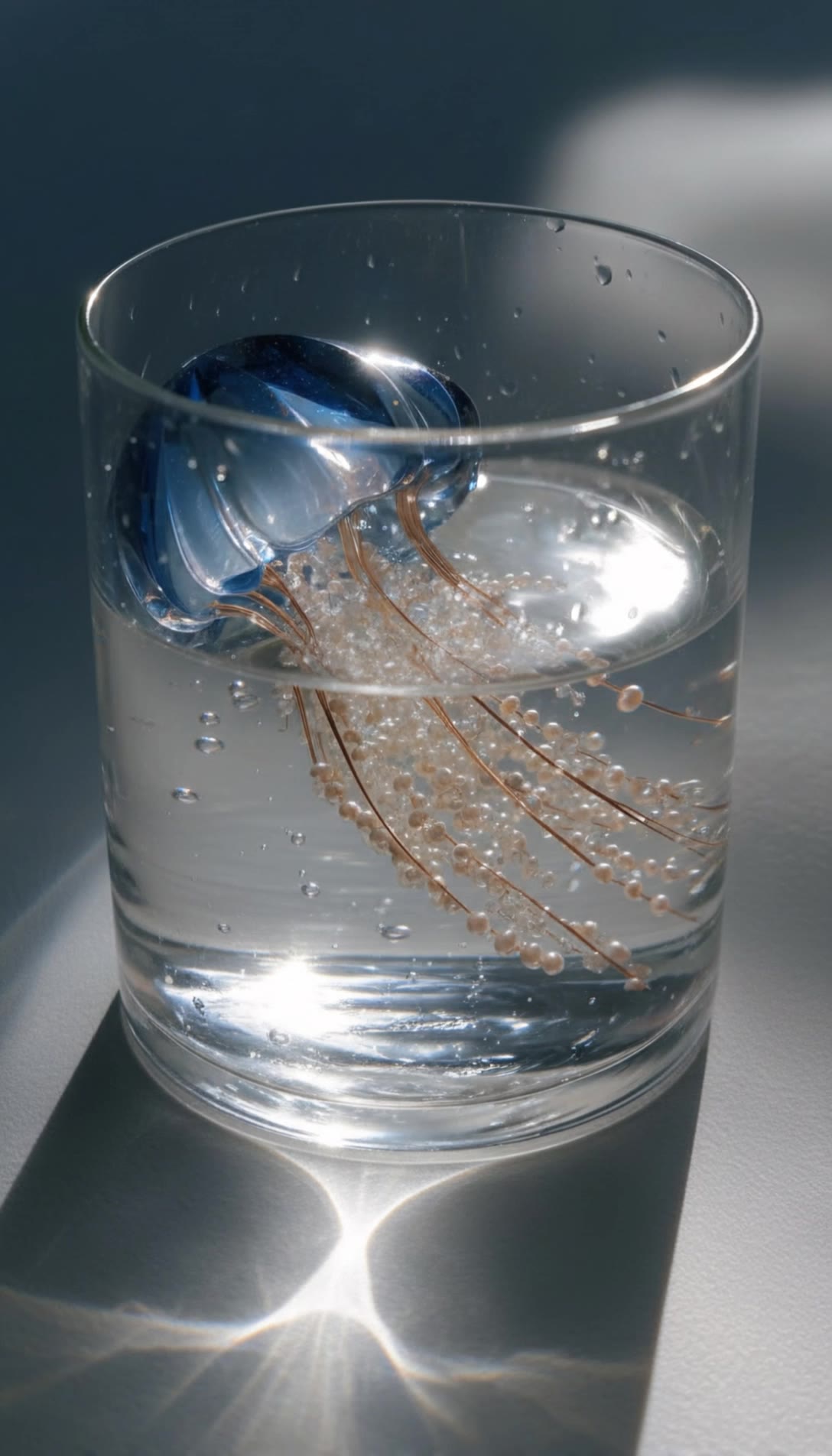
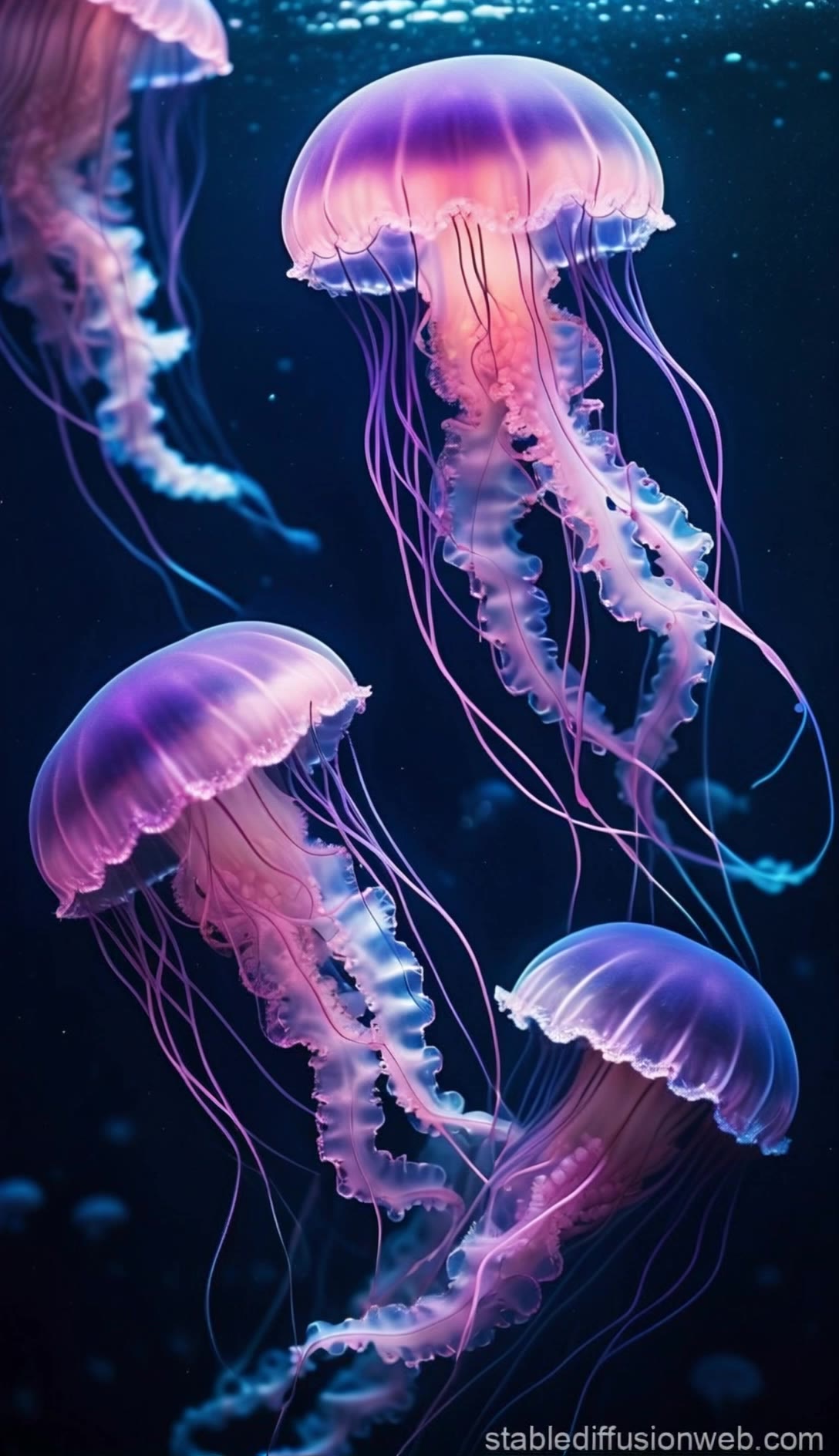
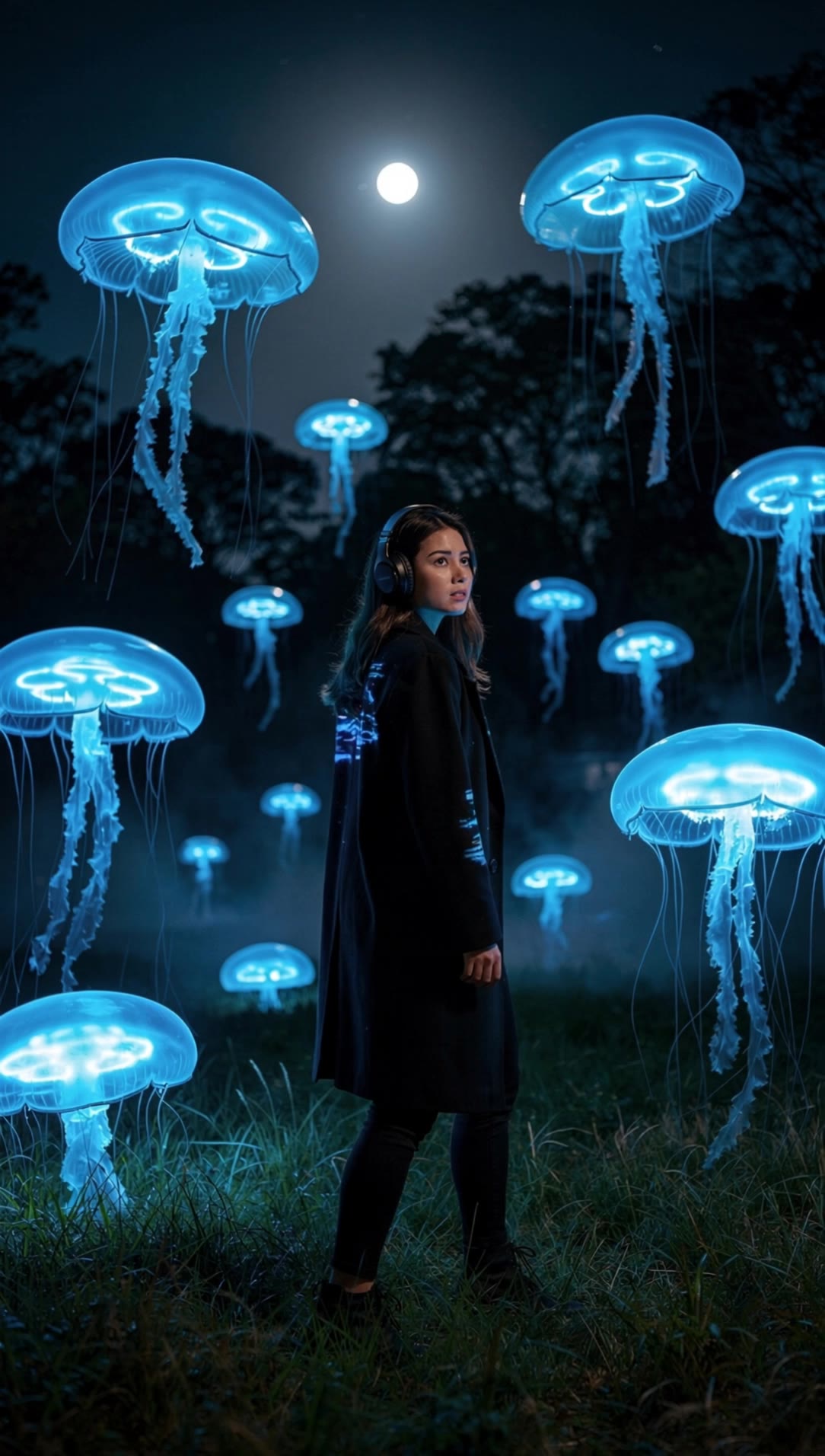
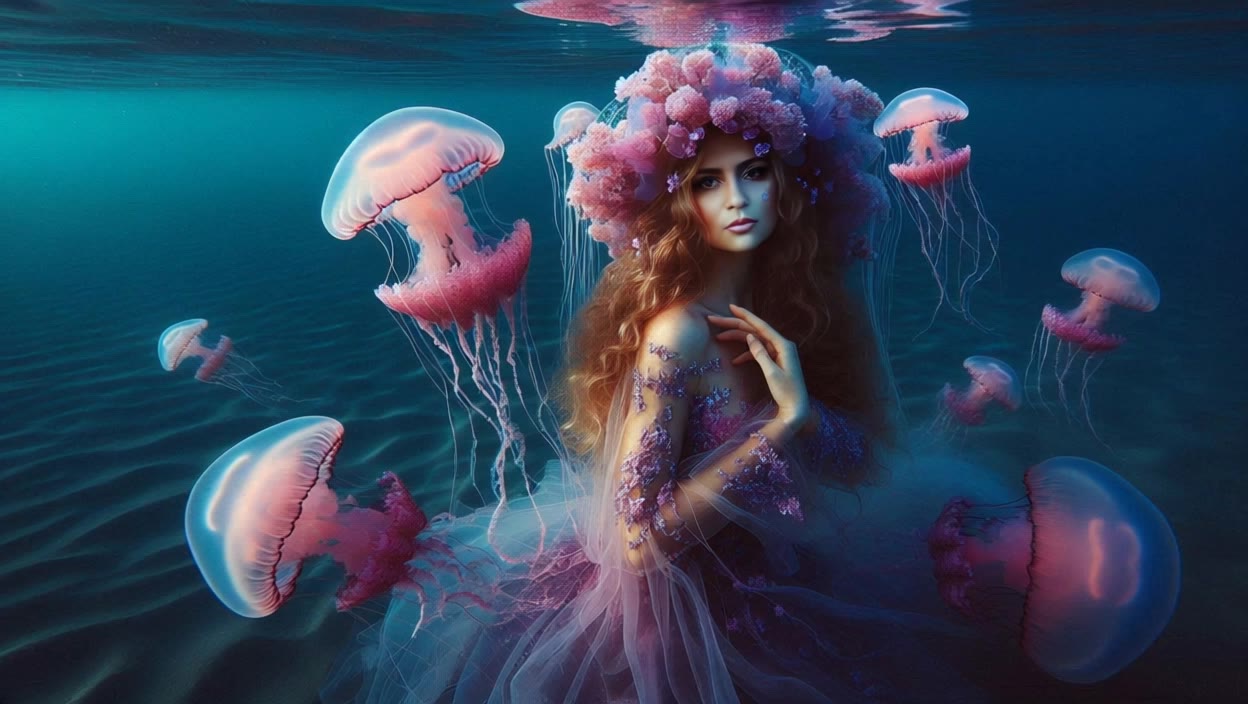
jellyfish shot - bioluminescent glow & graceful drift

Immerse in the ethereal beauty of bioluminescent jellyfish with neon tentacles and surreal underwater scenes. Witness the majestic, hypnotic glide of giant jellyfish pulsating in vibrant hues against dark ocean backdrops. Start exploring jellyfish shot ideas and generate your own content with AI.

jellyfish shot - bioluminescent glow & graceful drift

Recommended

work cover
video-play
Dronov_ai
work cover
video-play
Julietteuniverse
work cover
video-play
Inna
work cover
Viktor_Fox
work cover
video-play
Ruslana Kravchenko
work cover
video-play
Patatjes
work cover
123
work cover
video-play
EP67
work cover
video-play
Ruslana Kravchenko
work cover
nKBpJZXu
work cover
video-play
Manuetta Moon
work cover
MOMO -KLING
work cover
video-play
Polinaroxy
work cover
video-play
Manuetta Moon
work cover
Viktor_Fox
work cover
Viktor_Fox
work cover
video-play
M73405232
work cover
video-play
KLING5142
work cover
video-play
Martin

How to Create Cinematic AI Videos with Kling

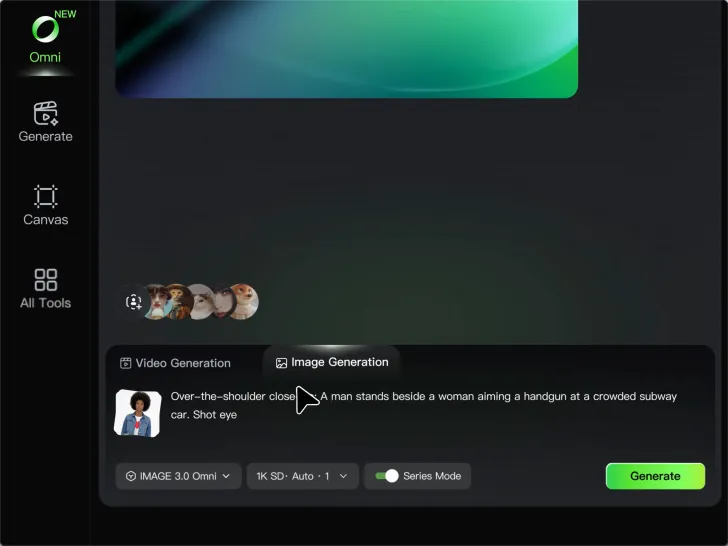
Upload or Describe Your Vision

Upload or Describe Your Vision

Start by uploading a reference photo or entering a text prompt to define your character, style, and scene.

Adjust Settings & Motion

Adjust Settings & Motion

Refine your video by locking character consistency, adjusting motion intensity, or adding native AI audio and lip-sync.

Generate & Export in 4K

Generate & Export in 4K

Click generate to produce your high-fidelity video. Preview the results and export your masterpiece in stunning 4K resolution.

Why Kling Sets the Standard for Video Creation

Flawless Character Consistency for High-Quality Videos

Flawless Character Consistency for High-Quality Videos

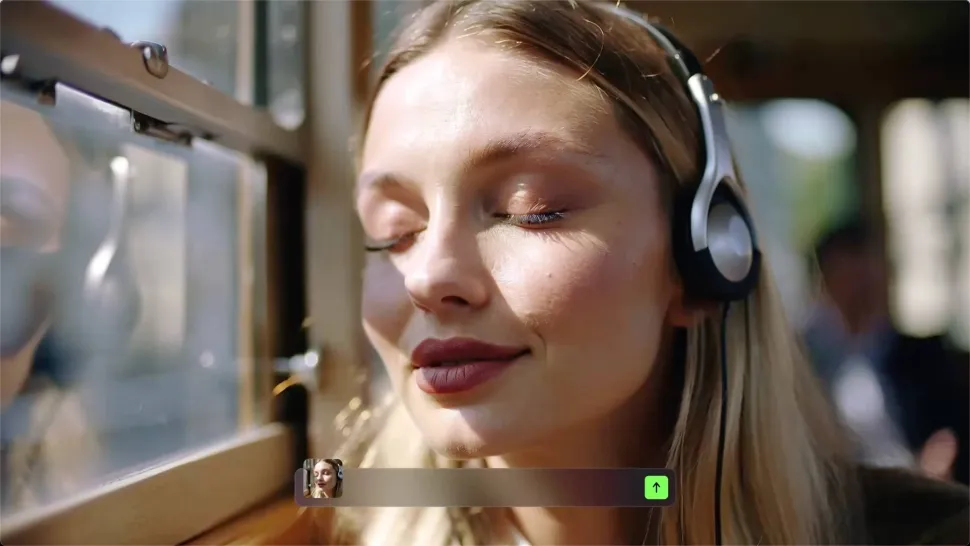
Unlike standard tools that distort faces when moving, Kling Video 3.0 lets you strictly lock a character’s appearance. Upload a single photo, or use a short video/multiple angles as a reference to completely eliminate the “AI morphing” effect.

All-in-One Native Audio & Lip-Sync

All-in-One Native Audio & Lip-Sync

Your video isn’t just silent footage; it speaks. Generate perfectly matched voices and realistic lip movements in multiple languages or regional accents. Even in multi-character scenes, you can precisely assign who speaks—no third-party tools required.

Up to 15s Multi-Shot Cinematic Output

Up to 15s Multi-Shot Cinematic Output

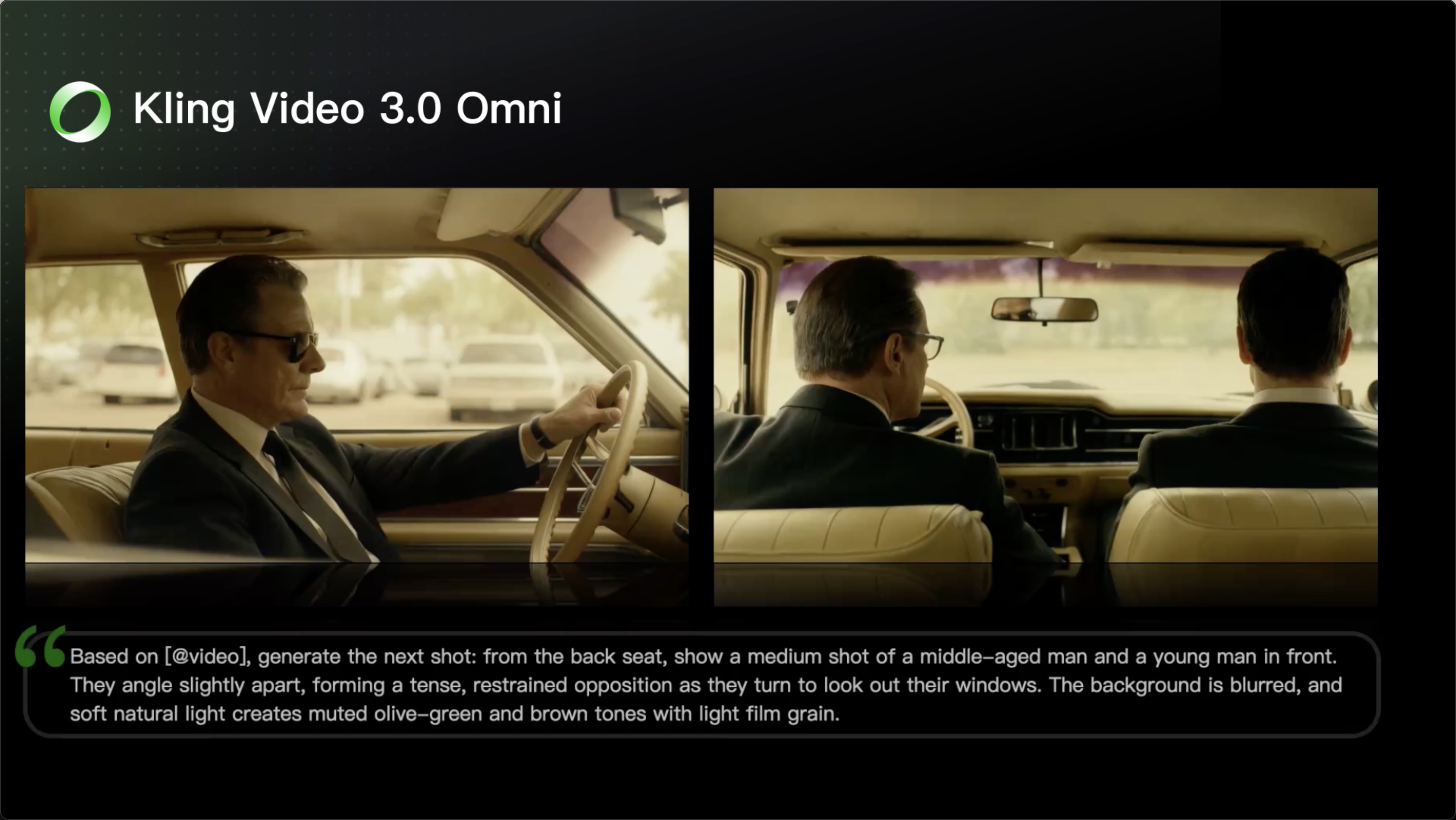
Go beyond a basic 3-second clip. Kling 3.0 extends generation to 15 seconds of smooth, uninterrupted narrative. You can even use native storyboard controls to direct multi-shot sequences in a single click—outputting in crystal-clear 4K for professional use.

Apps

Image to Video
Image to Video

Image to Video

Text to Video
Text to Video

Text to Video

Omni
Omni

Omni

Digital Human
Digital Human

Digital Human

Restyle
Restyle

Restyle

Text to Image
Text to Image

Text to Image

60M+
60M+
Users
600M+
600M+
AI Videos Generated
4.7 ★
4.7 ★
App Store
Industry-Leading
Industry-Leading
Cinematic 4K

Reviews

Maria Rubtsova

Maria Rubtsova

★★★★★

I’m Maria Rubtsova, an AIGC digital artist passionate about creating stunning visuals in the worlds of fashion, aesthetics, and fantasy. I use KlingAi to bring imagination to life through video. My work is all about exploring beauty, emotion, and the limitless possibilities of digital art.

Samuele Poggi (@visualsk2)

Samuele Poggi (@visualsk2)

★★★★★

I use Kling AI daily to push the limits of AI filmmaking. It allows me to create highly cinematic content, blending AI and VFX to develop innovative projects. It has significantly impacted my creative process, enabling me to achieve complex animations that would otherwise require high production budgets.

Huang Lu (Elson)

Huang Lu (Elson)

★★★★★

I’ve been using Kling AI since its initial release, and it’s remained one of the leading AI media generators ever since. With Kling AI, I’ve created hundreds of videos, collectively amassing millions of views.
FAQ

Q1What makes a good reference video for Motion Control?
Q2How do I keep the face from changing or distorting?
Q3What is the difference between Kling 2.6 and 3.0 Motion Control?
Q4Can I use this for anime or 3D characters?
Q5Can I use the audio from the reference video?
Q6Can I use multiple people in one Motion Control video?
Q7What kind of images work best for Motion Control?
Q8Can I upload multiple images to improve accuracy?
Q9What happens if the reference motion and image don’t match?

Start Creating AI Videos with Kling

Turn your image into a talking, high-quality video in seconds. No watermarks, no complicated setup.

Free tier available (Memberships are watermark-free) | 1080p export (Memberships unlock 4K) | Instant results