
Creative Studio
API
Resources
Features
About Us
Download

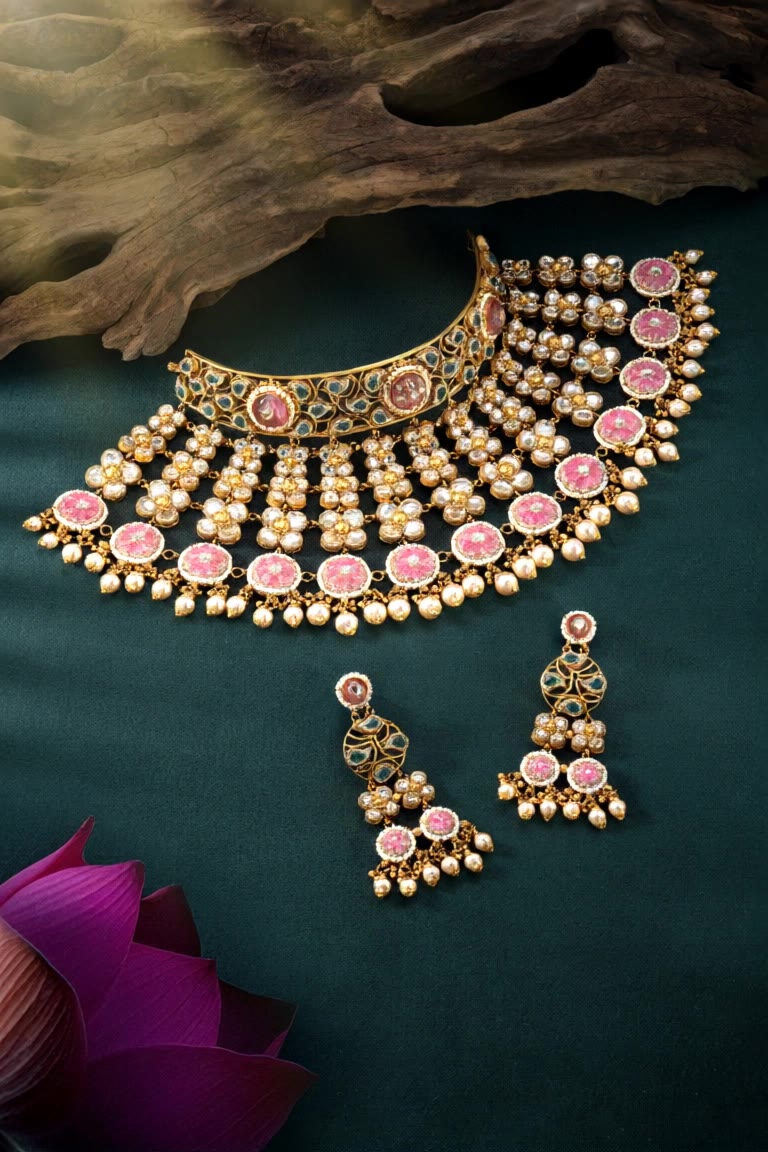
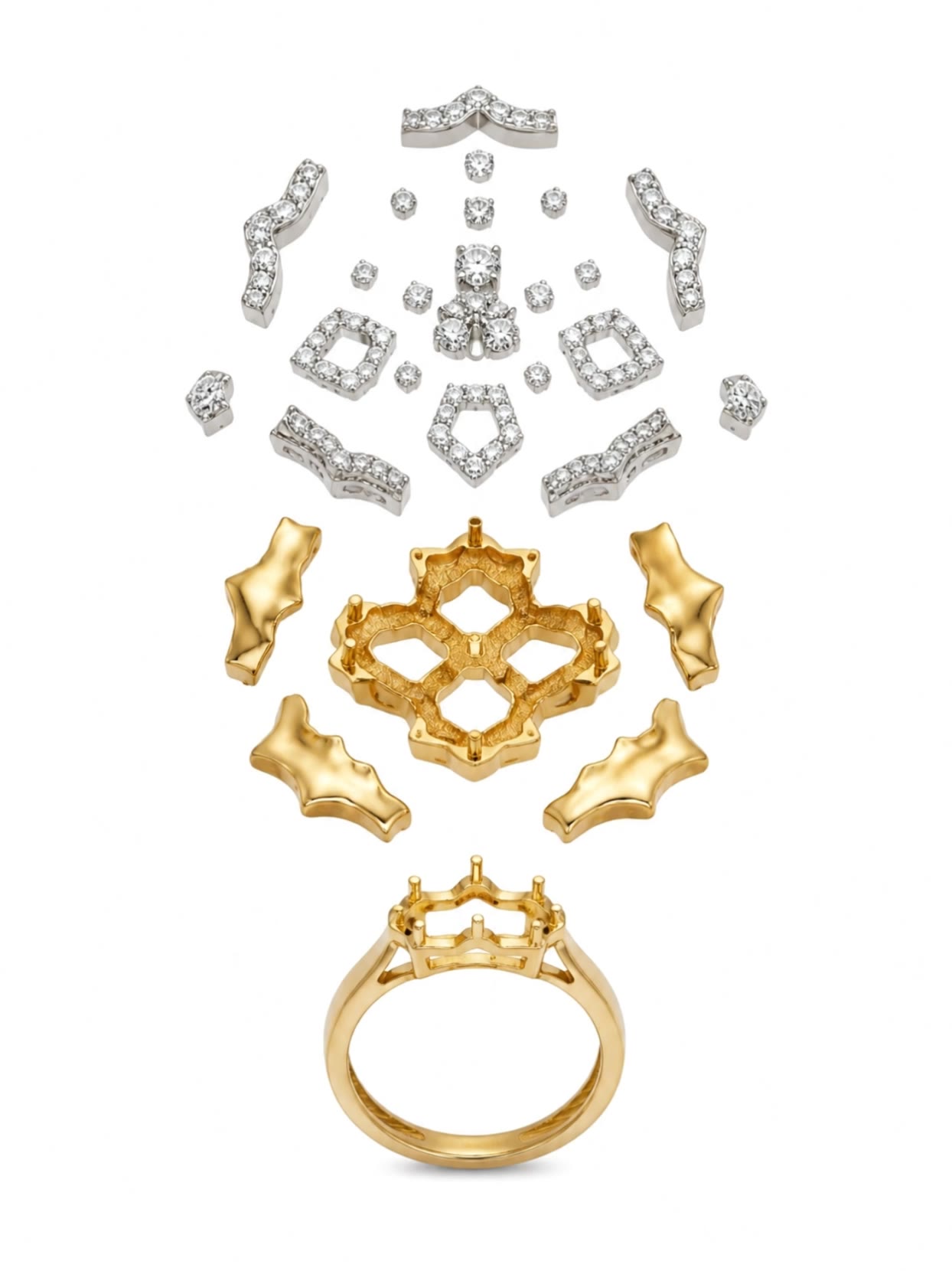
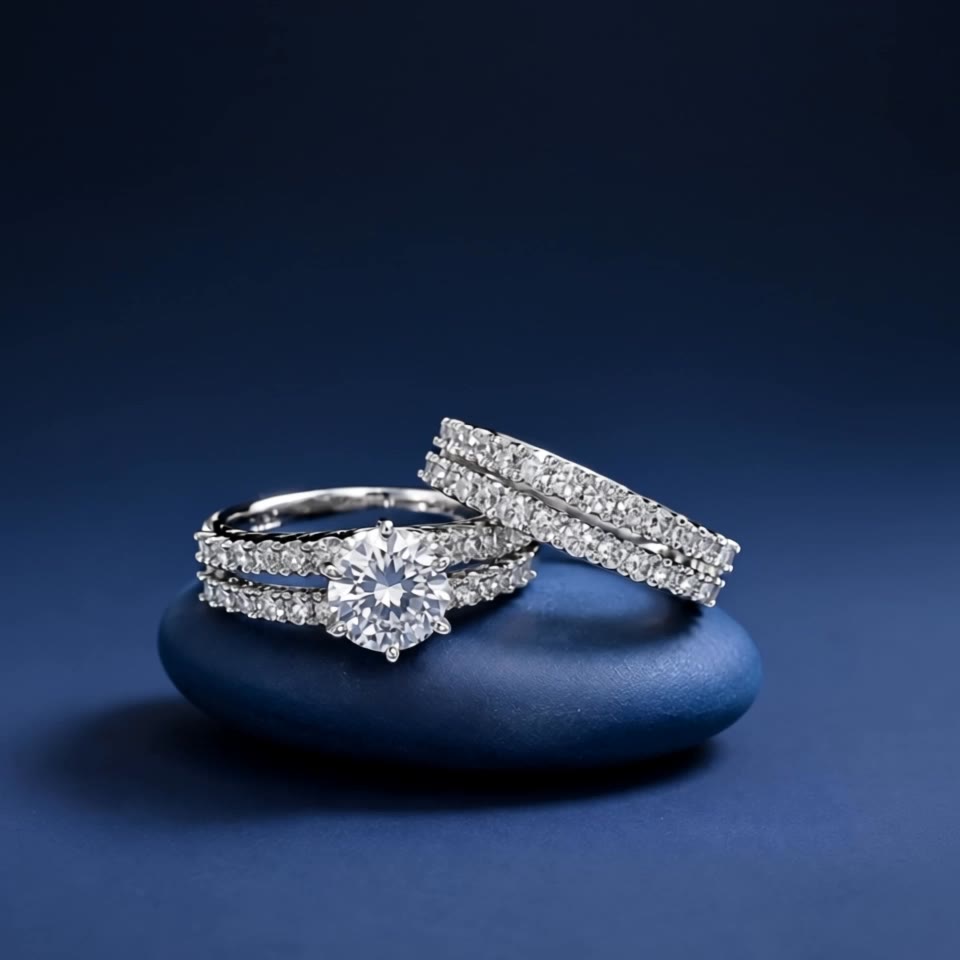
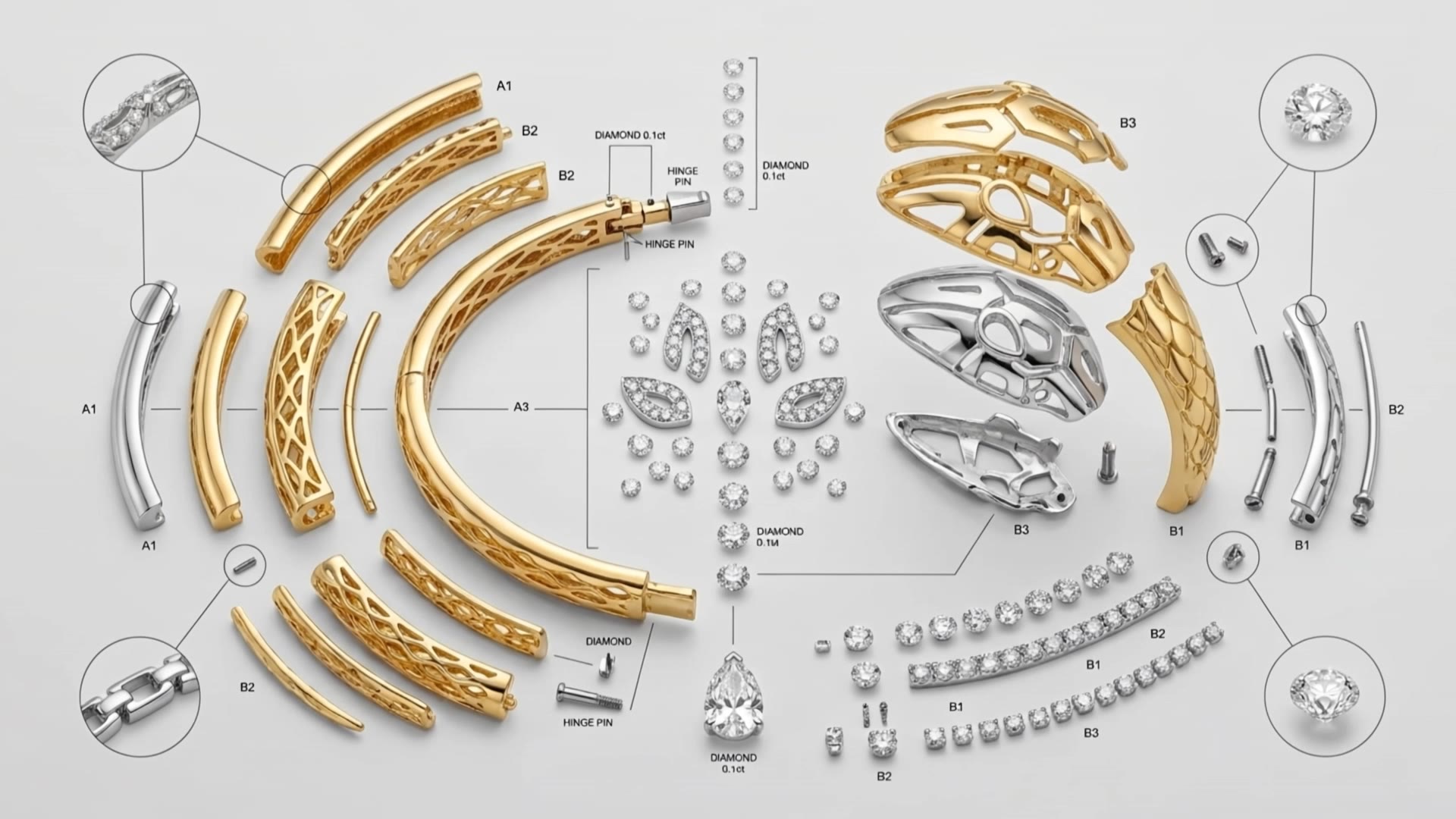
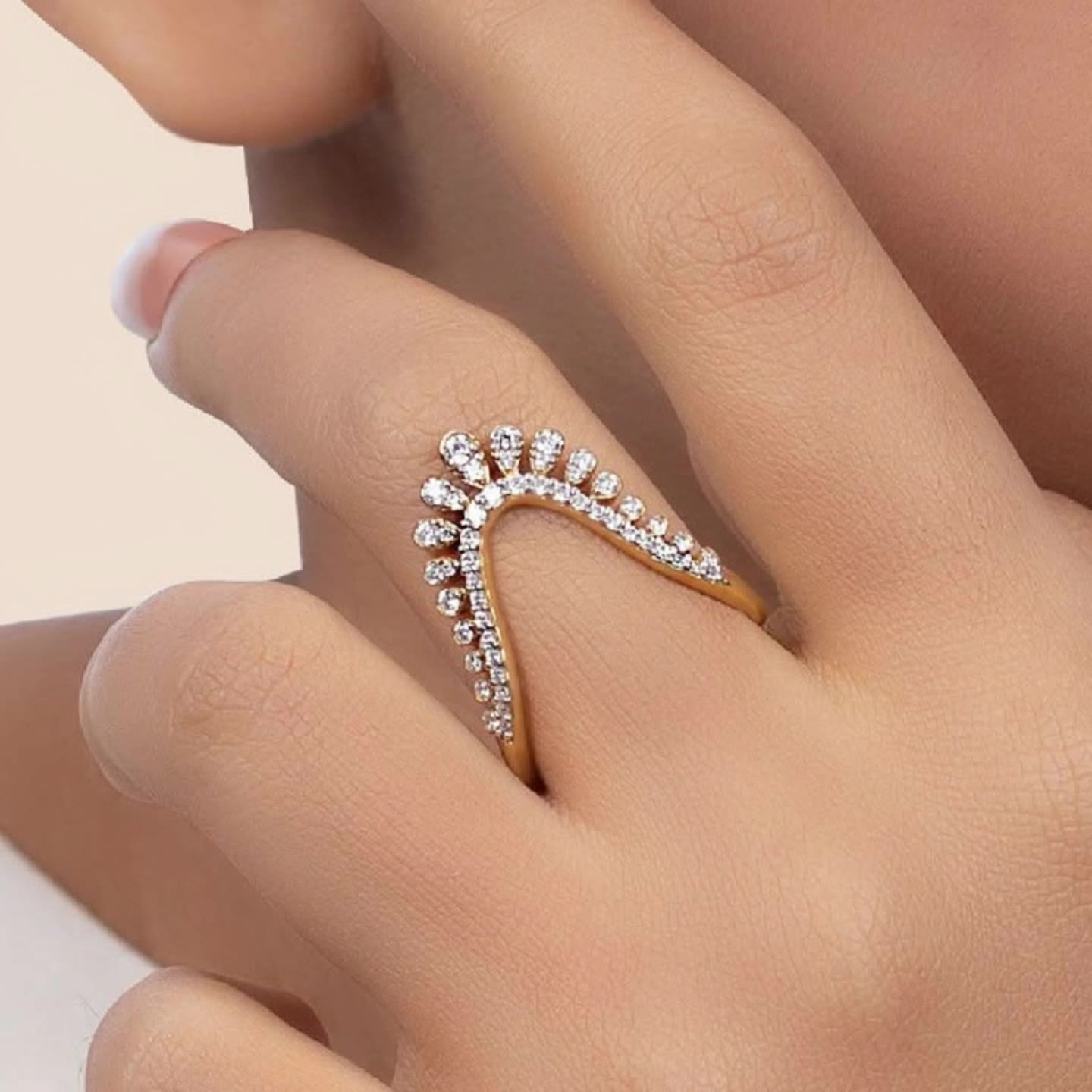
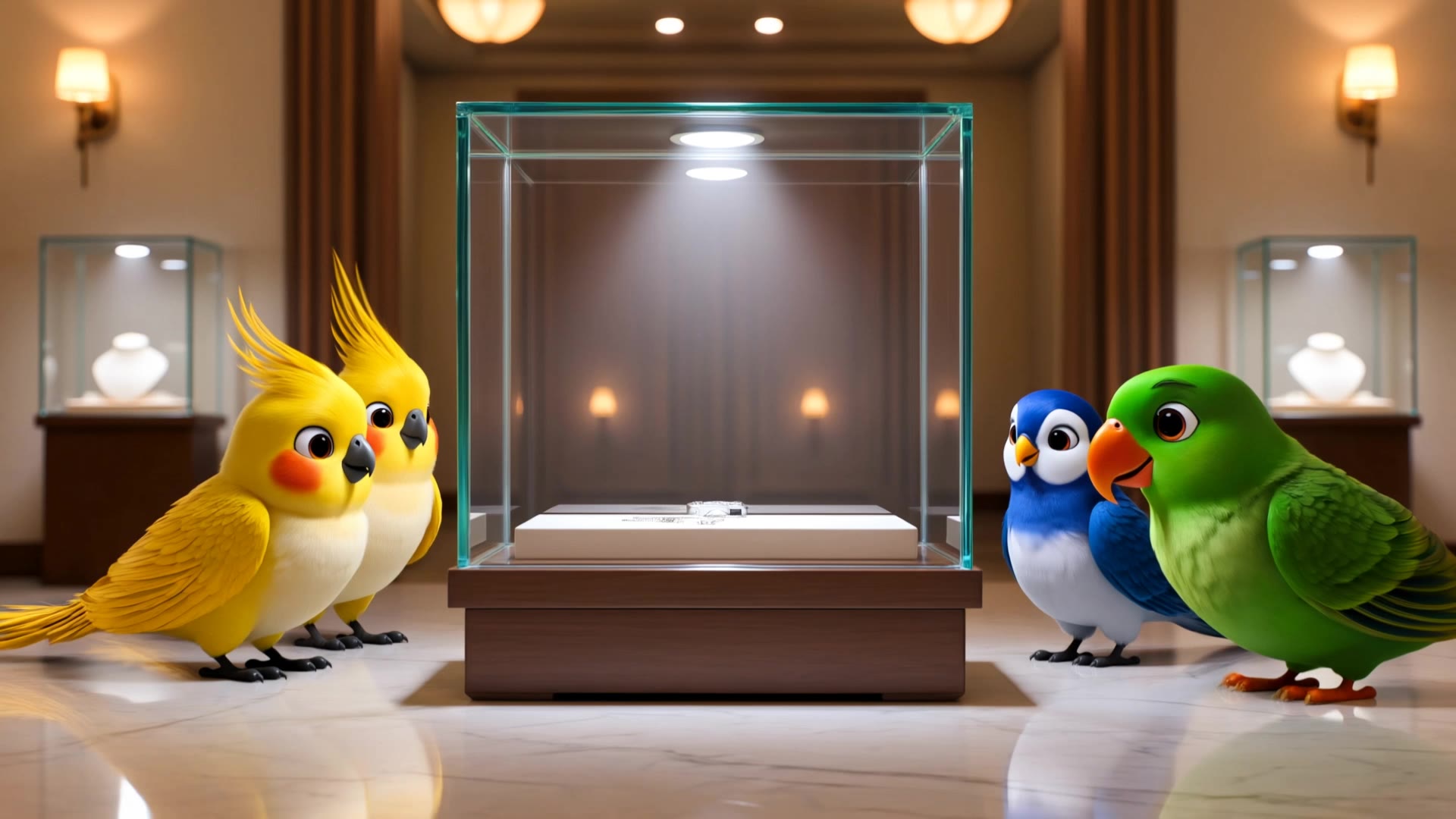
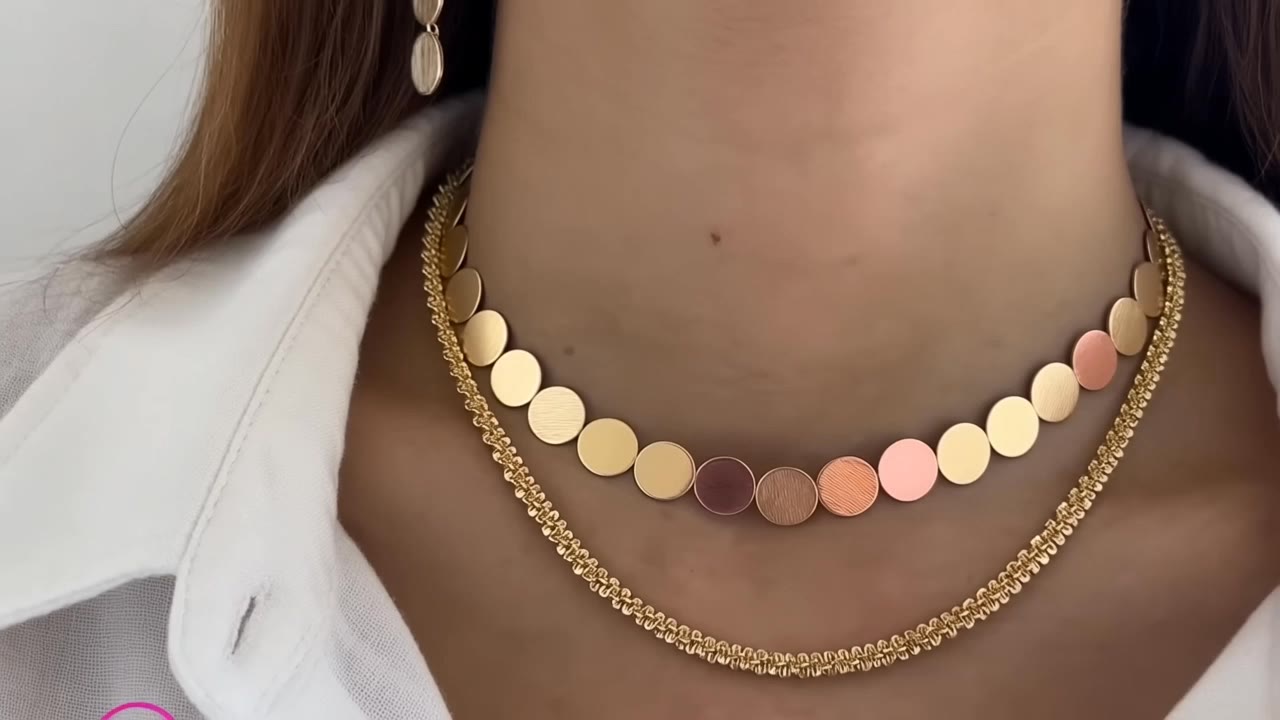
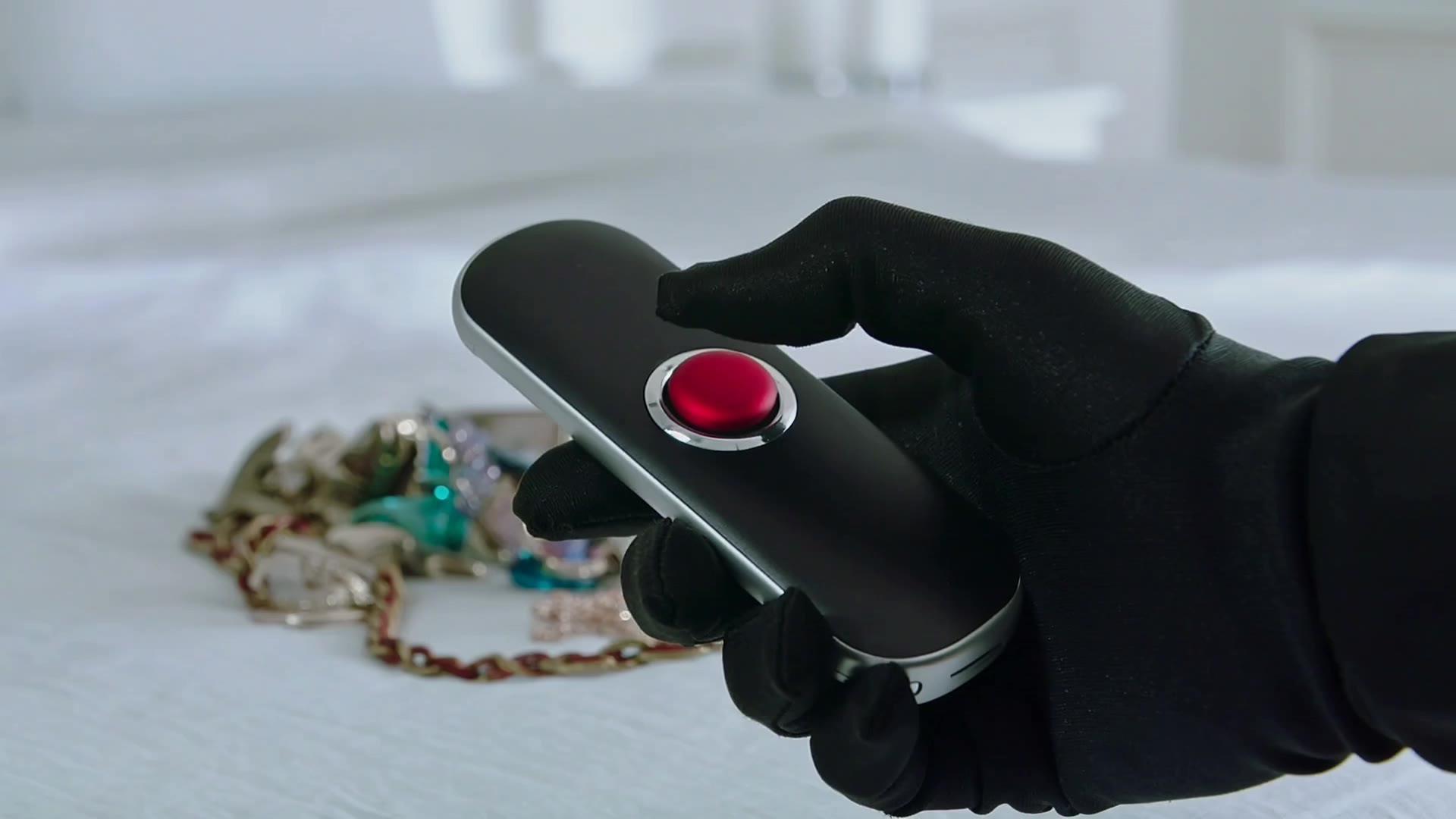
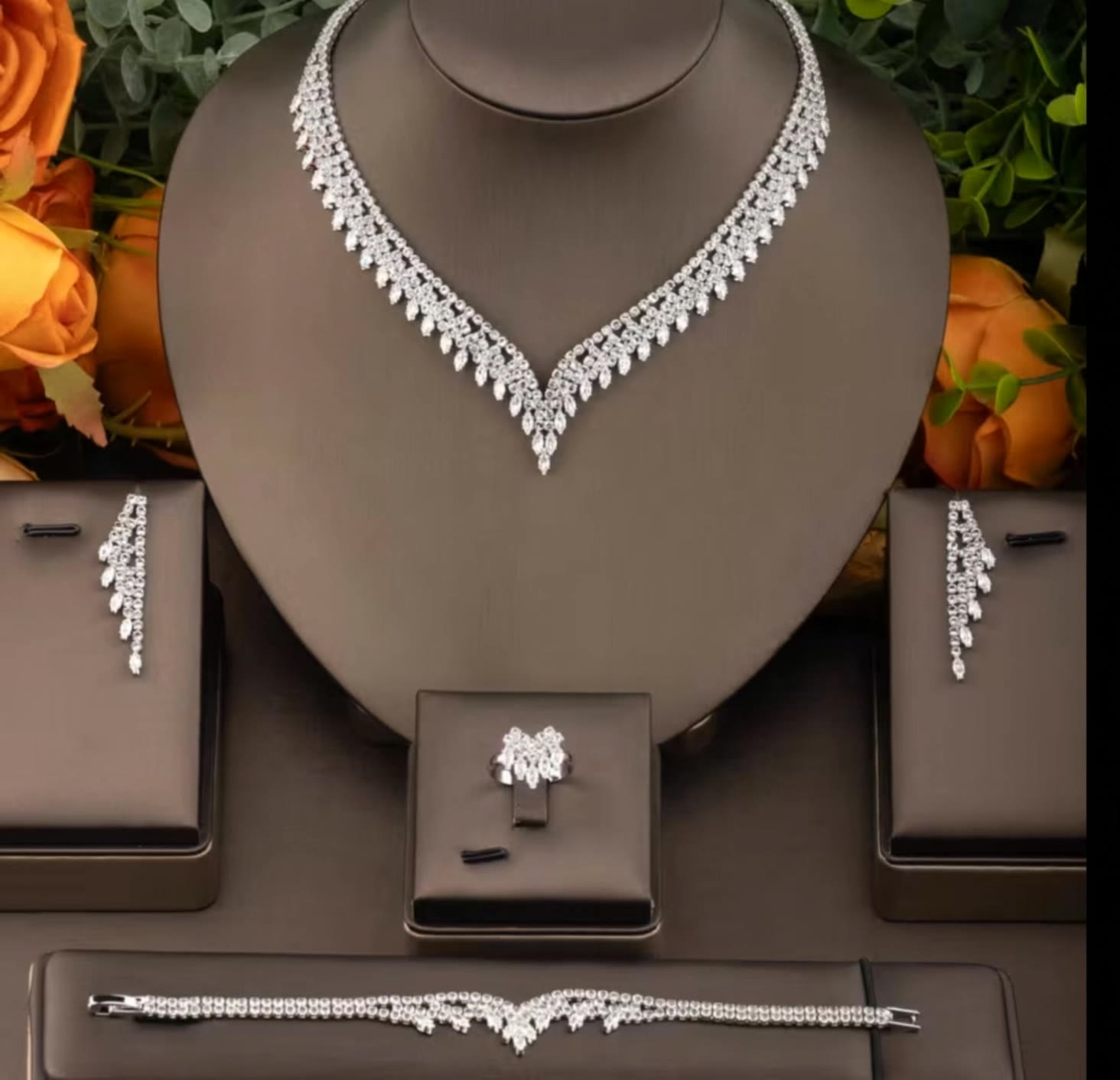
AI-generated jewellery visuals – Explore creative ideas

AI-generated jewellery visuals offer a variety of creative ideas that can be adapted to your needs. Discover how AI helps you quickly explore different concepts and customize them to fit your theme and style.

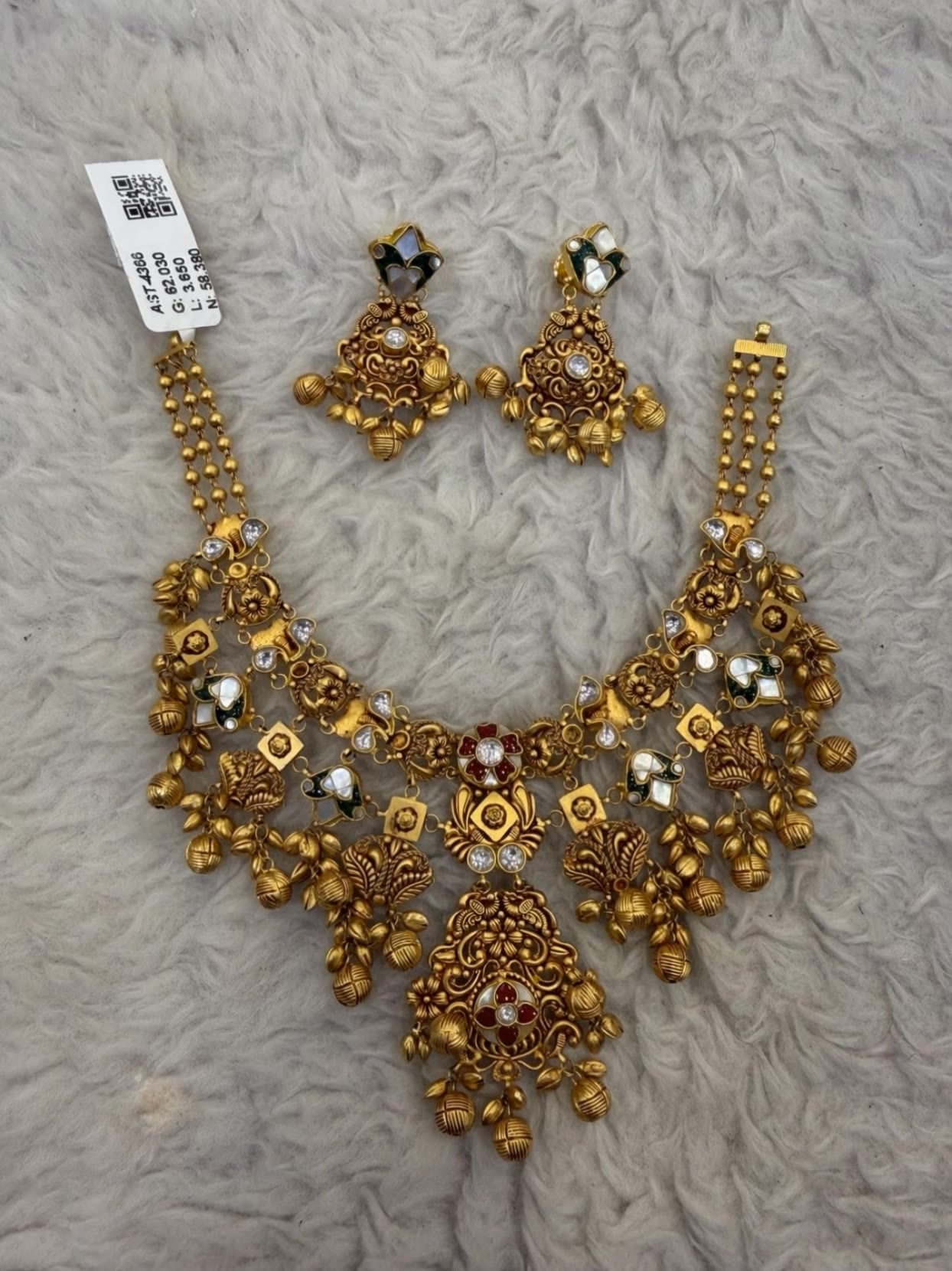
AI-generated jewellery visuals – Explore creative ideas

Recommended

Love - jewellery ai generator AI image
LSPJ avatar
LSPJ
Kling AI work 315331515618974 - jewellery ai generator AI video
Azrael avatar
Azrael
Kling AI work 318873903525337 - jewellery ai generator AI video
yaajqPjW avatar
yaajqPjW
Jewellery ad - jewellery ai generator AI video
jlKpEEuT avatar
jlKpEEuT
jewellery  - jewellery ai generator AI video
qZUmzpcy avatar
qZUmzpcy
Kling AI work 309647462667489 - jewellery ai generator AI video
LavaBloomAus avatar
LavaBloomAus
Kling AI work 318341834665878 - jewellery ai generator AI video
Ahbearzo avatar
Ahbearzo
Kling AI work 317154422328292 - jewellery ai generator AI image
GEpzPoXn avatar
GEpzPoXn
Kling AI work 310716462527604 - jewellery ai generator AI video
mPwfUkha avatar
mPwfUkha
Yellow Diamond Ring - jewellery ai generator AI video
Qelto avatar
Qelto
Kling AI work 309363168520889 - jewellery ai generator AI video
nroJFFgQ avatar
nroJFFgQ
Prompt generator gambar AI mahak - jewellery ai generator AI image
ℹ️MissKAKADU🌼 avatar
ℹ️MissKAKADU🌼
Kling AI work 317114804501012 - jewellery ai generator AI video
FhehrXBC avatar
FhehrXBC
Kling AI work 297520775612304 - jewellery ai generator AI image
BPLGSxhV avatar
BPLGSxhV
Liz's luxe accessories - jewellery ai generator AI video
Liz's luxe studeo ⭐ avatar
Liz's luxe studeo ⭐
Kling AI work 317718208664827 - jewellery ai generator AI video
TQISLnwq avatar
TQISLnwq
Kling AI work 316711456323040 - jewellery ai generator AI video
fGoItSCN avatar
fGoItSCN
Jewellery Showcasing Slow Motion - jewellery ai generator AI video
AppIQ Tech avatar
AppIQ Tech
Jewellery Making - jewellery ai generator AI video
cLYSWcGY avatar
cLYSWcGY

How to Extend an Image with AI

Step 1: Upload and Describe

Step 1: Upload and Describe

Upload the image you want to expand, such as a portrait, product photo, landscape, or social media visual. Use a text prompt to specify which side to extend and what should appear in the new area, such as more sky, scenery, or background details, while keeping the main subject unchanged.

Step 2: Choose the Output Settings and Generate

Step 2: Choose the Output Settings and Generate

Choose the image ratio, number of outputs, and resolution, then generate your extended image. Creating multiple versions makes it easier to compare the results and choose your favorite.

Step 3: Expand Your Image with Image Expansion

Step 3: Expand Your Image with Image Expansion

Open the Image Expansion workflow when you want a dedicated way to extend an existing image. Upload your source image, describe what should appear beyond the original frame, choose from the available output settings, and generate the expanded result.

Effortless Background Removal, Refined Details, New Visual Possibilities

Remove Image Backgrounds with Simple Prompts

Remove Image Backgrounds with Simple Prompts

When you want to isolate a person, product, or other subject, Kling AI keeps background removal simple. A short prompt like “Remove the background” or “Keep the person and remove everything behind them” can clear away the surroundings without tracing edges by hand.

Keep Important Subject Details

Keep Important Subject Details

Removing the background does not mean you want the subject itself to change. Kling IMAGE 3.0 supports targeted image editing while helping preserve important visual characteristics such as the subject's appearance, shape, style, lighting, and texture. You can also specify what should stay unchanged when the image includes details that matter to the final result.

Create Background-Free Images in 2K or 4K

Create Background-Free Images in 2K or 4K

When you need more detail or higher resolution, Kling IMAGE 3.0 Omni lets you create images with background removals and output them in 2K or 4K. They’re ideal for product displays, posters, marketing assets, presentations, and designs that need to work across different sizes.

Apps

Image to Video
Image to Video

Image to Video

Text to Video
Text to Video

Text to Video

Omni
Omni

Omni

Digital Human
Digital Human

Digital Human

Restyle
Restyle

Restyle

Text to Image
Text to Image

Text to Image

60M+
60M+
Users
600M+
600M+
AI Videos Generated
4.7 ★
4.7 ★
App Store
Industry-Leading
Industry-Leading
Cinematic 4K

Reviews

Jyo John Mulloor

Jyo John Mulloor

★★★★★

Kling AI has been instrumental in transforming my creative workflow, unlocking new dimensions of artistic expression that were once unimaginable. I use Kling AI extensively to develop high-concept visuals, animate surreal dreamscapes, and create AI-assisted films that blur the line between reality and fantasy. Kling AI’s deep learning capabilities have not only enhanced my creative efficiency but also inspired me to explore storytelling in ways I never thought possible.

Ozan Sihay

Ozan Sihay

★★★★★

Kling AI allows me to rapidly prototype ideas, refine storytelling elements, and produce visually compelling content efficiently. It has not only accelerated my creative processes, but also deepened my understanding of how AI can enrich visual storytelling.

KakuDrop

KakuDrop

★★★★★

I have successfully collaborated with world-renowned artists and well-known companies that are recognized globally

FAQ

Q1How does AI dubbing work?
Q2Can AI dubbing include ambience and sound effects?
Q3What is AI dubbing?

Start Creating AI Videos with Kling

Turn your image into a talking, high-quality video in seconds. No watermarks, no complicated setup.

Free tier available (Memberships are watermark-free) | 1080p export (Memberships unlock 4K) | Instant results