
Dreaming
8
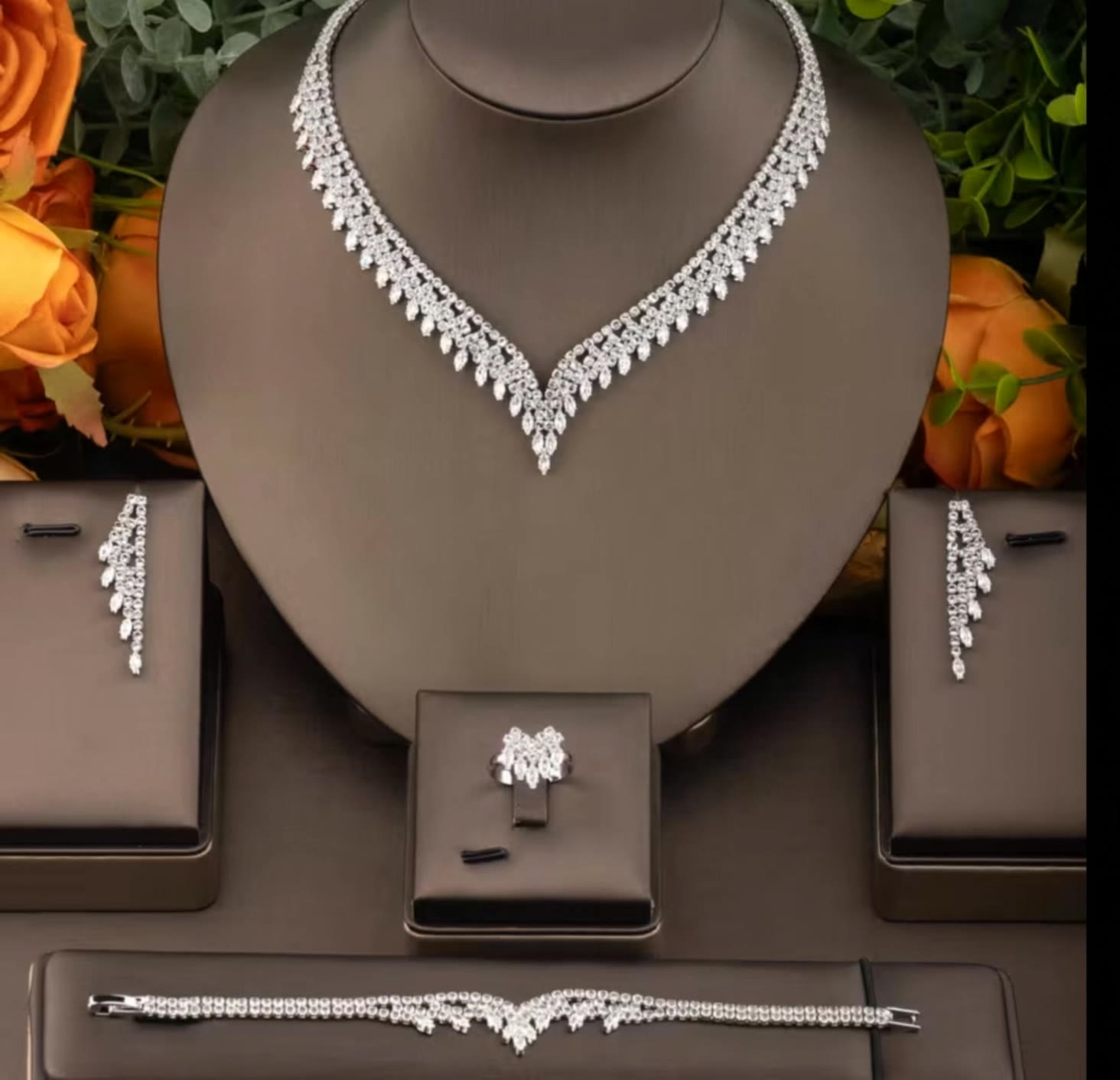
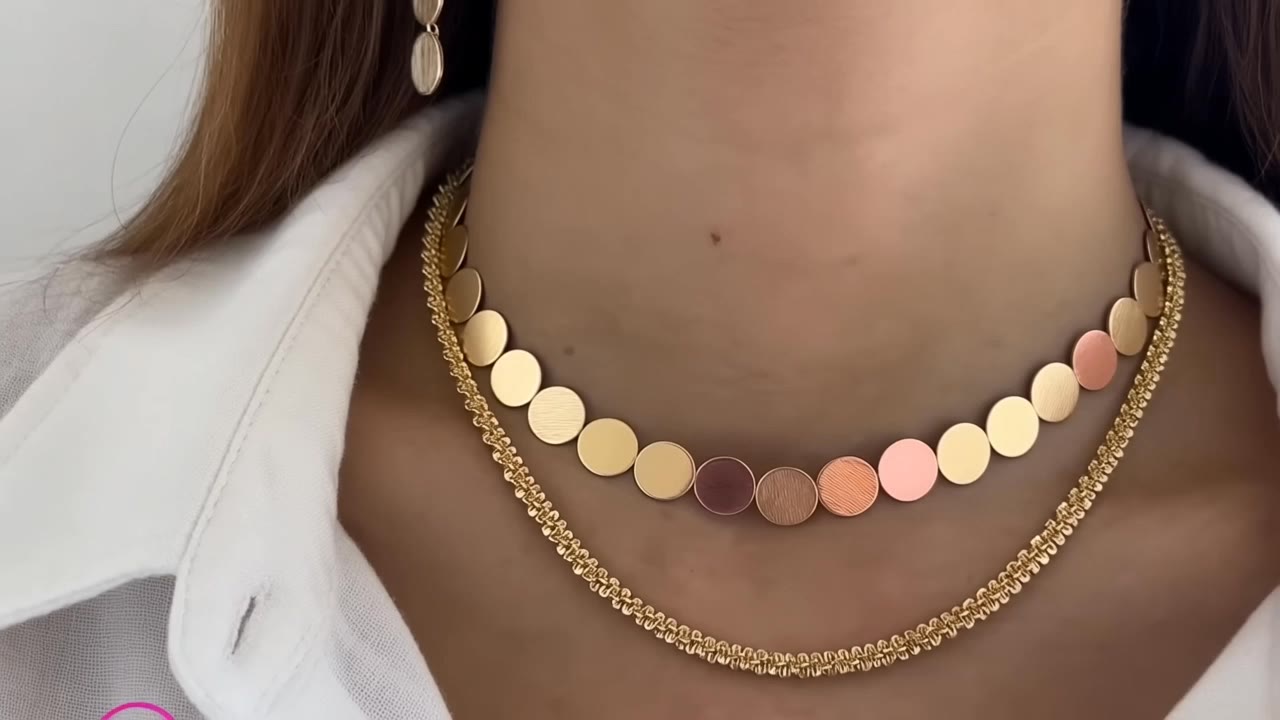
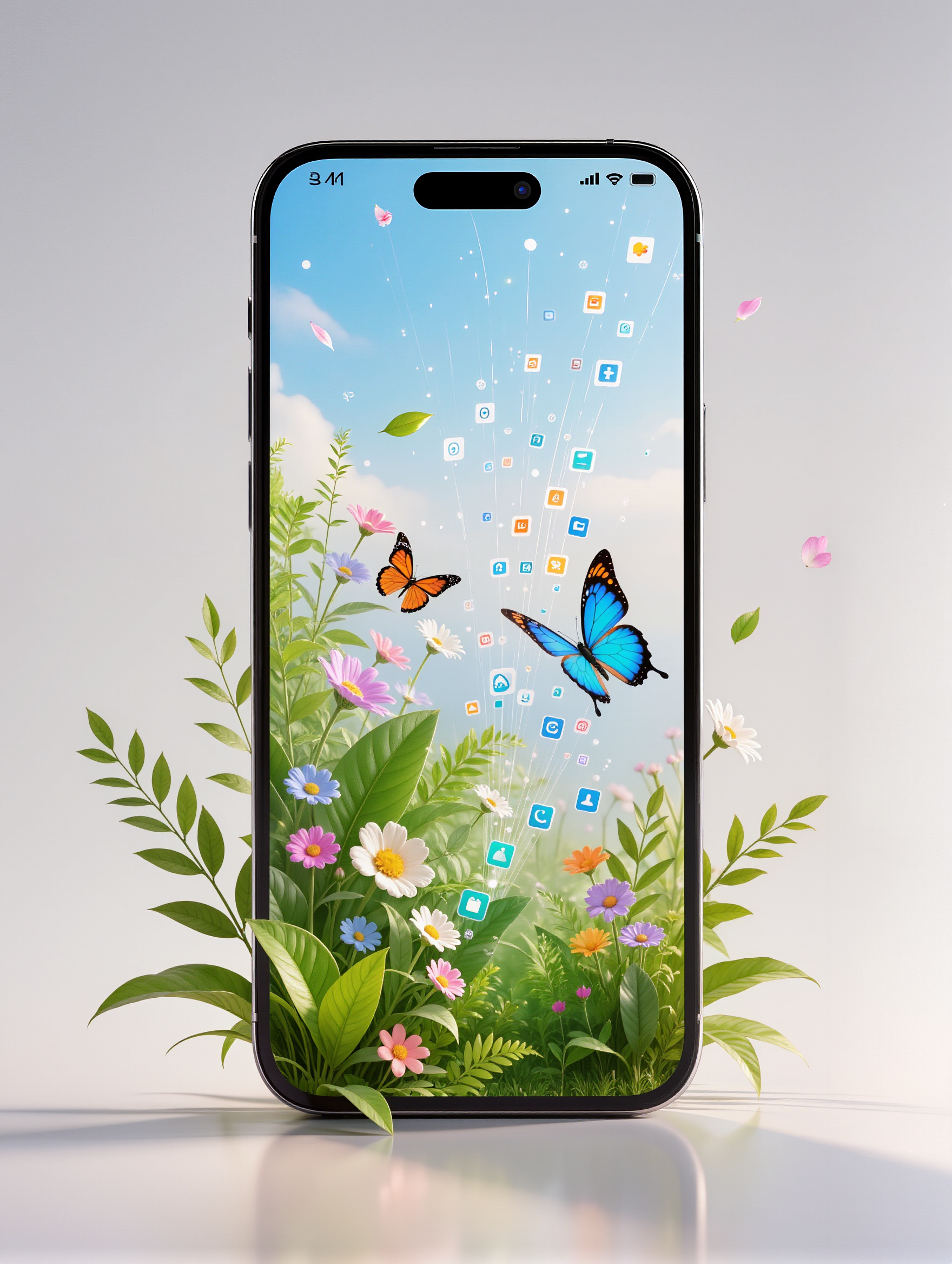
Explore KlingAI jewellery phone wallpaper ideas for quick and customizable designs. Discover unique concepts and adapt them to your needs with ease.







-8x.png?x-kcdn-pid=112372&x-oss-process=image%2Fresize%2Cw_100%2Ch_100%2Cm_mfit)


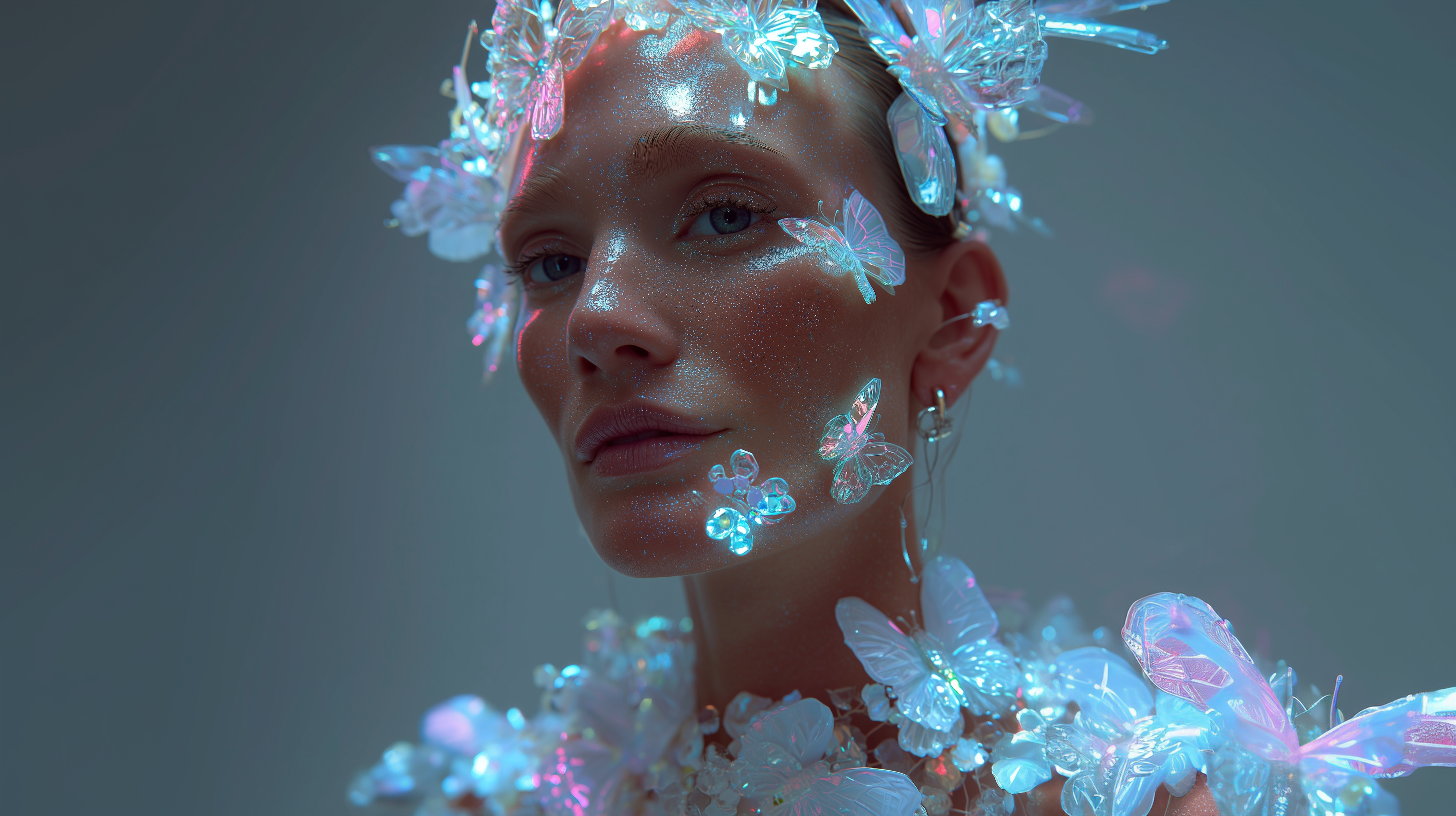

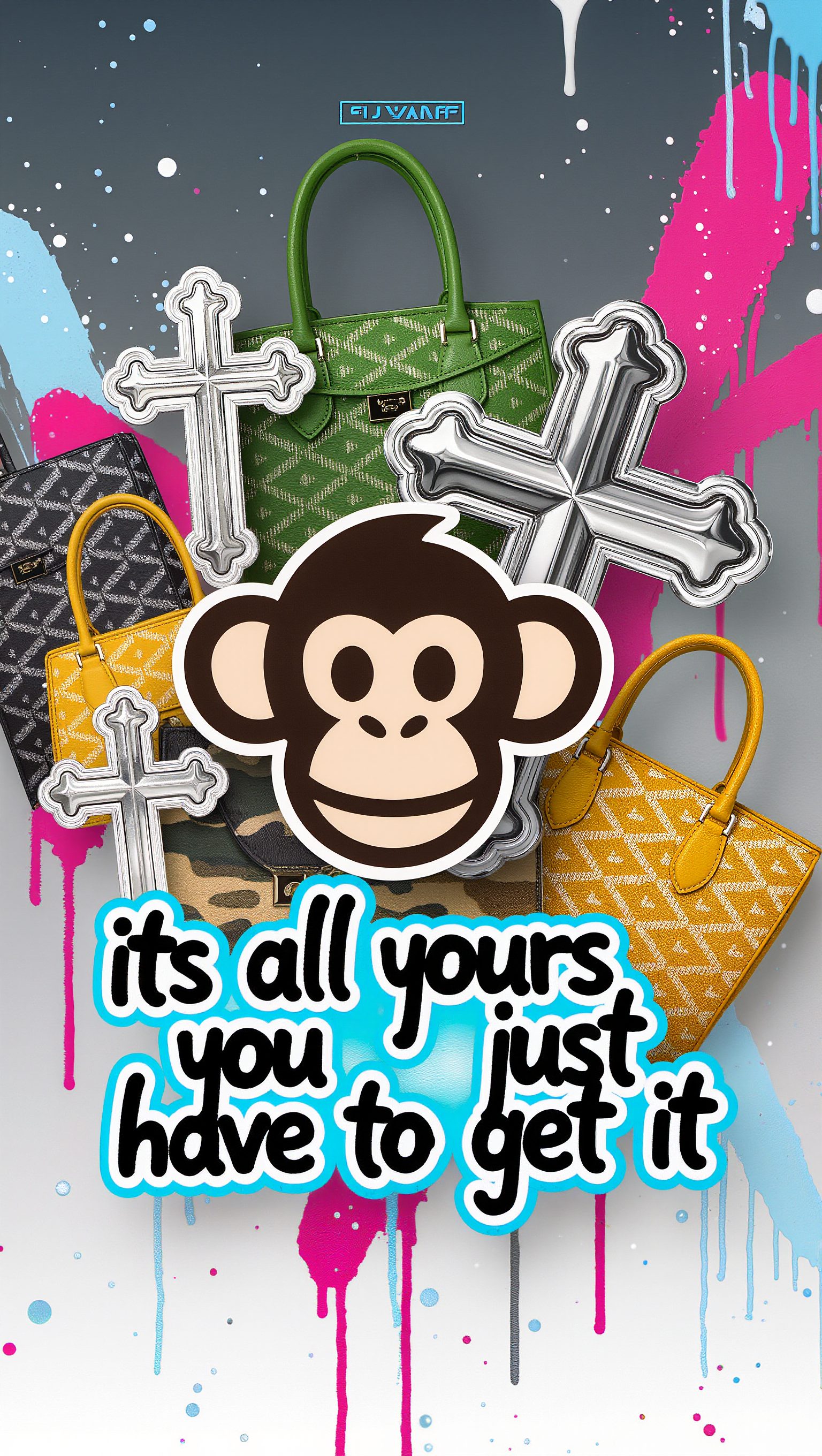



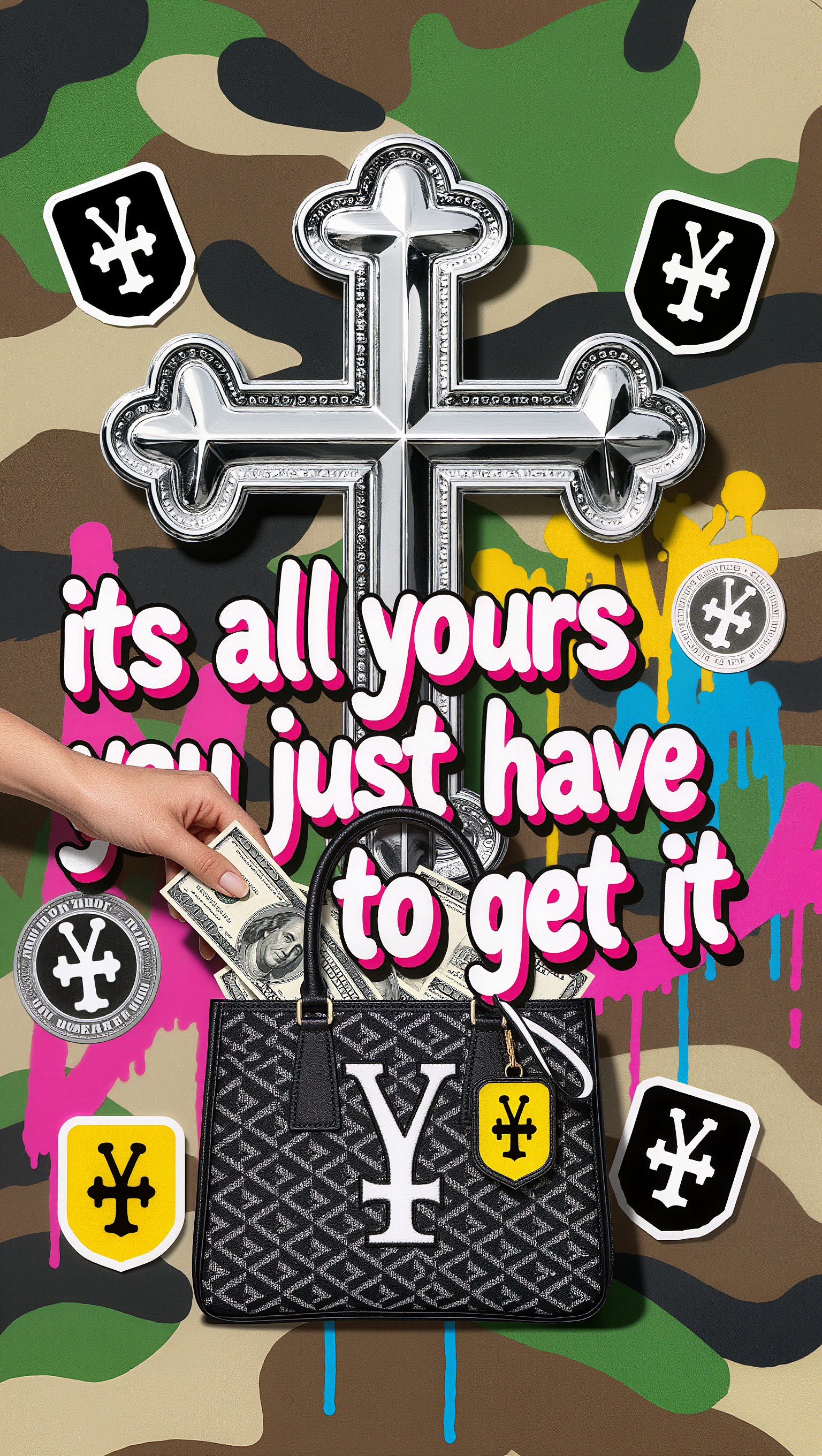
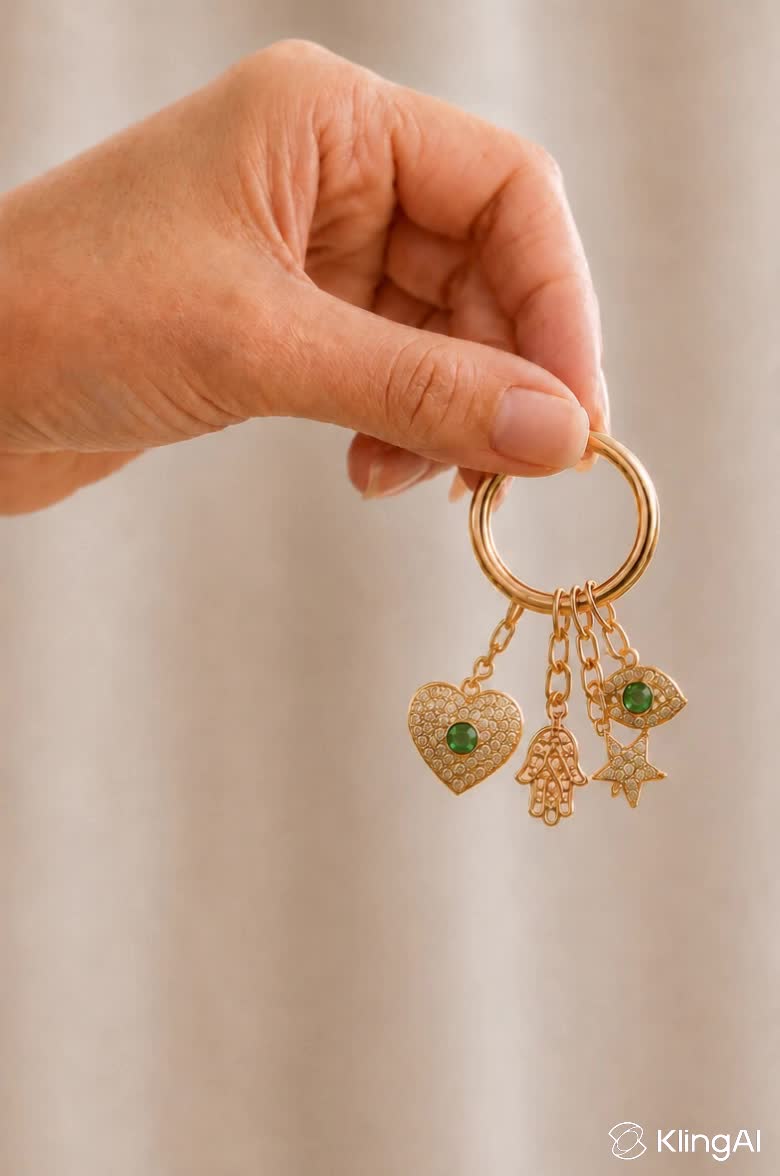






Put a person or product somewhere new without intentionally redesigning what is already working. Tell Kling IMAGE 3.0 which facial details, clothing, product shapes, materials, colors, or other features should stay familiar, then focus your prompt on the world around them.

When you already have a look in mind, show Kling instead of trying to describe every detail from scratch. IMAGE 3.0 supports up to 10 reference images, so you can bring in visuals for the setting, composition, color palette, props, or overall style and explain how you want each reference to influence the result.

A new background does not always mean starting over with the entire setting. Replace the full scene, or make a smaller change such as adding an object, removing a distraction, changing a surface, or reworking one part of the environment while leaving the rest closer to the original image.

















I have successfully collaborated with world-renowned artists and well-known companies that are recognized globally

I use AI daily and Kling AI is a crucial part of my workflow, whether for client work or personal projects. What I love most about using Kling AI is that it provides all the tools I need in one place, from keyframes to character references, elements and special effects.

I use Kling AI daily to push the limits of AI filmmaking. It allows me to create highly cinematic content, blending AI and VFX to develop innovative projects. It has significantly impacted my creative process, enabling me to achieve complex animations that would otherwise require high production budgets.
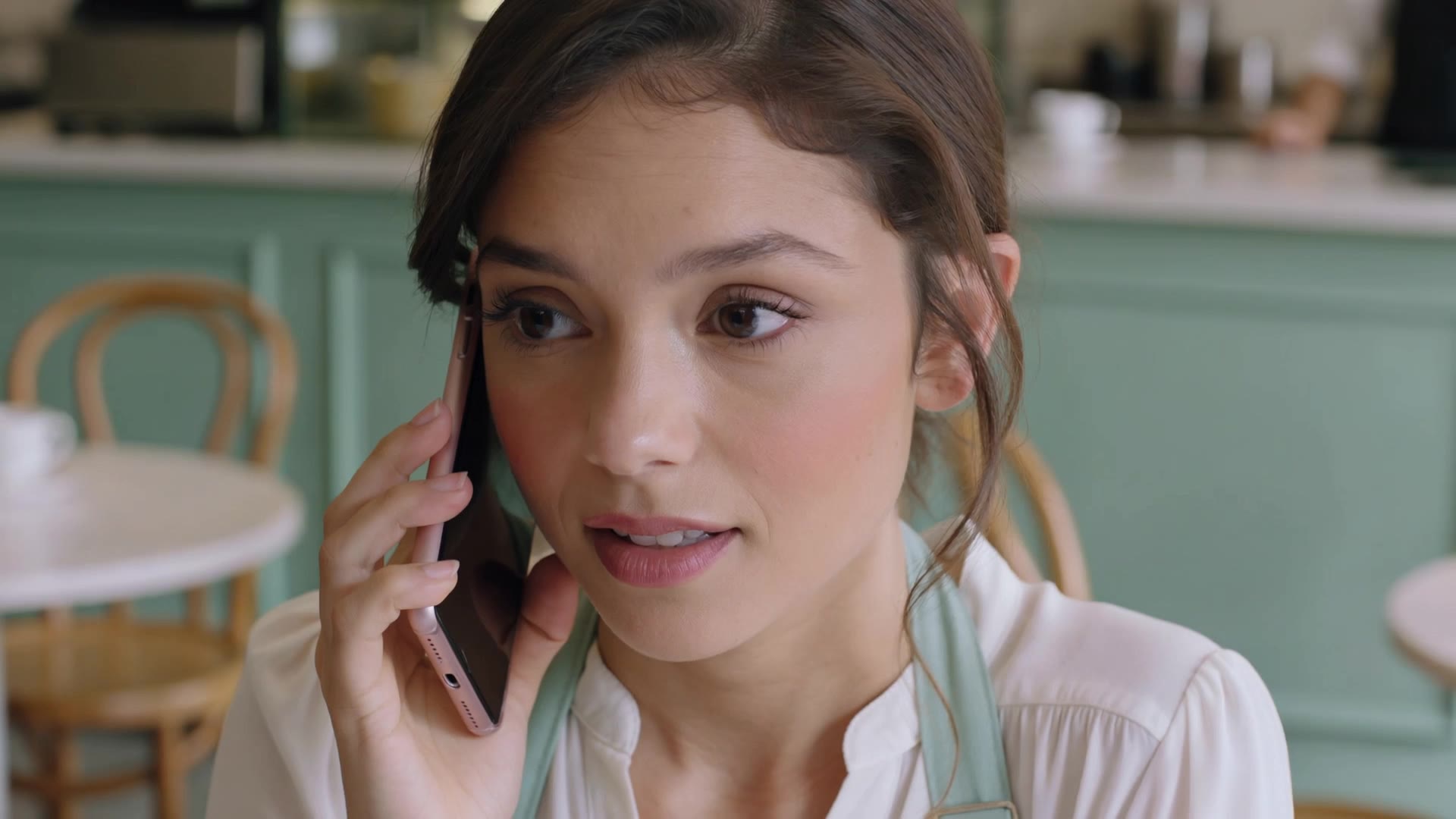
Start with an image, add the voice, and shape the performance. Kling AI Avatar brings the pieces together for your next campaign, lesson, social post, or story.
Custom AI avatars | Voice or text input | Lip sync | Expression and gesture control
