Creative Studio
API
Resources
Features
About Us
Download

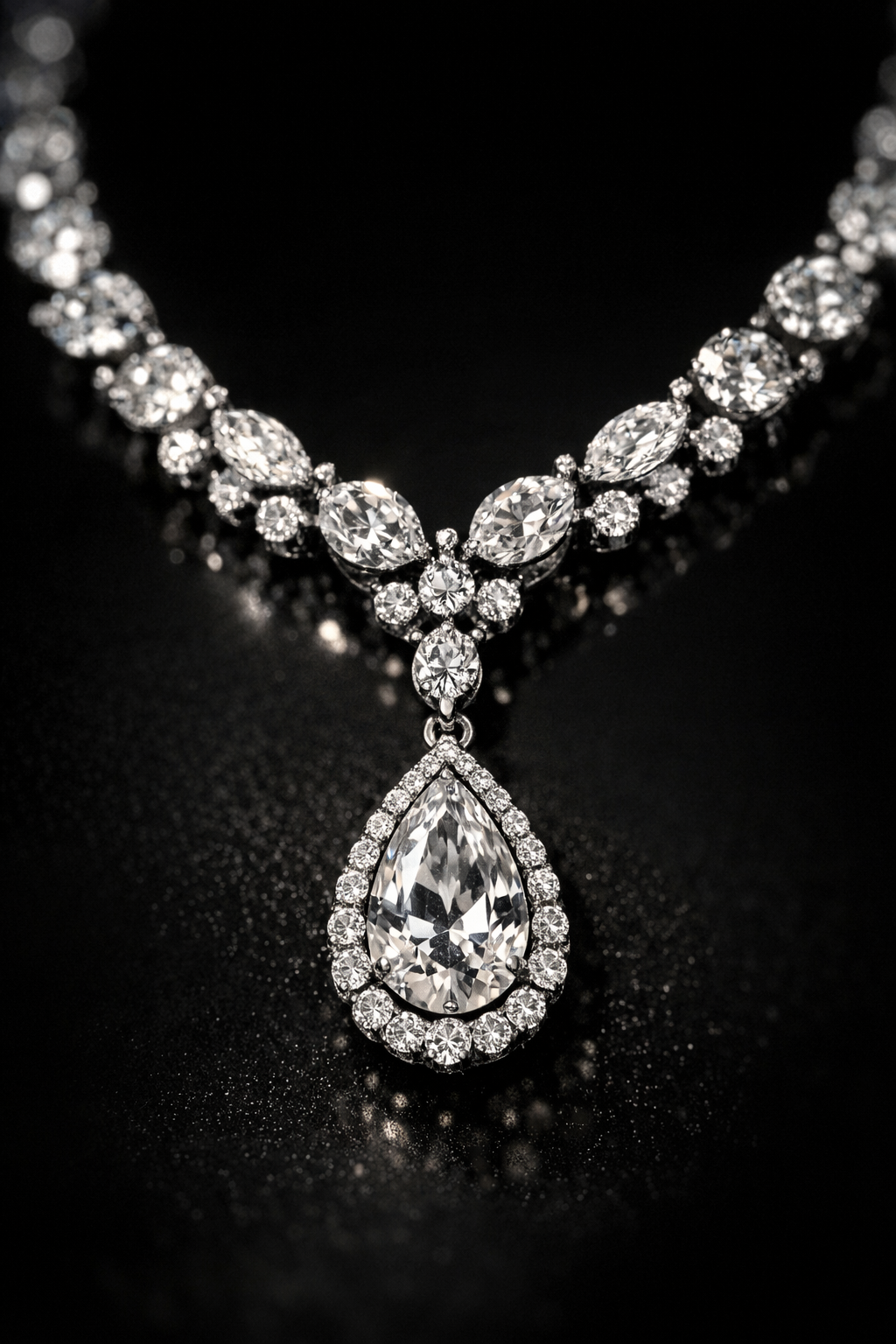
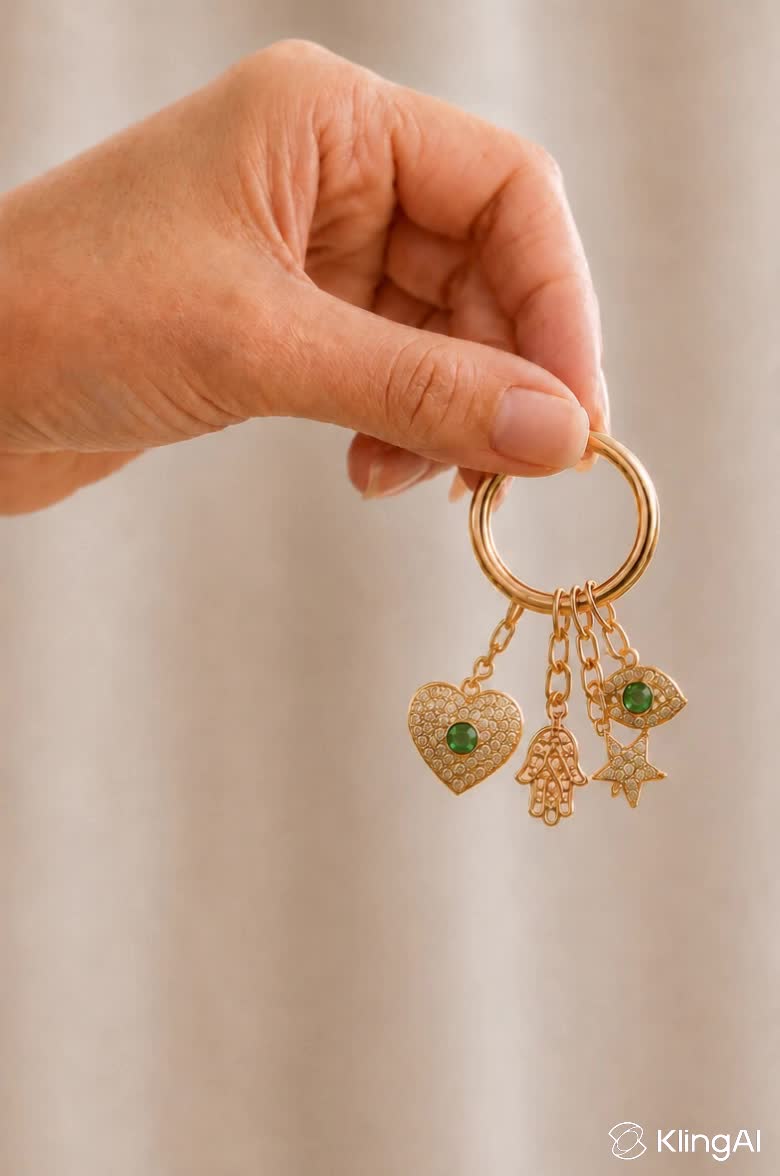
AI-generated jewellery poster design ideas – Explore unique concepts

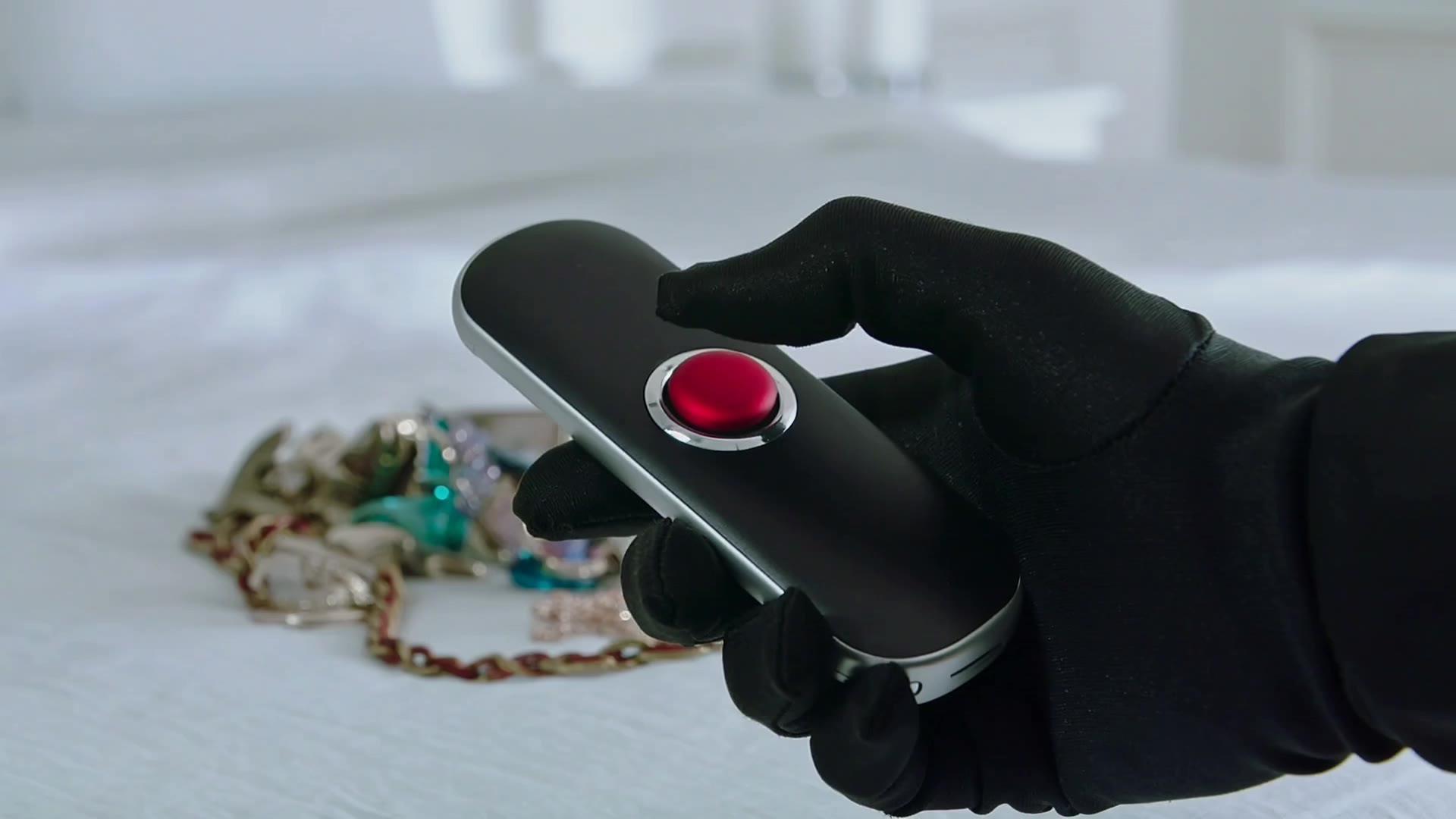
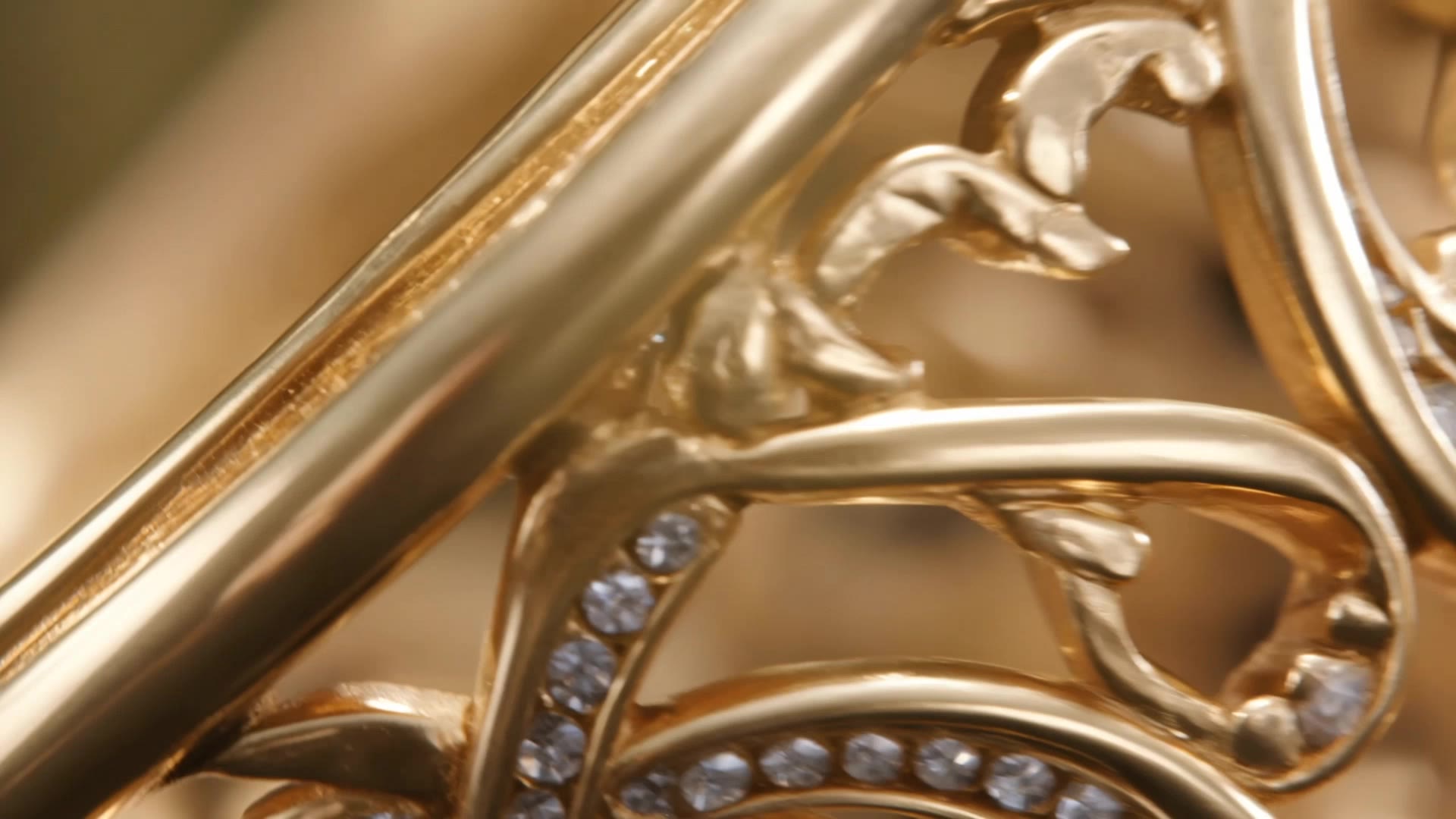
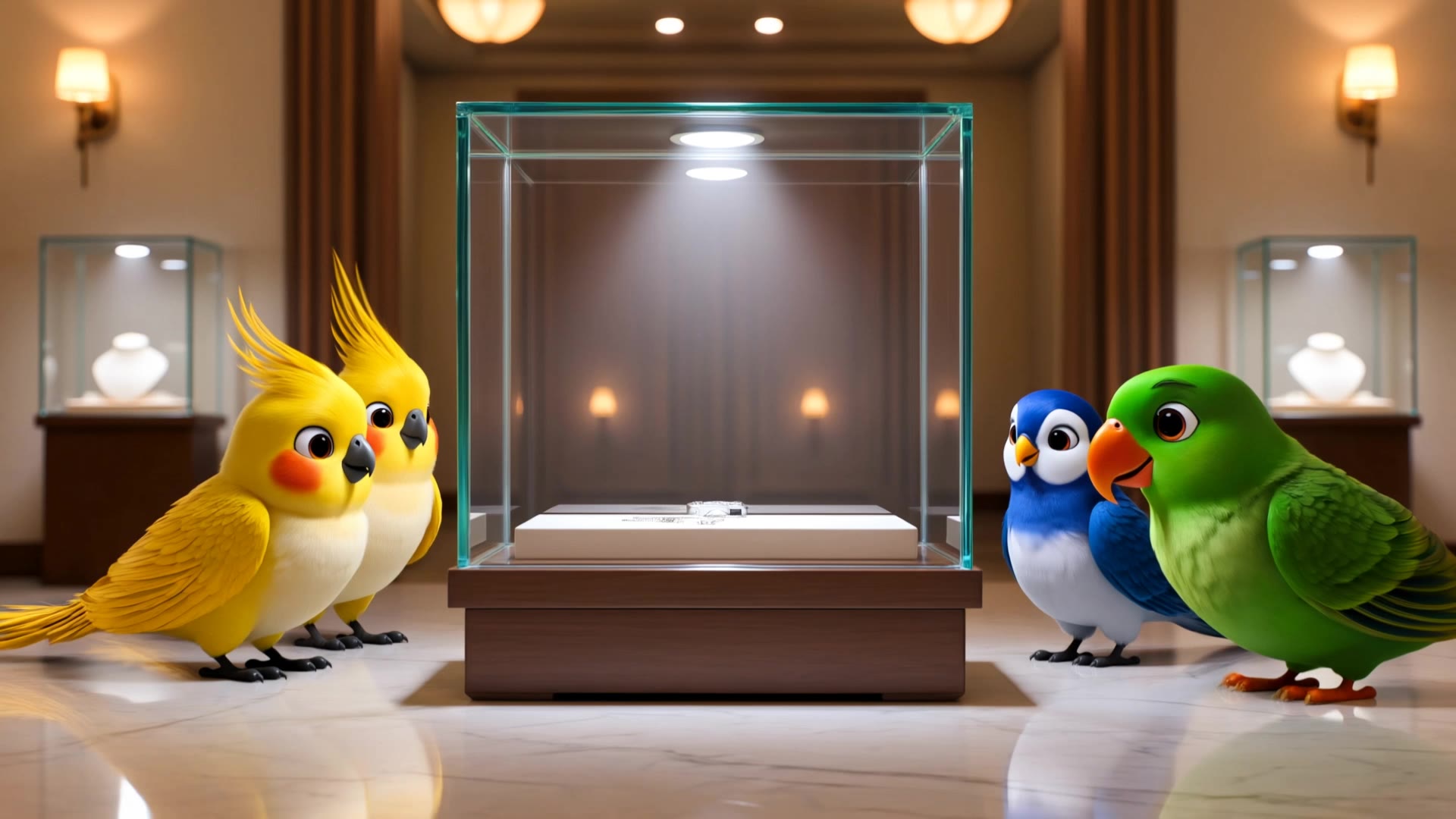
Jewellery poster design ideas created with AI. Discover unique and customizable jewellery poster design concepts that can be adapted to your needs. AI helps you quickly explore different styles and themes.

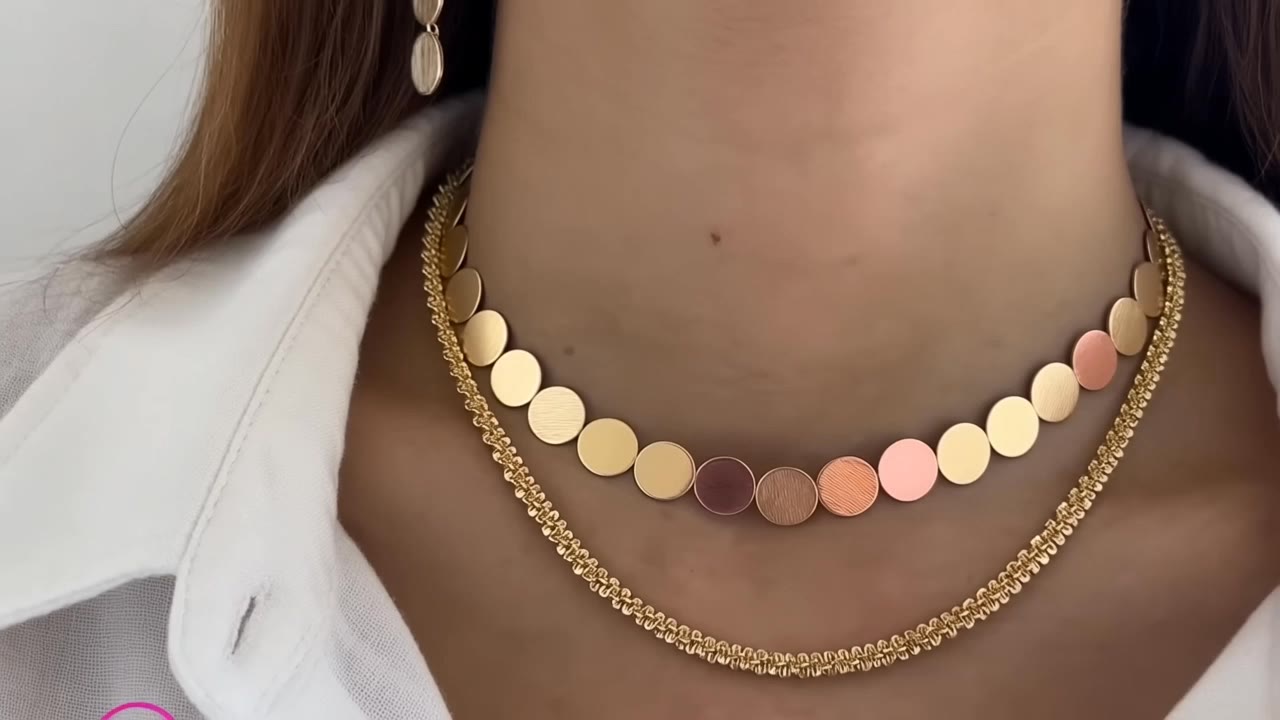
AI-generated jewellery poster design ideas – Explore unique concepts

Recommended

Jewellery ad - jewellery poster design AI video
jlKpEEuT avatar
jlKpEEuT
jewellery  - jewellery poster design AI video
qZUmzpcy avatar
qZUmzpcy
Kling AI work 291605384503649 - jewellery poster design AI video
dPUXbwwN avatar
dPUXbwwN
Kling AI work 316253515526333 - jewellery poster design AI video
lisnfHWh avatar
lisnfHWh
Kling AI work 316972546325548 - jewellery poster design AI video
rAGJDiFm avatar
rAGJDiFm
Kling AI work 308821247611086 - jewellery poster design AI video
veiCNHRS avatar
veiCNHRS
Kling AI work 313923083660688 - jewellery poster design AI video
QMZaDrXN avatar
QMZaDrXN
zircon jewellery  - jewellery poster design AI video
uEofjVOD avatar
uEofjVOD
Kling AI work 315127601501503 - jewellery poster design AI video
xoCDRobj avatar
xoCDRobj
Kling AI work 319536099520125 - jewellery poster design AI video
ZGoEWarE avatar
ZGoEWarE
Jewellery shop advertisment. - jewellery poster design AI video
00:05
tXznkudP avatar
tXznkudP
Royal Emerald Gold Necklace - jewellery poster design AI video
rdGpYIkH avatar
rdGpYIkH
Kling AI work 317279344321305 - jewellery poster design AI video
uNJZGzPi avatar
uNJZGzPi
Kling AI work 318341834665878 - jewellery poster design AI video
Ahbearzo avatar
Ahbearzo
Kling AI work 312025622504871 - jewellery poster design AI video
aDOysxFh avatar
aDOysxFh
Poster Design 4 - jewellery poster design AI image
WeAI avatar
WeAI
jewellery ad shot - jewellery poster design AI video
00:04
tYbbSHUD avatar
tYbbSHUD
Jewellery photoshoot - jewellery poster design AI video
00:05
agiCxdxg avatar
agiCxdxg
Kling AI work 319513982611580 - jewellery poster design AI video
catOlKvj avatar
catOlKvj

How To Create AI Video From Text

Write Your Prompt

Write Your Prompt

Choose a model and describe the video you want to create in natural language. You can include scenes, characters, actions, or style references.

Customize Your Video

Customize Your Video

Use prompts to guide multiple scenes, actions, and styles within a single generation. Kling AI also supports native multilingual voiceovers and sound effects, so you can shape dialogue and audio direction directly through your prompt.

Generate & Export

Generate & Export

Select your format, including resolution (720p, 1080p, or 4K), duration (3 - 15 seconds), and aspect ratio (16:9, 9:16, or 1:1). Then download your video or keep iterating with new variations for your project.

Create More Realistic Looks with Kling AI

Use Different References for Specific Outfit Details

Use Different References for Specific Outfit Details

Mix and match details from multiple reference images instead of relying on just one. Assign each reference to a different part of the look, from clothing and footwear to smaller accessories, while IMAGE 3.0 Omni combines them into a single outfit. The result is a more controlled styling process and a final look that stays closer to your creative direction.

Change the Outfit, Keep the Person

Change the Outfit, Keep the Person

Changing the clothes should not make the person look like someone else. IMAGE 3.0 Omni helps keep key details such as the face, hairstyle, pose, and overall appearance familiar and recognizable, making it easier to try casual looks, formalwear, or completely different styles while keeping the same person consistent.

Make New Clothes Look Like Part of the Photo

Make New Clothes Look Like Part of the Photo

A convincing AI clothes swap should look like the outfit belongs in the original image. IMAGE 3.0 Omni works with the existing lighting, perspective, textures, and surroundings so the new outfit blends more naturally with the scene, helping fabric, folds, accessories, and other details feel less edited and more like part of a real fashion photo.

Apps

Image to Video
Image to Video

Image to Video

Text to Video
Text to Video

Text to Video

Omni
Omni

Omni

Digital Human
Digital Human

Digital Human

Restyle
Restyle

Restyle

Text to Image
Text to Image

Text to Image

60M+
60M+
Users
600M+
600M+
AI Videos Generated
4.7 ★
4.7 ★
App Store
Industry-Leading
Industry-Leading
Cinematic 4K

Reviews

Samuele Poggi (@visualsk2)

Samuele Poggi (@visualsk2)

★★★★★

I use Kling AI daily to push the limits of AI filmmaking. It allows me to create highly cinematic content, blending AI and VFX to develop innovative projects. It has significantly impacted my creative process, enabling me to achieve complex animations that would otherwise require high production budgets.

Vincent Smadja

Vincent Smadja

★★★★★

Kling AI seamlessly integrates into my creative workflow, playing a key role in transforming my images. After generating and upscaling an image, Kling becomes a crucial element, bringing my creations to life with movement and depth.

Halim Alrasihi

Halim Alrasihi

★★★★★

I use AI daily and Kling AI is a crucial part of my workflow, whether for client work or personal projects. What I love most about using Kling AI is that it provides all the tools I need in one place, from keyframes to character references, elements and special effects.

FAQ

Q1Can I create different expressions for the same avatar?
Q2How Do I Make an Avatar of Myself?
Q3What is an AI avatar maker?

Give the Subject a Better Setting

Create a new setting while keeping your subject recognizable. Use prompts and visual references to shape backgrounds for portraits, product visuals, and campaign creative.