Creative Studio
API
Resources
Features
About Us
Download

AI-generated jewellery YouTube thumbnail ideas – Explore unique concepts

Jewellery YouTube thumbnail ideas created with AI. Discover unique and customizable jewellery YouTube thumbnail concepts that can be adapted to your needs. AI helps you quickly explore different styles and themes.

AI-generated jewellery YouTube thumbnail ideas – Explore unique concepts

Recommended

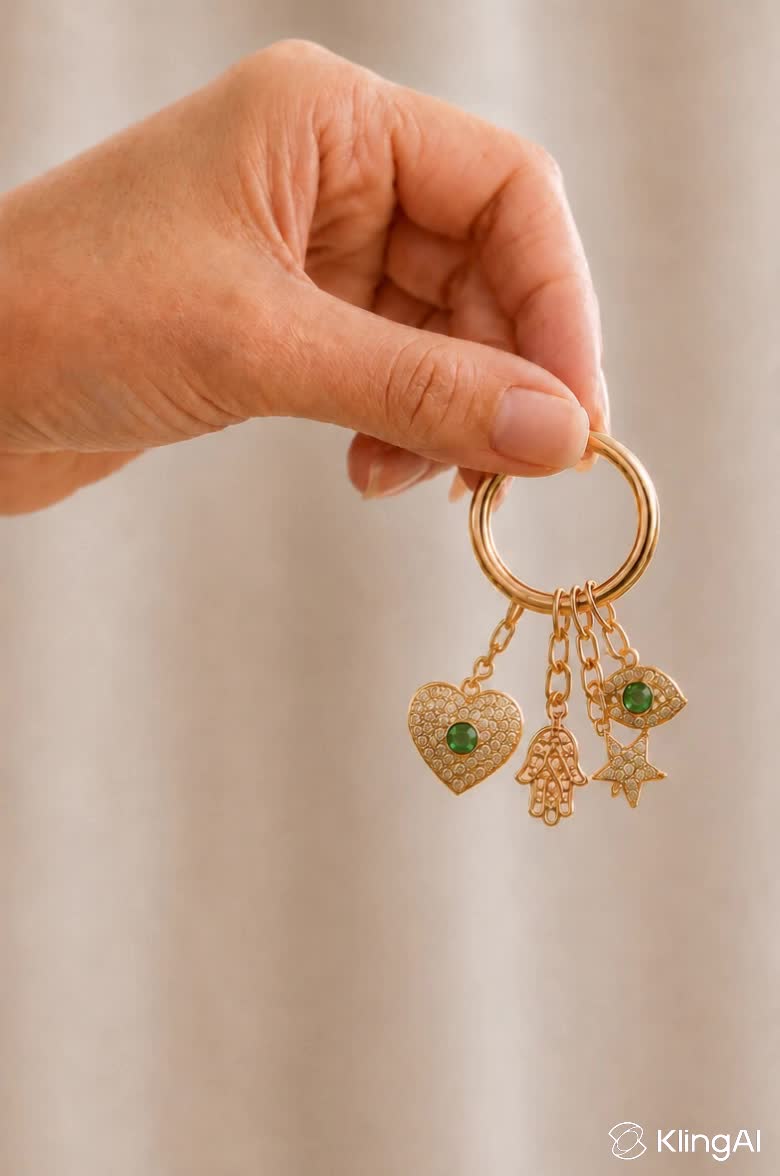
Kling AI work 310541571613849 - jewellery youtube thumbnail AI image
Inggit avatar
Inggit
Kling AI work 320143517664759 - jewellery youtube thumbnail AI video
wrqfGJZG avatar
wrqfGJZG
jewellery  - jewellery youtube thumbnail AI video
qZUmzpcy avatar
qZUmzpcy
Kling AI work 313779716617089 - jewellery youtube thumbnail AI video
TwJjigEq avatar
TwJjigEq
Kling AI work 318133284664009 - jewellery youtube thumbnail AI image
ABfrnHgU avatar
ABfrnHgU
Kling AI work 318823132500069 - jewellery youtube thumbnail AI video
AOYUtUNm avatar
AOYUtUNm
Kling AI work 309889866525213 - jewellery youtube thumbnail AI video
DiAs AI avatar
DiAs AI
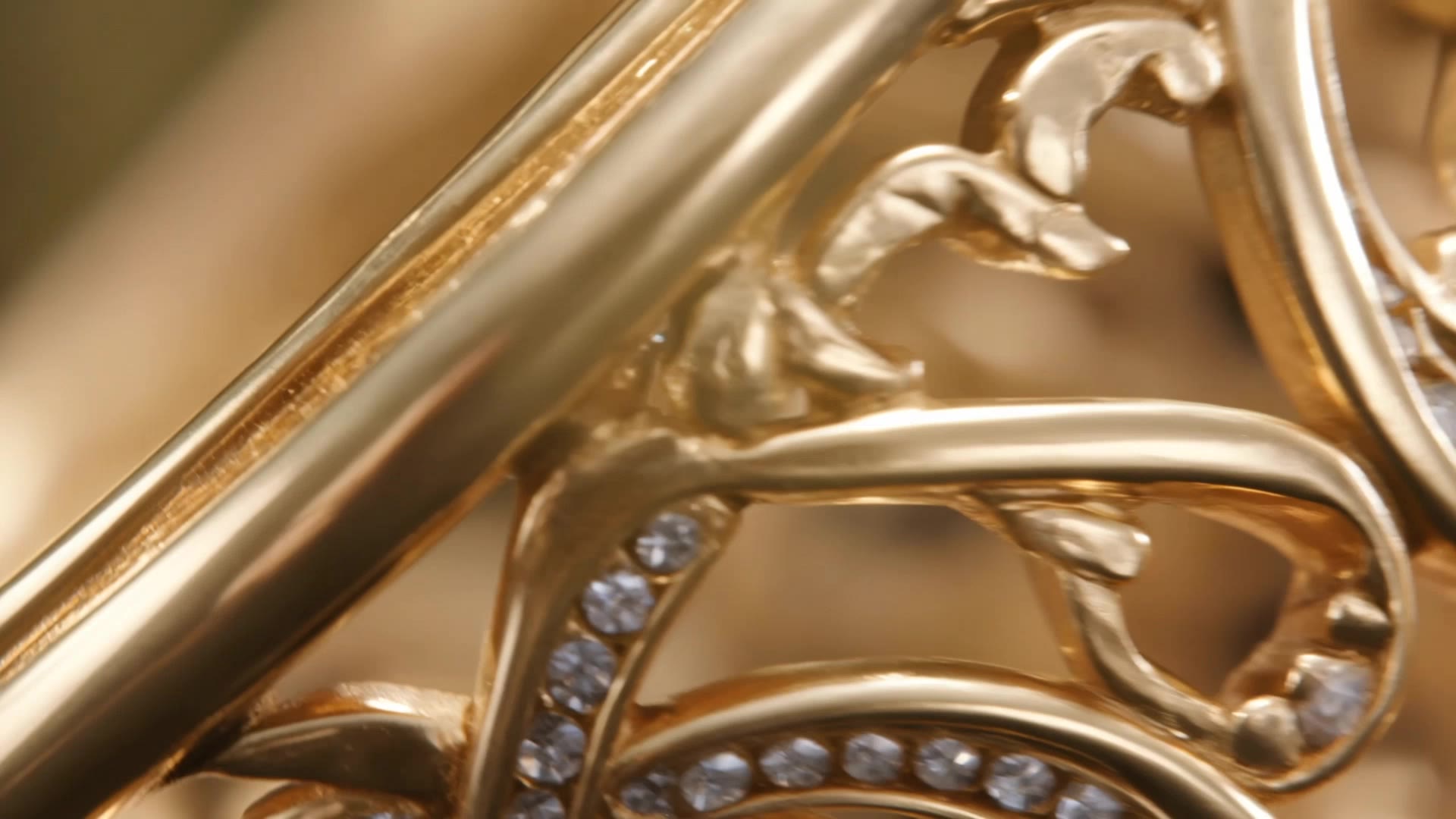
Jewellery Showcasing Slow Motion - jewellery youtube thumbnail AI video
AppIQ Tech avatar
AppIQ Tech
Kling AI work 318577084614412 - jewellery youtube thumbnail AI video
hthnFzZM avatar
hthnFzZM
Kling AI work 315127601501503 - jewellery youtube thumbnail AI video
xoCDRobj avatar
xoCDRobj
Kling AI work 306735583665285 - jewellery youtube thumbnail AI video
GaPbdTRh avatar
GaPbdTRh
Kling AI work 310541571612841 - jewellery youtube thumbnail AI image
Inggit avatar
Inggit
Jewellery photoshoot - jewellery youtube thumbnail AI video
00:05
agiCxdxg avatar
agiCxdxg
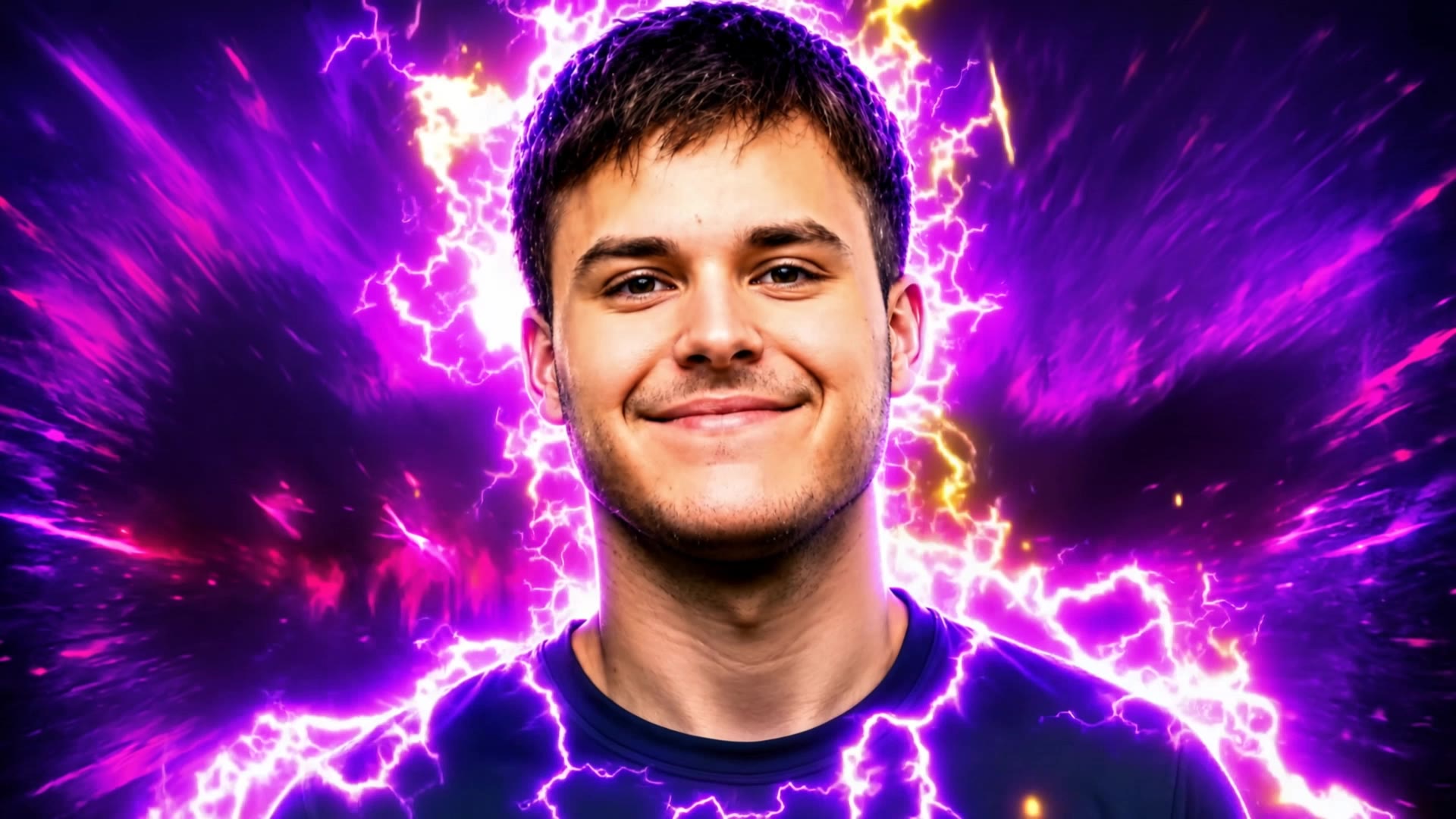
Gaming Intro @Ian77 - jewellery youtube thumbnail AI video
RunbJbBG avatar
RunbJbBG
Kling AI work 312100981616453 - jewellery youtube thumbnail AI image
pwdsGdco avatar
pwdsGdco
Kling AI work 316972546325548 - jewellery youtube thumbnail AI video
rAGJDiFm avatar
rAGJDiFm
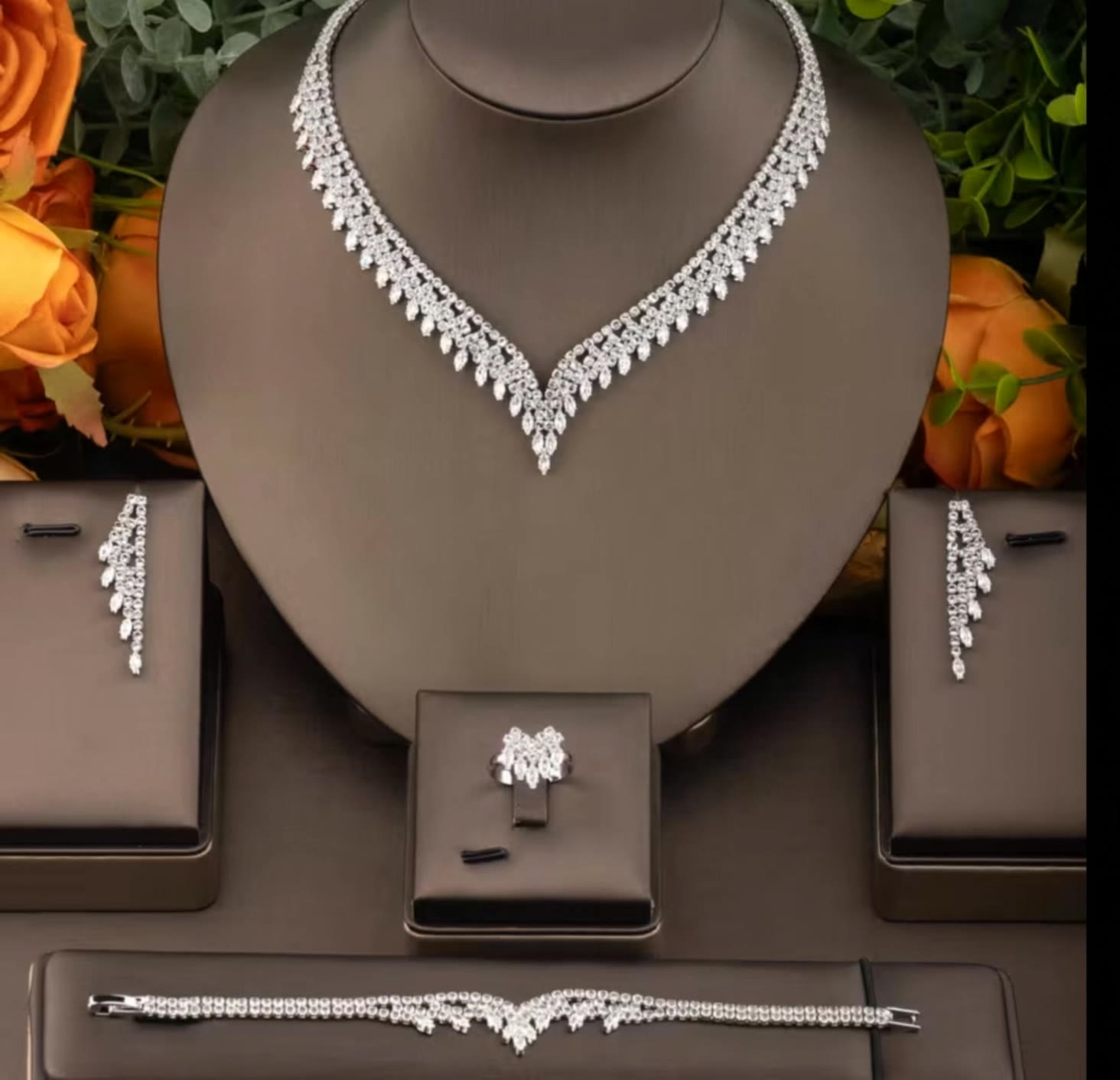
Jewellery ad - jewellery youtube thumbnail AI video
jlKpEEuT avatar
jlKpEEuT
Royal Emerald Gold Necklace - jewellery youtube thumbnail AI video
rdGpYIkH avatar
rdGpYIkH
Kling AI work 300851257318934 - jewellery youtube thumbnail AI video
NaOMEulh avatar
NaOMEulh

How to Extend an Image with AI

Step 1: Upload and Describe

Step 1: Upload and Describe

Upload the image you want to expand, such as a portrait, product photo, landscape, or social media visual. Use a text prompt to specify which side to extend and what should appear in the new area, such as more sky, scenery, or background details, while keeping the main subject unchanged.

Step 2: Choose the Output Settings and Generate

Step 2: Choose the Output Settings and Generate

Choose the image ratio, number of outputs, and resolution, then generate your extended image. Creating multiple versions makes it easier to compare the results and choose your favorite.

Step 3: Expand Your Image with Image Expansion

Step 3: Expand Your Image with Image Expansion

Open the Image Expansion workflow when you want a dedicated way to extend an existing image. Upload your source image, describe what should appear beyond the original frame, choose from the available output settings, and generate the expanded result.

Choose the Right Voice Workflow

Add New Audio to an Existing Video

Add New Audio to an Existing Video

Use the dedicated Lip Sync tool when your character video is already created. Upload a voiceover or song, or generate speech from text, then match the new audio to the character’s mouth movements.

Generate Dialogue with the Scene

Generate Dialogue with the Scene

Starting from scratch? Kling VIDEO 3.0 and VIDEO 3.0 Omni create dialogue, lip movement, visuals, sound effects, and ambience together. Native Audio supports Chinese, English, Japanese, Korean, and Spanish.

Keep Character and Voice Consistent

Keep Character and Voice Consistent

Create a reusable Character Element from images or a video, bind a voice tone, and carry the same appearance and voice into new scenes with VIDEO 3.0 Omni.

Apps

Image to Video
Image to Video

Image to Video

Text to Video
Text to Video

Text to Video

Omni
Omni

Omni

Digital Human
Digital Human

Digital Human

Restyle
Restyle

Restyle

Text to Image
Text to Image

Text to Image

60M+
60M+
Users
600M+
600M+
AI Videos Generated
4.7 ★
4.7 ★
App Store
Industry-Leading
Industry-Leading
Cinematic 4K

Reviews

Déborah

Déborah

★★★★★

I use Kling AI every day. It's amazing to see the almost daily progress it makes. I used AI for fun at first, and I now find that Kling AI's animations allow me to gain professional visibility, with three times more views on my animated posts than on my static posts.

PJ Ace

PJ Ace

★★★★★

Kling AI has made it easy for us to generate world class visuals for Fortune 500 companies, TV shows and music for big artists. We love the easy of use of the platform and the quality of the generations. My first time using Kling AI, I got 22 million views on just one video. It's that good.

KakuDrop

KakuDrop

★★★★★

I have successfully collaborated with world-renowned artists and well-known companies that are recognized globally

FAQ

Q1What is an AI image generator?
Q2Can I create images from reference photos?
Q3Is Kling AI image generator free to use?

Change the Shot Without Reshooting It

Upload your footage, describe the result, and let Kling rebuild the scene around your direction.

Free tier available | Simple prompt editing | Up to 4K output | Fast generation