Creative Studio
API
Resources
Features
About Us
Download

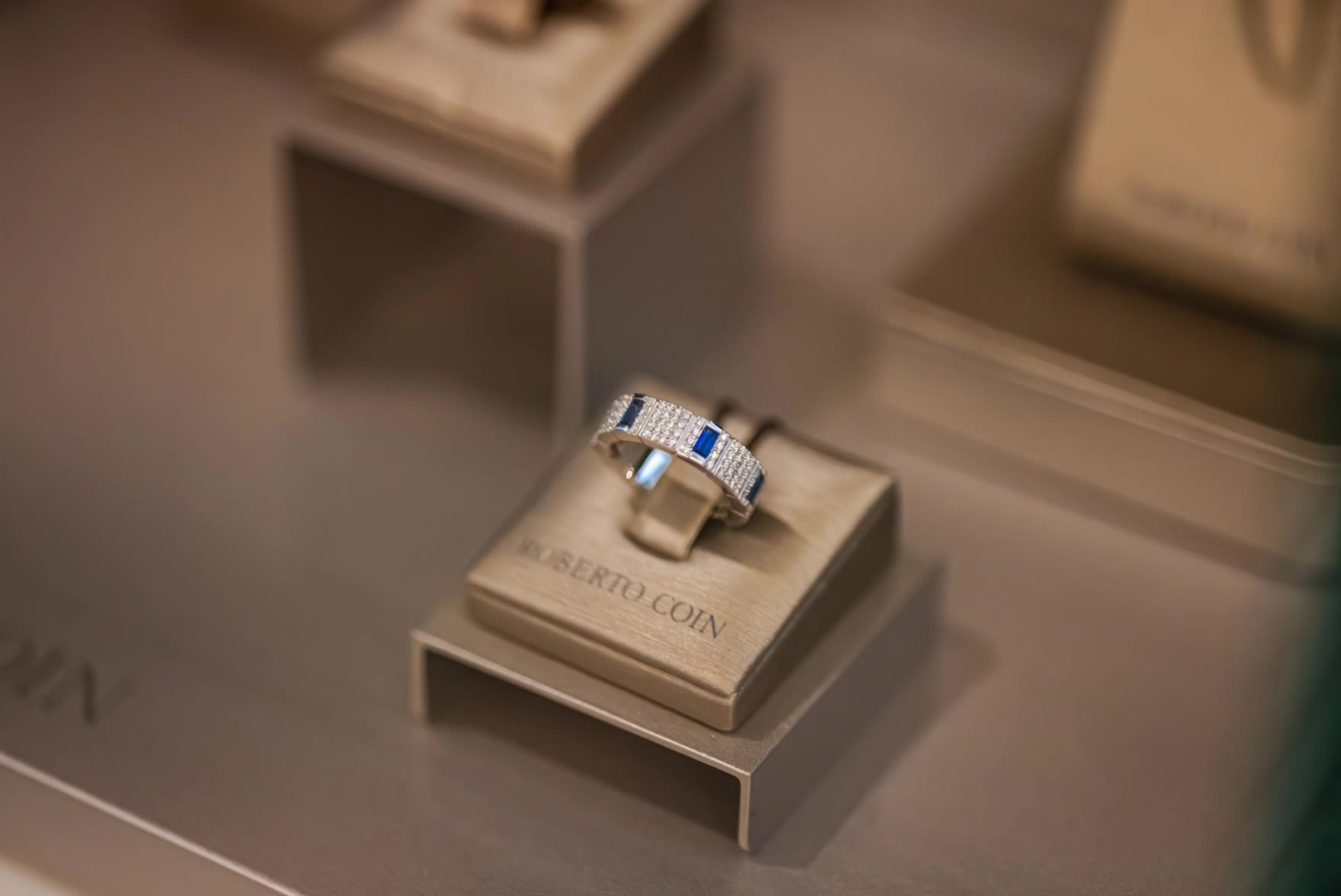
AI-generated jewelry poster ideas – Get inspired

Jewelry poster ideas created with AI. Get inspired with unique and customizable jewelry poster concepts. AI helps you quickly explore different styles and themes for your designs.

AI-generated jewelry poster ideas – Get inspired

Recommended

Kling AI work 307451441507394 - jewelry AI image
HAHMLlPW avatar
HAHMLlPW
Zeenat e Darbar  - jewelry AI video
WXFidrxp avatar
WXFidrxp
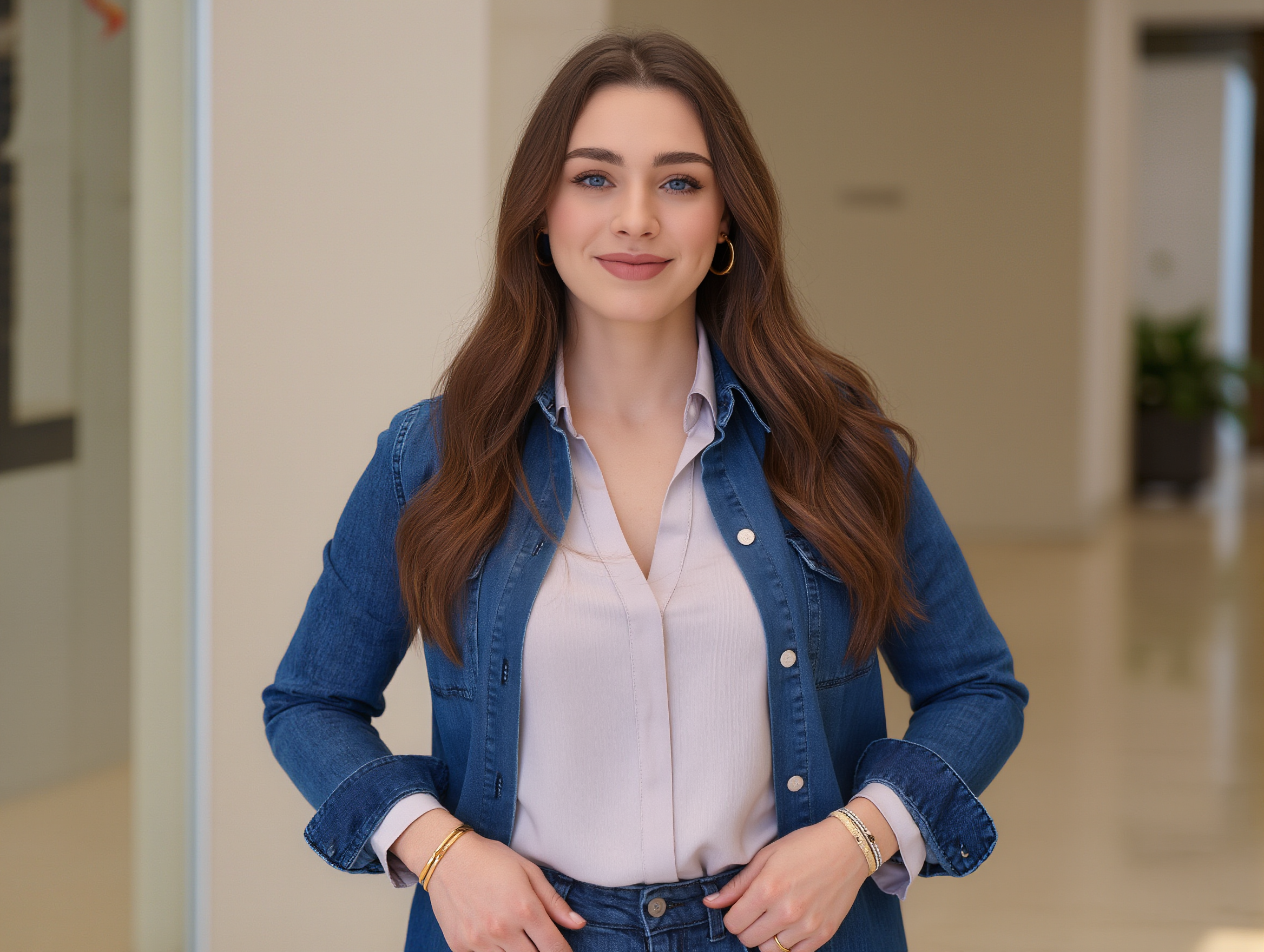
woman with jewelry - jewelry AI image
Proxy avatar
Proxy
Kling AI work 311080552667915 - jewelry AI image
Audrey avatar
Audrey
Kling AI work 316877664301904 - jewelry AI video
WzFSTMYu avatar
WzFSTMYu
Jewelry - jewelry AI video
Konstantin_S avatar
Konstantin_S
Kling AI work 297188917504322 - jewelry AI image
lBPvfkxF avatar
lBPvfkxF
luxury jewelry design - jewelry AI video
Burmese.Ai avatar
Burmese.Ai
Kling AI work 318246888664645 - jewelry AI image
IorjiZdL avatar
IorjiZdL
Kling AI work 317879369660479 - jewelry AI image
RMzjdEnh avatar
RMzjdEnh
Jewelry video - jewelry AI video
00:13
flpRWlku avatar
flpRWlku
Kling AI work 867757867687227473 - jewelry AI video
00:05
baykalika avatar
baykalika
Jewelry - jewelry AI image
KLING9419 avatar
KLING9419
jewelry company - jewelry AI video
Daria Khotuleva avatar
Daria Khotuleva
most expensive Jewelry - jewelry AI video
00:38
KLING9612 avatar
KLING9612
Jewelry transforms - jewelry AI video
priori avatar
priori
Kling AI work 315368441304138 - jewelry AI video
griffintea avatar
griffintea
object photography, jewelry set - jewelry AI image
AMYCqGbN avatar
AMYCqGbN
jewelry - jewelry AI image
VNRONkhA avatar
VNRONkhA

How to Use Kling AI Art Generator

Start with a Prompt

Start with a Prompt

Open IMAGE 3.0 Omni. Write what you want to make, upload an existing image, or add references that show the character, object, composition, or style you want Kling to follow.

Set the Art Direction

Set the Art Direction

Add the details that matter to the piece: medium, palette, mood, lighting, framing, perspective, or another visual cue. When you use several references, tell Kling what each one contributes instead of leaving the relationship between them ambiguous.

Generate and Keep Working

Generate and Keep Working

Generate the artwork, review the result, and adjust the prompt or creative direction if needed. For connected images, continue the idea with Image Series.

Improve Video Quality Beyond Resolution

Give Your Video a Cinematic Finish in 4K

Give Your Video a Cinematic Finish in 4K

Choose 4K in the output settings to give your footage a finely detailed finish. From the texture of fabric to the contours of a face, bring small details into view for larger screens and close-up shots. Give family recordings, social clips, and creative projects a richer presentation.

Fix Lighting, Color, and the Overall Look

Fix Lighting, Color, and the Overall Look

A good clip can still fall flat because of dull color, poor lighting, or an awkward composition. Use prompts to reduce visible grain and digital noise in low-light footage, then refine the lighting, color, and composition. Turn an ordinary view into an expressive close-up, bring warmth to a dim scene, or change the weather and time of day. Shape the overall look without adjusting every element by hand.

Fill in the Gaps for More Fluid Motion

Fill in the Gaps for More Fluid Motion

Upload your video and describe the missing action or moment you want to add. Add reference images when needed, then use Kling to generate additional footage that helps connect existing moments with less manual editing.

Apps

Image to Video
Image to Video

Image to Video

Text to Video
Text to Video

Text to Video

Omni
Omni

Omni

Digital Human
Digital Human

Digital Human

Restyle
Restyle

Restyle

Text to Image
Text to Image

Text to Image

60M+
60M+
Users
600M+
600M+
AI Videos Generated
4.7 ★
4.7 ★
App Store
Industry-Leading
Industry-Leading
Cinematic 4K

Reviews

Huang Lu (Elson)

Huang Lu (Elson)

★★★★★

I’ve been using Kling AI since its initial release, and it’s remained one of the leading AI media generators ever since. With Kling AI, I’ve created hundreds of videos, collectively amassing millions of views.

Halim Alrasihi

Halim Alrasihi

★★★★★

I use AI daily and Kling AI is a crucial part of my workflow, whether for client work or personal projects. What I love most about using Kling AI is that it provides all the tools I need in one place, from keyframes to character references, elements and special effects.

Déborah

Déborah

★★★★★

I use Kling AI every day. It's amazing to see the almost daily progress it makes. I used AI for fun at first, and I now find that Kling AI's animations allow me to gain professional visibility, with three times more views on my animated posts than on my static posts.

FAQ

Q1How do I write a good AI image prompt?
Q2Can I turn an image created with Kling AI into a video?
Q3Can I edit an existing image with Kling AI?

Change the Shot Without Reshooting It

Upload your footage, describe the result, and let Kling rebuild the scene around your direction.

Free tier available | Simple prompt editing | Up to 4K output | Fast generation