Creative Studio
API
Resources
Features
About Us
Download

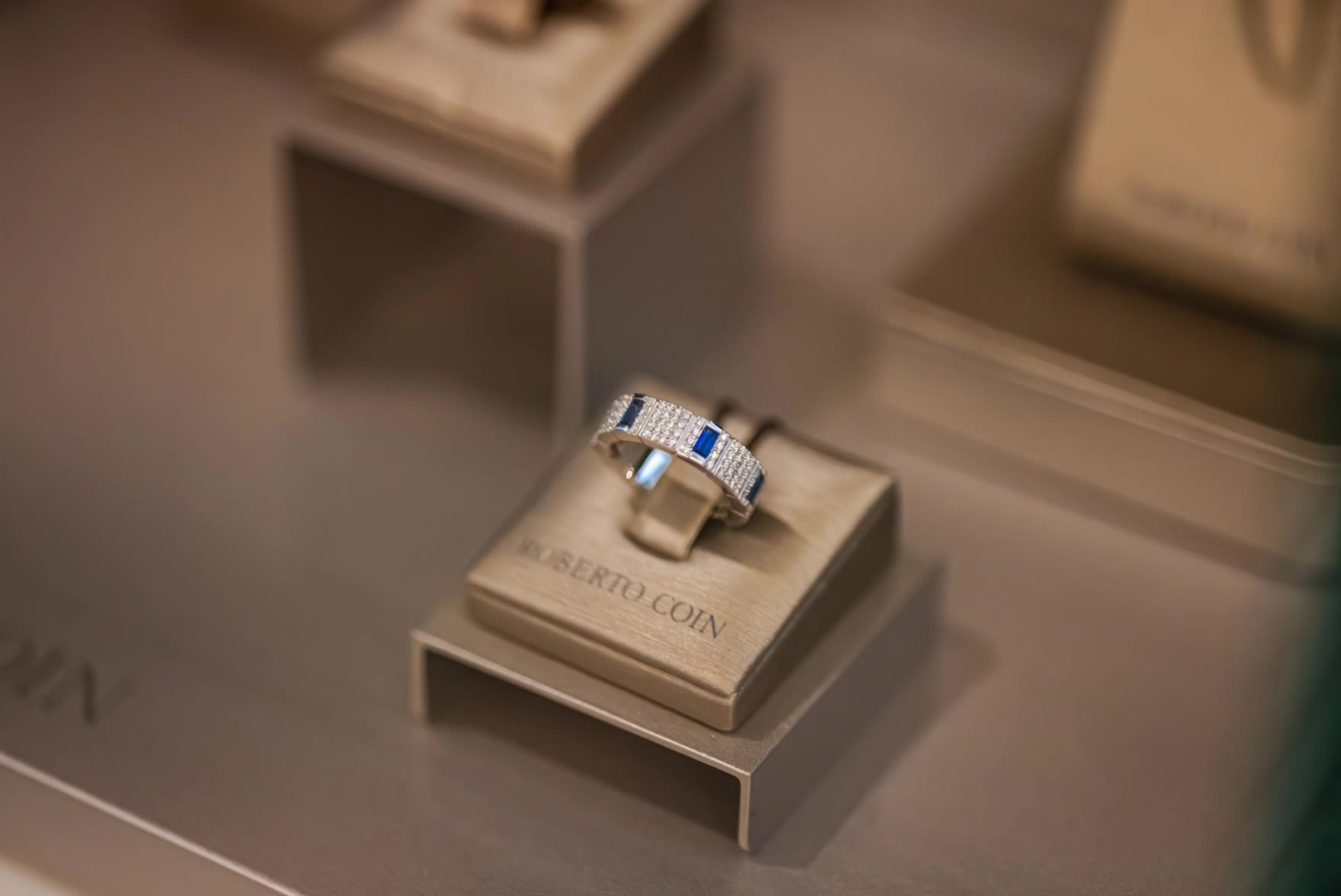
AI-generated jewelry desktop wallpaper ideas

Find AI-created jewelry desktop wallpaper inspirations. Quickly get customizable wallpaper ideas with AI assistance.

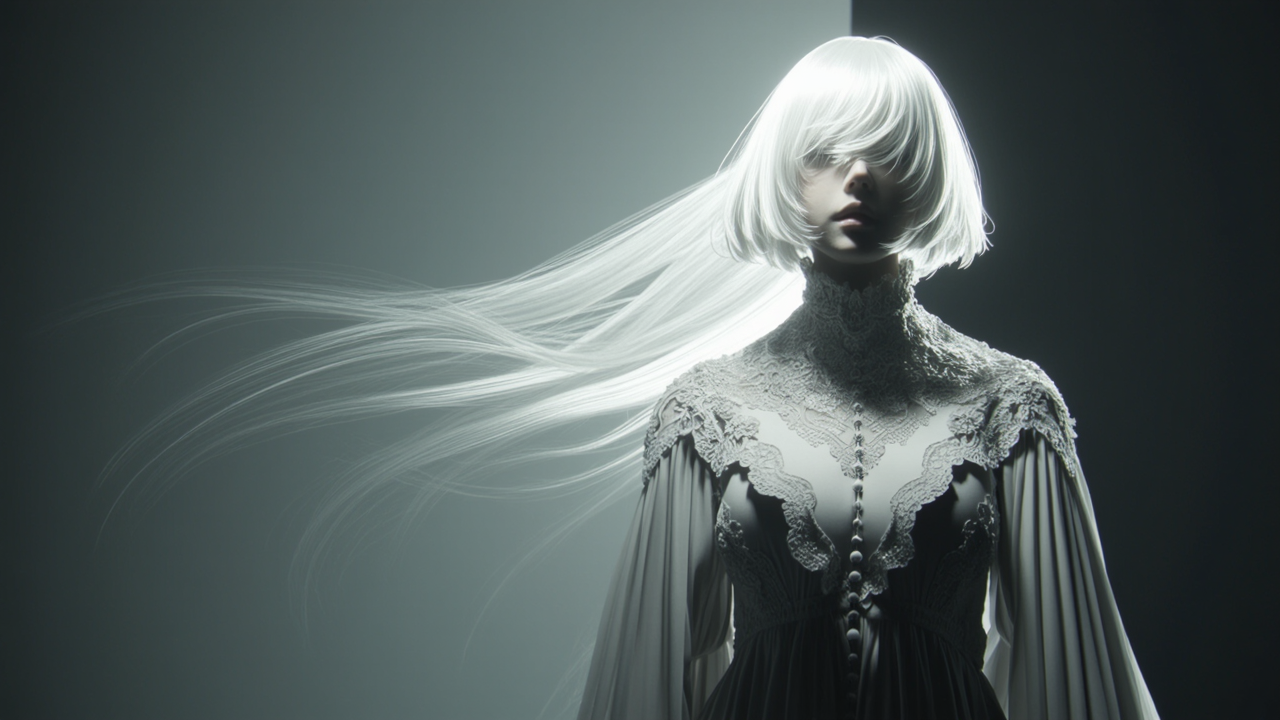
AI-generated jewelry desktop wallpaper ideas

Recommended

Kling AI work 290703718323696 - jewelry desktop wallpaper AI image
Blue Veil avatar
Blue Veil
Kling AI work 310701529505781 - jewelry desktop wallpaper AI image
Free wallpaper HD avatar
Free wallpaper HD
wallpaper - jewelry desktop wallpaper AI video
00:20
bSiyzJEq avatar
bSiyzJEq
Jewelry portfolio - jewelry desktop wallpaper AI image
Atiyeh avatar
Atiyeh
Desktop Oled wallpaper - jewelry desktop wallpaper AI video
00:10
vaDUEQlW avatar
vaDUEQlW
Kling AI work 314265054527114 - jewelry desktop wallpaper AI video
Buyo avatar
Buyo
Kling AI work 306555297617356 - jewelry desktop wallpaper AI video
ChefJody avatar
ChefJody
iovry Jewelry - jewelry desktop wallpaper AI video
VcfHcdzQ avatar
VcfHcdzQ
Live Wallpaper - jewelry desktop wallpaper AI video
Louis avatar
Louis
Elite Creator
Kling AI work 309155892611817 - jewelry desktop wallpaper AI image
Dreaming avatar
Dreaming
Elite Creator
Kling AI work 309755336502052 - jewelry desktop wallpaper AI image
Rakesh avatar
Rakesh
Kling AI work 314127093522403 - jewelry desktop wallpaper AI image
Smita avatar
Smita
Jewelry transforms - jewelry desktop wallpaper AI video
priori avatar
priori
Kling AI work 317581797663735 - jewelry desktop wallpaper AI video
obVZVXqQ avatar
obVZVXqQ
Live Wallpaper - jewelry desktop wallpaper AI video
Louis avatar
Louis
Elite Creator
Kling AI work 314127013508493 - jewelry desktop wallpaper AI image
Smita avatar
Smita
Kling AI work 310335821661328 - jewelry desktop wallpaper AI image
Dreaming avatar
Dreaming
Elite Creator
Live Wallpaper - jewelry desktop wallpaper AI video
Louis avatar
Louis
Elite Creator
Anime character wallpaper  - jewelry desktop wallpaper AI video
Epic Live Wallpaper  avatar
Epic Live Wallpaper

How to Use Kling AI Text to Speech

Step 1: Enter the Video Generation Workspace

Step 1: Enter the Video Generation Workspace

Edit your prompt to set the scene, characters, and style, or upload a reference image to shape the look of your video.

Step 2: Add Dialogue and Speech Instructions

Step 2: Add Dialogue and Speech Instructions

Add dialogue to your prompt and clearly specify which character speaks each line. You can also describe the language or dialect, speaking pace, tone, and delivery style in the prompt to guide how each character sounds.

Step 3: Choose Your Settings and Generate

Step 3: Choose Your Settings and Generate

Choose your resolution (720p, 1080p, or 4K), video length (3–15 seconds), and aspect ratio (16:9, 9:16, or 1:1). Then click Generate to create your video.

Repair, Refine, and Restore Old Photos

Restore Multiple Types of Photo Damage with AI

Restore Multiple Types of Photo Damage with AI

Kling AI helps restore old photos affected by scratches, dust, stains, creases, faded areas, and other visible signs of aging. Describe the restoration you want with natural language prompts and improve multiple types of damage in one workflow while keeping the original image structure consistent.

Preserve Faces and Original Visual Identity

Preserve Faces and Original Visual Identity

When restoring old portrait photos, keeping people recognizable is essential. Kling AI uses your uploaded photo as a visual reference to help preserve facial features, expressions, clothing details, and original composition, keeping the restored result closely connected to the original image.

Generate a Higher-Resolution Restored Version

Generate a Higher-Resolution Restored Version

Use IMAGE 3.0 Omni to generate restored photos with 2K or 4K high-resolution output. Higher-resolution images provide clearer details, smoother total transitions, and richer textures for family archives, photo books, digital collections, large displays, and high-quality printing.

Apps

Image to Video
Image to Video

Image to Video

Text to Video
Text to Video

Text to Video

Omni
Omni

Omni

Digital Human
Digital Human

Digital Human

Restyle
Restyle

Restyle

Text to Image
Text to Image

Text to Image

60M+
60M+
Users
600M+
600M+
AI Videos Generated
4.7 ★
4.7 ★
App Store
Industry-Leading
Industry-Leading
Cinematic 4K

Reviews

Halim Alrasihi

Halim Alrasihi

★★★★★

I use AI daily and Kling AI is a crucial part of my workflow, whether for client work or personal projects. What I love most about using Kling AI is that it provides all the tools I need in one place, from keyframes to character references, elements and special effects.

Déborah

Déborah

★★★★★

I use Kling AI every day. It's amazing to see the almost daily progress it makes. I used AI for fun at first, and I now find that Kling AI's animations allow me to gain professional visibility, with three times more views on my animated posts than on my static posts.

Huang Lu (Elson)

Huang Lu (Elson)

★★★★★

I’ve been using Kling AI since its initial release, and it’s remained one of the leading AI media generators ever since. With Kling AI, I’ve created hundreds of videos, collectively amassing millions of views.

FAQ

Q1What is the difference between Kling 2.6 and 3.0 Motion Control?
Q2What happens if the reference motion and image don’t match?
Q3What makes a good reference video for Motion Control?

Turn Your Ideas into Stunning Images

Create realistic images, character concepts, and creative artwork with Kling AI.

Free tier available | Reference images supported | High-quality output | Fast generation