Creative Studio
API
Resources
Features
About Us
Download

katana build cyberpunk - neon city & samurai duel

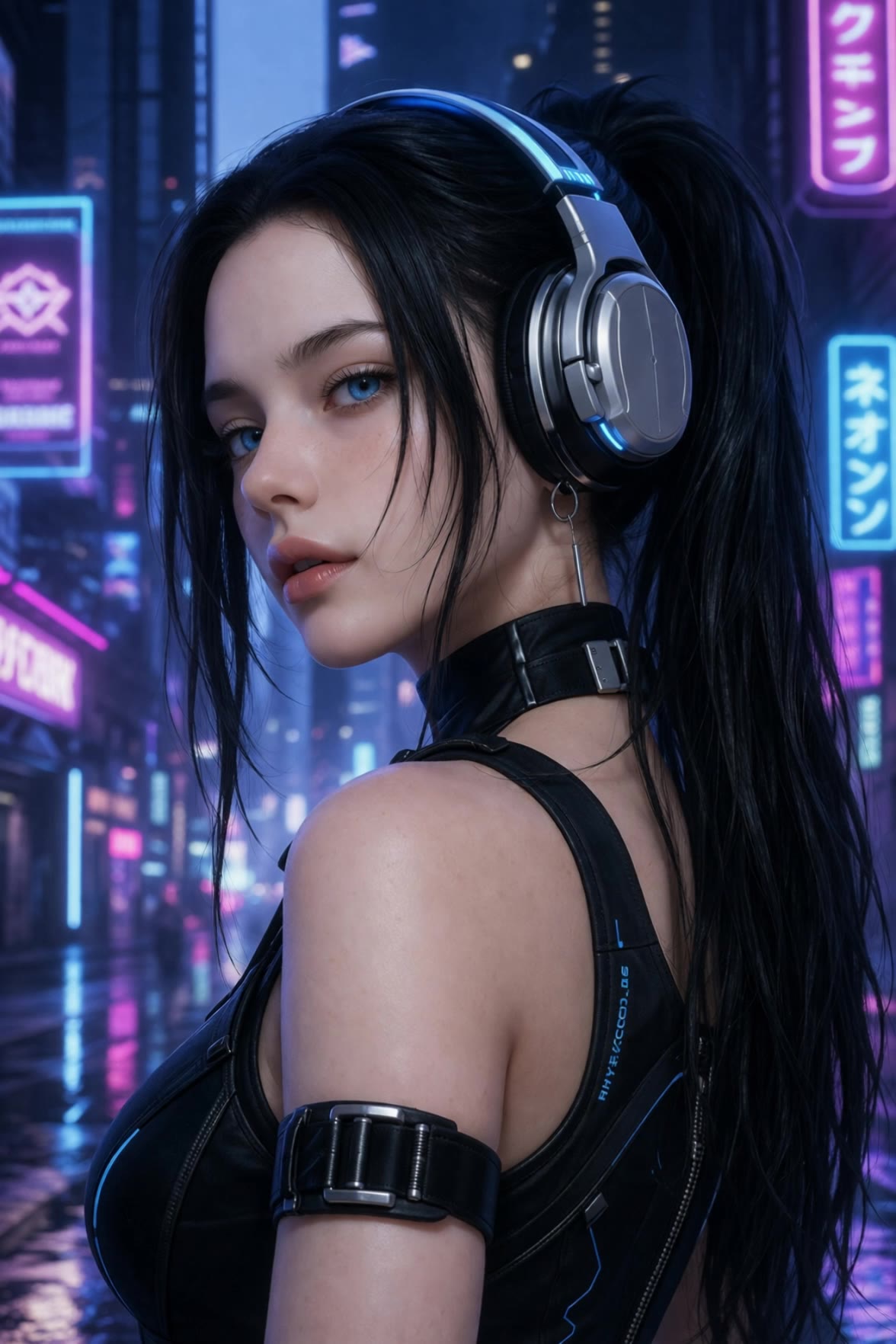
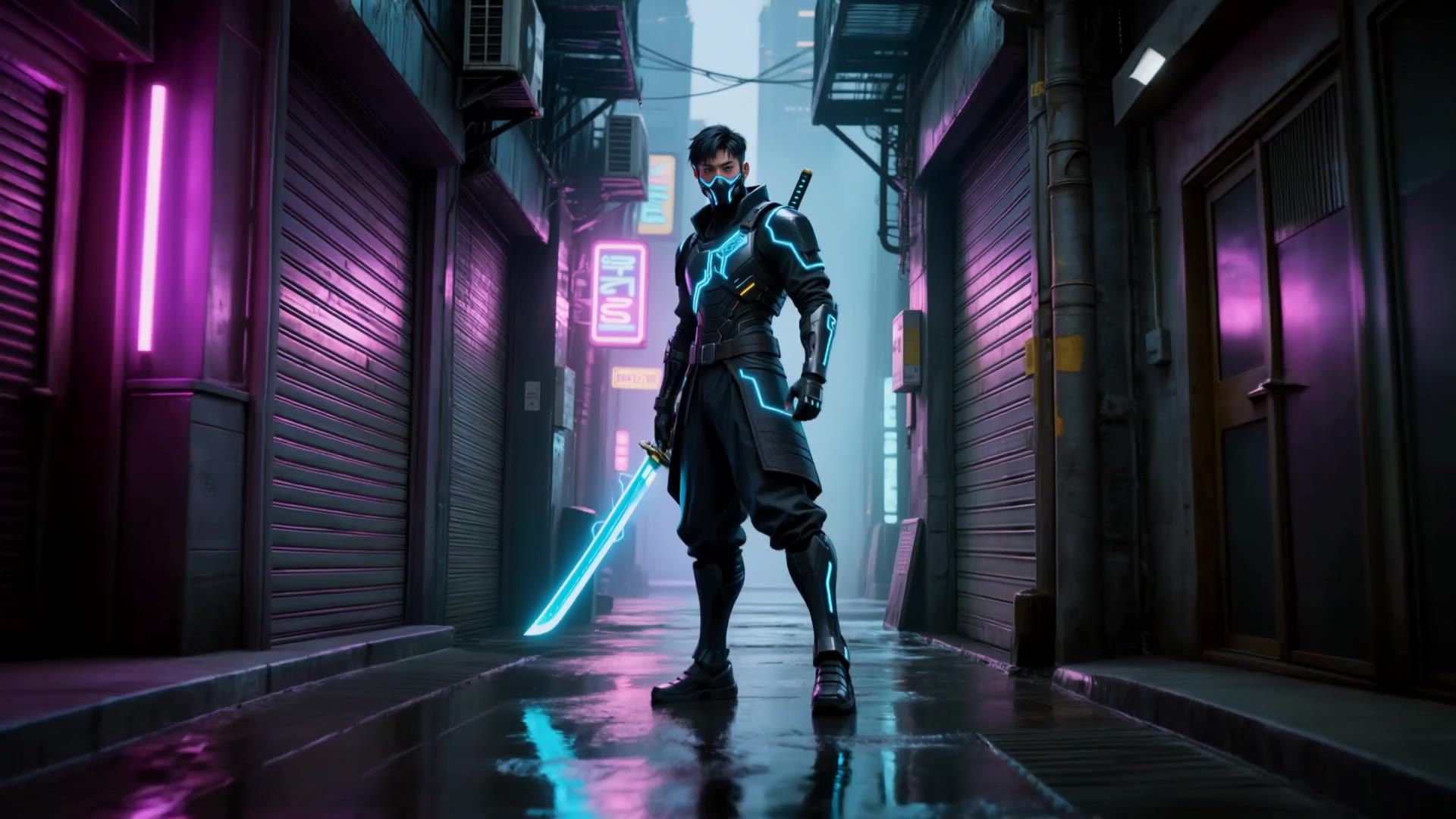
Immerse in the neon-lit, rain-soaked cyberpunk streets with epic samurai duels and flame katana combat scenes. Unleash your creativity with futuristic combat strategies and AI-generated visual storytelling. Start exploring katana build cyberpunk ideas and generate your own content with AI.

katana build cyberpunk - neon city & samurai duel

Recommended

Crazy Doctor - katana build cyberpunk AI video
BKbgSQNV avatar
BKbgSQNV
Neon Ninja Blitz - katana build cyberpunk AI video
Vladimir 𝗣𝗥𝗢 avatar
Vladimir 𝗣𝗥𝗢
Elite Creator
Kling AI work 300988043618746 - katana build cyberpunk AI video
oBlOwgig avatar
oBlOwgig
cyberpunk girl - katana build cyberpunk AI video
Cos mic avatar
Cos mic
Cyber samurai - katana build cyberpunk AI video
Cashovina avatar
Cashovina
Sci Fi Character #2 - katana build cyberpunk AI video
SandersonArts avatar
SandersonArts
Kling AI work 300987603655383 - katana build cyberpunk AI video
oBlOwgig avatar
oBlOwgig
Kling AI work 300234457657578 - katana build cyberpunk AI video
@IHadtoodoit Ty avatar
@IHadtoodoit Ty
Kling AI work 298431278520871 - katana build cyberpunk AI video
YZ avatar
YZ
Cyber samurai - katana build cyberpunk AI video
Cashovina avatar
Cashovina
Kling AI work 311669788506691 - katana build cyberpunk AI image
tRZHnVUz avatar
tRZHnVUz
Kling AI work 311024332665184 - katana build cyberpunk AI image
Elem avatar
Elem
Kling AI work 298433746618317 - katana build cyberpunk AI video
YZ avatar
YZ
#Loranca_AI #Artwork - katana build cyberpunk AI image
Loranca_AI avatar
Loranca_AI
Kling AI work 301146141654466 - katana build cyberpunk AI video
YZStudioCesi avatar
YZStudioCesi
Kling AI work 317587118660473 - katana build cyberpunk AI image
pxtKGDFt avatar
pxtKGDFt
Kling AI work 298432868507869 - katana build cyberpunk AI video
YZ avatar
YZ
Kling AI work 298496494528728 - katana build cyberpunk AI video
aIONJyZd avatar
aIONJyZd
Kling AI work 300500317654661 - katana build cyberpunk AI video
JoJiTa 조지다 avatar
JoJiTa 조지다

How to Use Kling AI Face Swap

Step 1: Upload Your Target and References

Step 1: Upload Your Target and References

Add the photo or video you want to edit, then add the face reference you want Kling AI to follow. For video, you can also use multiple views or a character element when you need stronger identity consistency across different angles.

Step 2: Describe the Face Swap You Want

Step 2: Describe the Face Swap You Want

Tell Kling AI which face to replace and what reference to use. For example: "Replace the face in [Image 1] with the face from [Image 2] while keeping all other content unchanged."

Step 3: Generate Your Face Swap

Step 3: Generate Your Face Swap

Choose your preferred output settings, such as the generation mode and aspect ratio, then click Generate. Kling AI will apply your instructions and chosen settings to create your face-swapped image or video.

Why Kling Sets the Standard for Video Creation

Flawless Character Consistency

Flawless Character Consistency

Unlike standard tools that distort faces when moving, Kling Video 3.0 lets you strictly lock a character’s appearance. Upload a single photo, or use a short video/multiple angles as a reference to completely eliminate the “AI morphing” effect.

Native Audio & Perfect Lip-Sync

Native Audio & Perfect Lip-Sync

Your image doesn’t just move; it speaks. Generate perfectly matched voices and realistic lip movements in multiple languages or regional accents. Even in multi-character scenes, you can precisely assign who speaks—no third-party tools required.

15s Duration & Motion Control

15s Duration & Motion Control

Go beyond simple loops with up to 15 seconds of smooth narrative. Use advanced Motion Control to direct camera pans, tilts, and zooms, or define exact transitions with start and end frame references.

Apps

Image to Video
Image to Video

Image to Video

Text to Video
Text to Video

Text to Video

Omni
Omni

Omni

Digital Human
Digital Human

Digital Human

Restyle
Restyle

Restyle

Text to Image
Text to Image

Text to Image

60M+
60M+
Users
600M+
600M+
AI Videos Generated
4.7 ★
4.7 ★
App Store
Industry-Leading
Industry-Leading
Cinematic 4K

Reviews

Maria Rubtsova

Maria Rubtsova

★★★★★

I’m Maria Rubtsova, an AIGC digital artist passionate about creating stunning visuals in the worlds of fashion, aesthetics, and fantasy. I use KlingAi to bring imagination to life through video. My work is all about exploring beauty, emotion, and the limitless possibilities of digital art.

Huang Lu (Elson)

Huang Lu (Elson)

★★★★★

I’ve been using Kling AI since its initial release, and it’s remained one of the leading AI media generators ever since. With Kling AI, I’ve created hundreds of videos, collectively amassing millions of views.

Jyo John Mulloor

Jyo John Mulloor

★★★★★

Kling AI has been instrumental in transforming my creative workflow, unlocking new dimensions of artistic expression that were once unimaginable. I use Kling AI extensively to develop high-concept visuals, animate surreal dreamscapes, and create AI-assisted films that blur the line between reality and fantasy. Kling AI’s deep learning capabilities have not only enhanced my creative efficiency but also inspired me to explore storytelling in ways I never thought possible.

FAQ

Q1Is Kling AI’s image to image AI free to try?
Q2Can I edit only one part of an image?
Q3Can Kling AI keep faces, characters, or products consistent?

Bring Your Character to Life

Add a voice or script to turn your character video into a polished lip-sync performance.

Voiceover | Text to Speech | Audio trimming | Realistic, 3D & 2D character