
Creative Studio
API
Resources
Features
About Us
Download

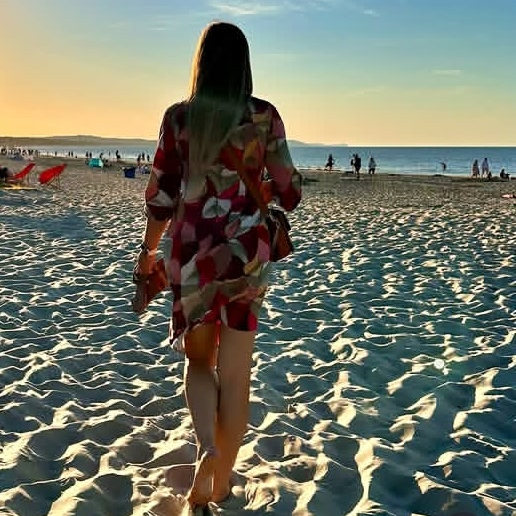
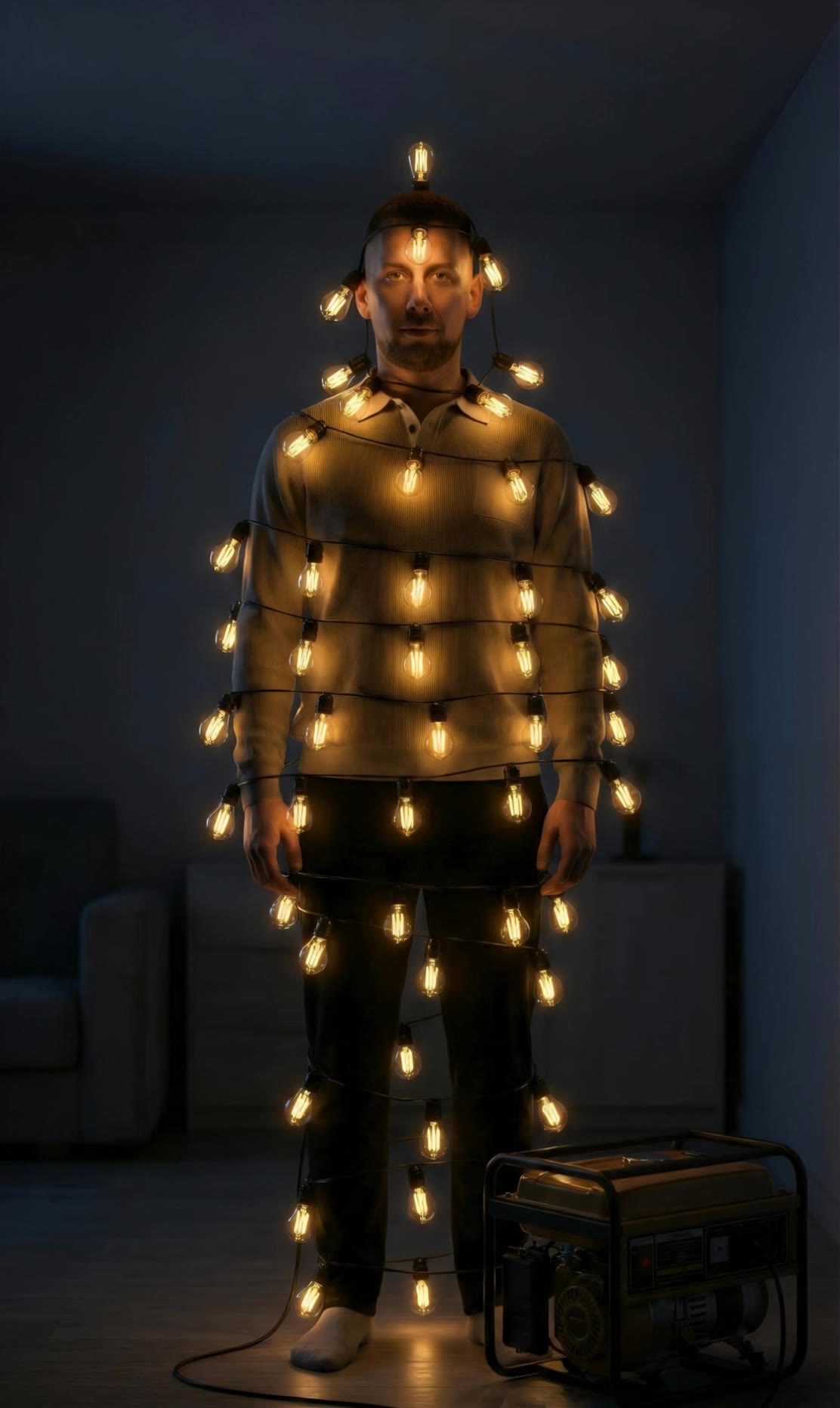
keep calm generator - timelapse clouds & serene beach

Embrace tranquility with timelapse clouds and cinematic calm scenes, enhanced by AI-driven imagery and serene sound effects. Start exploring keep calm generator ideas and generate your own content with AI.

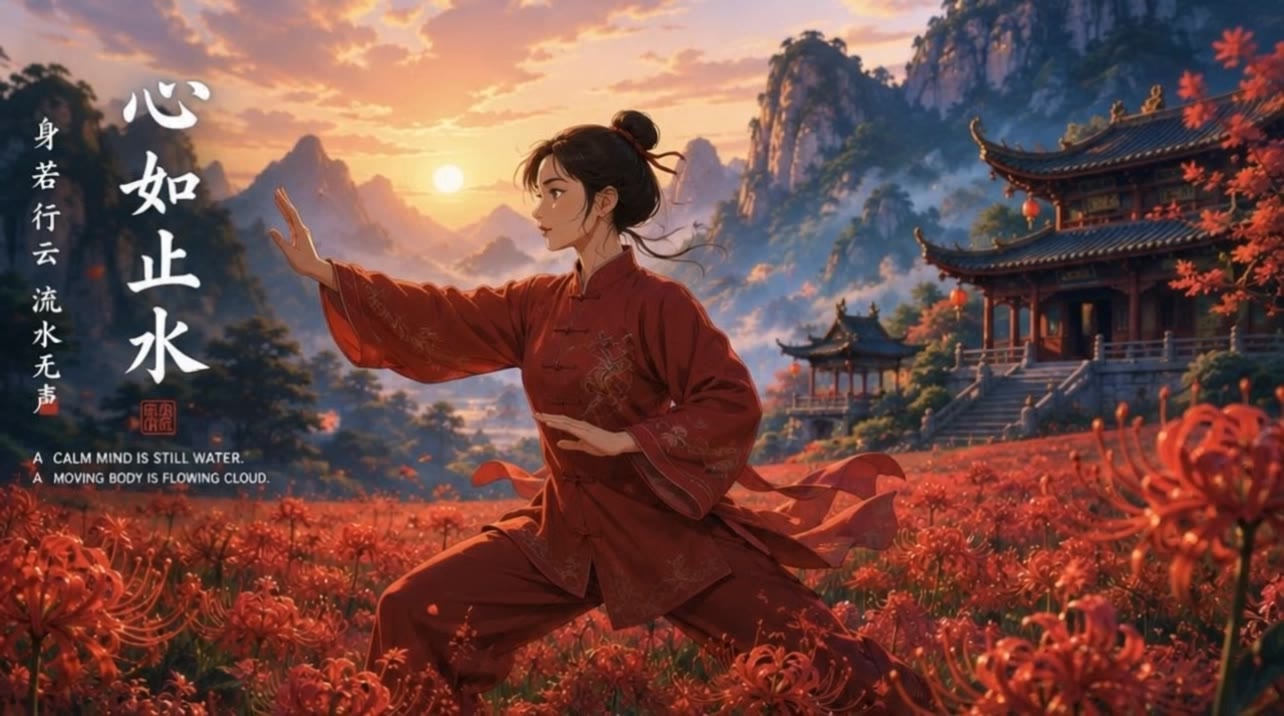
keep calm generator - timelapse clouds & serene beach

Recommended

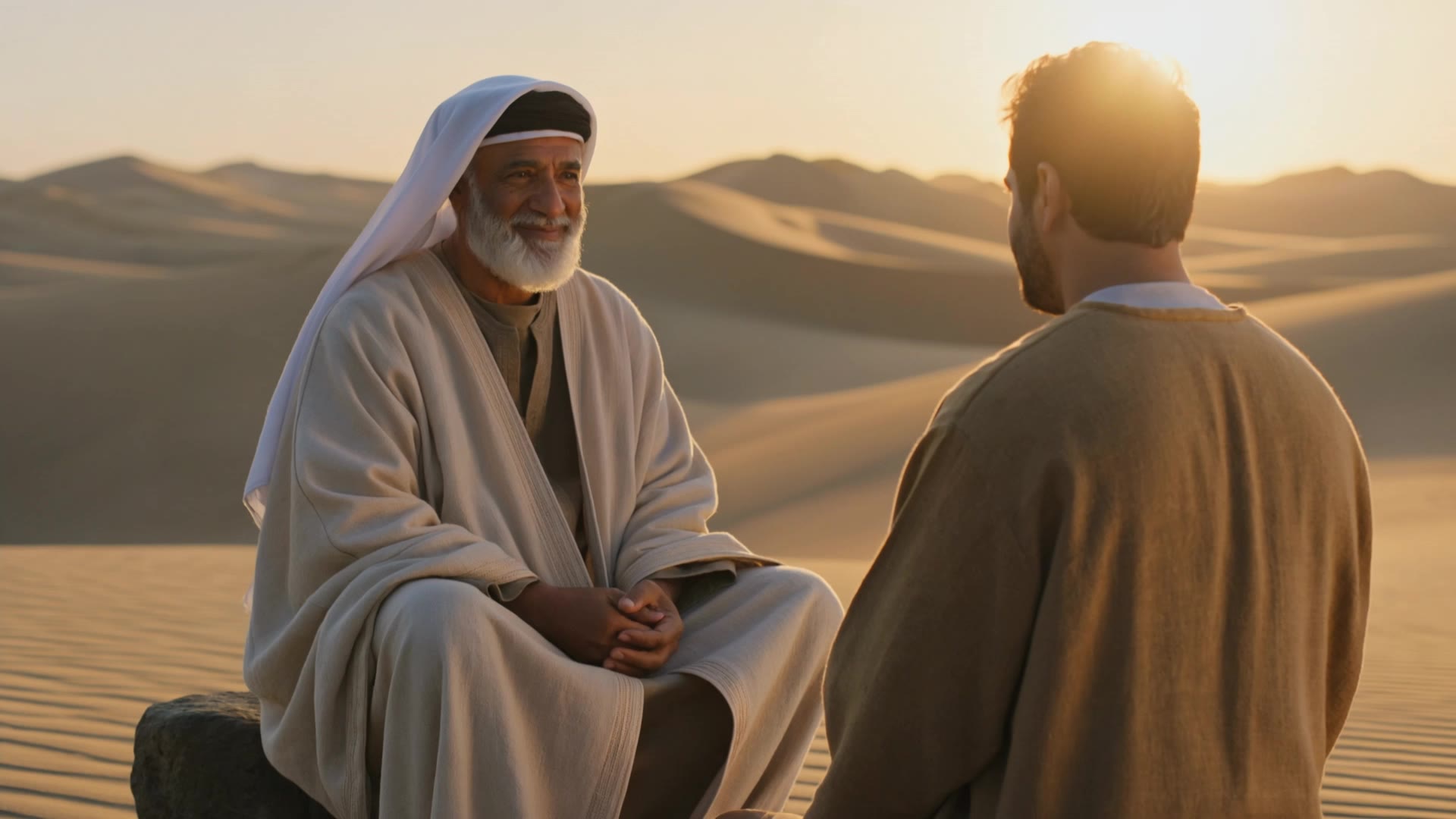
Kling AI work 297936468528146 - keep calm generator AI video
KLING5274 avatar
KLING5274
Calm is my state of mind - keep calm generator AI video
mpwCSHOh avatar
mpwCSHOh
Kling AI work 319567939661546 - keep calm generator AI video
yDifHwkh avatar
yDifHwkh
Kling AI work 319494961668500 - keep calm generator AI video
mDDIIBGO avatar
mDDIIBGO
Kling AI work 316460056611290 - keep calm generator AI video
wMBgewlG avatar
wMBgewlG
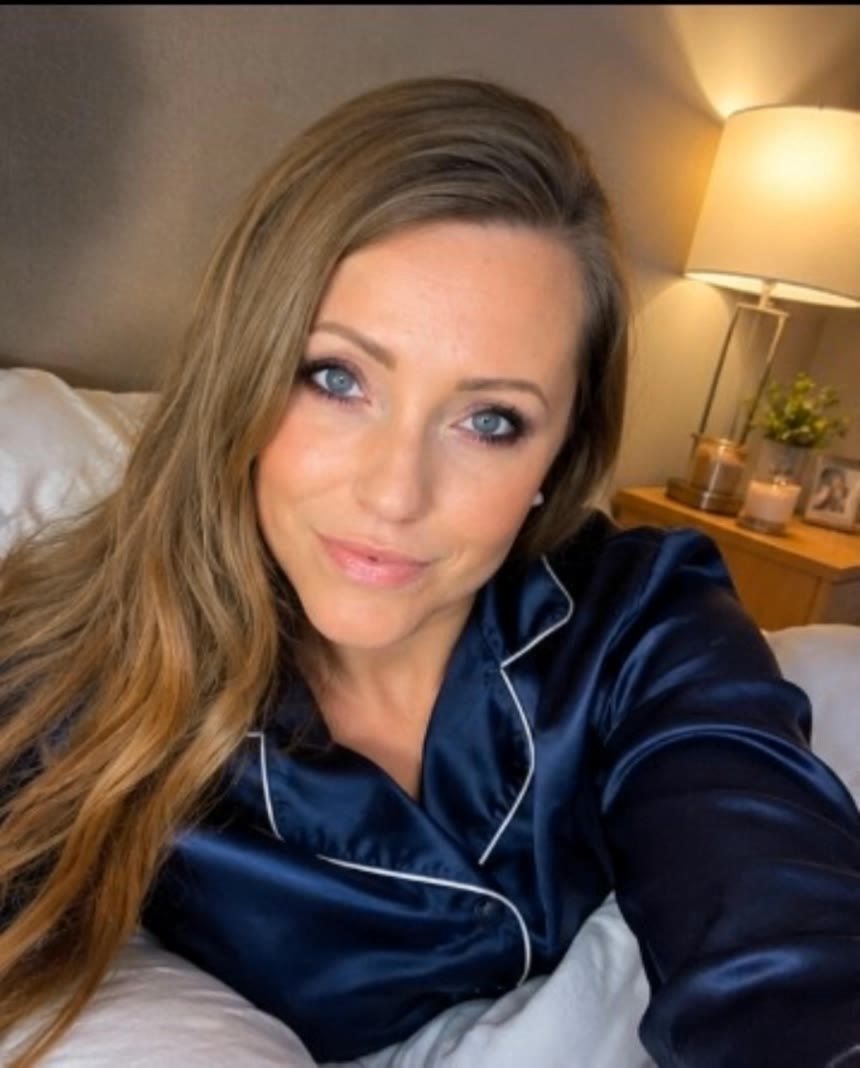
Kling AI work 309073593616374 - keep calm generator AI image
yLIXScPO avatar
yLIXScPO
a calm deep river pool - keep calm generator AI video
juNnEVsx avatar
juNnEVsx
Kling AI work 310739389500669 - keep calm generator AI image
UURTuGBi avatar
UURTuGBi
Kling AI work 306792055613735 - keep calm generator AI video
dJJFEfAu avatar
dJJFEfAu
The morning calm! - keep calm generator AI video
GruffHighlander  avatar
GruffHighlander
The Calm Within Chaos - keep calm generator AI video
00:05
MocEdNwG avatar
MocEdNwG
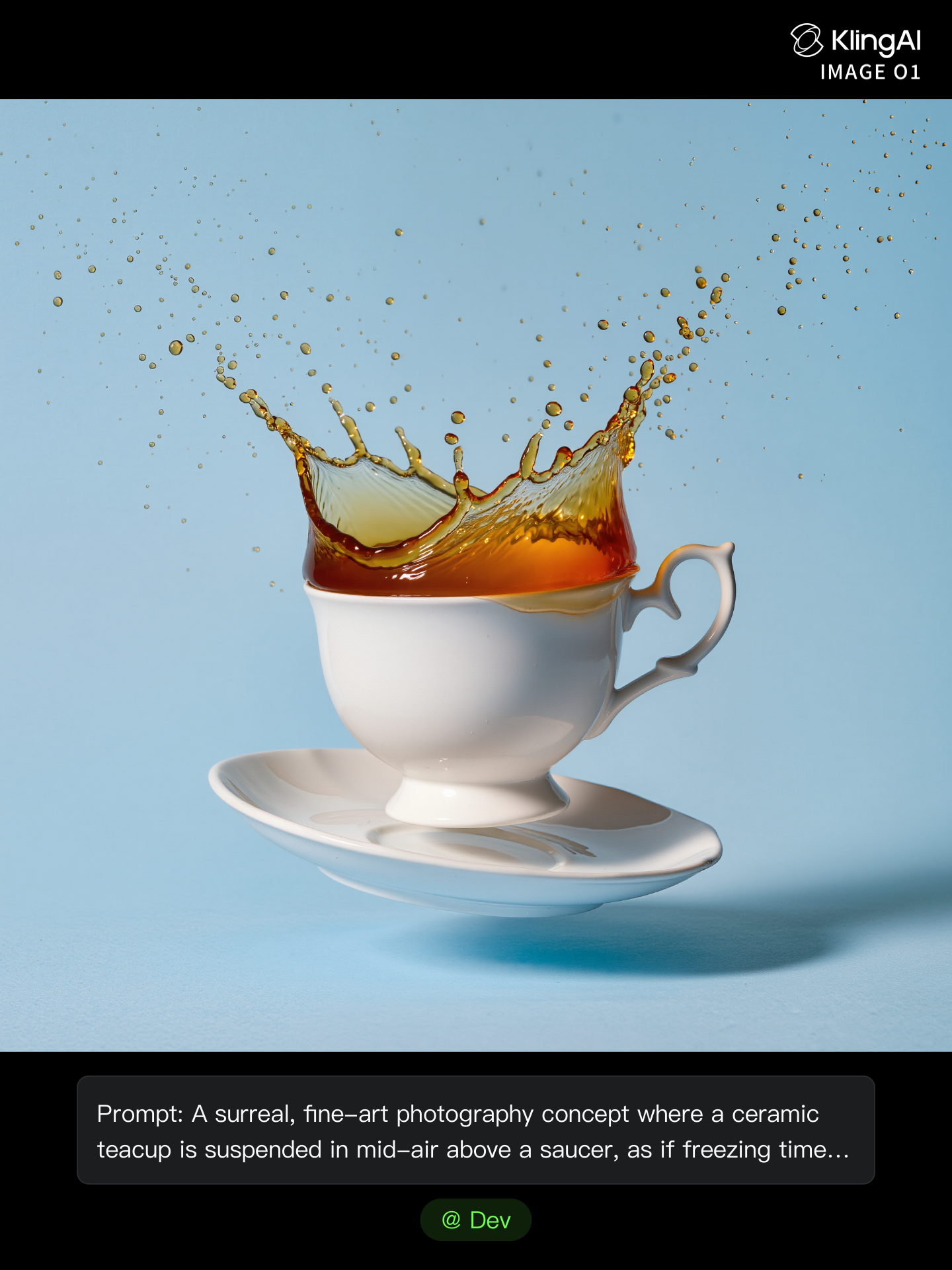
Levitating Calm - keep calm generator AI image
Dev avatar
Dev
Creative Partner
Kling AI work 309332947616450 - keep calm generator AI video
KLING5595 avatar
KLING5595
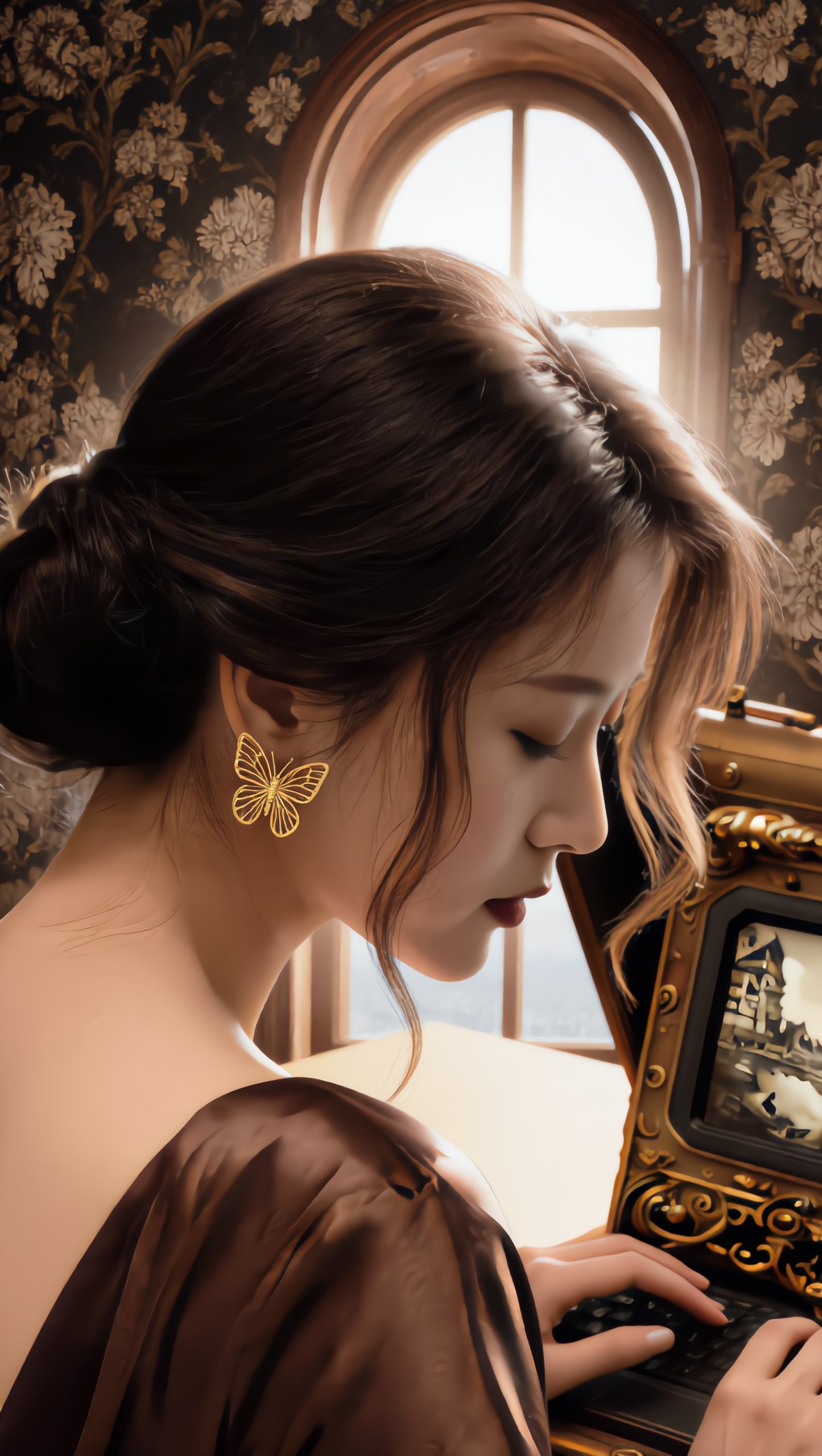
Pretty Manola🥰 - keep calm generator AI image
silenceboy🥺 avatar
silenceboy🥺
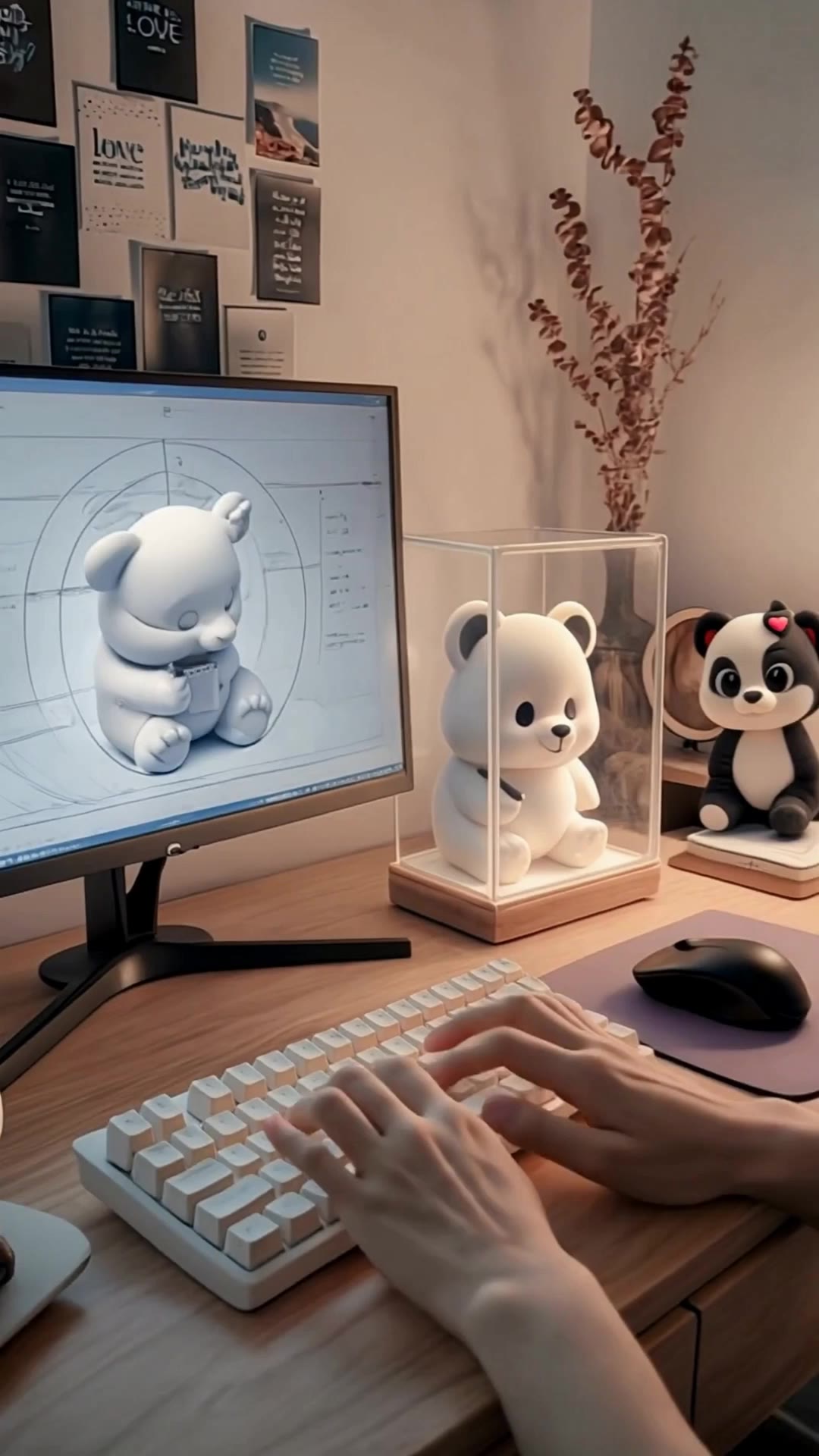
A warm, calm design studio works - keep calm generator AI video
craftneed AI avatar
craftneed AI
Kling AI work 312553210508576 - keep calm generator AI image
MstqTPIv avatar
MstqTPIv
Kling AI work 308693689526983 - keep calm generator AI video
Dilim2030 avatar
Dilim2030
Kling AI work 318748569617222 - keep calm generator AI image
yNfQTDmO avatar
yNfQTDmO
Calm greetings short video - keep calm generator AI video
XKCmFDmR avatar
XKCmFDmR

How to Remove an Object from an Image with Kling

Step 1: Upload the Photo You Want to Clean Up

Step 1: Upload the Photo You Want to Clean Up

Upload the photo you want to edit. Start with a clear source image where the unwanted object and surrounding details are easy to distinguish.

Step 2: Describe What You Want to Remove

Step 2: Describe What You Want to Remove

Tell Kling IMAGE 3.0 which object, person, text, or other element you want to remove. Add details such as its position, appearance, or nearby context when the image contains similar elements, and specify what should stay unchanged around the edit.

Step 3: Generate Your Cleaned Image

Step 3: Generate Your Cleaned Image

Choose your preferred image ratio and output quality, then generate your edited image. Select up to 2K resolution for clearer, higher-resolution output.

Edit the Parts That Matter

Change Subjects, Backgrounds, and Style

Change Subjects, Backgrounds, and Style

Keep what works and change what does not. Replace a character or product, update an outfit, remove a distraction, or move the action into a different setting. You can also change the weather, lighting, time of day, or overall look. With Kling VIDEO 3.0 Omni, you can start with a prompt and add a reference image when a face, product, or branded detail needs a closer match.

Reframe the Shot

Reframe the Shot

Keep the original action, then change how the moment is framed. Move in for a close-up, open to a wider view, shift the angle, or rebalance the composition around the subject. The source footage keeps the motion and scene context in place while your prompt sets the new framing.

Extend the Video

Extend the Video

Continue a clip beyond its current ending without building the next scene from scratch. Kling carries the subject, motion, and setting into the new footage; add a prompt when you want to steer what happens next. Use Video Extension when a clip ends too soon, an action needs more time, or the next beat is still missing.

Apps

Image to Video
Image to Video

Image to Video

Text to Video
Text to Video

Text to Video

Omni
Omni

Omni

Digital Human
Digital Human

Digital Human

Restyle
Restyle

Restyle

Text to Image
Text to Image

Text to Image

60M+
60M+
Users
600M+
600M+
AI Videos Generated
4.7 ★
4.7 ★
App Store
Industry-Leading
Industry-Leading
Cinematic 4K

Reviews

Jyo John Mulloor

Jyo John Mulloor

★★★★★

Kling AI has been instrumental in transforming my creative workflow, unlocking new dimensions of artistic expression that were once unimaginable. I use Kling AI extensively to develop high-concept visuals, animate surreal dreamscapes, and create AI-assisted films that blur the line between reality and fantasy. Kling AI’s deep learning capabilities have not only enhanced my creative efficiency but also inspired me to explore storytelling in ways I never thought possible.

Halim Alrasihi

Halim Alrasihi

★★★★★

I use AI daily and Kling AI is a crucial part of my workflow, whether for client work or personal projects. What I love most about using Kling AI is that it provides all the tools I need in one place, from keyframes to character references, elements and special effects.

Déborah

Déborah

★★★★★

I use Kling AI every day. It's amazing to see the almost daily progress it makes. I used AI for fun at first, and I now find that Kling AI's animations allow me to gain professional visibility, with three times more views on my animated posts than on my static posts.

FAQ

Q1Can AI remove watermarks without losing image quality?
Q2Can I remove a watermark from someone else's image?
Q3What is an AI watermark remover?

Create More with Every Background Change

Turn every background change into a new creative direction with Kling AI. Explore new scenes, reshape your visuals, and create images that keep the details and style that make them unique.

AI Background Removal | Scene Transformation | 2K/4K Image Creation