Creative Studio
API
Resources
Features
About Us
Download

Keyboard Style – AI Design Inspiration

Explore AI design inspiration for keyboard style. Generate and customize designs effortlessly with AI.

Keyboard Style – AI Design Inspiration

Recommended

Kling AI work 319120879614702 - keyboard style AI video
MznEevED avatar
MznEevED
Kling AI work 296976570613954 - keyboard style AI video
pierce chavez avatar
pierce chavez
Kling AI work 311408391612816 - keyboard style AI image
INGENIUM avatar
INGENIUM
Kling AI work 311550708610387 - keyboard style AI image
bwvPneAo avatar
bwvPneAo
Kling AI work 301842646506828 - keyboard style AI image
AJCQhlKR avatar
AJCQhlKR
Kling AI work 311408702508919 - keyboard style AI image
INGENIUM avatar
INGENIUM
Kling AI work 296407993616146 - keyboard style AI video
KLING4422 avatar
KLING4422
Kling AI work 308723112667449 - keyboard style AI image
Umair Rizan avatar
Umair Rizan
pixel-typing-animation.webp - keyboard style AI video
MznEevED avatar
MznEevED
Kling AI work 311346925662451 - keyboard style AI video
XsWDvJTW avatar
XsWDvJTW
A man typing a keyboard into a l - keyboard style AI video
yjwoo avatar
yjwoo
Kling AI work 309536344617974 - keyboard style AI video
did you know that avatar
did you know that
Kling AI work 309573645503629 - keyboard style AI image
SPP avatar
SPP
Kling AI work 311346666526495 - keyboard style AI video
XsWDvJTW avatar
XsWDvJTW
Kling AI work 312553655662867 - keyboard style AI image
tom aura avatar
tom aura
Kling AI work 312733120664809 - keyboard style AI video
code Source avatar
code Source
Kling AI work 317334384303095 - keyboard style AI video
qlojKTbF avatar
qlojKTbF
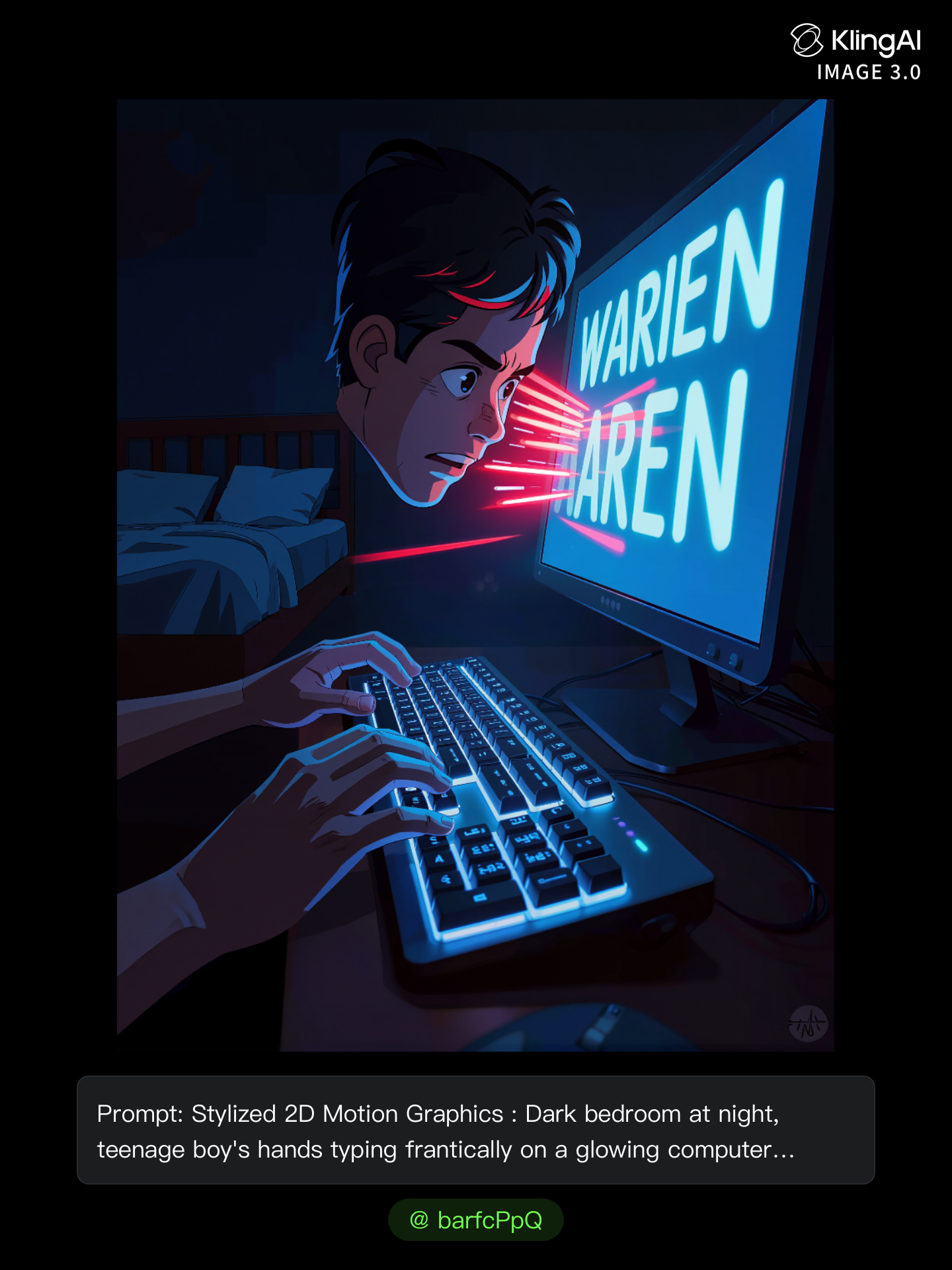
Kling AI work 306968880506073 - keyboard style AI image
barfcPpQ avatar
barfcPpQ
Keyboard typing - keyboard style AI video
SAMANTHA avatar
SAMANTHA

How to Restore Old Photos with Kling AI

Upload Your Old Photo

Upload Your Old Photo

Upload a scanned photo, faded print, damaged portrait, or black-and-white image. Your original photo gives Kling the visual reference for the people, objects, composition, and details you want to keep.

Describe the Restoration You Want

Describe the Restoration You Want

Use a prompt to describe the improvements you want, such as removing scratches, reducing stains, restoring faded colors, enhancing facial details, or repairing damaged areas. You can also mention what should stay consistent, like expressions, clothing, or the overall look of the original photo.

Generate Your Restored Photo

Generate Your Restored Photo

Generate your restored version and compare it with the original. If an important detail changes, update your prompt or add another reference and try again.

Make Images Clearer, Sharper, and More Detailed

Make Soft or Blurry-Looking Images Clearer

Make Soft or Blurry-Looking Images Clearer

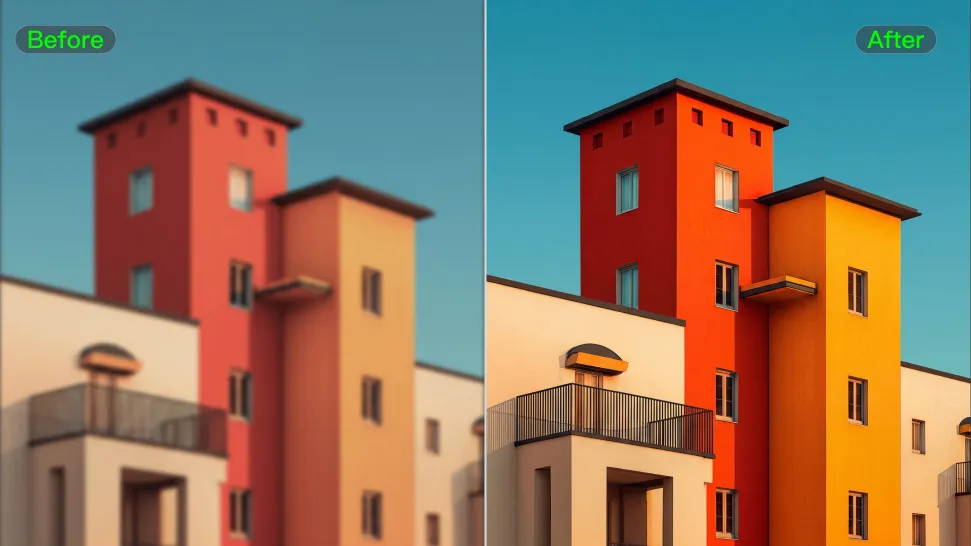
Improve images that look soft, blurry, or short on detail so important subjects appear clearer and easier to recognize. Kling IMAGE 3.0 Omni can refine facial features, object edges, textures, and other key areas while preserving the overall look and character of the original image.
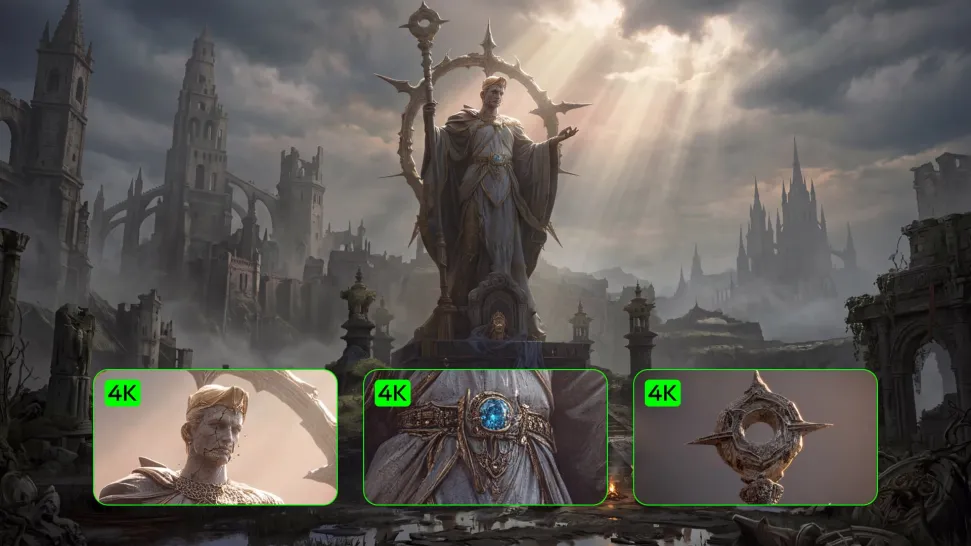
Enhance Low-Resolution Images in 2K/4K

Enhance Low-Resolution Images in 2K/4K

Need more resolution for a larger screen, campaign visual, product image, or creative project? Use your existing image as the starting point and generate a higher-resolution version in native 2K or 4K. You get more room for fine textures and visual detail to come through, making your result better suited to larger displays, print, presentations, and other high-resolution uses.

Improve Color and Lighting Your Way

Improve Color and Lighting Your Way

If your image feels too dark, flat, or visually uneven, describe the look you want and guide changes to lighting, shadows, contrast, color tone, or saturation. You can create softer light, richer color, or a more balanced finish while keeping control over the overall visual direction.

Apps

Image to Video
Image to Video

Image to Video

Text to Video
Text to Video

Text to Video

Omni
Omni

Omni

Digital Human
Digital Human

Digital Human

Restyle
Restyle

Restyle

Text to Image
Text to Image

Text to Image

60M+
60M+
Users
600M+
600M+
AI Videos Generated
4.7 ★
4.7 ★
App Store
Industry-Leading
Industry-Leading
Cinematic 4K

Reviews

James Phillips

James Phillips

★★★★★

Kling AI has transformed my workflow by collapsing timelines and democratizing production. It’s shifted my mindset from resource-dependent filmmaking to a boundless creative sandbox, where experimentation yields unexpected beauty.

Vincent Smadja

Vincent Smadja

★★★★★

Kling AI seamlessly integrates into my creative workflow, playing a key role in transforming my images. After generating and upscaling an image, Kling becomes a crucial element, bringing my creations to life with movement and depth.

PJ Ace

PJ Ace

★★★★★

Kling AI has made it easy for us to generate world class visuals for Fortune 500 companies, TV shows and music for big artists. We love the easy of use of the platform and the quality of the generations. My first time using Kling AI, I got 22 million views on just one video. It's that good.

FAQ

Q1Can I upscale video to 4K with Kling AI?
Q2What types of videos work best for AI upscaling?
Q3Will upscaling change faces or products in my video?

Start Creating AI Videos with Kling

Turn your image into a talking, high-quality video in seconds. No watermarks, no complicated setup.

Free tier available (Memberships are watermark-free) | 1080p export (Memberships unlock 4K) | Instant results