
Creative Studio
API
Resources
Features
About Us
Download

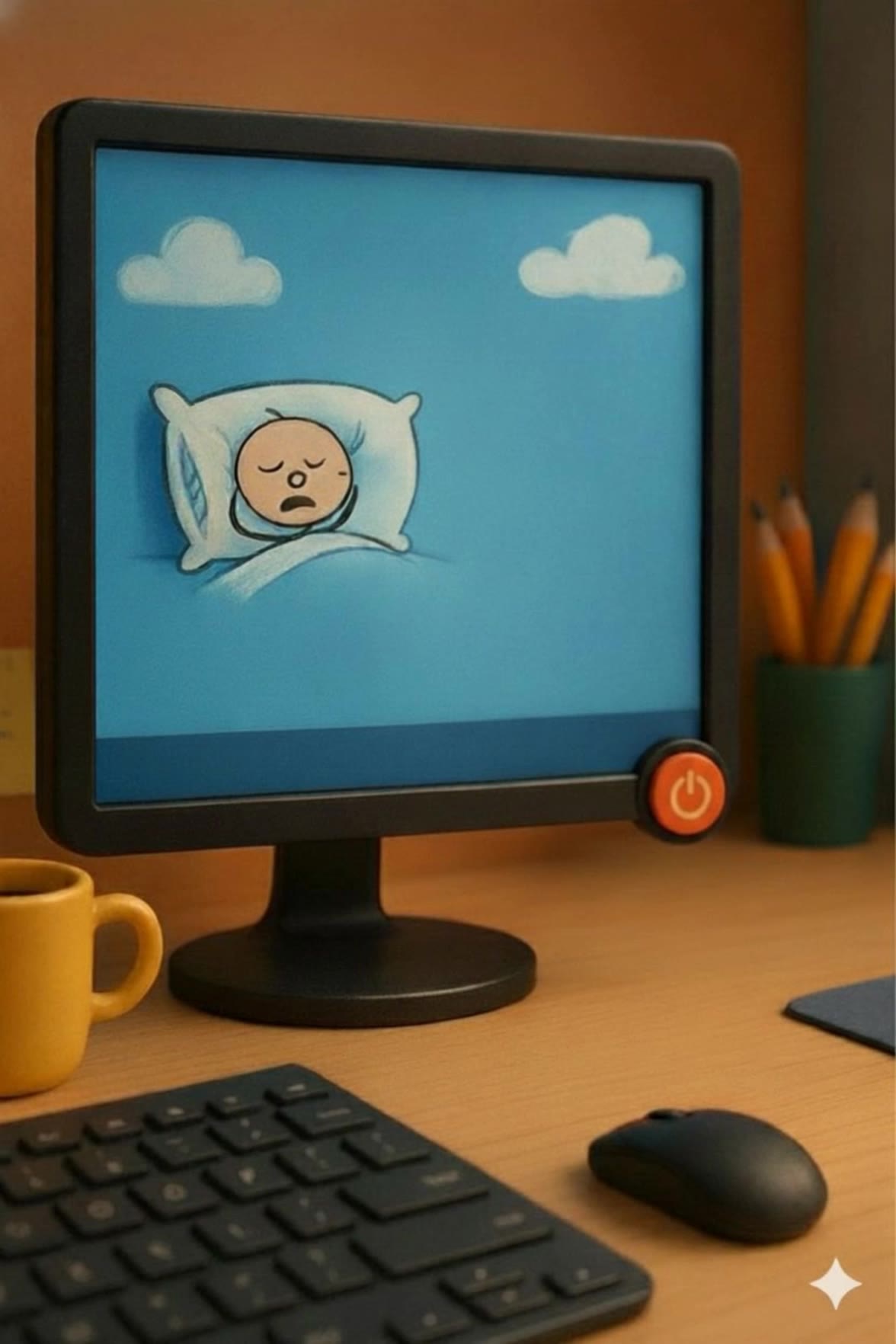
AI-generated kids desktop wallpaper ideas

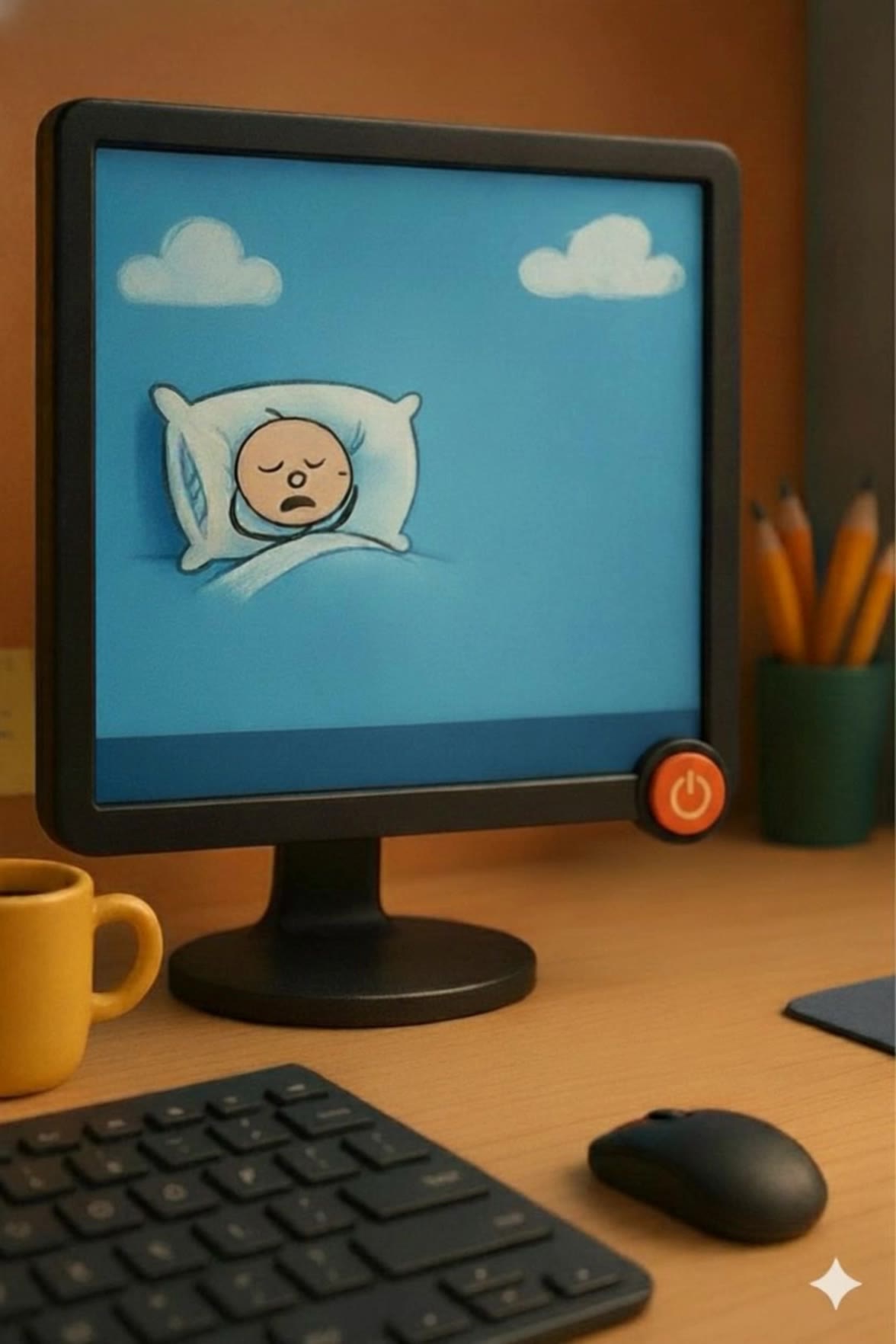
Find AI-created kids desktop wallpapers that are fun and engaging. Customize each design to suit your child's taste. Easy to use, no design skills needed.

AI-generated kids desktop wallpaper ideas

Recommended

Kling AI work 296421693613868 - kids desktop wallpaper AI video
RXizAqSO avatar
RXizAqSO
Kling AI work 314127093522403 - kids desktop wallpaper AI image
Smita avatar
Smita
Kling AI work 296458340663090 - kids desktop wallpaper AI image
TurbM3L0s3/AlohaKaim avatar
TurbM3L0s3/AlohaKaim
Kling AI work 296426171610350 - kids desktop wallpaper AI video
adGbBrgx avatar
adGbBrgx
Kling AI work 314127013508493 - kids desktop wallpaper AI image
Smita avatar
Smita
Kling AI work 310701529505781 - kids desktop wallpaper AI image
Free wallpaper HD avatar
Free wallpaper HD
Kling AI work 296461099617933 - kids desktop wallpaper AI image
TurbM3L0s3/AlohaKaim avatar
TurbM3L0s3/AlohaKaim
Desktop Oled wallpaper - kids desktop wallpaper AI video
00:10
vaDUEQlW avatar
vaDUEQlW
Kling AI work 310335821661328 - kids desktop wallpaper AI image
Dreaming avatar
Dreaming
Elite Creator
Kling AI work 309755336502052 - kids desktop wallpaper AI image
Rakesh avatar
Rakesh
Kling AI work 315849206526000 - kids desktop wallpaper AI video
NwoBJJtj avatar
NwoBJJtj
Kling AI work 314265054527114 - kids desktop wallpaper AI video
Buyo avatar
Buyo
Kling AI work 315983824662596 - kids desktop wallpaper AI image
DdPGHtYt avatar
DdPGHtYt
Live Wallpaper - kids desktop wallpaper AI video
Louis avatar
Louis
Elite Creator
Kids world sweet world - kids desktop wallpaper AI image
CG Saddy avatar
CG Saddy
Kling AI work 317581797663735 - kids desktop wallpaper AI video
obVZVXqQ avatar
obVZVXqQ
Kling AI work 309155892611817 - kids desktop wallpaper AI image
Dreaming avatar
Dreaming
Elite Creator
Kling AI work 314127075667433 - kids desktop wallpaper AI image
Smita avatar
Smita
Kids show  - kids desktop wallpaper AI video
LYaDExzB avatar
LYaDExzB

How to Make an Avatar with Kling

Bring a Photo or an Idea

Bring a Photo or an Idea

Have an original photo to recreate? Upload it and use it as the visual starting point. If you would rather invent someone new, skip the photo and begin with a description.

Make the Look Your Own

Make the Look Your Own

Describe the avater you want to see, including the features, hairstyle, or outfit, or take the whole image into a different art style. The more specific the direction, the easier it is to shape the result around your idea.

Generate Your Avatar

Generate Your Avatar

Choose the available image settings and generate your avatar. Found one that feels close? Use it on other platforms right away.

Create Better Backgrounds with AI

Keep the Subject When Changing Backgrounds

Keep the Subject When Changing Backgrounds

Put a person or product somewhere new without intentionally redesigning what is already working. Tell Kling IMAGE 3.0 which facial details, clothing, product shapes, materials, colors, or other features should stay familiar, then focus your prompt on the world around them.

Bring Your Art Direction into the Background

Bring Your Art Direction into the Background

When you already have a look in mind, show Kling instead of trying to describe every detail from scratch. IMAGE 3.0 supports up to 10 reference images, so you can bring in visuals for the setting, composition, color palette, props, or overall style and explain how you want each reference to influence the result.

Change the Whole Scene or Just One Detail

Change the Whole Scene or Just One Detail

A new background does not always mean starting over with the entire setting. Replace the full scene, or make a smaller change such as adding an object, removing a distraction, changing a surface, or reworking one part of the environment while leaving the rest closer to the original image.

Apps

Image to Video
Image to Video

Image to Video

Text to Video
Text to Video

Text to Video

Omni
Omni

Omni

Digital Human
Digital Human

Digital Human

Restyle
Restyle

Restyle

Text to Image
Text to Image

Text to Image

60M+
60M+
Users
600M+
600M+
AI Videos Generated
4.7 ★
4.7 ★
App Store
Industry-Leading
Industry-Leading
Cinematic 4K

Reviews

KakuDrop

KakuDrop

★★★★★

I have successfully collaborated with world-renowned artists and well-known companies that are recognized globally

PJ Ace

PJ Ace

★★★★★

Kling AI has made it easy for us to generate world class visuals for Fortune 500 companies, TV shows and music for big artists. We love the easy of use of the platform and the quality of the generations. My first time using Kling AI, I got 22 million views on just one video. It's that good.

Samuele Poggi (@visualsk2)

Samuele Poggi (@visualsk2)

★★★★★

I use Kling AI daily to push the limits of AI filmmaking. It allows me to create highly cinematic content, blending AI and VFX to develop innovative projects. It has significantly impacted my creative process, enabling me to achieve complex animations that would otherwise require high production budgets.

FAQ

Q1Can I make a profile picture for YouTube with AI?
Q2What styles can I create with an AI profile picture maker?
Q3What kind of selfie should I use to make a profile picture?

Turn Your Script into a Cinematic Multi-Shot Video

Start with one scene, work out how the camera should tell it, and turn the written beat into a sequence with dialogue, sound, and recurring characters built into the generation.