
Creative Studio
API
Resources
Features
About Us
Download

Kids Wallpaper Ideas – AI Image Concepts

Discover AI-made visuals for kids wallpapers. These AI results can be adapted to fit any theme or color scheme you prefer.

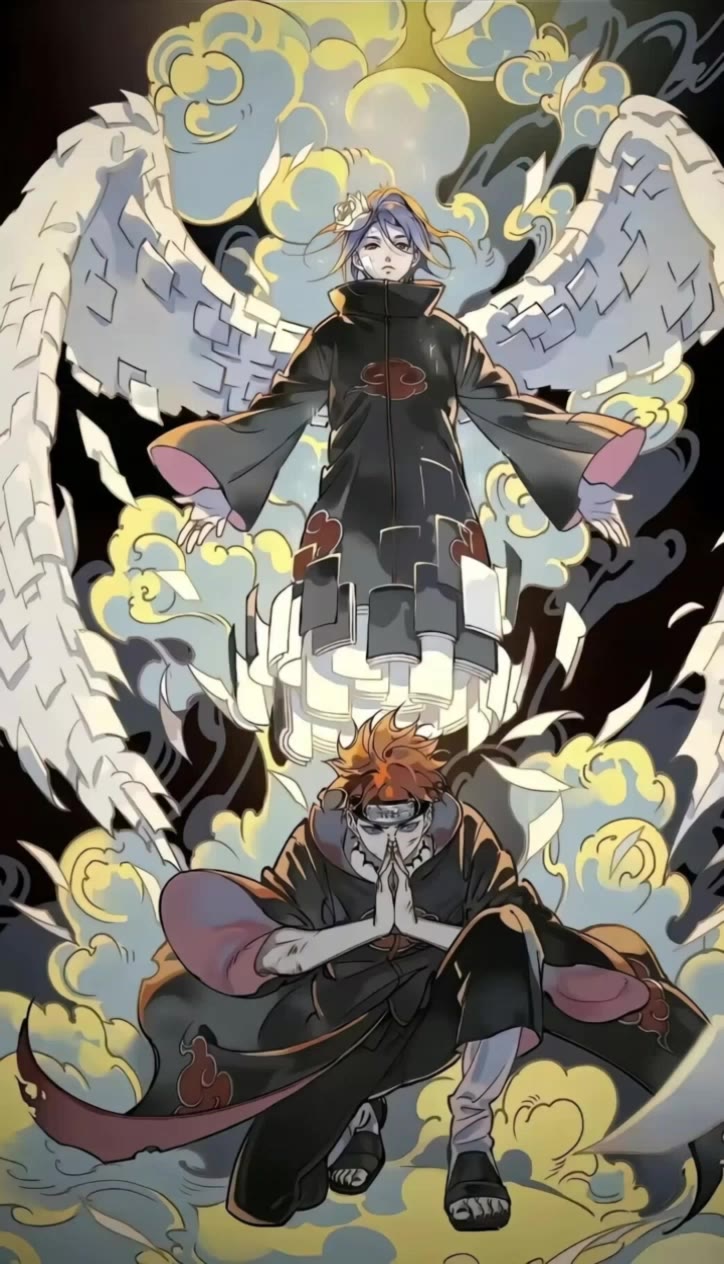
Kids Wallpaper Ideas – AI Image Concepts

Recommended

Kling AI work 318317048617564 - kids wallpaper AI video
VKLAWcyv avatar
VKLAWcyv
wallpaper - kids wallpaper AI video
EDCxWRhK avatar
EDCxWRhK
Kling AI work 313244285502068 - kids wallpaper AI video
FKJKKJOW avatar
FKJKKJOW
Kling AI work 310701529505781 - kids wallpaper AI image
Free wallpaper HD avatar
Free wallpaper HD
Kling AI work 315983824662596 - kids wallpaper AI image
DdPGHtYt avatar
DdPGHtYt
3d for kids - kids wallpaper AI video
Maks_AI_Creator avatar
Maks_AI_Creator
Elite Creator
Kling AI work 307801120535948 - kids wallpaper AI video
MCBsGbvY avatar
MCBsGbvY
Kling AI work 309598057665593 - kids wallpaper AI video
lmSinFvs avatar
lmSinFvs
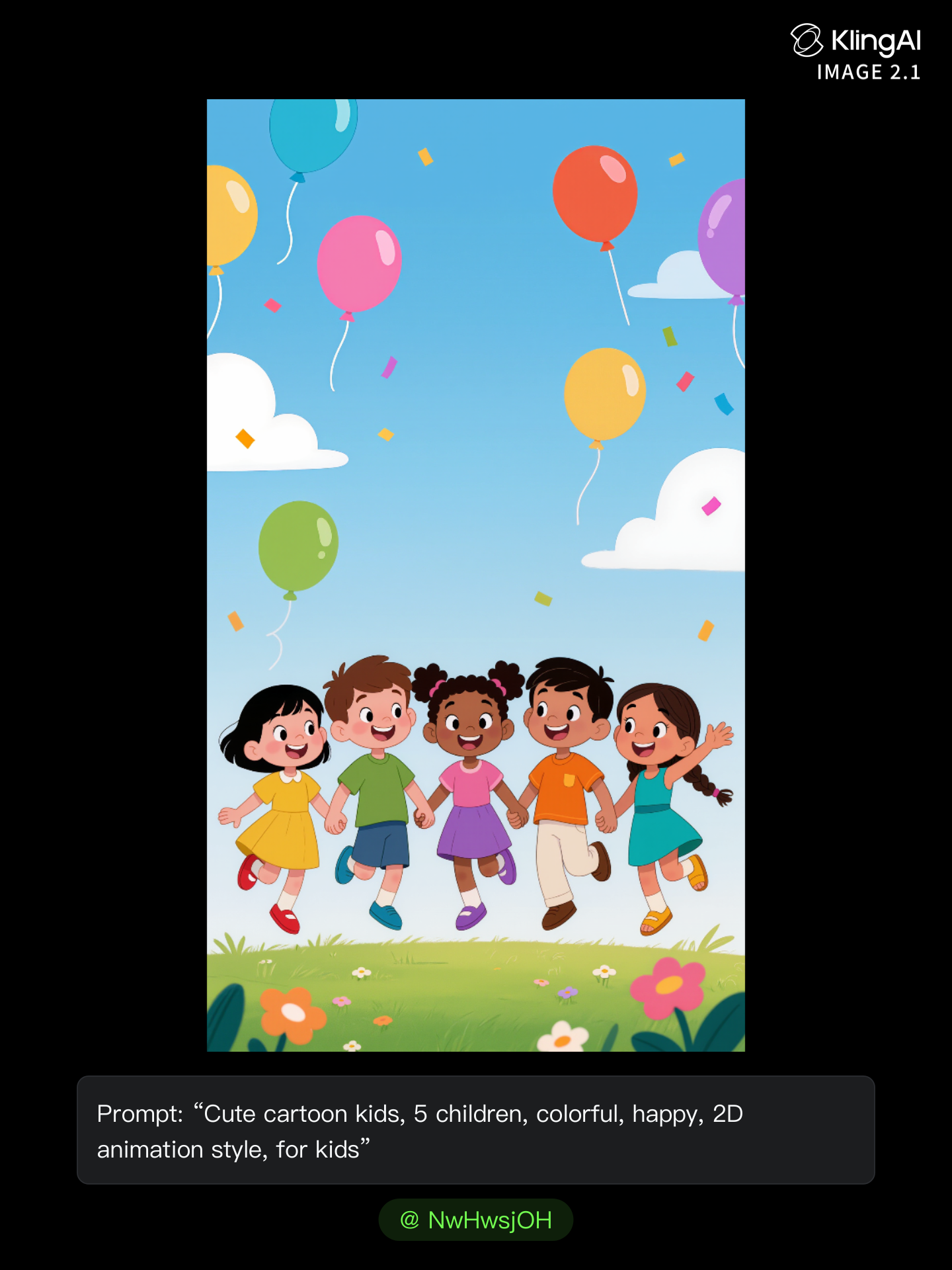
Kling AI work 297699300613754 - kids wallpaper AI image
NwHwsjOH avatar
NwHwsjOH
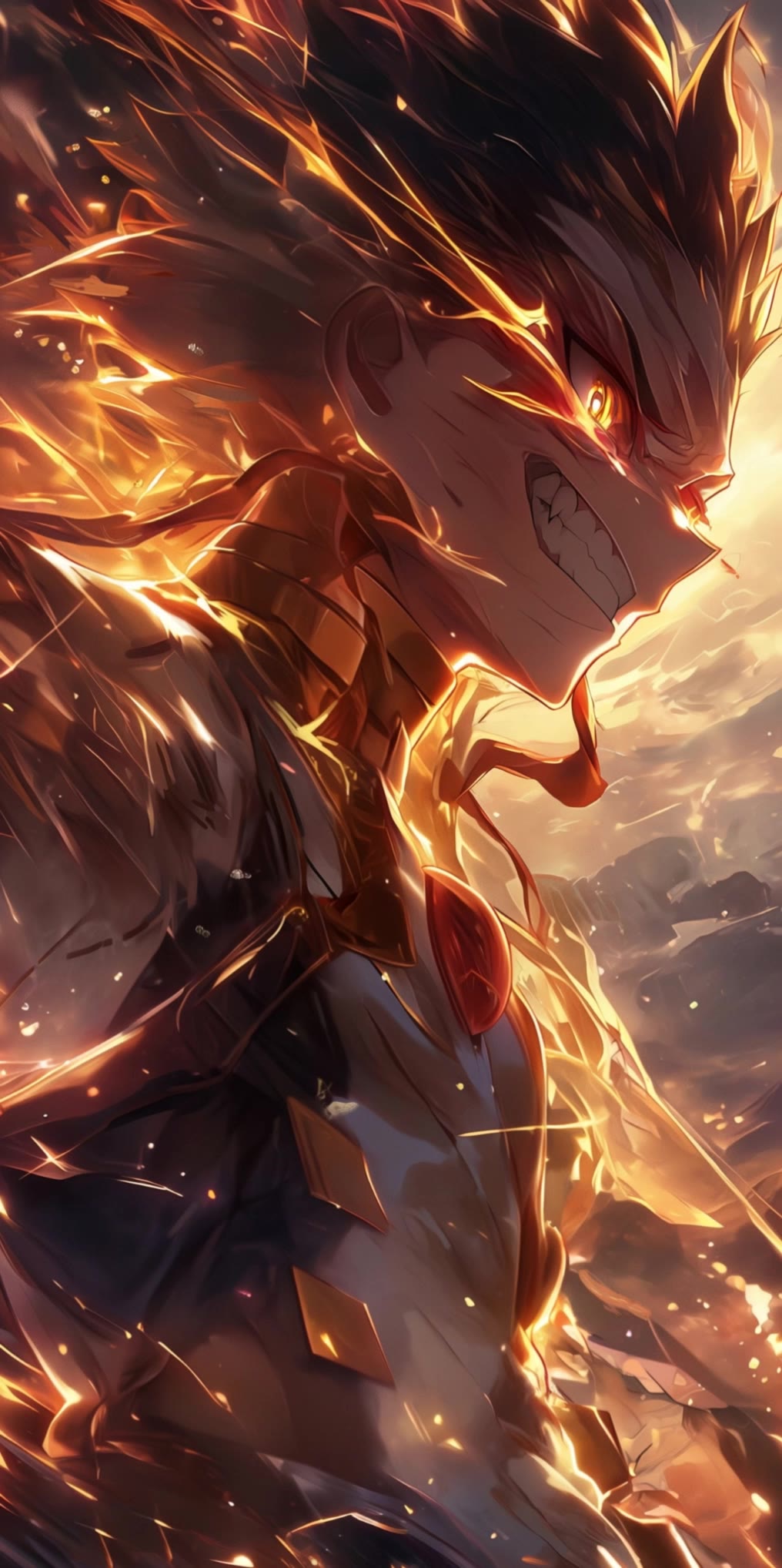
Anime character wallpaper  - kids wallpaper AI video
Epic Live Wallpaper  avatar
Epic Live Wallpaper
wallpaper - kids wallpaper AI video
EDCxWRhK avatar
EDCxWRhK
Live Wallpaper - kids wallpaper AI video
Louis avatar
Louis
Elite Creator
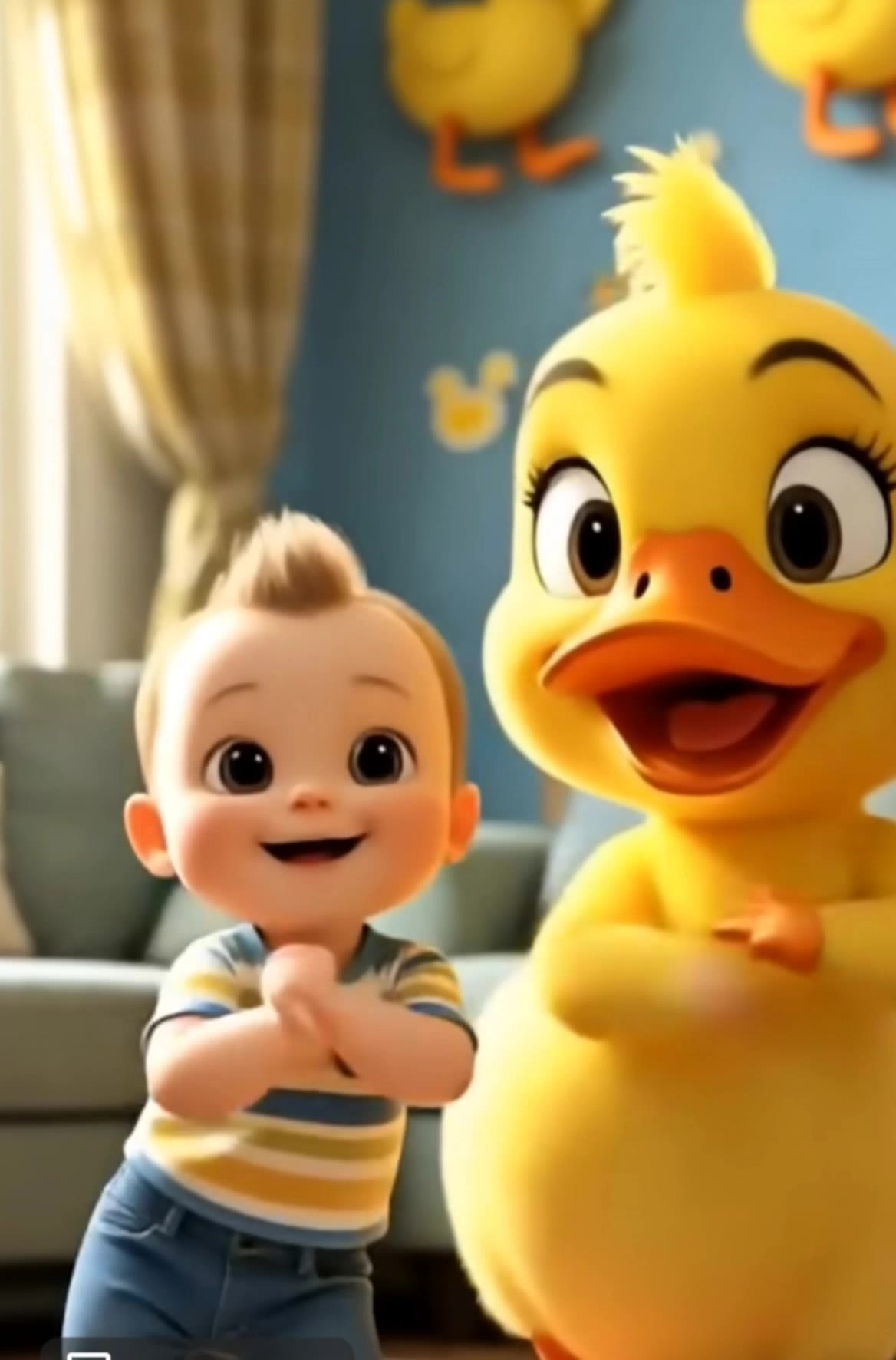
3d for kids - kids wallpaper AI video
Maks_AI_Creator avatar
Maks_AI_Creator
Elite Creator
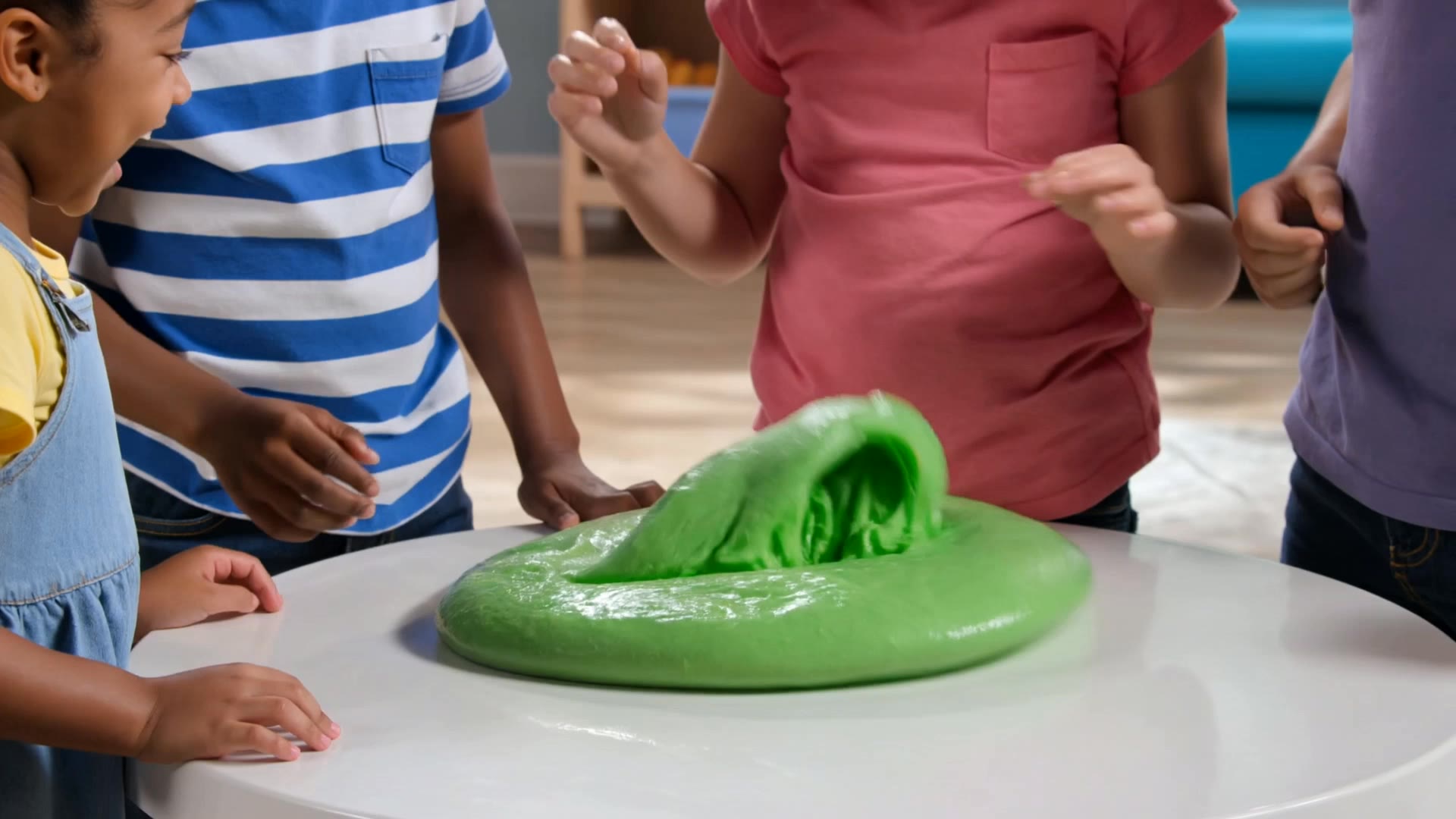
Kids and their slime - kids wallpaper AI video
tFOsQkzx avatar
tFOsQkzx
Kling AI work 310335821661328 - kids wallpaper AI image
Dreaming avatar
Dreaming
Elite Creator
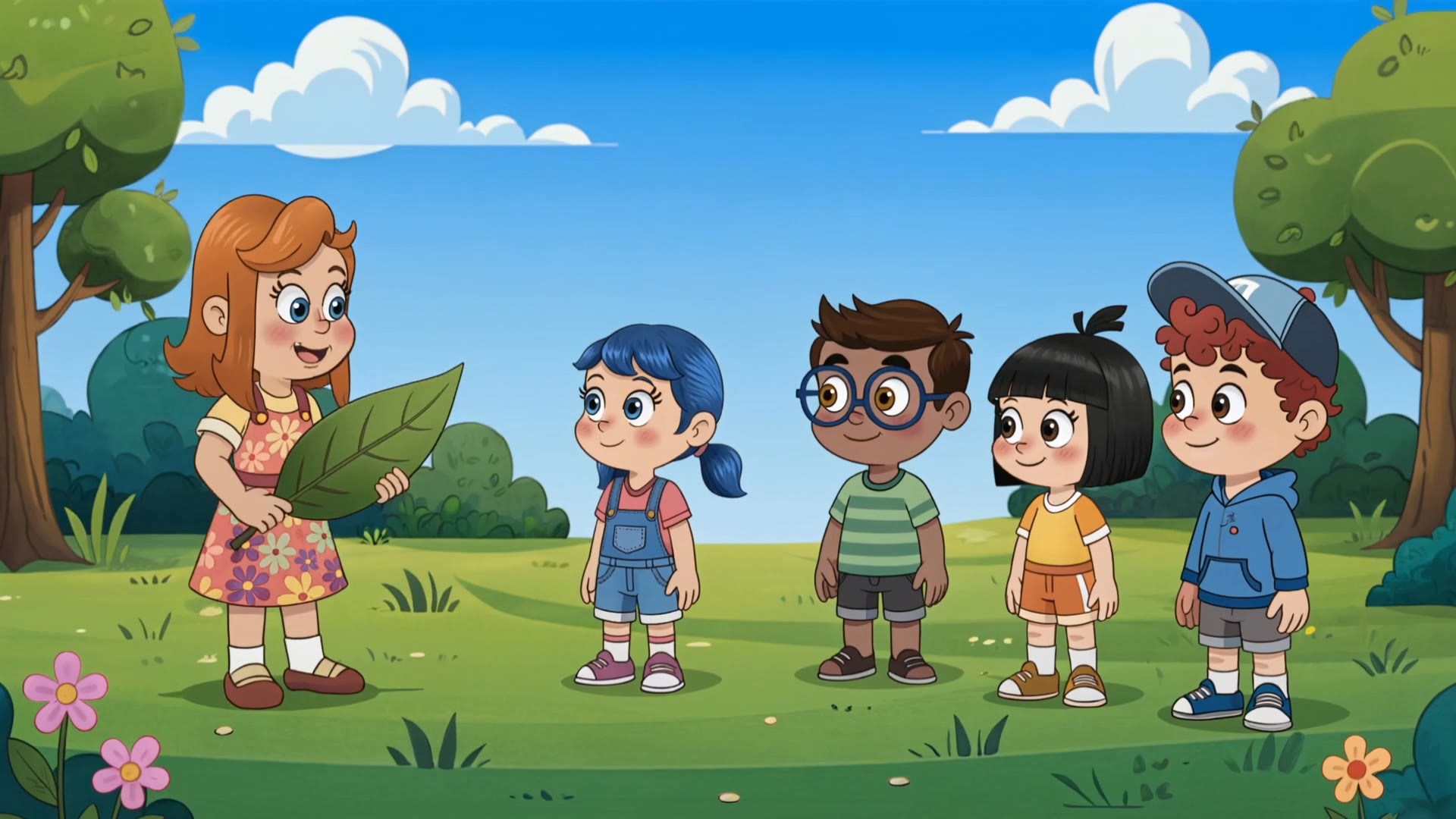
Kids cartoon - kids wallpaper AI video
jTRfJJEZ avatar
jTRfJJEZ
Kling AI work 309391982665271 - kids wallpaper AI image
OthpmPOp avatar
OthpmPOp
Kling AI work 309155892611817 - kids wallpaper AI image
Dreaming avatar
Dreaming
Elite Creator
Kids for kids - kids wallpaper AI video
VmkeSncl avatar
VmkeSncl

How to Create Images with Kling AI

Write Down You Ideas

Write Down You Ideas

Open the AI Image Generator and choose the model that fits your project. Describe the subject and scene, then add details such as lighting, color, and visual style to shape the result.

Add References Or Not

Add References Or Not

Upload reference images for a character, product, composition, or style. References are optional, but they give Kling AI a clearer visual foundation when specific features, colors, or design details need to carry into the final image.

Generate Your Image

Generate Your Image

Choose your preferred format and output settings, then hit Generate. Once the result is ready, download it directly or open it in the image-to-video workflow to bring it to life with motion.

Why Kling Sets the Standard for Video Creation

Flawless Character Consistency for High-Quality Videos

Flawless Character Consistency for High-Quality Videos

Unlike standard tools that distort faces when moving, Kling Video 3.0 lets you strictly lock a character’s appearance. Upload a single photo, or use a short video/multiple angles as a reference to completely eliminate the “AI morphing” effect.

All-in-One Native Audio & Lip-Sync

All-in-One Native Audio & Lip-Sync

Your video isn’t just silent footage; it speaks. Generate perfectly matched voices and realistic lip movements in multiple languages or regional accents. Even in multi-character scenes, you can precisely assign who speaks—no third-party tools required.

Up to 15s Multi-Shot Cinematic Output

Up to 15s Multi-Shot Cinematic Output

Go beyond a basic 3-second clip. Kling 3.0 extends generation to 15 seconds of smooth, uninterrupted narrative. You can even use native storyboard controls to direct multi-shot sequences in a single click—outputting in crystal-clear 4K for professional use.

Apps

Image to Video
Image to Video

Image to Video

Text to Video
Text to Video

Text to Video

Omni
Omni

Omni

Digital Human
Digital Human

Digital Human

Restyle
Restyle

Restyle

Text to Image
Text to Image

Text to Image

60M+
60M+
Users
600M+
600M+
AI Videos Generated
4.7 ★
4.7 ★
App Store
Industry-Leading
Industry-Leading
Cinematic 4K

Reviews

Jyo John Mulloor

Jyo John Mulloor

★★★★★

Kling AI has been instrumental in transforming my creative workflow, unlocking new dimensions of artistic expression that were once unimaginable. I use Kling AI extensively to develop high-concept visuals, animate surreal dreamscapes, and create AI-assisted films that blur the line between reality and fantasy. Kling AI’s deep learning capabilities have not only enhanced my creative efficiency but also inspired me to explore storytelling in ways I never thought possible.

Maria Rubtsova

Maria Rubtsova

★★★★★

I’m Maria Rubtsova, an AIGC digital artist passionate about creating stunning visuals in the worlds of fashion, aesthetics, and fantasy. I use KlingAi to bring imagination to life through video. My work is all about exploring beauty, emotion, and the limitless possibilities of digital art.

Halim Alrasihi

Halim Alrasihi

★★★★★

I use AI daily and Kling AI is a crucial part of my workflow, whether for client work or personal projects. What I love most about using Kling AI is that it provides all the tools I need in one place, from keyframes to character references, elements and special effects.

FAQ

Q1How do I keep the face from changing or morphing in my video?
Q2Is this image to video AI free to use?
Q3Can I use these generated videos for my e-commerce store or social media ads?

Start Creating AI Videos with Kling

Turn your image into a talking, high-quality video in seconds. No watermarks, no complicated setup.

Free tier available (Memberships are watermark-free) | 1080p export (Memberships unlock 4K) | Instant results