Creative Studio
API
Resources
Features
About Us
Download

kiss generator - Blowing kiss & Romantic hearts

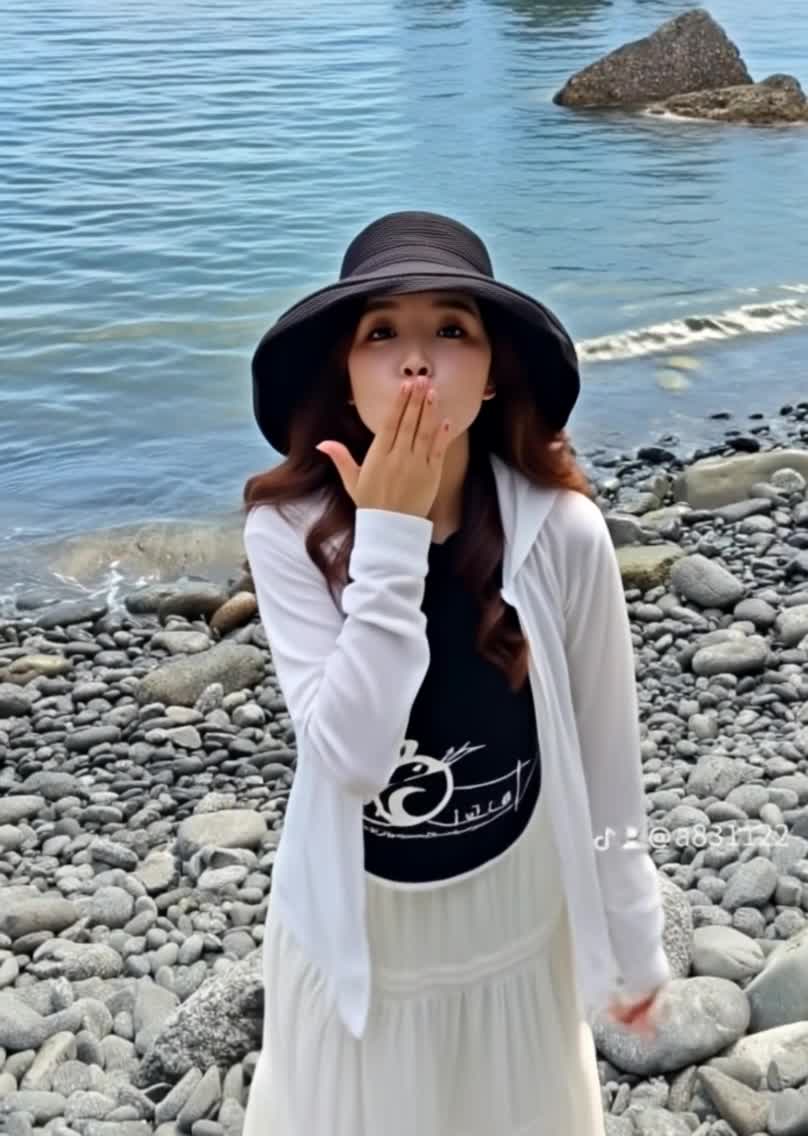
Immerse in romantic visuals with glowing hearts and petals, featuring unique themes like ocean kisses and winter snow kisses. Enjoy customizable, photorealistic animations of blowing kisses and tender moments. Start exploring kiss generator ideas and generate your own content with AI.

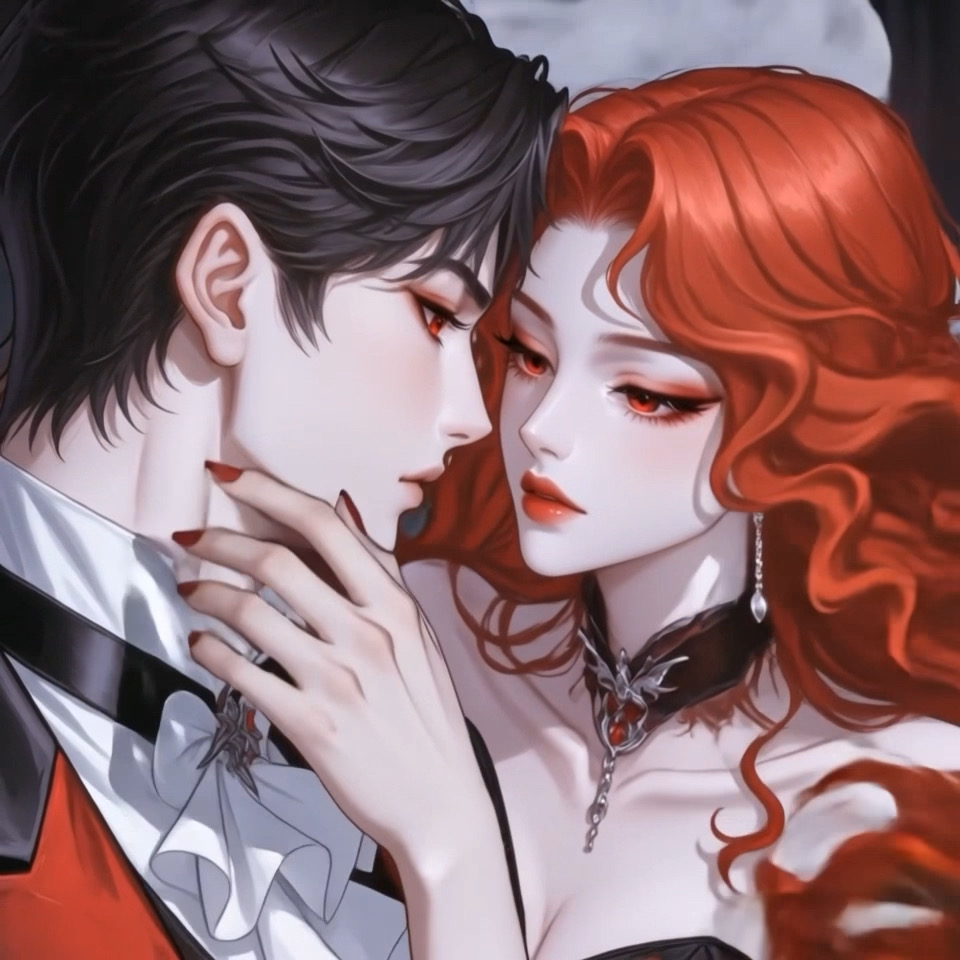
kiss generator - Blowing kiss & Romantic hearts

Recommended

Blow a Kiss - kiss generator AI video
Blow a Kiss
usCjpcdX avatar
usCjpcdX
The kiss - kiss generator AI video
00:17
ella ella avatar
ella ella
kiss - kiss generator AI video
ratel avatar
ratel
Blow a Kiss - kiss generator AI video
Blow a Kiss
tbeZMngi avatar
tbeZMngi
Blow a Kiss - kiss generator AI video
Blow a Kiss
yNFCMIKb avatar
yNFCMIKb
Blow a Kiss - kiss generator AI video
Blow a Kiss
Lucie avatar
Lucie
Kiss - kiss generator AI video
00:08
gSqIWWsV avatar
gSqIWWsV
Blow a Kiss - kiss generator AI video
Blow a Kiss
WeJuoAlF avatar
WeJuoAlF
Kling AI work 314611274525870 - kiss generator AI image
BicMjOsP avatar
BicMjOsP
silent kiss - kiss generator AI image
LsazDbnM avatar
LsazDbnM
Blow a Kiss - kiss generator AI video
Blow a Kiss
peanut butter booty avatar
peanut butter booty
air kiss - kiss generator AI video
ZxfRKSGC avatar
ZxfRKSGC
Blow a Kiss - kiss generator AI video
Blow a Kiss
vzxmRmxT avatar
vzxmRmxT
kiss - kiss generator AI video
Blow a Kiss
QnkUDrMN avatar
QnkUDrMN
Kiss - kiss generator AI video
wqPIzhwg avatar
wqPIzhwg
Blow a Kiss - kiss generator AI video
Blow a Kiss
OSmjMpgY avatar
OSmjMpgY
Blow a Kiss - kiss generator AI video
Blow a Kiss
NPOaGUqj avatar
NPOaGUqj
Blow a Kiss - kiss generator AI video
Blow a Kiss
UKFjJaox avatar
UKFjJaox
Blow a Kiss - kiss generator AI video
Blow a Kiss
iySxtpcl avatar
iySxtpcl

How to Create AI Characters with Kling AI

Step 1: Describe Your Character

Step 1: Describe Your Character

Start with a text prompt describing the character you want to create. Define key details such as appearance, hairstyle, clothing, visual style, expression, pose, or setting to help Kling AI generate a character that matches your description.

Step 2: Add Reference Images if Available

Step 2: Add Reference Images if Available

Already have a character design or visual direction in mind? Add one or more reference images to guide the character's appearance and key visual traits. Multiple views can help Kling AI maintain consistency across different angles.

Step 3: Generate and Develop Your Character

Step 3: Generate and Develop Your Character

Generate your character, review the result, and continue refining the design. Explore new poses, scenes, styles, and related images, or reuse the character in later creative workflows.

Why Kling Motion Control Stands Out

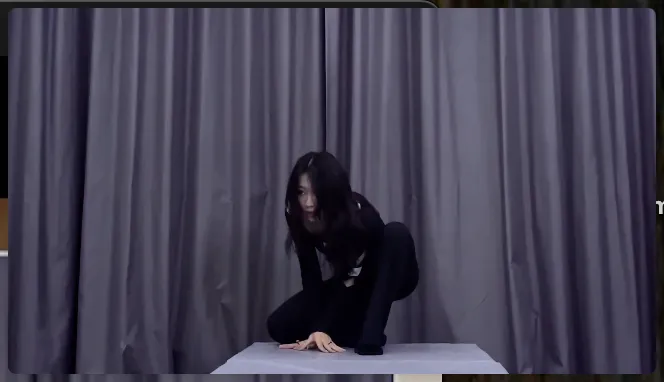
Flawless Facial Consistency in Any Angle

Flawless Facial Consistency in Any Angle

Unlike standard AI video generators that distort features during head turns, Kling locks your character’s identity for stable, recognizable results from any perspective.
Extreme Precision for Complex Emotions

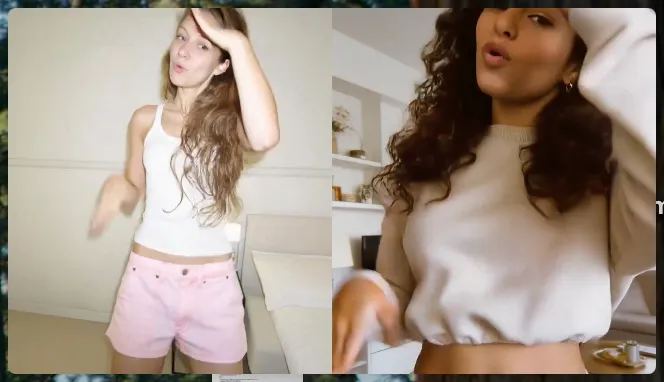
Extreme Precision for Complex Emotions

Replicate micro-expressions and dramatic emotional transitions with elite motion transfer technology. Kling captures every subtle muscle movement from your reference.
Stable Across Angles, Occlusion, and Distance

Stable Across Angles, Occlusion, and Distance

Maintain character consistency even when the subject is partially blocked or moves between close-up and long shots

Apps

Image to Video
Image to Video

Image to Video

Text to Video
Text to Video

Text to Video

Omni
Omni

Omni

Digital Human
Digital Human

Digital Human

Restyle
Restyle

Restyle

Text to Image
Text to Image

Text to Image

60M+
60M+
Users
600M+
600M+
AI Videos Generated
4.7 ★
4.7 ★
App Store
Industry-Leading
Industry-Leading
Cinematic 4K

Reviews

Halim Alrasihi

Halim Alrasihi

★★★★★

I use AI daily and Kling AI is a crucial part of my workflow, whether for client work or personal projects. What I love most about using Kling AI is that it provides all the tools I need in one place, from keyframes to character references, elements and special effects.

Huang Lu (Elson)

Huang Lu (Elson)

★★★★★

I’ve been using Kling AI since its initial release, and it’s remained one of the leading AI media generators ever since. With Kling AI, I’ve created hundreds of videos, collectively amassing millions of views.

James Phillips

James Phillips

★★★★★

Kling AI has transformed my workflow by collapsing timelines and democratizing production. It’s shifted my mindset from resource-dependent filmmaking to a boundless creative sandbox, where experimentation yields unexpected beauty.

FAQ

Q1Can AI colorize black-and-white photos?
Q2What is AI photo restoration?
Q3Can AI restore old photos with scratches and damage?

Start Creating AI Videos with Kling

Turn your text or images into a stunning, high-quality video in seconds. No watermarks, No complicated setup.

Free tier includes watermark (Memberships are watermark-free) | 1080p export (Pro unlocks 4K) | Instant results