Creative Studio
API
Resources
Features
About Us
Download

kiss h - Blowing Kiss & Romantic Teddy Bear Scene

Embrace the charm of romantic visuals with glowing hearts and petals, alongside captivating animations of tender kiss gestures. Immerse in the affectionate moods created by subtle, photorealistic motions and charming scenes. Start exploring kiss h ideas and generate your own content with AI.

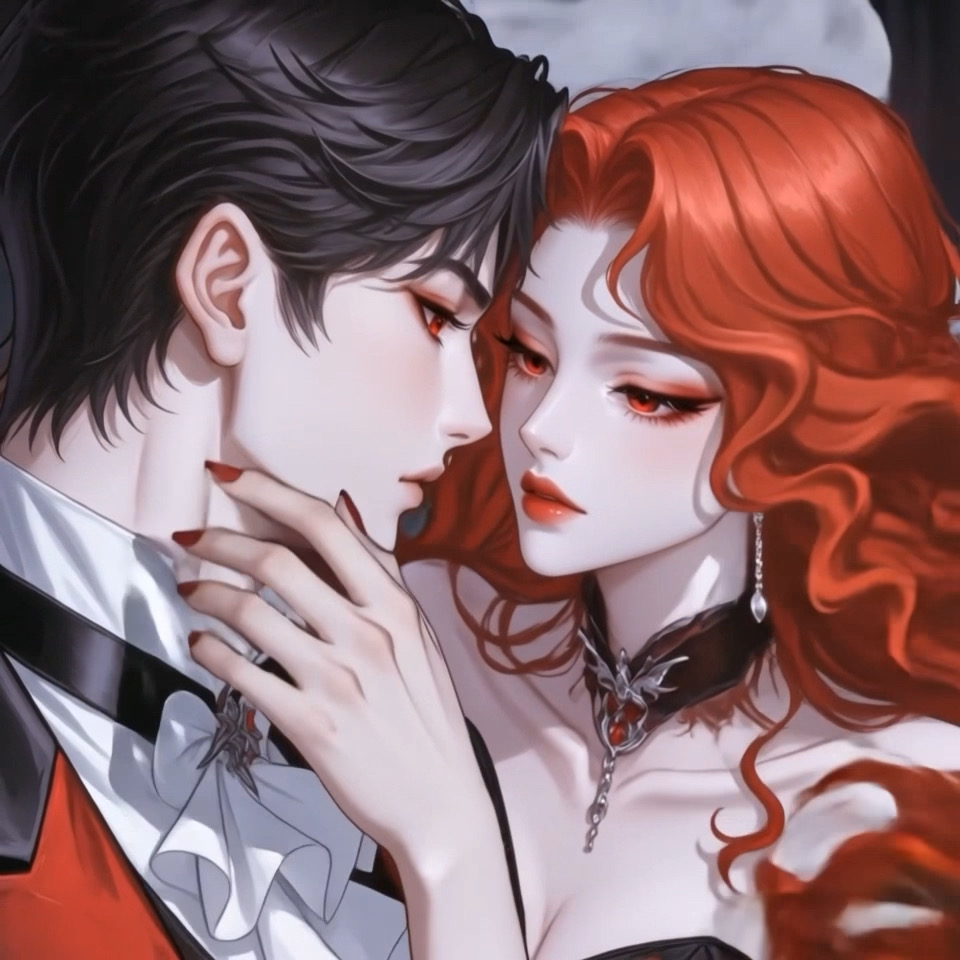
kiss h - Blowing Kiss & Romantic Teddy Bear Scene

Recommended

Blow a Kiss - kiss h AI video
Blow a Kiss
usCjpcdX avatar
usCjpcdX
The kiss - kiss h AI video
00:17
ella ella avatar
ella ella
Kiss - kiss h AI video
Blow a Kiss
YarkAIa avatar
YarkAIa
Kiss - kiss h AI video
wqPIzhwg avatar
wqPIzhwg
Kling AI work 314611274525870 - kiss h AI image
BicMjOsP avatar
BicMjOsP
Blow a Kiss - kiss h AI video
Blow a Kiss
peanut butter booty avatar
peanut butter booty
Kiss - kiss h AI video
00:08
gSqIWWsV avatar
gSqIWWsV
Blow a Kiss - kiss h AI video
Blow a Kiss
iySxtpcl avatar
iySxtpcl
Blow a Kiss - kiss h AI video
Blow a Kiss
yNFCMIKb avatar
yNFCMIKb
kiss - kiss h AI video
Blow a Kiss
QnkUDrMN avatar
QnkUDrMN
kiss - kiss h AI video
ratel avatar
ratel
Blow a Kiss - kiss h AI video
Blow a Kiss
WeJuoAlF avatar
WeJuoAlF
Blow a Kiss - kiss h AI video
Blow a Kiss
vzxmRmxT avatar
vzxmRmxT
Blow a Kiss - kiss h AI video
Blow a Kiss
UKFjJaox avatar
UKFjJaox
air kiss - kiss h AI video
ZxfRKSGC avatar
ZxfRKSGC
silent kiss - kiss h AI image
LsazDbnM avatar
LsazDbnM
Blow a Kiss - kiss h AI video
Blow a Kiss
NPOaGUqj avatar
NPOaGUqj
Blow a Kiss - kiss h AI video
Blow a Kiss
Lucie avatar
Lucie
kiss kiss - kiss h AI video
lYLPuEvy avatar
lYLPuEvy

How to Enhance Image Quality with Kling

Step 1: Upload Your Image

Step 1: Upload Your Image

Upload the image you want to improve to Kling 3.0 Omni. Start with a portrait, product photo, artwork, social visual, or any other existing image you want to recreate at a higher resolution.

Step 2: Generate Up to 4K

Step 2: Generate Up to 4K

Describe what you want to improve, such as facial details, textures, or other important parts of the image. Choose your preferred resolution, including 2K or 4K, then generate the enhanced result.

Step 3: Upscale Existing AI Images

Step 3: Upscale Existing AI Images

Already generated an image with Kling AI? Hover over the result and select Upscale to increase its resolution without uploading the image again. Choose the available output quality that fits your needs.

Remove Watermarks Without Rebuilding the Whole Image

Remove Watermarks with a Simple Prompt

Remove Watermarks with a Simple Prompt

Kling AI makes watermark removal easier with intuitive text-based editing. Simply describe what you want to remove, such as a watermark, logo, or unwanted text, and Kling IMAGE 3.0 analyzes your instructions to create a cleaner image. No complex editing skills are required, making professional-quality image cleanup accessible to everyone.

Keep the Original Look Familiar

Keep the Original Look Familiar

A small cleanup should not require changing the whole image. Kling IMAGE 3.0 supports localized editing while helping preserve surrounding style, lighting, texture, and composition. This makes it easier to remove a distracting mark while keeping the rest of the image close to the source.

Select the Area Yourself with the Eraser Pen

Select the Area Yourself with the Eraser Pen

When the unwanted mark is easy to identify visually, use Kling AI's separate Removel tool to mark the area directly. It gives you another way to start the cleanup when selecting the target yourself feels more straightforward than describing the edit in a prompt.

Apps

Image to Video
Image to Video

Image to Video

Text to Video
Text to Video

Text to Video

Omni
Omni

Omni

Digital Human
Digital Human

Digital Human

Restyle
Restyle

Restyle

Text to Image
Text to Image

Text to Image

60M+
60M+
Users
600M+
600M+
AI Videos Generated
4.7 ★
4.7 ★
App Store
Industry-Leading
Industry-Leading
Cinematic 4K

Reviews

Vincent Smadja

Vincent Smadja

★★★★★

Kling AI seamlessly integrates into my creative workflow, playing a key role in transforming my images. After generating and upscaling an image, Kling becomes a crucial element, bringing my creations to life with movement and depth.

Jyo John Mulloor

Jyo John Mulloor

★★★★★

Kling AI has been instrumental in transforming my creative workflow, unlocking new dimensions of artistic expression that were once unimaginable. I use Kling AI extensively to develop high-concept visuals, animate surreal dreamscapes, and create AI-assisted films that blur the line between reality and fantasy. Kling AI’s deep learning capabilities have not only enhanced my creative efficiency but also inspired me to explore storytelling in ways I never thought possible.

Maria Rubtsova

Maria Rubtsova

★★★★★

I’m Maria Rubtsova, an AIGC digital artist passionate about creating stunning visuals in the worlds of fashion, aesthetics, and fantasy. I use KlingAi to bring imagination to life through video. My work is all about exploring beauty, emotion, and the limitless possibilities of digital art.

FAQ

Q1Can Kling VIDEO 3.0 handle multiple characters in one conversation?
Q2Can Kling AI dub an existing video?
Q3How does AI dubbing work?

Remove Distractions. Make Every Image Count.

Clean up portraits, product shots, travel photos, social content, and other images by removing the elements that pull attention away from what matters.