
Creative Studio
API
Resources
Features
About Us
Download

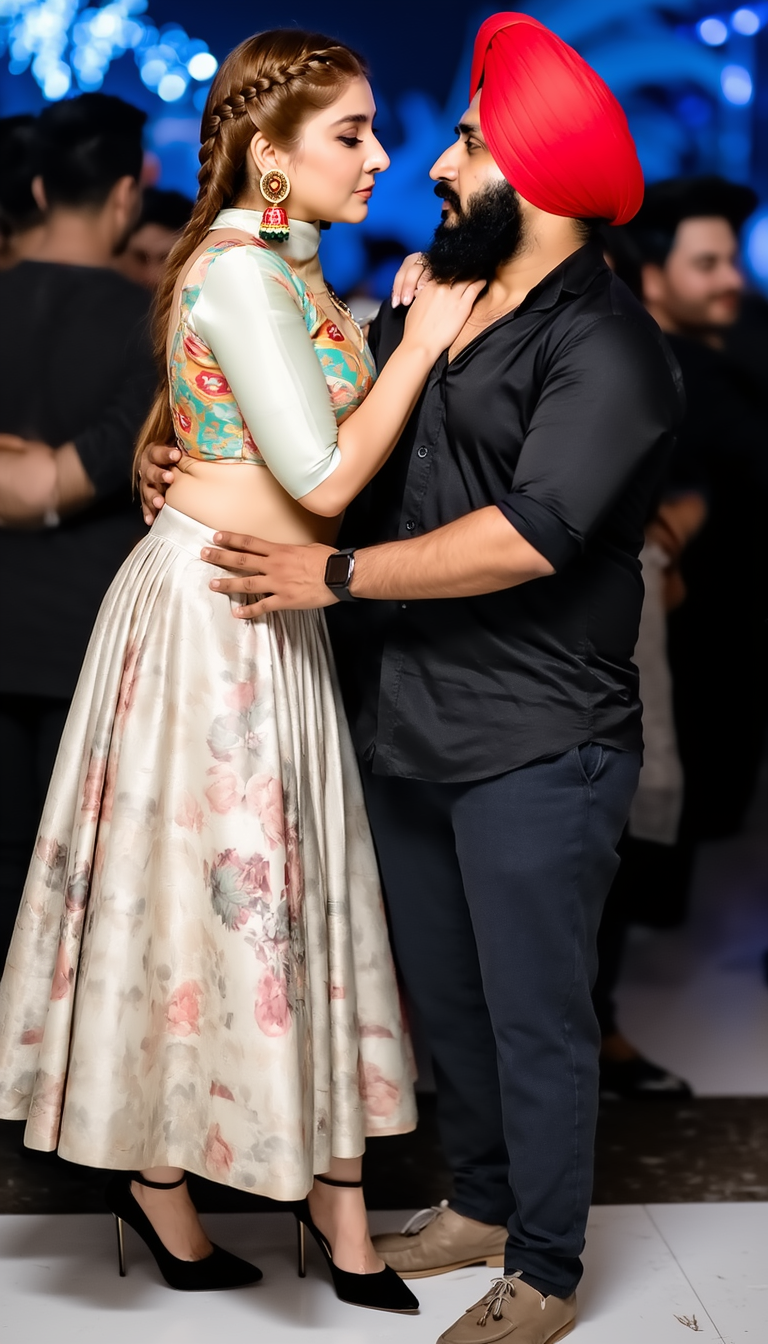
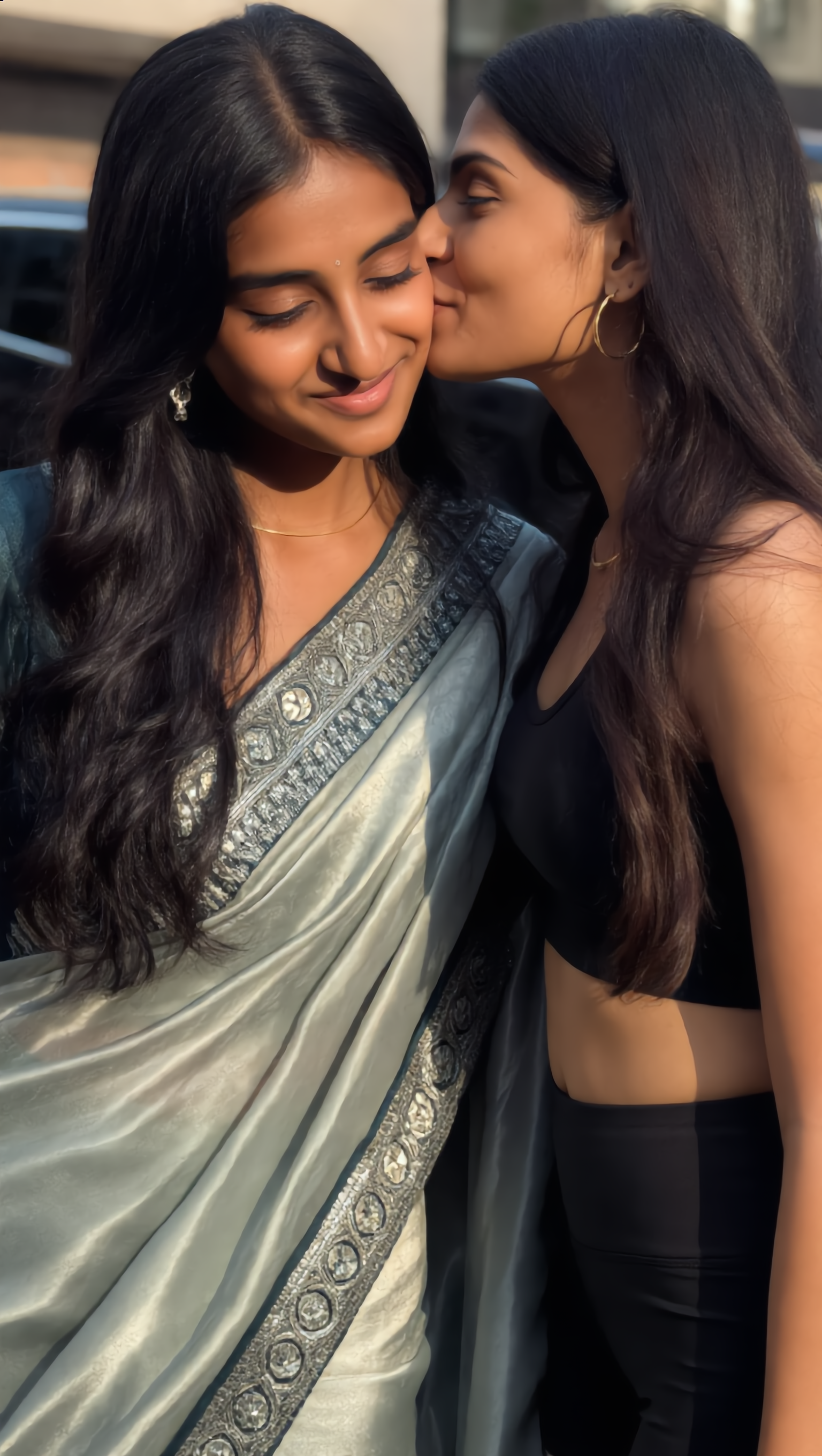
Kissing Kling AI Outfit – Design Your Style

Design your style with Kissing Kling AI Outfit. AI helps you quickly explore and create personalized outfits with ease.

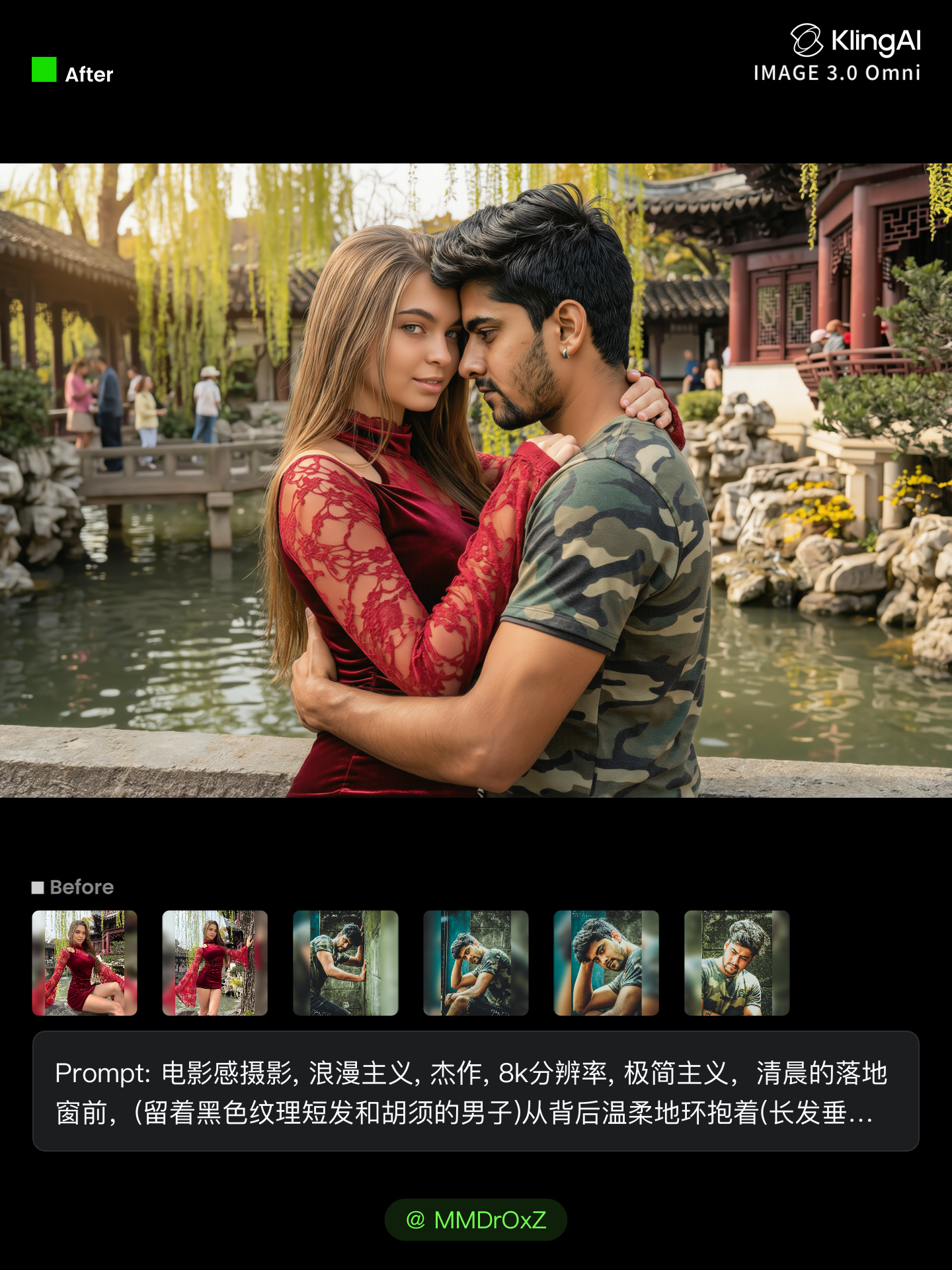
Kissing Kling AI Outfit – Design Your Style

Recommended

Two years of Kling Al! - kissing kling ai outfit AI video
02:36
KLING AI avatar
KLING AI
Kissing in a cafe - kissing kling ai outfit AI video
pop_up_girls avatar
pop_up_girls
Happy Birthday Kling 🎁 - kissing kling ai outfit AI video
DeathTime avatar
DeathTime
Kling AI Can - kissing kling ai outfit AI image
UN_RE_AI_vision avatar
UN_RE_AI_vision
Kling AI work 307424874665605 - kissing kling ai outfit AI video
uVXPNfPr avatar
uVXPNfPr
Kling 3.0 - kissing kling ai outfit AI video
KS_V avatar
KS_V
Elite Creator
A man with outfit - kissing kling ai outfit AI video
RomanNsrvAI avatar
RomanNsrvAI
Elite Creator
Happy 2nd anniversary, Kling AI! - kissing kling ai outfit AI video
Daphnia_marina avatar
Daphnia_marina
Elite Creator
Luna just validated Kling 2.6 - kissing kling ai outfit AI video
Minuit avatar
Minuit
Elite Creator
kling 2.6 podcast - kissing kling ai outfit AI video
Be Direct Ai avatar
Be Direct Ai
Elite Creator
Kling AI work 310886134502480 - kissing kling ai outfit AI video
KUNmIEDw avatar
KUNmIEDw
outfit change - kissing kling ai outfit AI video
404 Not Boring avatar
404 Not Boring
Kling is all you need - kissing kling ai outfit AI image
susu avatar
susu
Skin care Kling xD - kissing kling ai outfit AI video
Faizul avatar
Faizul
NEOCLO branded black outfit - kissing kling ai outfit AI video
Logotypin avatar
Logotypin
Elite Creator
Kling AI work 313043571501345 - kissing kling ai outfit AI video
KLİNGMASTER avatar
KLİNGMASTER
Thank you, Kling AI! - kissing kling ai outfit AI video
Alla_nov avatar
Alla_nov
Elite Creator
Kling O1: Changing Travel Outfit - kissing kling ai outfit AI video
00:11
Kling AI Creators avatar
Kling AI Creators
Kling AI work 295335027527005 - kissing kling ai outfit AI image
WOW avatar
WOW

How to Edit a Photo with Kling AI

Upload Your Photo

Upload Your Photo

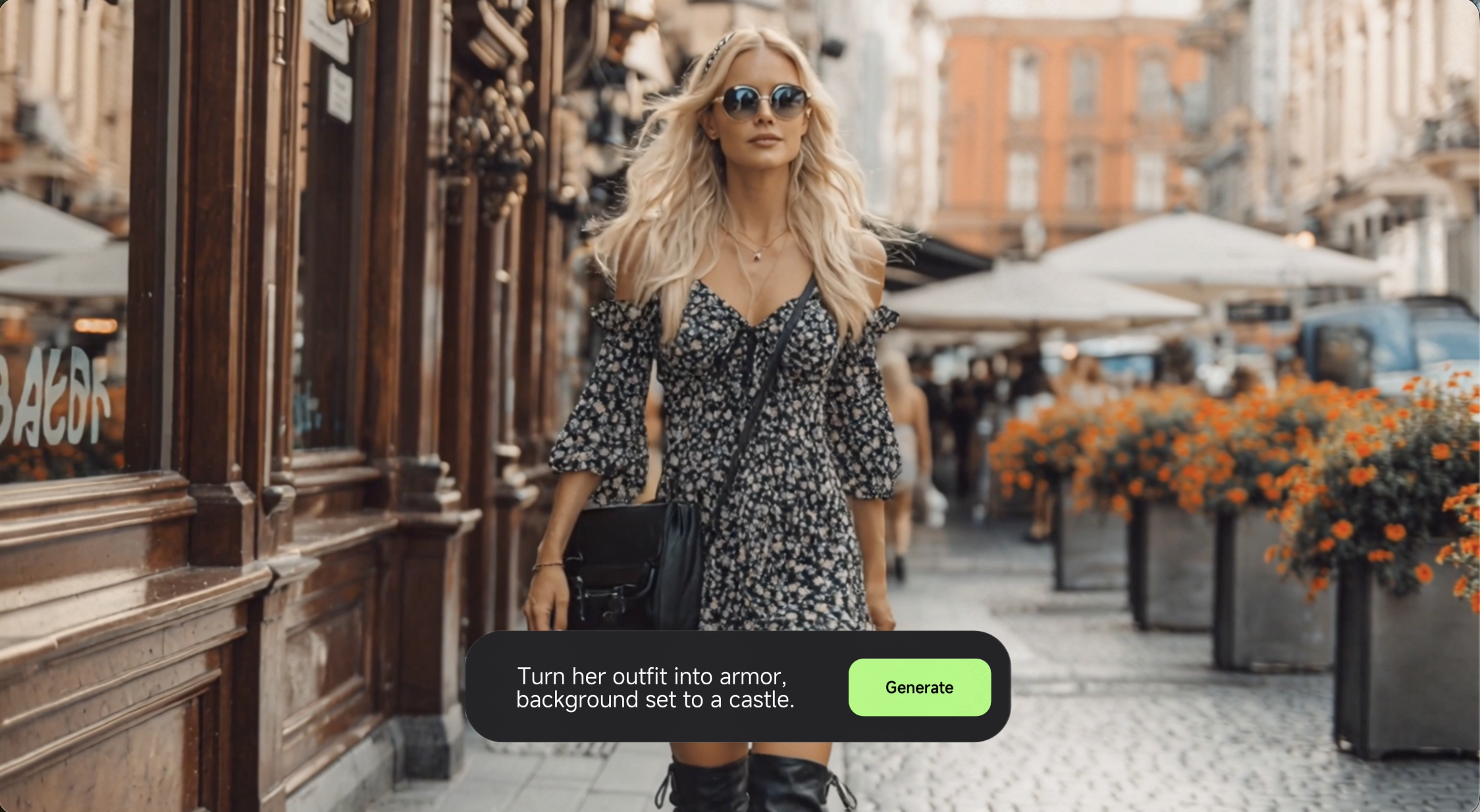
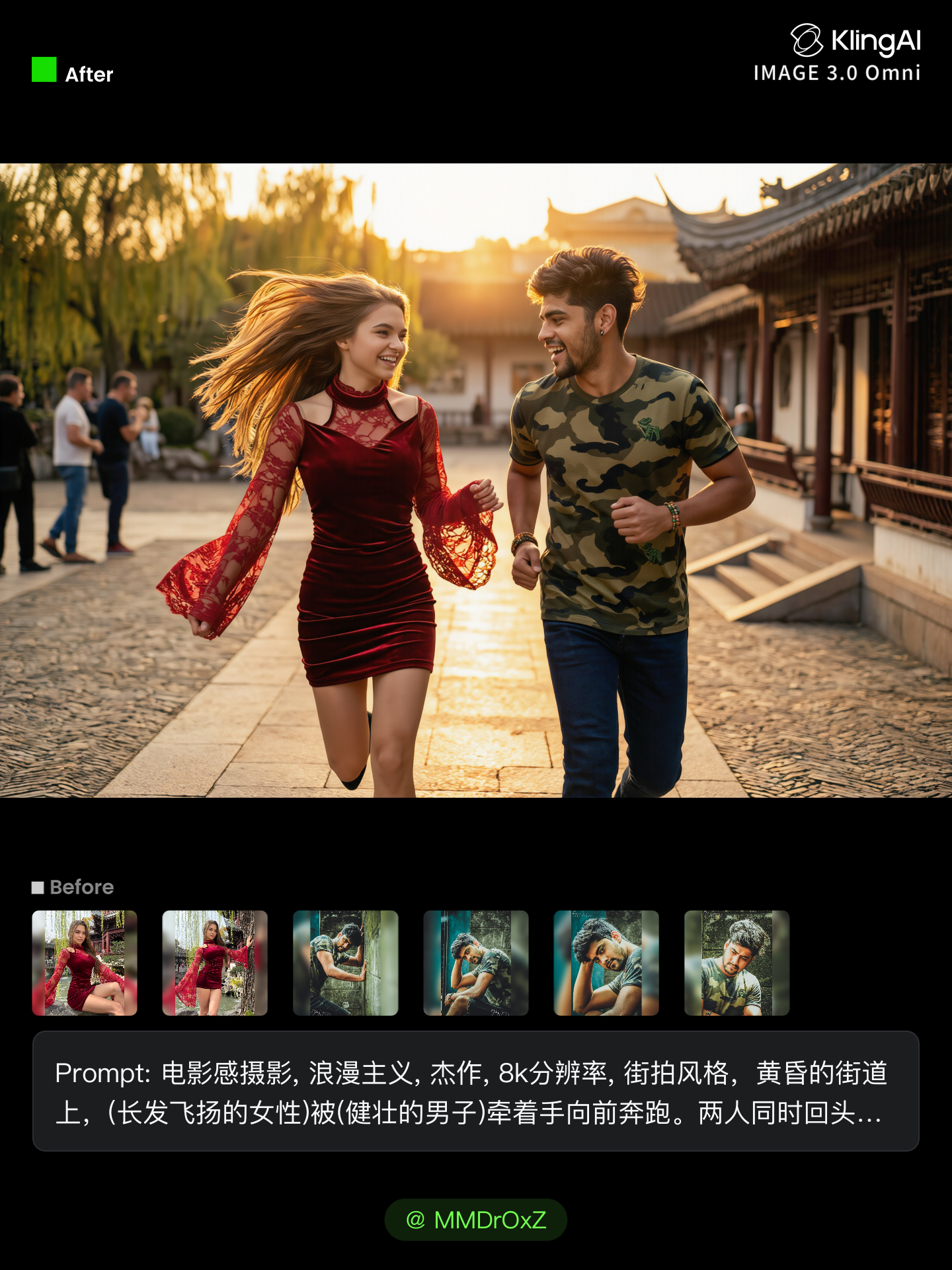
Start with a clear photo. Add a reference image when you have a particular replacement, background, or style in mind.

Tell Kling What to Change

Tell Kling What to Change

Enter a clear text prompt, explaining what should change and what should stay the same. Kling applies the edit to the photo with AI directly, without layers or complex manual steps.

Review and Fine-Tune

Review and Fine-Tune

Check the result and the areas that matter most. When one detail needs more work, update the prompt for that area instead of starting over. Download the finished image and share it.

Make Avatars Perform, Not Just Speak

More Choice, Without Losing Consistency

More Choice, Without Losing Consistency

Start with a preset avatar, select a character from your Kling AI Assets, upload an image of your own, or create someone new with AI Image. Use a polished presenter for a product demo, a creator-style host for an ad, or a more stylized character when the idea calls for it. For recurring content, save the character with the voice and performance settings you use most. The same on-screen identity is ready for the next script, without putting the setup together again.

Give Each Script the Right Delivery

Give Each Script the Right Delivery

Use a finished voiceover when the delivery is already in place, or start with written copy and choose a text-to-speech voice. Adjust the pace and emotional tone so a product pitch feels confident, a lesson stays clear, and social content can take on more energy. You can write your own performance direction or use one of Kling AI’s suggestions for the selected character. The same avatar can also deliver content in English, Chinese, Japanese, or Korean while keeping a familiar appearance on screen.
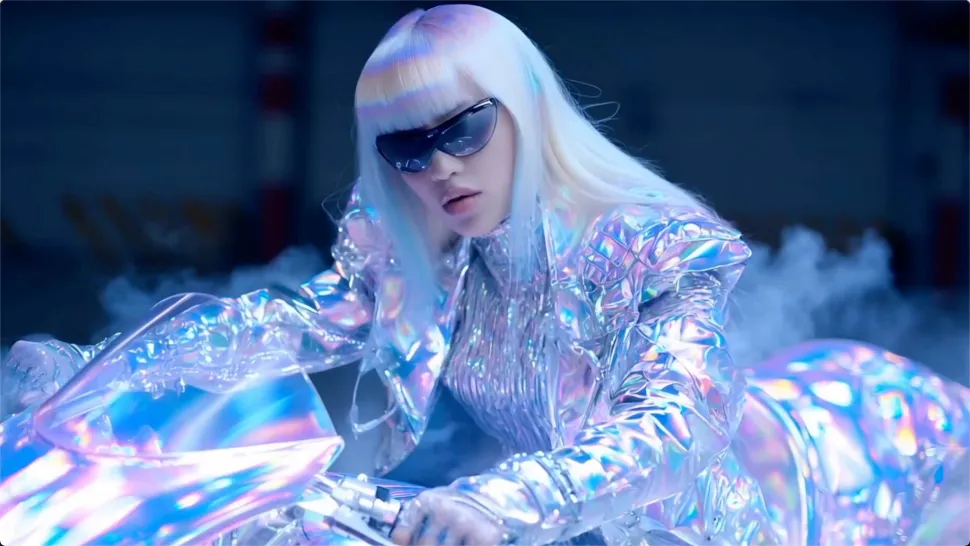
Let Movement Carry the Message

Let Movement Carry the Message

Natural lip sync is only part of the performance. An avatar can point to a product, handle an object, gesture through an explanation, react to the words, or move with the rhythm of a song. Avatar 2.0 improves hand stability and overall action quality, so the movement supports the scene instead of drawing attention away from it. Voice, expression, and body language come together as one performance—not a still image with audio layered over it.

Apps

Image to Video
Image to Video

Image to Video

Text to Video
Text to Video

Text to Video

Omni
Omni

Omni

Digital Human
Digital Human

Digital Human

Restyle
Restyle

Restyle

Text to Image
Text to Image

Text to Image

60M+
60M+
Users
600M+
600M+
AI Videos Generated
4.7 ★
4.7 ★
App Store
Industry-Leading
Industry-Leading
Cinematic 4K

Reviews

KakuDrop

KakuDrop

★★★★★

I have successfully collaborated with world-renowned artists and well-known companies that are recognized globally

Huang Lu (Elson)

Huang Lu (Elson)

★★★★★

I’ve been using Kling AI since its initial release, and it’s remained one of the leading AI media generators ever since. With Kling AI, I’ve created hundreds of videos, collectively amassing millions of views.

PJ Ace

PJ Ace

★★★★★

Kling AI has made it easy for us to generate world class visuals for Fortune 500 companies, TV shows and music for big artists. We love the easy of use of the platform and the quality of the generations. My first time using Kling AI, I got 22 million views on just one video. It's that good.

FAQ

Q1What is Text to Speech?
Q2Are AI-generated voices realistic or robotic?
Q3What languages does Kling AI Text to Speech support?

Start Creating AI Videos with Kling

Turn your image into a talking, high-quality video in seconds. No watermarks, no complicated setup.

Free tier available (Memberships are watermark-free) | 1080p export (Memberships unlock 4K) | Instant results