Creative Studio
API
Resources
Features
About Us
Download

kling 2.1. - Branding Visuals & Cinematic Compositions

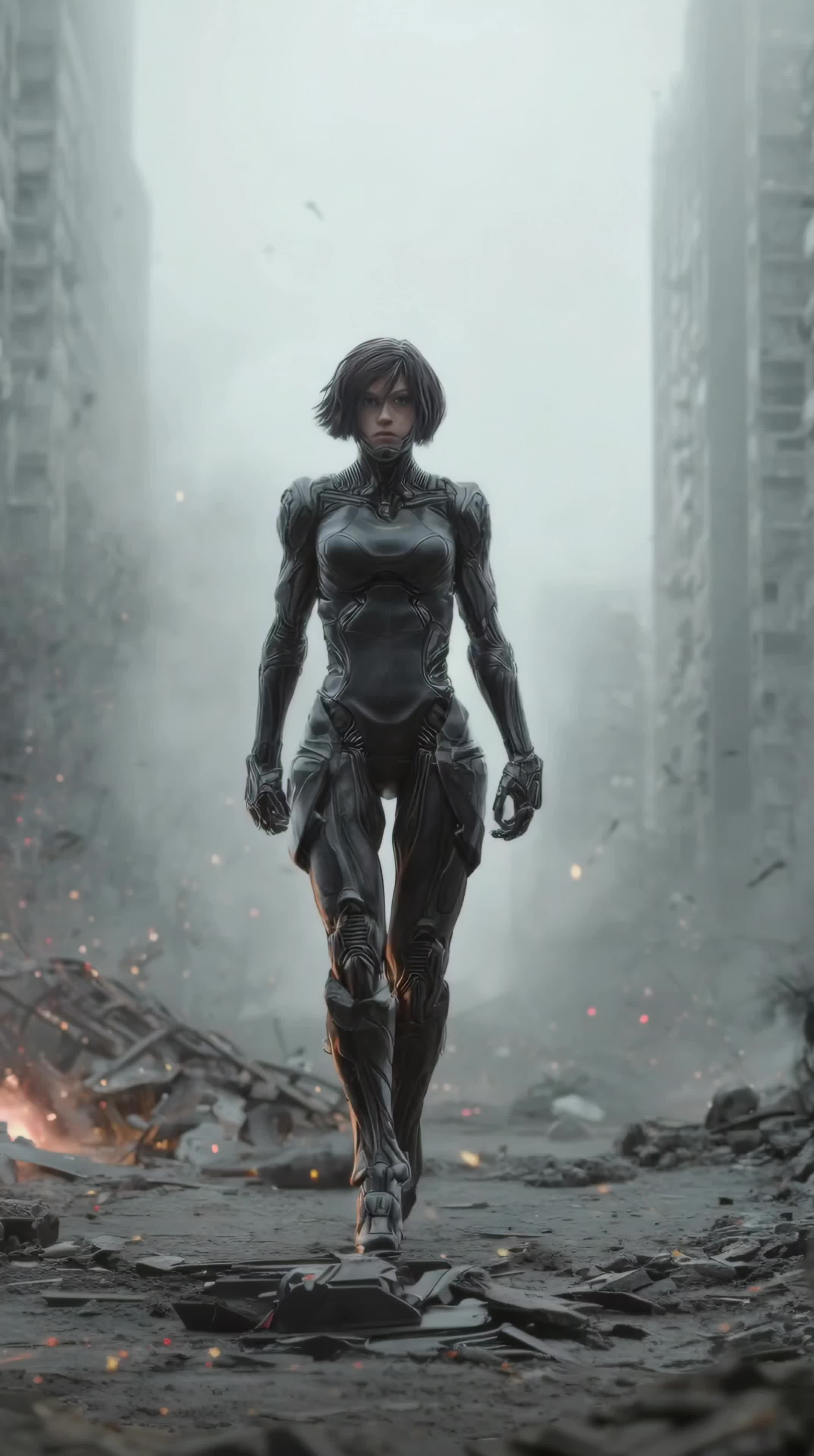
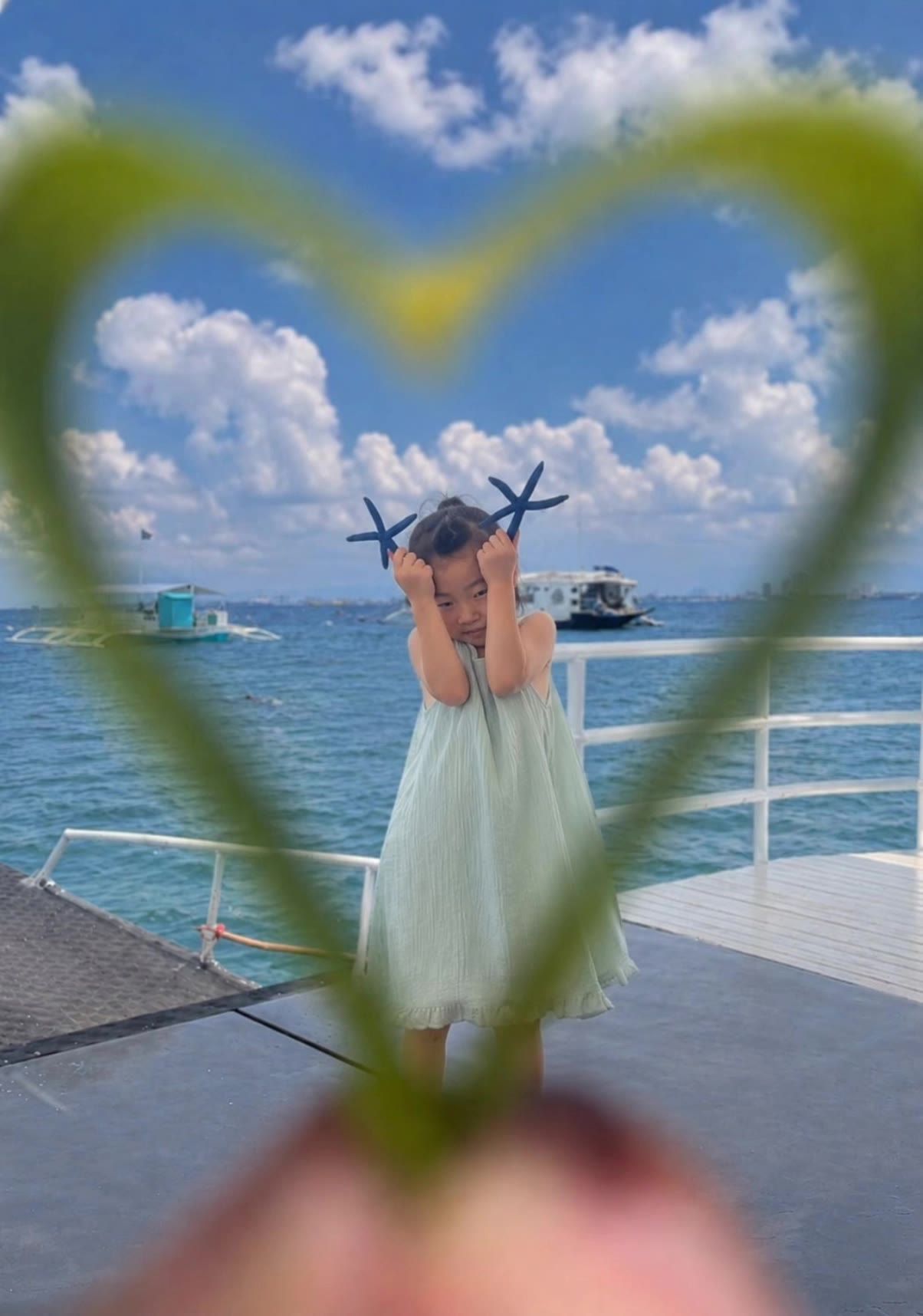
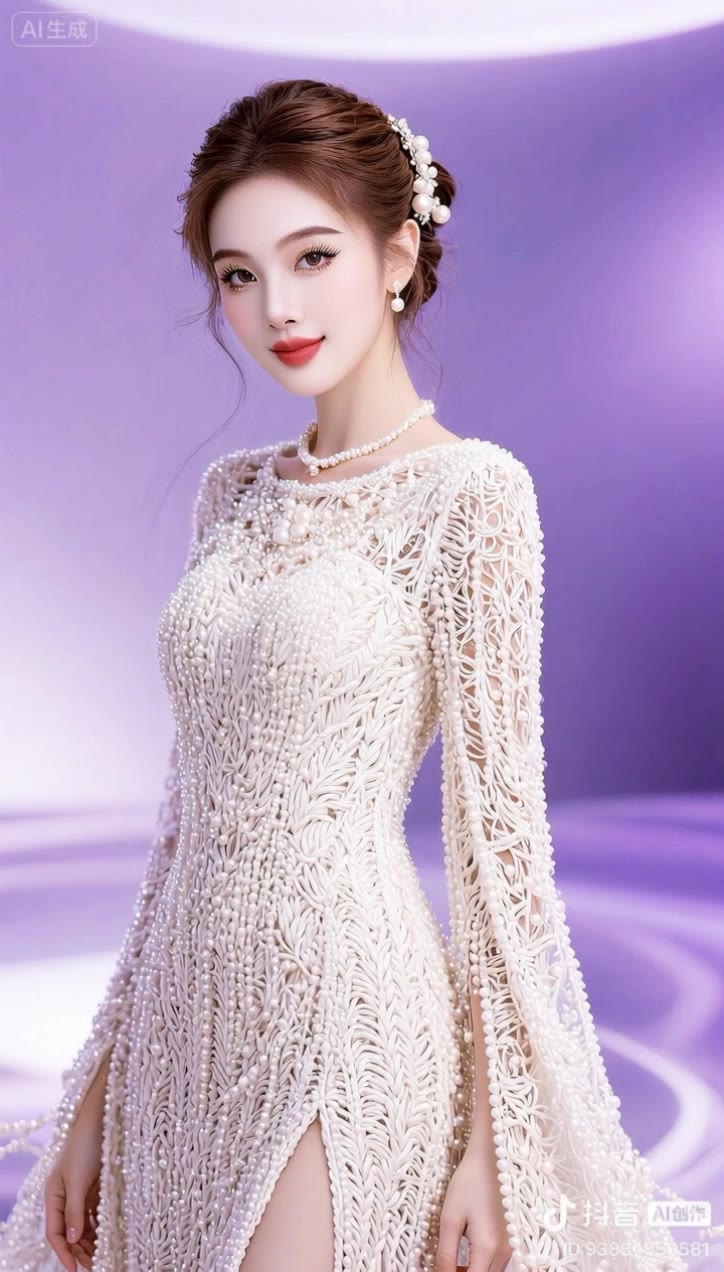
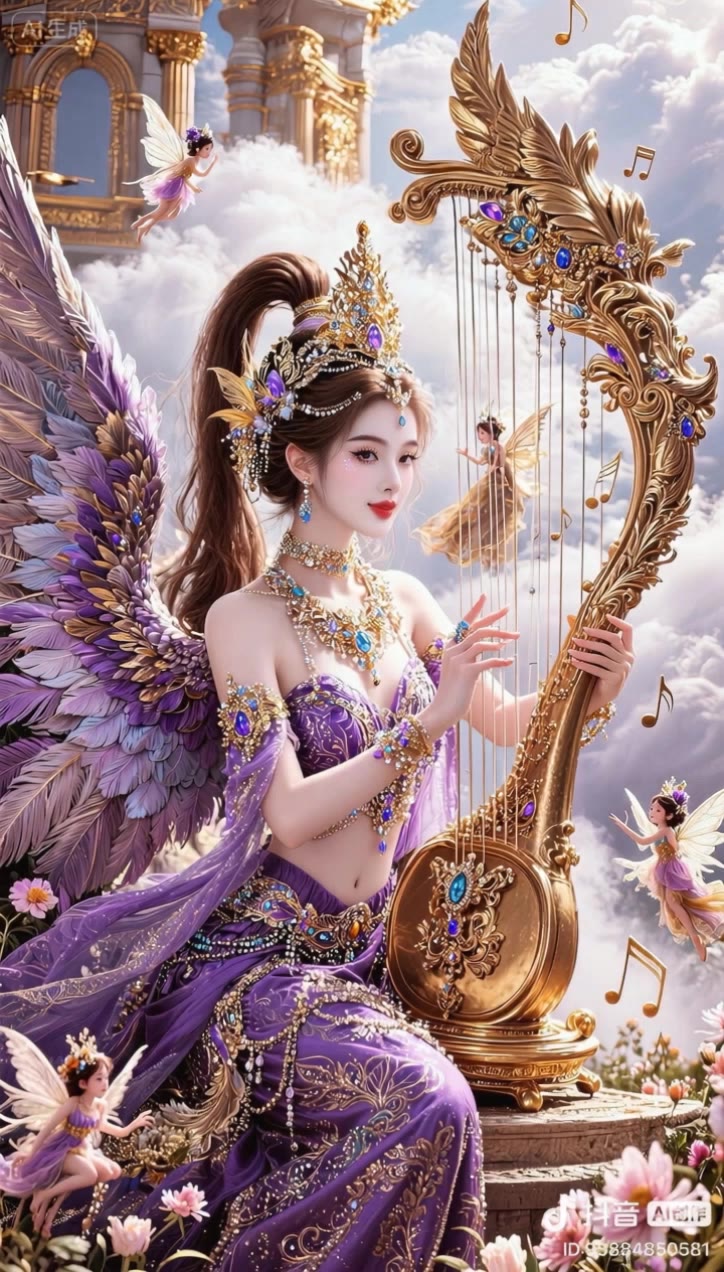
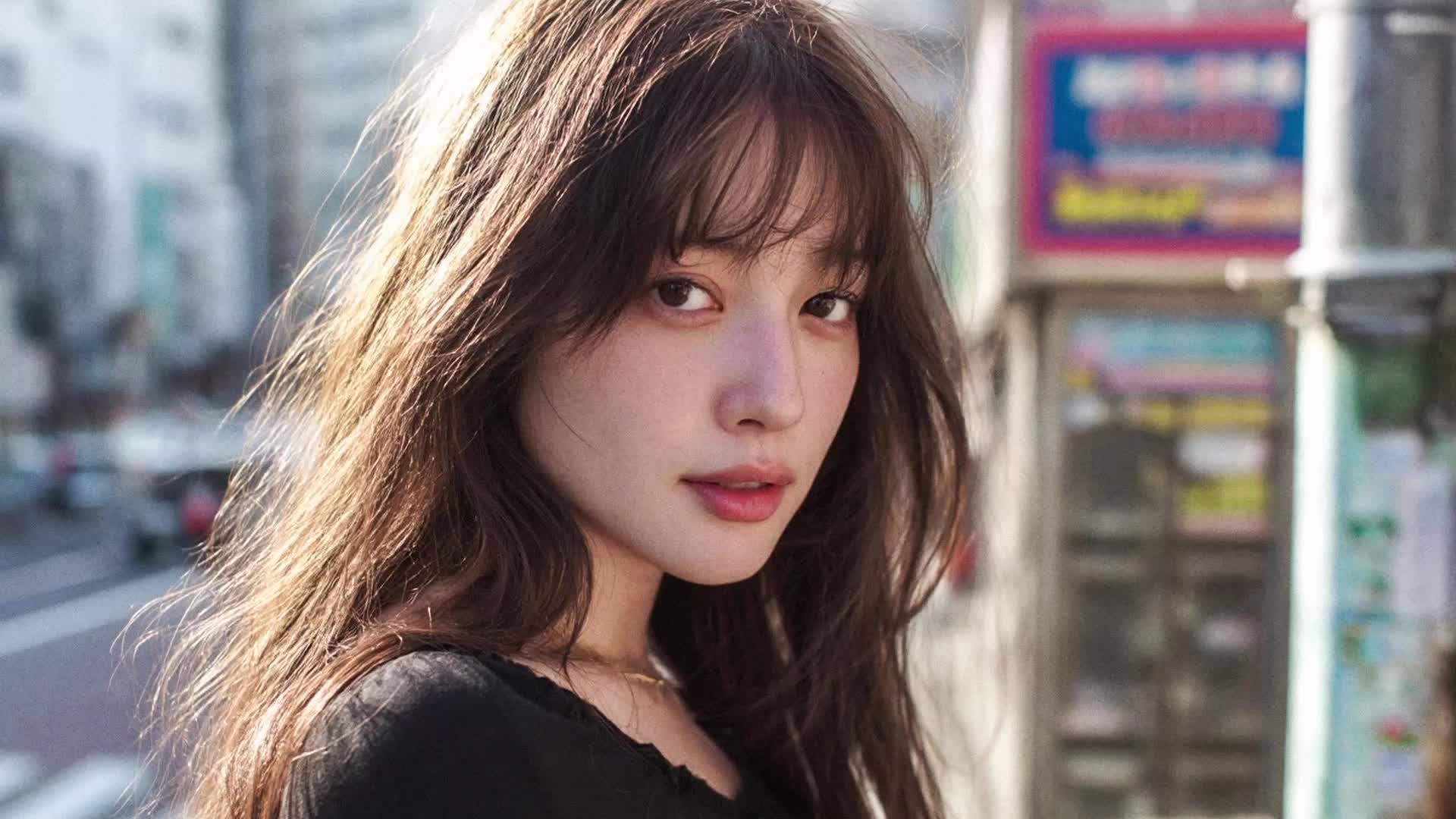
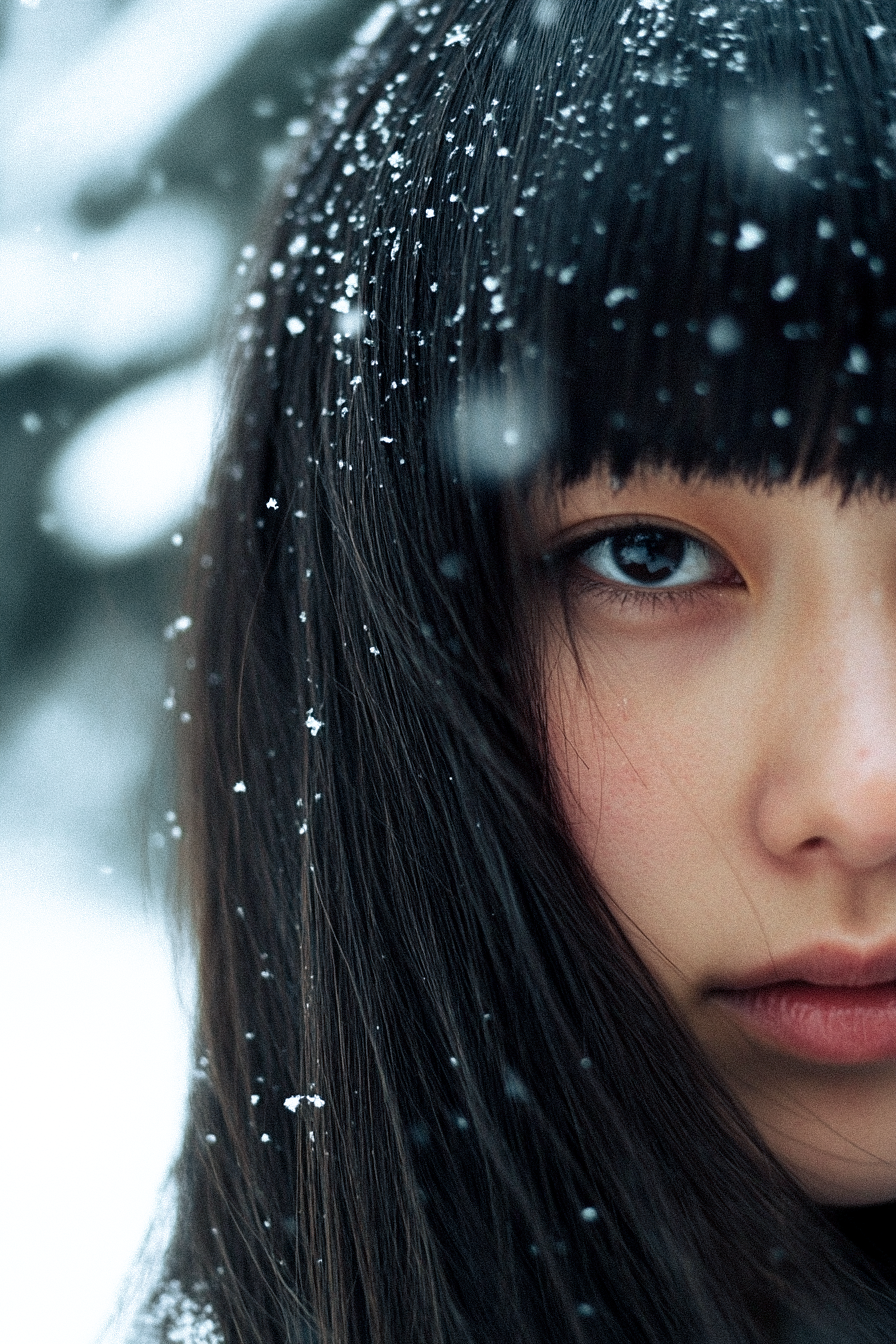
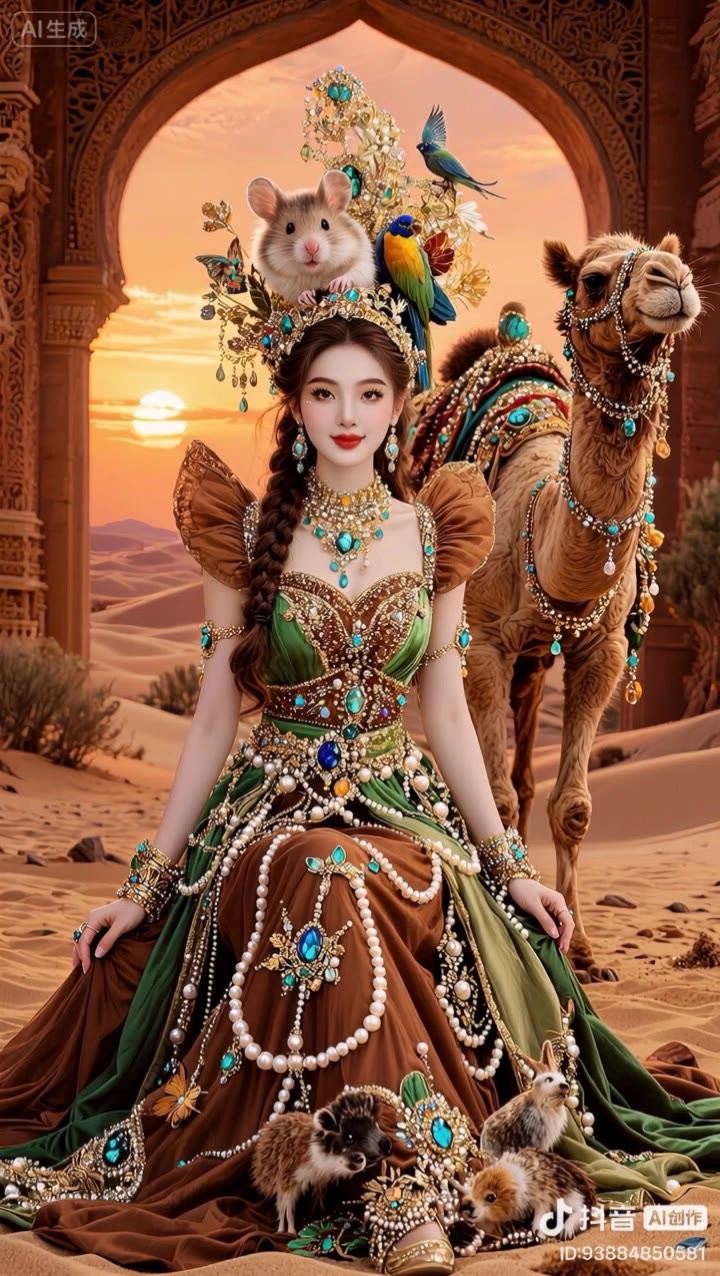
Vivid neon hues and dynamic reflections highlight Kling 2.1's superior branding visuals, while lifelike visuals and natural lighting showcase its unparalleled digital artistry capabilities. Start exploring kling 2.1. ideas and generate your own content with AI.

kling 2.1. - Branding Visuals & Cinematic Compositions

Recommended

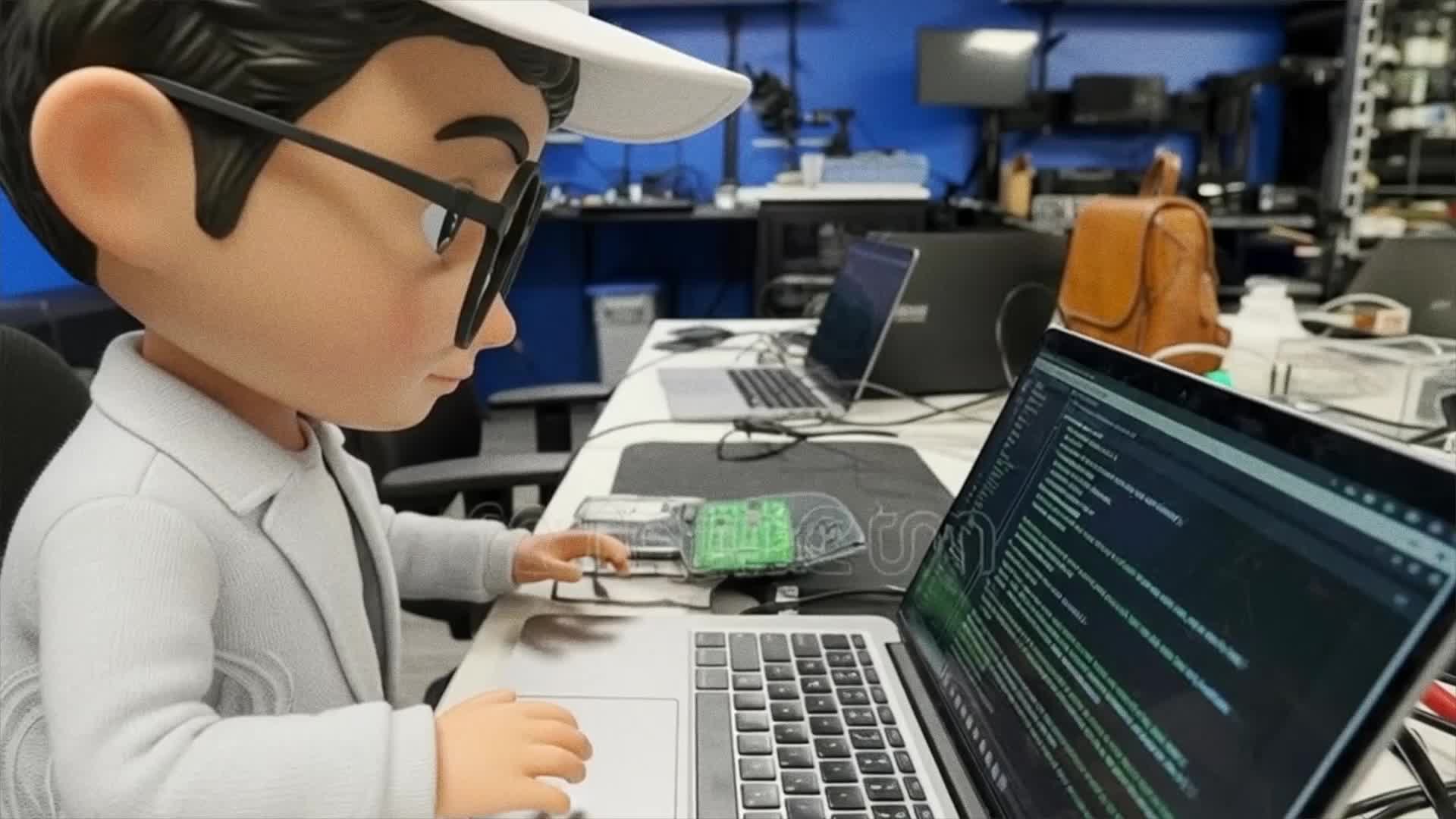
Tested Kling 2.1 frames - kling 2.1. AI video
00:19
Myst_Vault avatar
Myst_Vault
Kling AI work 316822270505853 - kling 2.1. AI video
🎀librakoreaa♎️ avatar
🎀librakoreaa♎️
Kling AI work 823176405361373222 - kling 2.1. AI video
00:43
GrownUpGraphics avatar
GrownUpGraphics
Kling AI work 314548538663816 - kling 2.1. AI video
JTcOhtkD avatar
JTcOhtkD
Kling AI work 316744722507523 - kling 2.1. AI video
🎀librakoreaa♎️ avatar
🎀librakoreaa♎️
Kling AI work 316828800664898 - kling 2.1. AI video
🎀librakoreaa♎️ avatar
🎀librakoreaa♎️
ASMR SHORT kling 2.1 - kling 2.1. AI video
01:00
ONYX Lab avatar
ONYX Lab
kling saves humanity - kling 2.1. AI video
medtkr avatar
medtkr
Kling AI work 316819596613117 - kling 2.1. AI video
🎀librakoreaa♎️ avatar
🎀librakoreaa♎️
Kling AI work 316745172321119 - kling 2.1. AI video
🎀librakoreaa♎️ avatar
🎀librakoreaa♎️
Kling AI work 822996332607975488 - kling 2.1. AI video
00:34
ZBEsIhpX avatar
ZBEsIhpX
Kling AI work 825264238989672457 - kling 2.1. AI video
00:27
FvLJproE avatar
FvLJproE
Kling AI work 316745851528037 - kling 2.1. AI video
🎀librakoreaa♎️ avatar
🎀librakoreaa♎️
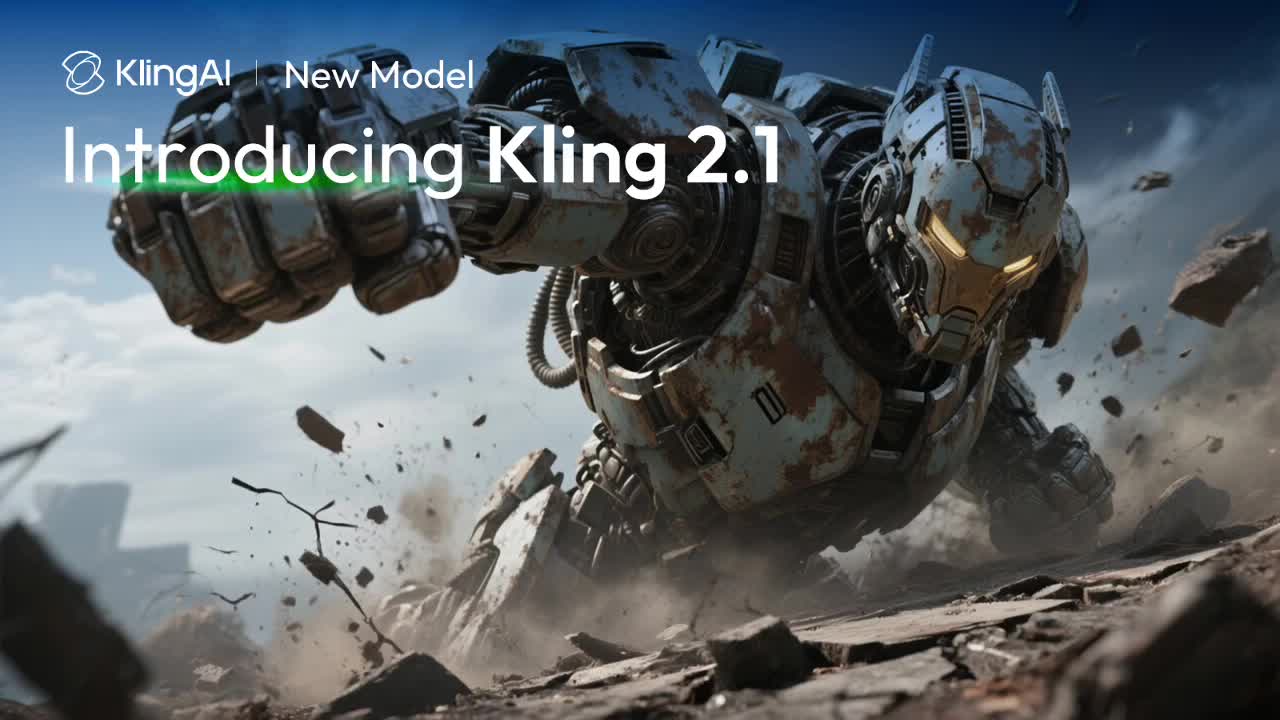
Introducing Kling 2.1 - kling 2.1. AI video
00:50
KLING AI avatar
KLING AI
kling 2.1 test - kling 2.1. AI video
01:59
doojin avatar
doojin
Creative Partner
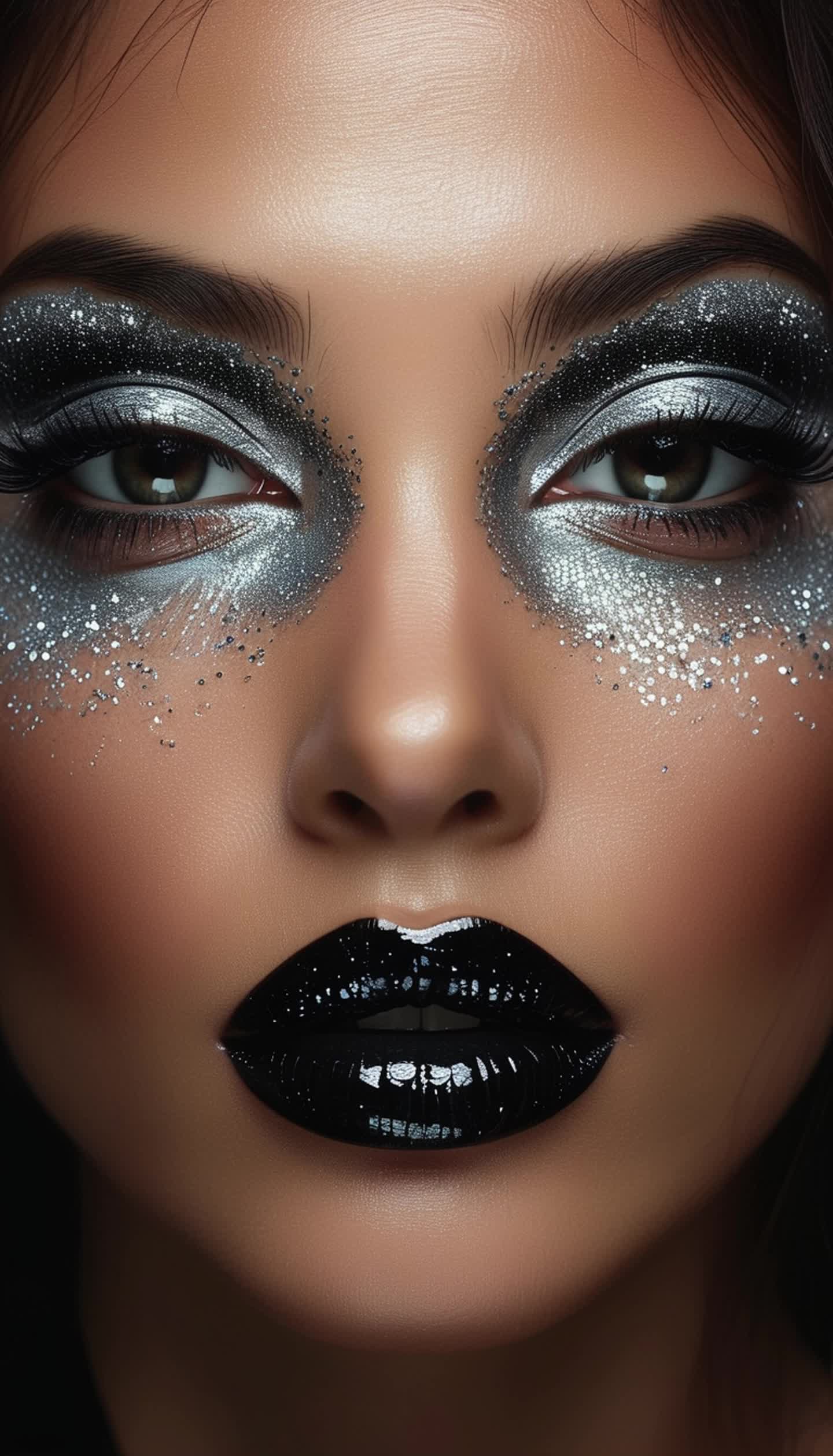
MAKEUP to Kling 2.1 - kling 2.1. AI video
00:39
Vladimir 𝗣𝗥𝗢 avatar
Vladimir 𝗣𝗥𝗢
Elite Creator
Kling AI work 316827466525297 - kling 2.1. AI video
🎀librakoreaa♎️ avatar
🎀librakoreaa♎️
Kling AI work 316744469528821 - kling 2.1. AI video
🎀librakoreaa♎️ avatar
🎀librakoreaa♎️
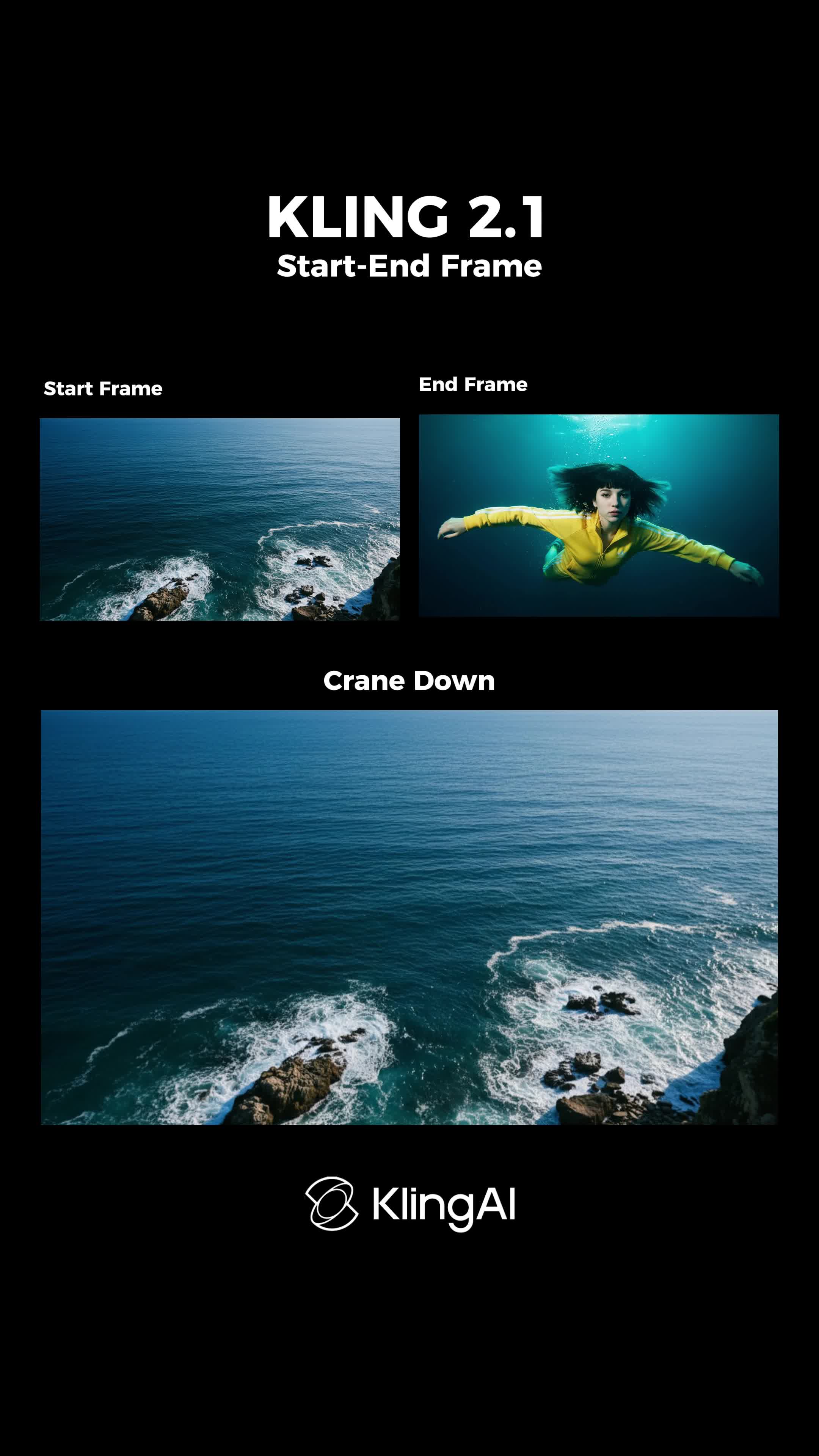
Start End Frame Kling 2.1 - kling 2.1. AI video
KAVE Labs avatar
KAVE Labs

How to Remove Watermarks from Photos with Kling AI

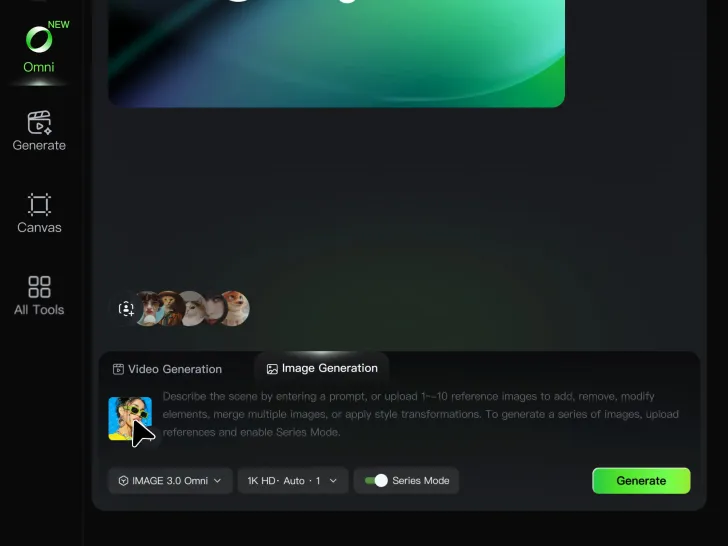
Step 1: Upload Your Image

Step 1: Upload Your Image

Upload the image you want to clean up. For the best starting point, choose an image where the watermark or unwanted mark is clearly visible.

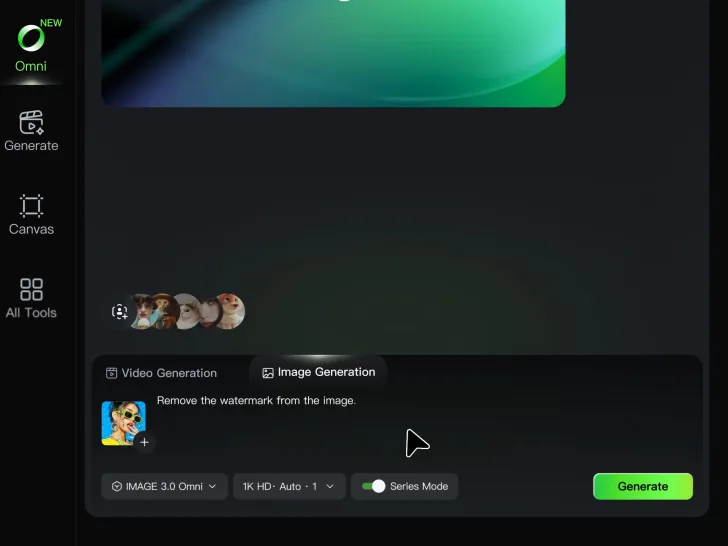
Step 2: Describe the Change

Step 2: Describe the Change

Tell Kling AI what you want removed. Keep the instruction focused on the edit, and mention any important parts of the image you want to leave as they are.

Step 3: Generate and Review

Step 3: Generate and Review

Generate your edited image at higher output resolutions and review the result. Kling AI removes unwanted elements while keeping your image clear and detailed.

What’s New in Video 3.0

Cinematic Audiovisual Synergy

Cinematic Audiovisual Synergy

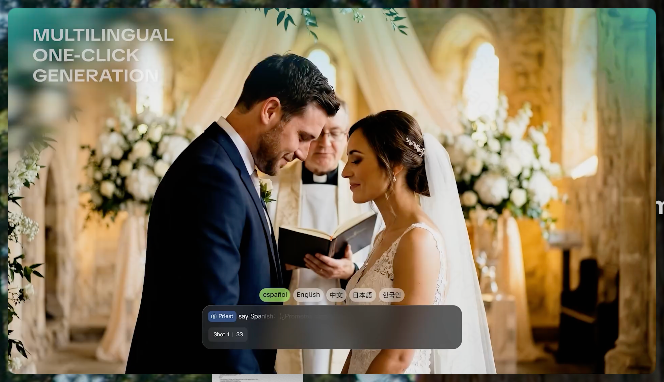
Cinematic AI Video Generator with Native Audio Create multi-shot cinematic sequences with native audio and precise character-level lip-sync in one seamless automated content creation output. This next-generation AI video production model ensures perfect audio-visual alignment for professional storytelling.
Ultimate Element & Character Consistency

Ultimate Element & Character Consistency

Stable Character Consistency for Professional Filmmaking Maintain perfect character consistency and object stability across frames, ensuring a reliable visual identity even with complex camera movements. Our AI video model locks subjects to prevent flickering, delivering high-fidelity results for advanced video generation.
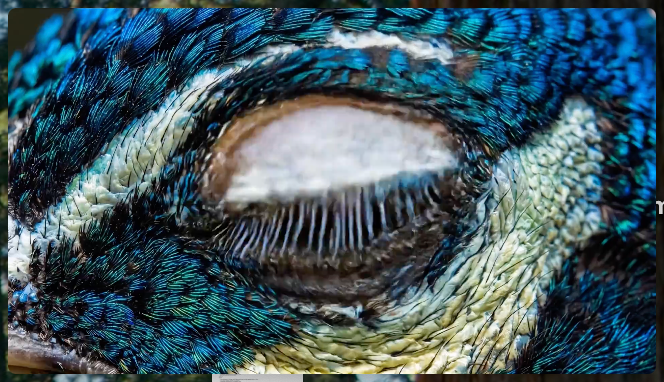
Professional Commercial Rendering

Professional Commercial Rendering

High-Fidelity 15s Sequences and Native Text Rendering Produce up to 15 seconds of uninterrupted video featuring clear, readable native text rendering—perfect for professional ads, product demos, and commercial content. This feature optimizes commercial video production by preserving brand elements directly within the AI-generated video.

Apps

Image to Video
Image to Video

Image to Video

Text to Video
Text to Video

Text to Video

Omni
Omni

Omni

Digital Human
Digital Human

Digital Human

Restyle
Restyle

Restyle

Text to Image
Text to Image

Text to Image

60M+
60M+
Users
600M+
600M+
AI Videos Generated
4.7 ★
4.7 ★
App Store
Industry-Leading
Industry-Leading
Cinematic 4K

Reviews

Samuele Poggi (@visualsk2)

Samuele Poggi (@visualsk2)

★★★★★

I use Kling AI daily to push the limits of AI filmmaking. It allows me to create highly cinematic content, blending AI and VFX to develop innovative projects. It has significantly impacted my creative process, enabling me to achieve complex animations that would otherwise require high production budgets.

KakuDrop

KakuDrop

★★★★★

I have successfully collaborated with world-renowned artists and well-known companies that are recognized globally

Maria Rubtsova

Maria Rubtsova

★★★★★

I’m Maria Rubtsova, an AIGC digital artist passionate about creating stunning visuals in the worlds of fashion, aesthetics, and fantasy. I use KlingAi to bring imagination to life through video. My work is all about exploring beauty, emotion, and the limitless possibilities of digital art.

FAQ

Q1Can Kling AI restore an old or damaged photo?
Q2What can I do with the Kling AI Image Editor?
Q3Can Kling AI edit text inside an image?

Remove the Background. Create What Comes Next.

Remove the background, replace the scene, and take your visual somewhere new with Kling AI.

Free tier available | Image and video workflows | High-resolution options